


Pop Up Mod (1.21.1, 1.20.1) – Add On-Screen Story Events
 39
39
 0
0


🌐 Good news — we've translated this article into other languages!
Or pick the one you like:
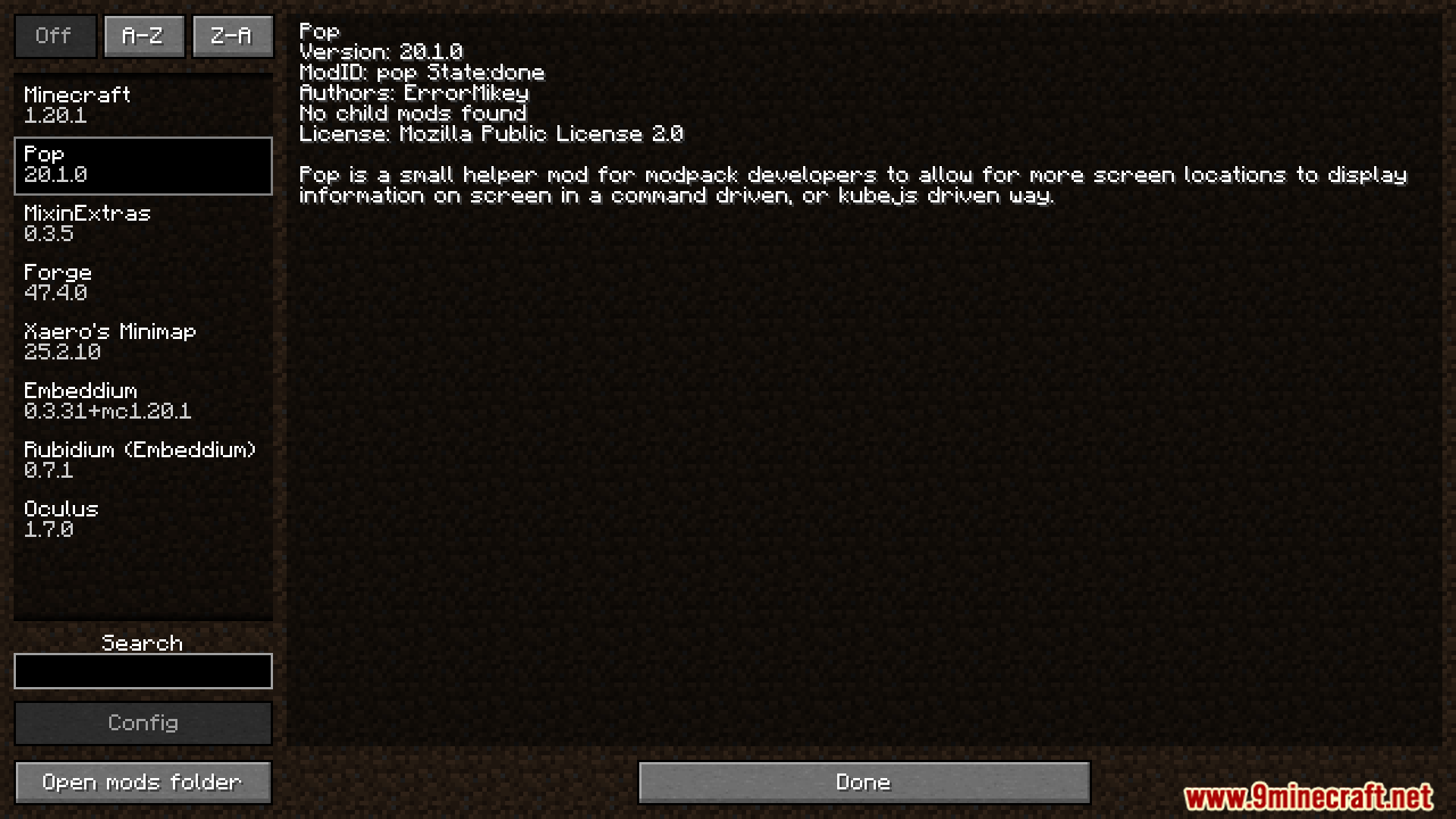
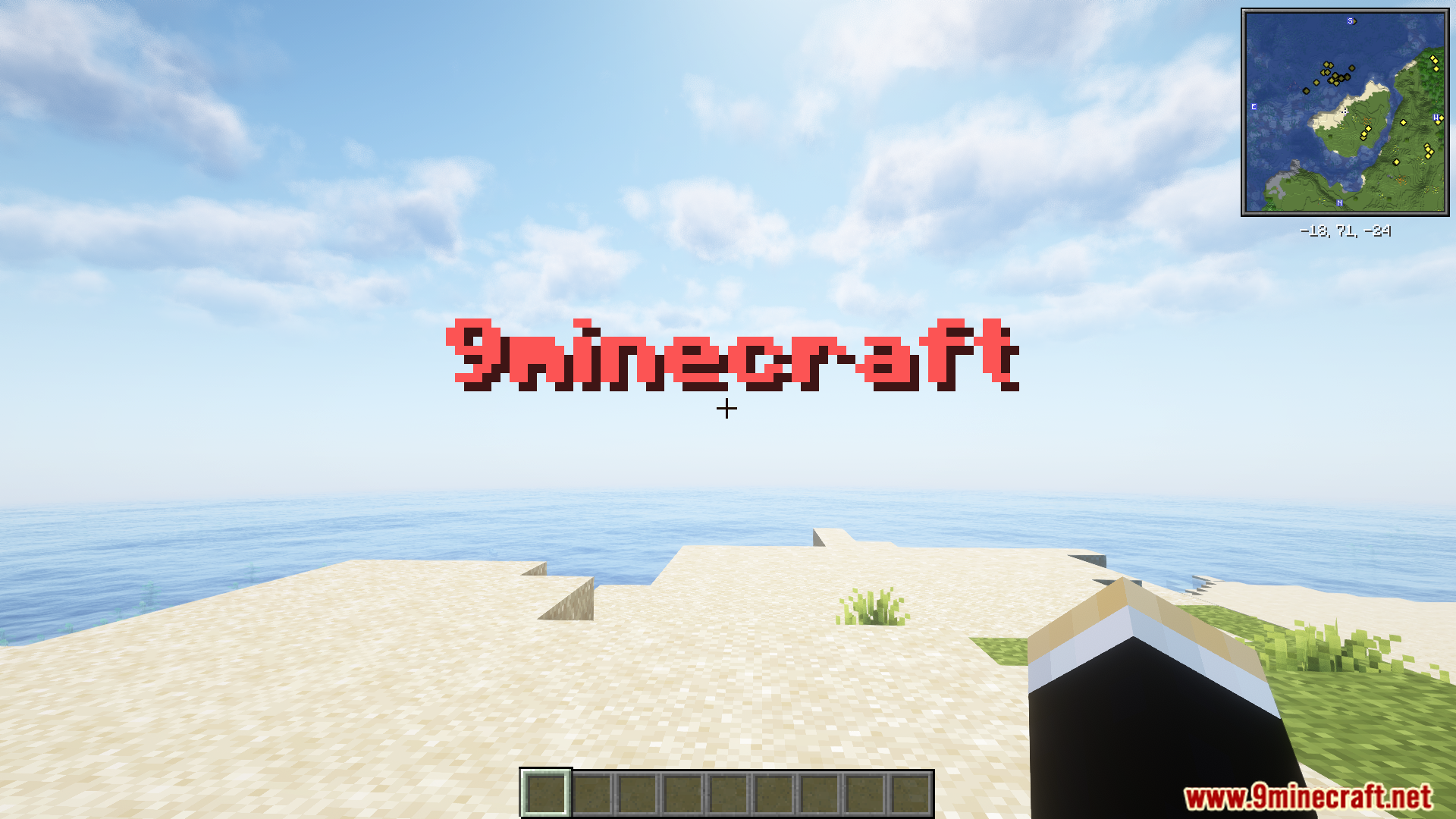
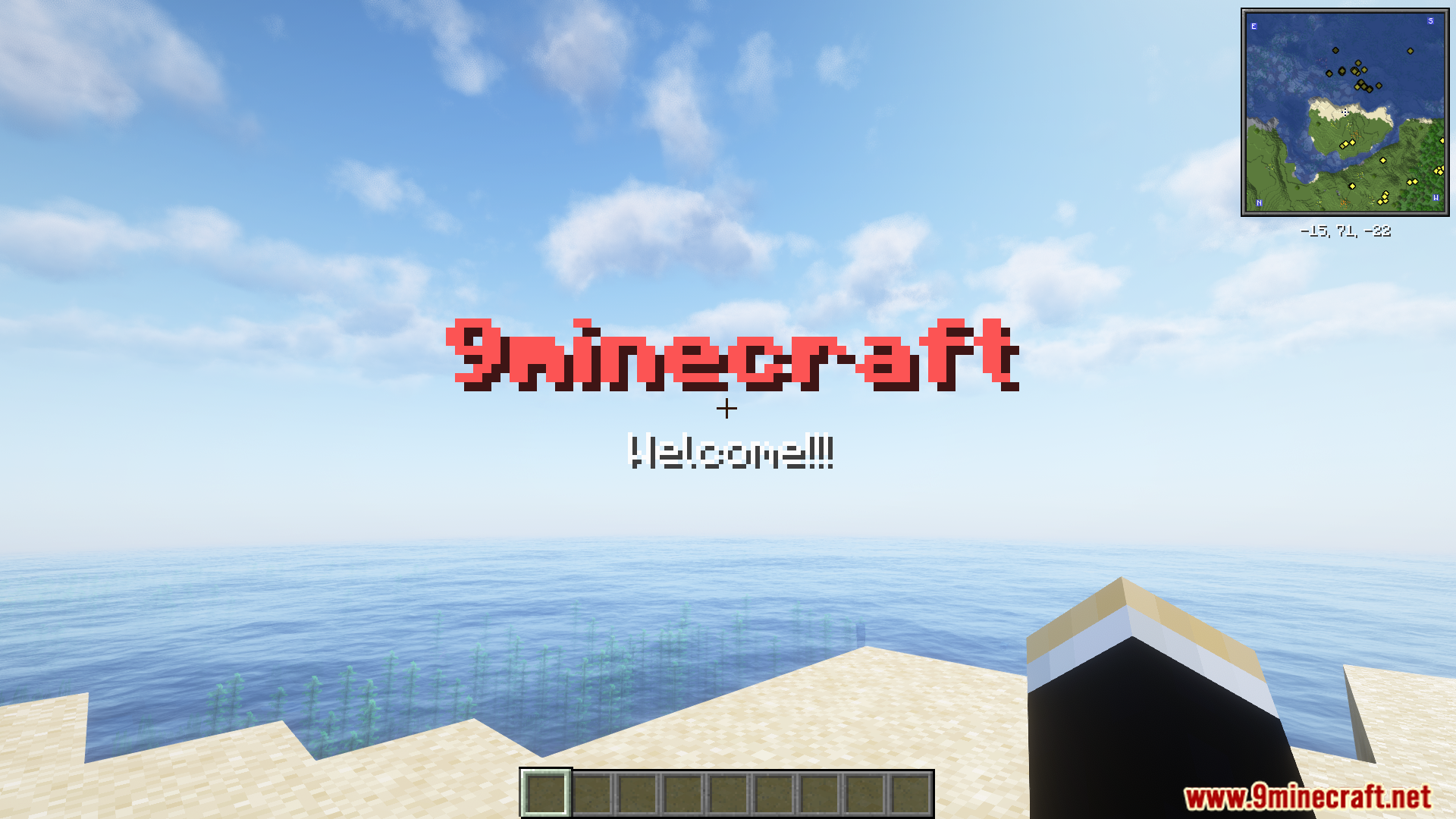
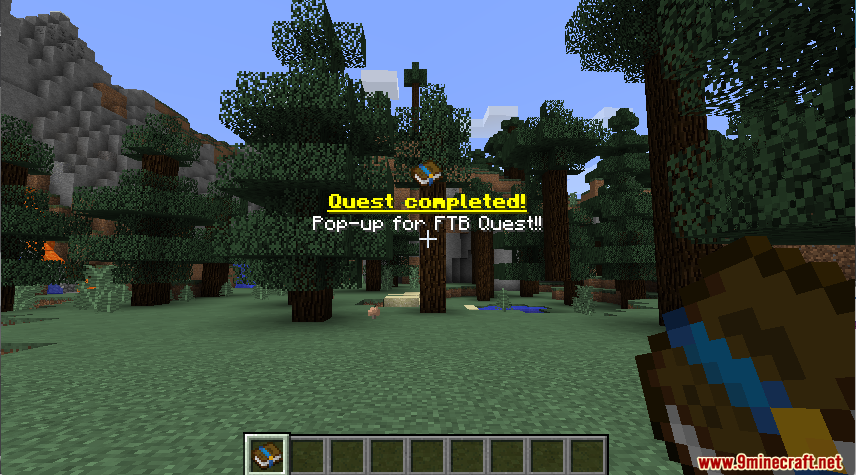
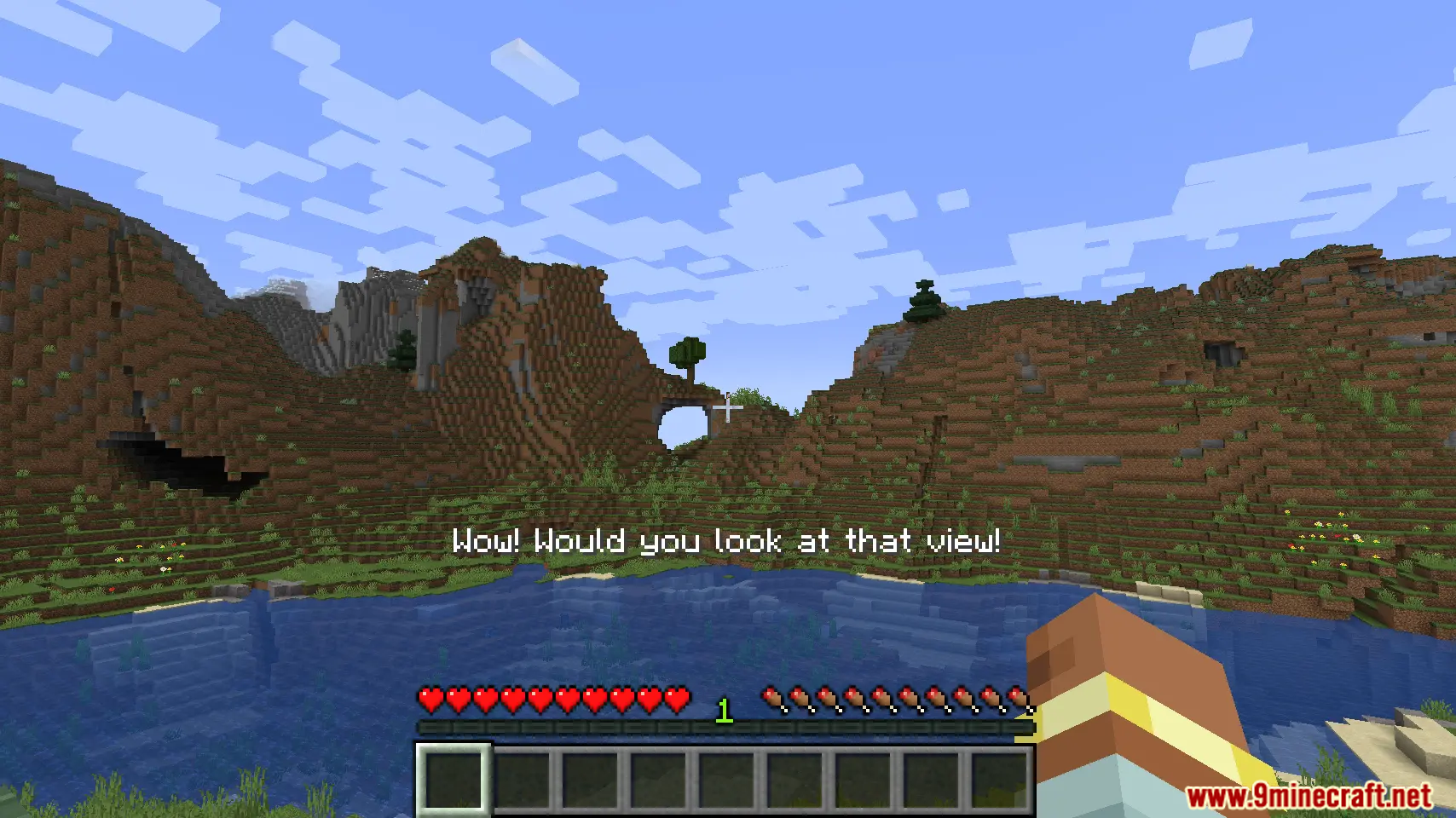
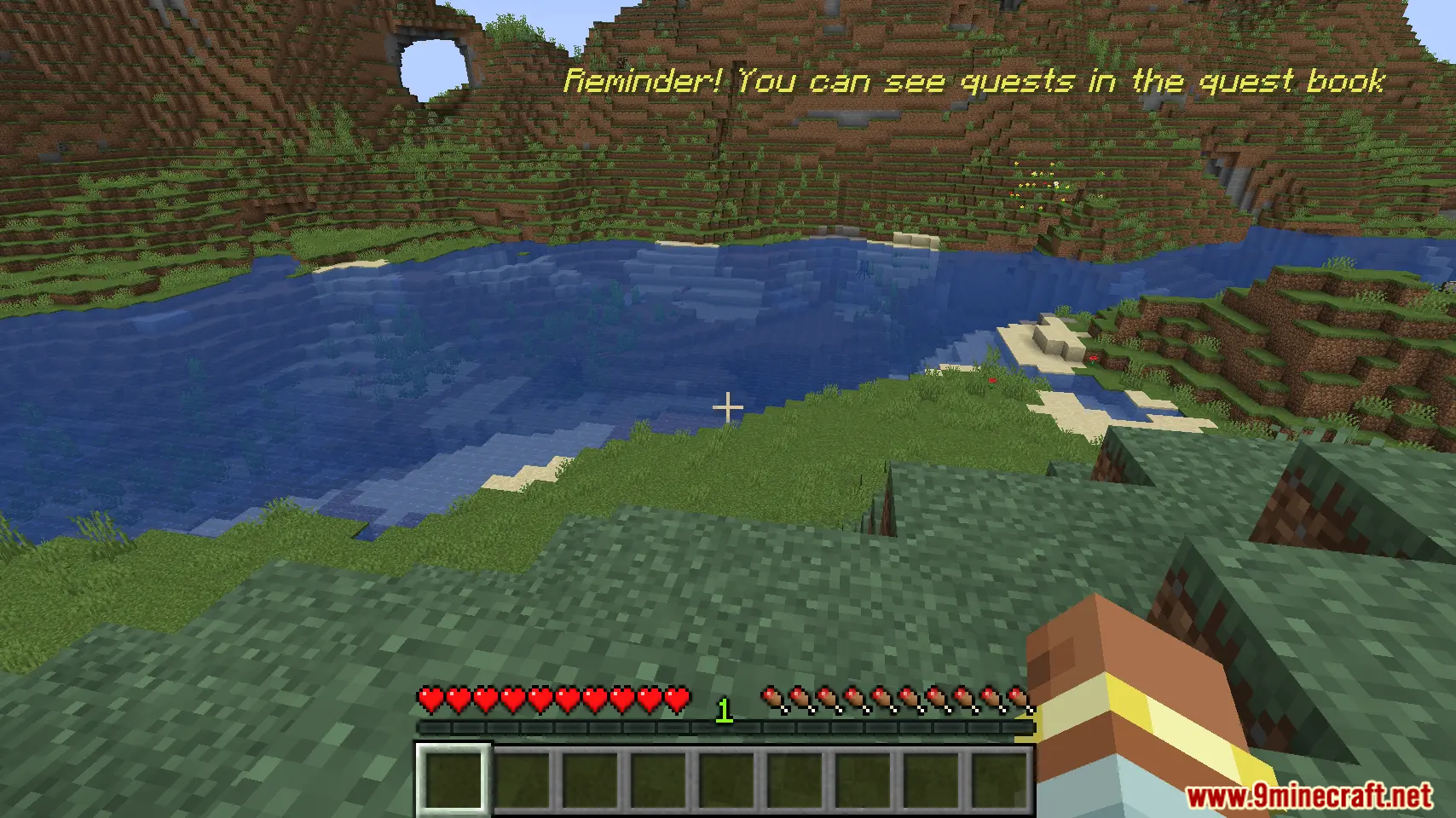
Pop Up Mod lets modpack makers display custom text on the screen. You can use simple commands or KubeJS scripting to create pop-up messages. This mod allows you to place text in different spots on the screen and supports multiple languages. It’s perfect for showing things like quest updates or special notifications in your game.
Features:
- Show custom information on the screen using a simple command.
- Supports translations, so messages can be displayed in different languages.
- Choose from different screen locations to place your text.
- Works with KubeJS for more advanced and scripted pop-ups.
Commands:
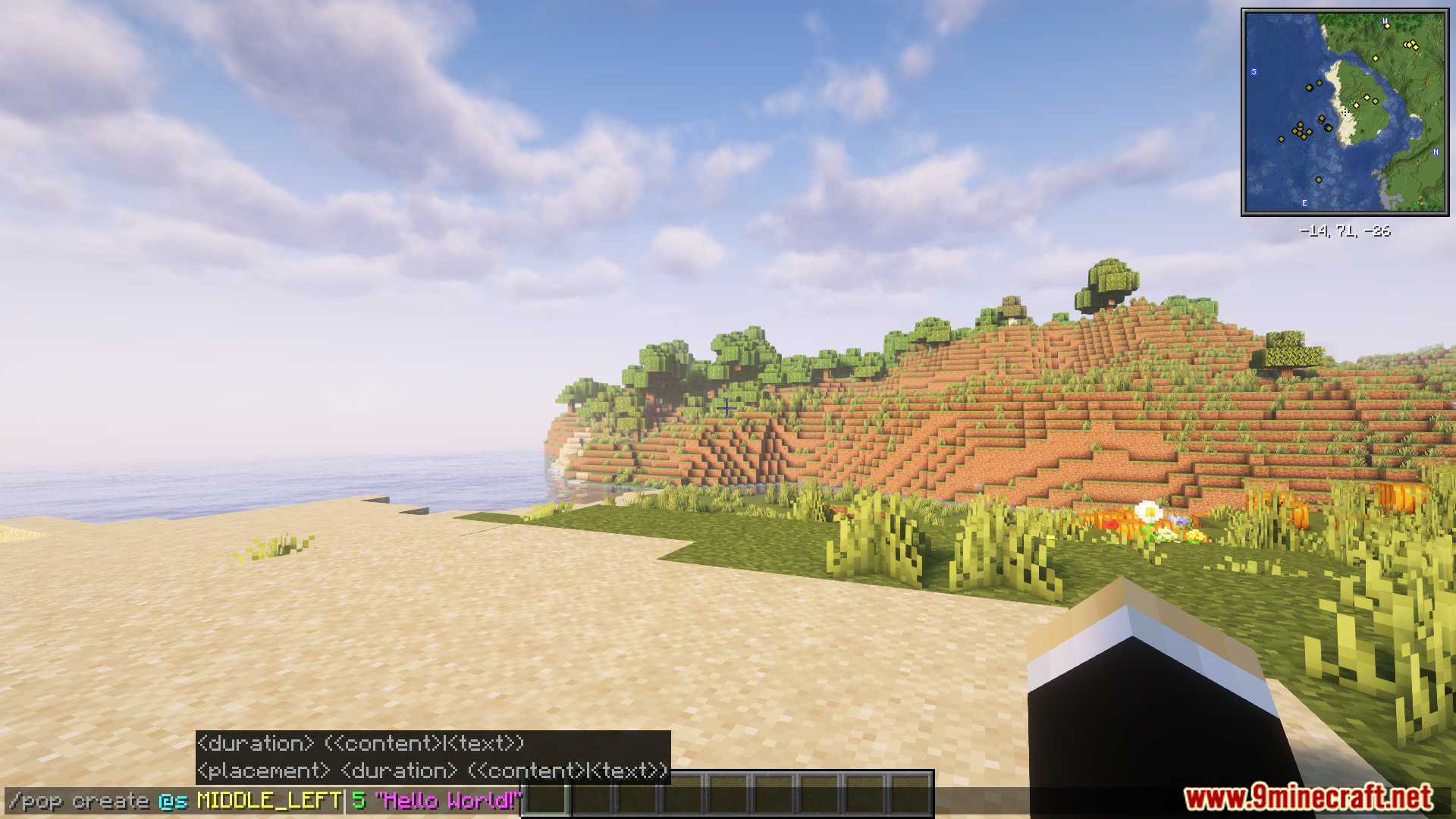
You can create a pop-up message with the /pop command. Here is an example:
/pop create @s MIDDLE_LEFT "Hello World!"
For more advanced uses, the mod can be controlled with KubeJS. Below is an example script:
// server.js
const PopBuilder = java.load('pro.mikey.mods.pop.PopBuilder');
const Placement = java.load('pro.mikey.mods.pop.data.Placement'); // Optional
const pop = PopBuilder.create()
    .duration(5)
    .content({ text: "Hello World!" })
    .placement("middle_left") // Or  .placement(Placement.MIDDLE_LEFT)

// You can now either build it and get a PopData object or directly send it to the player
// If you're on the server
pop.sendToPlayer(player);

// If you're on the client
pop.display()
How to Use:
- Run the game with the mod installed.
- Use the
/popcommand in-game to create a new pop-up message. - Alternatively, you can use KubeJS to access and manage the pop-up system.
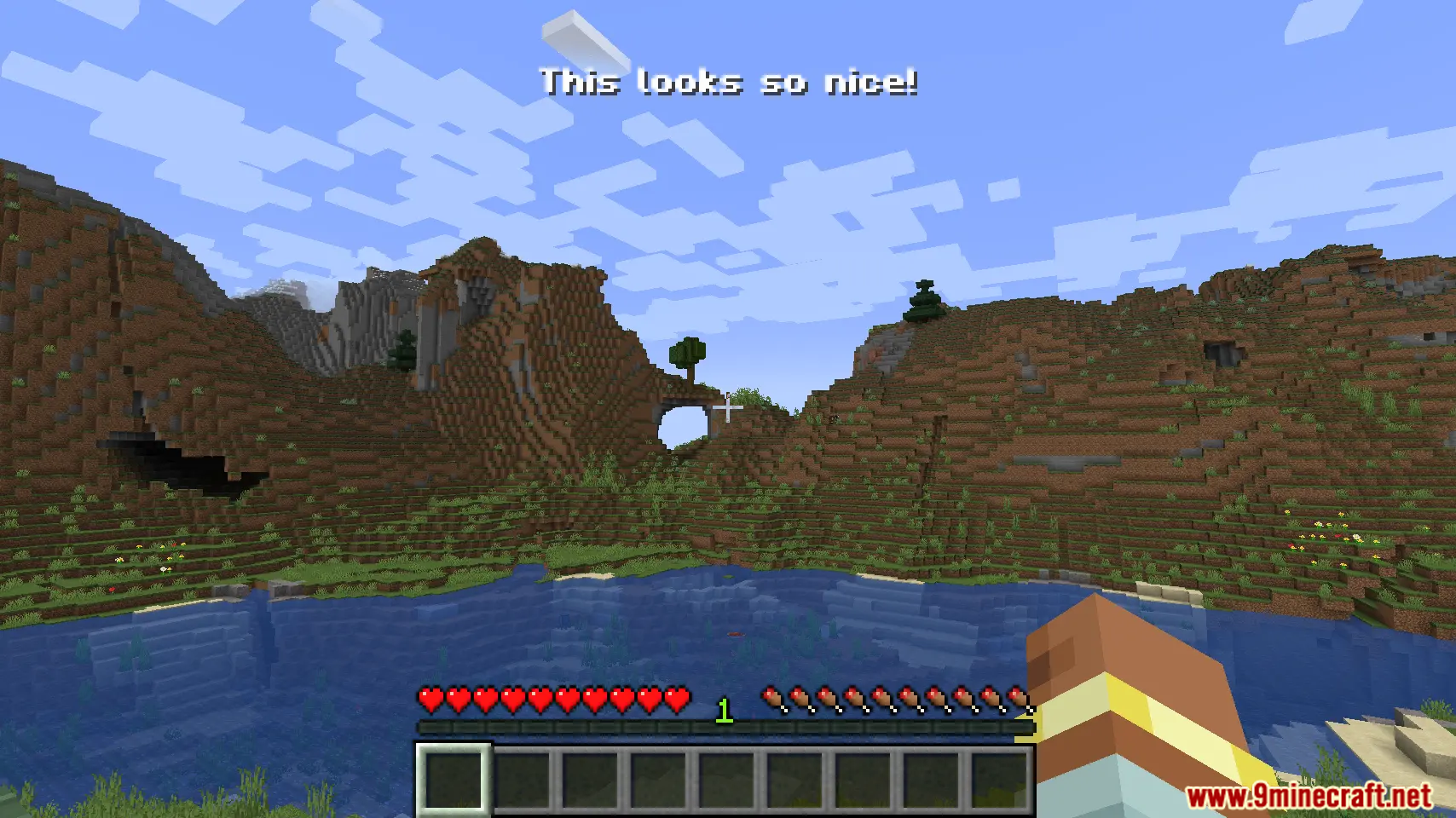
Screenshots:
How to Install:
New to Minecraft? Follow our step-by-step guide to install Mods on your PC.View Guide
Pop Up Mod Download Links
For Minecraft 1.21.1, 1.21
Forge version: Download from Server 1 – Download from Server 2
For Minecraft 1.20.1, 1.20
Forge version: Download from Server 1 – Download from Server 2
Click to rate this post!
[Total: 2 Average: 5]
You May Also Like










This post has no comments yet. Be the first — your comment will appear here.