


Create Fly Mod (26.2, 1.21.11) – Build Kinetic Factories on Modern Fabric

 0
0 

🌐 Good news — we've translated this article into other languages!
Or pick the one you like:
Create Fly Mod brings the famous Create mod to newer versions of Minecraft on Fabric. This mod gives you all the gears, machines, and building tools you need to make moving factories. It updates how the game loads data and draws blocks so everything works properly on modern game updates. You can set up mechanical saws to chop wood, build train tracks, and use the built-in guide to learn how every machine runs.

Features:
- New Version Port: Brings the full Create Fly mod to newer Minecraft versions on Fabric.
- No Fabric API Needed: Runs completely without needing the extra API file in your mods folder.
- Stops game crashes by keeping server files and client files totally separate.
- Uses a new loading system to catch game errors and show them clearly.
Machines and Building:
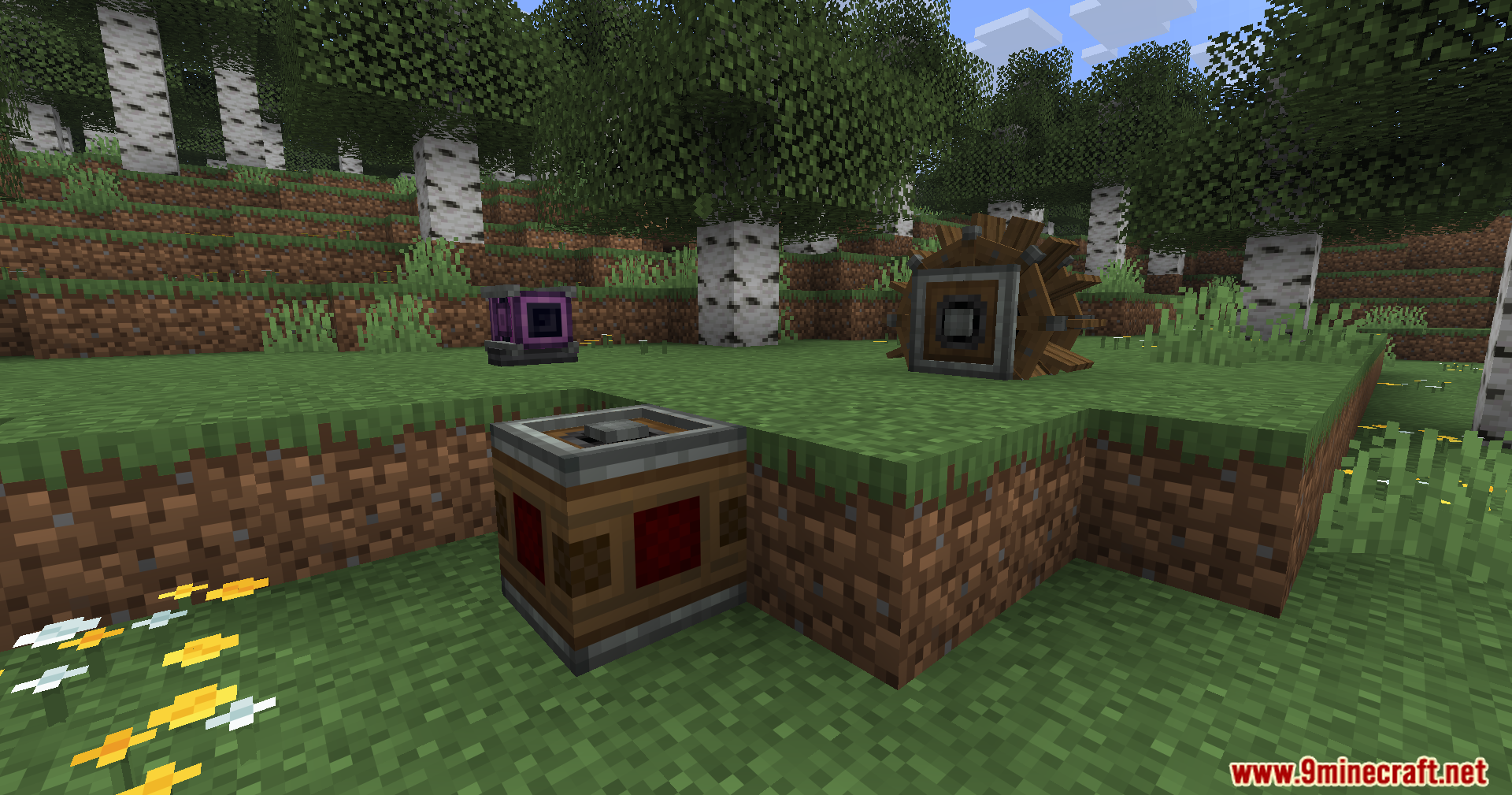
- Adds mechanical parts like the Creative Motor to power up your builds.
- Lets you cut down whole trees at once using the Mechanical Saw.
- Gives you a handy Wrench tool to turn and adjust your machines.
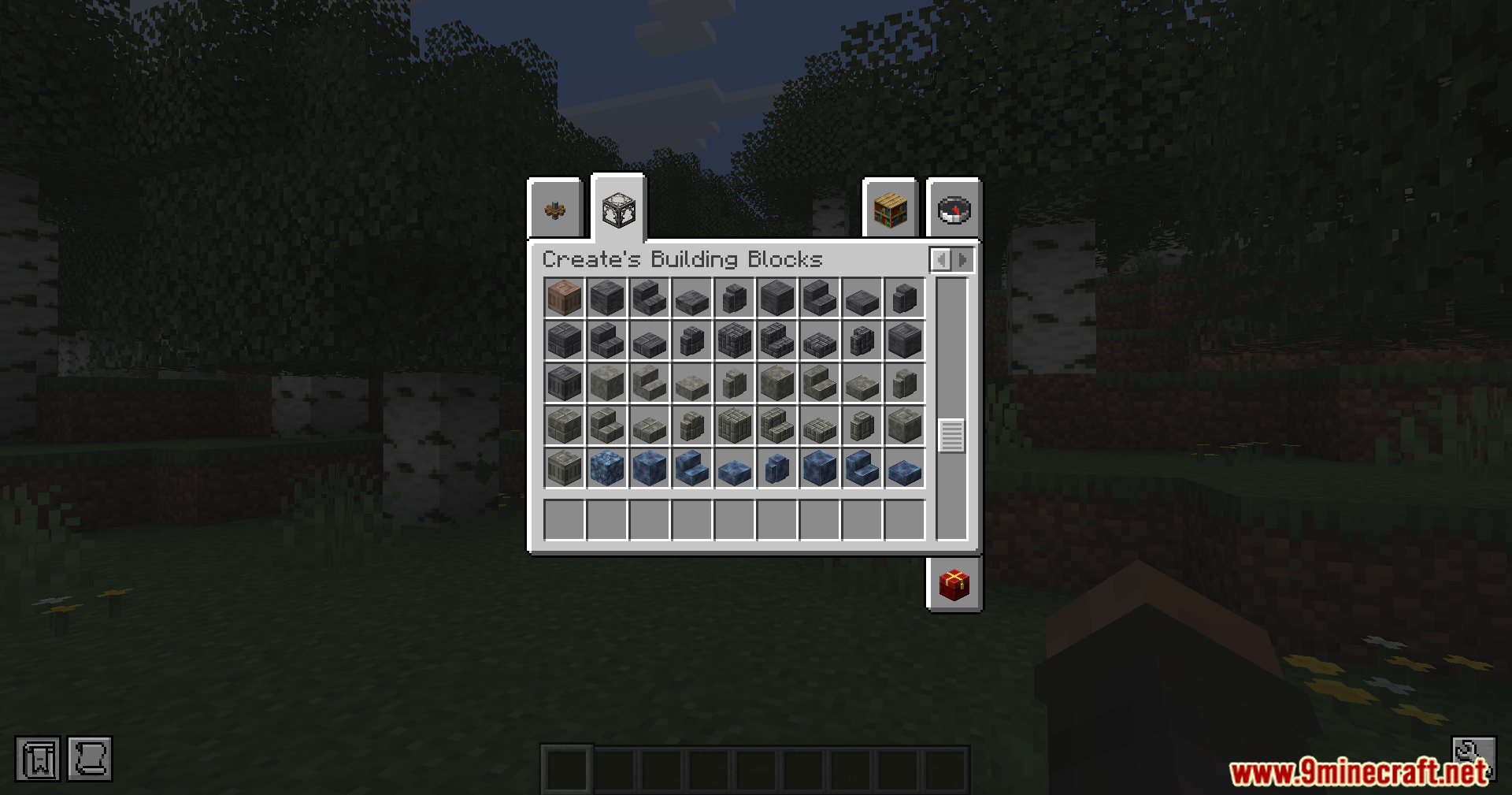
- Brings in many new stone types and building blocks for your factories.
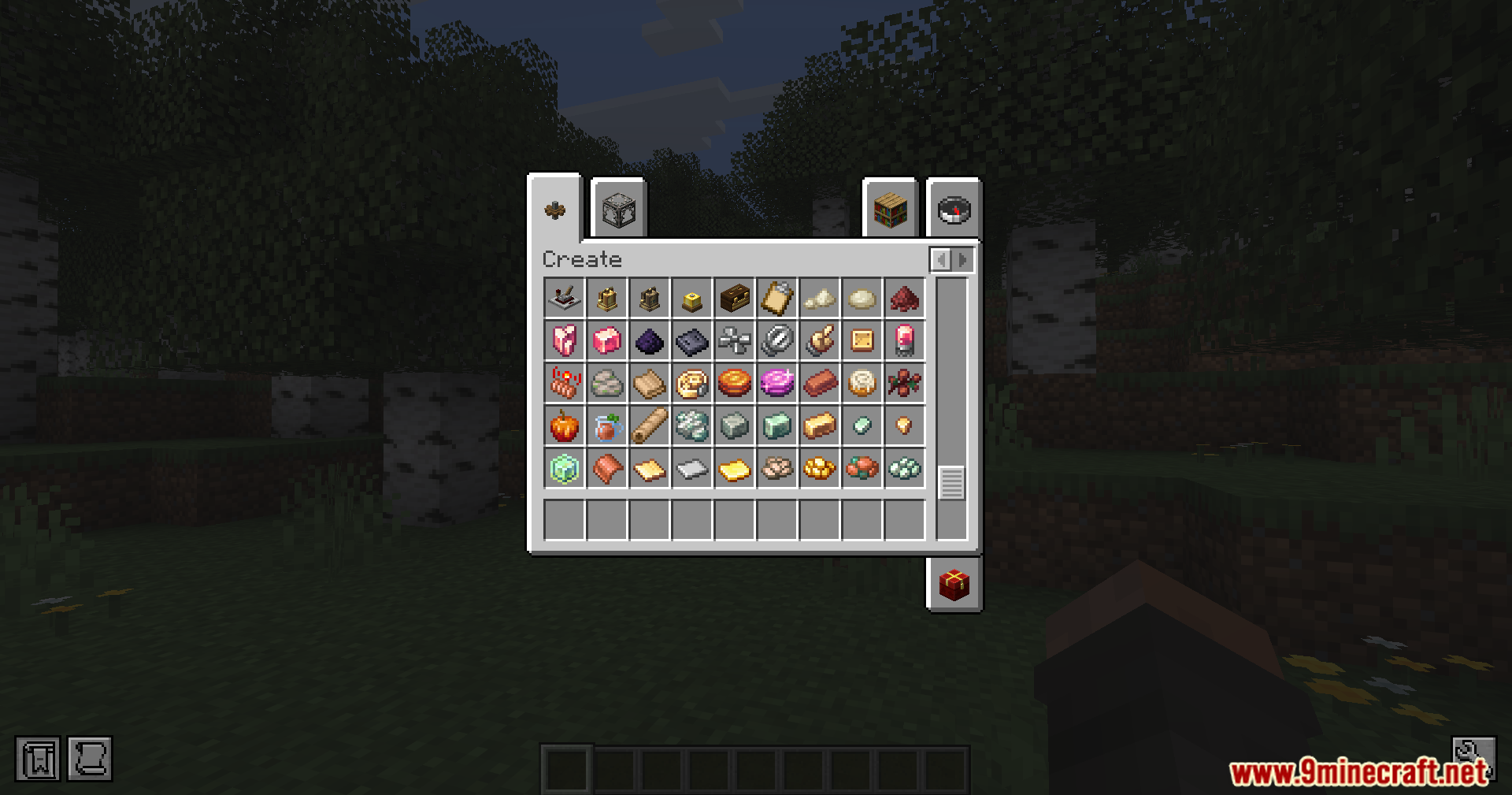
- Includes new food items and processed materials to craft.
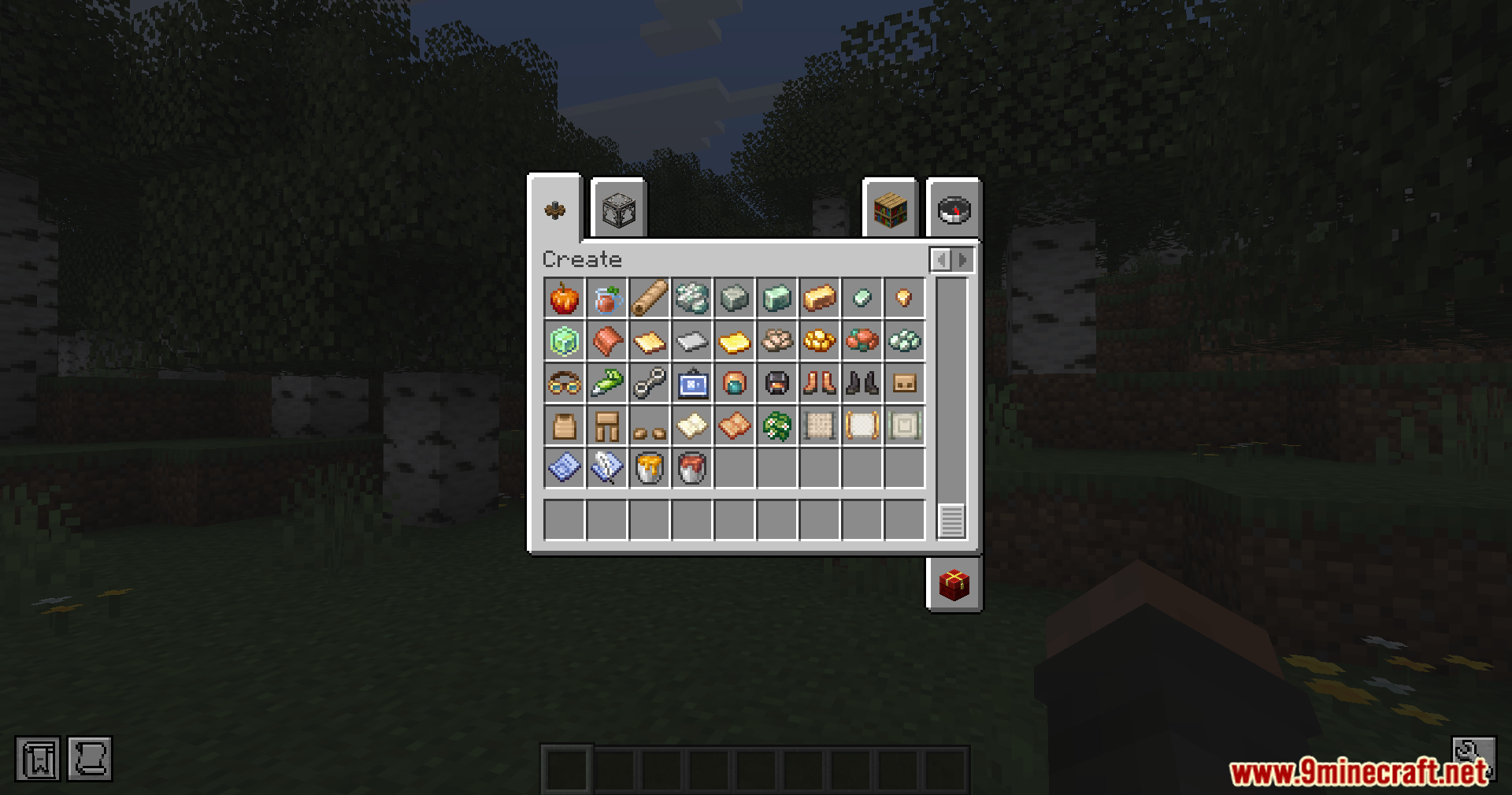
- Sorts all the Create Fly mod items neatly into custom creative tabs.
Guides and Visuals:
- Shows you exactly how to build complex machines using the 3D Ponder tutorial screen.
- Adds a custom advancement page to track your progress as you play.
- Pairs well with recipe mods like REI or JEI so you can look up crafting steps.
- Turns off Flywheel speed boosts if you play the game with shaders turned on.
How to Use:
- Add a recipe viewer like REI, JEI, or EIV to see how to make the items.
- Use the Ponder system in the game to watch tutorials on how the machines work.
- Start a new world. Do not use old saves, or you might lose your data.
- Turn off shaders if you want to keep the Flywheel speed improvements.
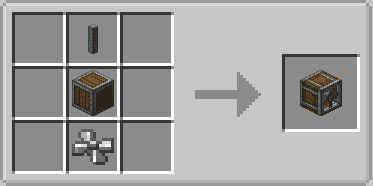
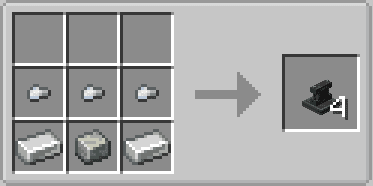
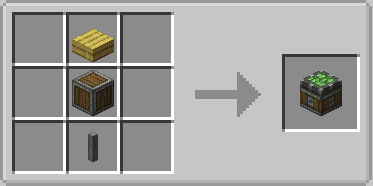
Crafting Recipes:
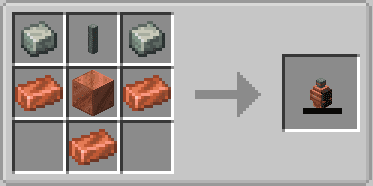
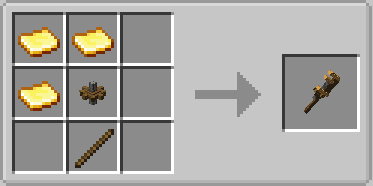
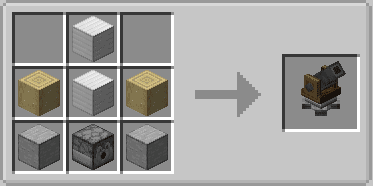
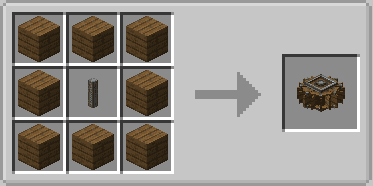
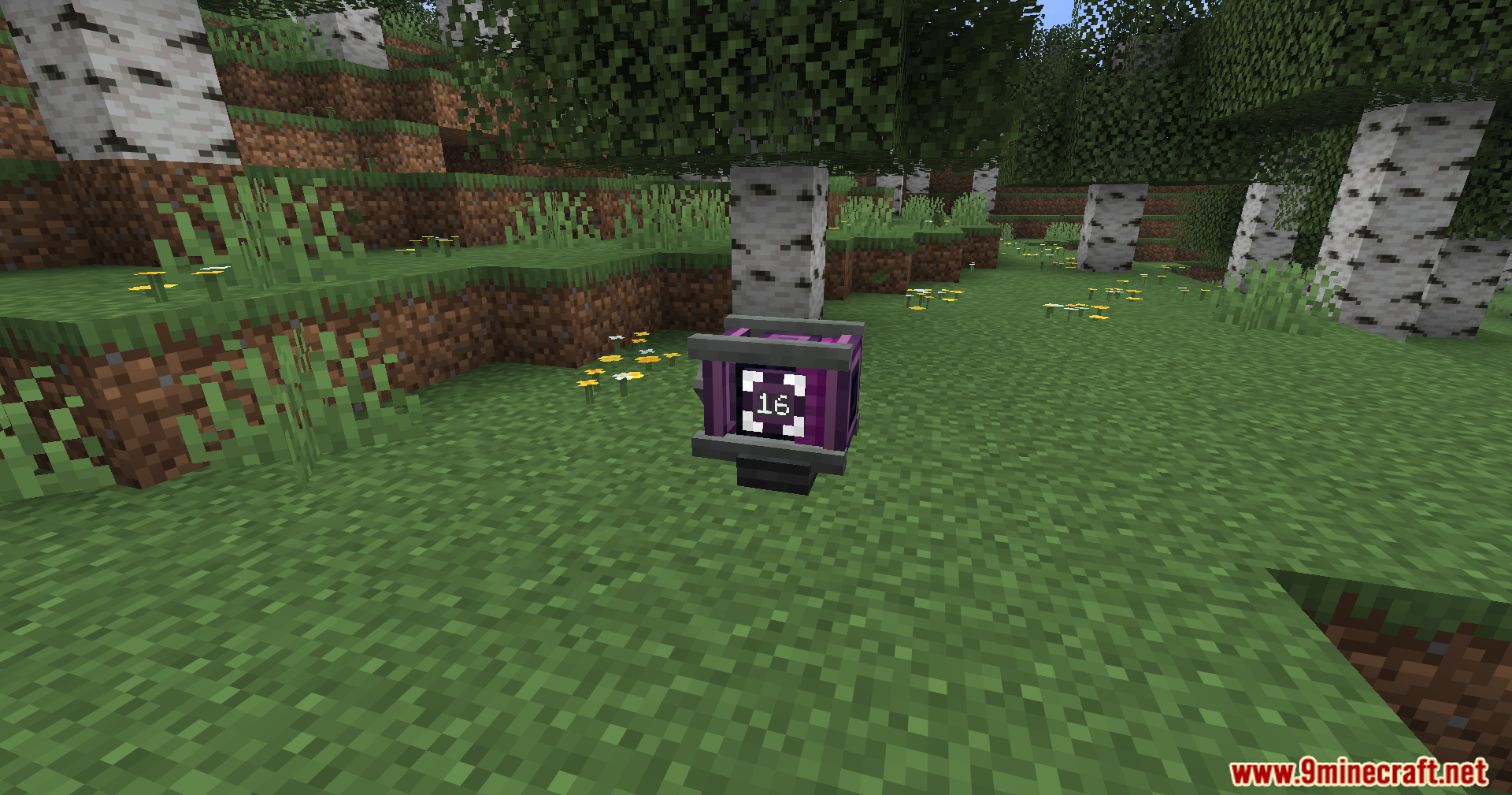
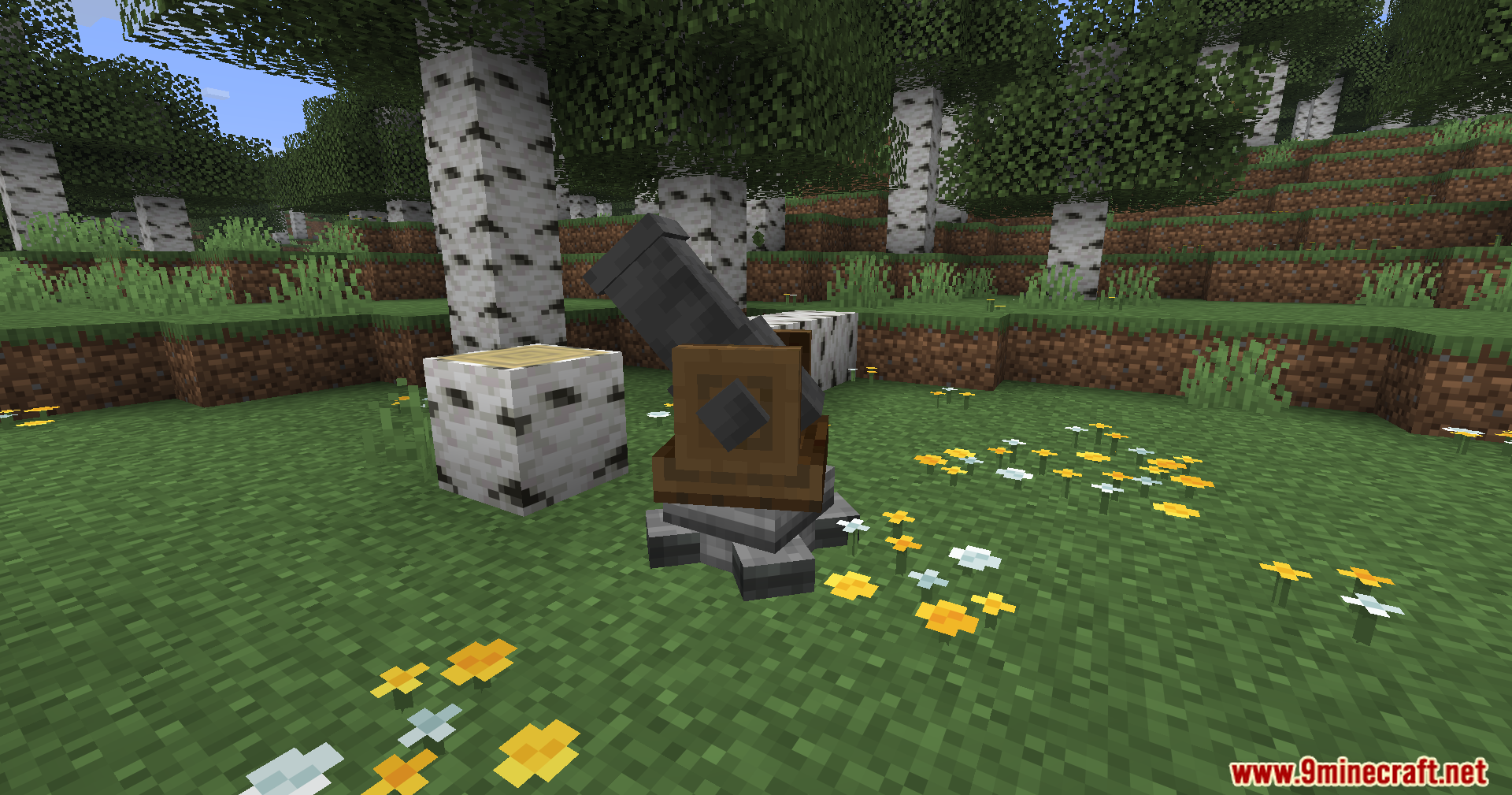
Screenshots:




How to Install:
New to Minecraft? Follow our step-by-step guide to install Mods on your PC.View Guide
Requirements:

Create Fly Mod Download Links
For Minecraft 26.2
For Minecraft 26.1.2, 26.1.1, 26.1
For Minecraft 1.21.11
For Minecraft 1.21.10, 1.21.9
For Minecraft 1.21.8, 1.21.7, 1.21.6
Click to rate this post!
[Total: 2 Average: 5]
You May Also Like







This post has no comments yet. Be the first — your comment will appear here.