


White Outline Selection Plus Texture Pack (26.x, 1.21) – Bright White Selection
 231
231
 0
0


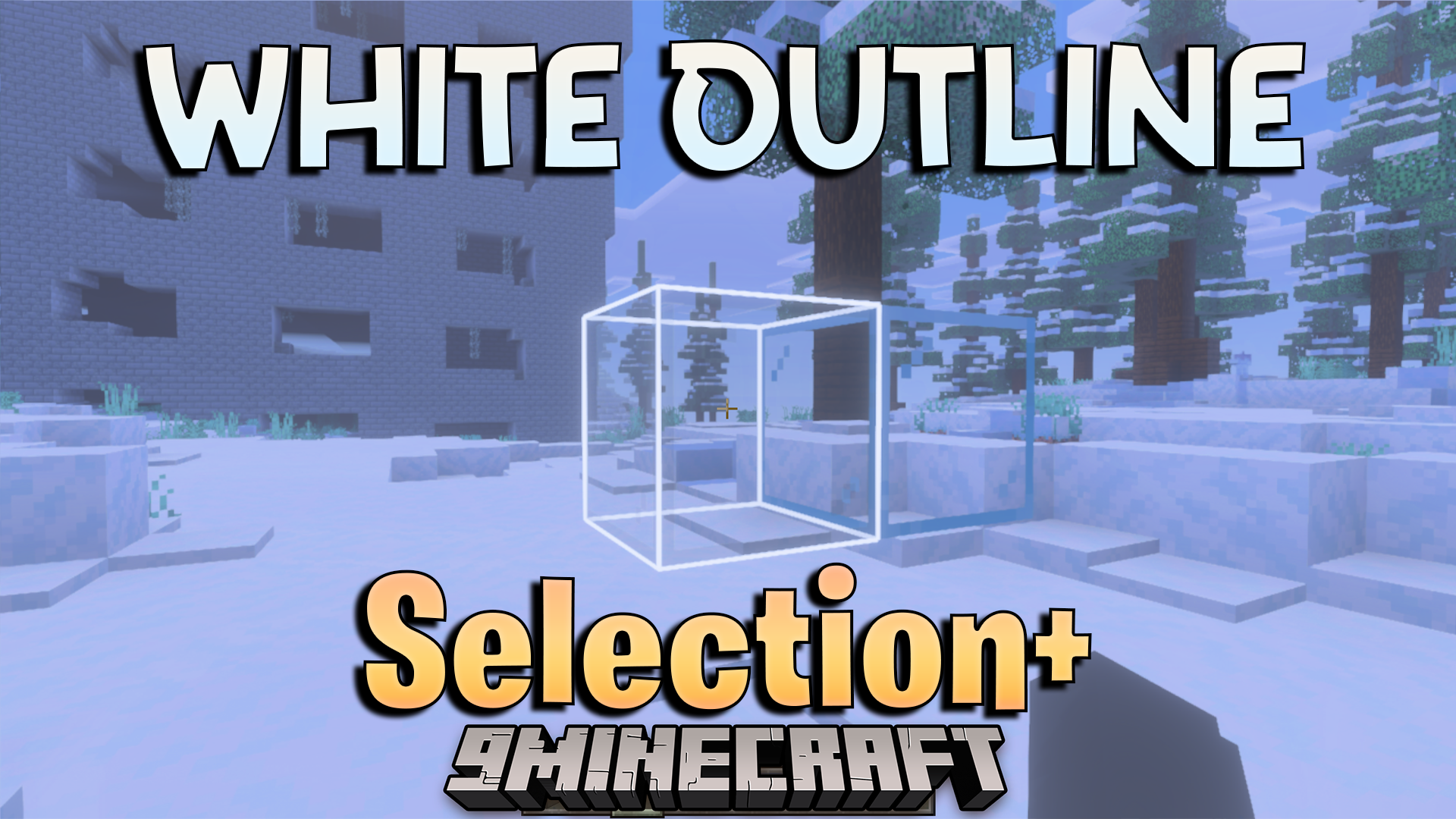
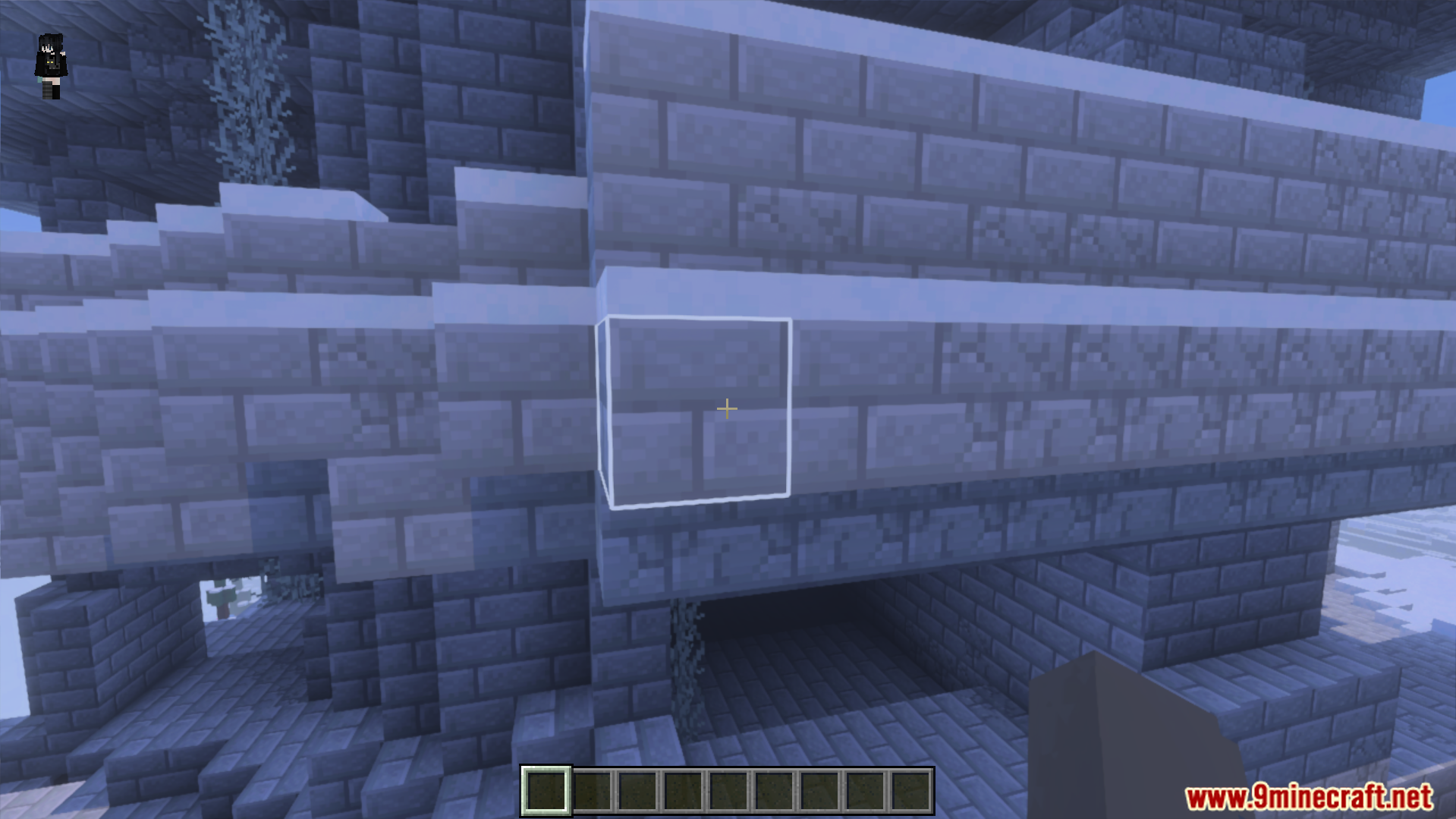
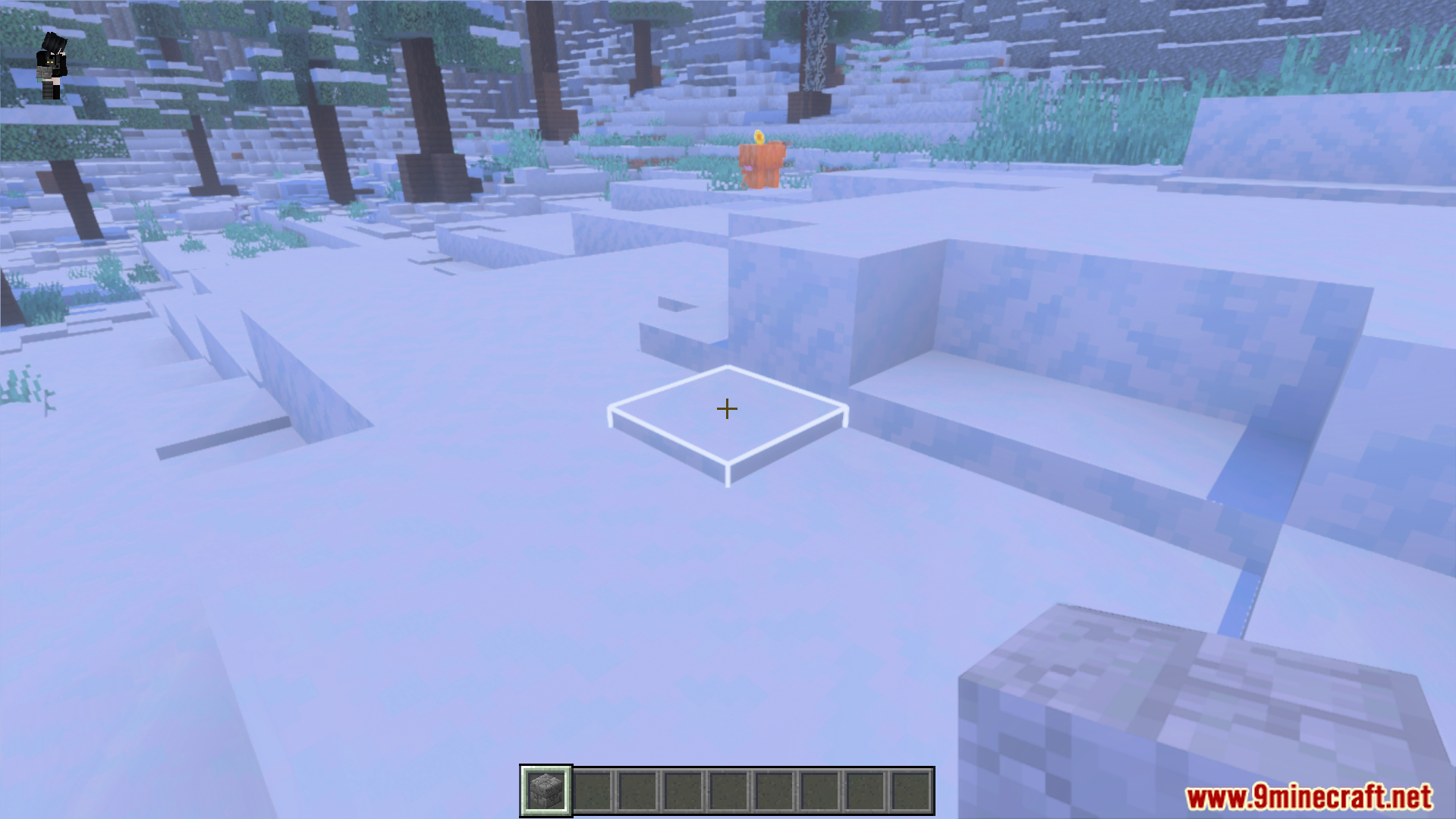
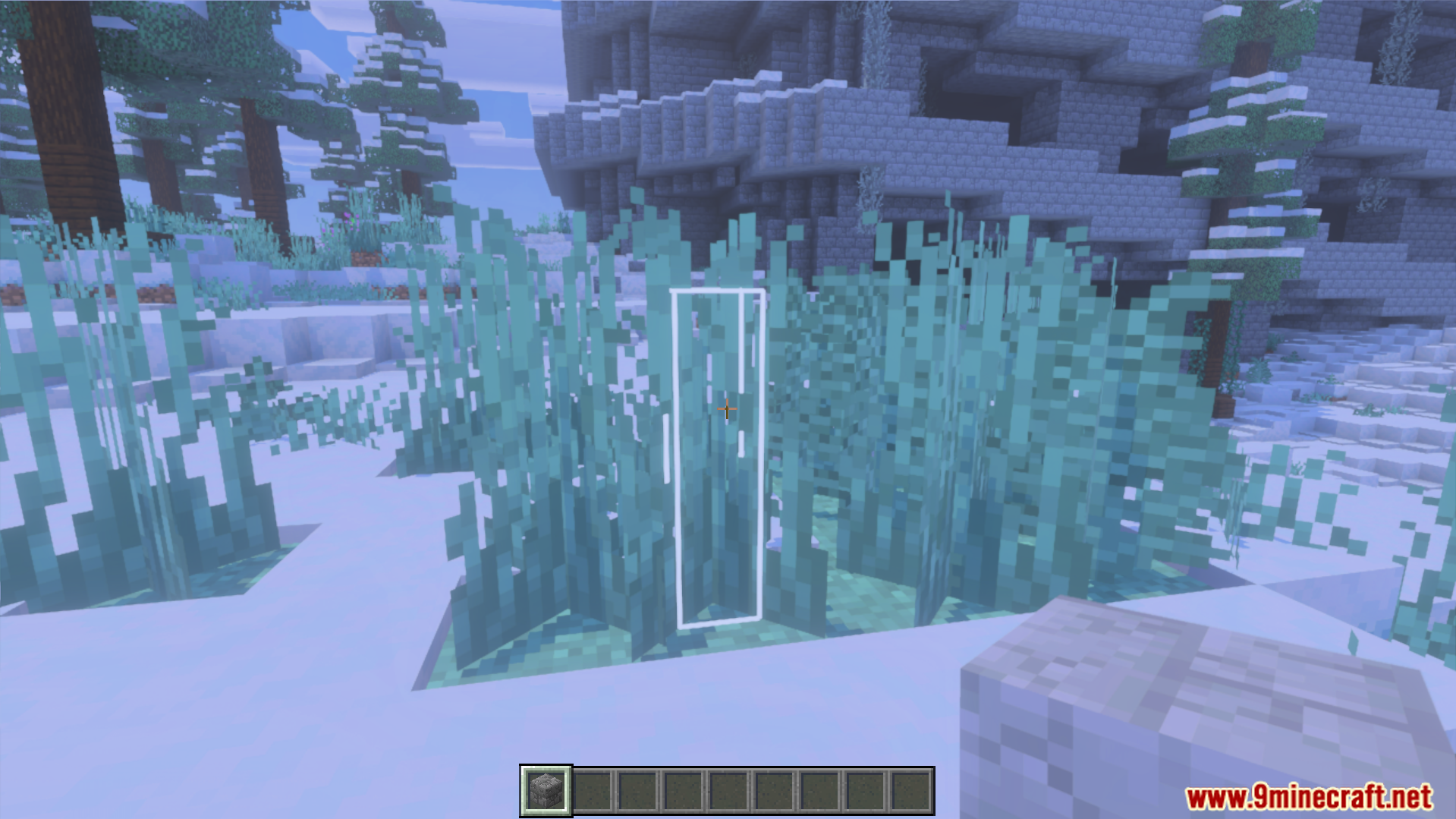
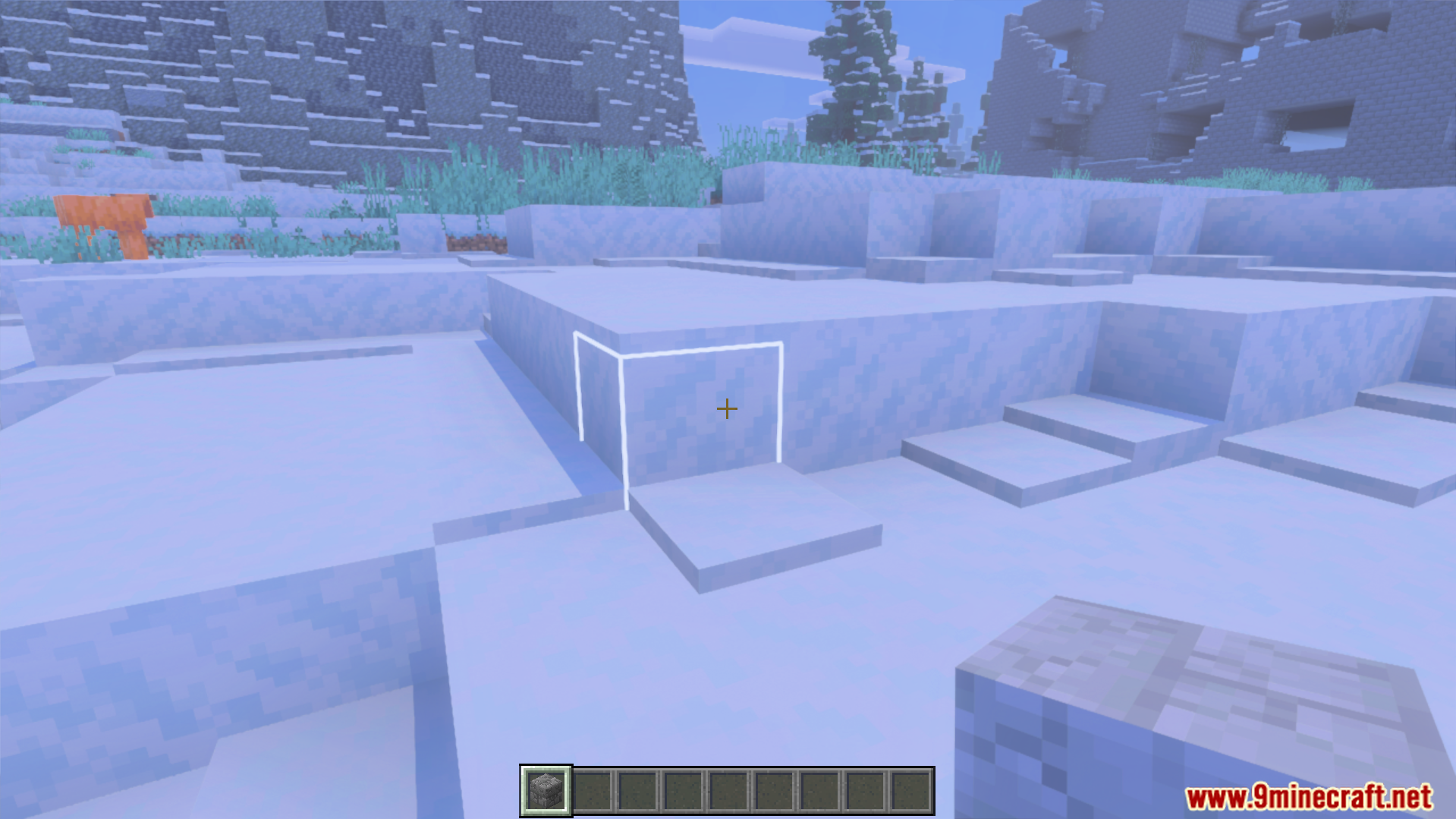
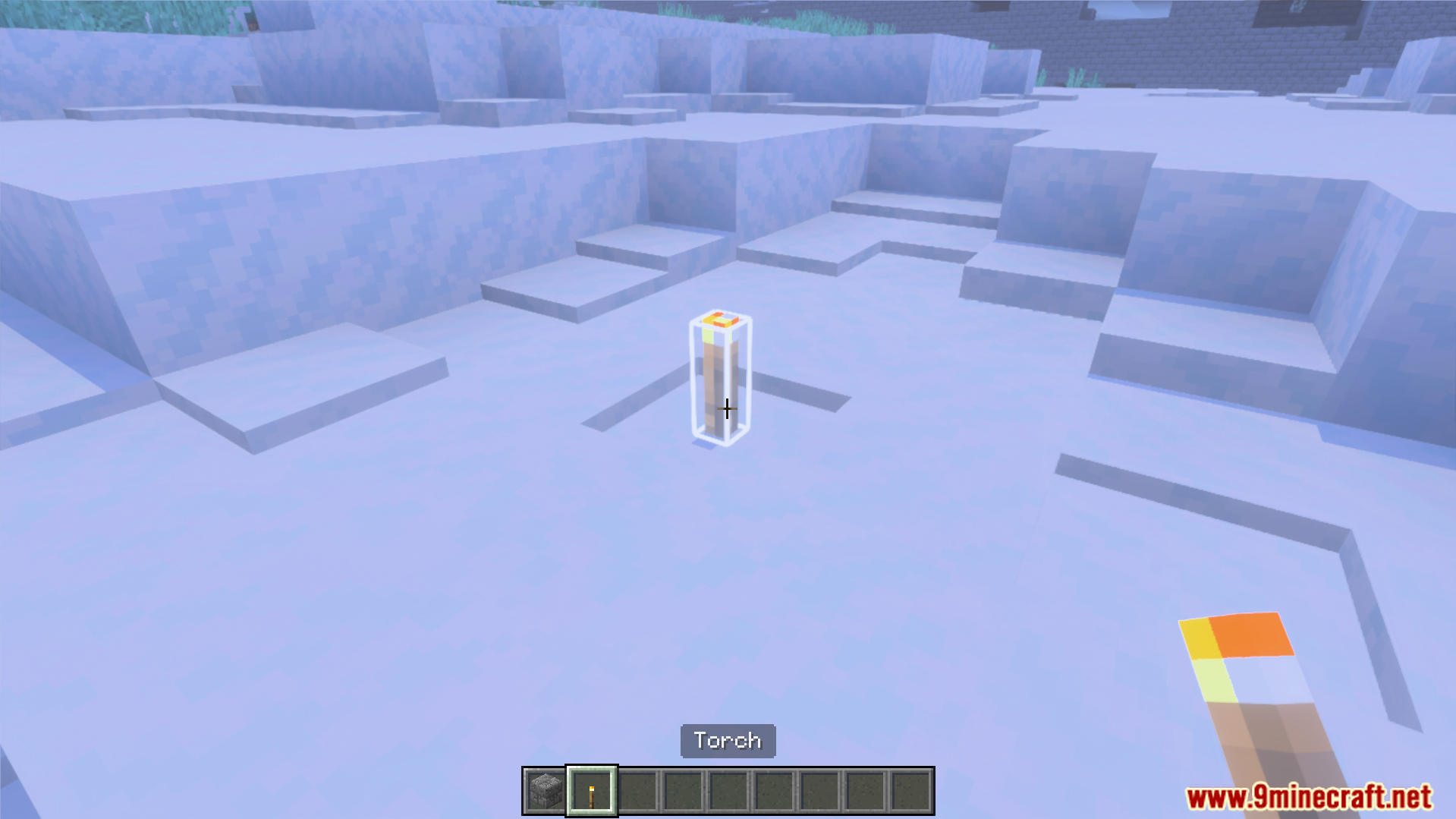
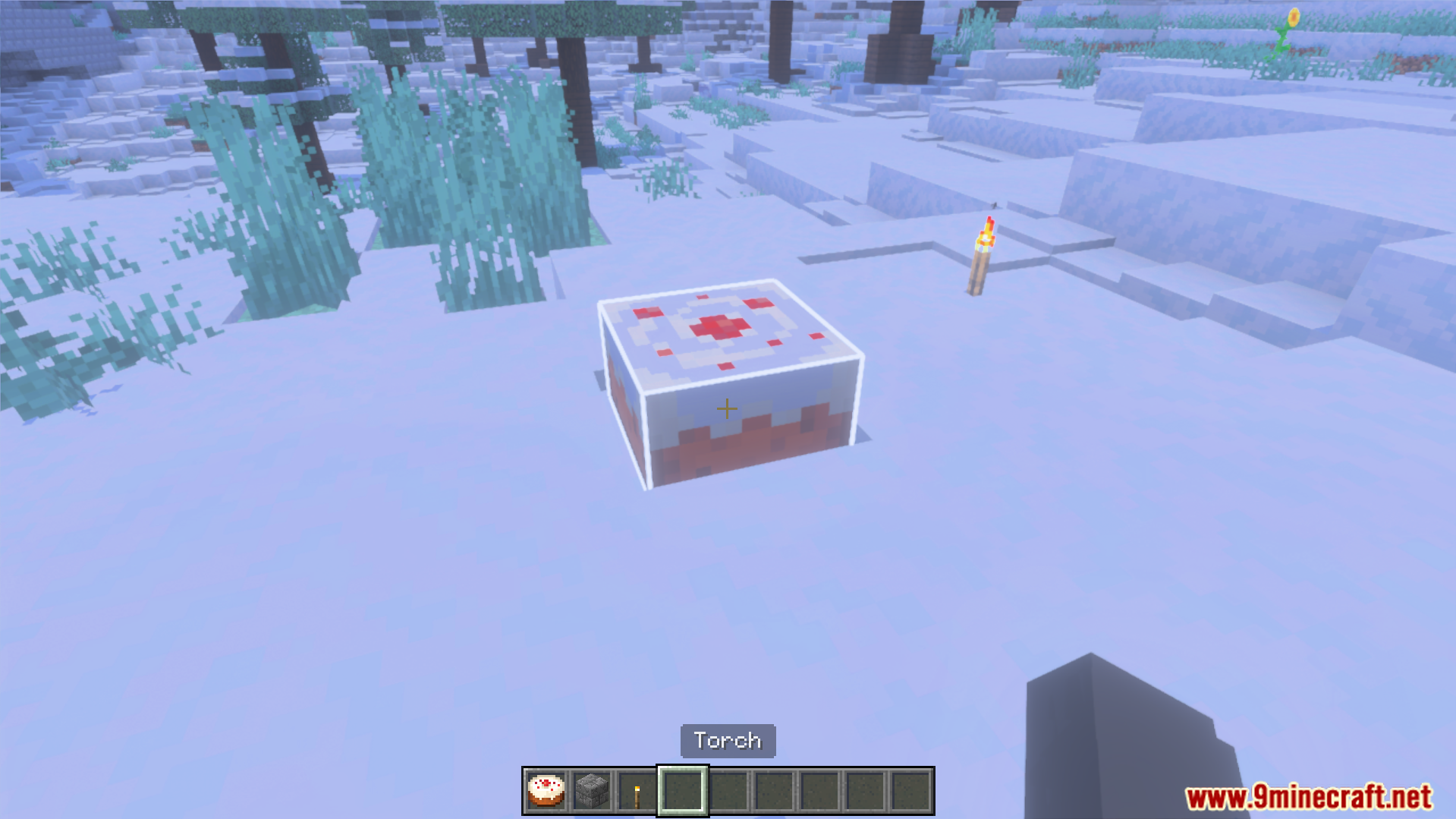
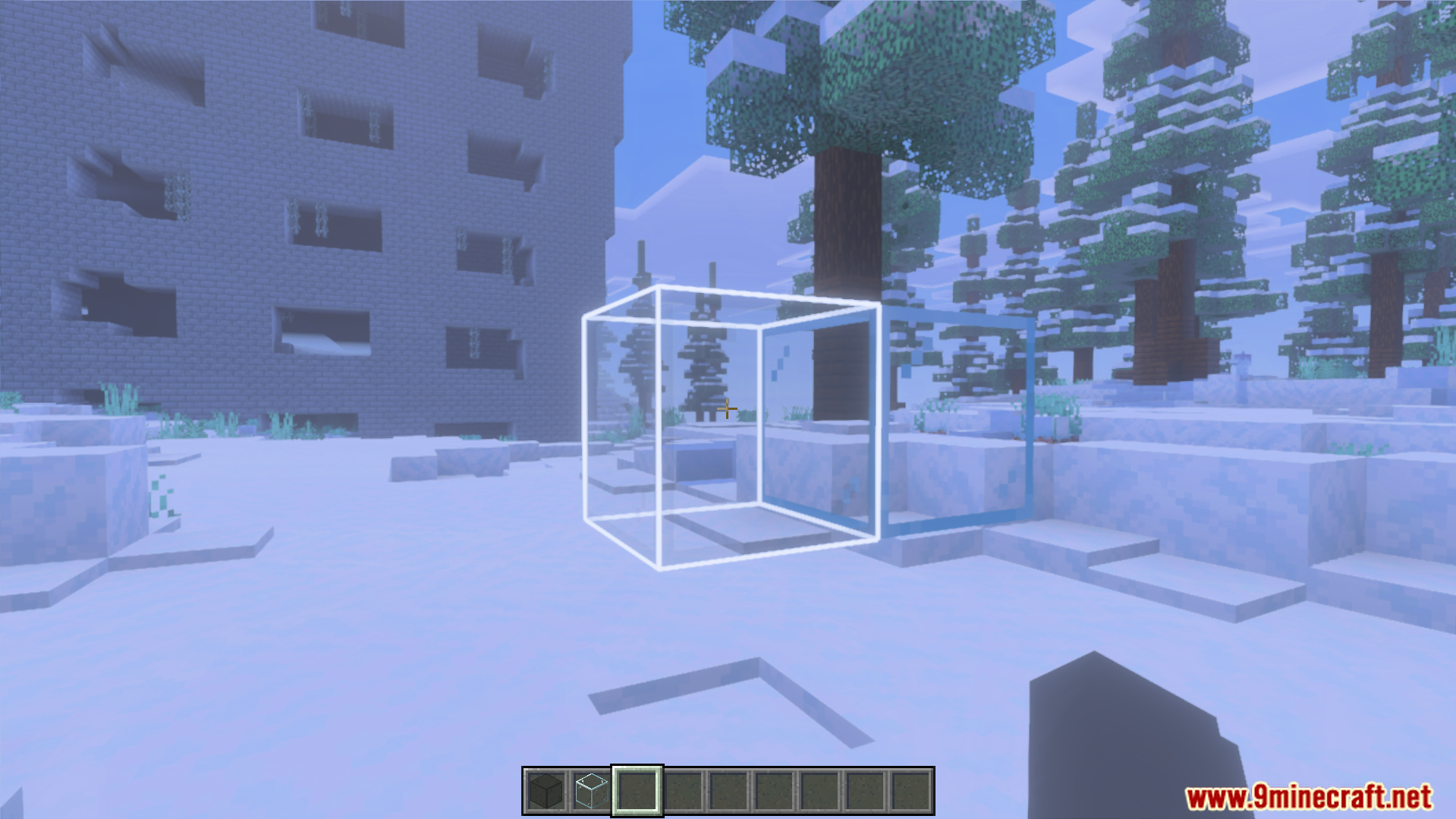
White Outline Selection Plus Texture Pack lets you see your selected blocks much easier. This pack changes the normal black selection box to a bright white color. It helps you build and mine with better visibility in your game.
Features:
- Changes the block selection outline to white.
- Makes selected blocks easier to see.
- Helps players while building new structures.
- Improves visibility for mining underground.
- Keeps a simple and clean design.
Configuration:
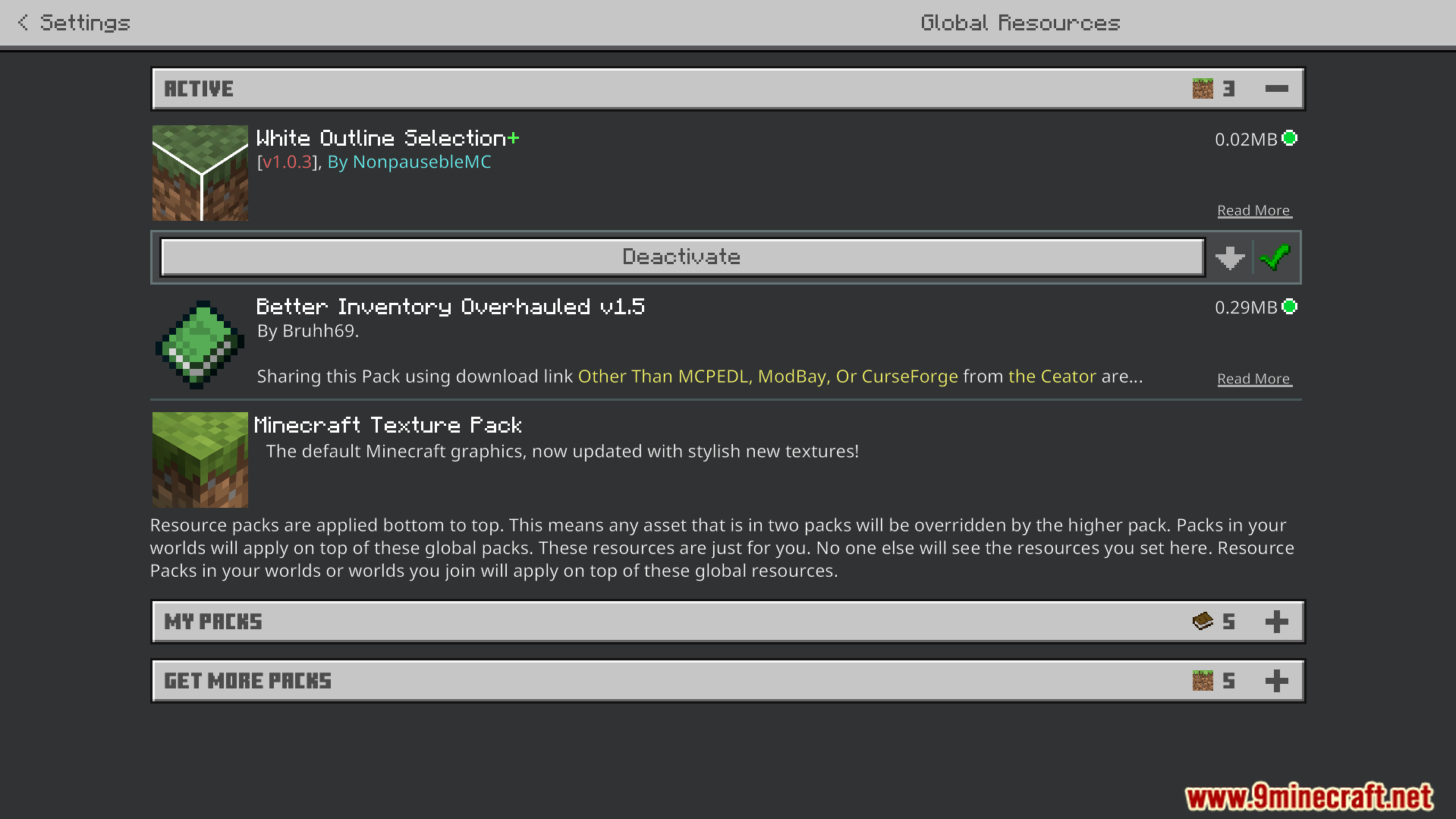
Go to your game settings and open the Video tab. Turn on the Outline Selection option to fix any visual issues.
Screenshots:
How to Install:
White Outline Selection Plus Texture Pack Download Links
For MCPE/Bedrock 26.x, 1.21.x
For MCPE/Bedrock 1.21.x, 1.20.x, 1.19.x
Click to rate this post!
[Total: 1 Average: 5]
You May Also Like


This post has no comments yet. Be the first — your comment will appear here.