


Collapse UI Texture Pack (26.x, 1.21) – Custom Console Style Menus For Bedrock

 0
0 

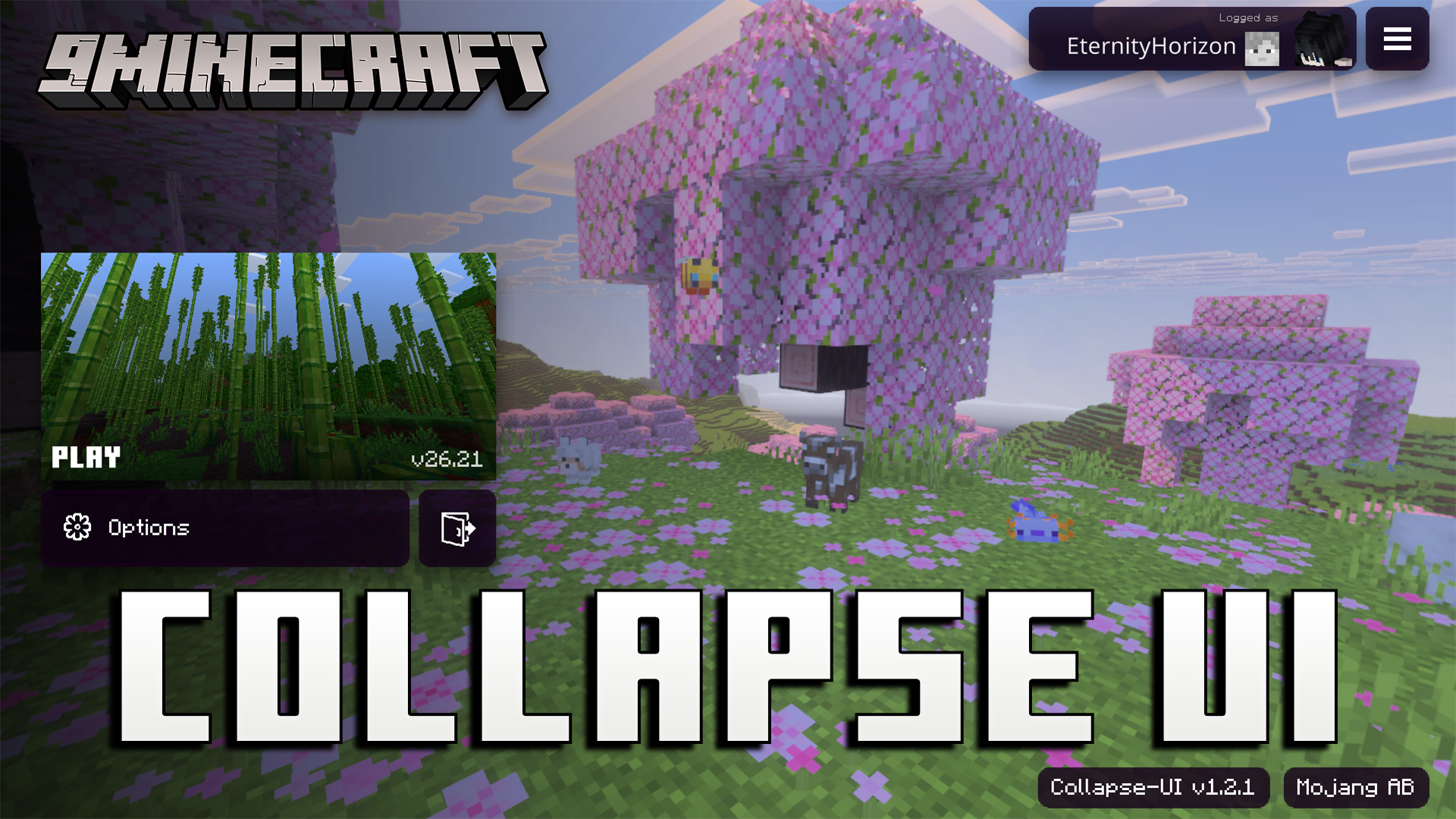
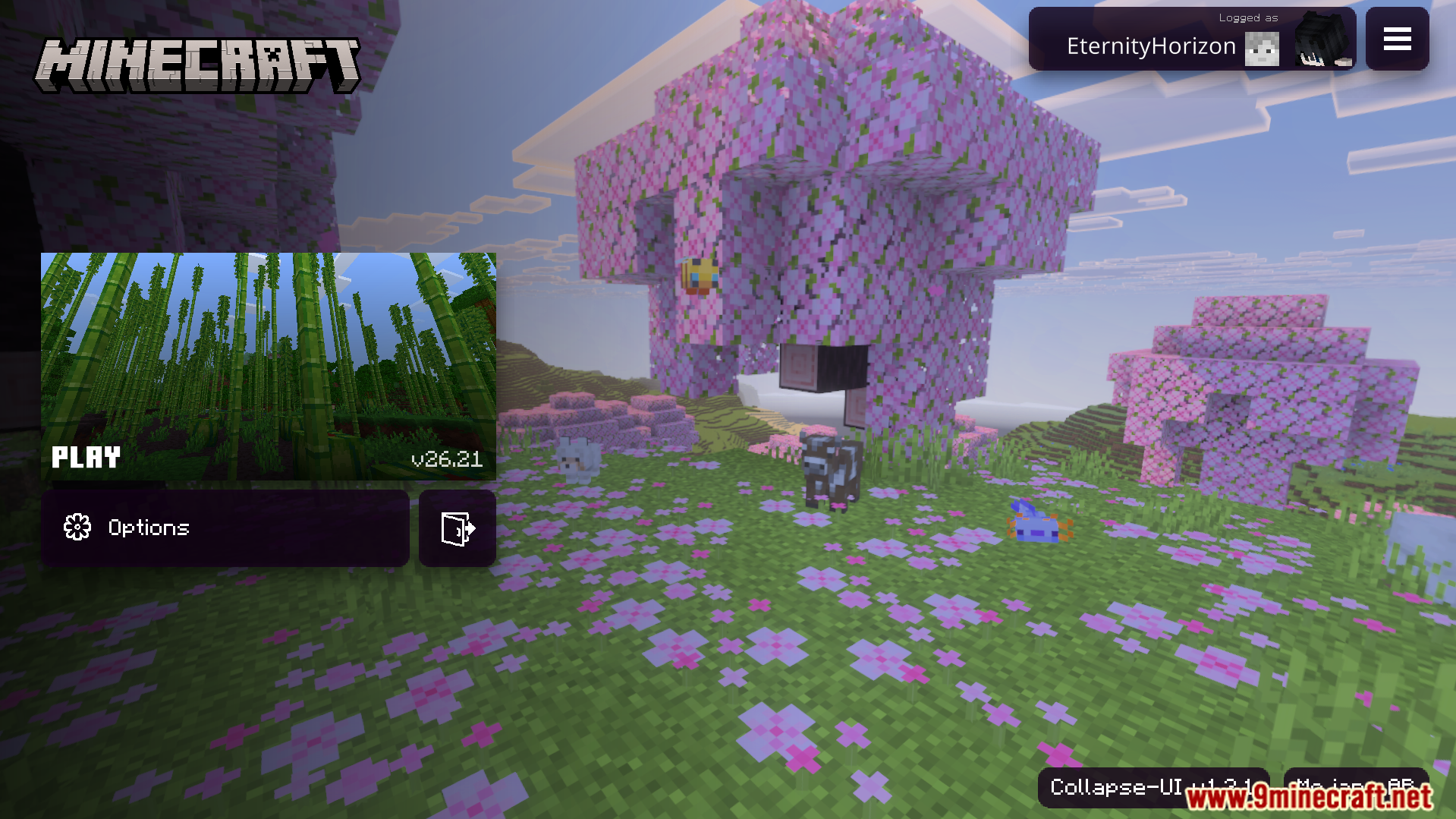
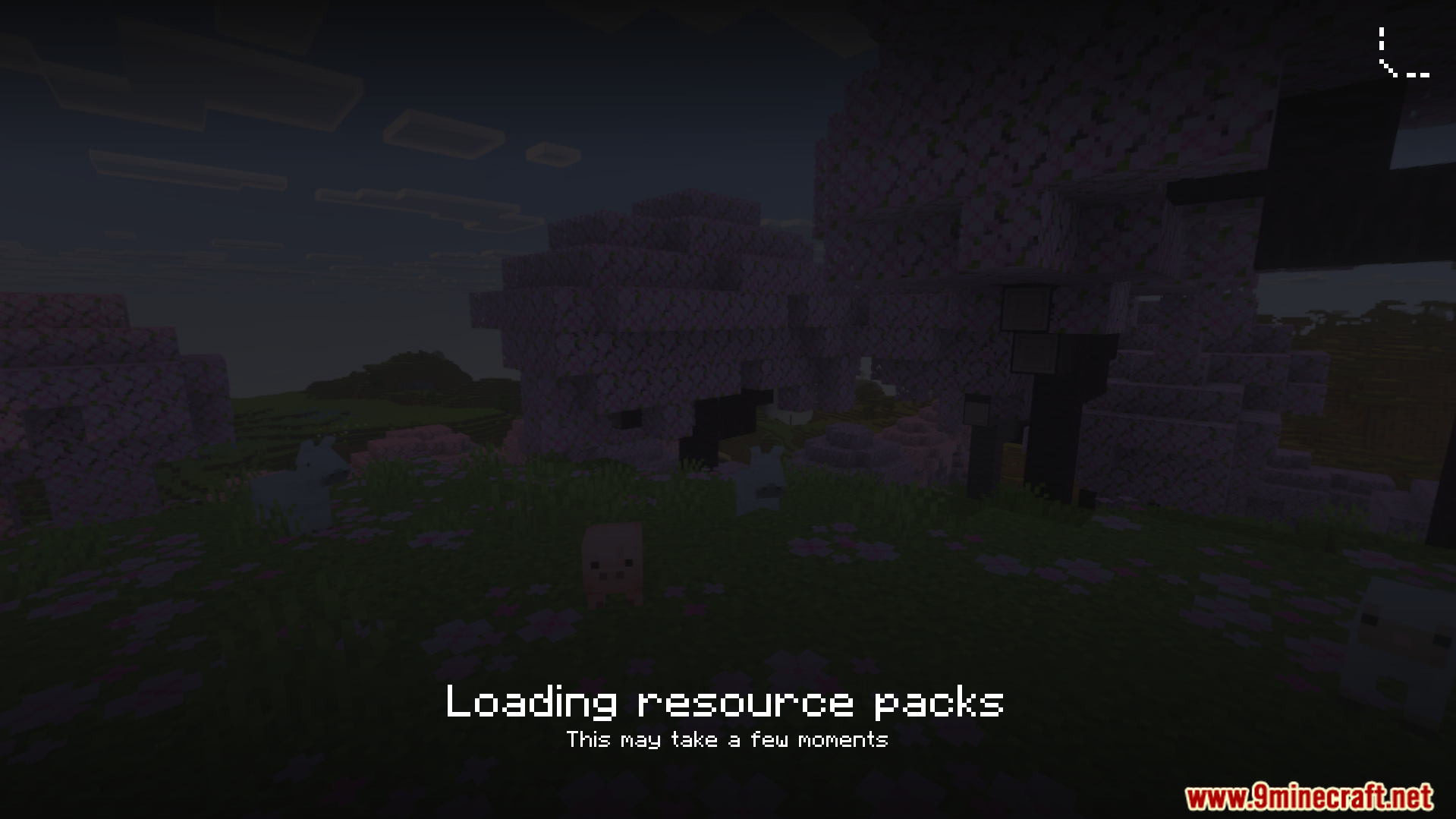
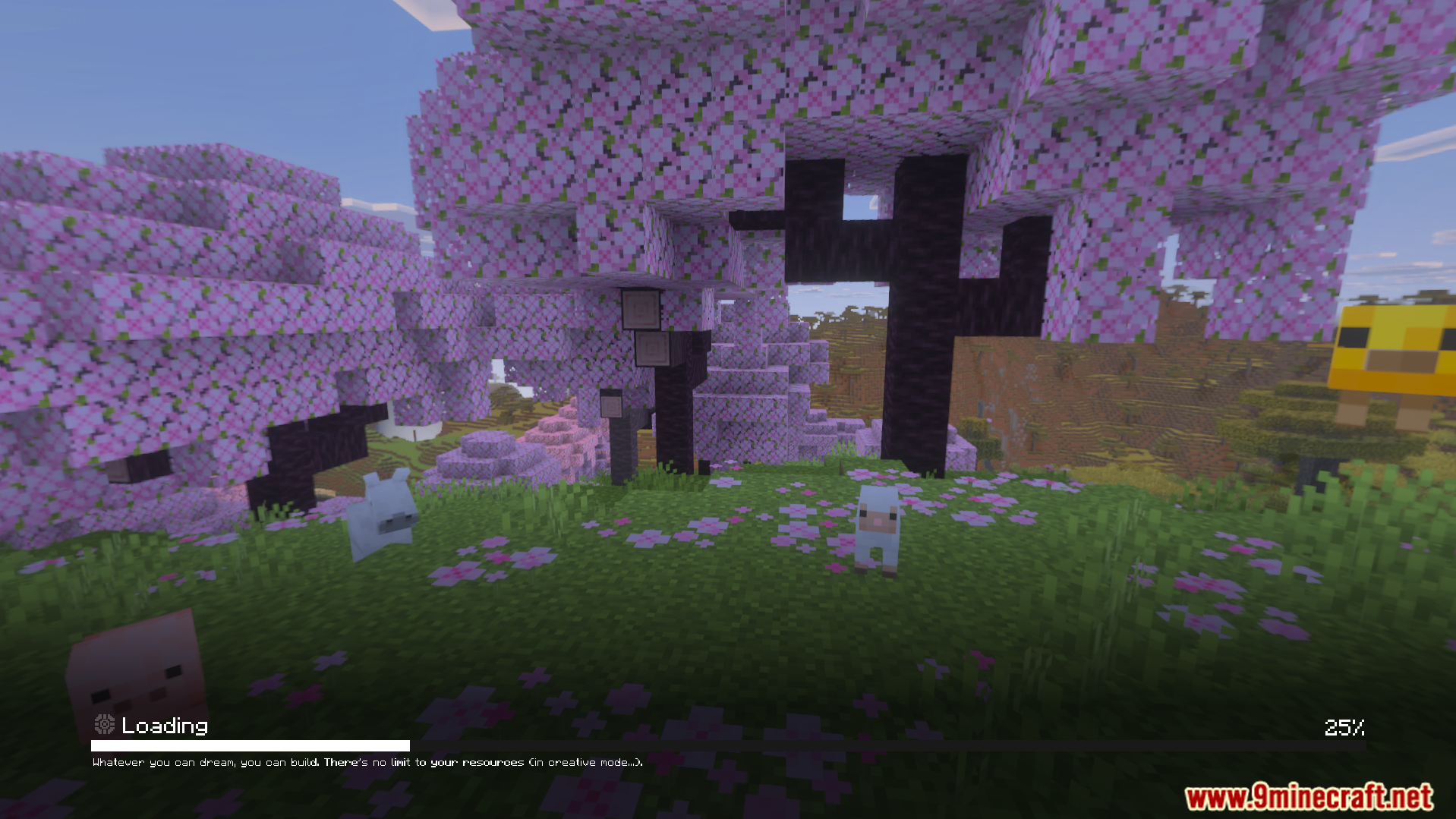
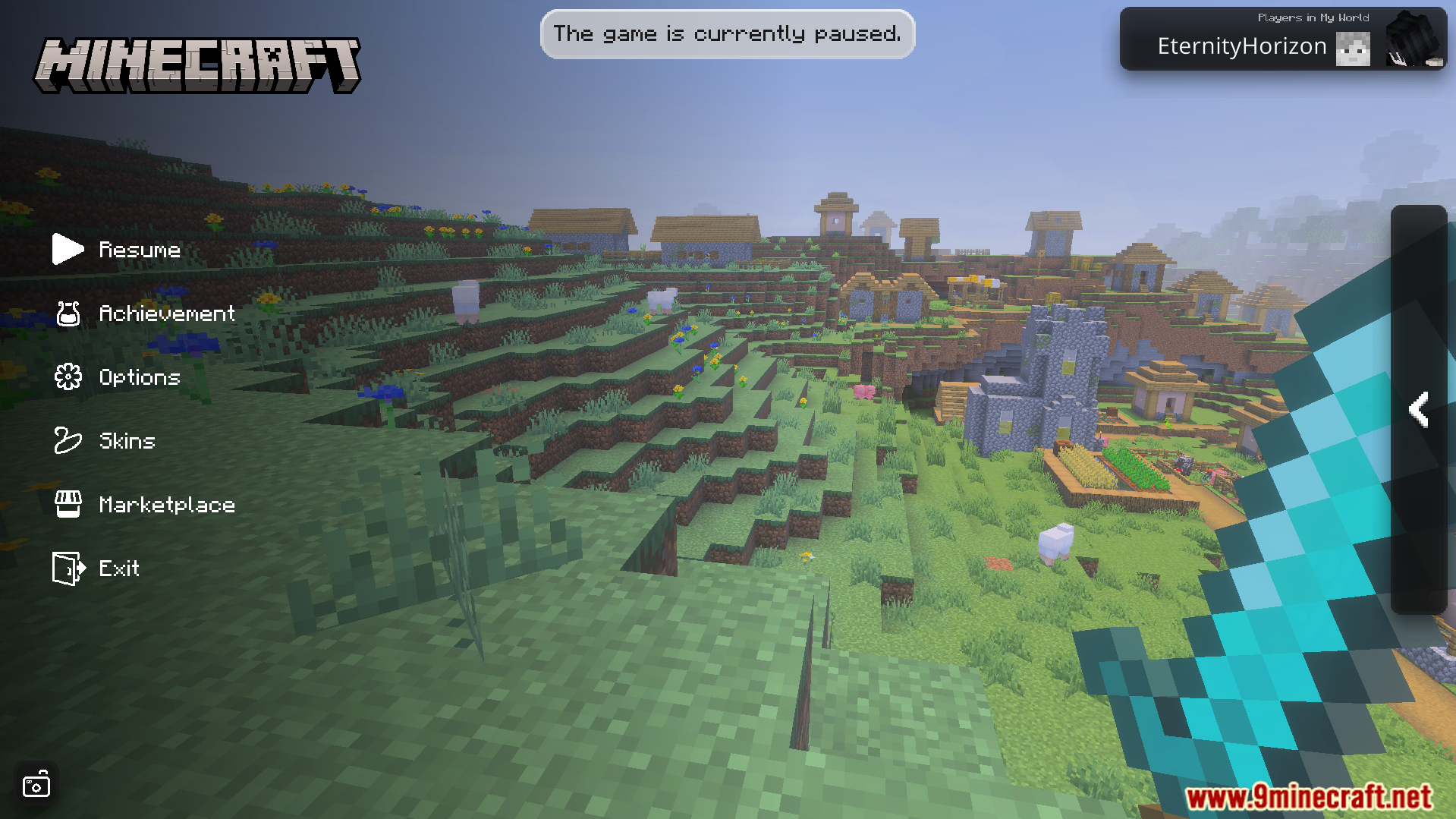
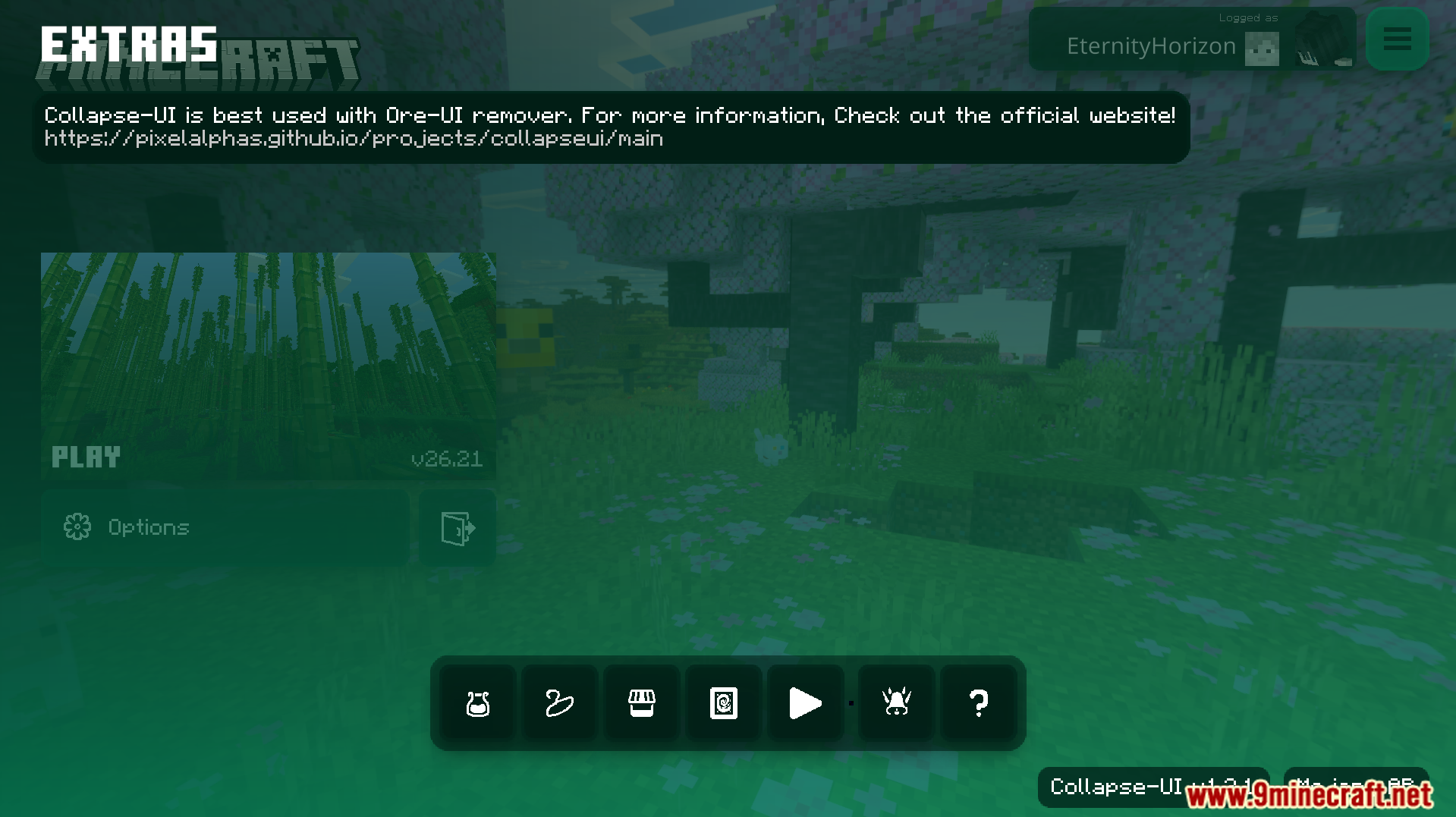
Collapse UI Texture Pack changes your Bedrock menus to look just like a console screen. It adds optimized code that allows your game screens to load much faster than normal. This pack also gives mobile players easier access to many new menu options.
Features:
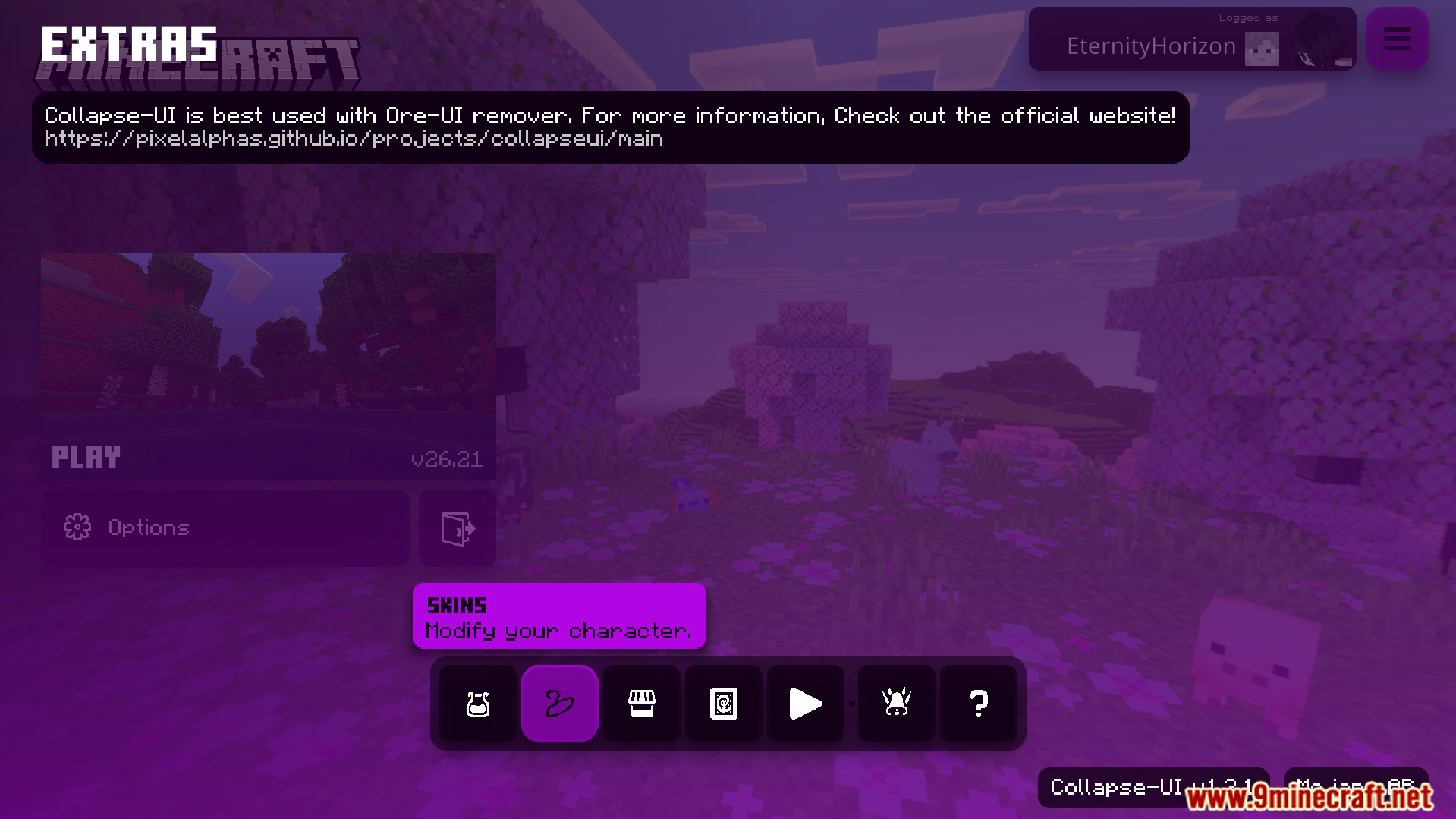
- Adds an extra menu with easy options for controllers and keyboards.
- Shows helpful descriptions inside your game settings screen.
- Changes the safezone screen to use a clean outline border.
- Updates your HUD with a themed experience bar and message area.
- Lets you view the player list directly from the pause menu.
Configuration:
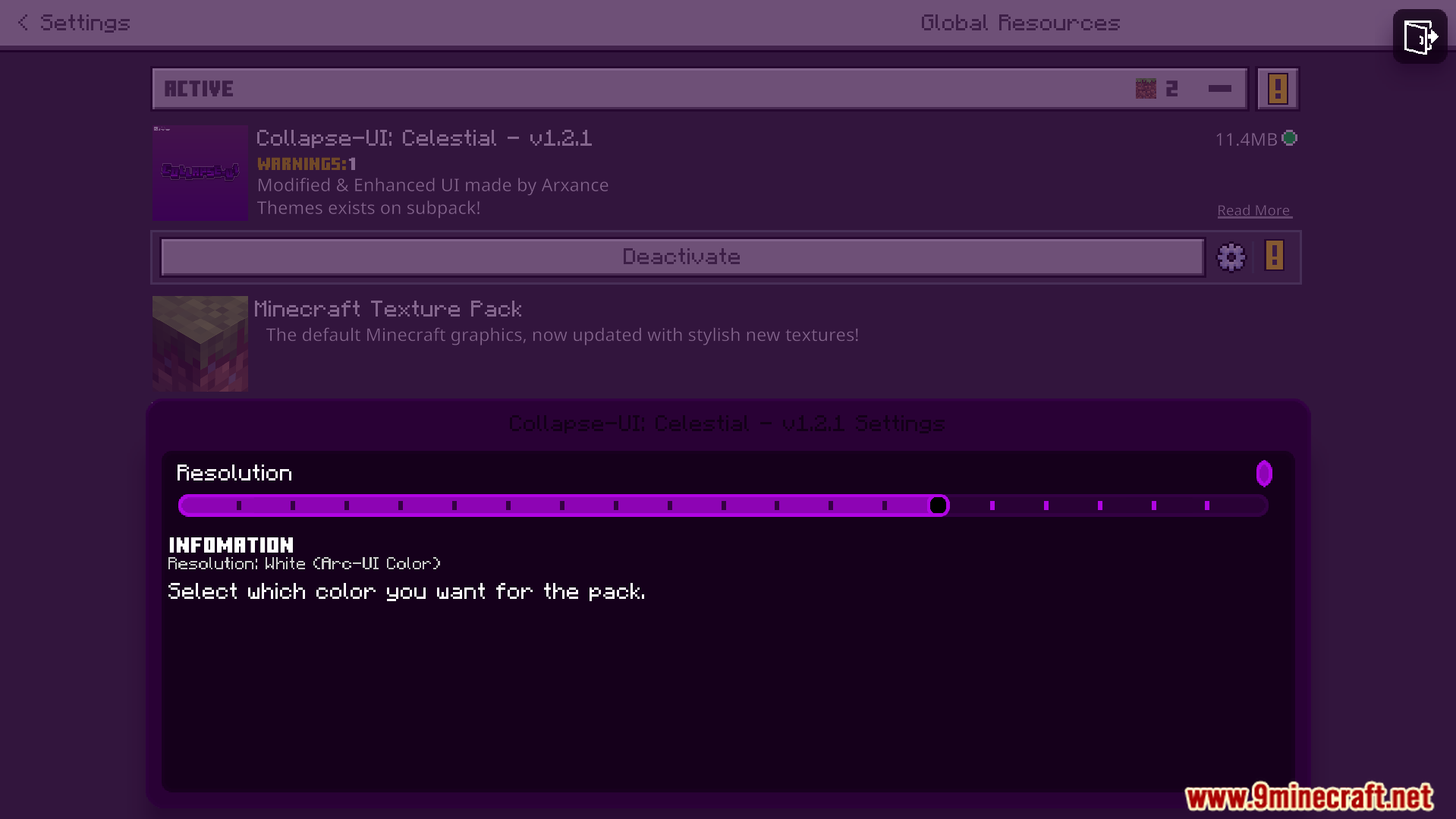
You can customize this pack using a special configuration file.
Screenshots:
How to Install:
Collapse UI Texture Pack Download Links
For MCPE/Bedrock 26.x
For MCPE/Bedrock 1.21.x
Click to rate this post!
[Total: 1 Average: 5]
You May Also Like





This post has no comments yet. Be the first — your comment will appear here.