


Brightness Plus Mod (26.2, 1.20.1) – Light Up Dark Caves Without Placing
 28
28
 0
0


🌐 Good news — we've translated this article into other languages!
Or pick the one you like:
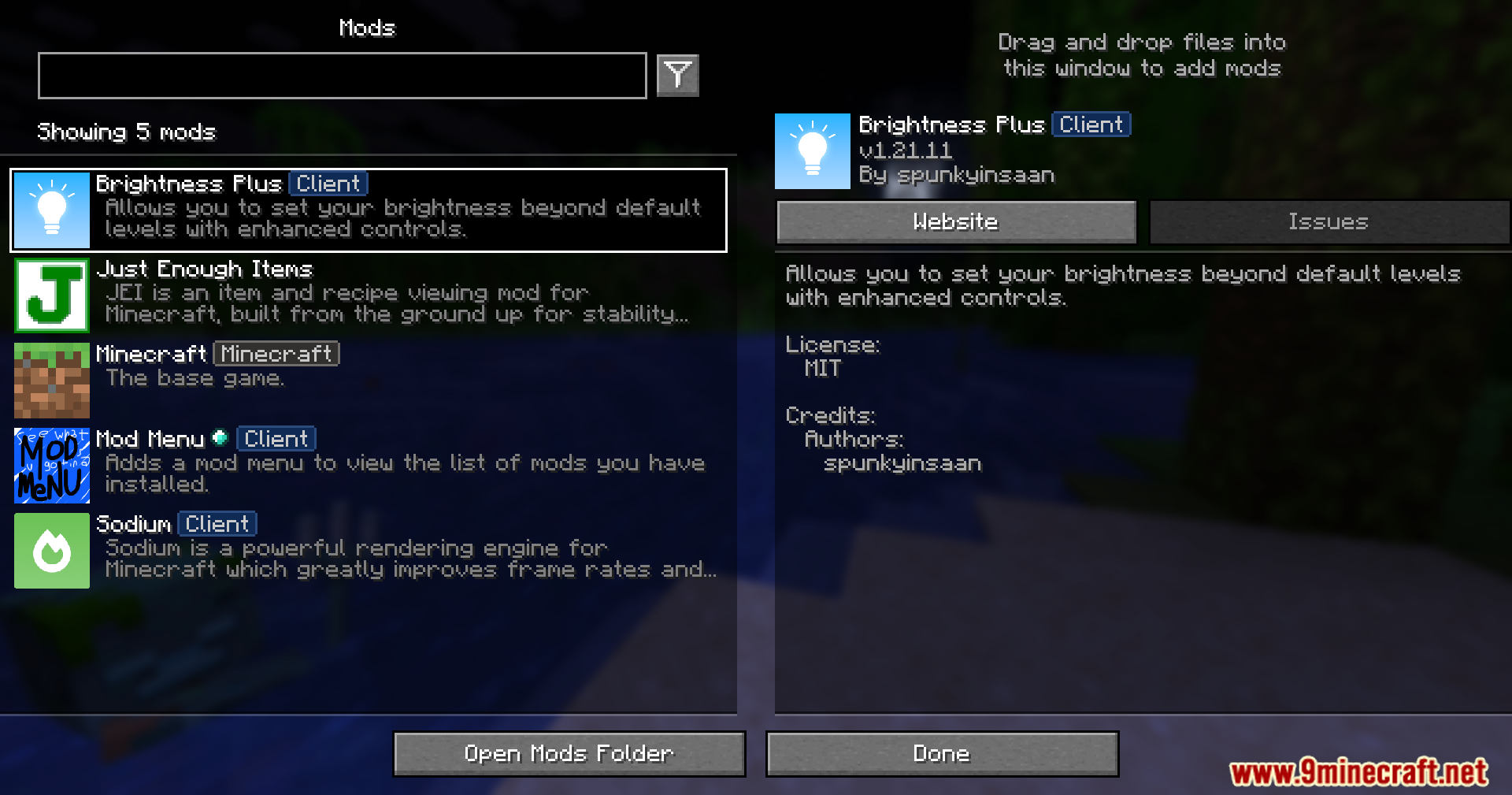
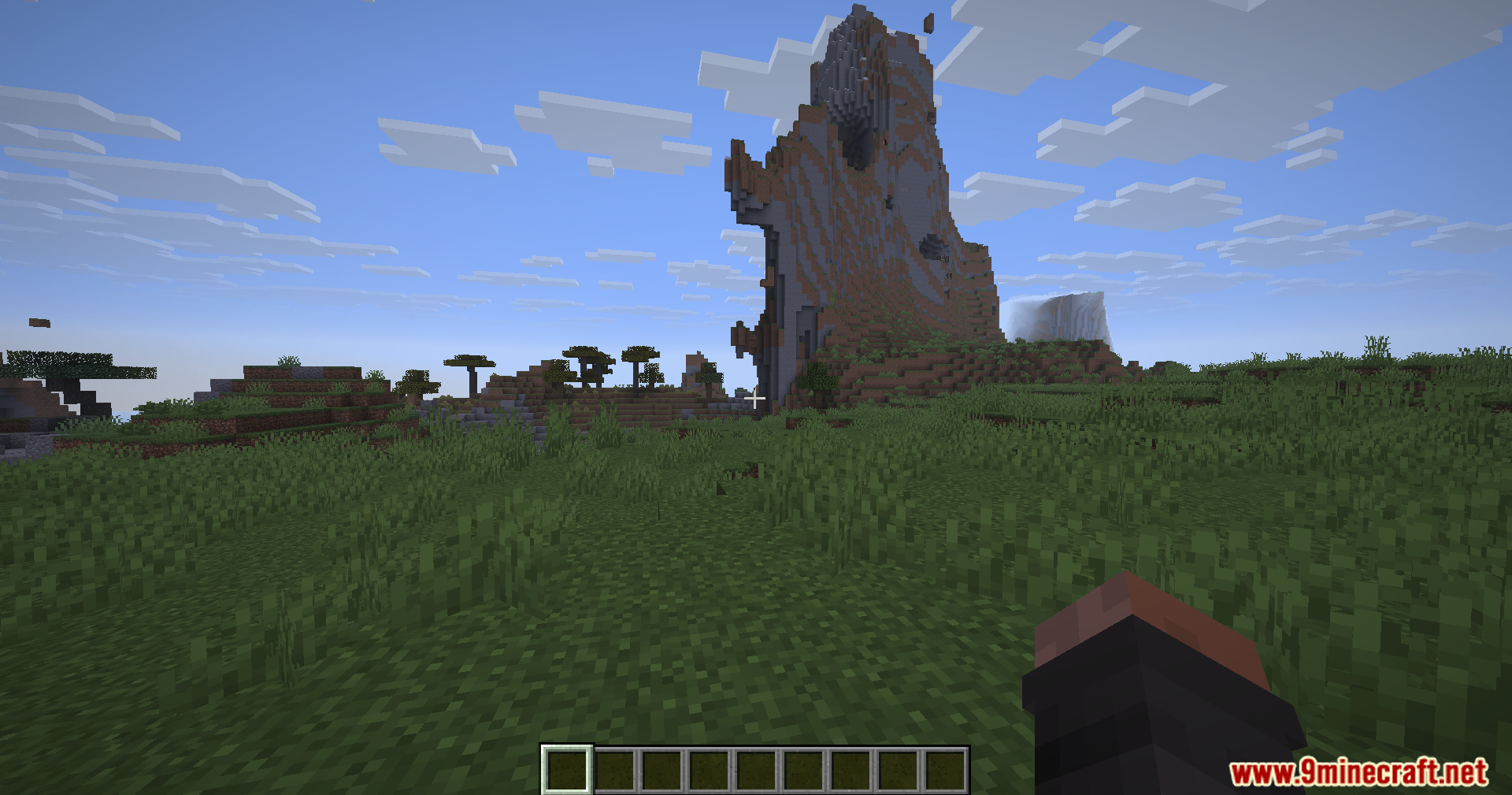
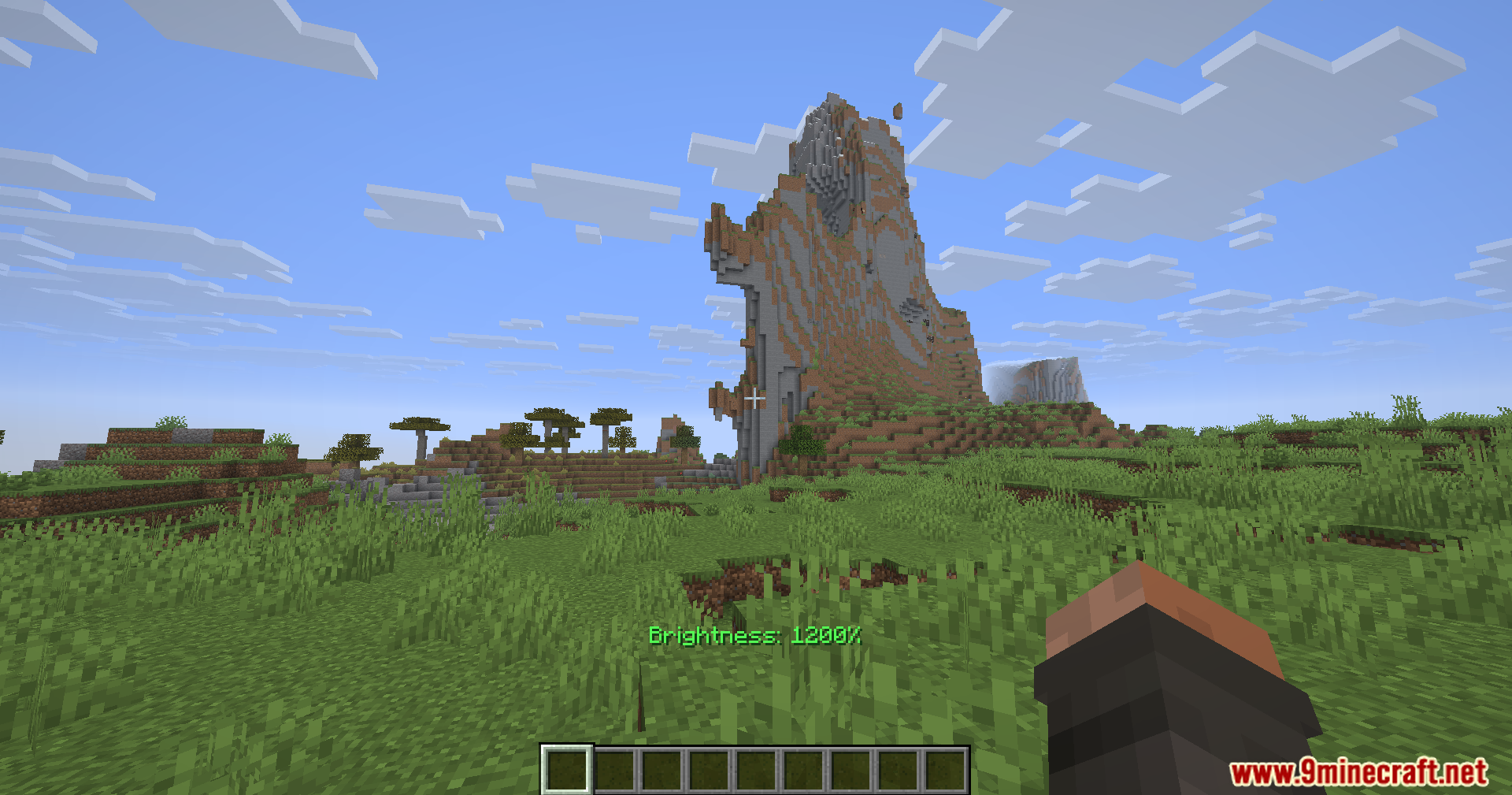
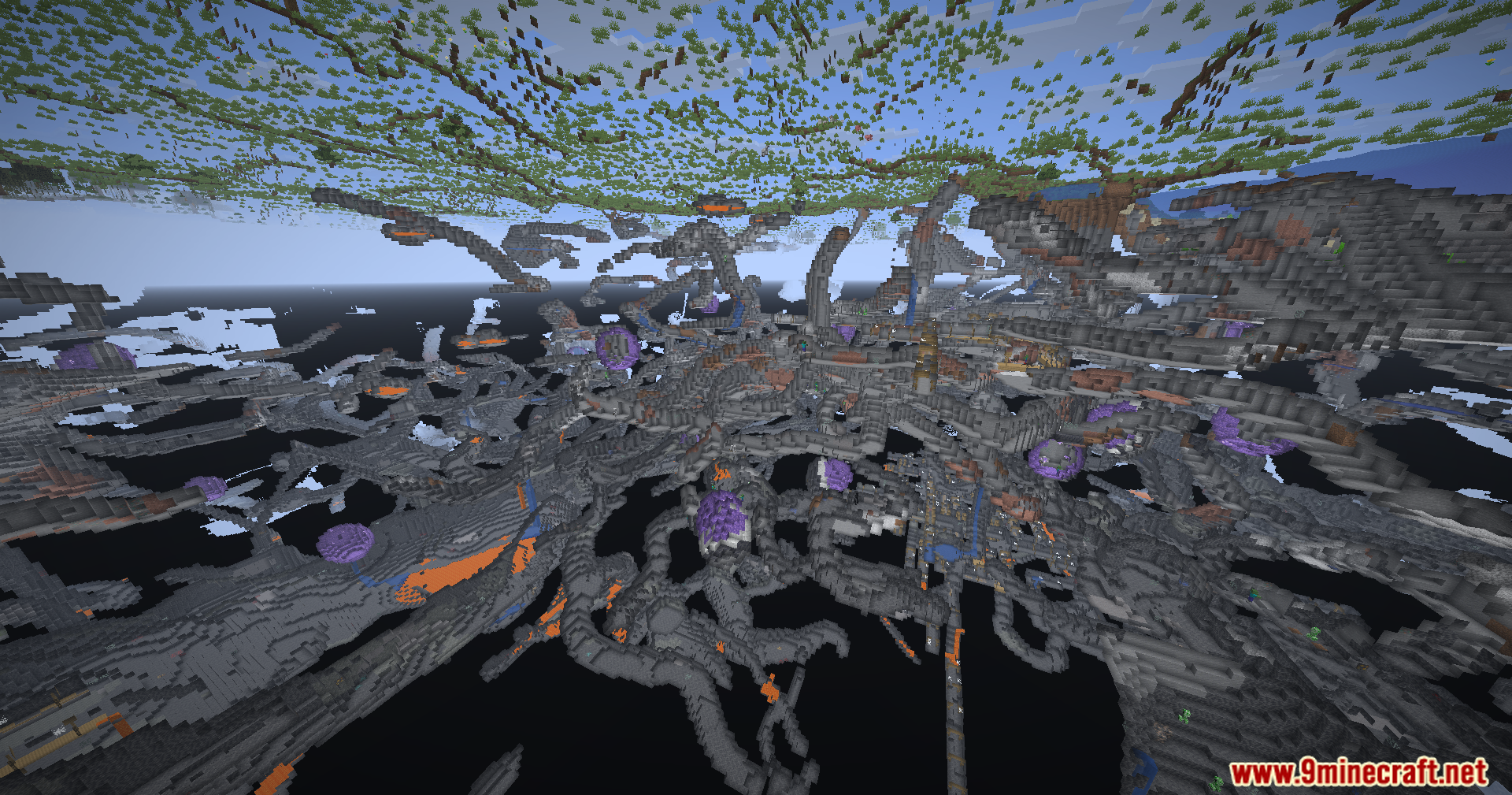
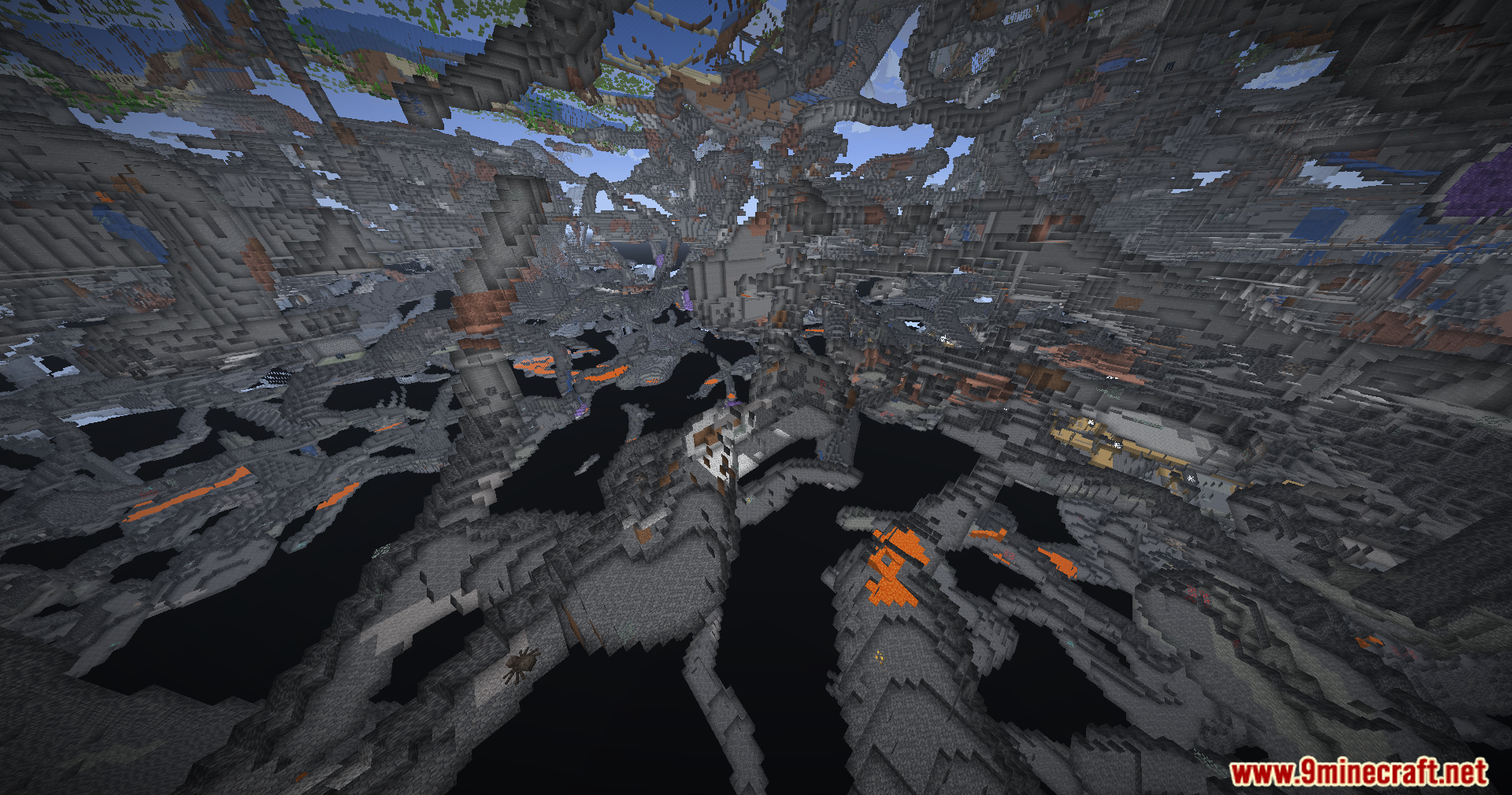
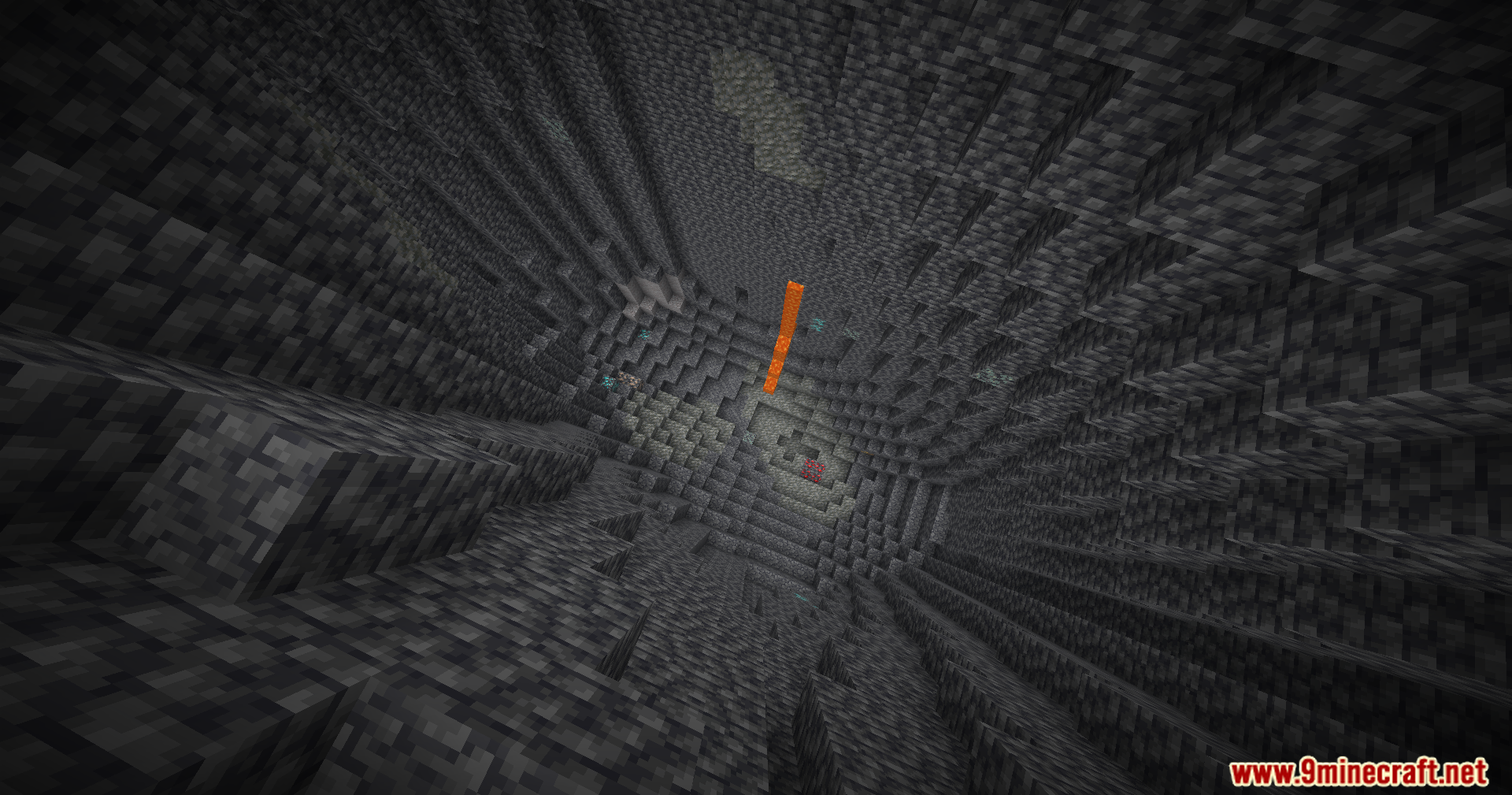
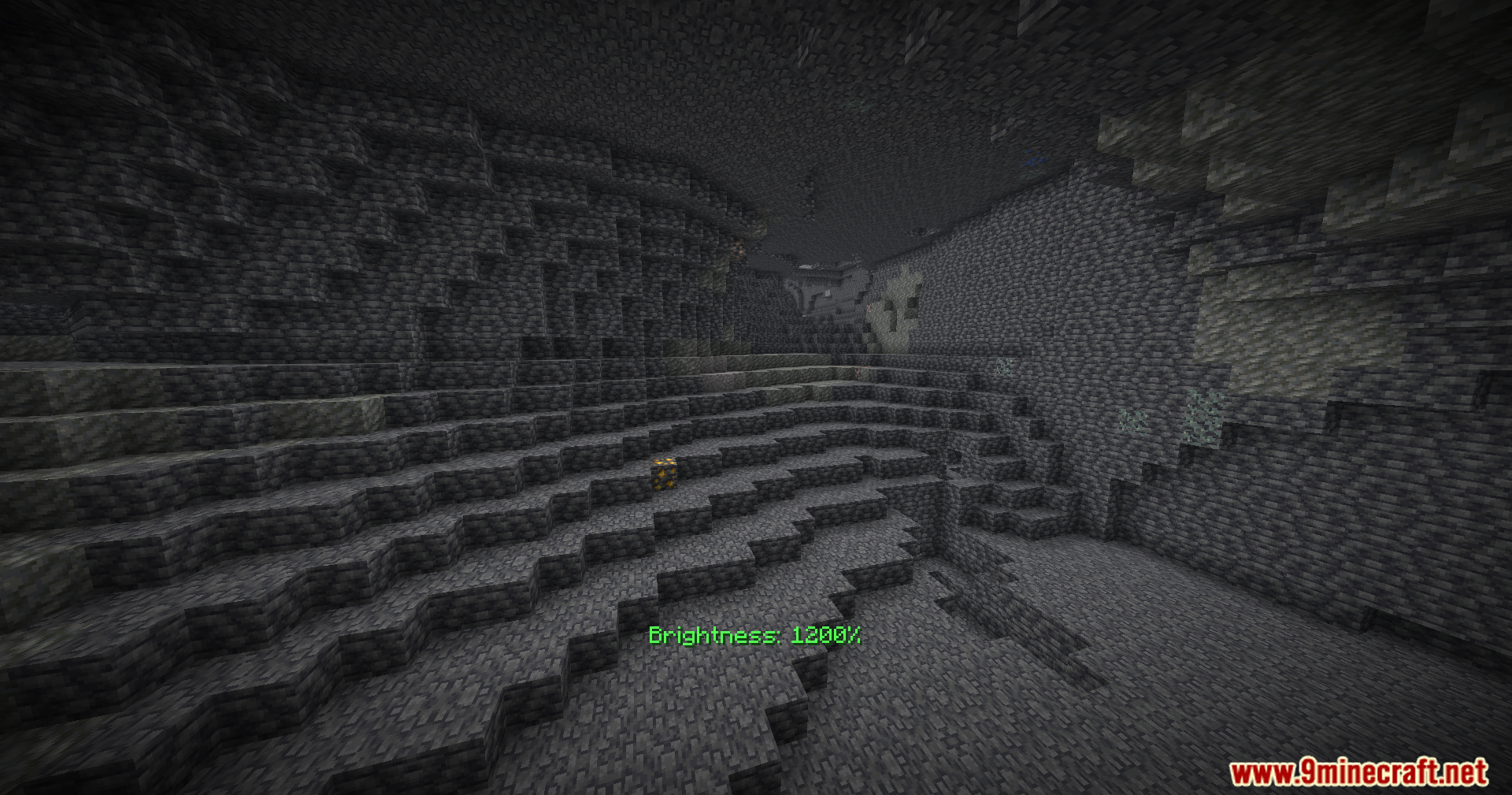
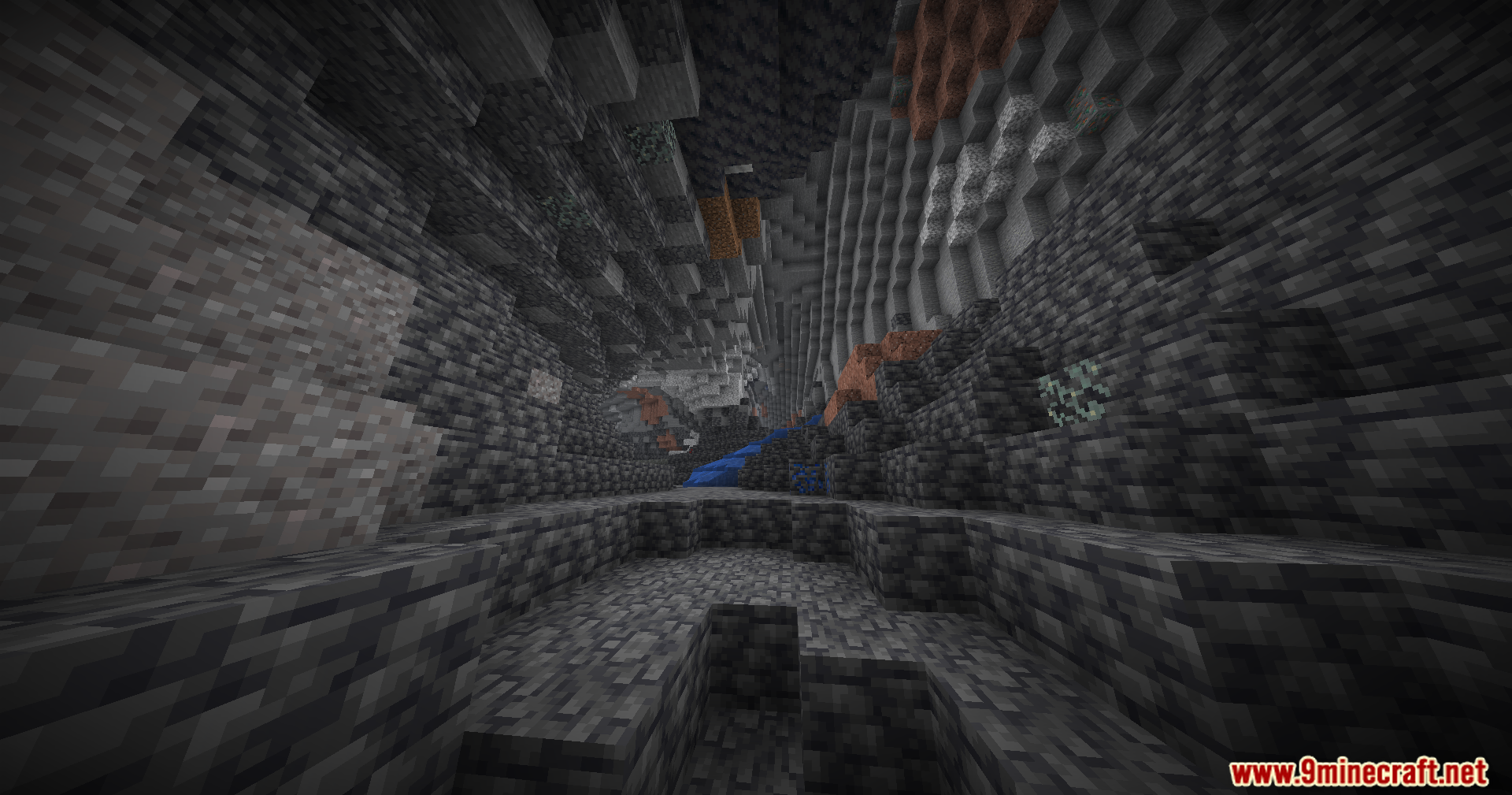
Brightness Plus Mod gives you full control over how bright your game looks. It lets you turn up the light far past the normal limits. You can explore deep underground areas without placing torches everywhere. The mod keeps your screen bright so you never miss hidden ores in the dark.

Features:
- Lets you change the brightness level from zero all the way up to 1200 percent.
- Adds a custom keybind you can press to turn the extra brightness on or off right away.
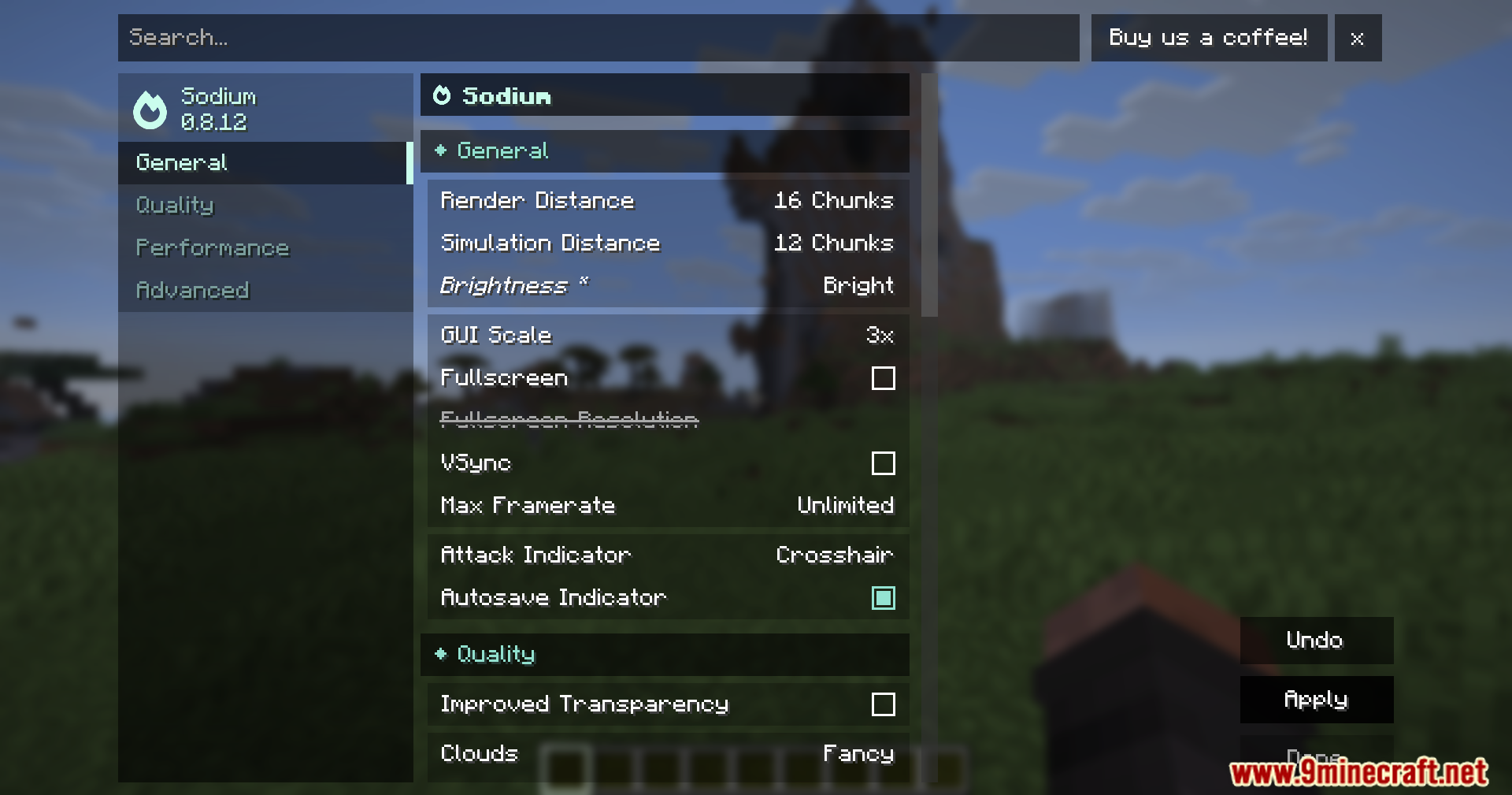
- Works well alongside popular graphics tools like Sodium, Optifine, and Vulkan.
- Saves you time since you do not need to craft torches while mining.
How to Use:
- Open your game controls menu.
- Find the new keybind option for this mod.
- Set a key that you want to press.
- Press that key while playing to switch the bright light on or off.
Screenshots:

How to Install:
New to Minecraft? Follow our step-by-step guide to install Mods on your PC.View Guide
Requirements:


Brightness Plus Mod Download Links
For Minecraft 26.2
For Minecraft 26.1.2, 26.1.1, 26.1
For Minecraft 1.21.11
For Minecraft 1.21.10, 1.21.9
For Minecraft 1.21.8, 1.21.7, 1.21.6
For Minecraft 1.21.5
For Minecraft 1.21.4
For Minecraft 1.21.1, 1.21
For Minecraft 1.20.1, 1.20
Click to rate this post!
[Total: 1 Average: 5]
You May Also Like










This post has no comments yet. Be the first — your comment will appear here.