


Disable Fog Mod (26.2, 1.20.1) – See To The Edge Of Your World Without Blurry

 0
0 

🌐 Good news — we've translated this article into other languages!
Or pick the one you like:
Disable Fog Mod lets you turn off the blurry fog that blocks your view in Minecraft. It gives you clear vision across the world by removing the haze that hides faraway chunks or dark areas. You can pick exactly which types of fog you want to keep and which ones to hide.
Features:
- Custom Fog Control: Lets you choose exactly which fog effects stay and which ones disappear.
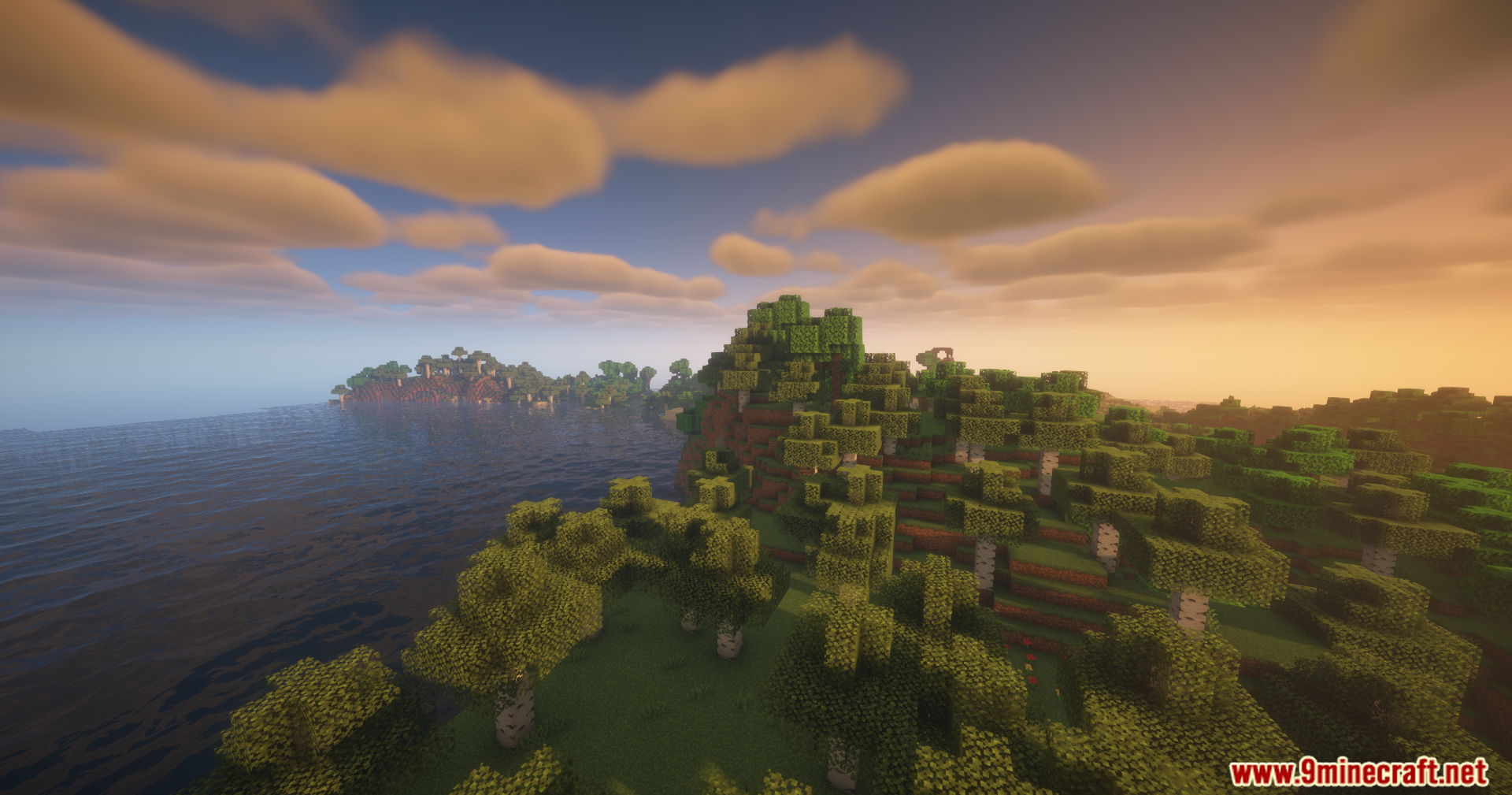
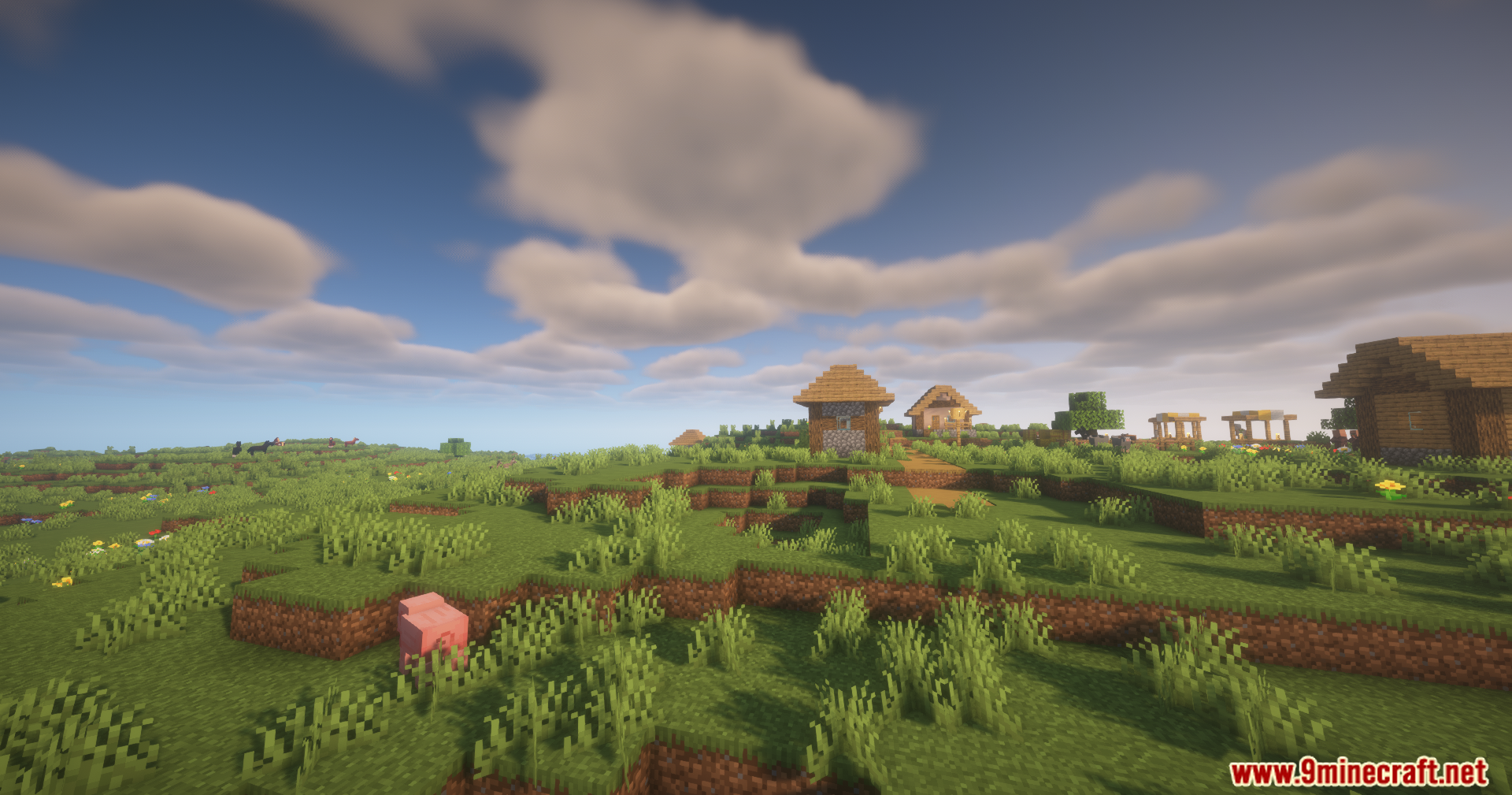
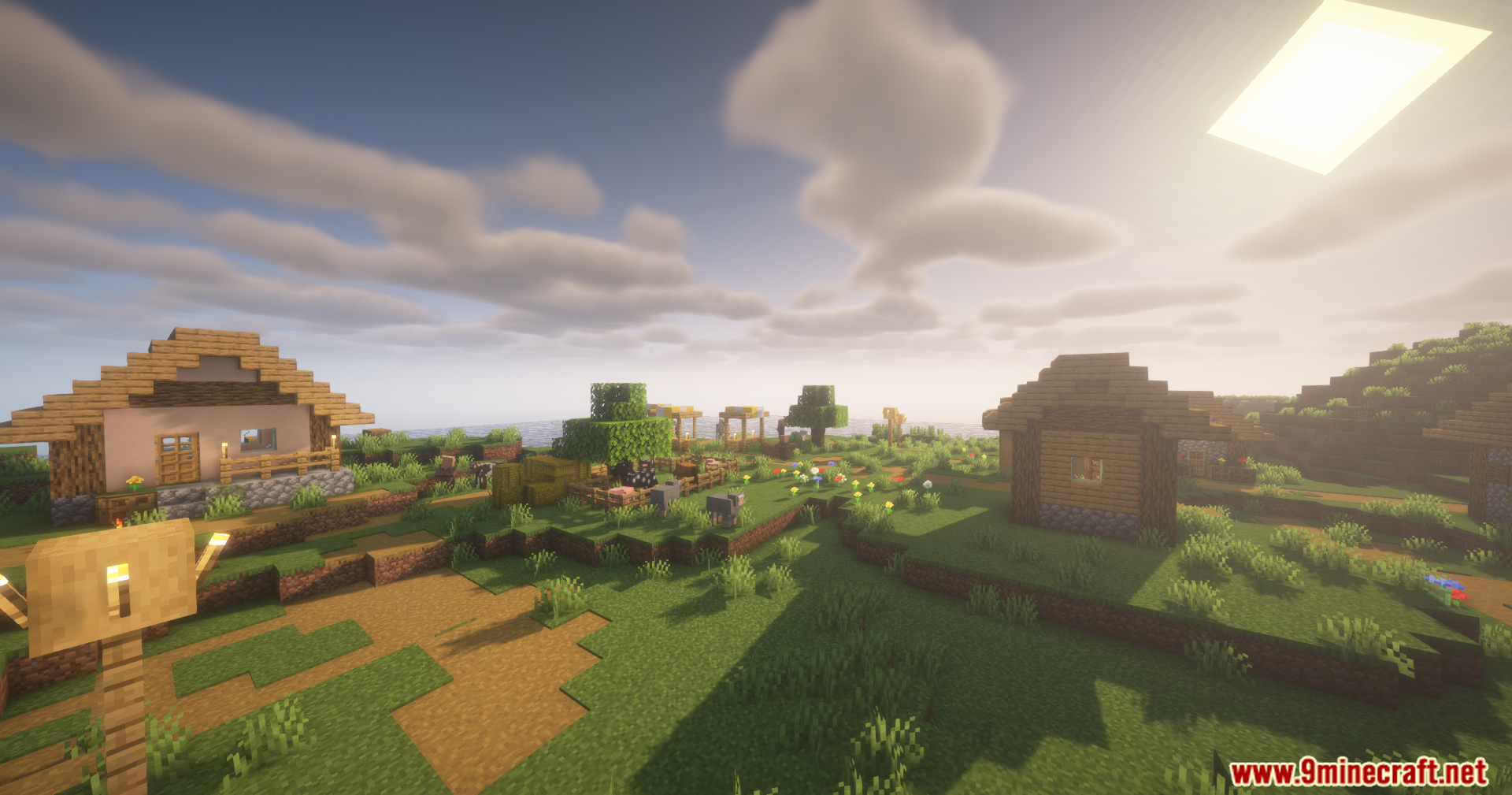
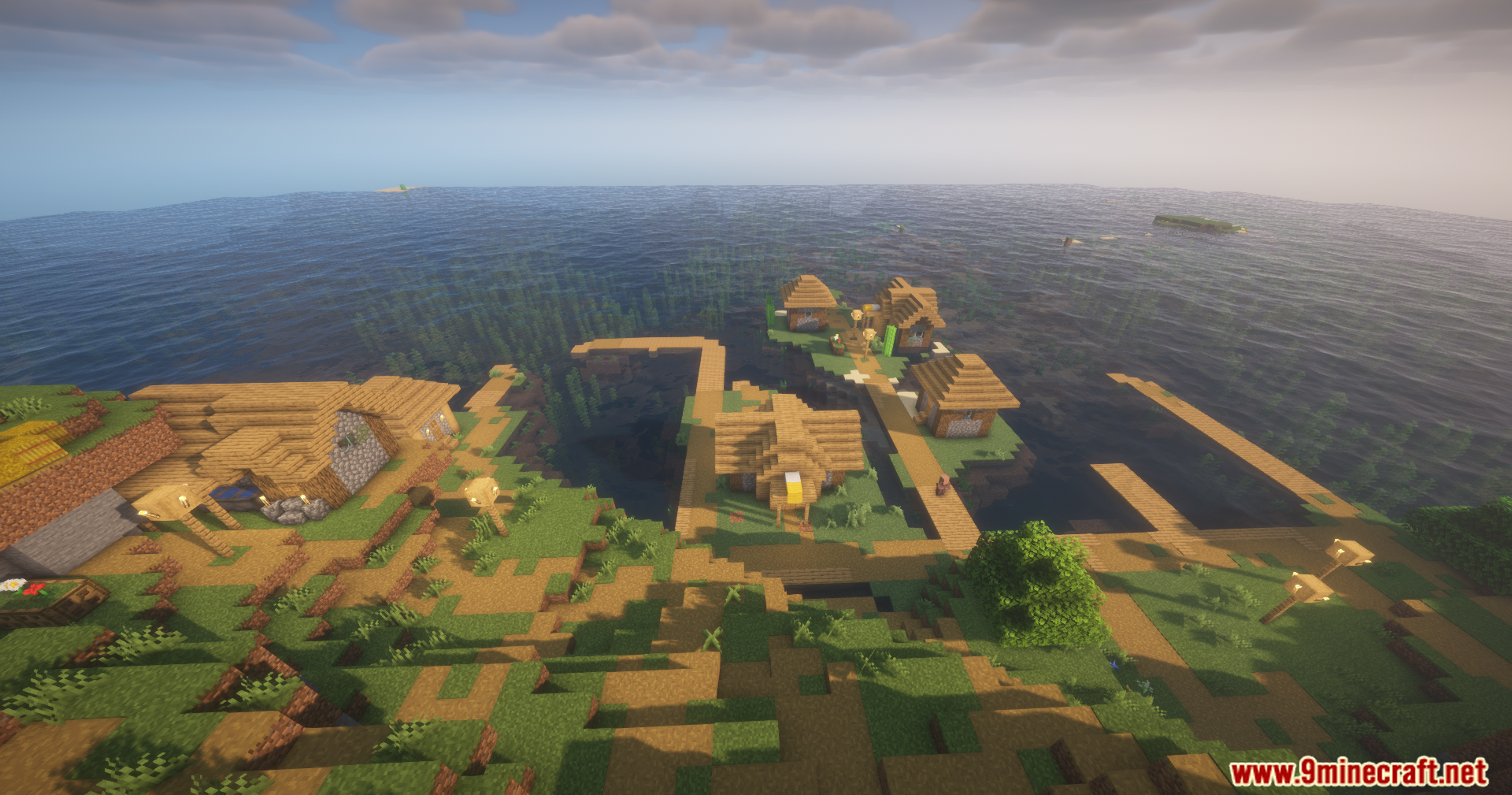
- Removes terrain fog so you can see all the way to the edge of your render distance.
- Clears up the thick atmospheric fog in the Overworld sky and the Nether.
- Turns off the lava fog so you can spot ores and dangers while swimming in lava.
- Cleans up underwater vision by removing the murky water fog.
- Stops the whiteout effect when you get trapped inside powder snow blocks.
- Blocks the blurry fog caused by the blindness potion effect.
- Cancels out the darkness fog that happens when a Warden is nearby.
- Lets you set different rules for each dimension, including custom worlds added by other mods.
Configuration:
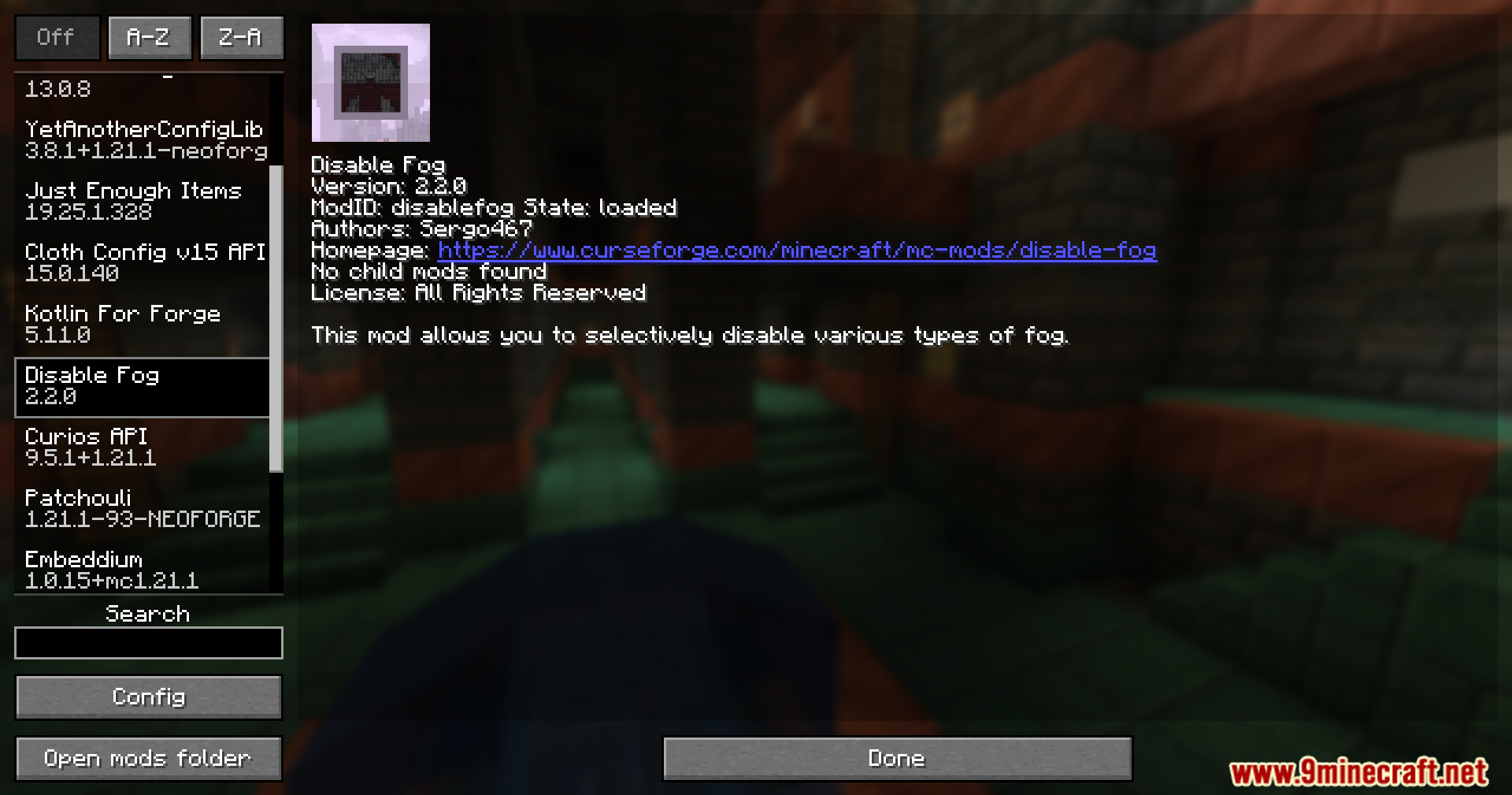
- Includes a built-in settings menu so you can change your fog rules right inside the game.
- Fabric and Quilt players need ModMenu to open the settings screen.
- Forge and NeoForge players can just click the Config button in the regular mods menu.
How to Use:
- Load into your world. The terrain and sky fog are already turned off by default.
- Open your mods menu and click the config button for this mod.
- Go through the list and turn individual fog types on or off based on what you want to see.
- Set up custom rules for specific dimensions if you want the Nether to look different from the Overworld.
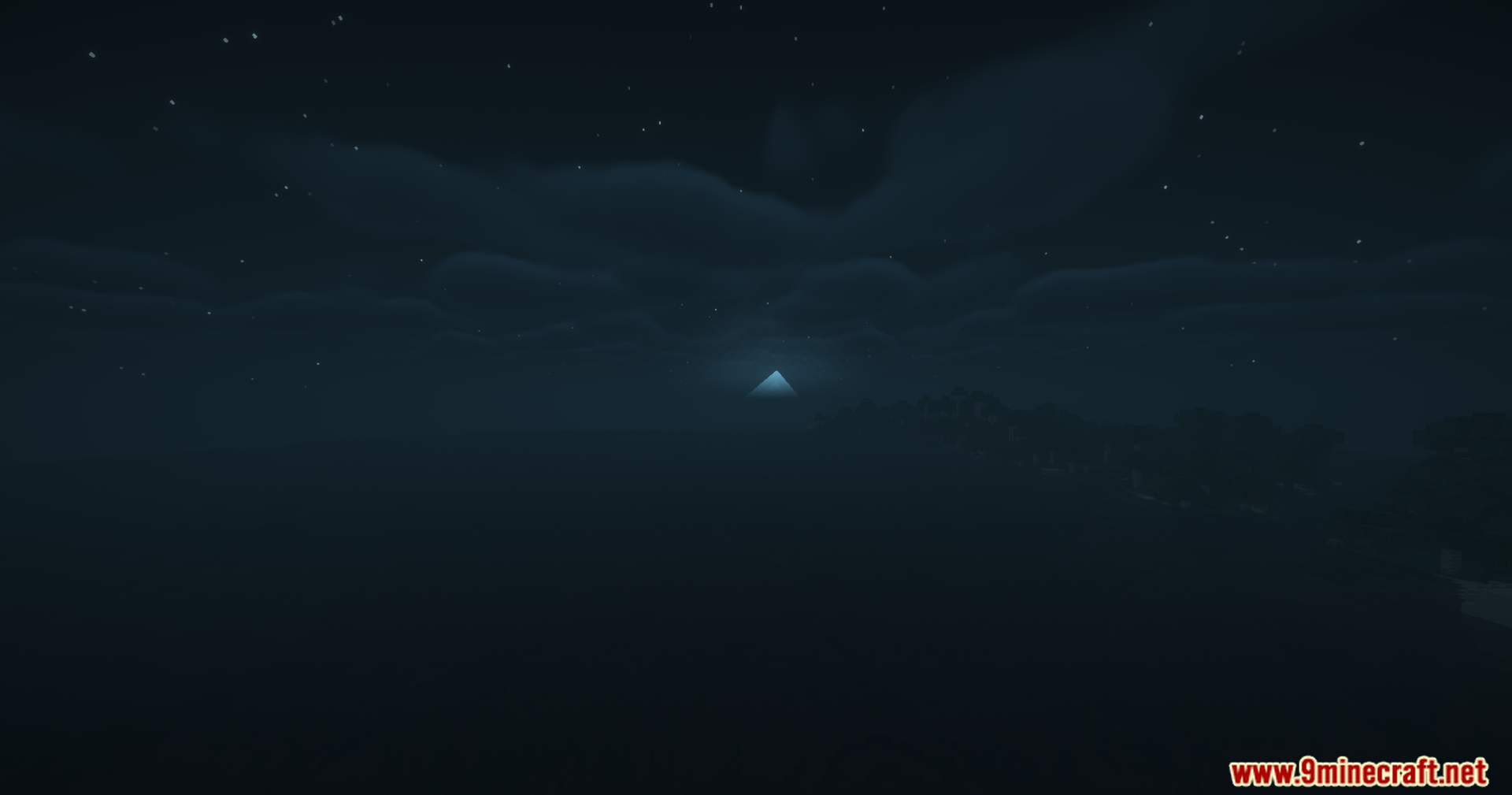
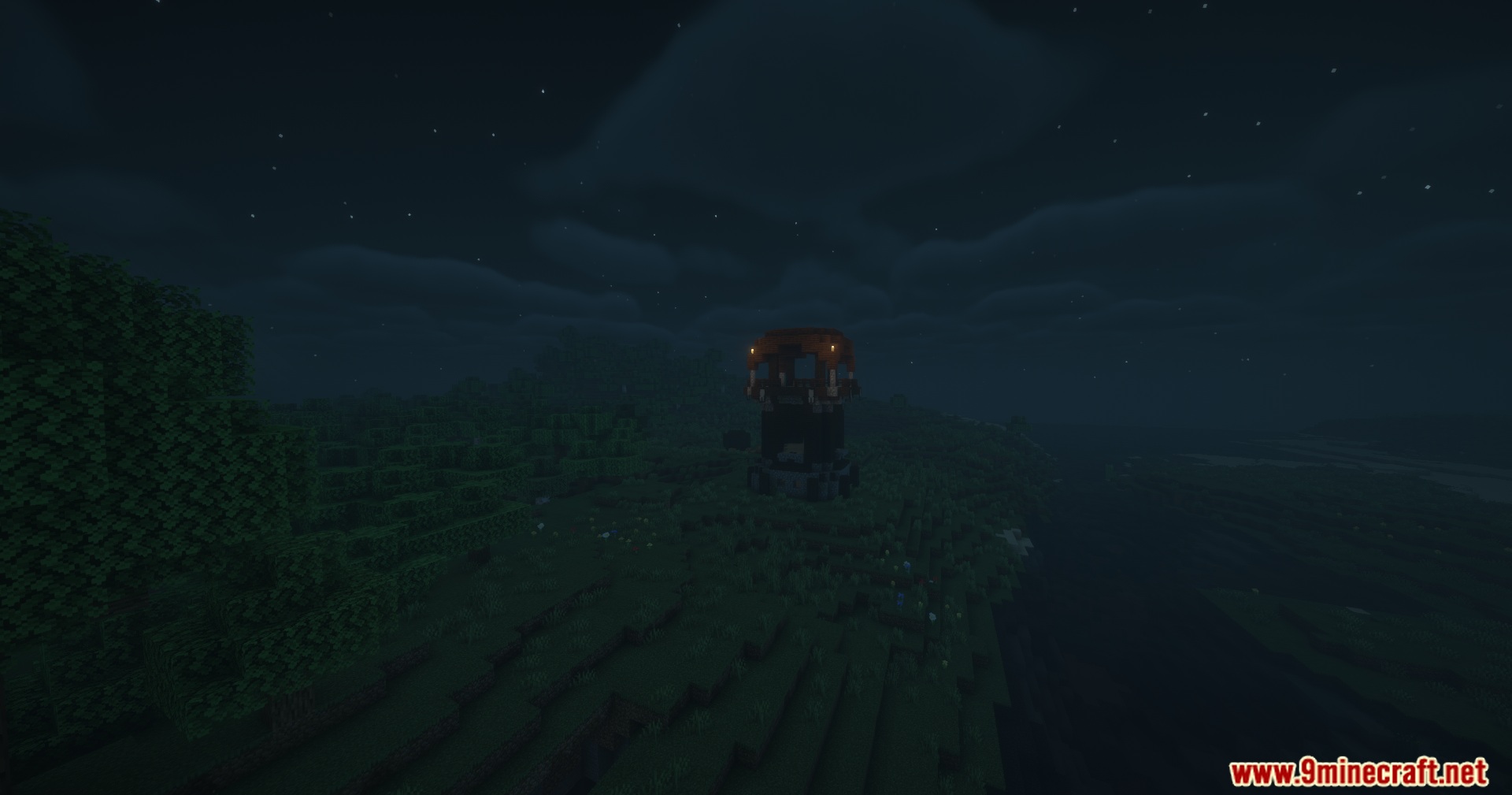
Screenshots:
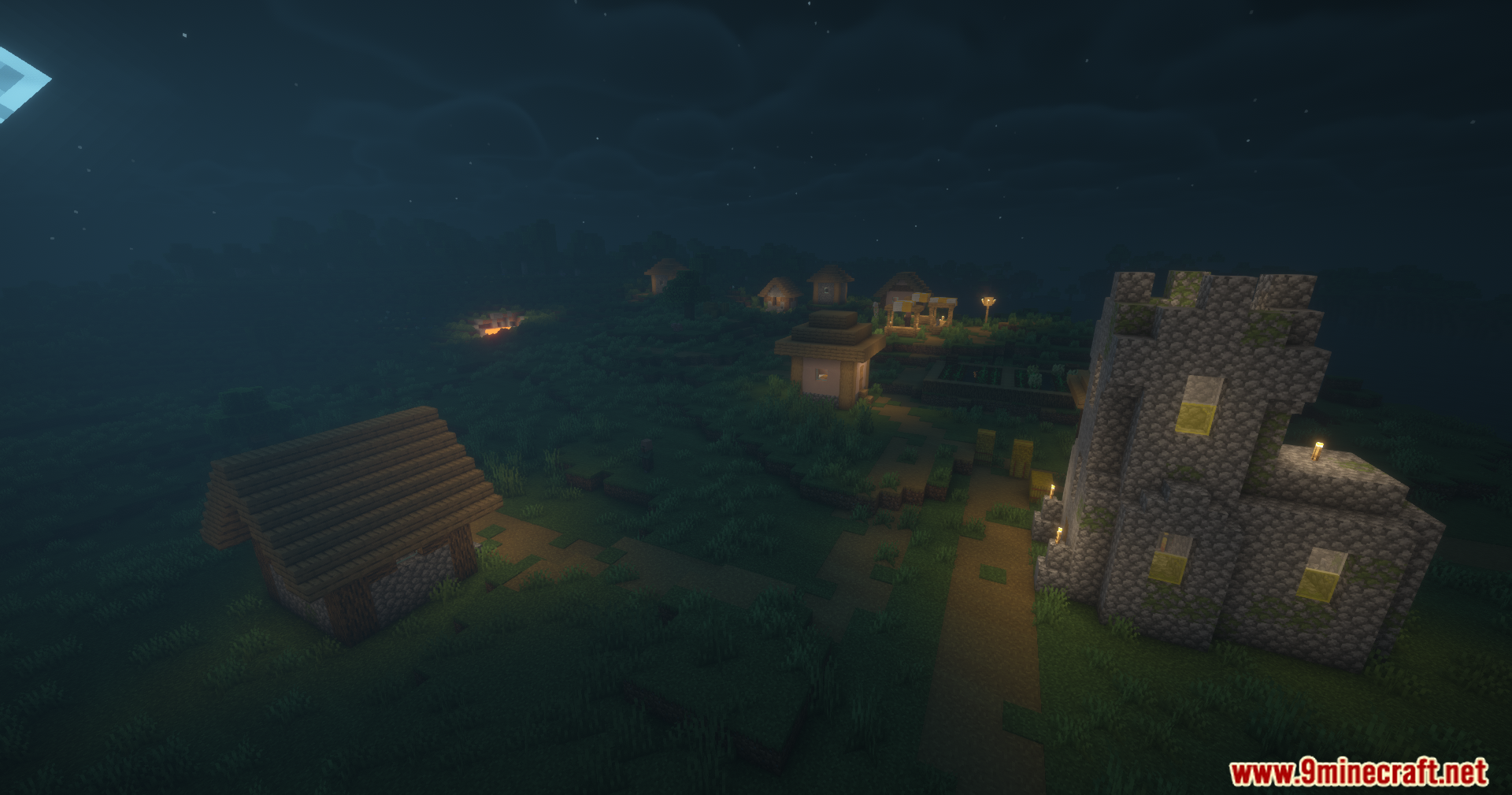
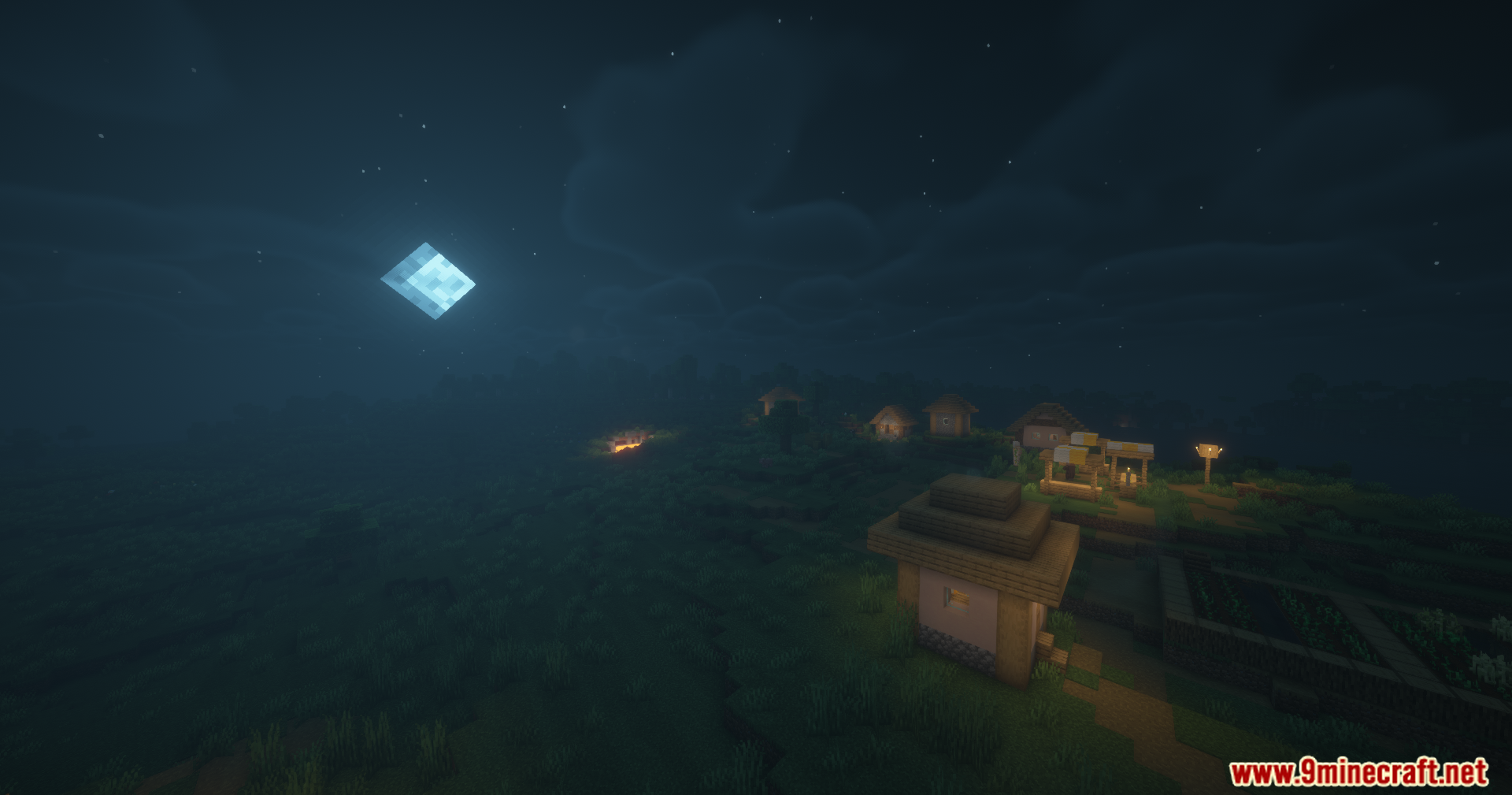
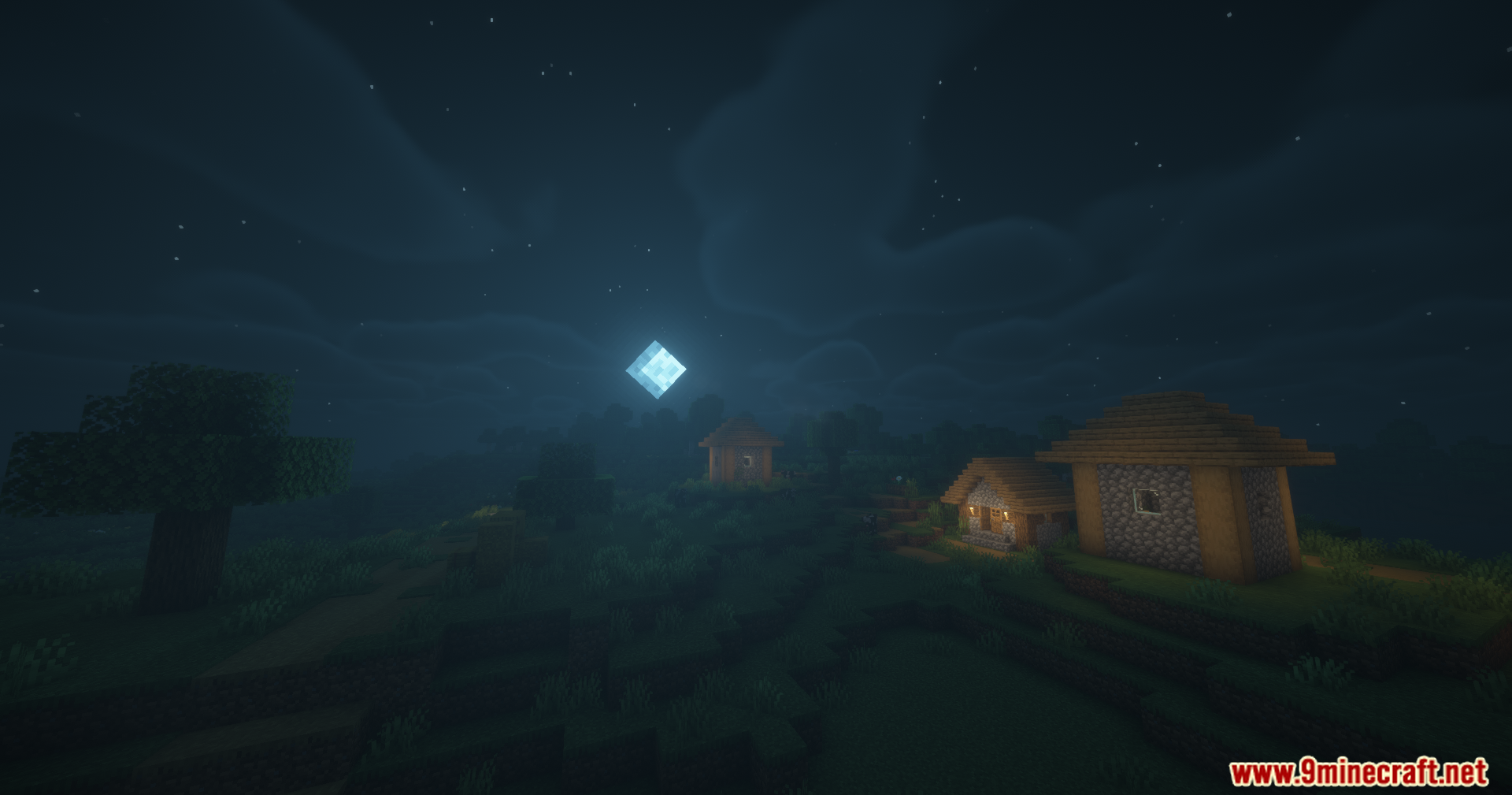
How to Install:
New to Minecraft? Follow our step-by-step guide to install Mods on your PC.View Guide
Requirements:
 Minecraft Forge Required
 Fabric Loader Required
 Fabric API Required
Quilt Loader Required
 NeoForge Required
 Cloth Config API Required
 Mod Menu Mod Required
ModMenu Required
Disable Fog Mod Download Links
For Minecraft 26.2
For Minecraft 26.1.2, 26.1.1, 26.1
For Minecraft 1.21.11
For Minecraft 1.21.1, 1.21
For Minecraft 1.20.1, 1.20
Click to rate this post!
[Total: 1 Average: 5]
You May Also Like






This post has no comments yet. Be the first — your comment will appear here.