
Medieval Tower Schematic (1.12.x) – Tall Stone And Wood Defense Outpost
 31
 0


Medieval Tower Schematic brings a tall stone and wood outpost into your world. You can place this structure in any village or castle wall to keep watch over the land. It uses basic blocks so you do not need extra mods to load it. This build saves you time when you want to set up a quick defense or decorate a kingdom.
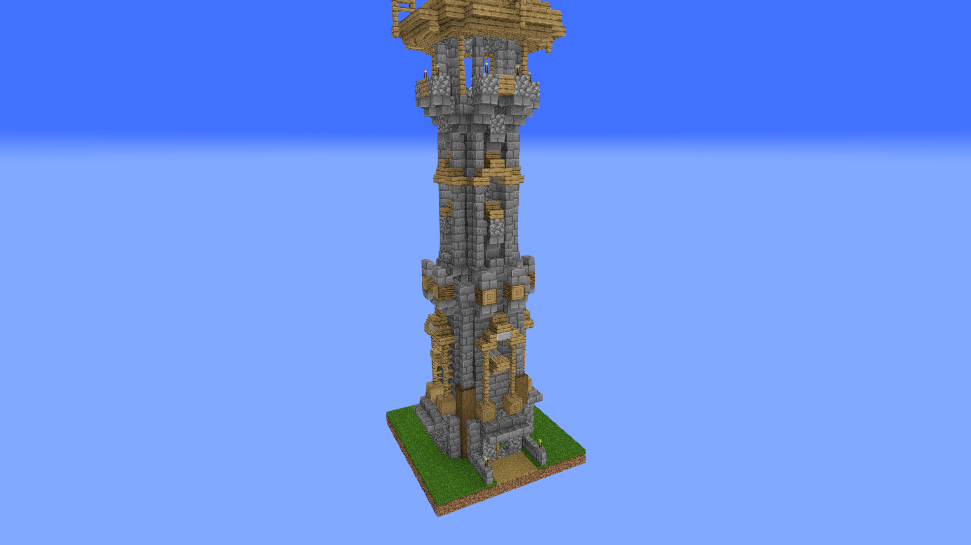
3D Preview & Editor:
Materials
21 types · 906 blocks
| Stone Brick Wall | 136 | Oak Stairs | 119 | Grass Block | 97 | |||
| Cobblestone | 95 | Stone Brick Slab | 85 | Oak Fence | 79 | |||
| Stone Brick Stairs | 68 | Stone Bricks | 63 | Oak Planks | 45 | |||
| Ladder | 22 | Stripped Spruce Log | 20 | Torch | 18 | |||
| Wall Torch | 12 | Spruce Log | 10 | Stripped Oak Log | 8 | |||
| Oak Log | 8 | Dirt Path | 7 | Oak Slab | 7 | |||
| Smooth Stone Slab | 4 | Oak Door | 2 | Dirt | 1 |
How to place this schematic
.litematic This is a Litematica schematic. You place it with the Litematica mod, which shows the build as a ghost overlay you fill in.
| 1 | Install Litematica (plus MaLiLib) for your Minecraft version. |
| 2 | Put the .litematic file in .minecraft/schematics. |
| 3 | In game press M → Load Schematics, pick the file, then Load. |
| 4 | Position the ghost preview, then build it by hand — or turn on Easy Place to place blocks straight from your hotbar. |
Features:
- Stands 36 blocks tall and takes up an 11 by 11 block space on the ground.
- Contains exactly 906 blocks, making it a quick and light build to paste into your game.
- Uses only normal Minecraft blocks, so it works in a plain vanilla world.
- Fits well with castle themes, old villages, or fantasy towns.
- Comes as a LITEMATIC file that you can easily load with schematic tools.
Schematic Specs:
 Minecraft1.12.x
 Dimensions11×36×11
 Total Blocks906
Medieval Tower Schematic Download Links
For Minecraft 1.12.x
Click to rate this post!
[Total: 0 Average: 0]
You May Also Like
Picked for this page
 Gold Farm Schematic (1.21.x) – Automatic Nether Roof Gold Farm
 Pokémon Temple Arena Japanese Litematica Schematic (1.21.x) – Large Asian Fortress With Fighting Rin
 Konsts Tnt Minecart Crafter Schematic (1.12.x) – Automated TNT Minecart Crafting Farm Build
 Damocless Code Geass Schematic (1.21.x) – Floating City Build From Code Geass
 Four Masted Barque Schematic (1.21.x) – Large Sailing Ship Build With Four Masts
 Netherless Bamboo Farm Schematic (1.21.x) – Auto Bamboo Farm Without Nether Blocks
 Twenture Emerald Spawner Farm Schematic (1.21.x) – Double Vindicator Spawner Emerald Farm Layout
 Cherry Blossom Manor 3 Schematic (1.20.x) – Large Vanilla Mansion Build For Your World
 Zamek Boskie Buty Schematic (1.21.x) – Massive Dark Castle Litematic Build
 Mini Freddy Pizzeria Schematic (1.21.x) – A Small FNAF Restaurant Build For Your World
 Cozy Stable Schematic (1.21.x) – Modern Rustic Wooden Horse Stable Build
 Applebees Schematic (1.19.x) – Small Modern Kitchen Building Structure
Most viewed in Schematics over the last 7 days
 Fastest Bonemeal Farm Donut Smp Schematic (1.21.x) – Fast Redstone Bonemeal Farm Build
 64 Module Cobblestone Farm Schematic (1.21.x) – Massive Automated Stone Gathering Build
 KelpFarmV9.9 Schematic (1.21.x) – Compact And Simple Seaweed Farm Build
- Gold Farm Schematic (1.21.x) – Automatic Nether Roof Gold Farm
 Villager Trading Hall Schematic (1.21.x) – Modern Shop Build For 48 Villagers
 Bamboo Farm Schematic (1.21.x) – Small Automated Redstone Bamboo Farm
 Best Railgun Tp Trap on Donutsmp Schematic (1.21.x) – Unescapable Multiplayer Redstone Trap Build
 Minutes End Base Before Spoke Null End Video Schematic (1.21.x) – Giant Unstable SMP End Base Schema
 Bamboss V2 800k Bamboo per Hour Schematic (1.21.x) – High Speed Automated Bamboo Farm Schematic
 36 Module Cobble Farm 18m per Hour Donut SMP Schematic (1.21.x) – Massive Automated Stone Generator
 Donut Smp Stash and Regear Schematic (1.21.x) – Large Storage And Regear Room Build
 Unstable SMP S Bomer Schematic (1.21.x) – Large Bomber Machine Build For Worlds
More from Schematics
 Big Custom Tree Schematic (1.21.x) – Detailed Large Tree for Your World
 Medieval Decorations Schematic (1.21.x) – Detailed Medieval Builds For Your World
 Backroom Schematic (1.21.x) – Large Ancient Maze for Minecraft Worlds
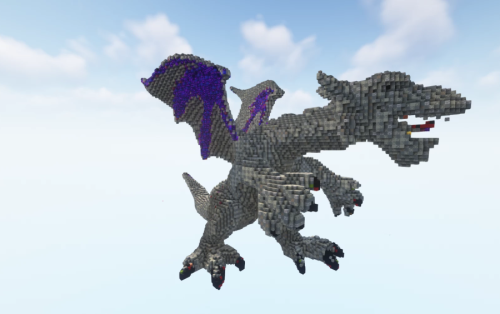 Dragon Spike 3d Schematic (1.21.x) – Build a Massive Fantasy Dragon Statue
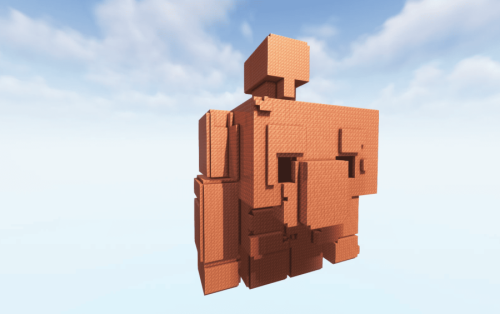 Copper Golem 3d Schematic (1.21.x) – Huge 3D Statue for Fantasy Worlds
 Pid Mud 3d Schematic (1.21.x) – Giant 3D Mud Pig Statue Build
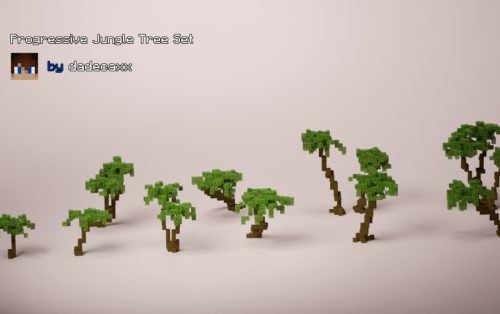 Progressive Jungle Tree Set Schematic (1.21.x) – Custom Tropical Tree Designs for Your World
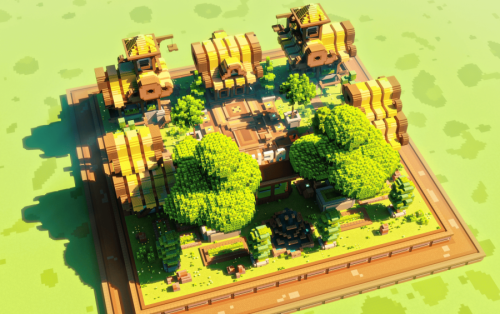 Medieval Economy Spawn Schematic (1.21.x) – A Complete Medieval Hub for Server Spawns
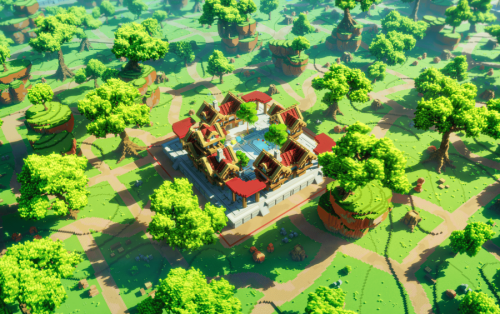 Medieval Spawn with Warzone Schematic (1.21.x) – Massive Medieval Lobby With PvP Warzone
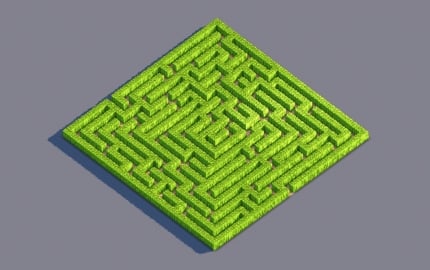 Hedge Maze Garden Decoration Schematic (1.21.x) – Classic Hedge Maze for Castle Gardens
 Mapart Sad Minion Schematic (1.21.x) – Build A Detailed Map Art Minion
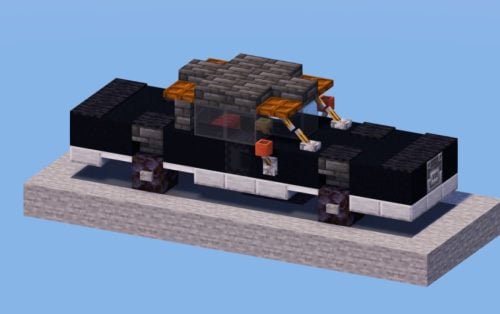 Black Car Schematic (1.21.x) – Sleek Modern Vehicle for City Streets

This post has no comments yet. Be the first — your comment will appear here.