
Stone House 3 Schematic (1.20.x) – Tall Stone Building Base Layout

 0


Stone House 3 Schematic gives you a ready-to-build home for your Minecraft world. It packs a tall, detailed stone building into a small footprint, saving you time on designing and placing blocks.
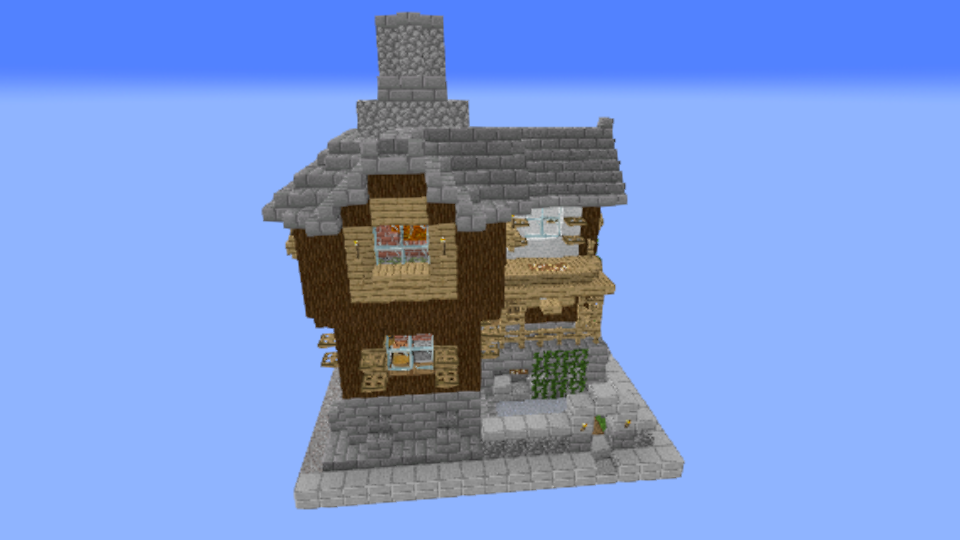
3D Preview & Editor:
Materials
39 types · 1,548 blocks
| Spruce Log | 188 | Oak Planks | 179 | Stone Bricks | 145 | |||
| Stone Brick Stairs | 134 | Stone Brick Slab | 112 | Bricks | 94 | |||
| Cobblestone | 81 | Dirt | 72 | Glass Pane | 58 | |||
| Smooth Stone Slab | 52 | Grass Block | 43 | White Wool | 43 | |||
| Oak Fence | 39 | Oak Trapdoor | 36 | Petrified Oak Slab | 31 | |||
| Vine | 28 | Brick Slab | 24 | Wall Torch | 22 | |||
| Chest | 18 | Furnace | 16 | Oak Stairs | 16 | |||
| Gravel | 13 | Clay | 12 | Torch | 12 | |||
| Mossy Cobblestone | 12 | Cobblestone Stairs | 9 | Brick Stairs | 9 | |||
| Netherrack | 9 | Fire | 9 | Glowstone | 6 | |||
| Ladder | 5 | Water | 4 | Crafting Table | 4 | |||
| Fern | 3 | Glass | 3 | Oak Door | 2 | |||
| Oak Log | 2 | Oak Wall Sign | 2 | Water Cauldron | 1 |
How to place this schematic
.schem This is a WorldEdit schematic. It pastes instantly on a server or single-player world that has WorldEdit (or FastAsyncWorldEdit).
| 1 | Install WorldEdit — as a plugin on the server, or as a mod for single player. |
| 2 | Drop the .schem file into plugins/WorldEdit/schematics (server) or config/worldedit/schematics (client). |
| 3 | Run //schem load <file name>. |
| 4 | Stand where you want it and run //paste. Add -a to skip air blocks. |
Features:
- Adds a tall stone building that uses exactly 1,548 blocks.
- Fits into a compact space measuring 14 blocks wide, 46 blocks tall, and 17 blocks deep.
- Works perfectly in standard Minecraft without any extra content.
- Saves you the trouble of designing a new base from scratch.
- Imports directly into your world as a standard schematic file.
Schematic Specs:
 Minecraft1.20.x
 Dimensions14×46×17
 Total Blocks1,548
Stone House 3 Schematic Download Links
For Minecraft 1.20.x
Click to rate this post!
[Total: 0 Average: 0]
You May Also Like
Picked for this page
 4×4 Piston Door 8x2x10 Schematic (1.21.x) – Fast And Compact Slimeless Redstone Door
 Netherless Bamboo Farm Schematic (1.21.x) – Auto Bamboo Farm Without Nether Blocks
 Twenture Emerald Spawner Farm Schematic (1.21.x) – Double Vindicator Spawner Emerald Farm Layout
 2X3 Piston Door Schematic (1.21.x) – Vanilla Redstone Hidden Stone Entrance
 Cozy Stable Schematic (1.21.x) – Modern Rustic Wooden Horse Stable Build
 Medium House 6 Schematic (1.20.x) – Ready To Use Vanilla House Build
 White Pale Wood Fountain Schematic (1.21.x) – Modern Garden Water Feature Build
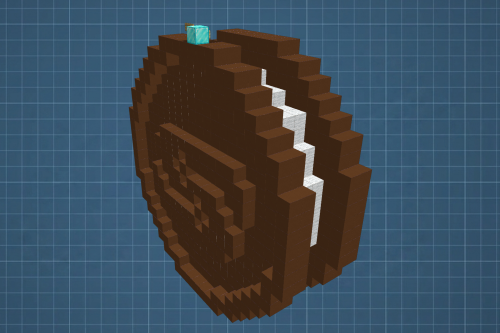 OREo Schematic (1.21.x) – Giant 3D Cookie Build For Your World
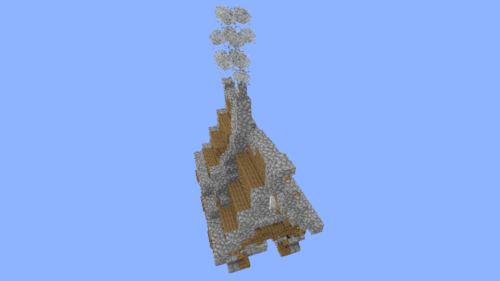 Small House 5 Schematic (1.20.x) – A Simple Vanilla Survival Home
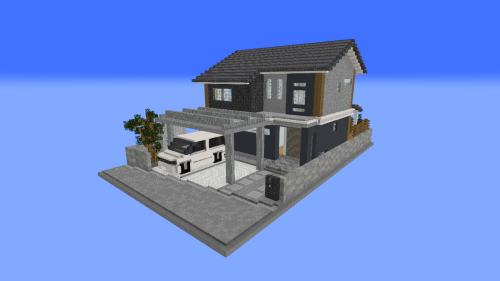 Japanese Detached House After Renovation Schematic (1.21.x) – Large Detailed House Build For Your World
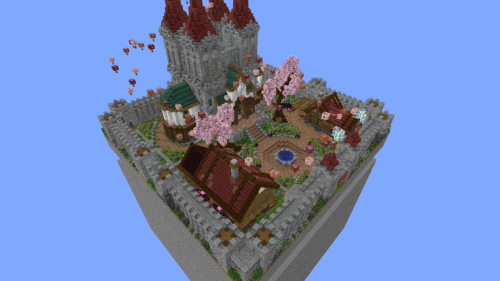 TagMap3 Schematic (1.20.x) – A Large Vanilla Build For Your World
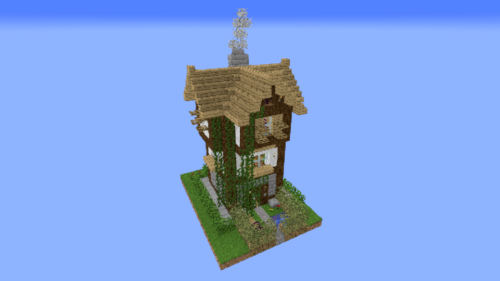 Wooden House 1 Schematic (1.20.x) – Classic Vanilla Wooden Home Build
Most viewed in Schematics over the last 7 days
 64 Module Cobblestone Farm Schematic (1.21.x) – Massive Automated Stone Gathering Build
 Fastest Bonemeal Farm Donut Smp Schematic (1.21.x) – Fast Redstone Bonemeal Farm Build
 Gold Farm Schematic (1.21.x) – Automatic Nether Roof Gold Farm
 Villager Trading Hall Schematic (1.21.x) – Modern Shop Build For 48 Villagers
 KelpFarmV9.9 Schematic (1.21.x) – Compact And Simple Seaweed Farm Build
 Bamboo Farm Schematic (1.21.x) – Small Automated Redstone Bamboo Farm
 Minutes End Base Before Spoke Null End Video Schematic (1.21.x) – Giant Unstable SMP End Base Schema
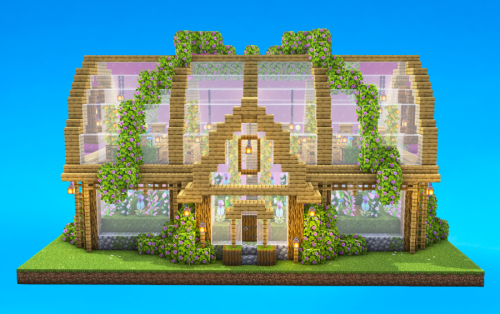 Greenhouse Schematic (1.21.x) – Beautiful Two Story Botanical Glass House
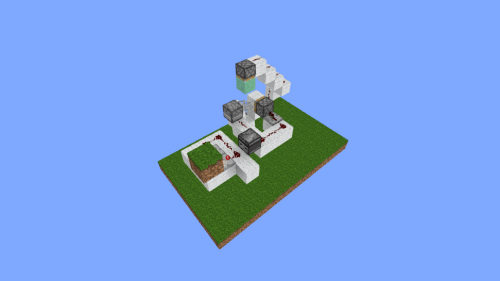 Rail Gun Wind Chagre Schematic (1.21.x) – Compact Rail Gun Wind Charge Build
 Best Railgun Tp Trap on Donutsmp Schematic (1.21.x) – Unescapable Multiplayer Redstone Trap Build
 36 Module Cobble Farm 18m per Hour Donut SMP Schematic (1.21.x) – Massive Automated Stone Generator
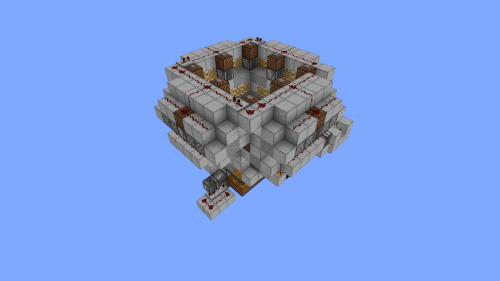 4k Bonemeal Farm Made by Basicredstone Schematic (1.21.x) – Compact Redstone Bonemeal Farm Build
More from Schematics
 Modern Luxury Villa Schematic (1.20.x) – Elegant Contemporary Home for Your World
 Contemporary Executive Villa Schematic (1.20.x) – Modern Minimalist Home for Luxury Cities
 Cool Japanese Temple Schematic (1.20.x) – Large Asian Pagoda Build for Java
 Toothless Night Fury Schematic (1.21.x) – Large Night Fury Dragon Statue Build
 Kyogre Splash Schematic (1.21.x) – Giant Kyogre Diving Into Water Build
 A House with a Tower Schematic (1.21.x) – Beautiful Medieval Home For Mountain Top Building
 Kelp Farm 2.0 Schematic (1.21.x) – Efficient Automatic Kelp Farming System For Survival
 Easy Cow Leather Farm Schematic (1.21.x) – Automated Farm for Cooked Steak and Leather
 Cozy Home Schematic (1.21.x) – A Warm and Inviting Vanilla House Build
 Easy and Compact Raid Farm and 26 Java Schematic (1.21.x) – Build a Small and Efficient Raid Farm
 Small Parking Schematic (1.21.x) – Modern Parking Lot With Small Trees
 Asian Cherry Blossom Sword Nether Portal Schematic (1.21.x) – Beautiful Asian Style Sword Portal Bui

This post has no comments yet. Be the first — your comment will appear here.