


Mandala’s GUI Dark Mode Utopia Extension Resource Pack (1.21.11, 1.20.1)

 0
0 

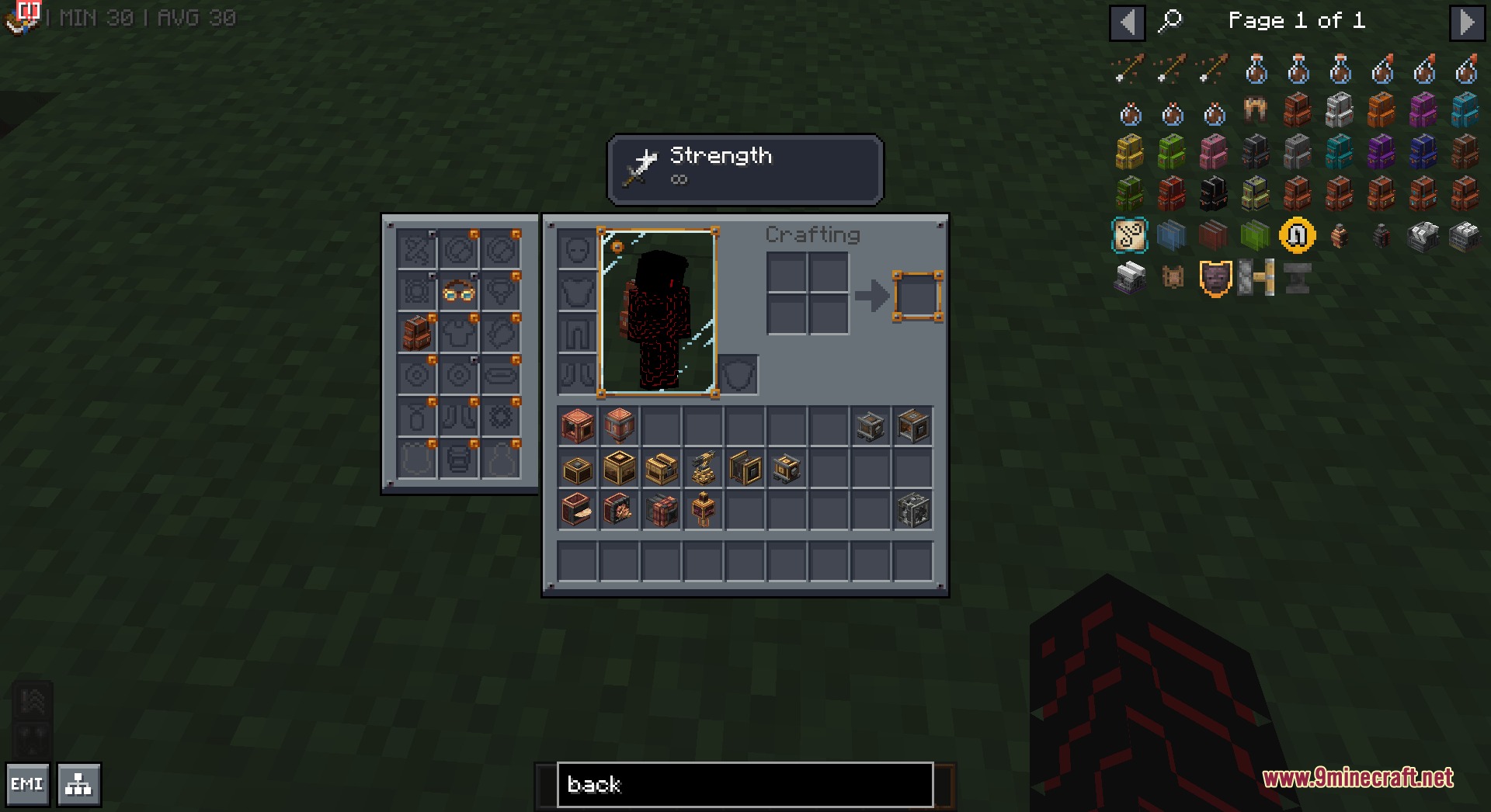
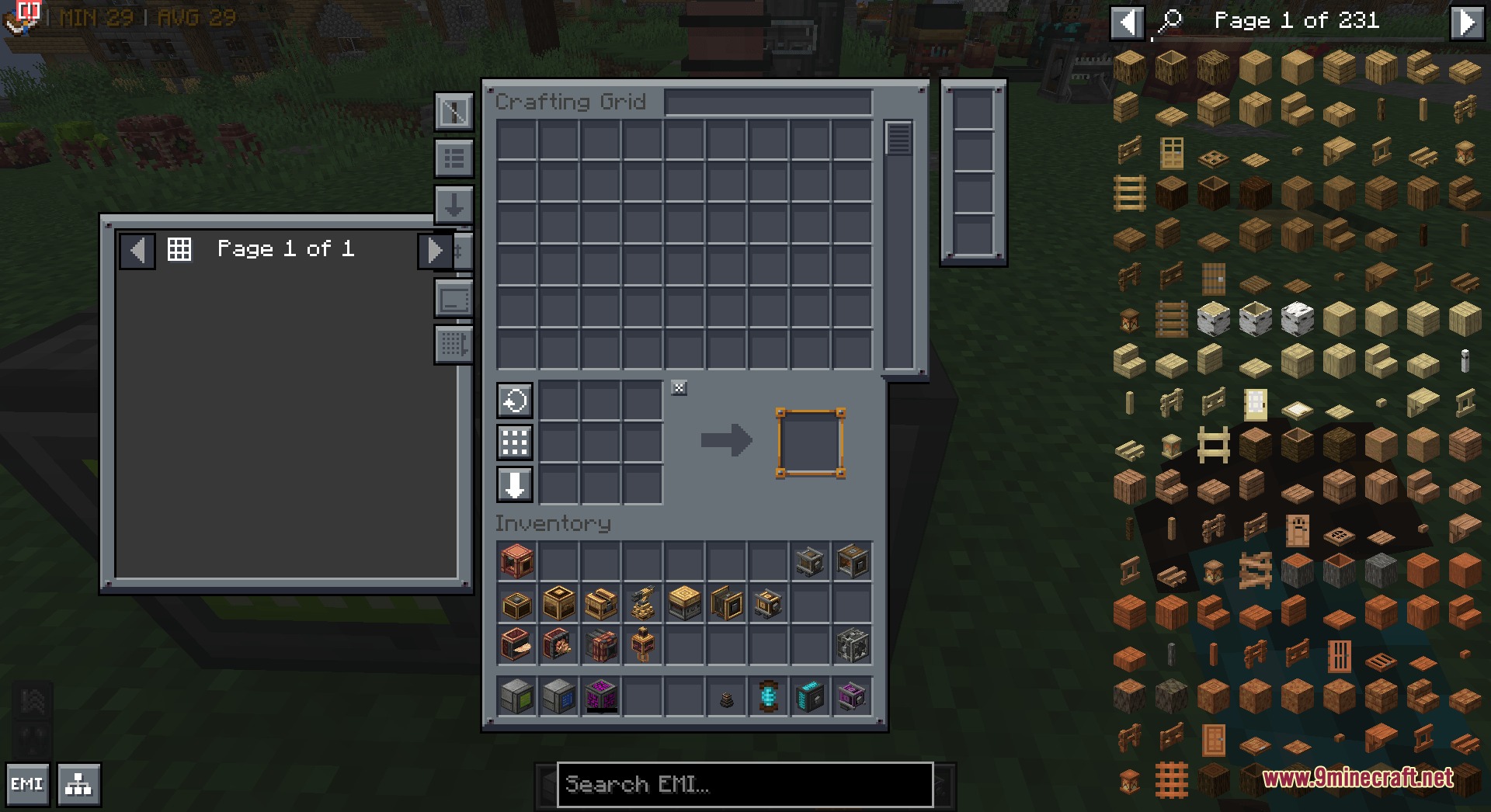
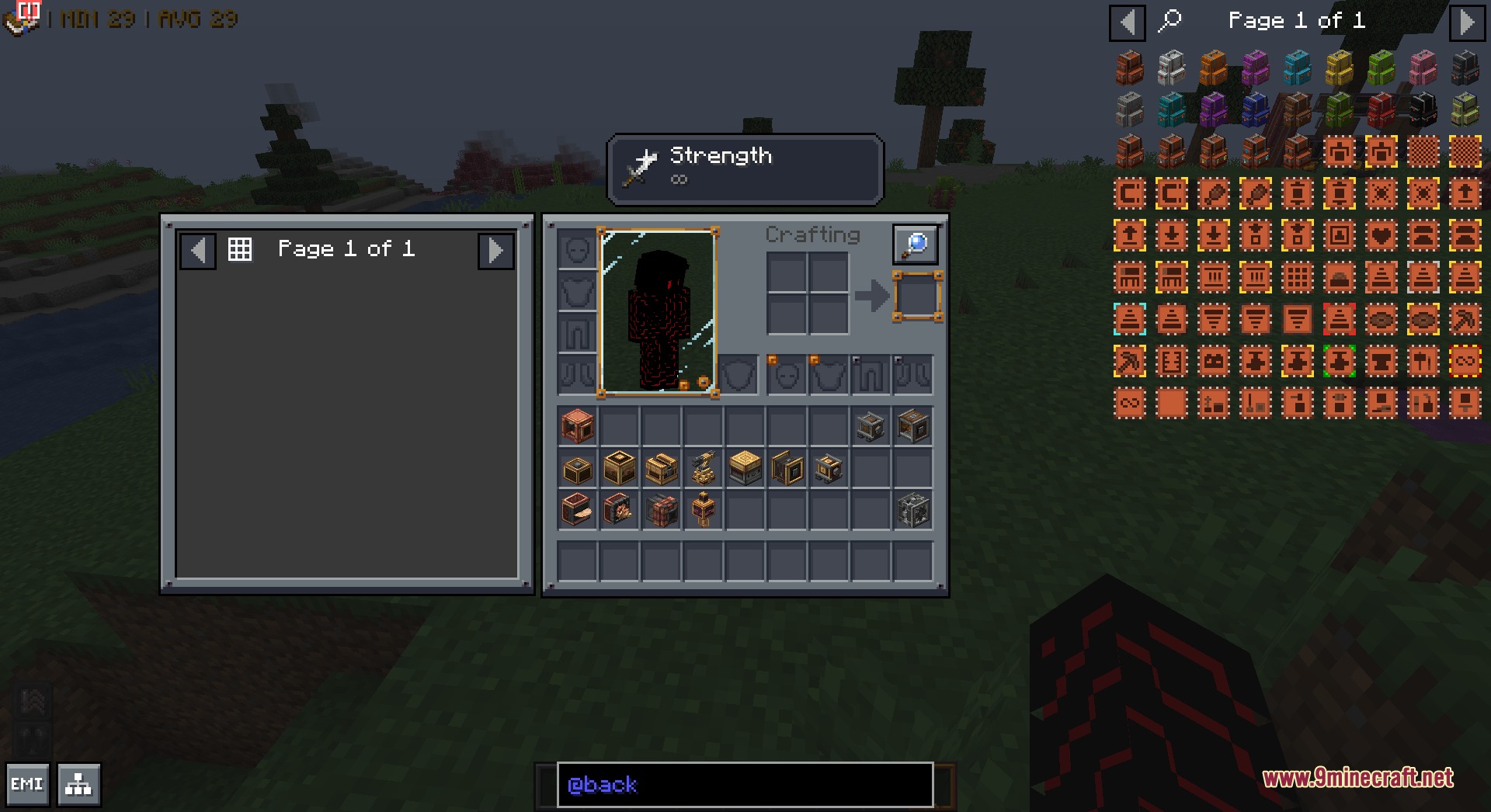
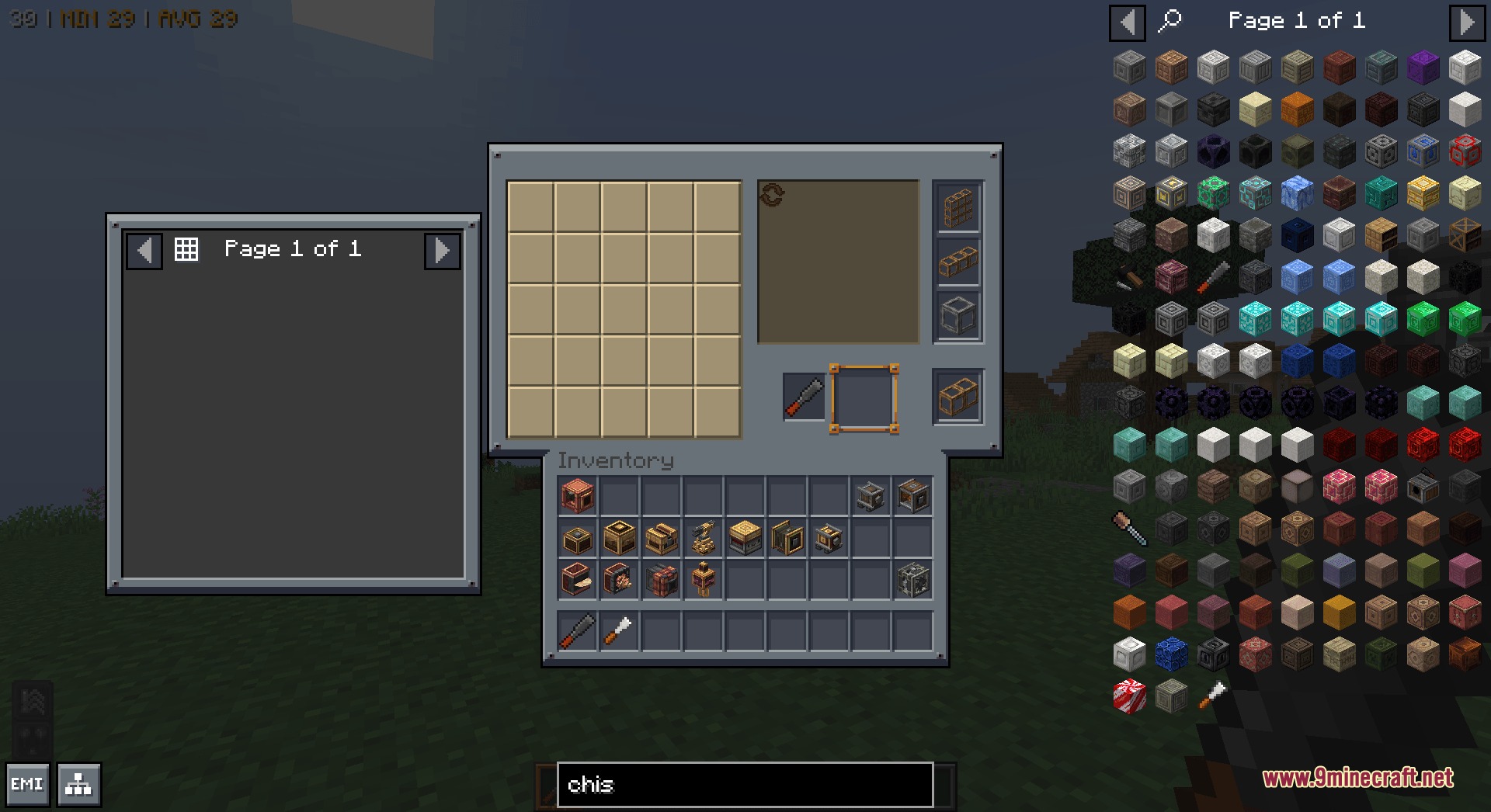
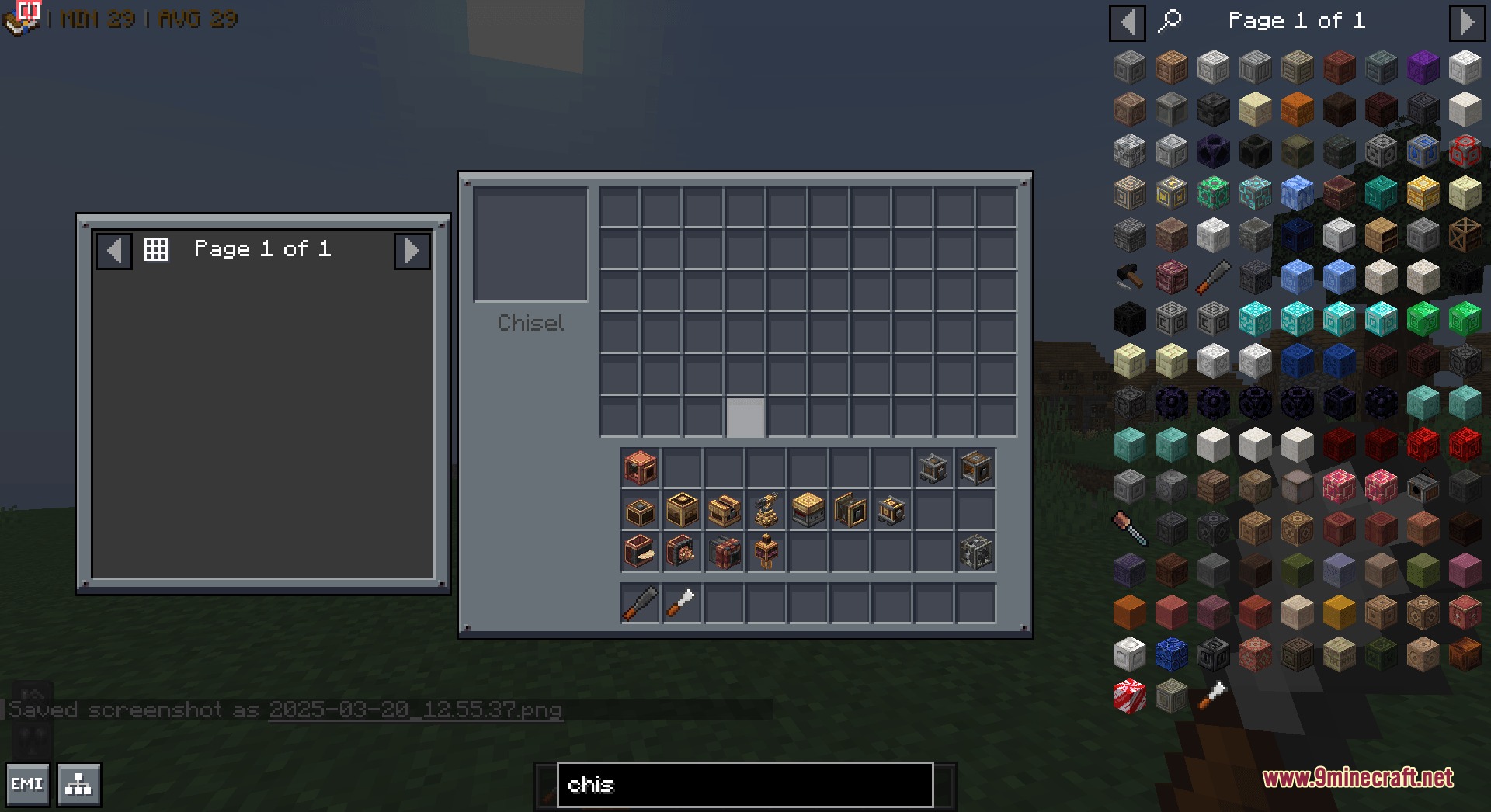
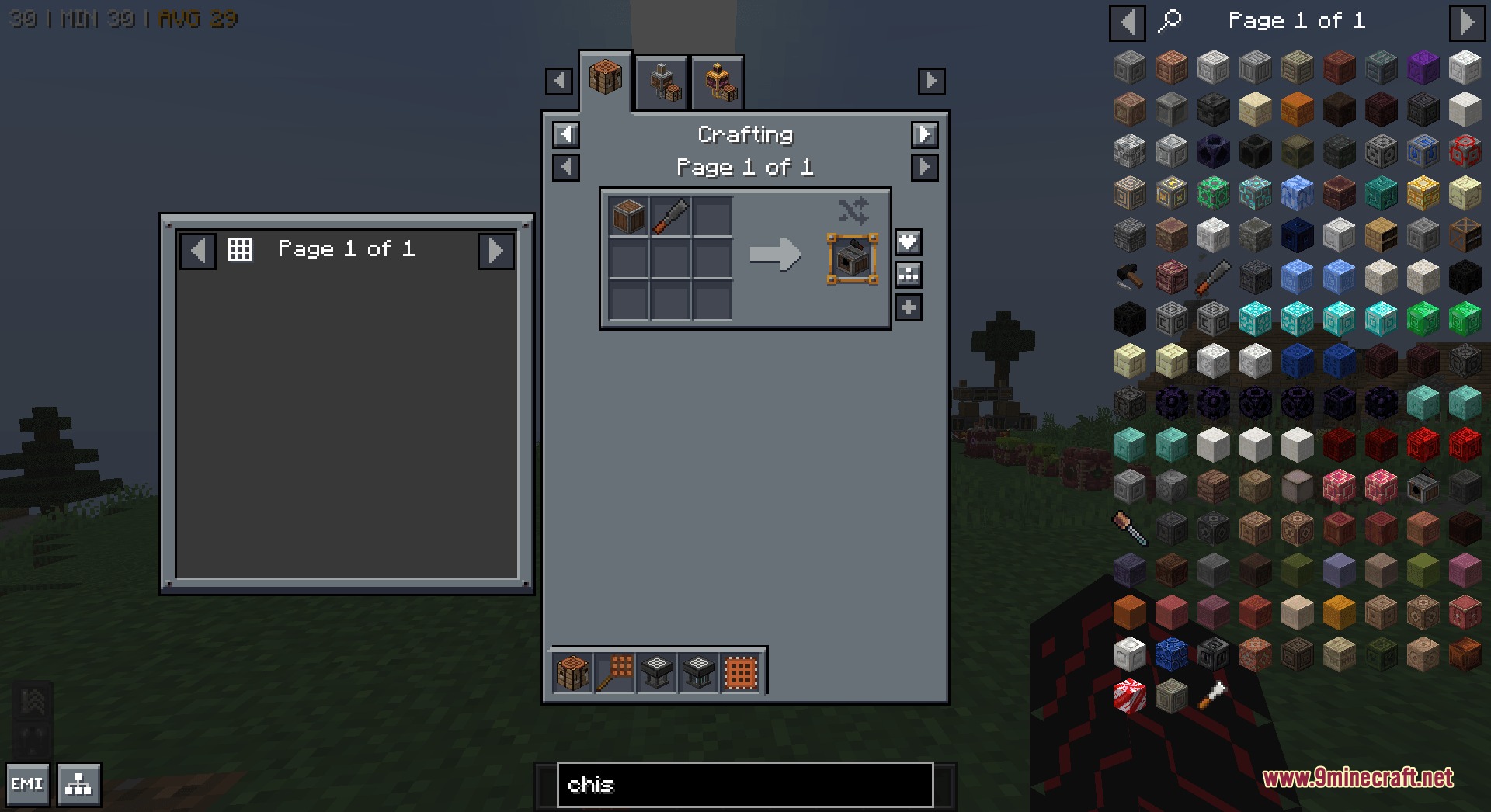
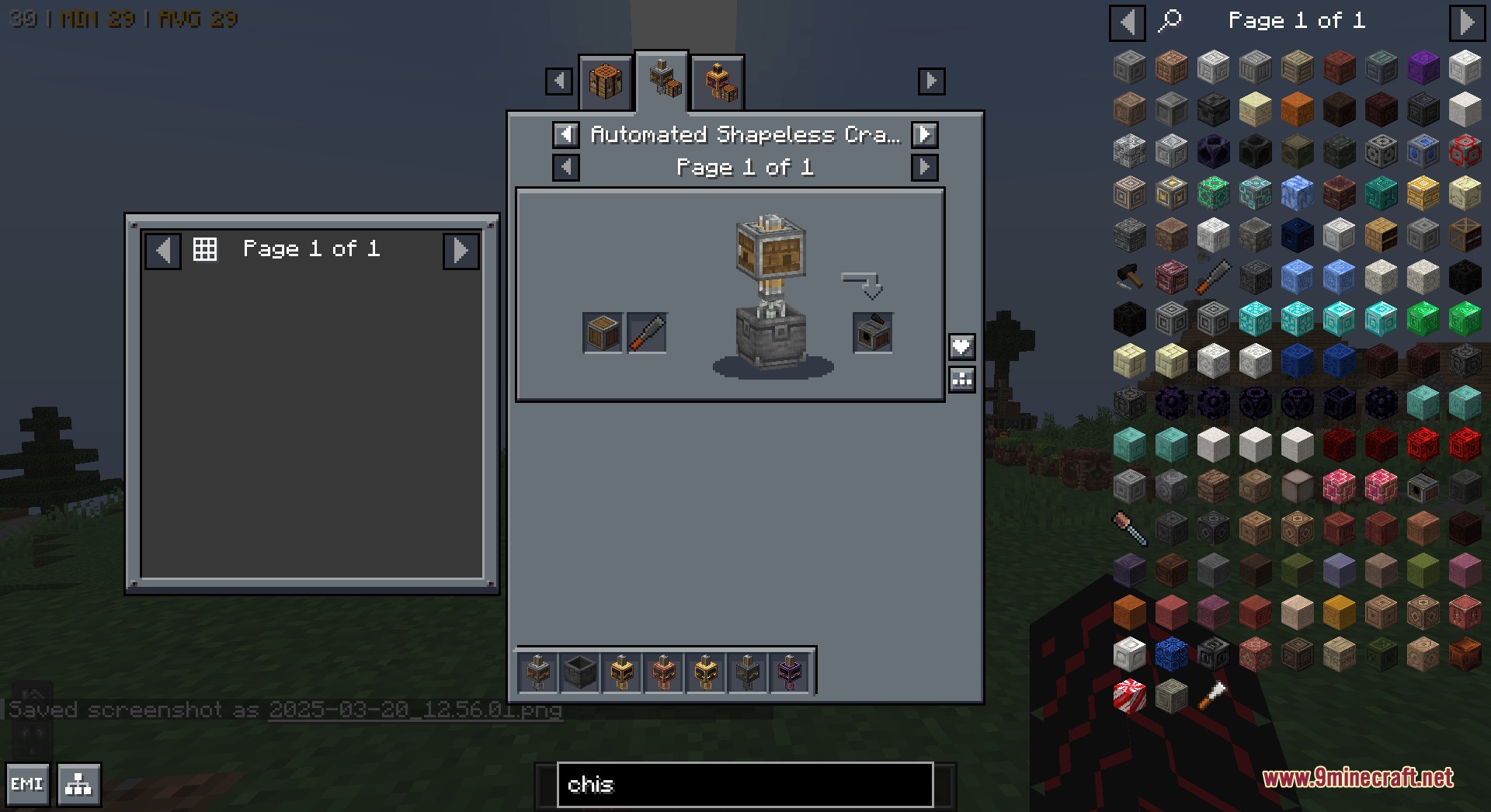
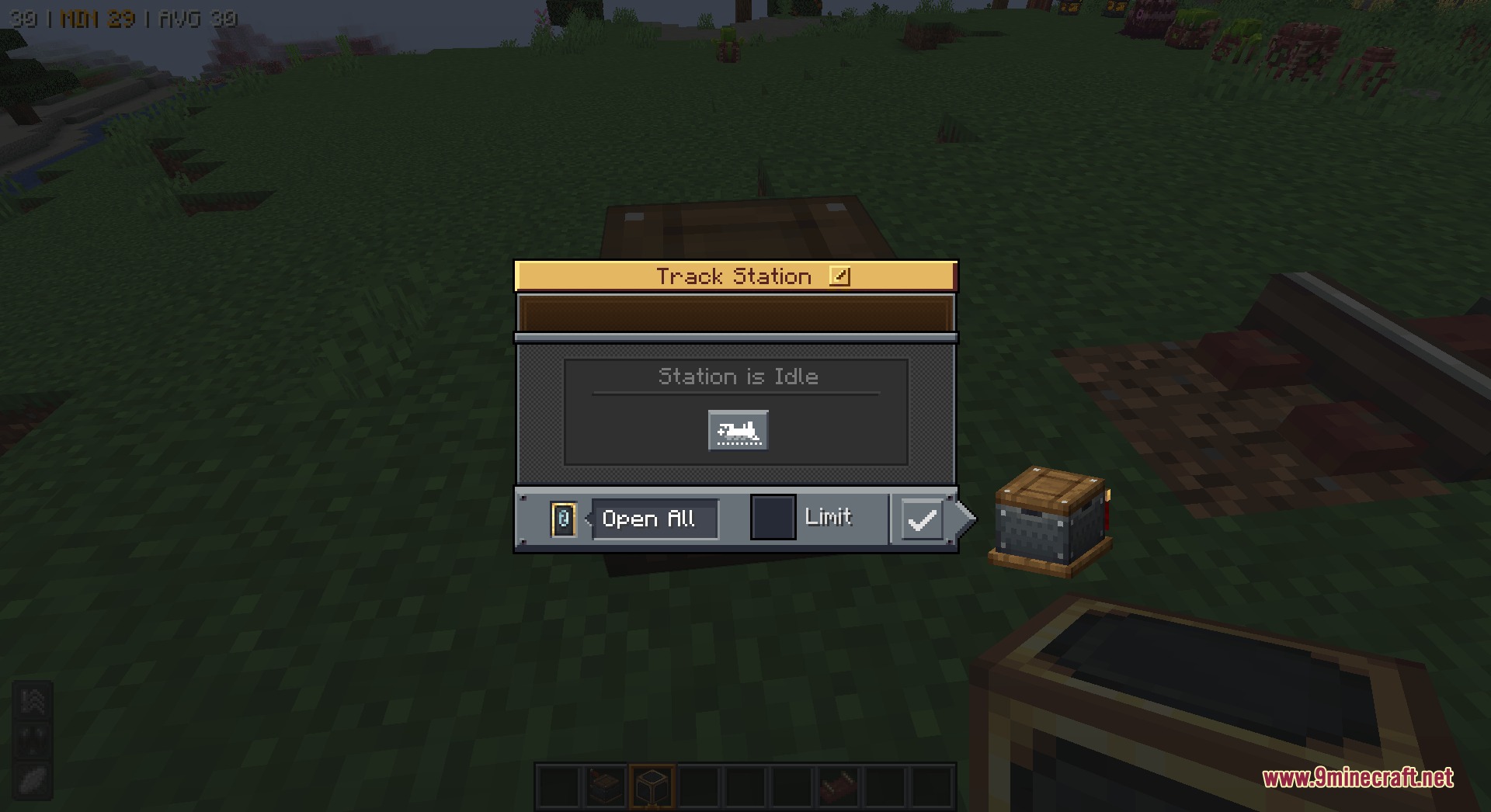
Mandala’s GUI Dark Mode Utopia Extension Resource Pack extends Mandala’s GUI – Dark mode with custom screens for over 110 different mods. It repaints the menus of popular mods to match the dark style of the main pack. You no longer have to look at bright vanilla backgrounds when opening machines, backpacks, or recipe books from other mods.
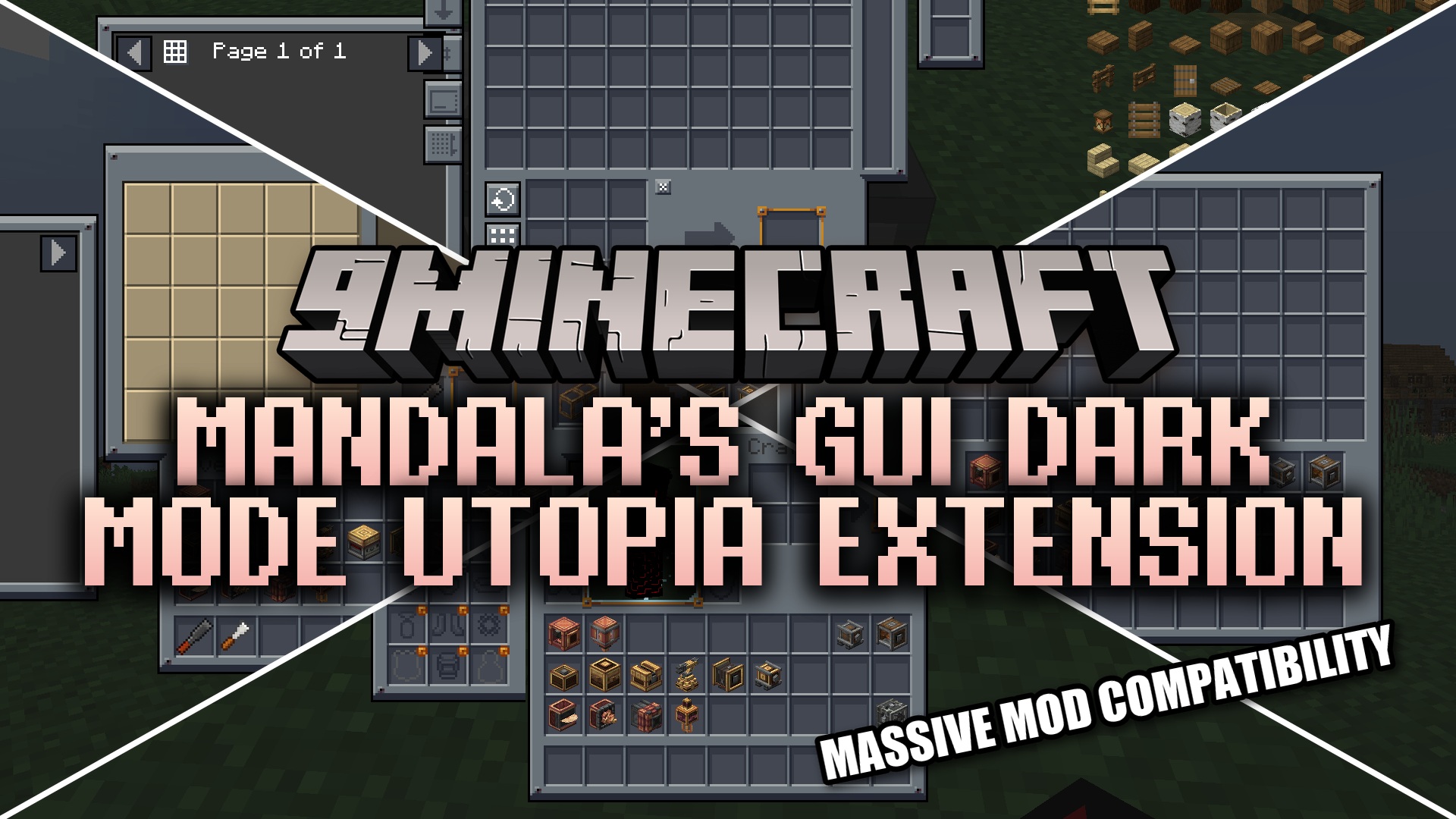
Features:
- Repaints vanilla-style menus inside your mods into clean, dark screens.
- Leaves custom artwork alone if a mod already has its own special menu design.
- Updates the interface for massive tech and building mods like Create and its many add-ons.
- Darkens the inventory screens for storage mods like Sophisticated Backpacks, Iron Chests, and Refined Storage.
- Covers popular helpful tools like Just Enough Items, Jade, and Waystones.
- Changes the look of magic and adventure mods like Twilight Forest, Apotheosis, and Alex’s Mobs.
- Gives food and farming mods like Farmer’s Delight and Aquaculture a matching dark design.
Screenshots:
How to Install:
New to Minecraft? Follow our step-by-step guide to install Resource Packs on your PC.View Guide
Mandala’s GUI Dark Mode Utopia Extension Resource Pack Download Links
For Minecraft
1.21.x
All Versions Covered
1.21.11
1.21.10
1.21.9
1.21.8
1.21.7
1.21.6
1.21.5
1.21.4
1.21.3
1.21.2
1.21.1
1.21
All Versions Covered
1.21.11
1.21.10
1.21.9
1.21.8
1.21.7
1.21.6
1.21.5
1.21.4
1.21.3
1.21.2
1.21.1
1.21
For Minecraft
1.20.x
All Versions Covered
1.20.6
1.20.5
1.20.4
1.20.3
1.20.2
1.20.1
1.20
All Versions Covered
1.20.6
1.20.5
1.20.4
1.20.3
1.20.2
1.20.1
1.20
For Minecraft
1.16.x
All Versions Covered
1.16.5
1.16.4
1.16.3
1.16.2
All Versions Covered
1.16.5
1.16.4
1.16.3
1.16.2
Click to rate this post!
[Total: 0 Average: 0]
You May Also Like

This post has no comments yet. Be the first — your comment will appear here.