


PaintBound Shaders (26.2, 1.20.1) – Brushstroke Shading with Soft Bloom
 0
0
 0
0

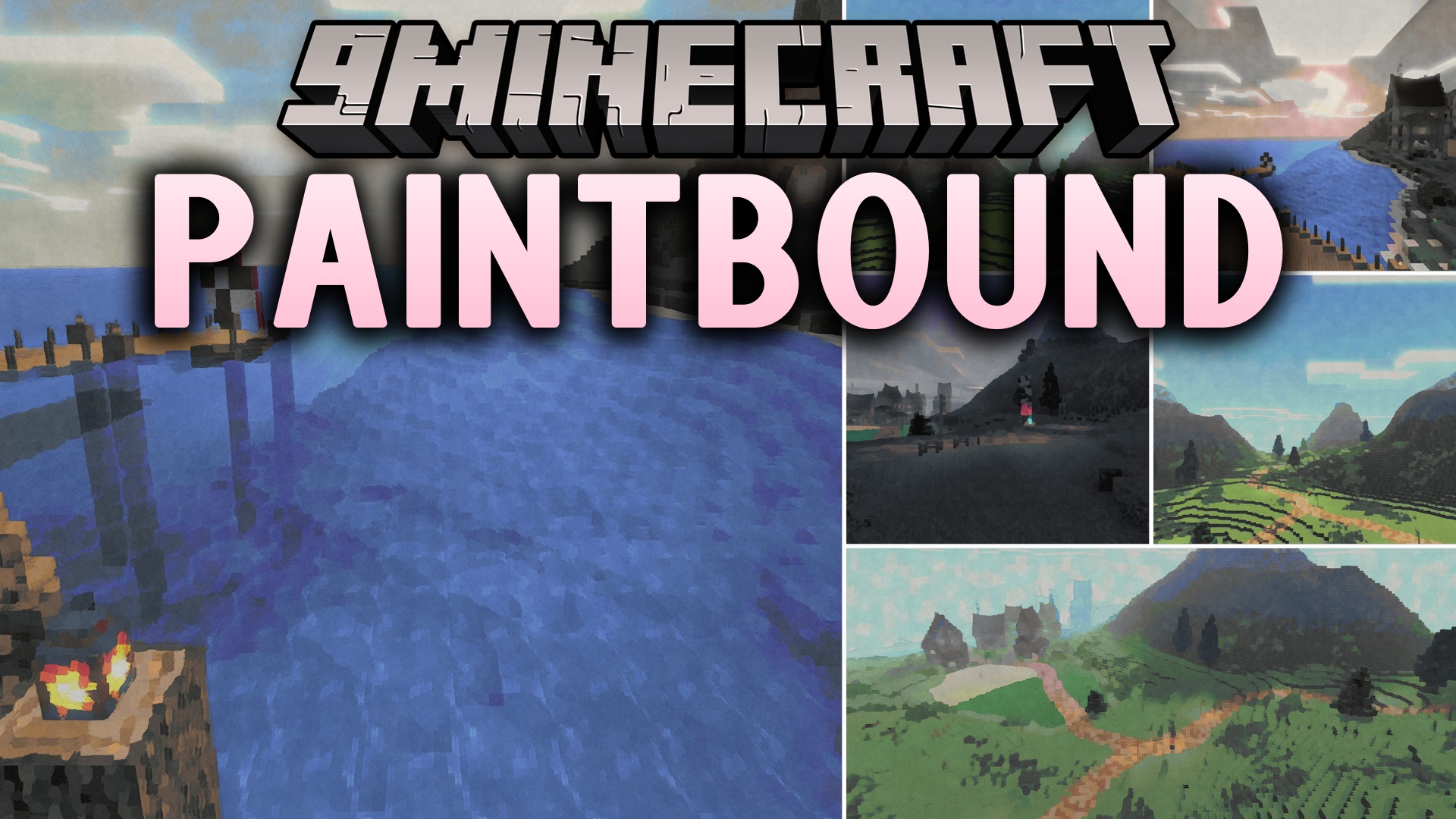
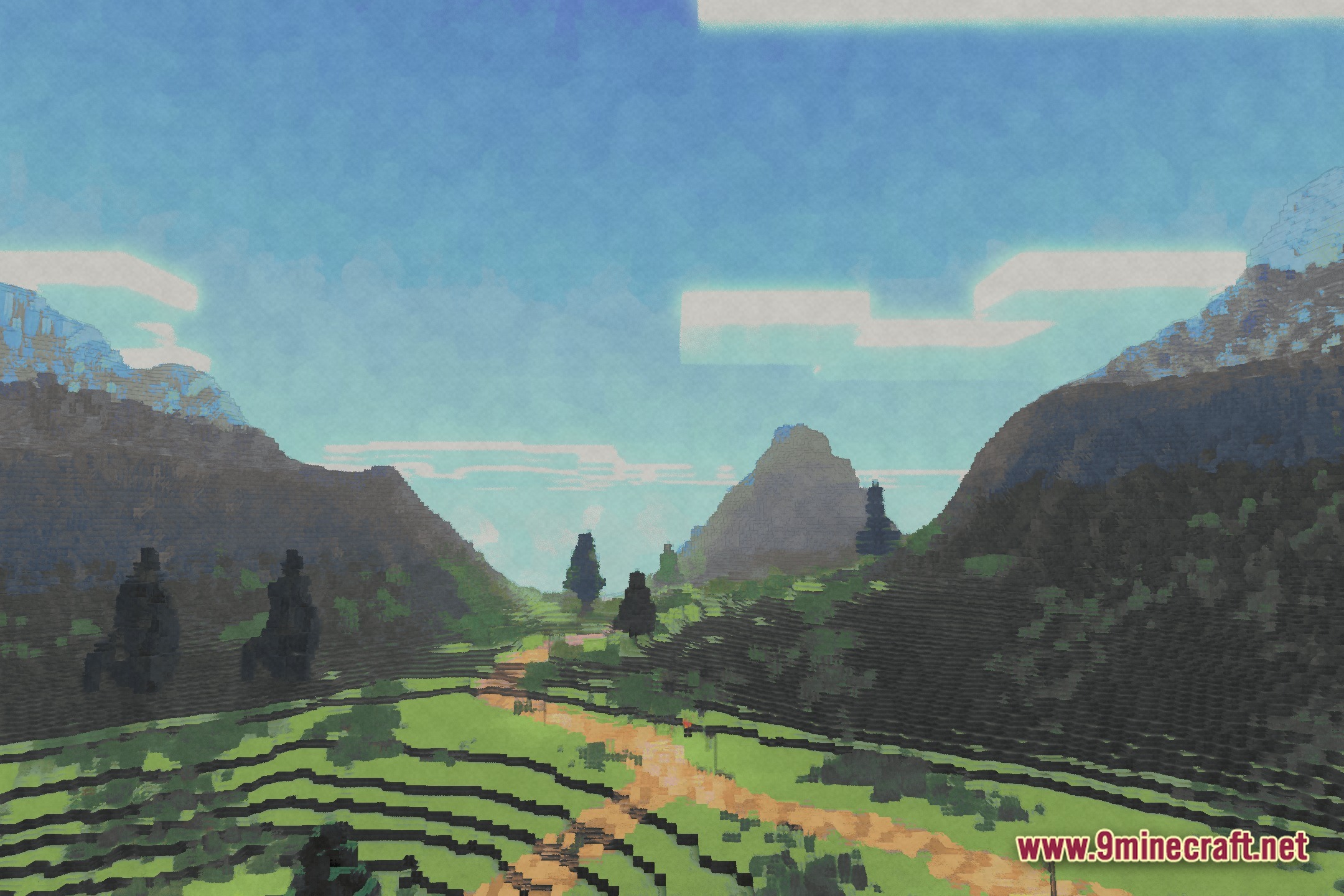
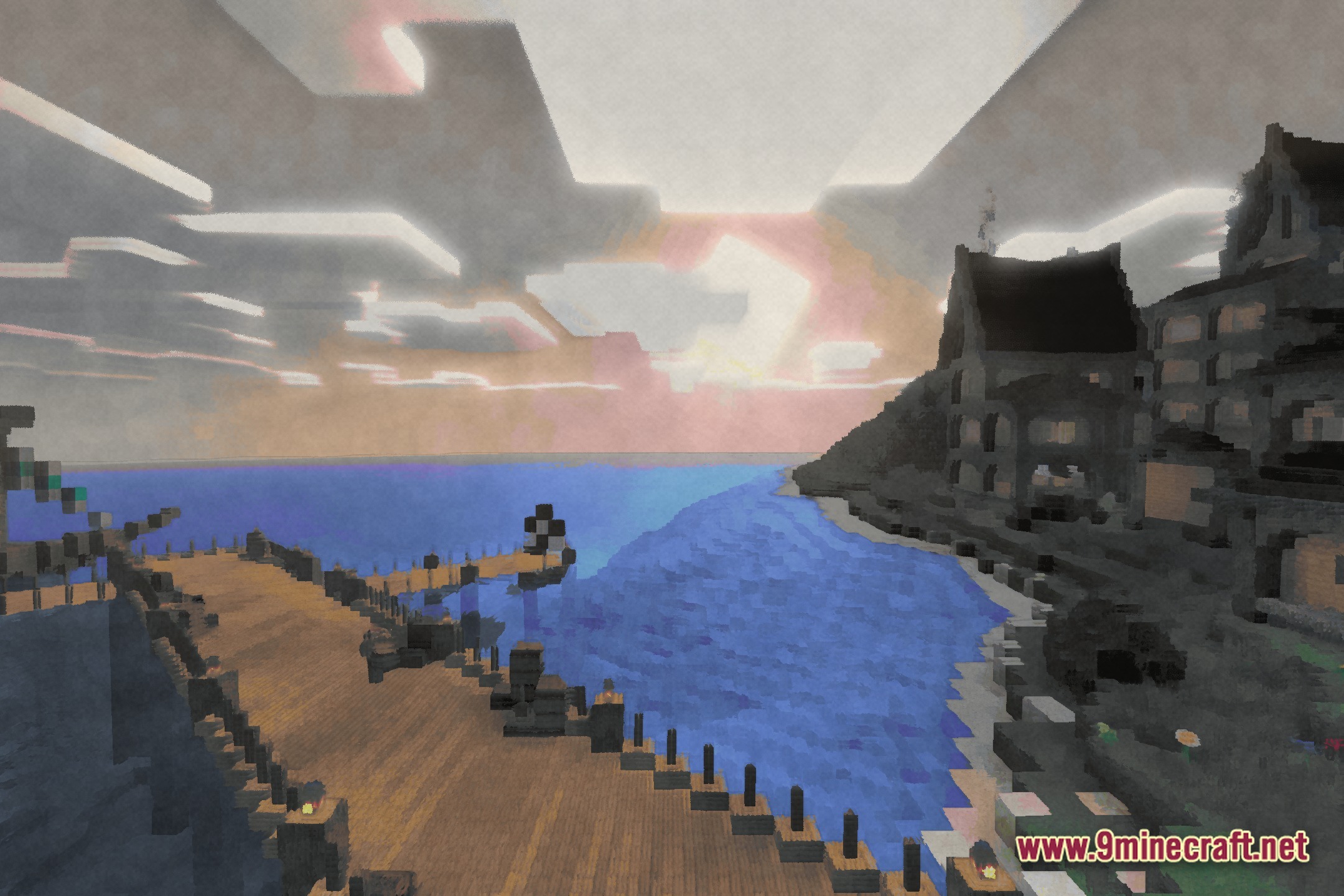
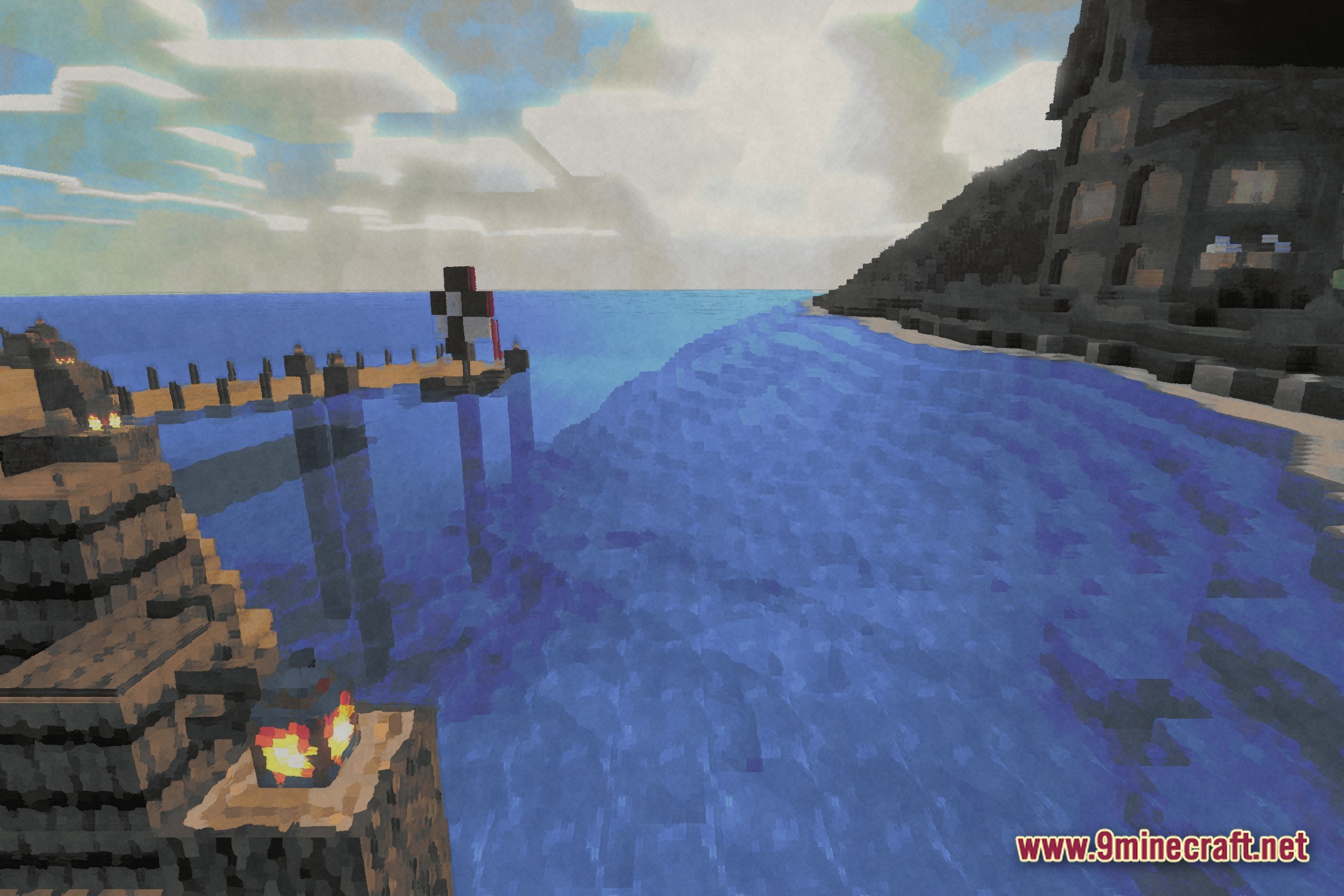
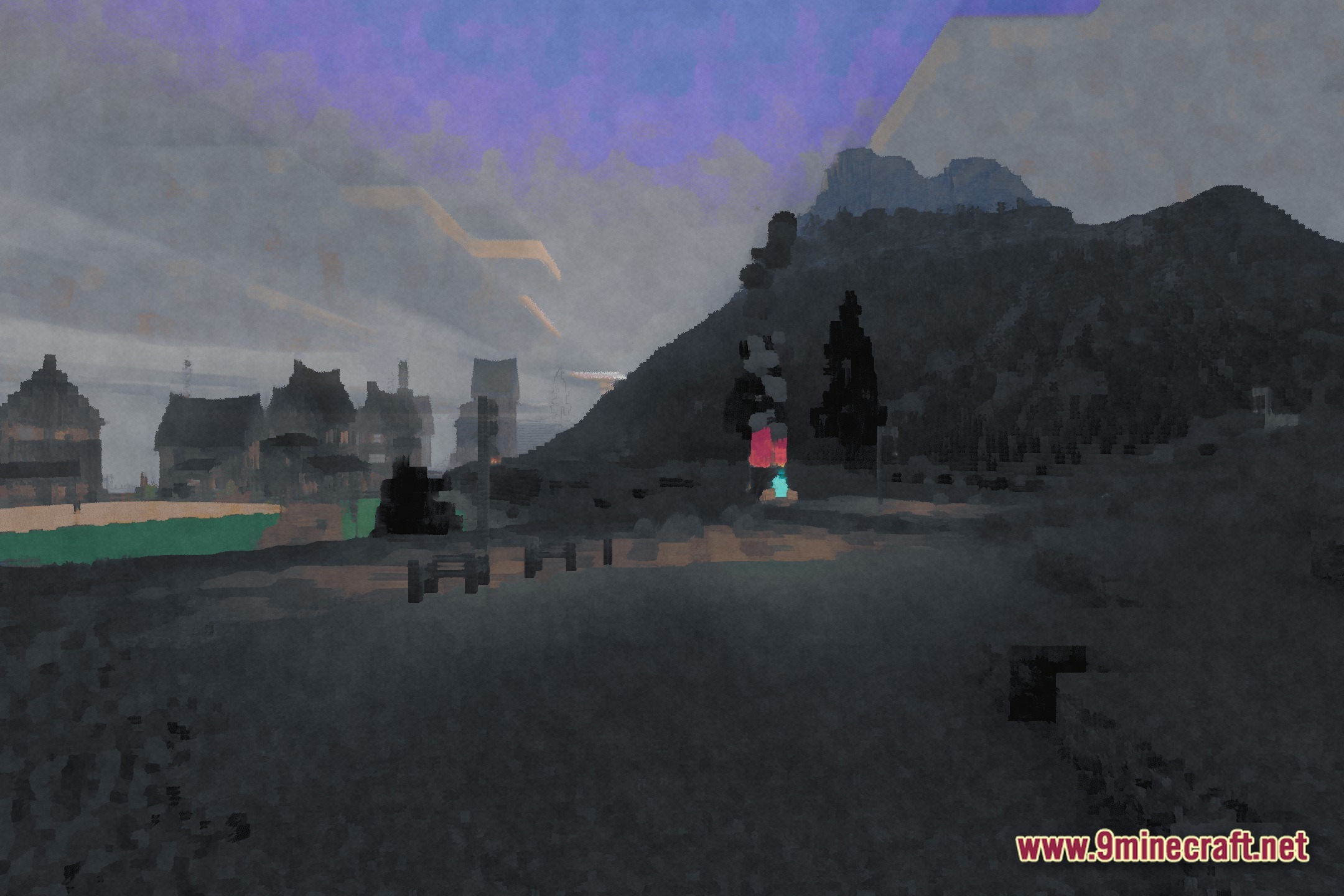
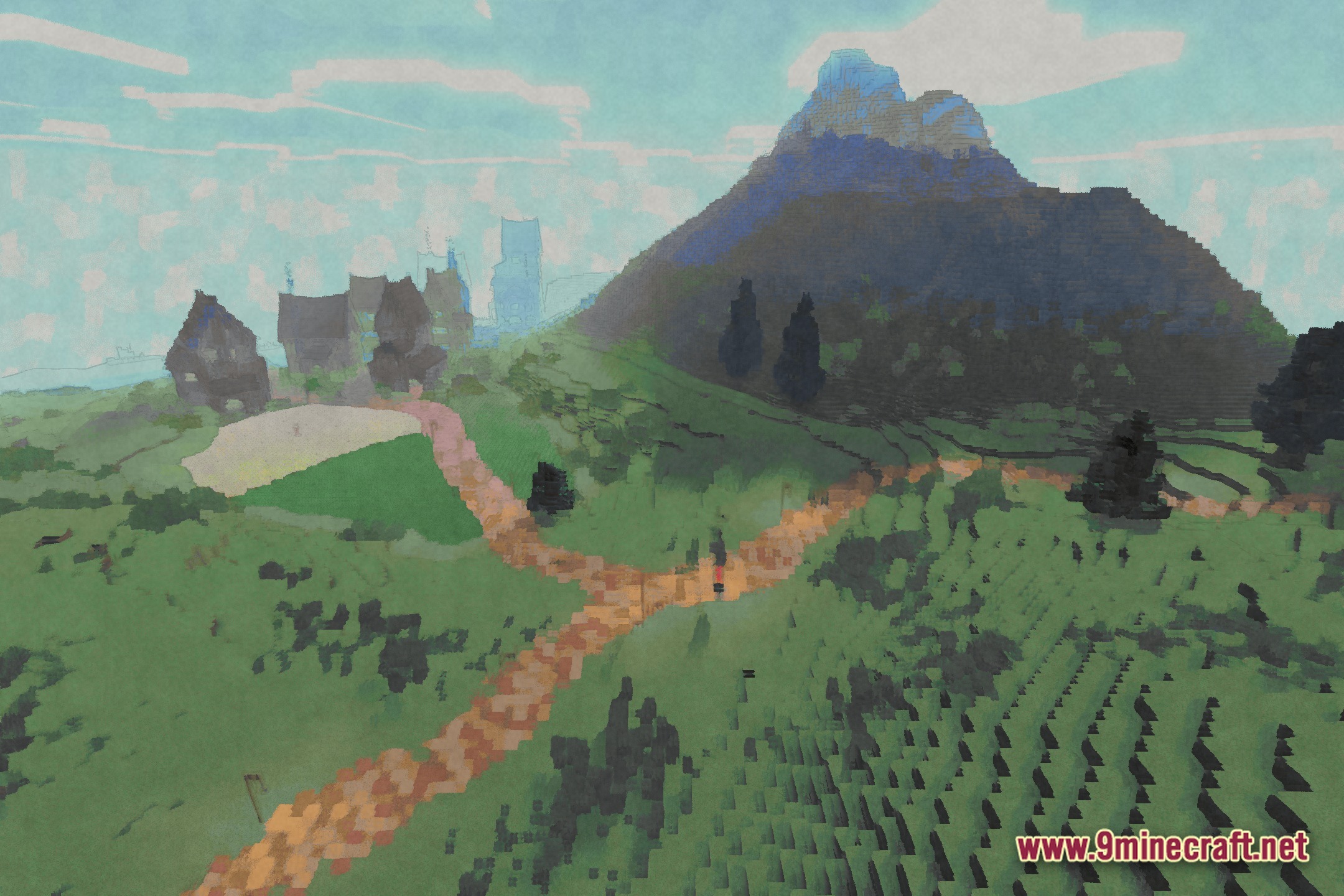
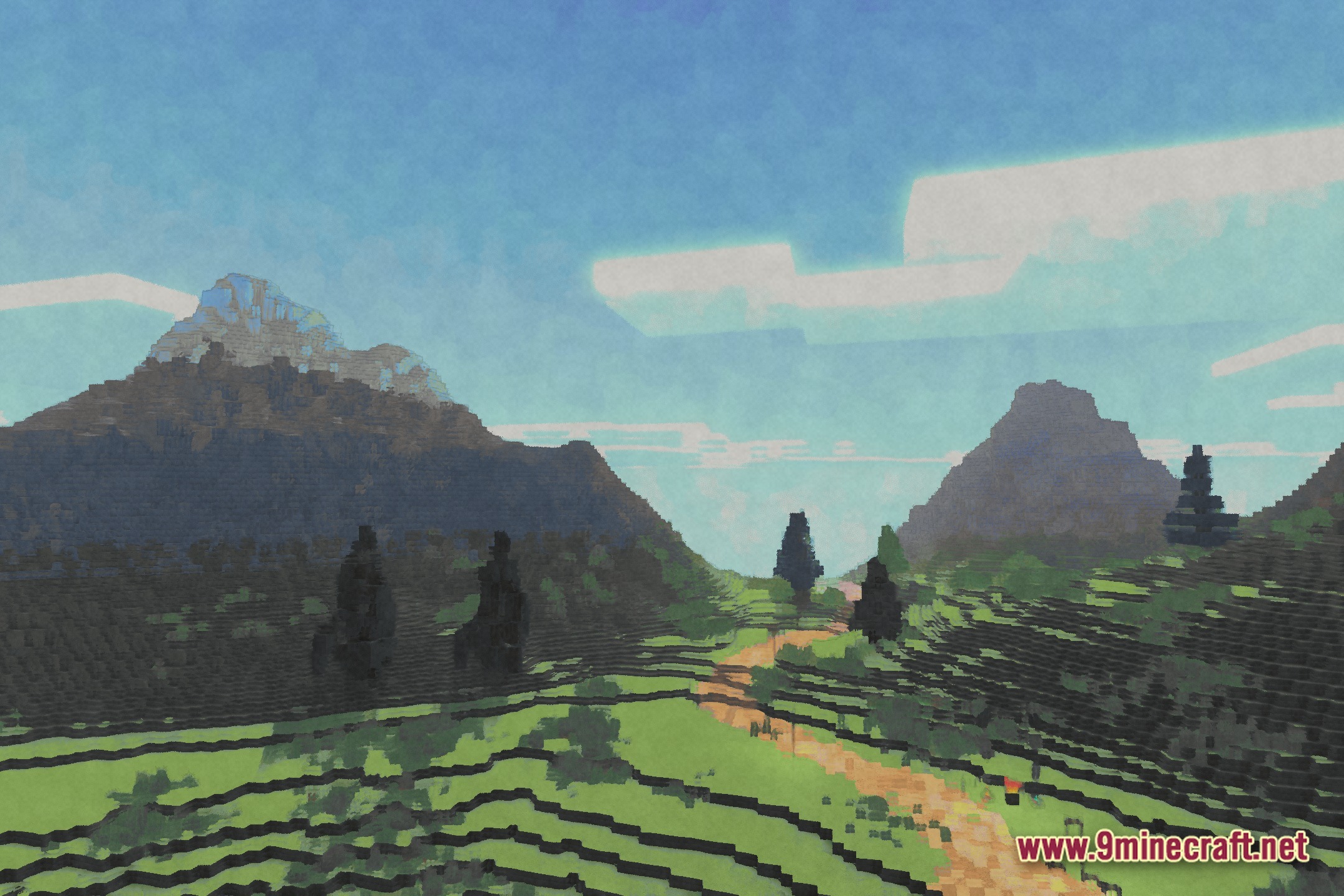
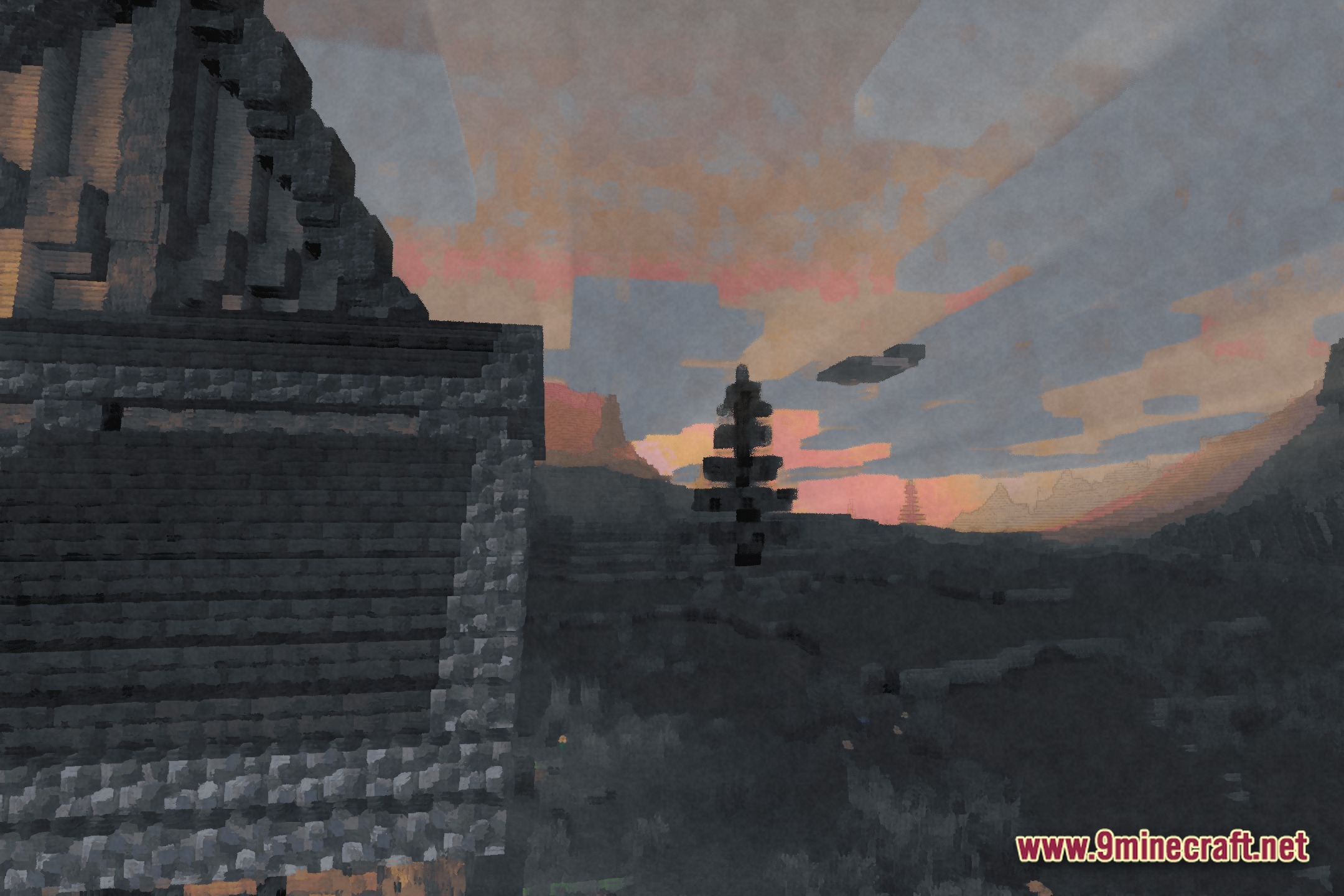
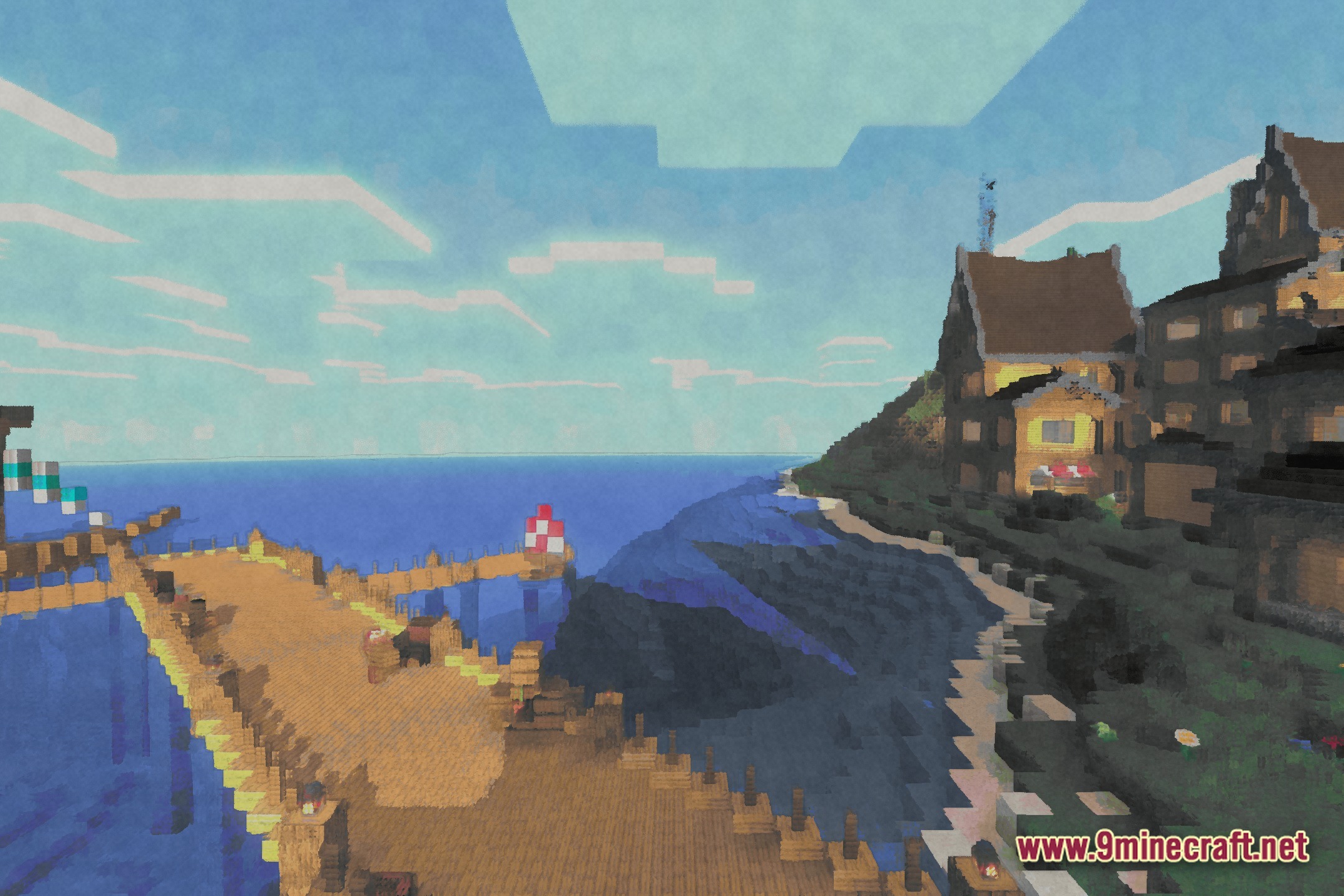
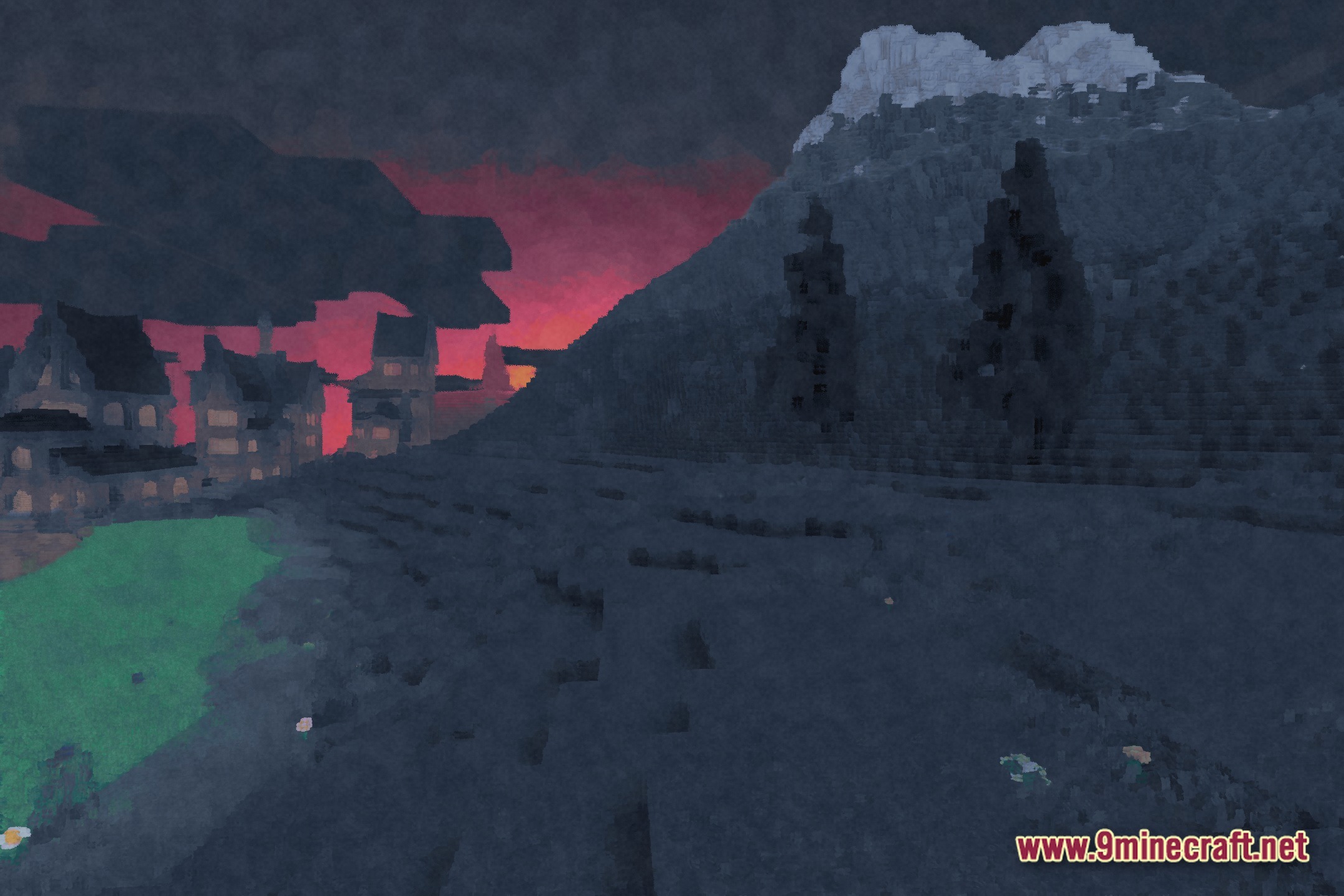
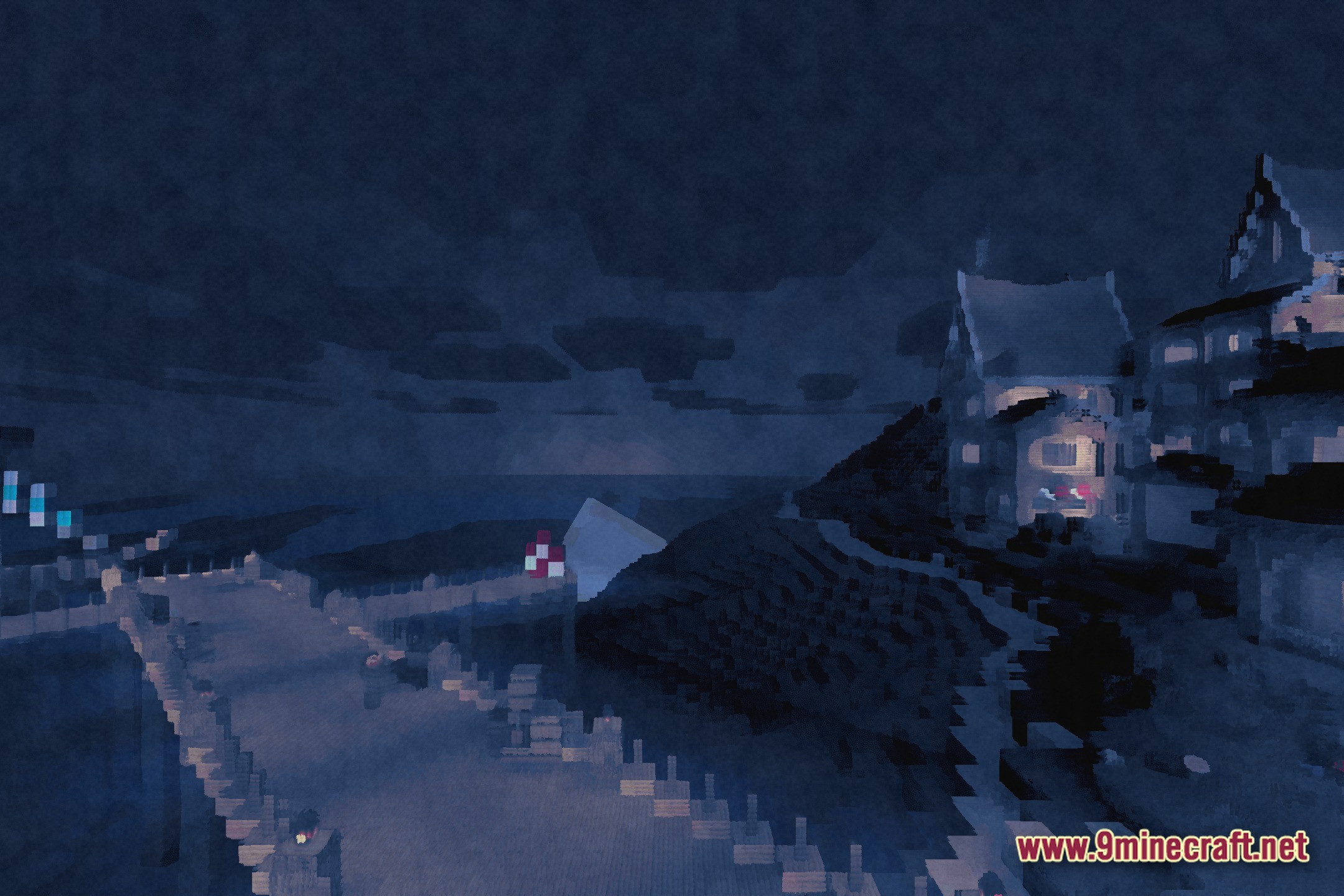
PaintBound paints your Minecraft world with a unique brushstroke style. It turns the game into a cartoon painting with colorful lighting and soft bloom effects.
Features:
- Brushstroke Shading: Changes the way light hits blocks, making them look like a real painting.
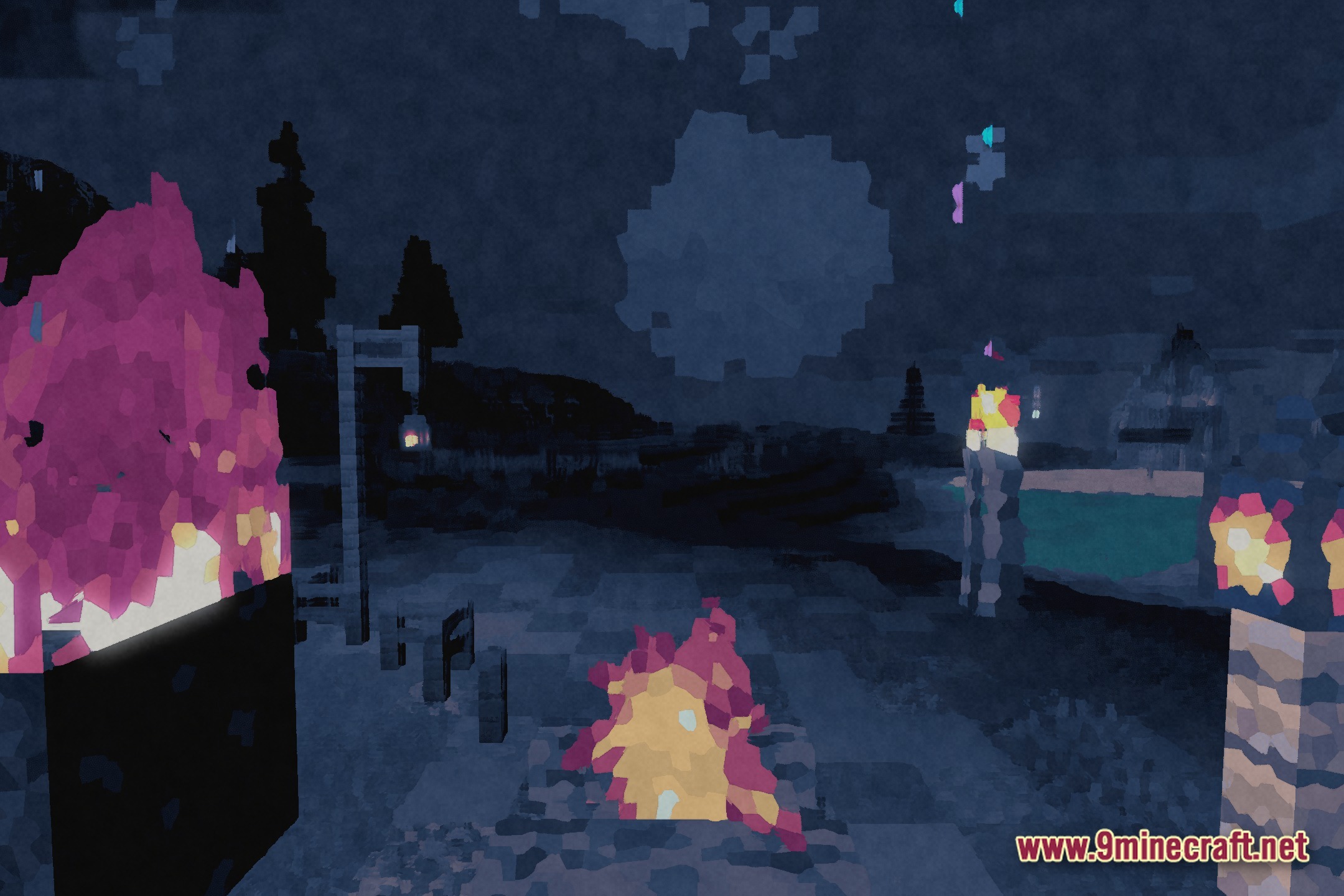
- Colored Lighting: Adds bright and fantasy-like colors to torches, glowstone, and other light sources.
- Adds a soft bloom effect around bright objects to give the world a dreamy look.
- Runs well on different computers by offering low, medium, and high settings.
- Gives shadows a semi-realistic shape that fits perfectly with the cartoon art style.
- Creates a great setup for taking beautiful screenshots of your builds using PaintBound Shaders.
🎛️ Compare 40+ Minecraft Shaders Side by Side →
Drag the slider across 16 real in-game scenes — find YOUR perfect shader.
Screenshots:
How to Install:
New to Minecraft? Follow our step-by-step guide to install Shaders on your PC.View Guide
PaintBound Shaders Download Links
Click to rate this post!
[Total: 0 Average: 0]
You May Also Like

This post has no comments yet. Be the first — your comment will appear here.