


Boosted FPS Performance Optimized Modpack (1.20.1) – Supercharge Your Game Speed
 0
0
 0
0


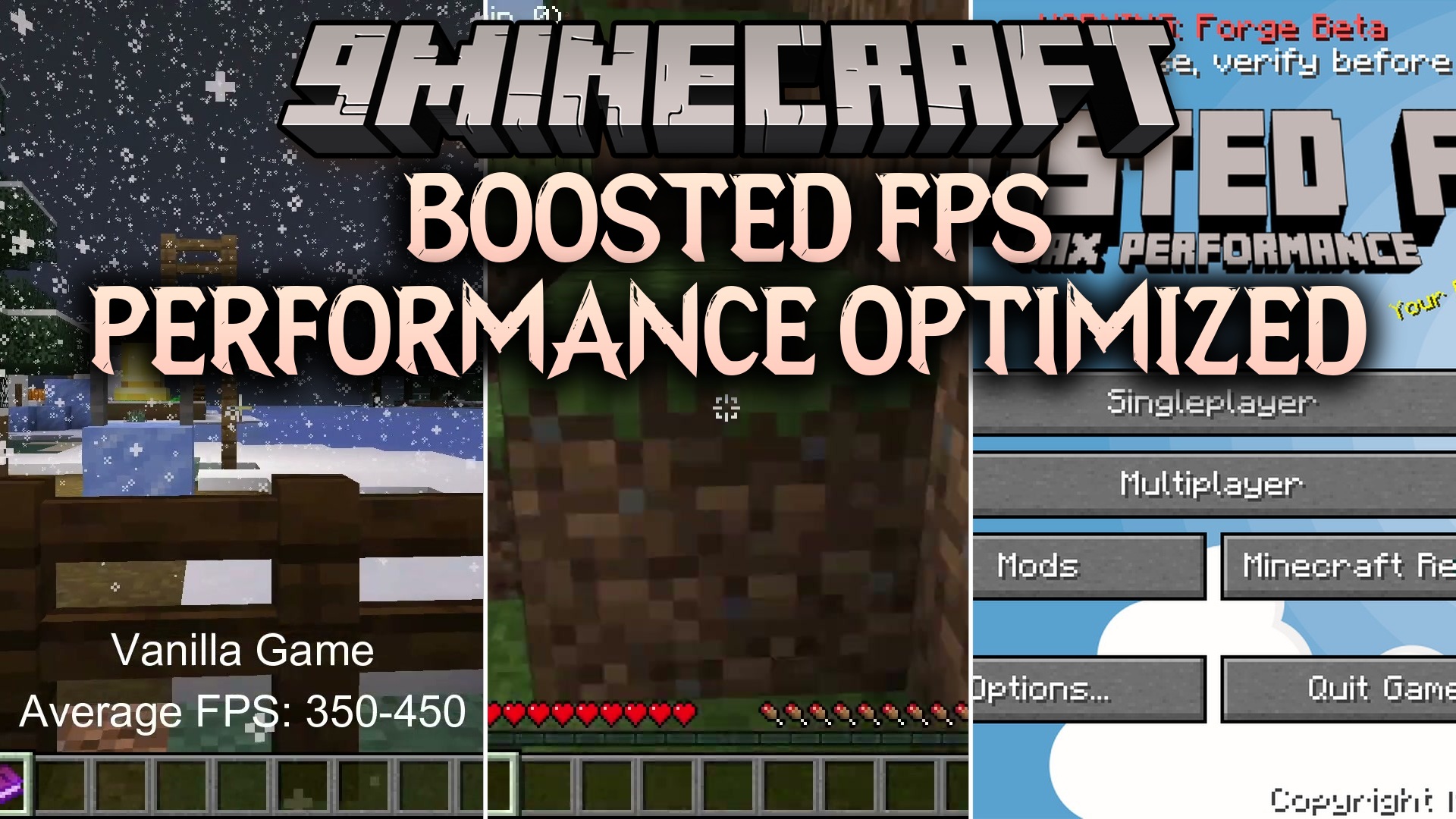
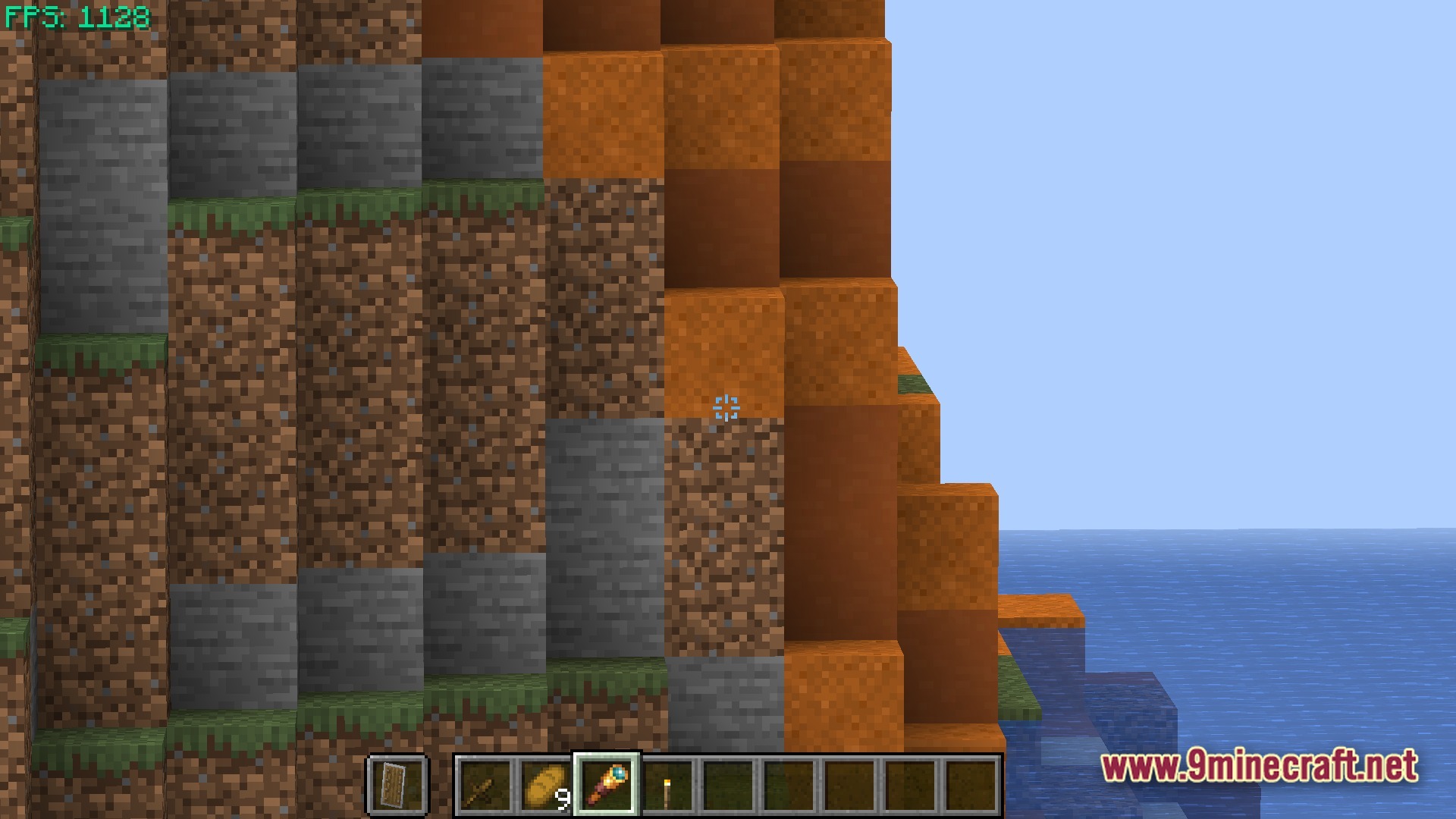
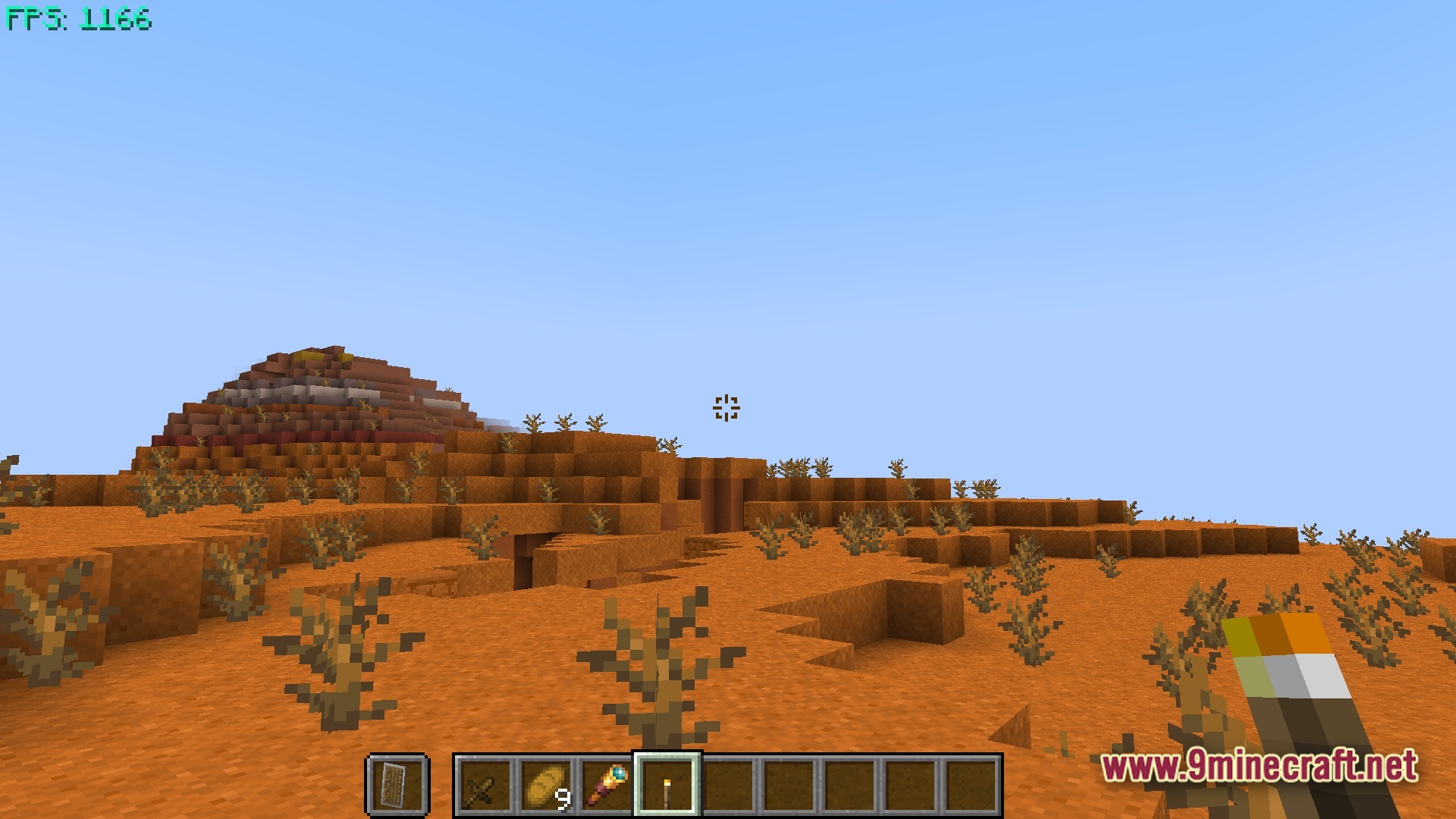
Boosted FPS Performance Optimized Modpack helps your game run much faster and smoother by using the best speed-boosting tweaks. It cleans up your game lag while keeping the classic feel you love, making it perfect for older computers. You can also easily see your mod list right from the main menu and play on popular servers right away.
Features:
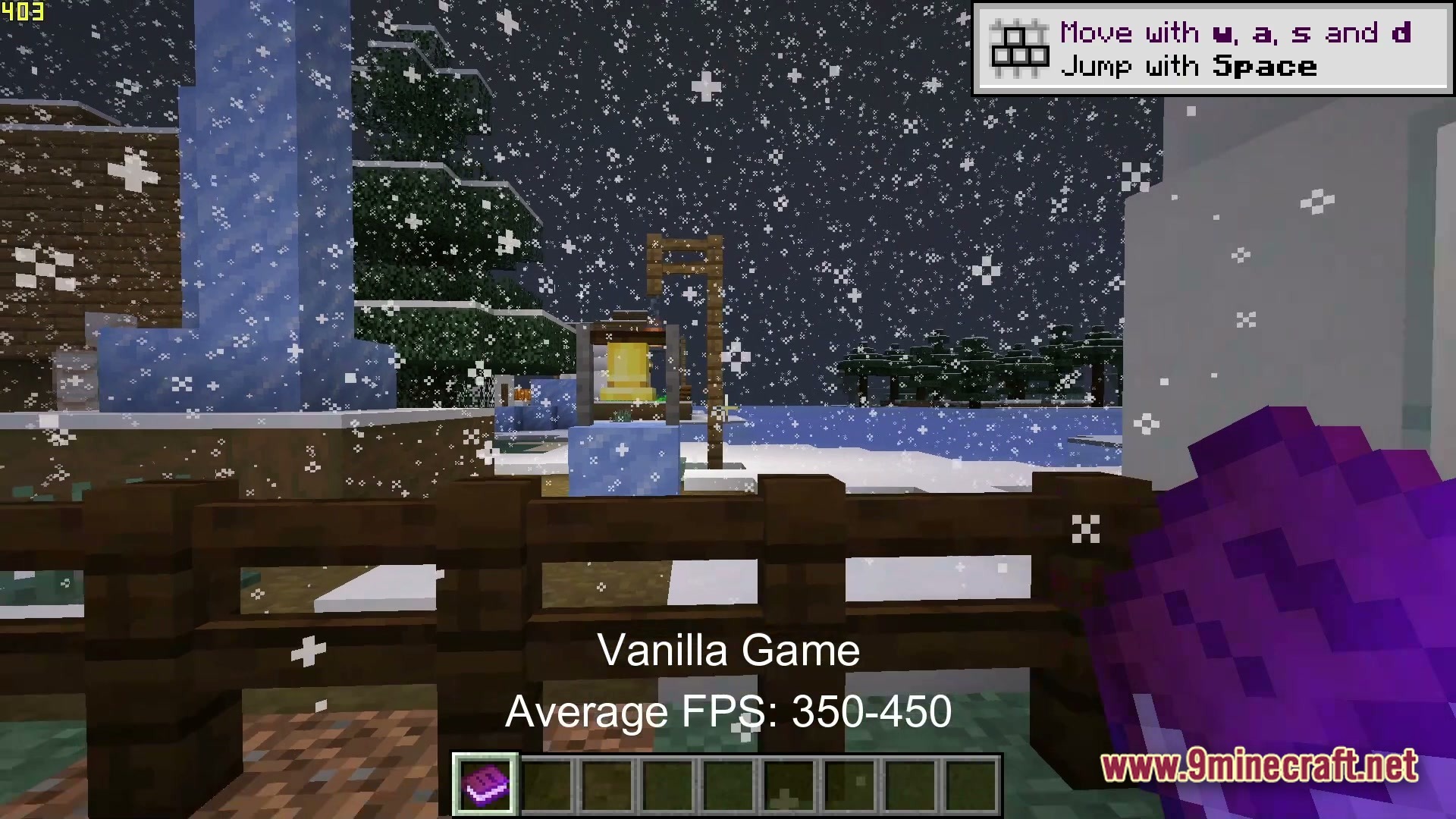
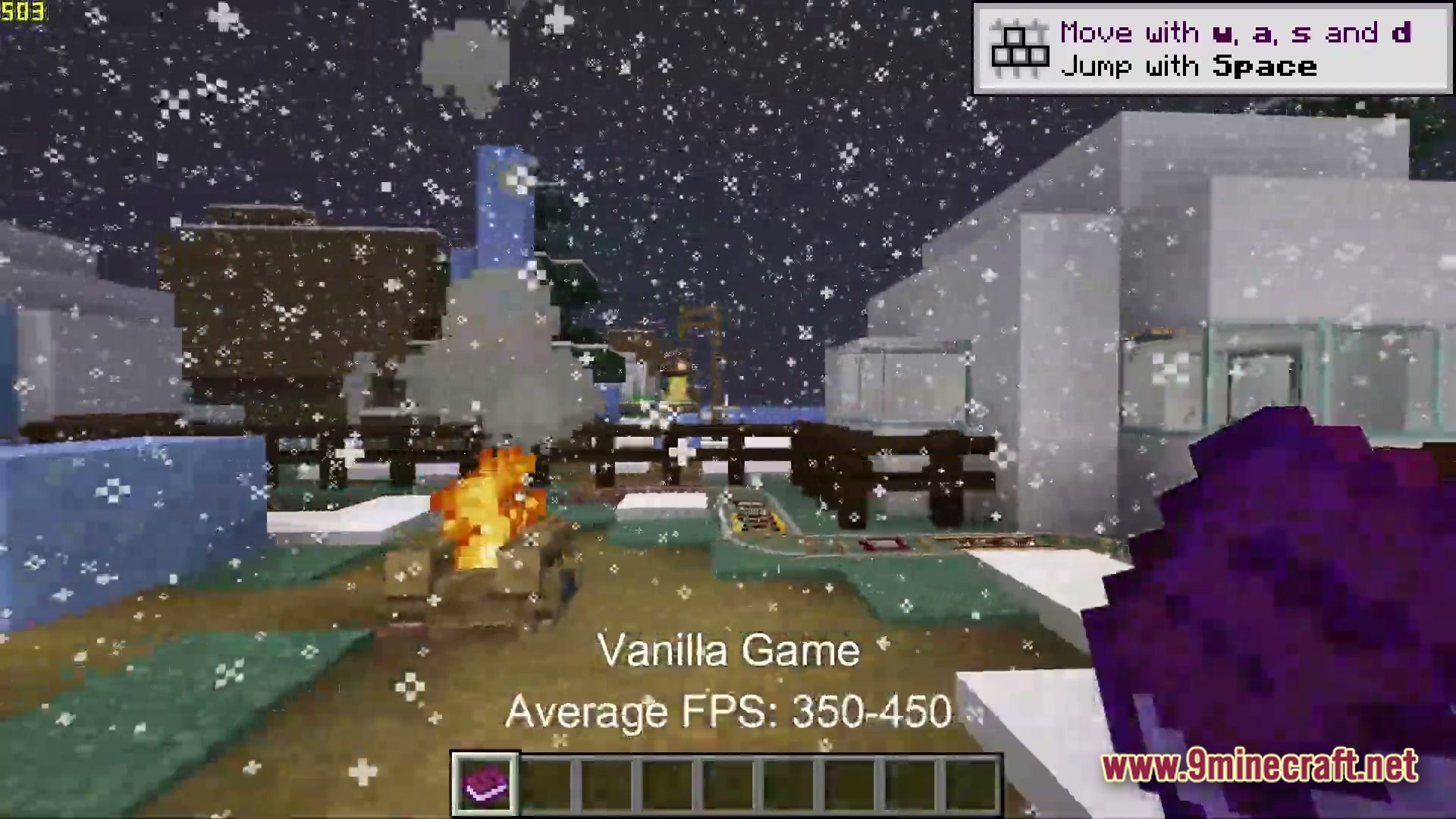
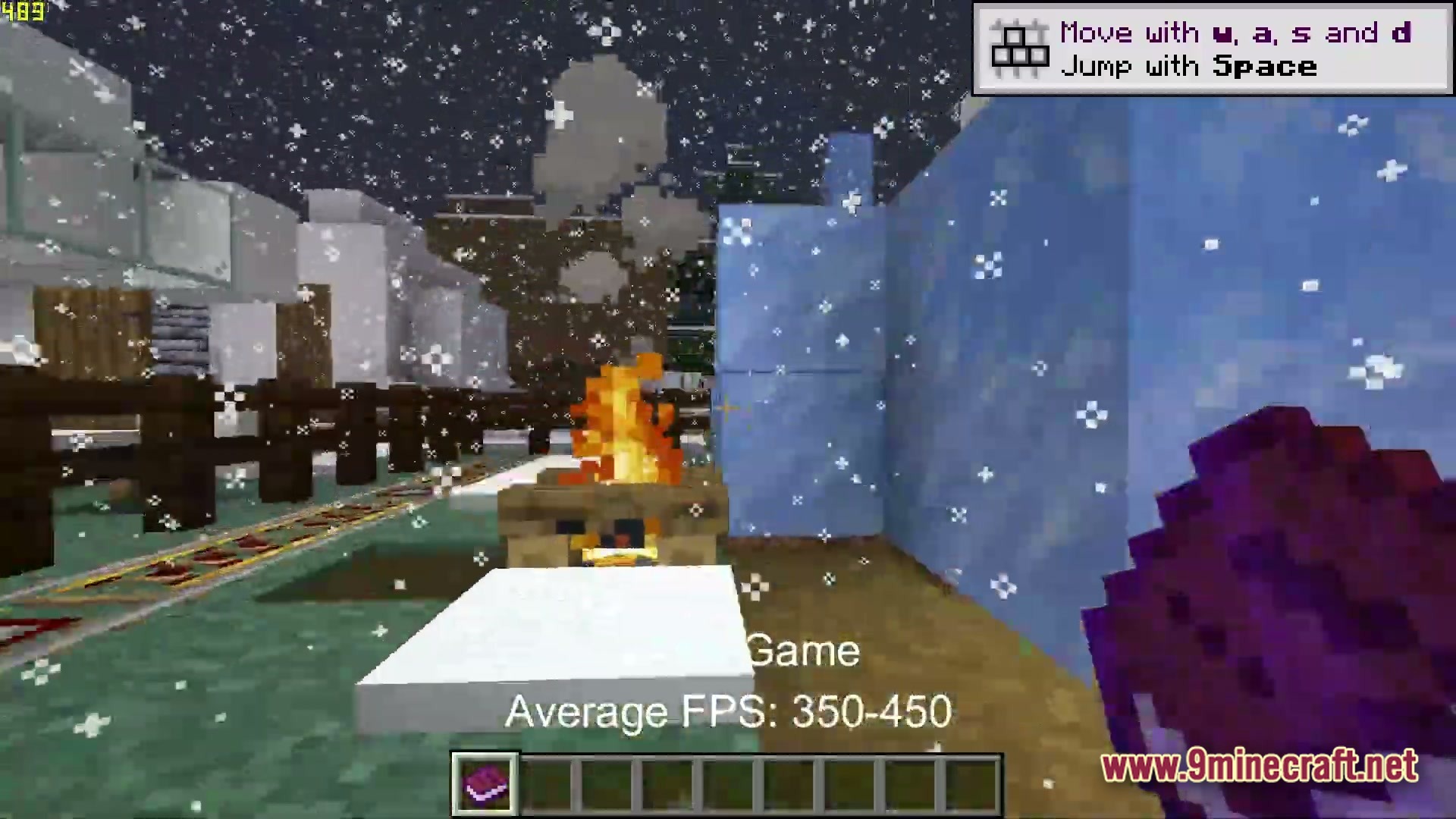
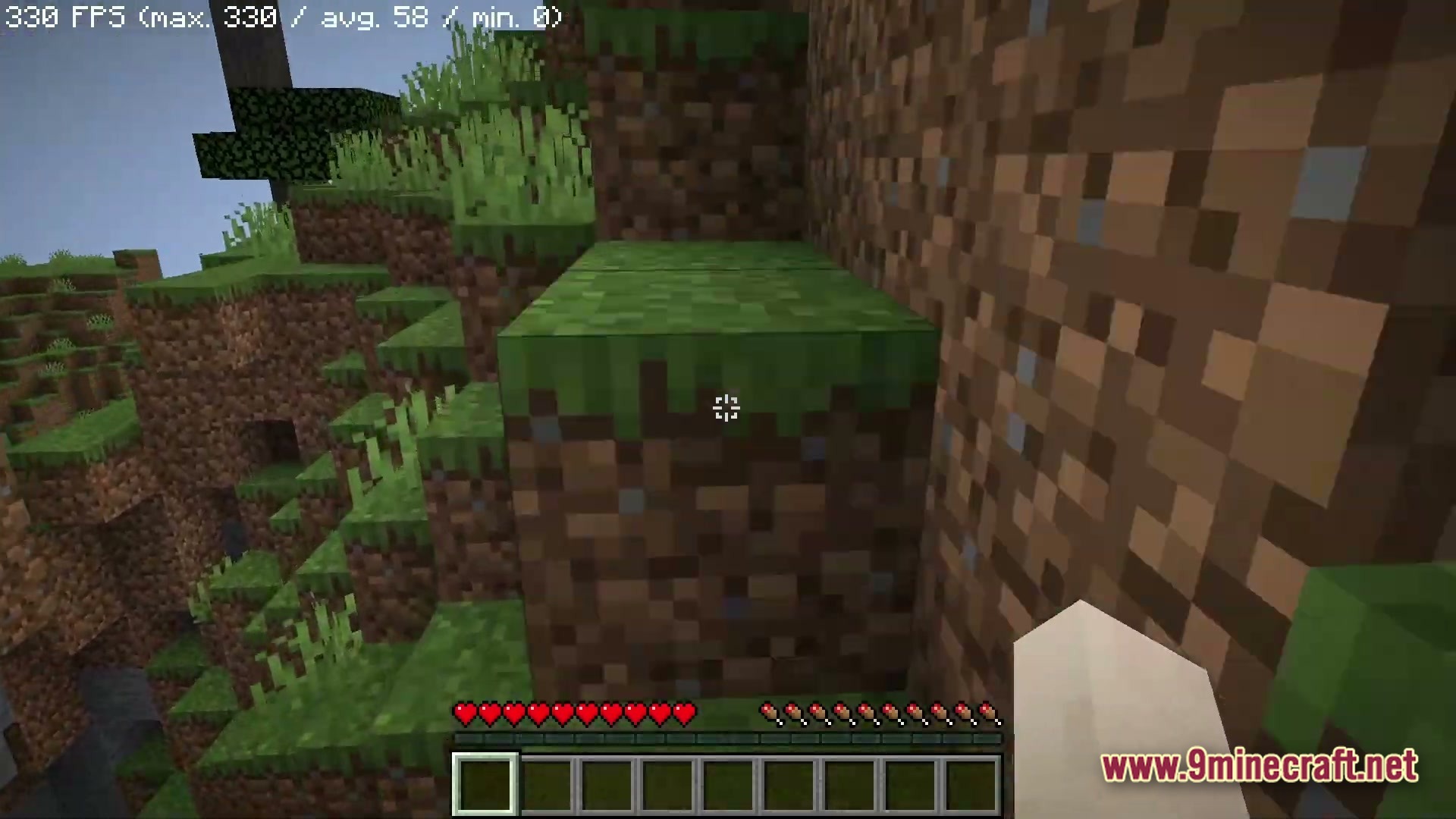
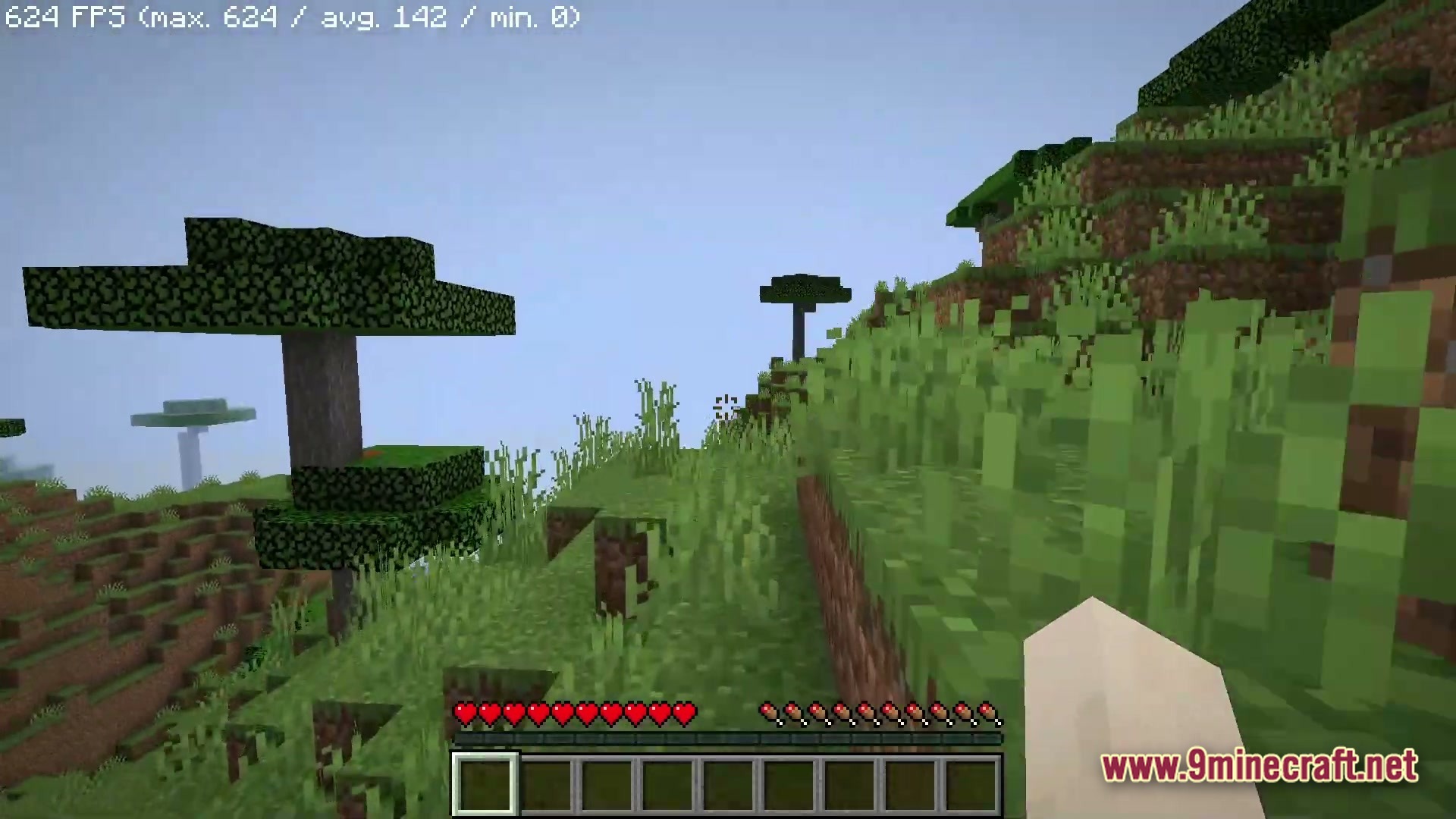
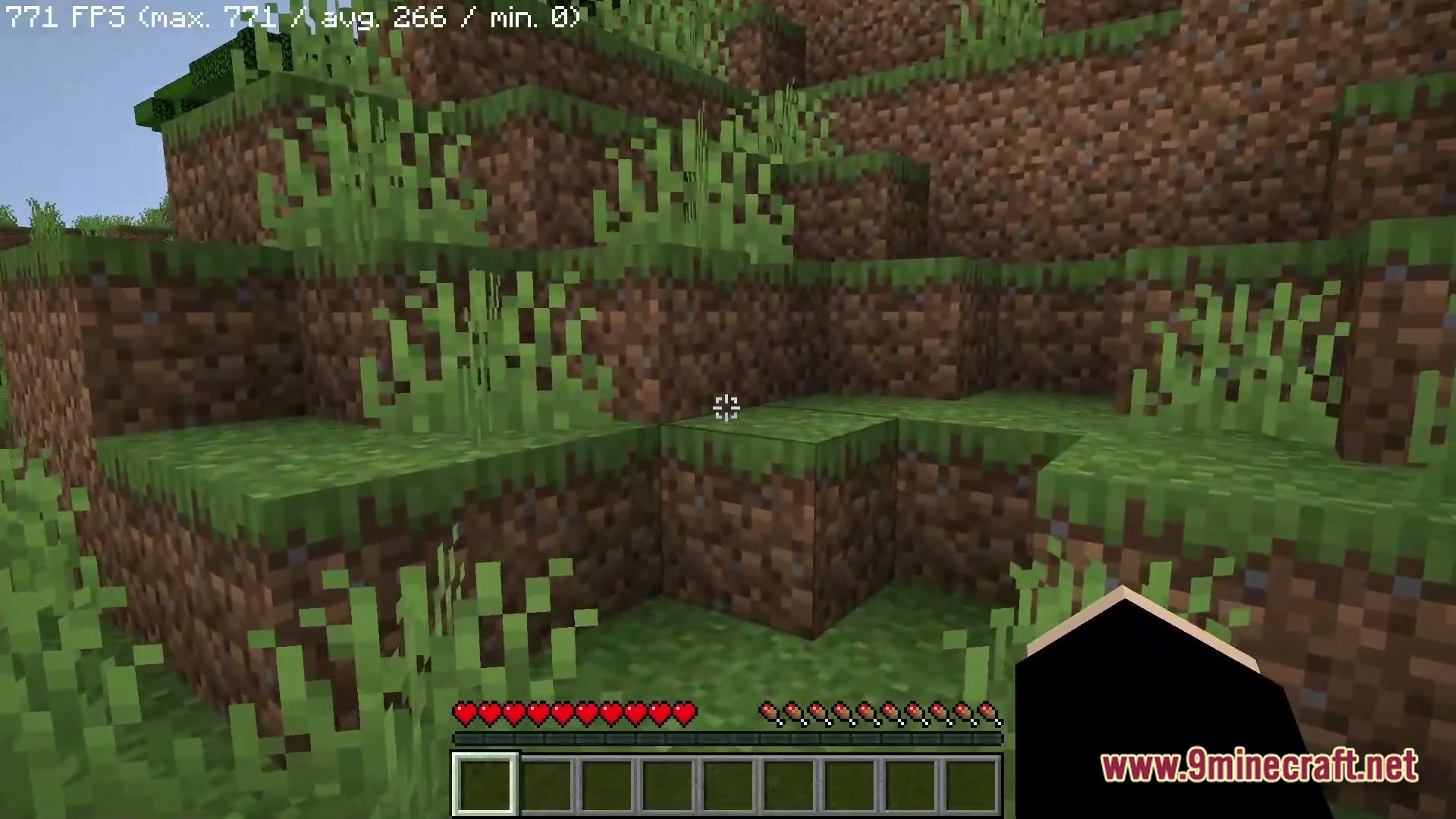
- Massive Speed Boosts: Uses top-tier performance mods to make your game run at much higher frame rates
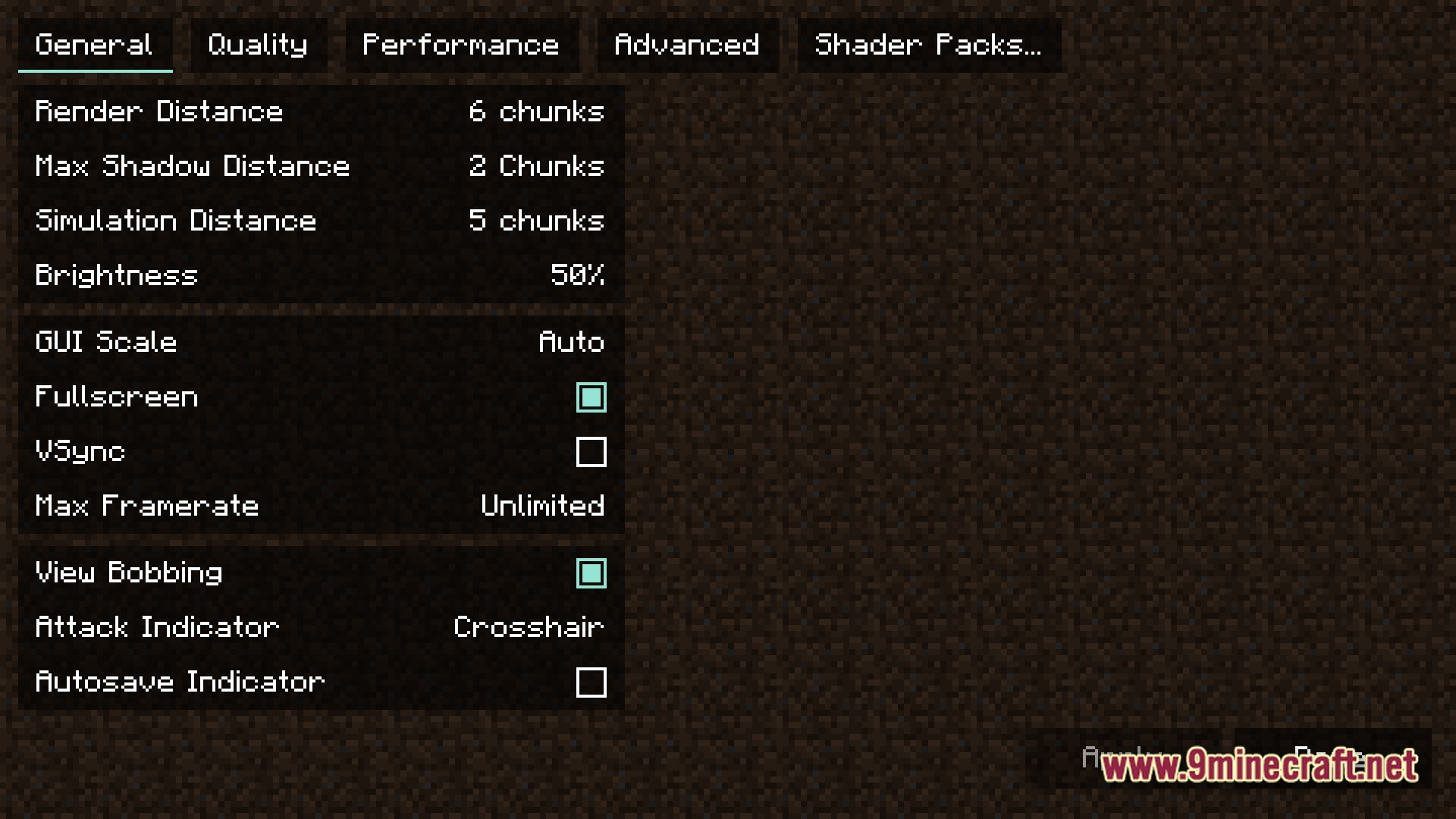
- Better Video Settings: Lets you easily change your view distance and turn on VSync to stop screen tearing
- Quality of Life: Adds small, helpful changes that make your everyday block-building and exploring more fun
- Server Ready: Comes with popular multiplayer servers already added to your list so you can play with friends instantly
- Flexible Graphics Options: Allows you to swap out the built-in speed mods if you prefer to use other popular graphics tools
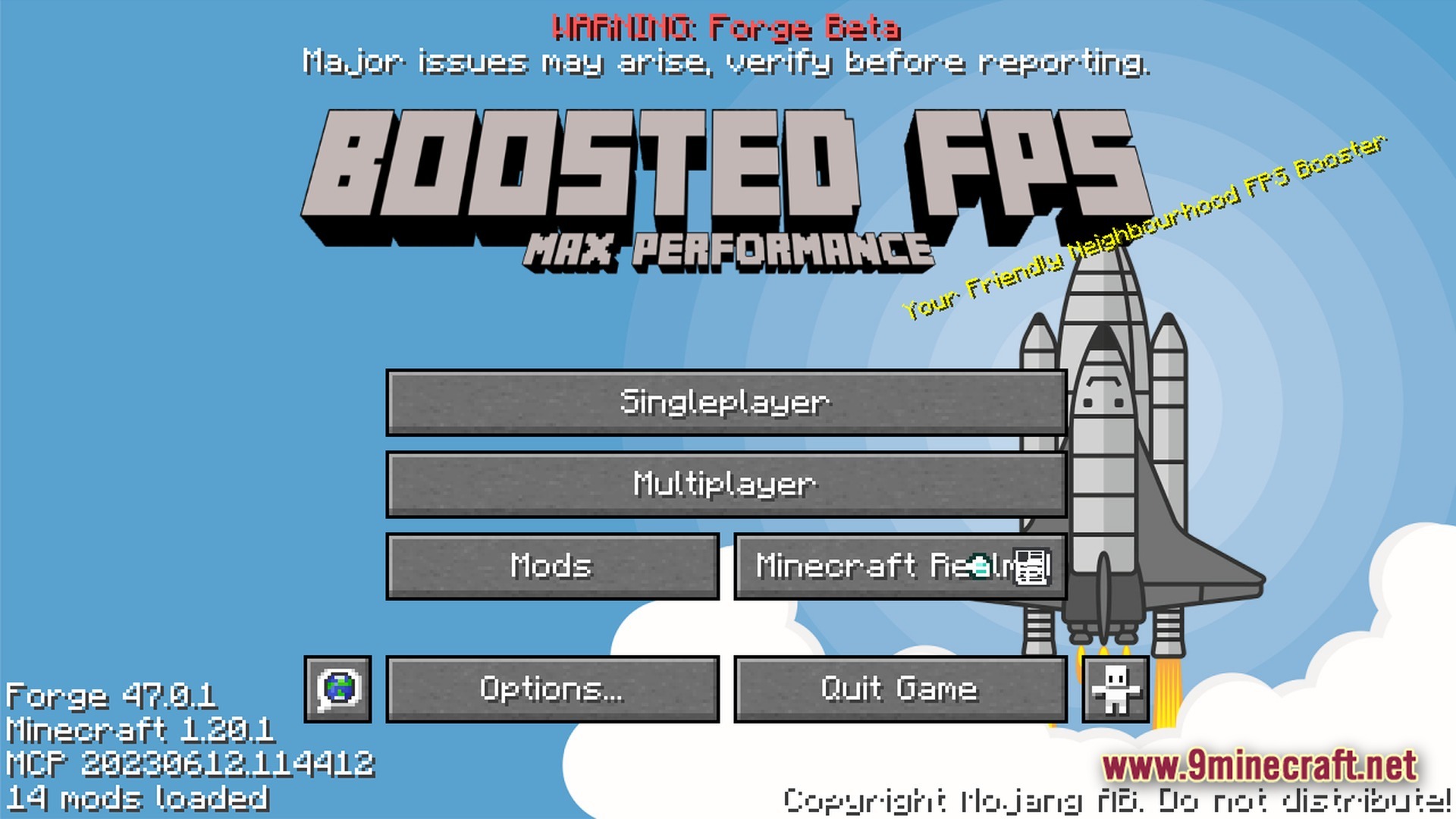
- Clean Mod Menu: Adds a simple button to the game menu so you can view and change your settings in one place
How to Play:
- Open your video settings and turn on VSync if your screen starts tearing.
- Turn up your render distance in the options menu if you want to see further.
- Click on the multiplayer button to join pre-loaded servers and play with others right away.
- Press the mods button in the main menu to check out and tweak your active settings.
Screenshots:
How to Install:
New to Minecraft? Follow our step-by-step guide to install Modpacks on your PC.View Guide
Boosted FPS Performance Optimized Modpack Download Links
For Minecraft 1.20.1
Click to rate this post!
[Total: 0 Average: 0]
You May Also Like




This post has no comments yet. Be the first — your comment will appear here.