


Emotify Plugin (1.21.1) – Share Animated Emojis Without Typing in Chat

 0
0 

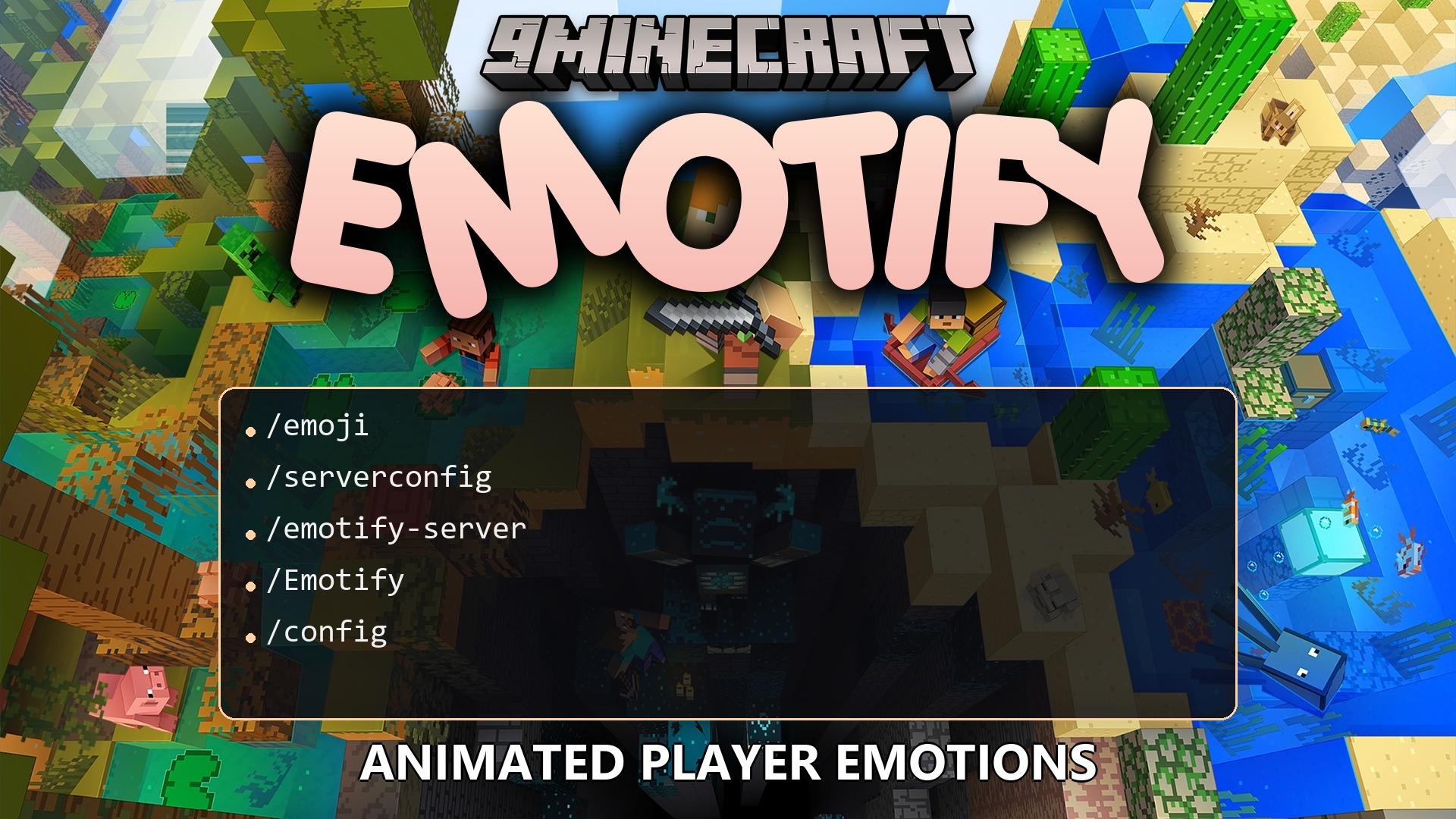
Emotify Plugin adds animated emojis that pop up right above your character’s head. It gives everyone on the server a quick and quiet way to show how they feel without stopping to type a chat message. You can share built-in reactions or even use your own custom pictures and GIFs. The system works well across different server types, so friends can react to each other easily.
Features:
- 162 Built-in Emojis: Gives you a huge selection of ready-to-use reactions, plus a favorites list for your most used ones.
- Custom Pictures: Lets you load your own PNG, JPG, or animated GIF files to use as personal emojis.
- Three Animations: Displays the emojis using fun motion styles called Elastic Pop, Ribbon Weave, or Lantern Release.
- Follows your character smoothly whether you are standing, swimming, sleeping, or flying with an elytra.
- Hides the emojis automatically if you drink an invisibility potion, switch to spectator mode, or hide behind blocks.
- Includes a simple menu to pick your reactions without taking away your movement controls.
- Lets you turn off incoming emojis, hide custom ones, or ignore specific players if things get too crowded.
- Updates right away when you add or remove custom emoji files in your game folder.
Commands:
/emotify reload: updates the server settings without restarting the game.
Configuration:
emotify.use: lets a player send reactions to other people.emotify.receive: lets a player see the reactions sent by others.emotify.admin.reload: gives staff members access to the reload command.
How to Use:
- Open the emotion picker menu while playing to see the list of available reactions.
- Click the star icon on any emoji to save it to your favorites tab for quick access.
- To add your own, click the folder button in the menu to open the custom emoji folder.
- Drop small image files or GIFs (up to 512 KB) into that folder to use them in the game.
- Click the gear button in the menu to change your settings, like turning down the motion or muting sounds.
How to Install:
New to Minecraft? Follow our step-by-step guide to install Plugins on your PC.View Guide


Emotify Plugin Download Links
For Minecraft 1.21.1, 1.21
Click to rate this post!
[Total: 0 Average: 0]
You May Also Like







This post has no comments yet. Be the first — your comment will appear here.