


OptiGUI Mod (26.1.2, 1.20.1) – Support Optifine Resource Packs

 0
0  April 14, 2026
OptiGUI Mod allows you to customize the textures of elements in the in-game interface (GUI) using resource packs. Completely rewritten in Kotlin, the mod boasts improved performance, cleaner code, expanded functionality, and the ability for developers of other mods to add their own containers and GUI customization options.
Features:
- Allows players to modify in-game interface textures using resource packs.
- Rewritten in Kotlin for cleaner code and improved performance.
- Supports advanced customization options and enables developers to add their own containers and GUI settings.
- Works with most OptiFine GUI resource packs and introduces more flexible OptiGUI-specific resource packs.
- Available in multiple languages, making it accessible to a global audience.
Supported Resource Packs:
- Colourful Containers GUI
- Colourful Containers Add-On
- Colourful Containers Dark Mode GUI
- Animated RGB GUI
- NEON20 ANIMATED
- Rybo’s Enhanced GUI
- Animated Fox Guis
- [DARK] Animated Fox Guis
- Recolourful Containers GUI + HUD
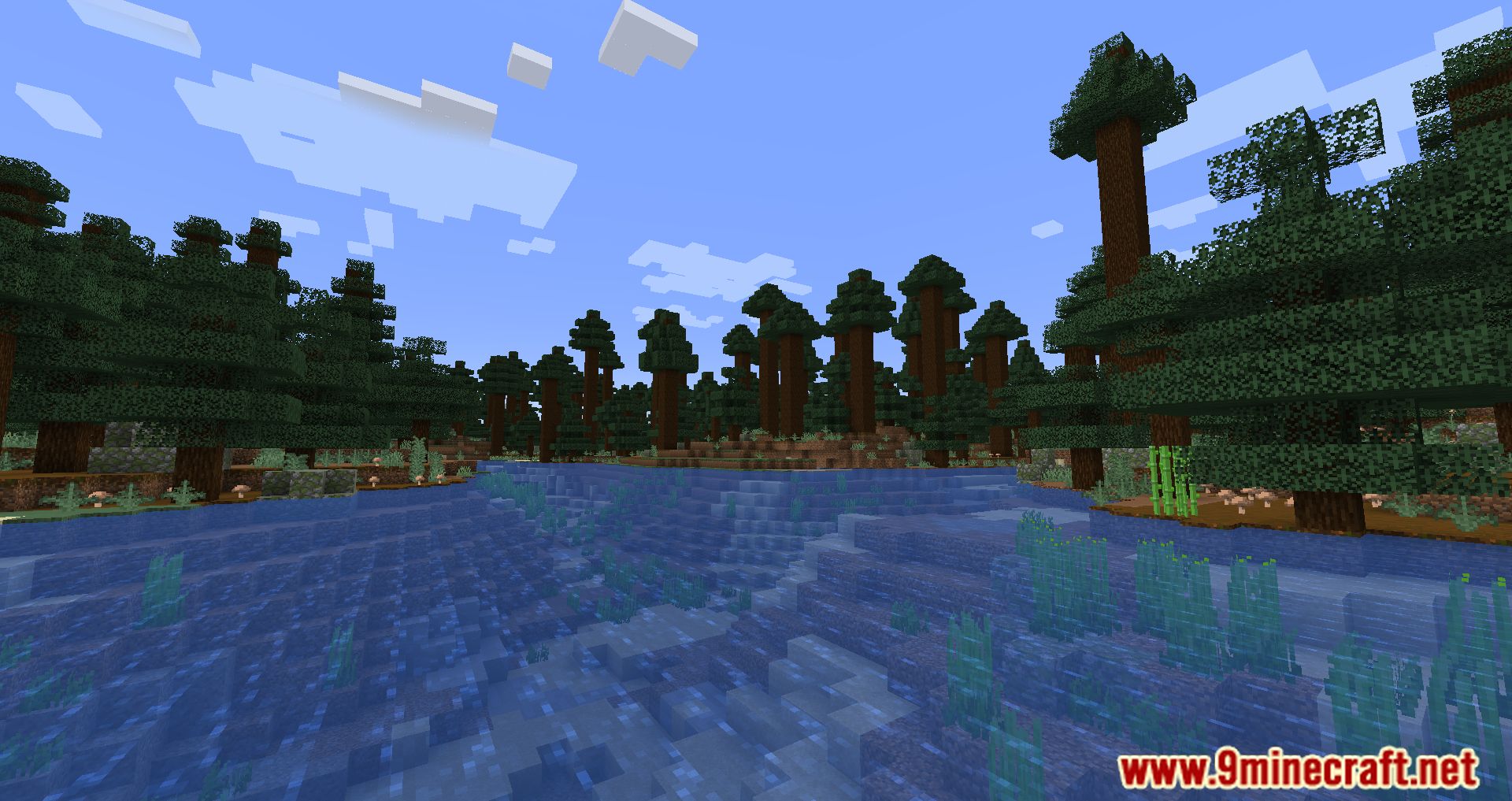
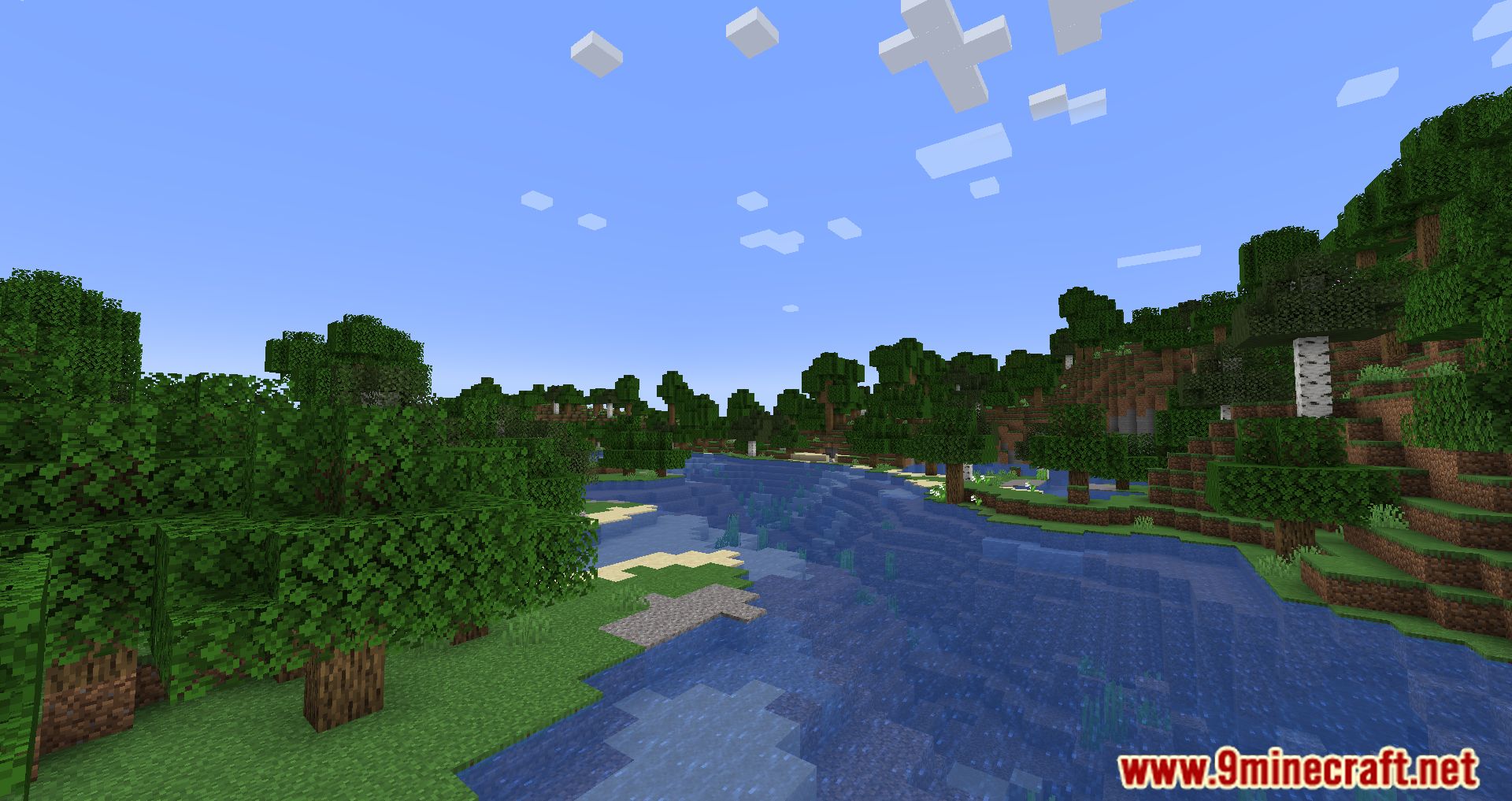
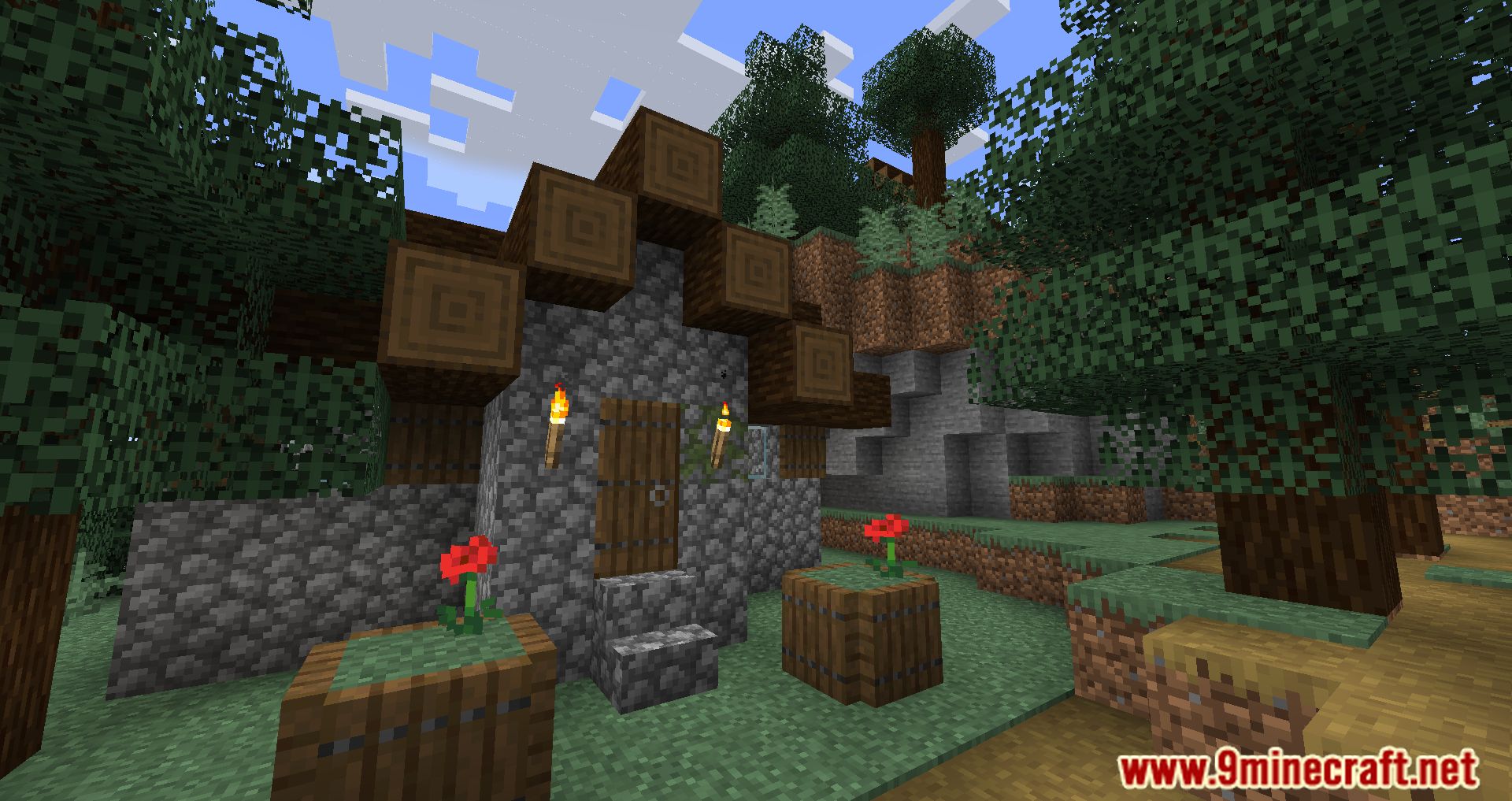
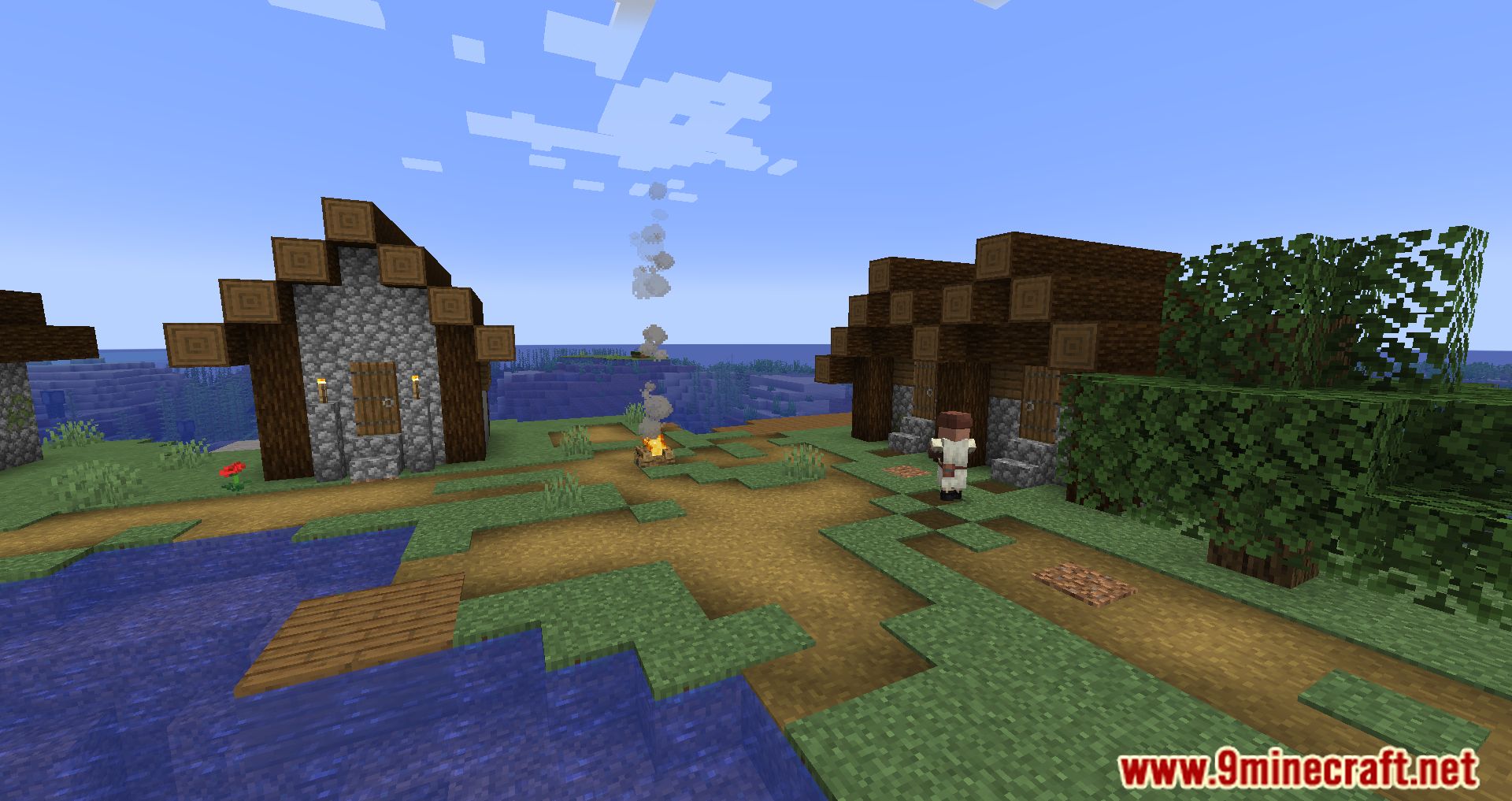
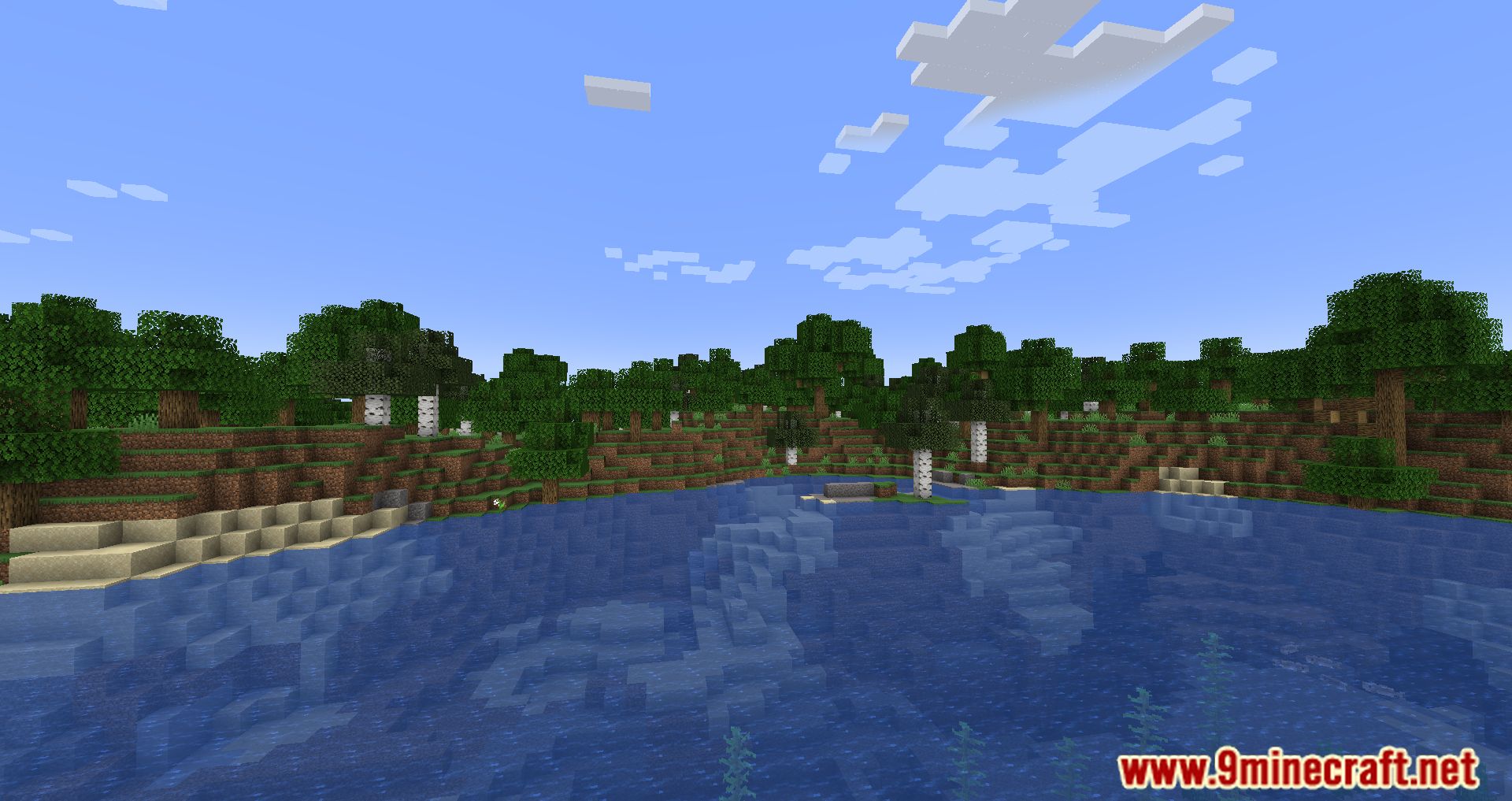
Screenshots:
How to Install:
New to Minecraft? Follow our step-by-step guide to install Mods on your PC.View Guide
Requirements:
 Fabric Loader Required
 Fabric API Required
Quilt Loader Required
 Fabric Language Kotlin Mod Required
 Animatica Mod Required
 LiLaC Mod Required
Know My Name! Required
OptiGUI Mod Download Links
For Minecraft 26.1.2, 26.1.1, 26.1
For Minecraft 1.21.11, 1.21.10, 1.21.9
For Minecraft 1.21.10, 1.21.9
For Minecraft 1.21.8, 1.21.7, 1.21.6
For Minecraft 1.21.5
For Minecraft 1.21.4
For Minecraft 1.21.3
For Minecraft 1.21.1, 1.21
For Minecraft 1.20.6
For Minecraft 1.20.5
For Minecraft 1.20.4, 1.20.3
For Minecraft 1.20.2
For Minecraft 1.20.1, 1.20
For Minecraft 1.19.4
For Minecraft 1.19.3
For Minecraft 1.19.2, 1.19.1, 1.19
Click to rate this post!
[Total: 0 Average: 0]
You May Also Like

This post has no comments yet. Be the first — your comment will appear here.