


OptiGUI Mod (26.2, 1.20.1) – Style Every Menu In-Game

 0
0 

🌐 Good news — we've translated this article into other languages!
Or pick the one you like:
OptiGUI Mod lets you change the look of in-game menus and interfaces using resource packs. It is a client-side mod that supports most resource packs made for OptiFine’s custom GUI feature. The mod is written in Kotlin, which helps it run fast and smoothly on Fabric and Quilt.
Features:
- Lets you customize the textures of in-game GUIs with resource packs.
- Runs smoothly with good performance.
- Works with most OptiFine custom GUI resource packs.
- Supports its own flexible resource pack format for more options.
- Available in many different languages.
Supported Resource Packs:
- Colourful Containers GUI
- Colourful Containers Add-On
- Colourful Containers Dark Mode GUI
- Animated RGB GUI
- NEON20 ANIMATED
- Rybo’s Enhanced GUI
- Animated Fox Guis
- [DARK] Animated Fox Guis
- Recolourful Containers GUI + HUD
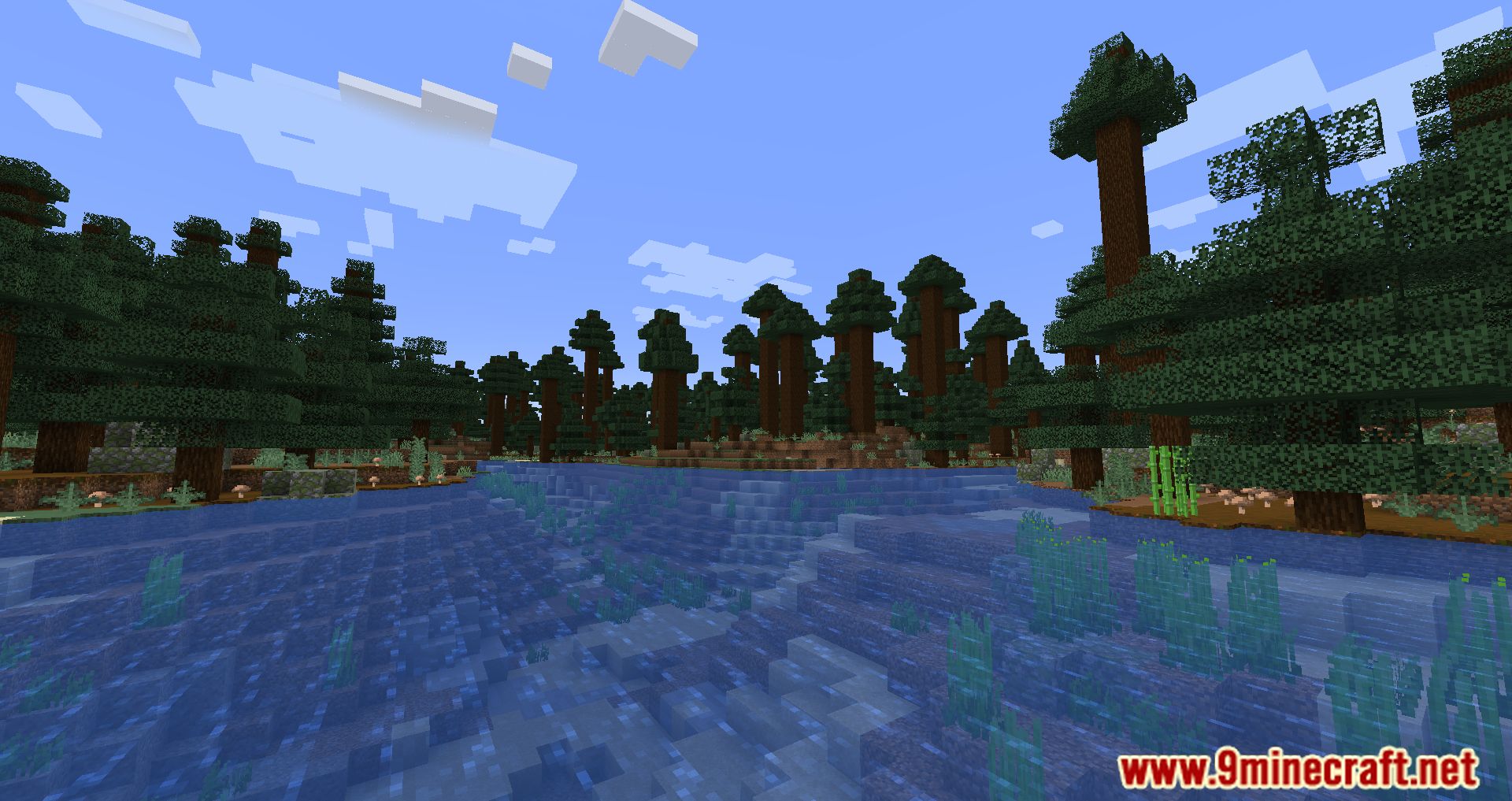
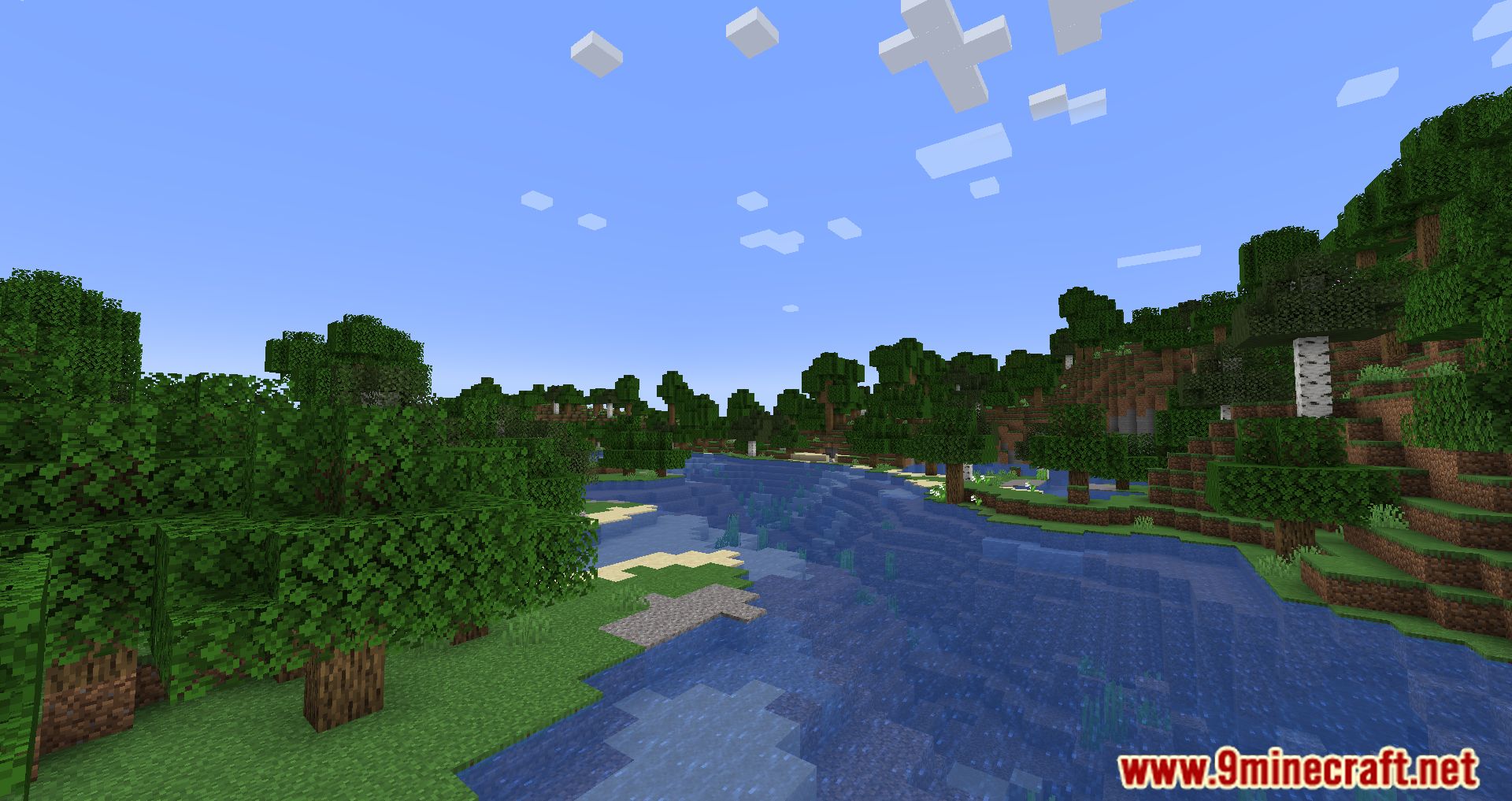
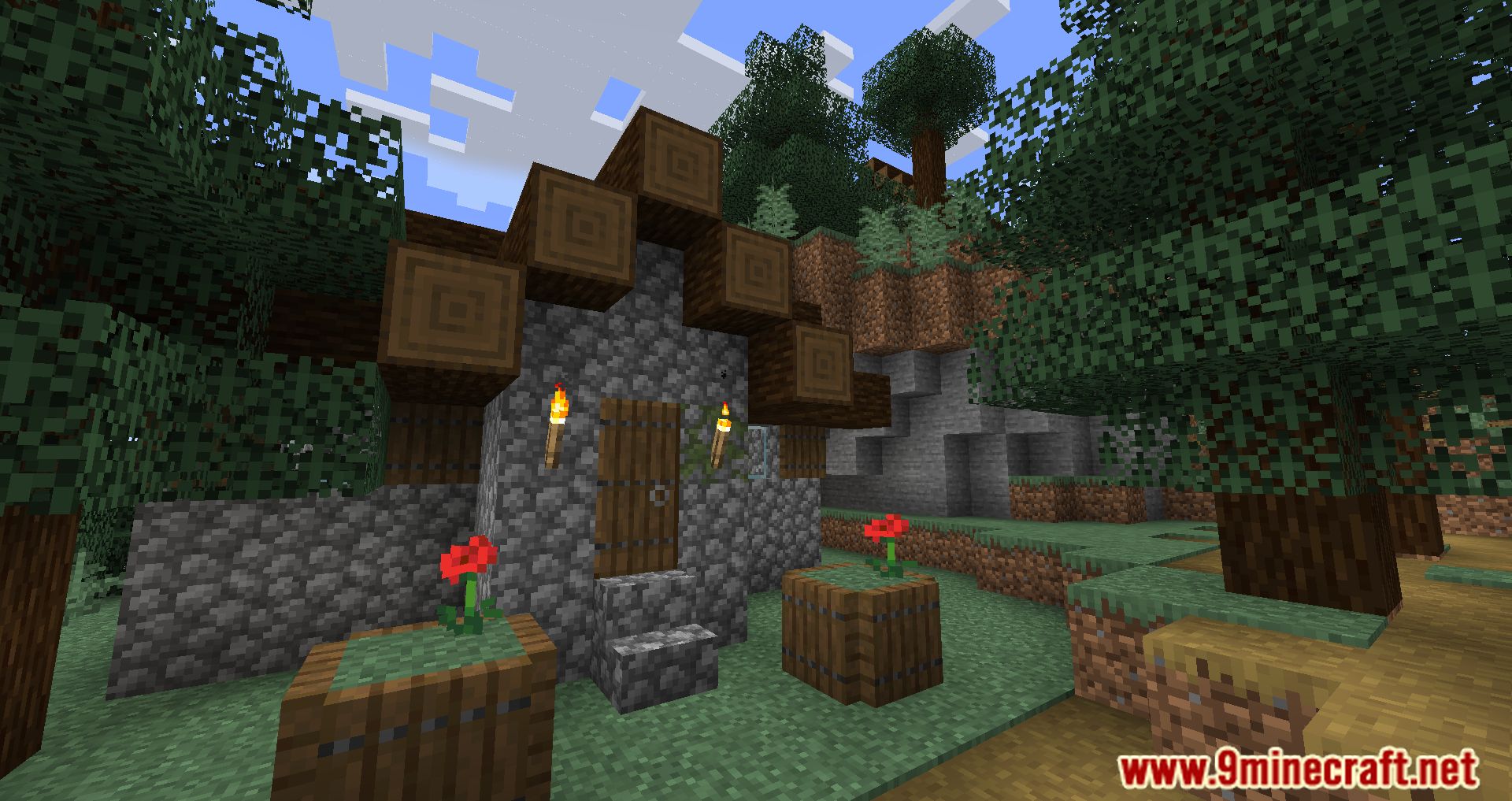
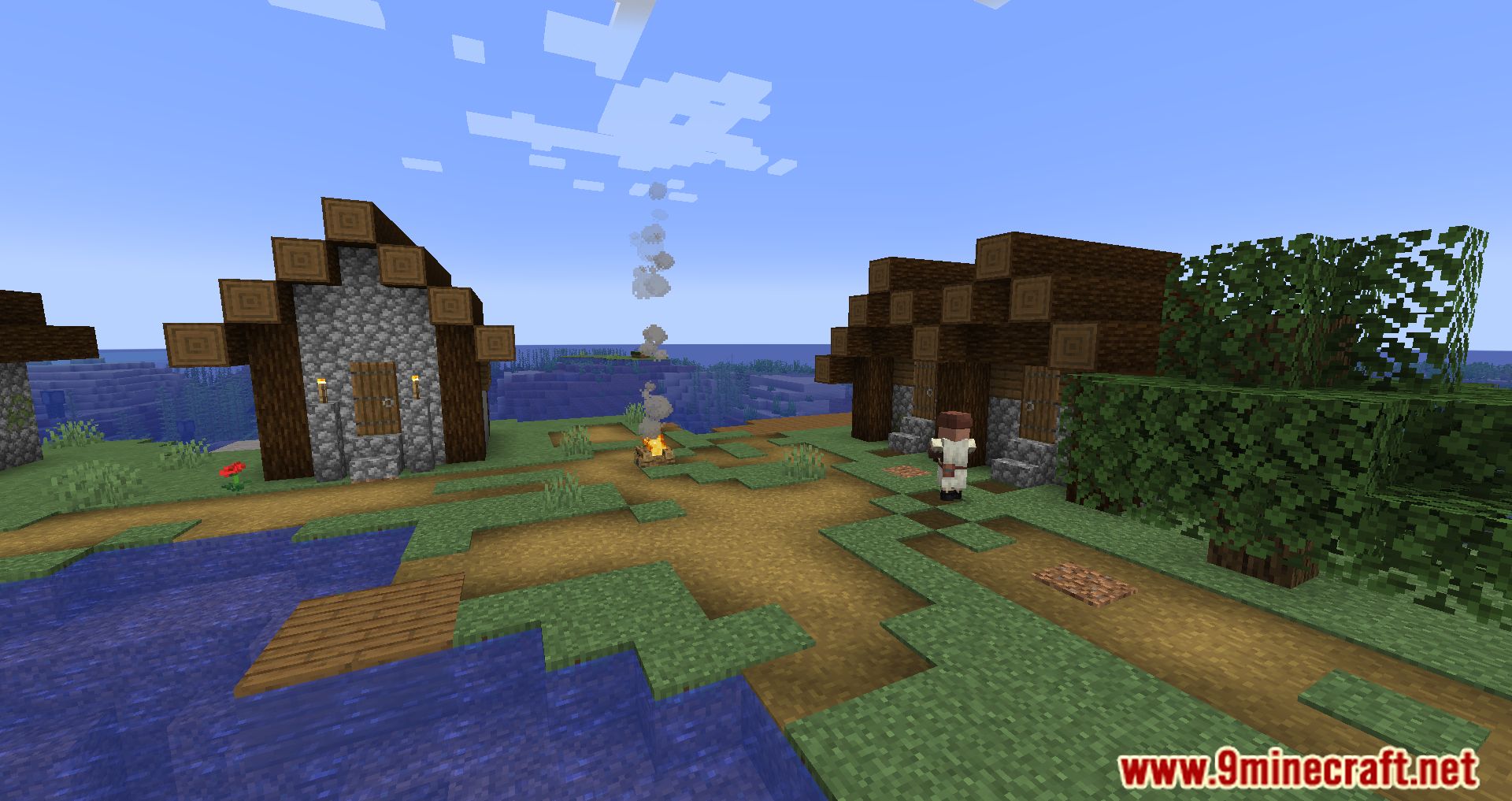
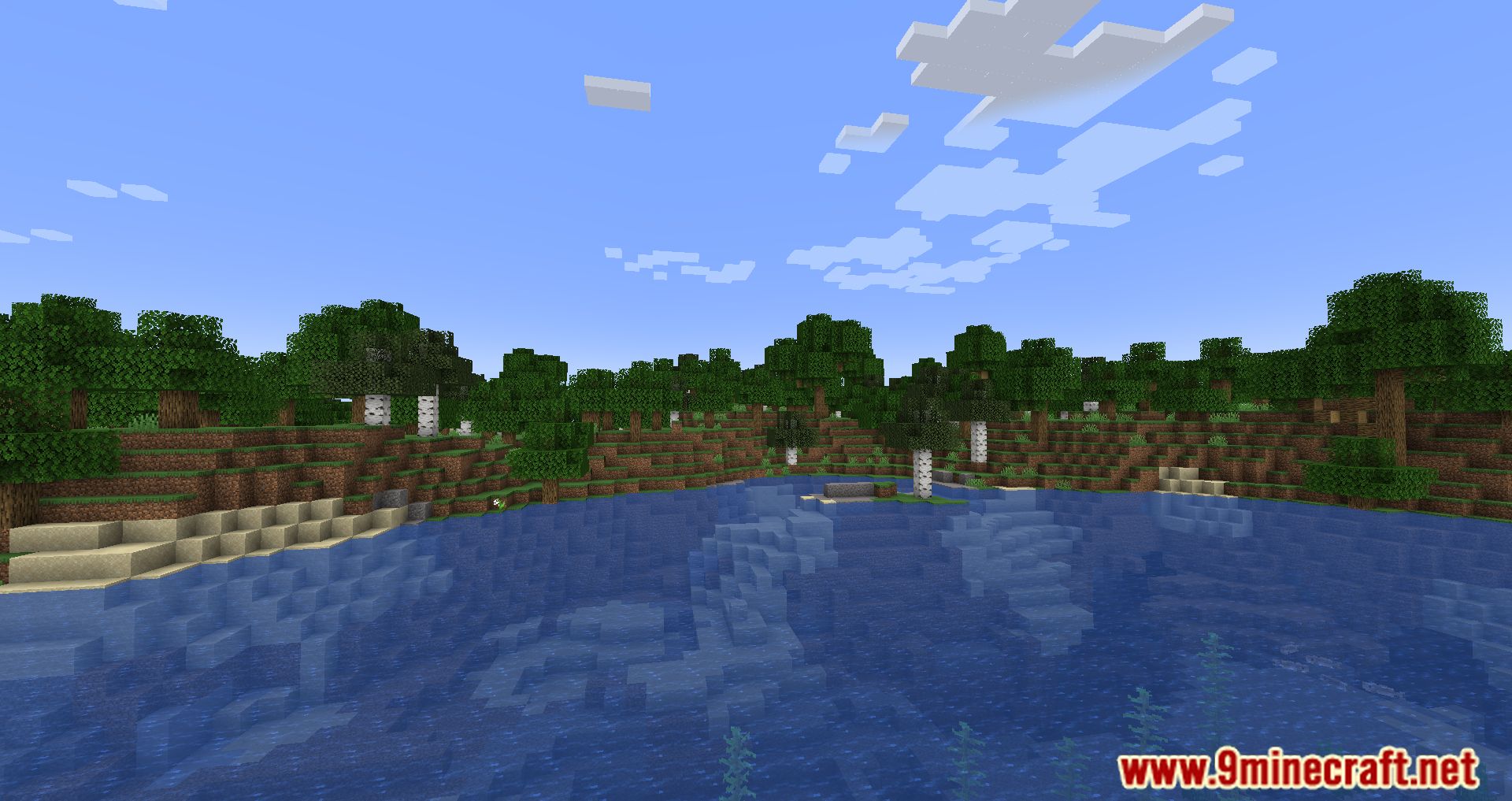
Screenshots:
How to Install:
New to Minecraft? Follow our step-by-step guide to install Mods on your PC.View Guide
Requirements:
 Fabric Loader Required
 Fabric API Required
Quilt Loader Required
 Fabric Language Kotlin Mod Required
 Animatica Mod Required
 LiLaC Mod Required
Know My Name! Required
OptiGUI Mod Download Links
For Minecraft 26.2
For Minecraft 26.1.2, 26.1.1, 26.1
For Minecraft 1.21.11, 1.21.10, 1.21.9
For Minecraft 1.21.10, 1.21.9
For Minecraft 1.21.8, 1.21.7, 1.21.6
For Minecraft 1.21.5
For Minecraft 1.21.4
For Minecraft 1.21.3, 1.21.2
For Minecraft 1.21.1, 1.21
For Minecraft 1.20.6
For Minecraft 1.20.5
For Minecraft 1.20.4, 1.20.3
For Minecraft 1.20.2
For Minecraft 1.20.1, 1.20
For Minecraft 1.19.4
For Minecraft 1.19.3
For Minecraft 1.19.2, 1.19.1, 1.19
Click to rate this post!
[Total: 0 Average: 0]
You May Also Like

This post has no comments yet. Be the first — your comment will appear here.