


Random Mob Sizes Mod (26.1.2, 1.20.1) – Configure Mobs to Spawn in Different Sizes
 4,261
4,261
 0
0
 2 weeks ago
 Buecher_wurm
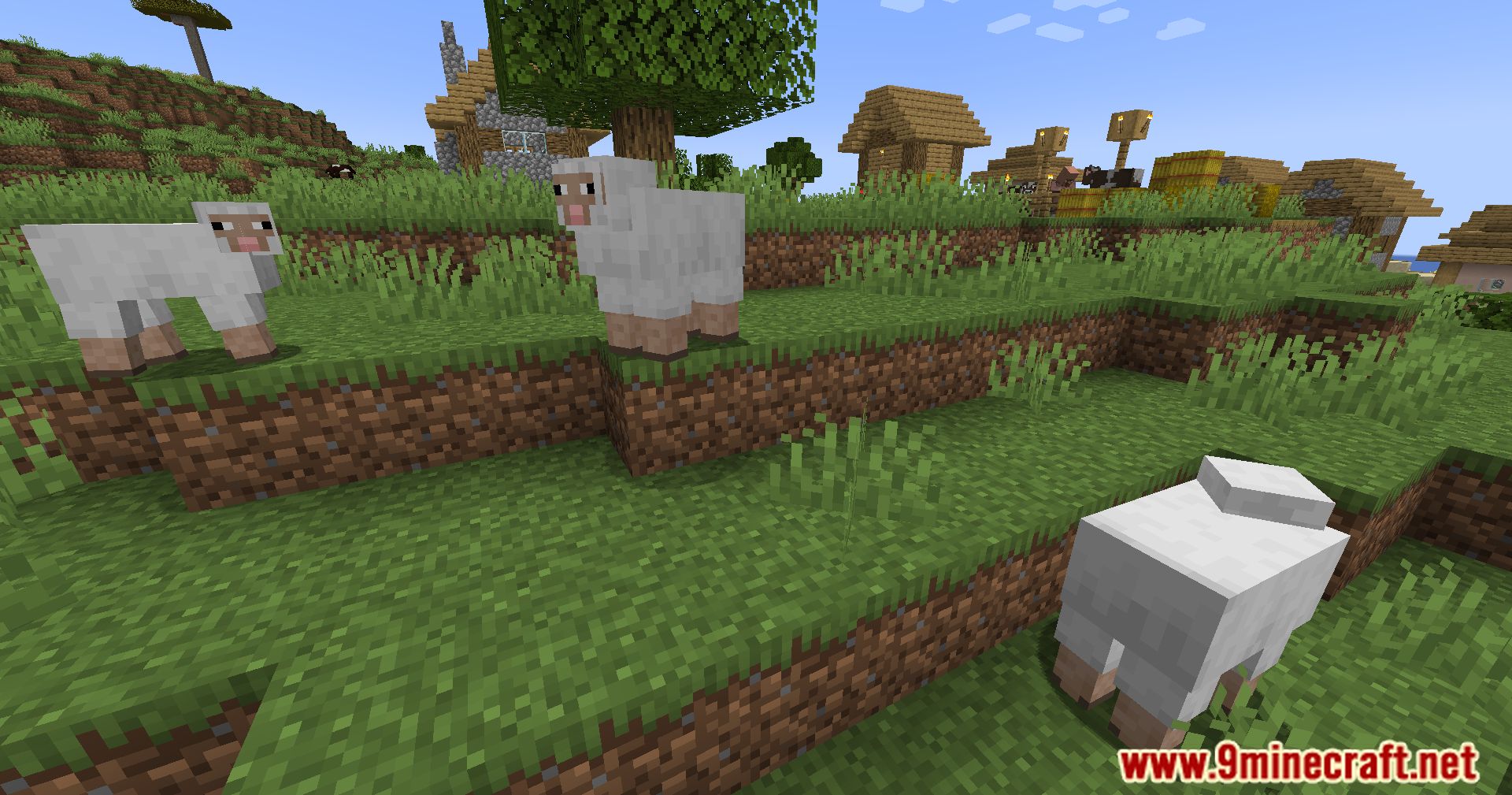
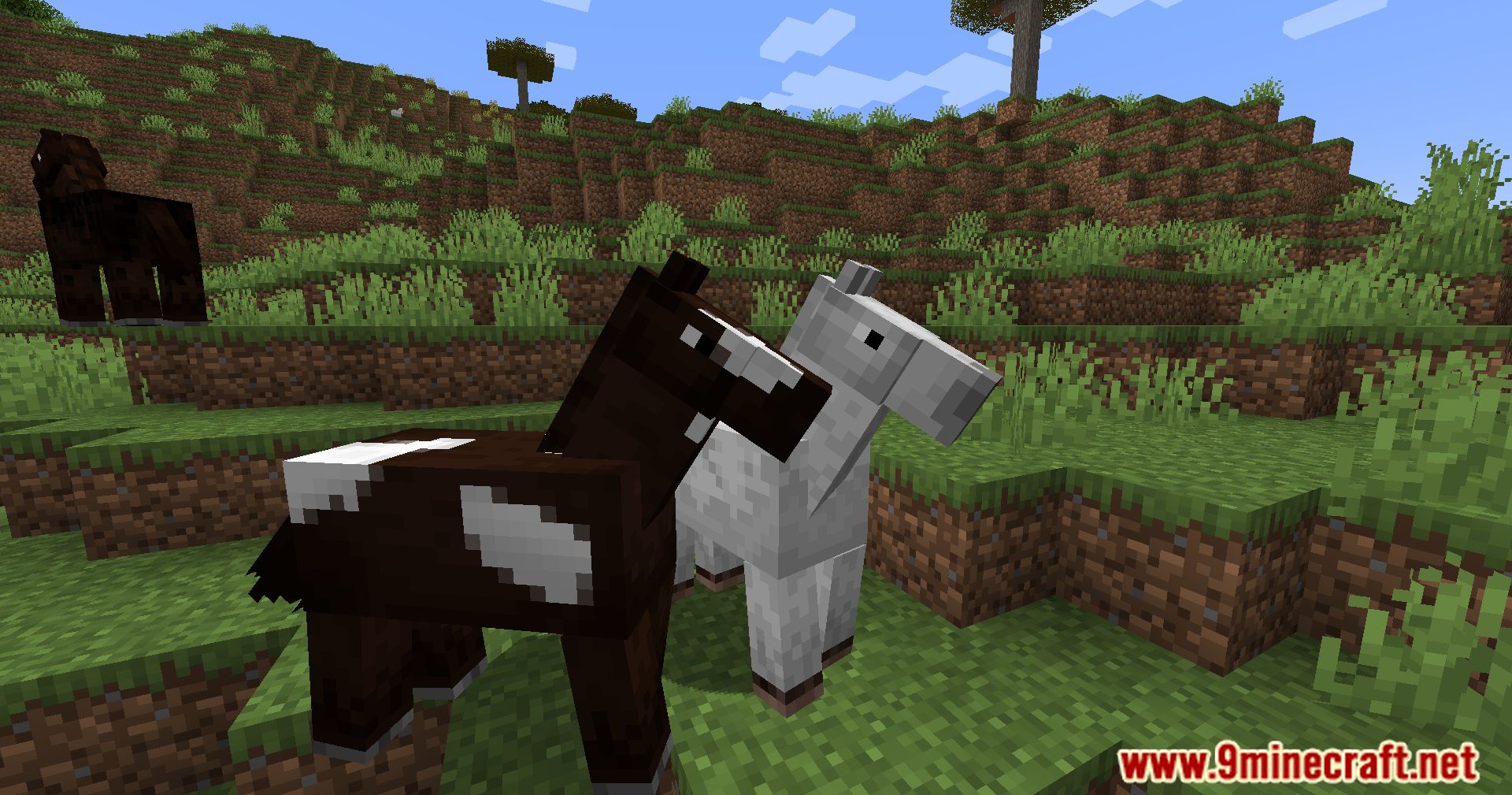
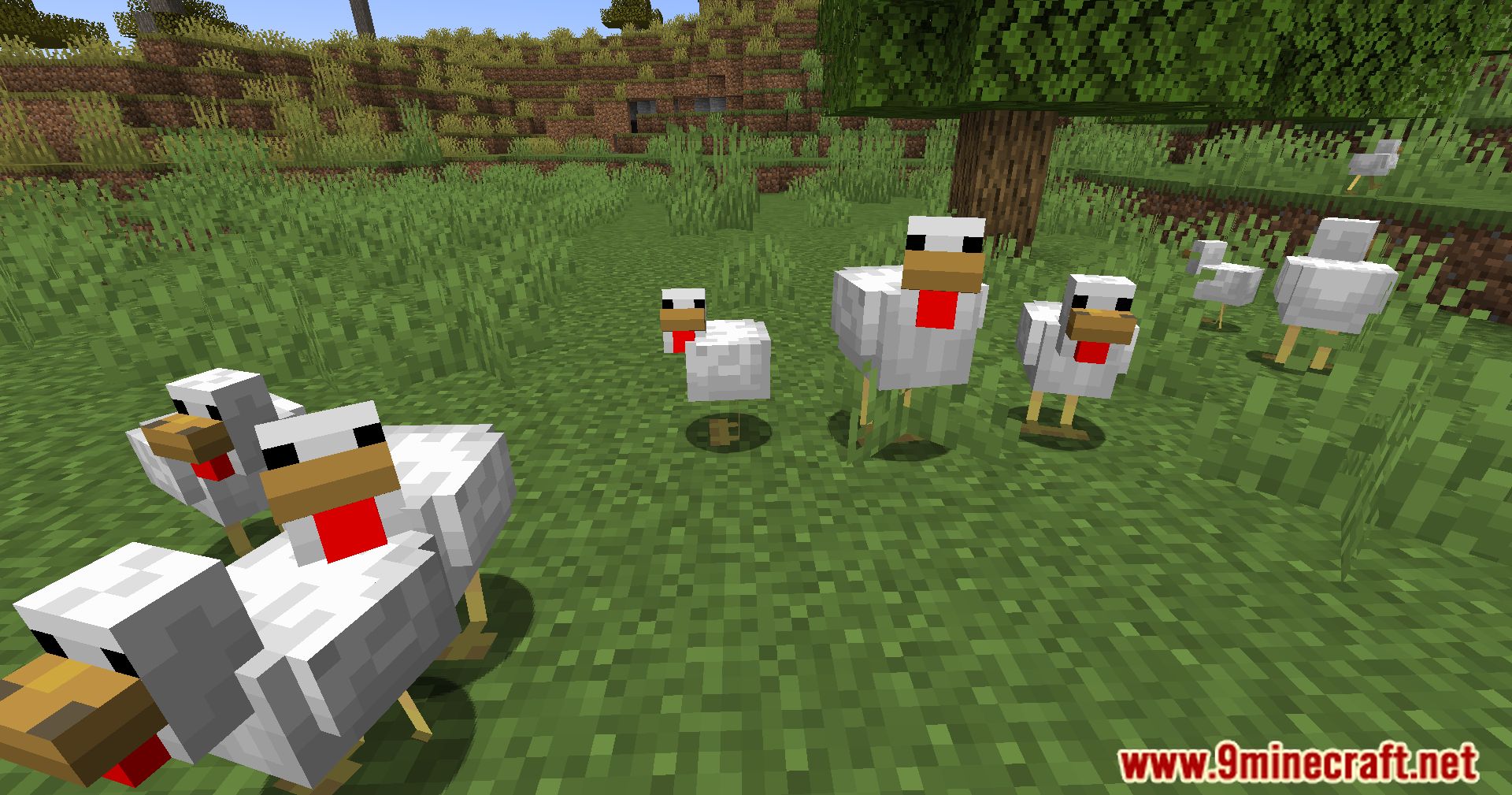
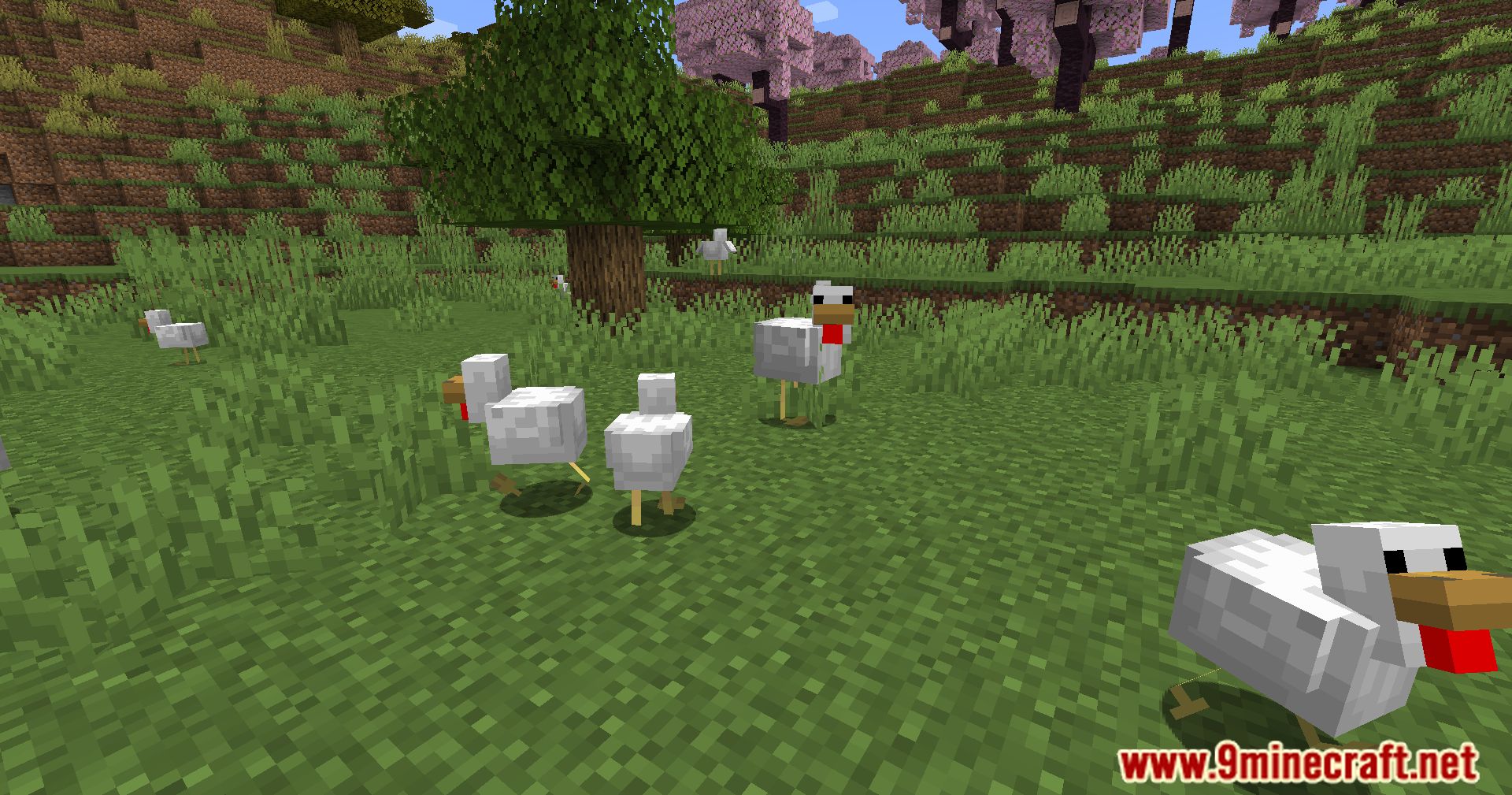
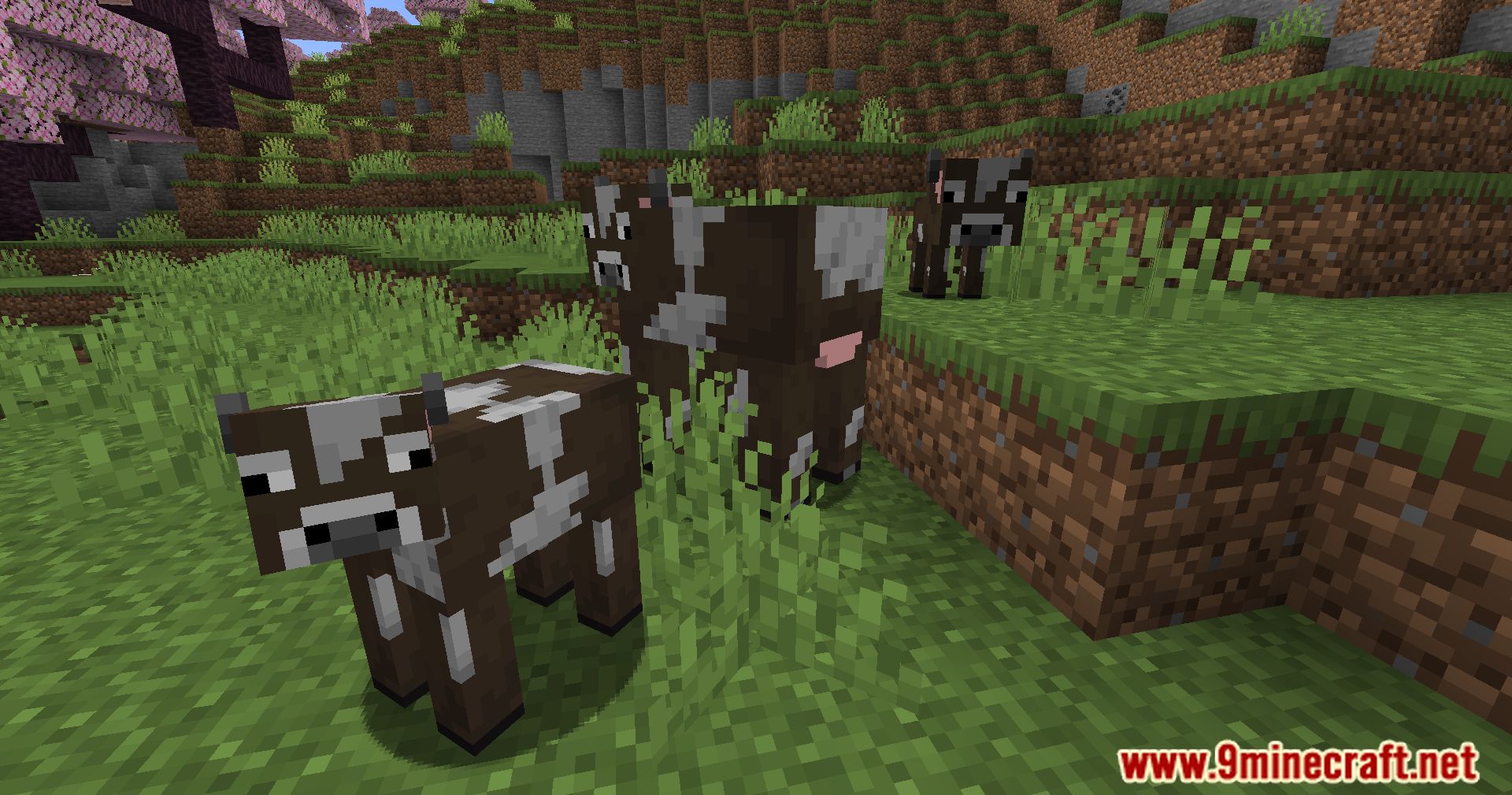
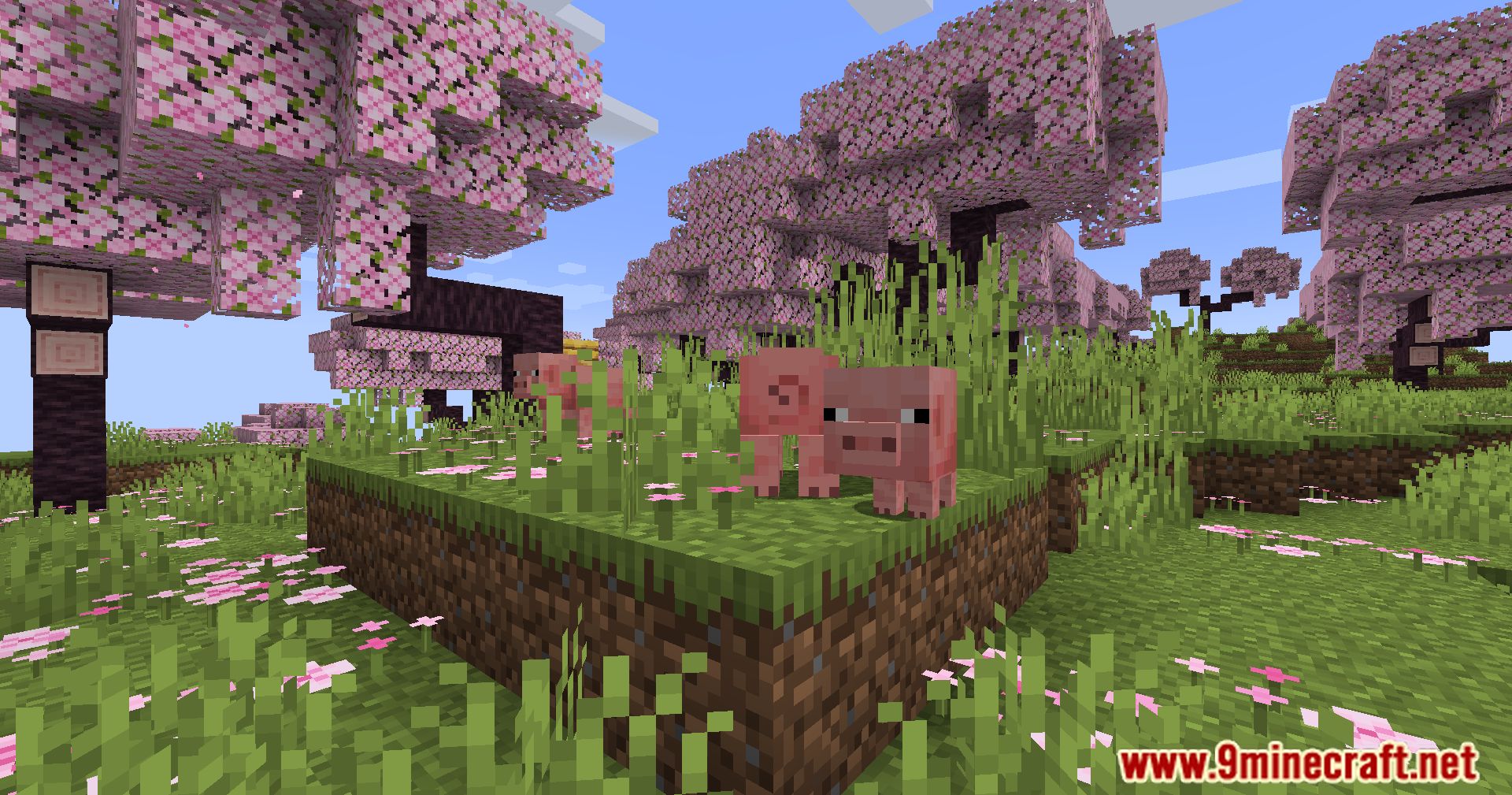
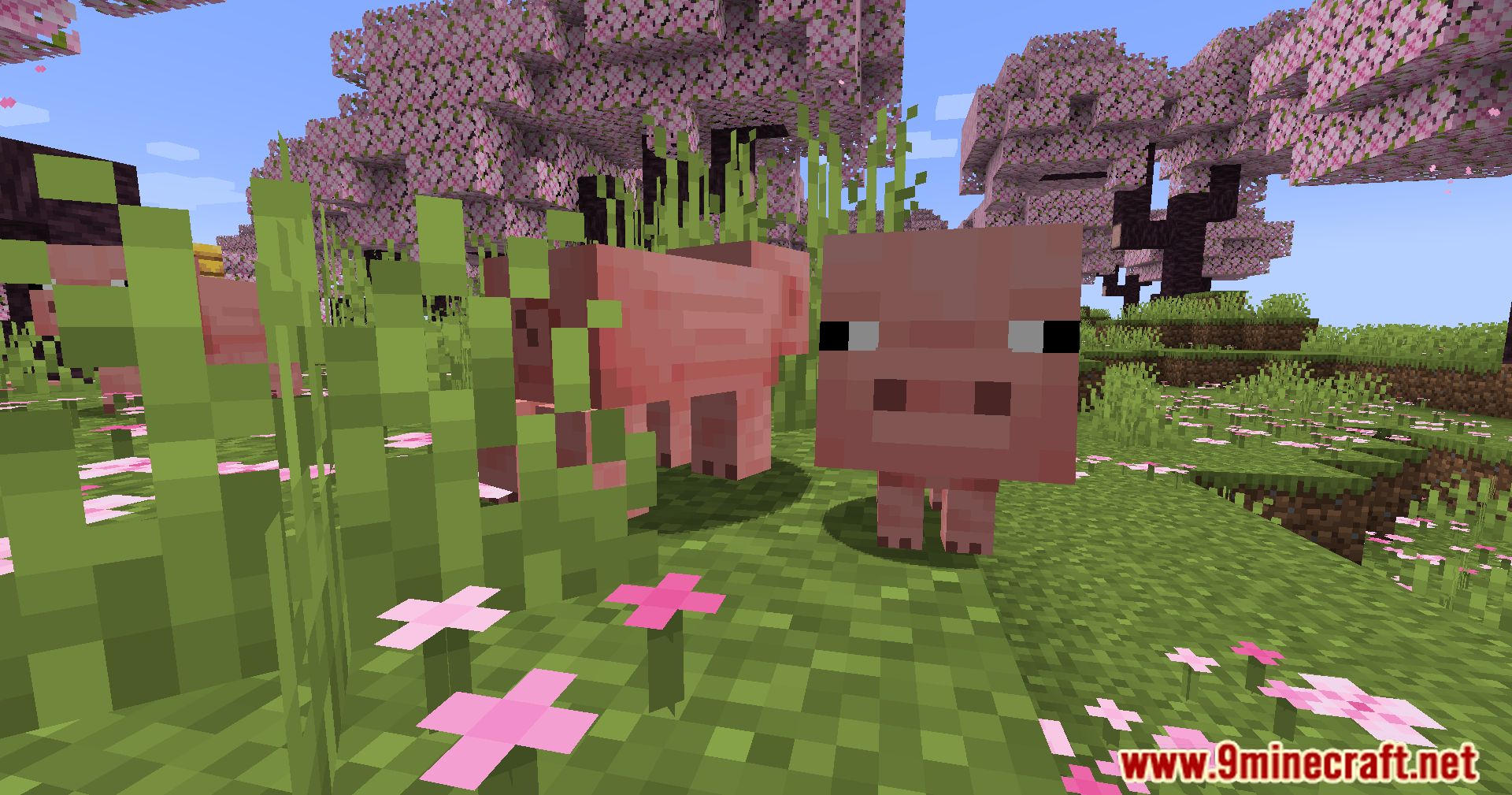
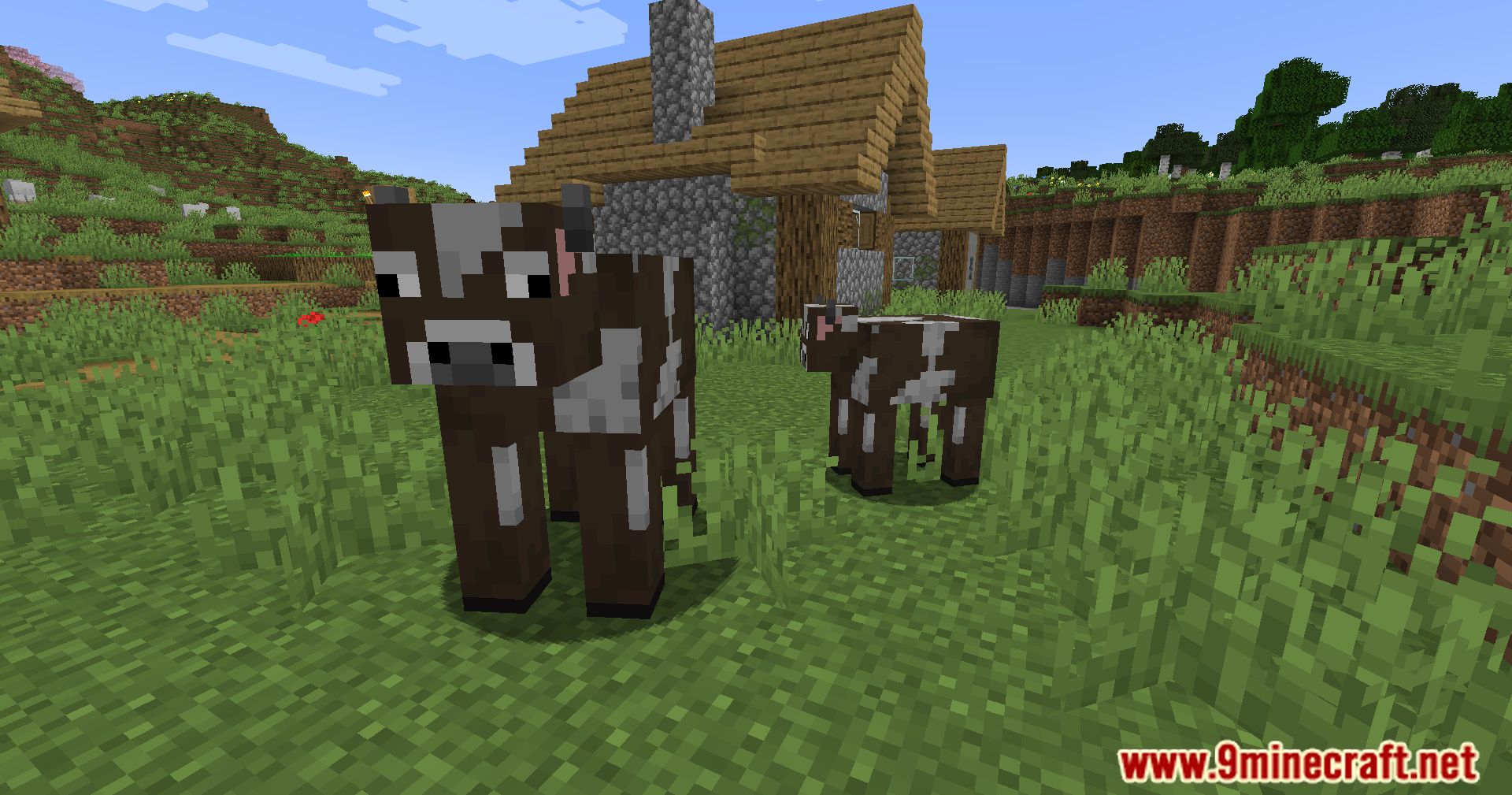
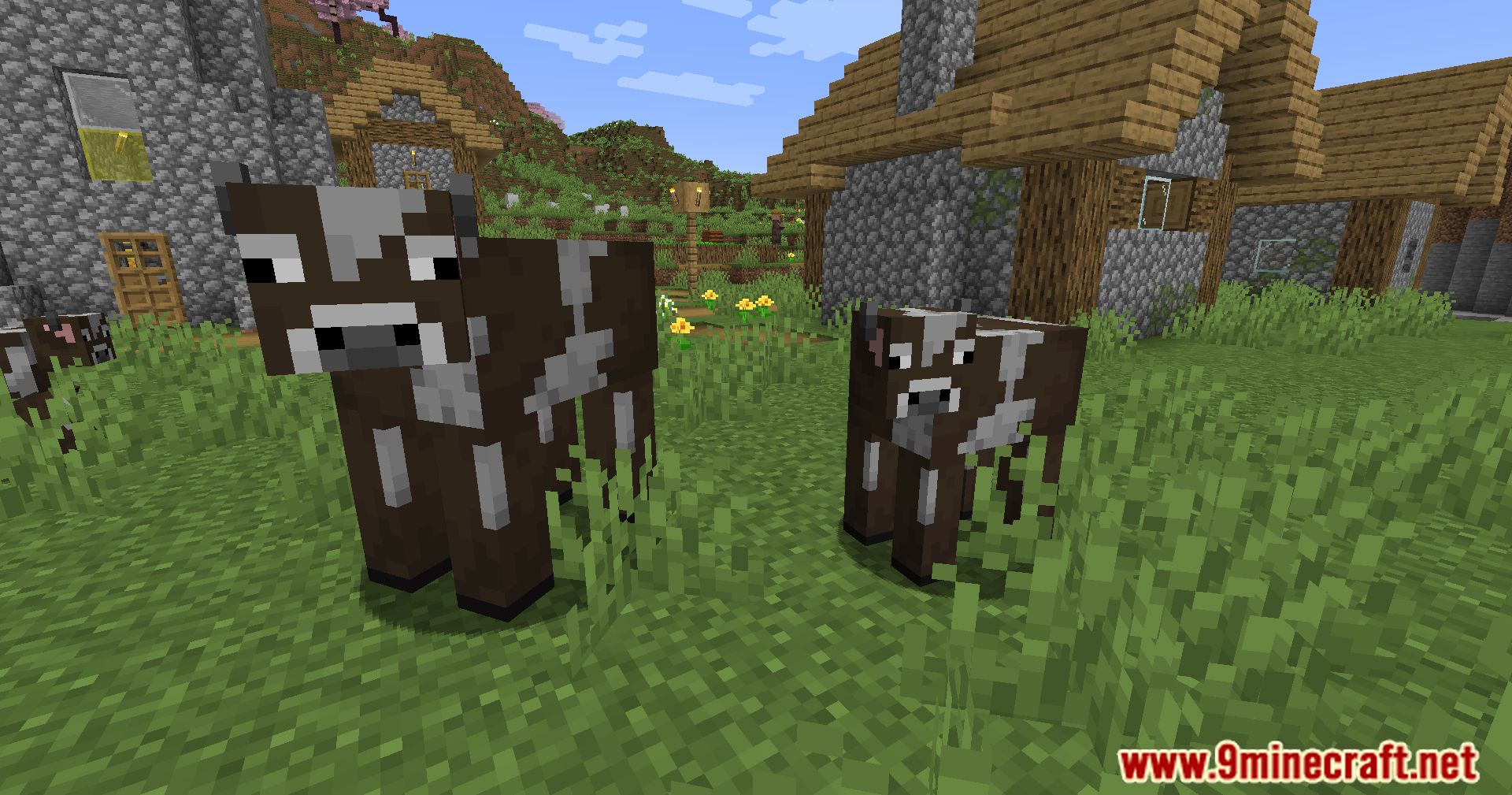
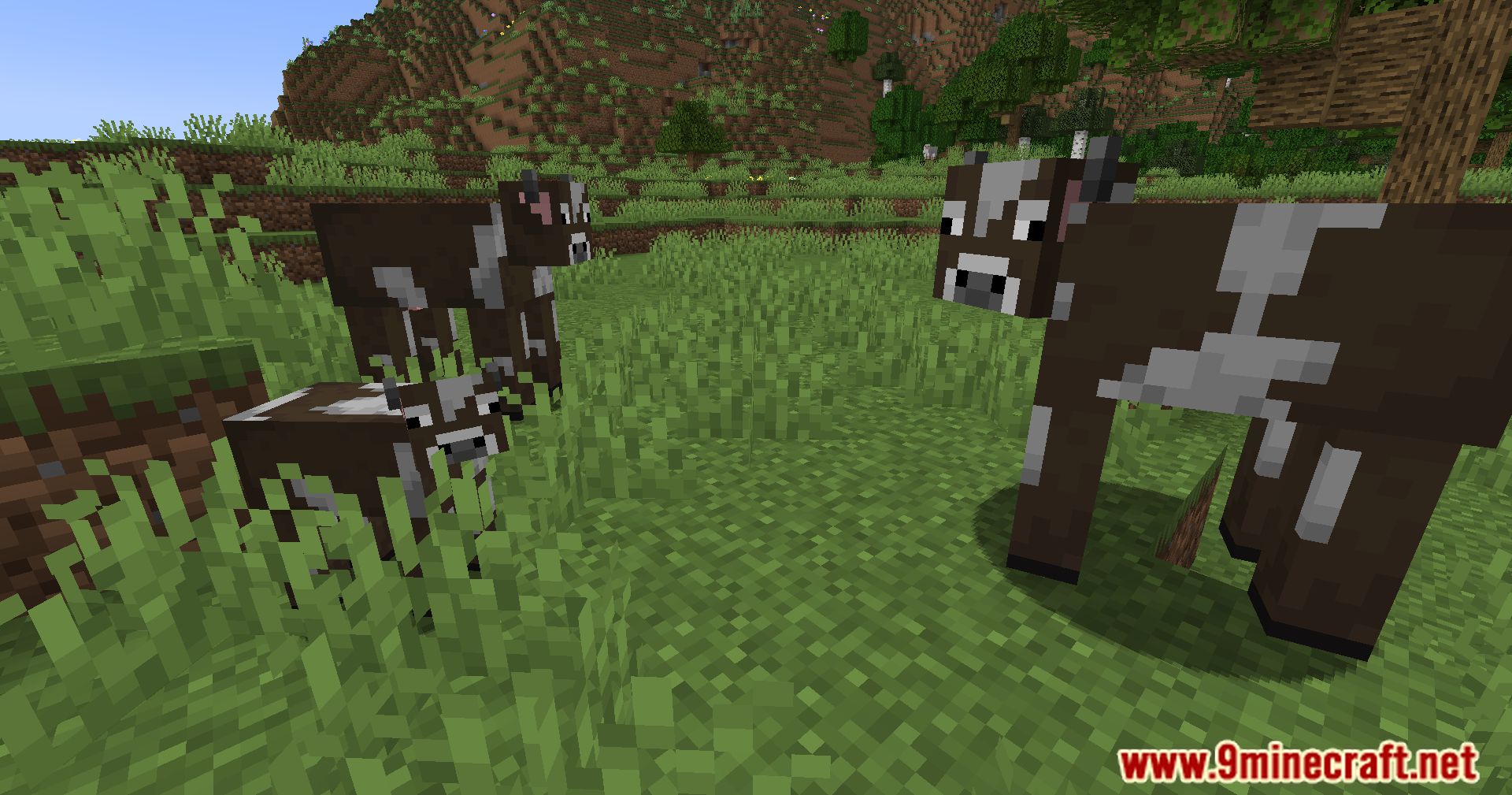
Random Mob Sizes Mod is a a mod for modpack creators and players who enjoy fine-tuning the game. It allows adjusting the size of mobs that appear in the world. By default, size changes apply only to cows, pigs, chickens, sheep, frogs, and bats.
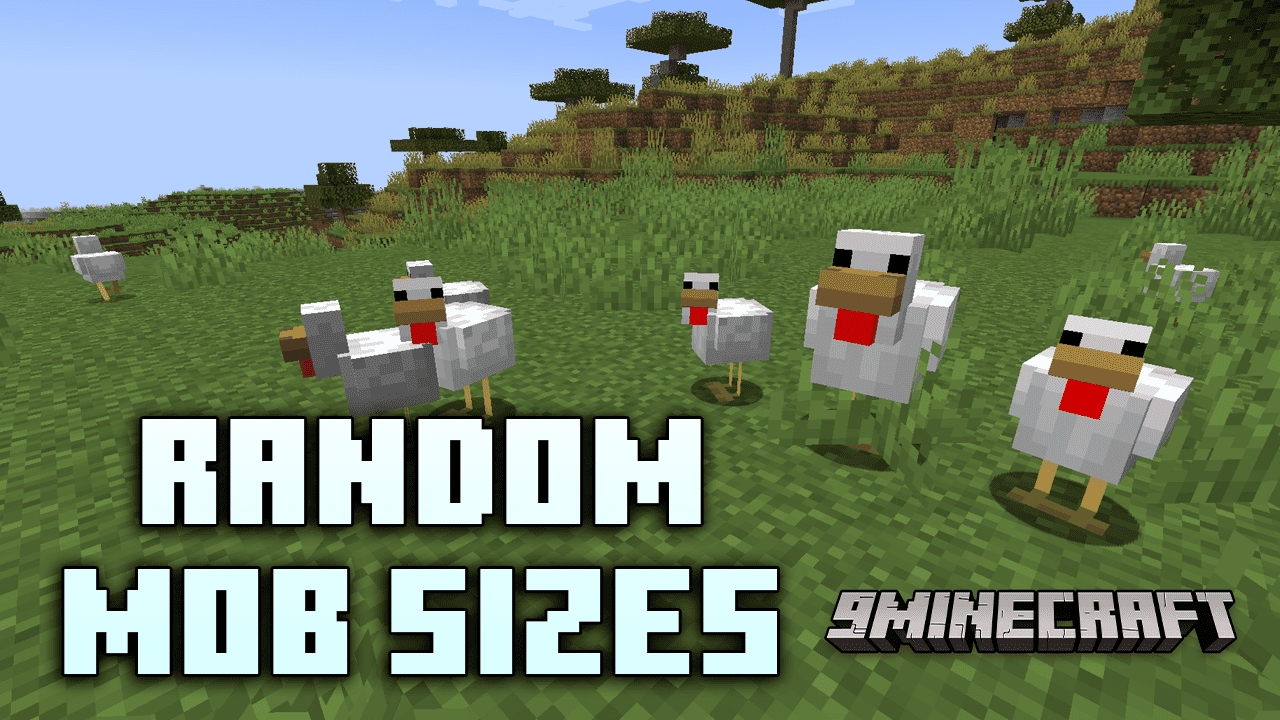
Features:
- Let’s you configure mobs, to spawn in different sizes.
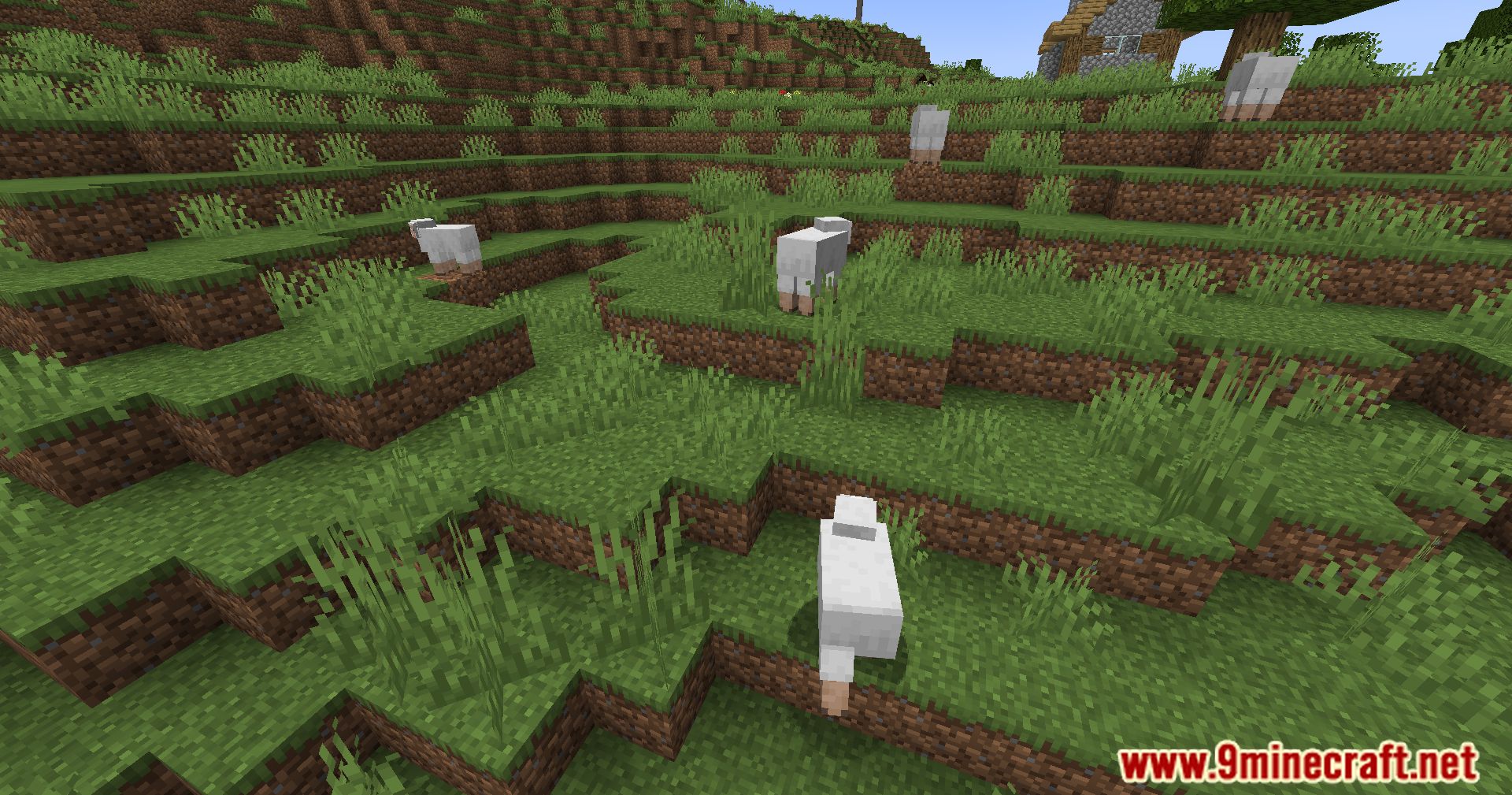
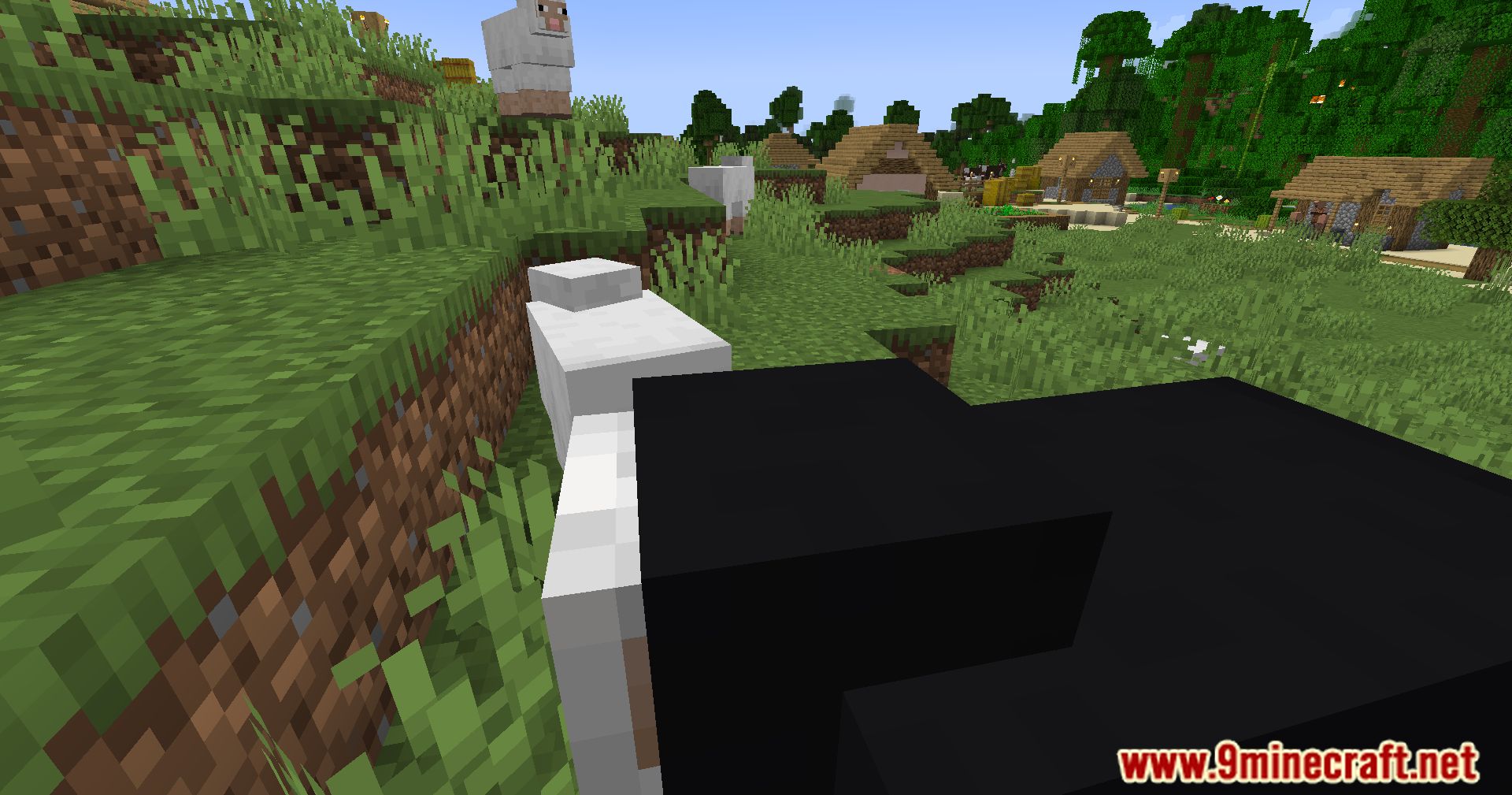
- According to the configuration, the mobs will spawn with random sizes.
Config:
Difficulty-based:
- Specify different ScalingType or numeric scales per Minecraft difficulty: peaceful, easy, normal, hard.
- Example:
{"type":"difficulty","peaceful":1.3,"easy":1.15,"normal":1.0,"hard":0.75}.
How attributes scale:
- For scale_health, scale_damage, and scale_speed, possible values are:
- none – attribute unchanged.
- normal – attribute scales linearly with size (× scaling).
- square – attribute scales with the square of scaling (× scaling²).
- inverse – attribute scales inversely (larger mobs have smaller value).
- inverse_square – attribute scales as 1 / (scaling²).
- Example: scale_speed: inverse makes larger mobs move more slowly.
Commands:
- Primary namespace
- /random_mob_sizes – the main command for links and config actions.
- Useful subcommands:
- config reload – reload the on-disk config into the running game.
- config reset – reset config to default values.
- config show – open or display the config file location (singleplayer only).
- github, wiki, issue, discord, curseforge, modrinth – display links to the mod’s resources.
- /mobscalings
- set <entity_type> <scaling> – set a static scaling for an entity. Example:
/mobscalings set minecraft:cow 1.5. - set <entity_type> <scaling_type> <data> – set a scaling type with JSON/NBT data for that entity (uniform, gaussian, difficulty, etc.).
- remove <entity_type> – remove a per-entity override so the entity uses the default scaling again.
- show – list all current scaling entries.
- show <entity_type> – display the scaling entry for a specific entity.
- set <entity_type> <scaling> – set a static scaling for an entity. Example:
- Data format examples
- Static:
{scaling:1.25} - Uniform / Gaussian:
{min_scaling:0.5, max_scaling:1.5}(you can also includescale_health,scale_damage,scale_speed).
- Static:
Tips & best practices:
- Start with conservative ranges (for example 0.75-1.25) and test gameplay impact before using wide ranges like 0.2-5.0.
- Use gaussian when you want most mobs to stay near default size but still have occasional extreme sizes.
- Remember to consider how scale_health and scale_damage affect balance – huge mobs with full HP and huge damage can break gameplay if not scaled carefully.
- Use scaling_overrides for mobs that need special behaviour (for example bosses or mobs with unusual hitboxes).
Screenshots:
How to Install:
New to Minecraft? Follow our step-by-step guide to install Mods on your PC.View Guide
Requirements:
 Minecraft Forge Required
 Fabric Loader Required
 Fabric API Required
 NeoForge Required
Quilt Loader Required
Random Mob Sizes Mod Download Links
For Minecraft
26.1.2,
26.1.1,
26.1
All Versions Covered
26.1.2
26.1.1
26.1
1.21.11
1.21.10
1.21.9
1.21.8
1.21.7
1.21.6
1.21.5
1.21.4
1.21.3
1.21.2
All Versions Covered
26.1.2
26.1.1
26.1
1.21.11
1.21.10
1.21.9
1.21.8
1.21.7
1.21.6
1.21.5
1.21.4
1.21.3
1.21.2
For Minecraft 1.21.10, 1.21.9
For Minecraft 1.21.8, 1.21.7, 1.21.6
For Minecraft 1.21.6, 1.21.5
For Minecraft 1.21.5
For Minecraft 1.21.4
For Minecraft 1.21.1, 1.21
For Minecraft 1.20.6
For Minecraft 1.20.4
For Minecraft 1.20.1, 1.20
For Minecraft 1.19.4
For Minecraft 1.19.3
For Minecraft 1.19.2, 1.19.1, 1.19
For Minecraft 1.18.2
Click to rate this post!
[Total: 2 Average: 1]
You May Also Like













This post has no comments yet. Be the first — your comment will appear here.