
Random Mob Sizes Mod (26.3, 1.20.1) – Encounter Giant and Miniature Wildlife
 4,300
 0


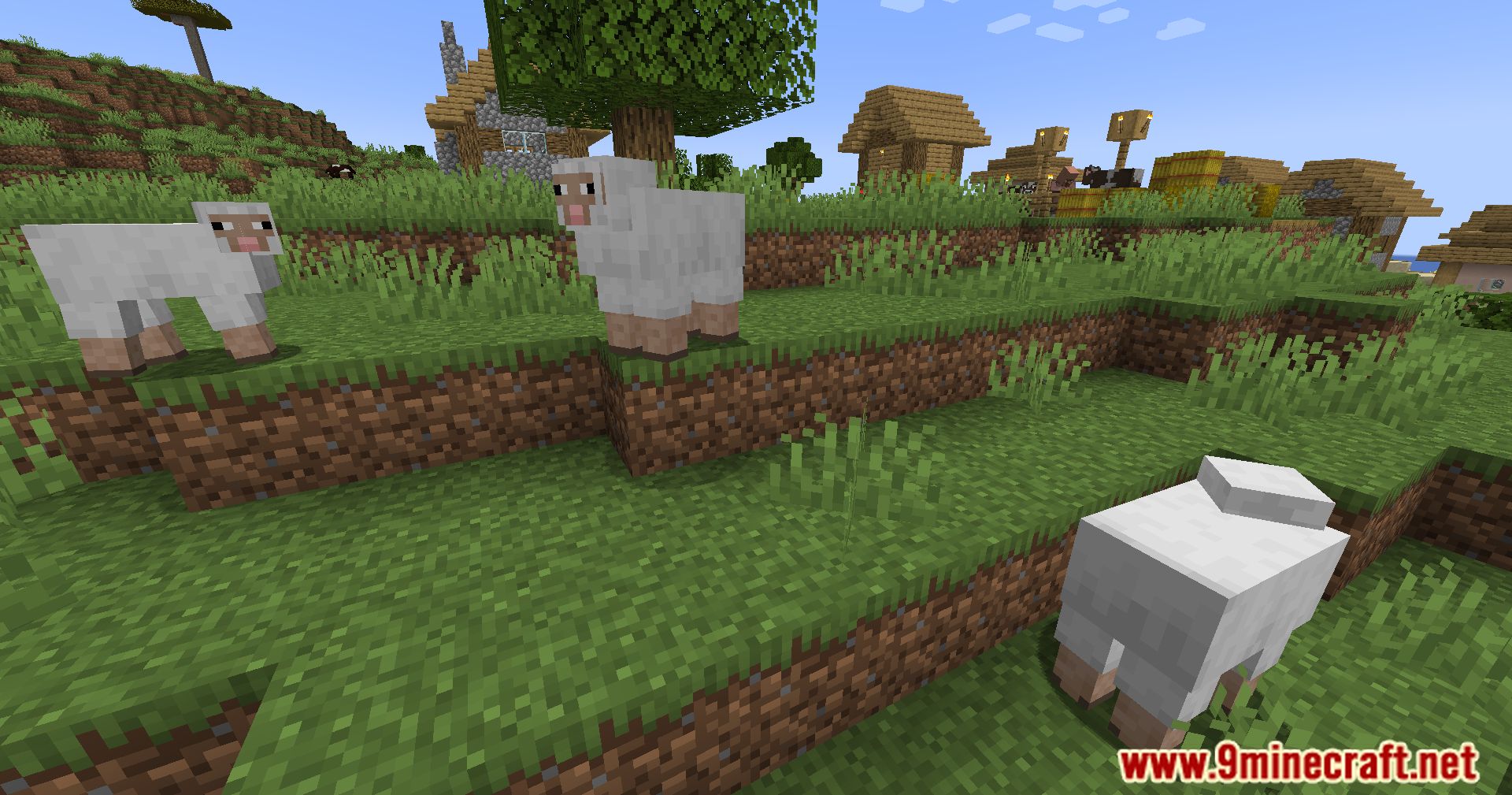
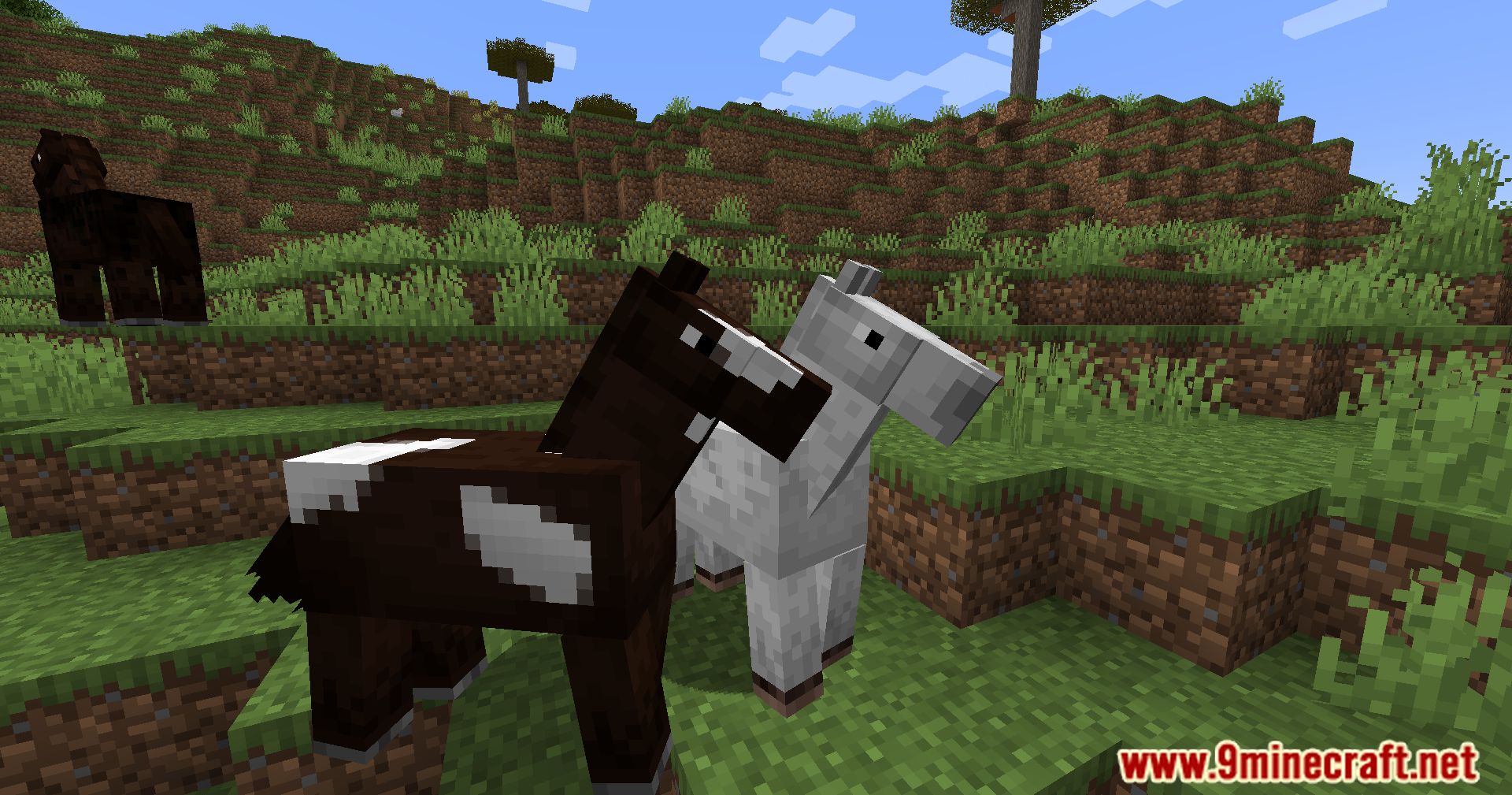
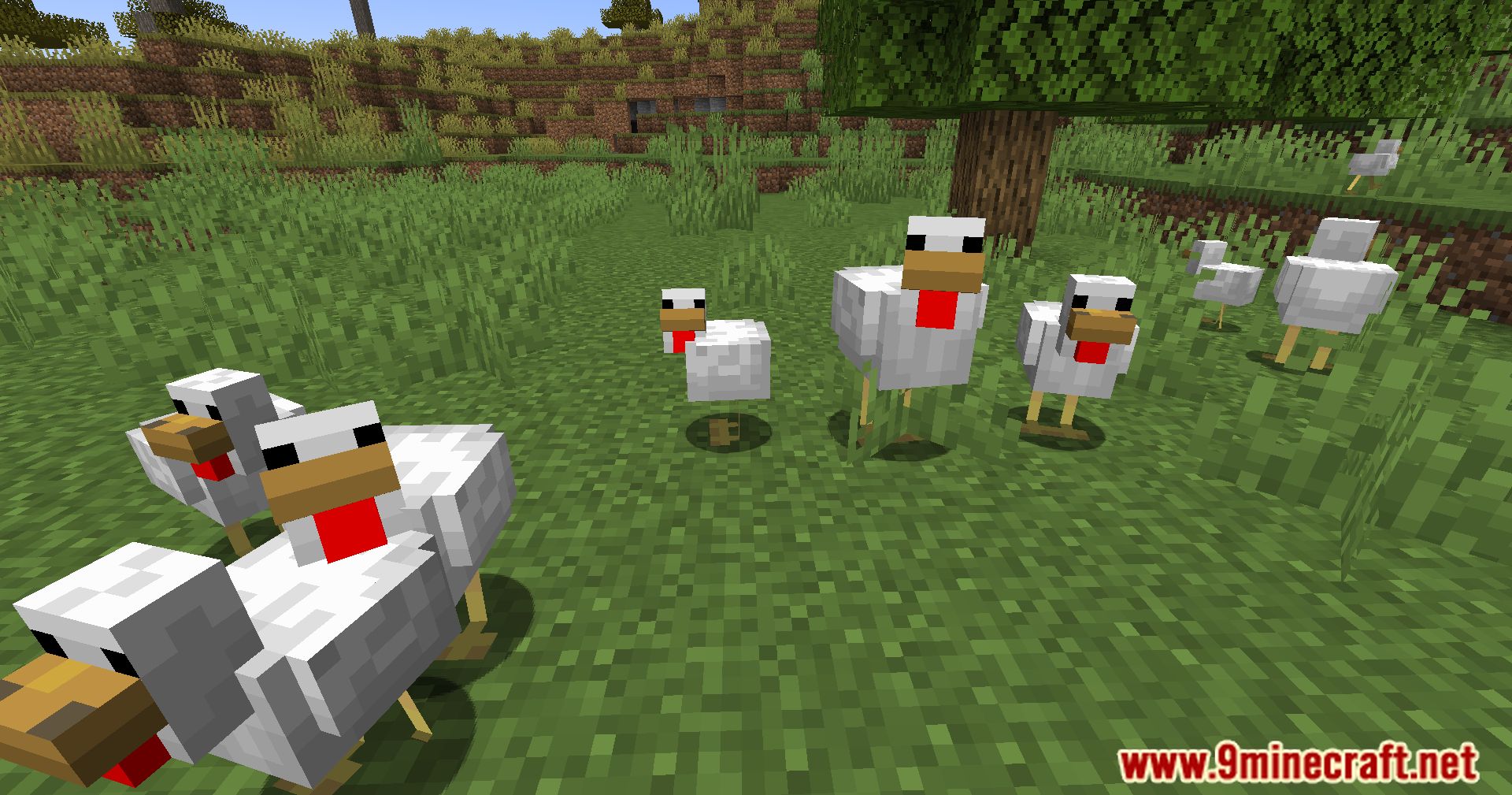
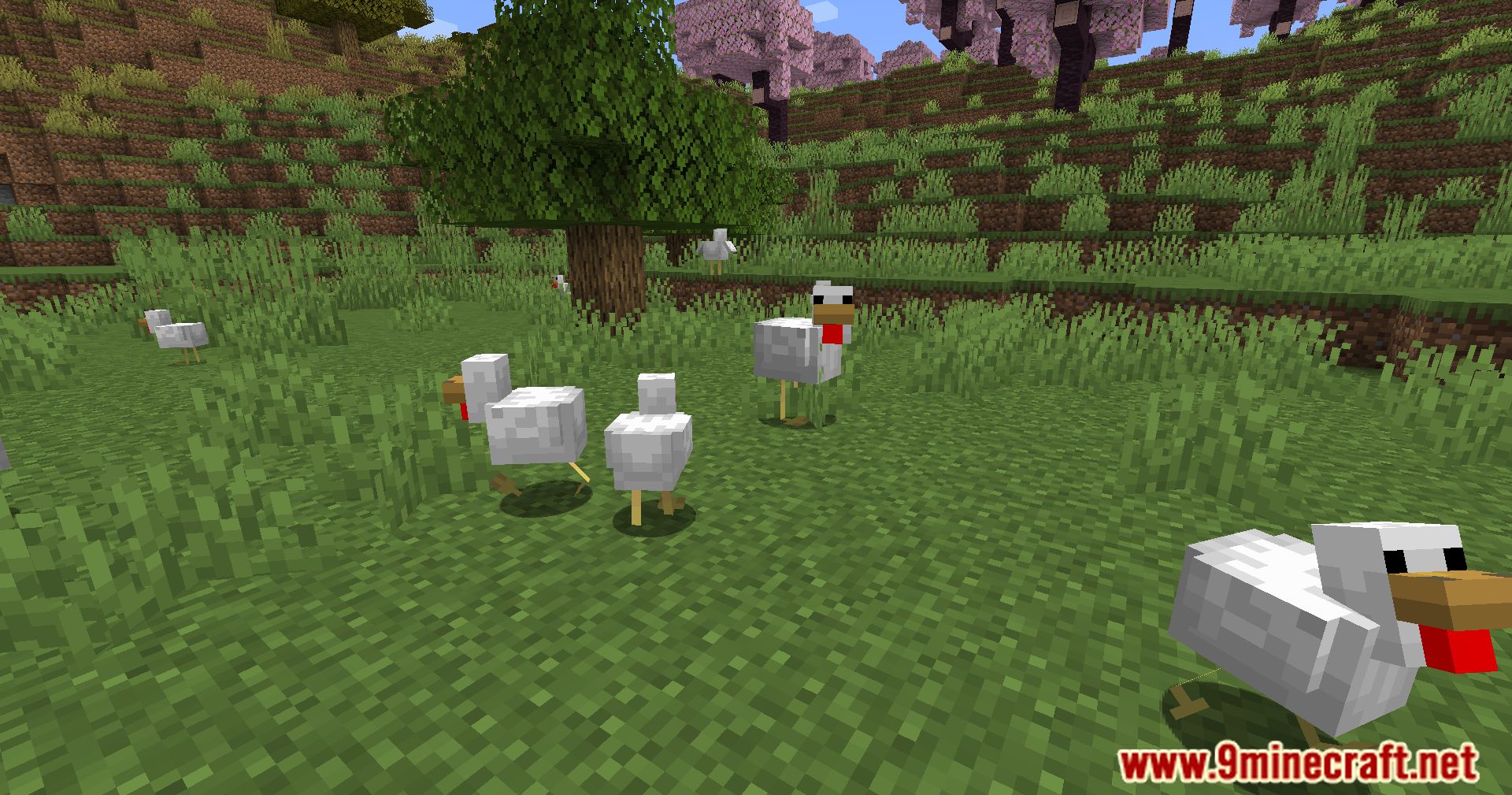
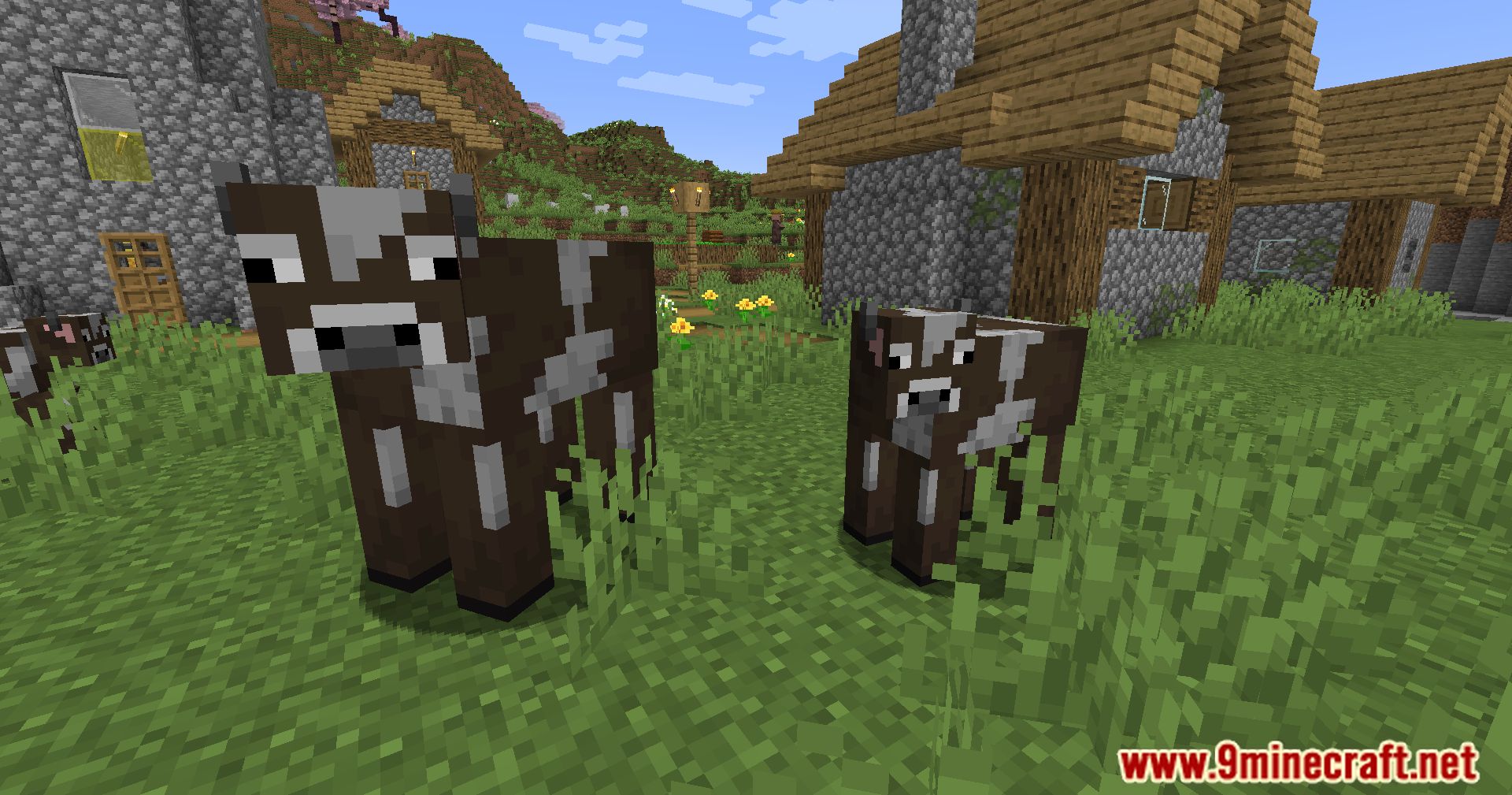
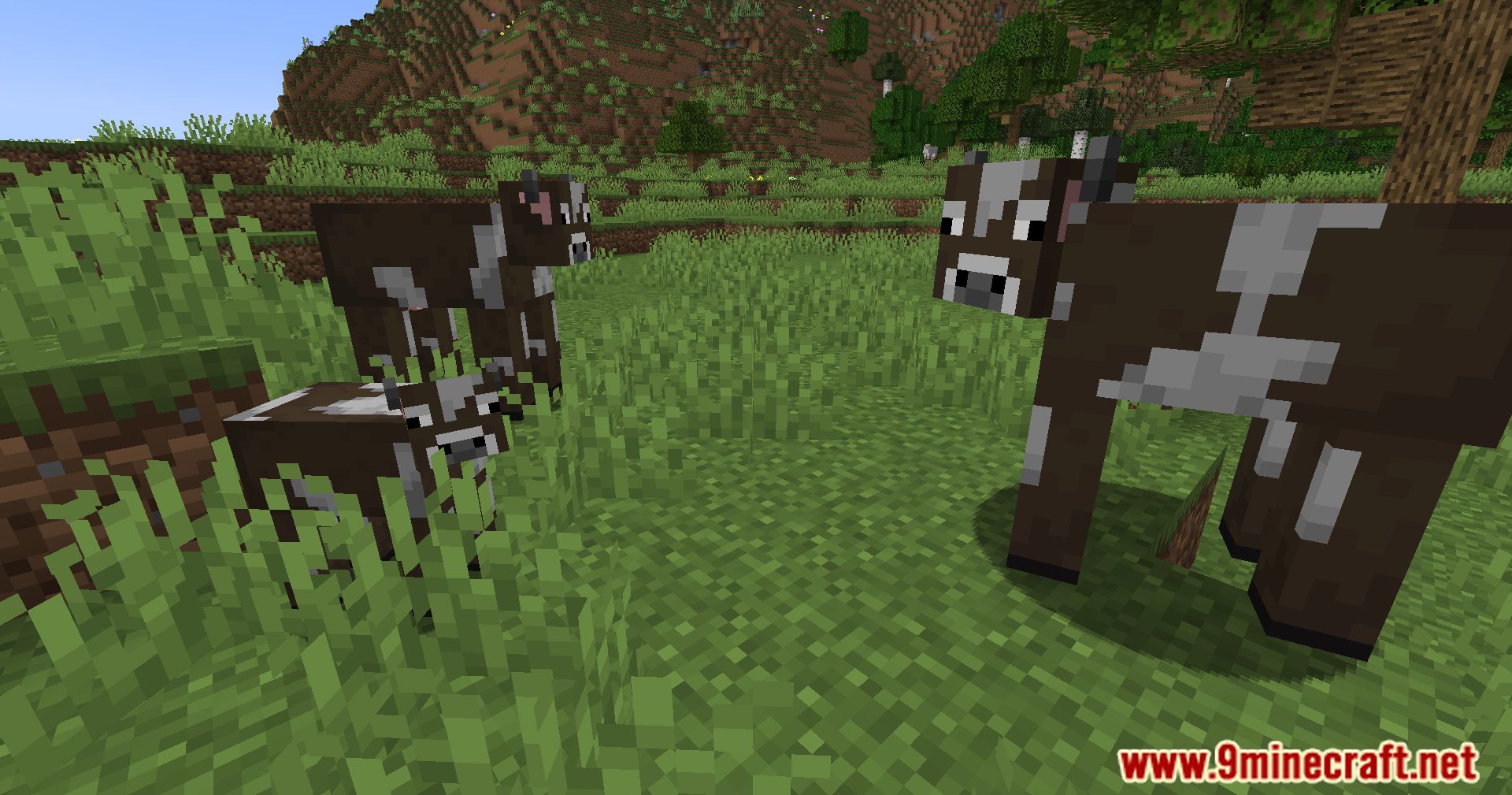
Random Mob Sizes Mod lets you change how big or small mobs spawn in your Minecraft world. By default, it gives random sizes to cows, pigs, chickens, sheep, frogs, and bats as they appear around you. You can also adjust how health, attack damage, and movement speed change with a mob’s size, or set different size rules for each game difficulty. This mod fits custom worlds and modpacks well because you can tweak every option through config files or in-game commands.
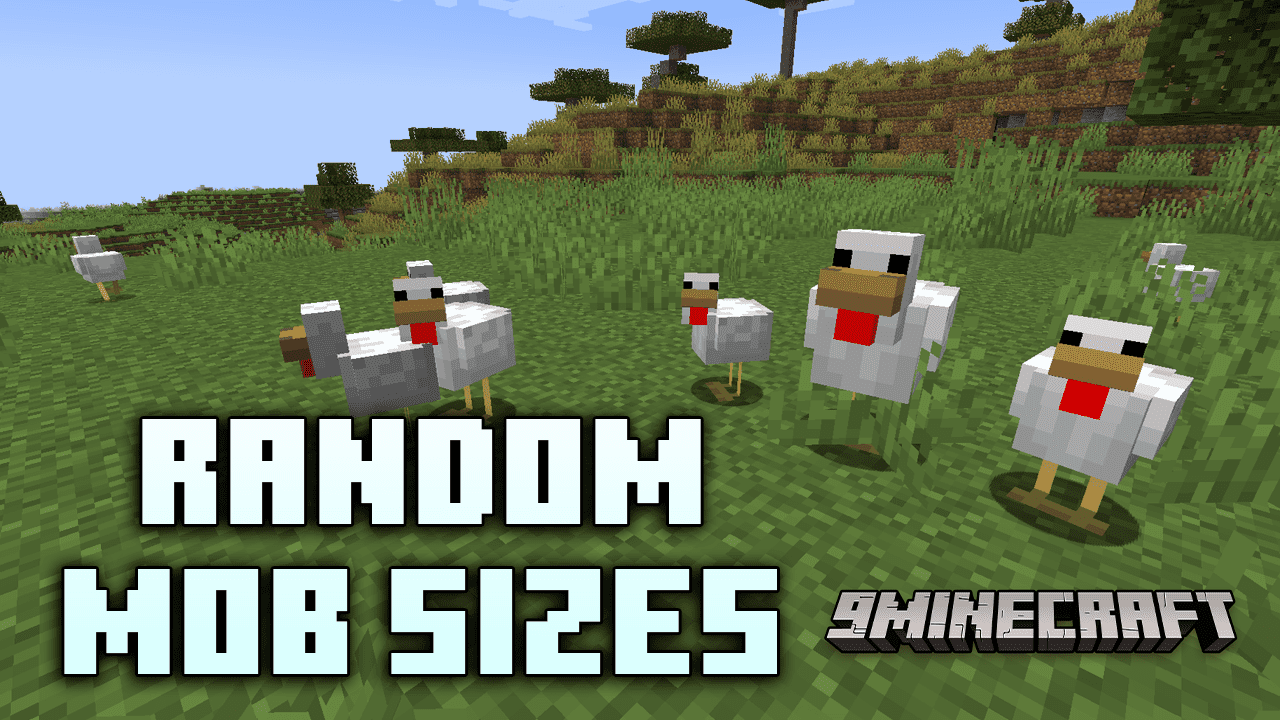
Features:
- Custom Spawn Sizes: Lets you set up mobs to spawn in different random sizes based on your configuration.
- Attribute Scaling: Adjusts mob health, attack damage, and movement speed to match how large or small each mob spawns.
- Difficulty Scaling: Lets you use different size rules or number scales for Peaceful, Easy, Normal, and Hard difficulties.
- Applies random size changes to cows, pigs, chickens, sheep, frogs, and bats by default.
- Supports static, uniform, gaussian, and difficulty scaling types, so you can pick fixed sizes, even random ranges, or mostly normal sizes with rare extremes.
- Includes per-mob overrides so bosses or mobs with unusual hitboxes can use their own size settings.
- Provides in-game chat commands to check, change, remove, reload, or reset mob size settings while the game is running.
Commands:
/random_mob_sizes: Main command for config actions and mod links./random_mob_sizes config reload: Reloads the saved config file into the running game./random_mob_sizes config reset: Resets the config back to its default values./random_mob_sizes config show: Opens or displays the config file location in singleplayer./random_mob_sizes github: Shows a link to the mod’s GitHub page (also works withwiki,issue,discord,curseforge, andmodrinth)./mobscalings set <entity_type> <scaling>: Sets a fixed size scale for a mob, such as/mobscalings set minecraft:cow 1.5./mobscalings set <entity_type> <scaling_type> <data>: Sets a scaling type with JSON or NBT data for a mob, includinguniform,gaussian, ordifficulty./mobscalings remove <entity_type>: Removes a custom override so the mob returns to the default scaling./mobscalings show: Lists all active mob scaling entries./mobscalings show <entity_type>: Shows the active scaling entry for one specific mob.
Configuration:
ScalingType(Difficulty-based): Sets different scaling types or number scales forpeaceful,easy,normal, andhardmodes. Example:{"type":"difficulty","peaceful":1.3,"easy":1.15,"normal":1.0,"hard":0.75}.scale_health,scale_damage,scale_speed: Controls how mob stats change with size using five values:none(no change),normal(scales directly with size, × scaling),square(scales by size squared, × scaling²),inverse(larger mobs get a smaller value, such asscale_speed: inversemaking big mobs move slower), andinverse_square(scales as 1 / scaling²).{scaling:1.25}: Example data format for static scaling.{min_scaling:0.5, max_scaling:1.5}: Example data format foruniformorgaussianscaling, which can also includescale_health,scale_damage, andscale_speed.scaling_overrides: Sets special size behavior for specific mobs, such as bosses or mobs with unusual hitboxes.
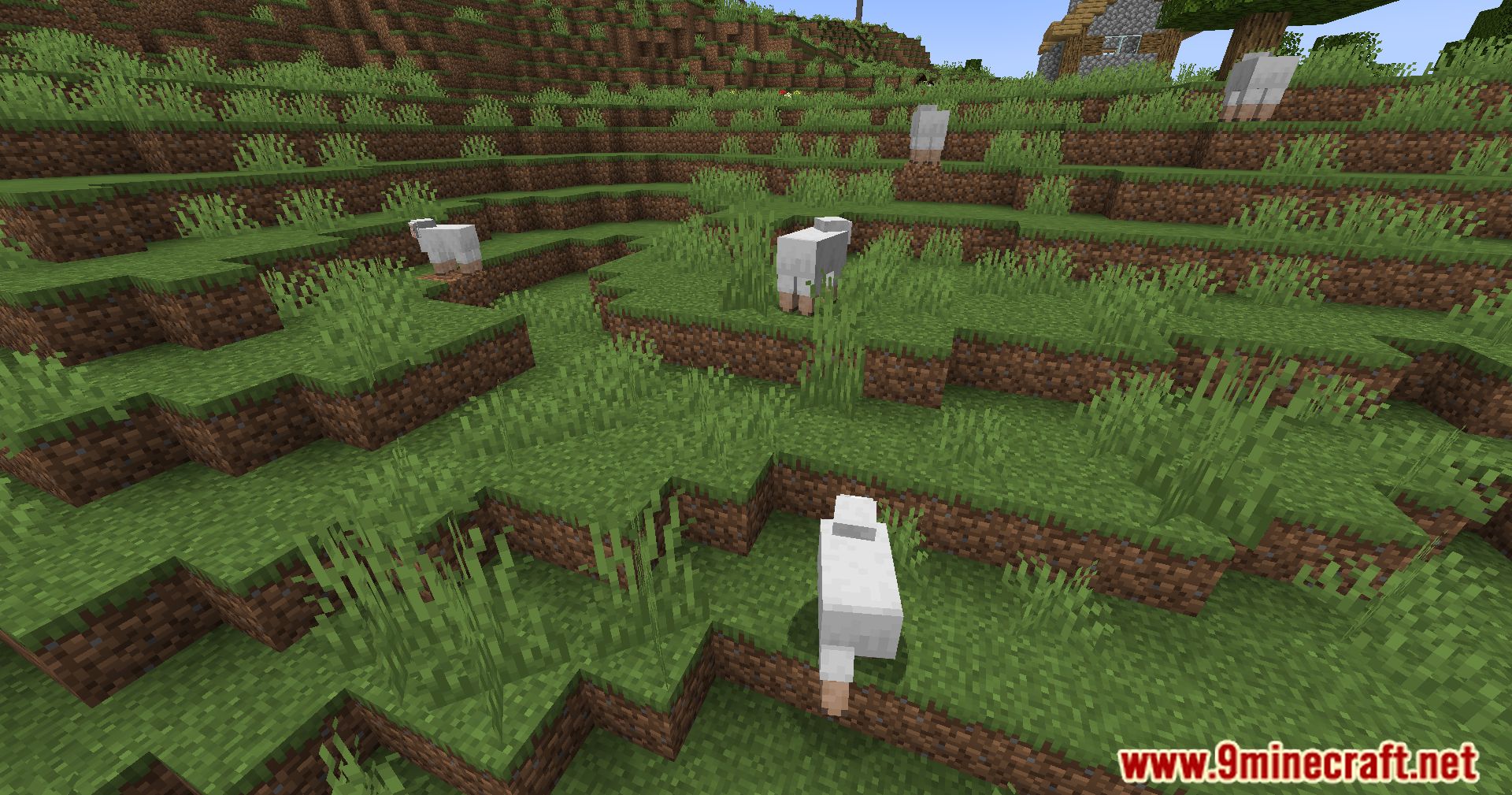
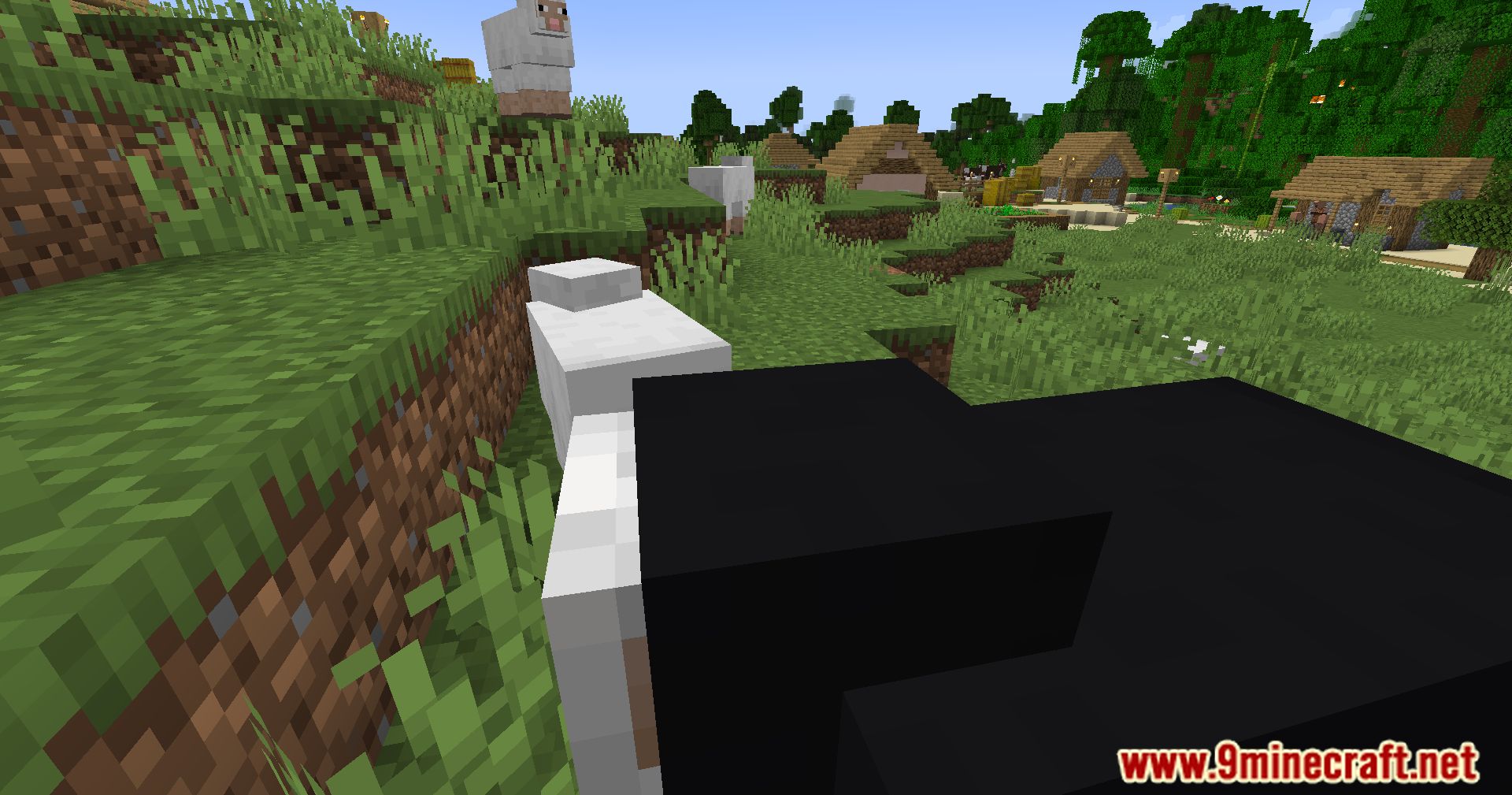
Screenshots:
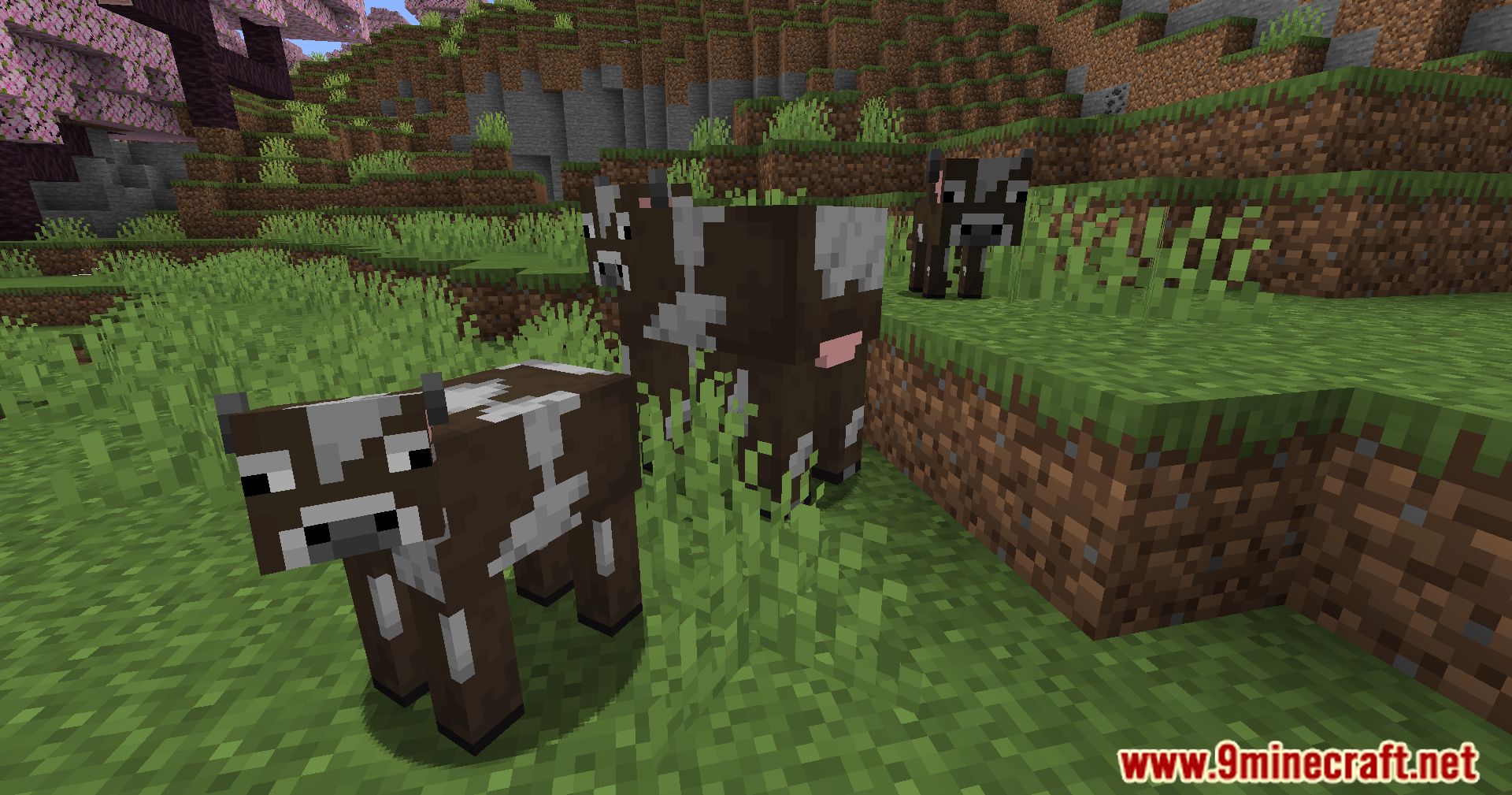
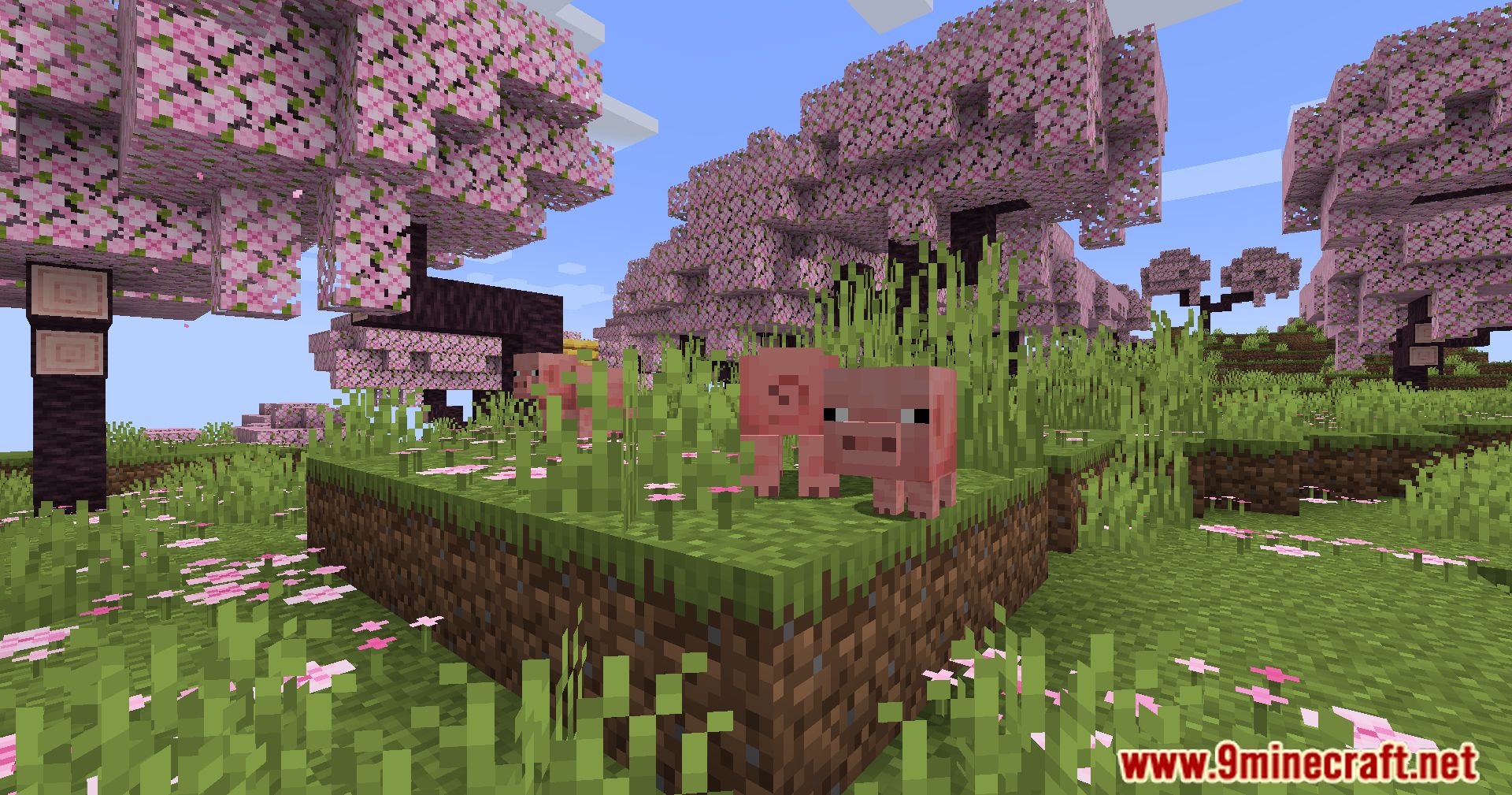
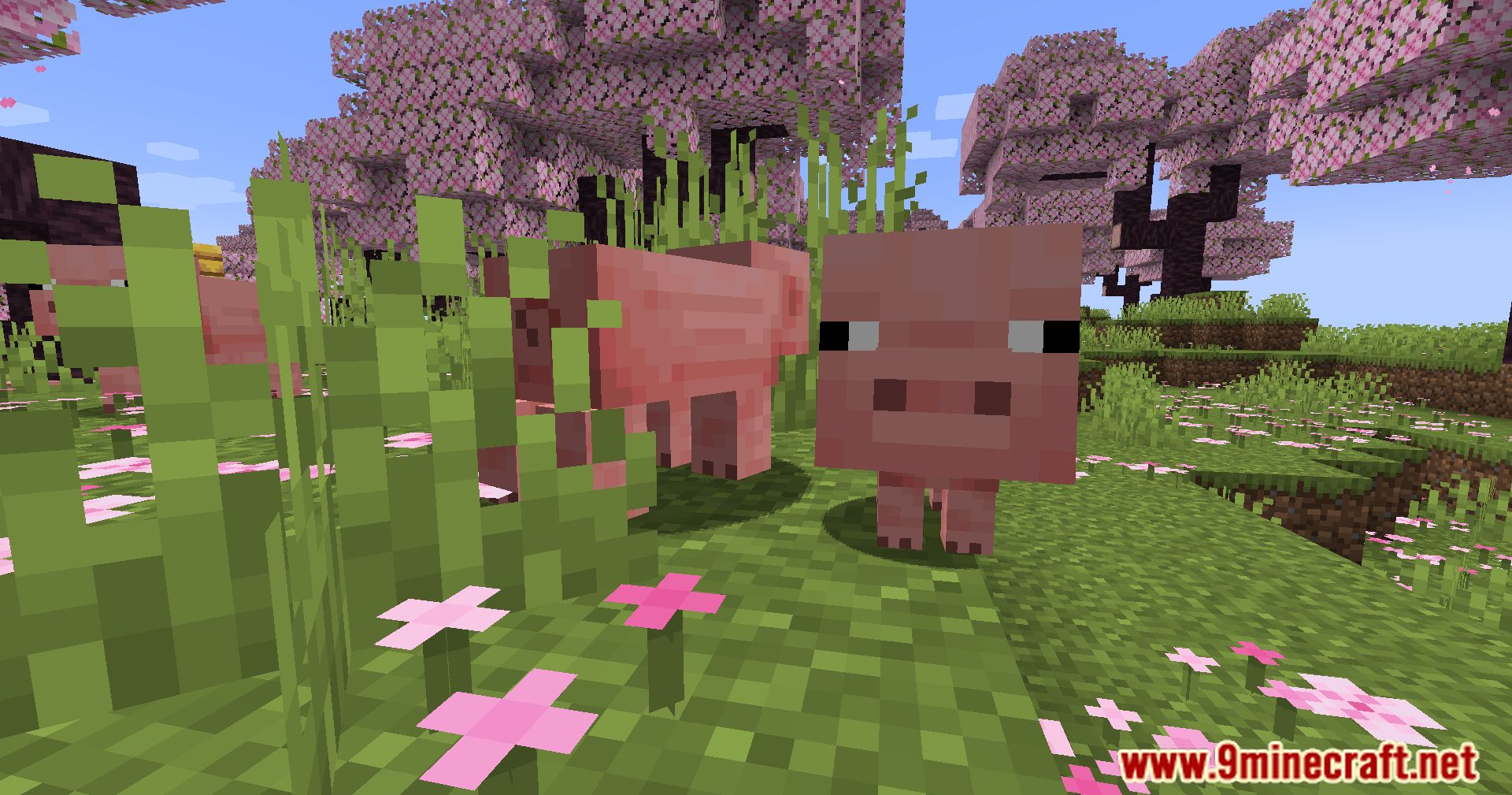
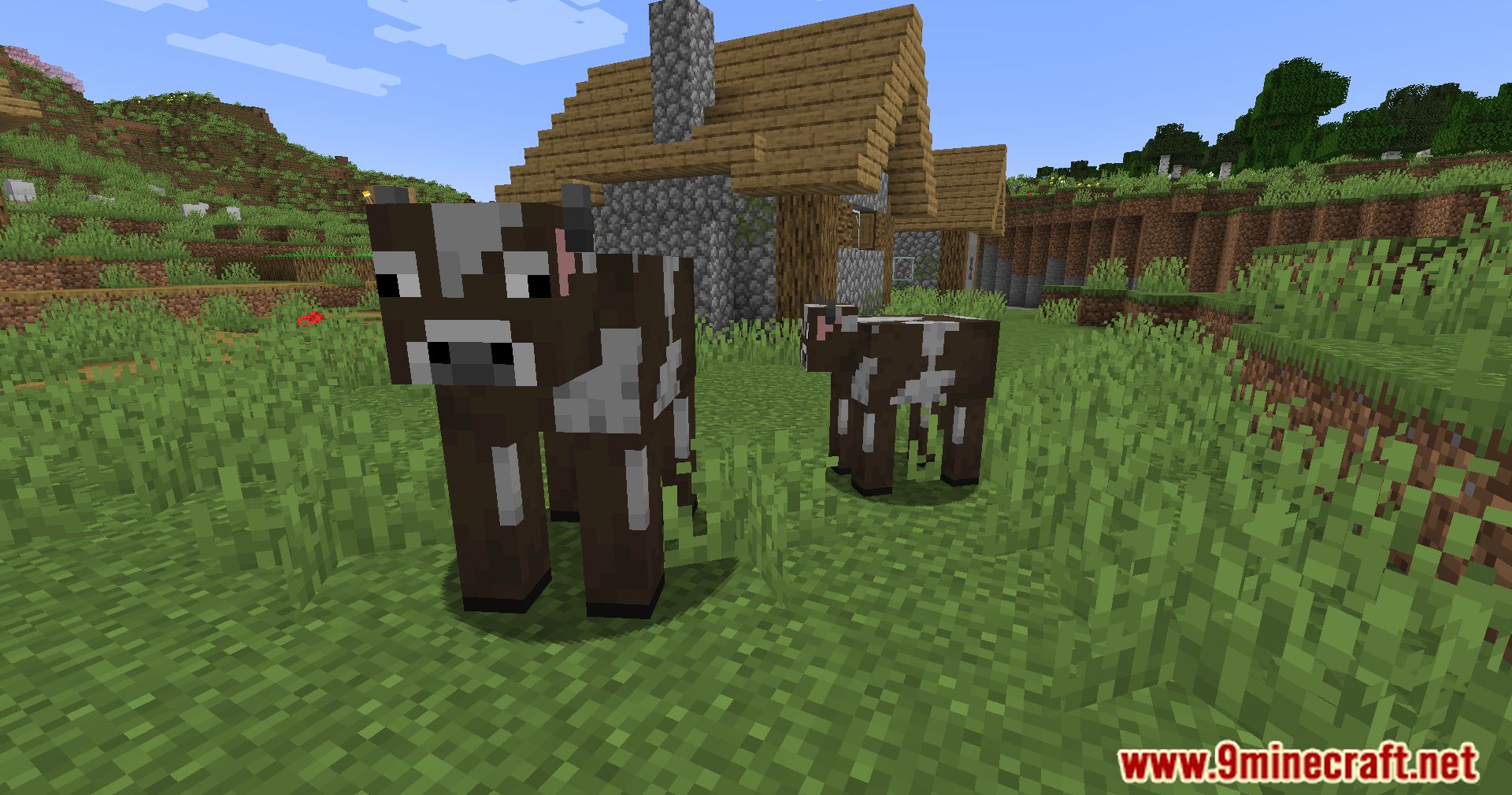
How to Install:
New to Minecraft? Follow our step-by-step guide to install Mods on your PC.View Guide
Requirements:




Random Mob Sizes Mod Download Links
For Minecraft
26.3,
26.2,
26.1.2
All Versions Covered
26.3
26.2
26.1.2
26.1.1
26.1
1.21.11
1.21.10
1.21.9
1.21.8
1.21.7
1.21.6
1.21.5
1.21.4
1.21.3
1.21.2
For Minecraft
26.2,
1.21.11,
1.21.5
All Versions Covered
26.2
1.21.11
1.21.5
1.21.4
For Minecraft
26.1.2,
26.1.1,
26.1
All Versions Covered
26.1.2
26.1.1
26.1
1.21.11
1.21.10
1.21.9
1.21.8
1.21.7
1.21.6
1.21.5
1.21.4
1.21.3
1.21.2
For Minecraft 1.21.10, 1.21.9
For Minecraft 1.21.8, 1.21.7, 1.21.6
For Minecraft 1.21.5
For Minecraft 1.21.4
For Minecraft 1.21.1, 1.21
For Minecraft 1.20.6
For Minecraft 1.20.4
For Minecraft 1.20.1, 1.20
For Minecraft 1.19.4
For Minecraft 1.19.3
For Minecraft 1.19.2, 1.19.1, 1.19
For Minecraft 1.18.2
Have you ever financially supported a mod creator (via Patreon, Ko-fi, or donations)?
1 responses · See the full results →
You May Also Like
Picked for this page
 CreativeCore (26.3, 1.20.1) – Library for CreativeMD’s Mods
 Leap Mod (26.1.2, 1.20.1) – Double Jump
 Sit Mod (26.3, 1.20.1) – Make Your Base Feel Lived-In
 GrowableOres Mod (26.3, 1.20.1) – Grow Your Minerals
 Symbol Chat Mod (26.3, 1.20.1) – Symbol Panel, Unicode Fonts
 Suspicious Zombification Mod (1.21.11, 1.20.1) – Zombifying Animals
 Configurable Mob Potion Effects Mod (26.3, 1.20.1) – Set Potion Effects for All Living Entities
 Burn In The Sun Mod (26.3, 1.20.1) – Custom Sun Burn Entities
 Stack Deobfuscator Mod (26.1, 1.20.1) – Making Errors Readable
 Water Vision Mod (26.1.2, 1.20.1) – No More Murky Minecraft Waters
 Set Time Doesn’t Reset Day Count Mod (1.21.11, 1.20.1)
 FixBookGUI Mod (26.3, 1.20.1) – Stable Book Interface
Most viewed in Mods over the last 7 days
 Ala Industrial Mod (26.3) – Run Electric Power Grids and Automated Factories
 PleasureCraft Mod (26.3, 1.21.1) – Jenny Mod Remake for Fabric
 Jennycraft Mod (26.3, 1.20.1) – Virtual Girlfriend in Minecraft
 Fapcraft Mod (26.3, 1.12.2) – Comprehensive and Detailed Content
 Jenny Mod (Fapcraft) Official Complete Guide – How to use, Tutorial
 BangCraft Mod (1.20.1) – Jenny, Ellie and Elliot
 Fabric Loader (26.3, 1.20.1) – Fabric Installer for All Minecraft Versions
 The Shooting Star Demo Mod (26.3, 1.20.1) – Vaporize Terrain From Orbit
 Meteor Client Mod (26.3, 1.20.1) – Xray, HUD, Fly
 OptiFine HD (26.3, 1.20.1) – Run Faster, FPS Boost, Shaders Support
 Aristois Client Mod (1.21.4, 1.20.1) – World Class Minecraft Utility
 Prestige Client Mod (1.21.11, 1.21.4) – Powerful Ghost Features for Crystal & Sword PvP
More from Mods
 Ender Storage 9minecraft Mod (26.3, 26.2) – Send Loot Back Home From Any Dimension
 Snad 9minecraft Mod (26.3, 26.2) – Build Faster Sugar Cane and Nether Wart Farms
 Together Forever Unofficial Mod (1.12.2) – Share Team Advancements
 GroovyDuvet Mod (1.21.11, 1.20.1) – Run Groovy Scripted Addons Without Game
 Swing Through Grass 9minecraft Mod (26.3, 26.2) – Fight Mobs Without Breaking Tall Grass
 Improved Boss Bars 9minecraft Mod (26.3) – Unique Health Bars for Every Boss Fight
 Cozy’s Improved Wolves Mod (26.3, 1.20.1) – Bond with Loyal Dogs That Never Die
 Cuisine Craft Mod (1.21.11, 1.20.1) – Cook Restaurant Dishes with Fresh Farm
 XinexLib Mod (1.21.1) – Keep Your Ultreon Studios Mods Running
 Libvulpes – Fixed Mod (1.12.2) – Launch Rockets with Fewer Bugs
 Freelook Perspective Mod (26.3, 1.21.1) – Watch Your Back While Sprinting
 FAUNA Engine Mod (1.21.1, 1.20.1) – Powering Legendary Dragons

This post has no comments yet. Be the first — your comment will appear here.