


Basilisk Ship Schematic (1.21.x) – Medium Personal Transport Ship with Built in Storage
 0
0
 0
0


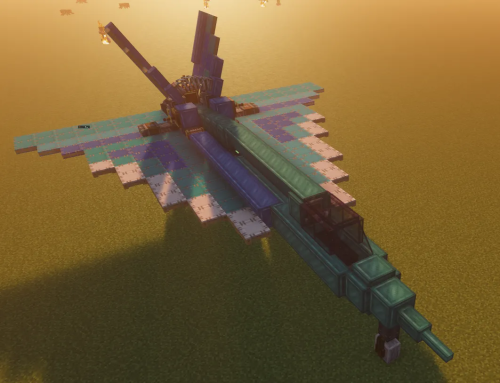
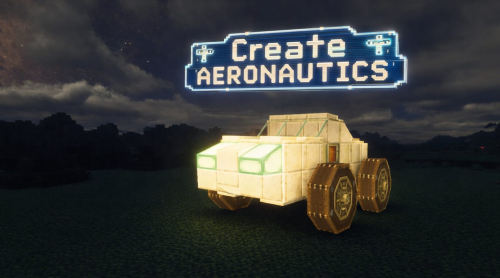
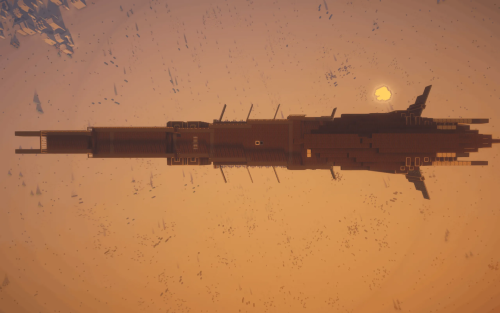
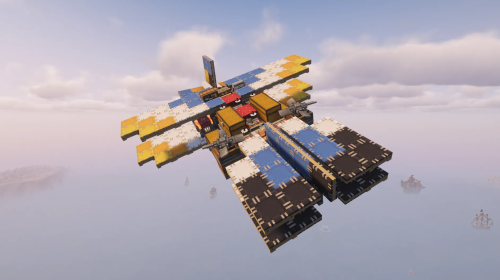
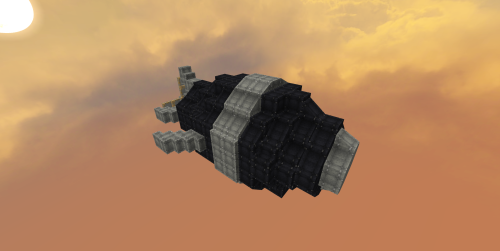
Basilisk Ship Schematic adds a medium-sized personal transport vehicle to your world. It comes with built-in storage areas and extra seats for your friends. The ship reaches high speeds using twin thrusters and stays level in the air with an active stabilization system. A built-in flight computer handles your steering inputs to keep flight steady. You can build it in survival mode, but it requires diesel fuel to run.
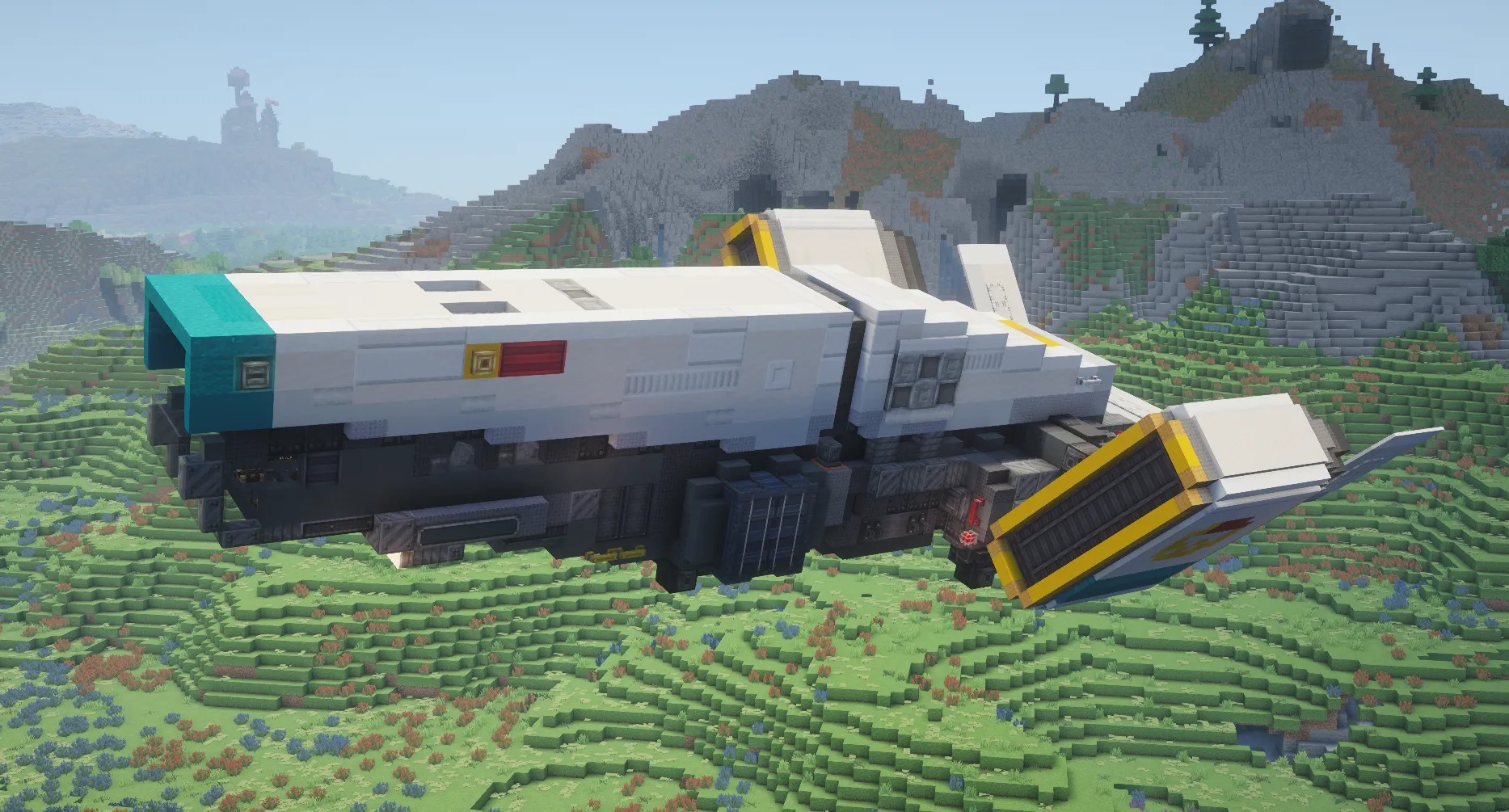
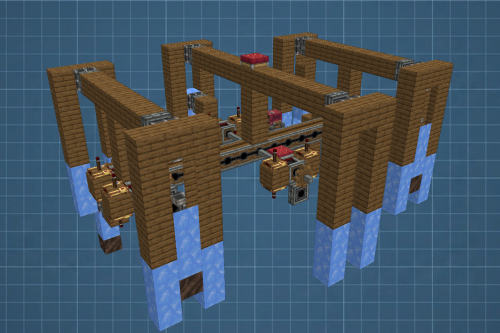
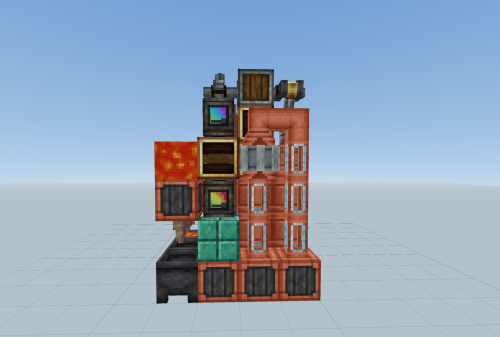
3D Preview:
Features:
- Fast Travel: Twin thrusters push the ship to speeds around 40 blocks per second.
- Level Flight: An active stabilization system keeps the ship steady while you fly.
- Includes extra seating so you can bring guests along for the ride.
- Provides built-in storage space for your items and gear.
- Uses a flight computer to turn your controls into analog signals for the thrusters.
- Runs on diesel fuel for survival gameplay.
Schematic Specs:


 Top Blocks Used
How to Use:
- Print the ship schematic facing the south direction.
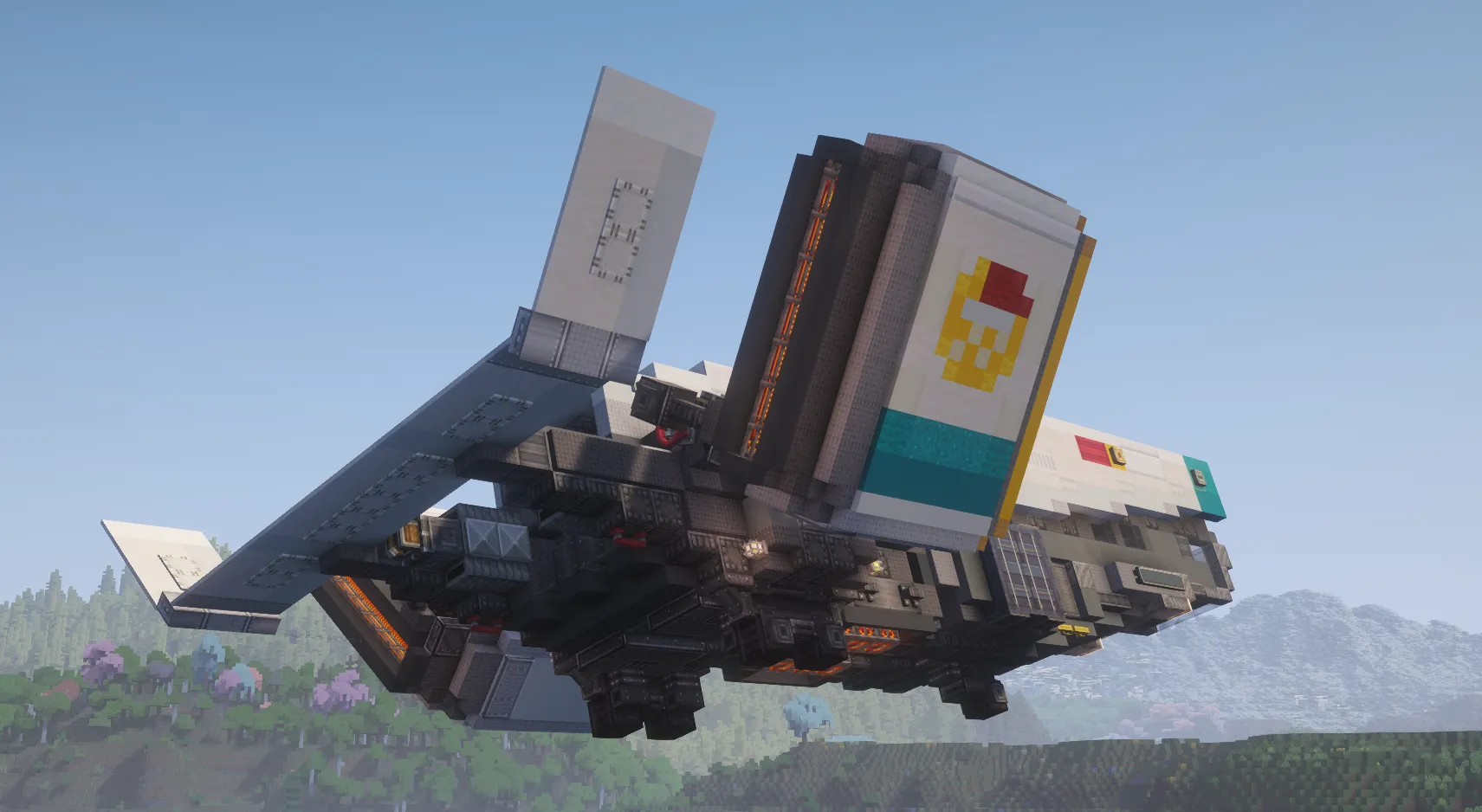
- Assemble the ship and use the two valve handles on the back to rotate the thrusters into their angled position.
- Set up the four display links for the cockpit readouts. Find three inside the roof trapdoors and one behind the left trapdoor above the storage.
- Check that your fuel tank has diesel fuel and the cockpit engine switch is turned off.
- Open the sliding door on the top right rear to enter the engine room.
- Set the rotation speed controller to 4 RPM and place fuel in the startup engine.
- Change the rotation speed controller back to 256 RPM once the main engine starts.
🔧 Setup:
Print the ship in the south facing direction. Once printing is complete assemble the ship and then rotate thrusters into their angled position, two valve handles can be found on the rear for rotating thrusters. Display links are used for cockpit readouts and require setup post assembly, there are 4 in total. 3 are found inside the roof of the ship, there are 2 trapdoors indented on the roof for access. The last is found behind a trapdoor on the left side above the storage container.
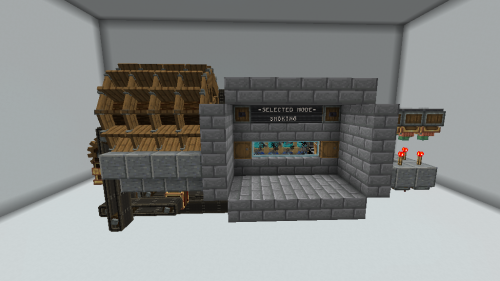
Engine start up procedure Ensure that the fuel tank has Diesel fuel within it and that the engine switch in the cockpit is off, on the top right rear of the ship there is a sliding door for engine room access, inside the engine room set the rotation speed controller to 4rpm, place fuel within the startup engine, Once the main engine starts set the rotation speed controller back to 256rpm.
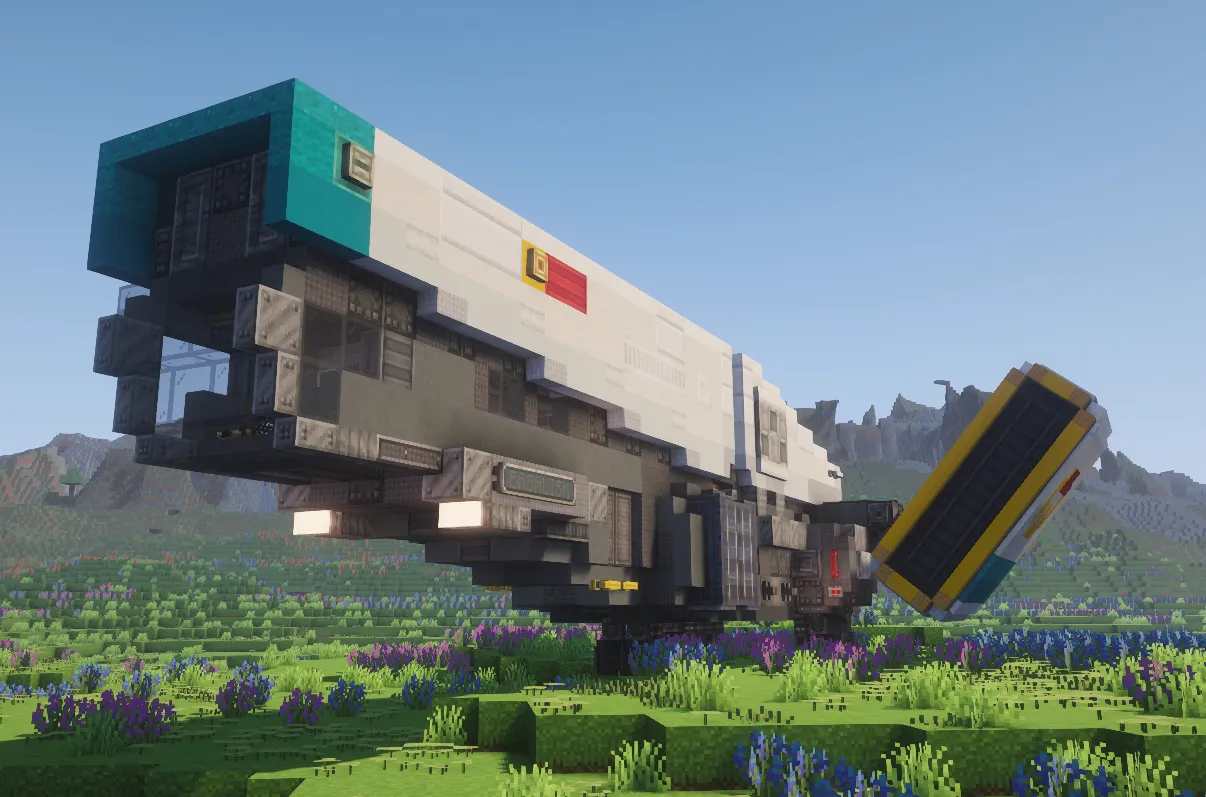
Screenshots:
Requirements:
 Create Mod Required


 Create Dragons Plus Mod Required
Basilisk Ship Schematic Download Links
For Minecraft 1.21.x
You May Also Like


This post has no comments yet. Be the first — your comment will appear here.