


Block Runner Mod (26.2, 1.20.1) – It’s Time to Use Paths to Run Faster

 0
0 

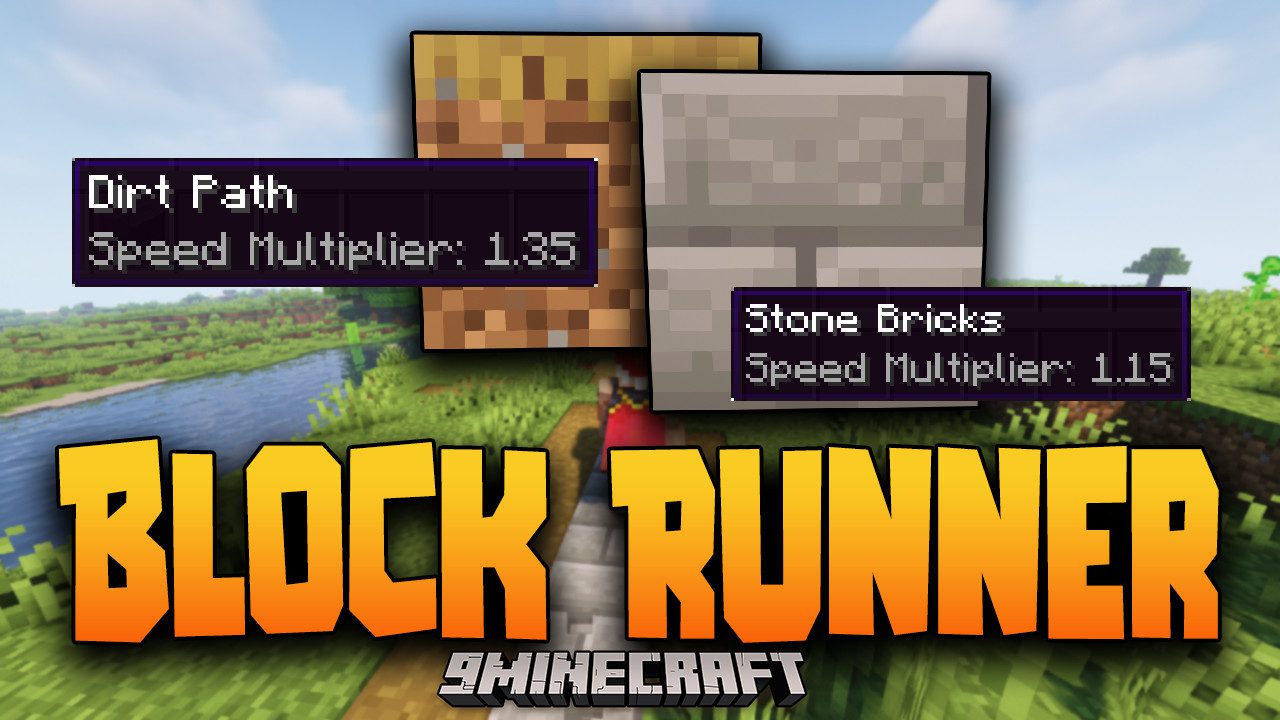
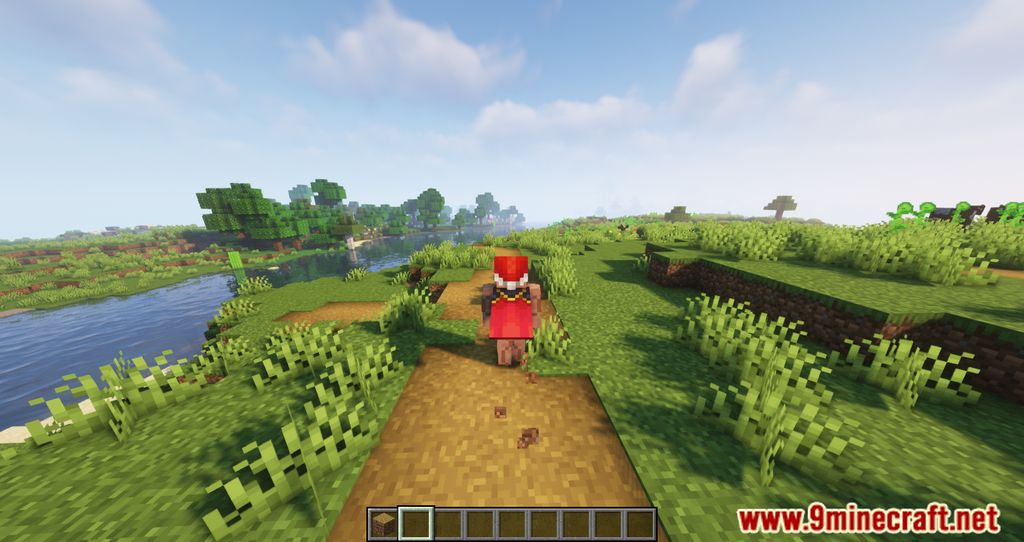
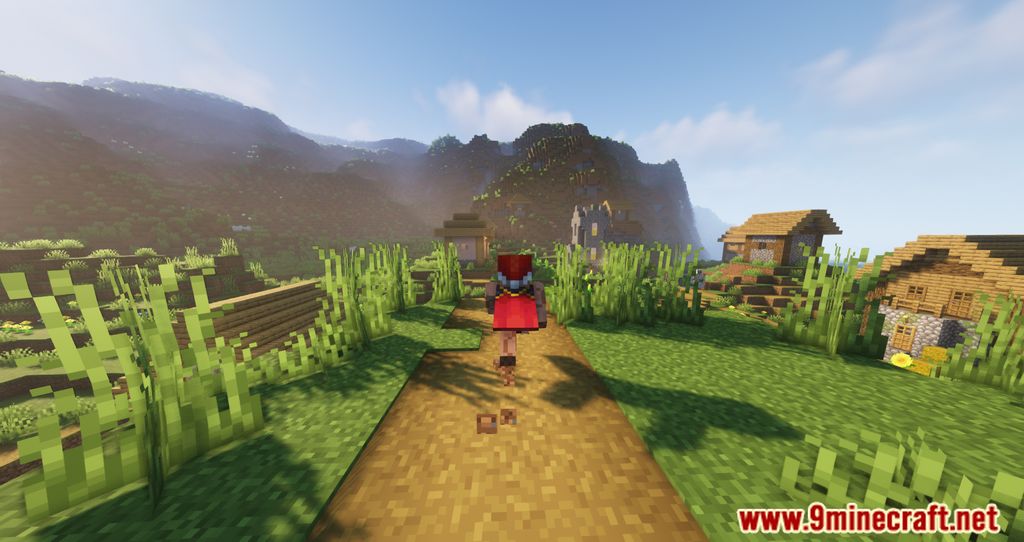
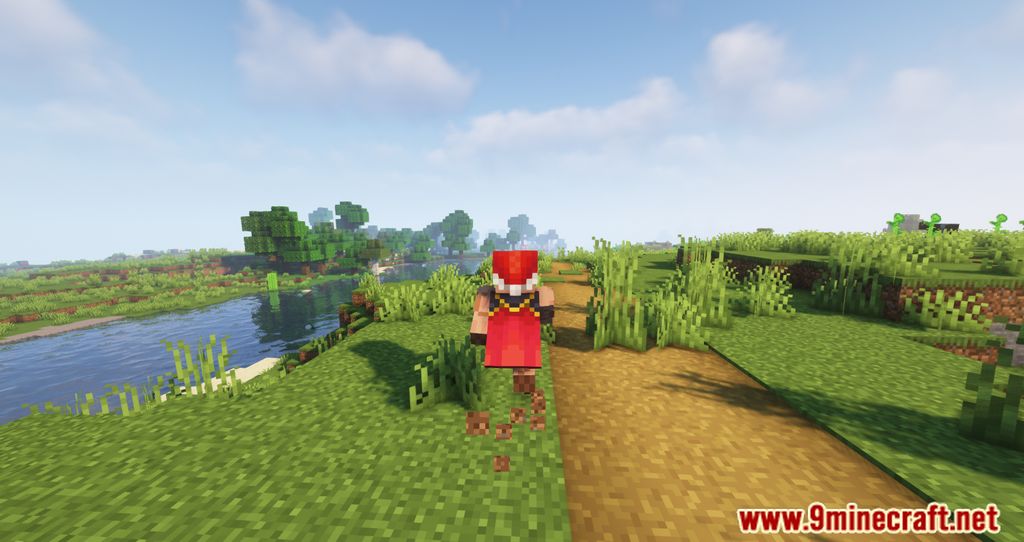
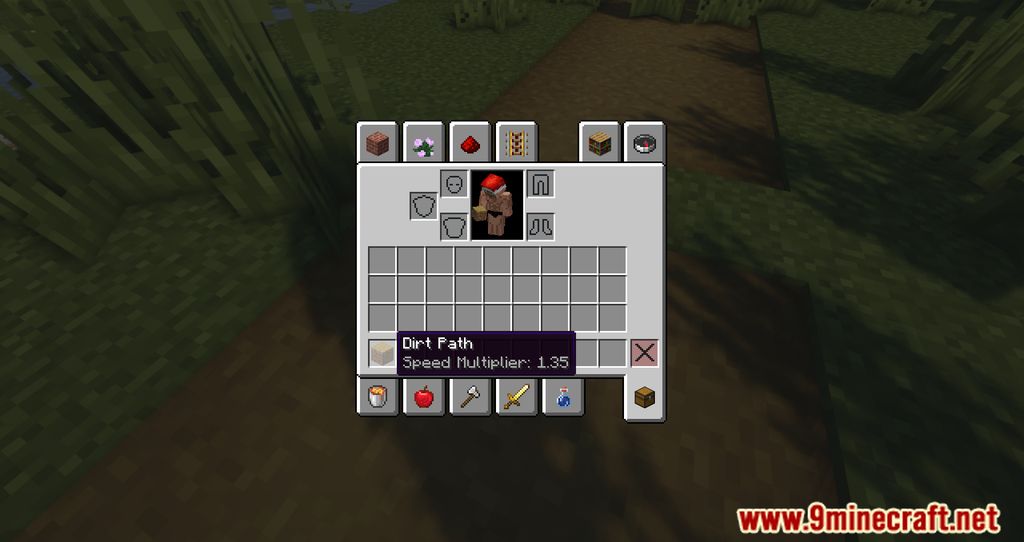
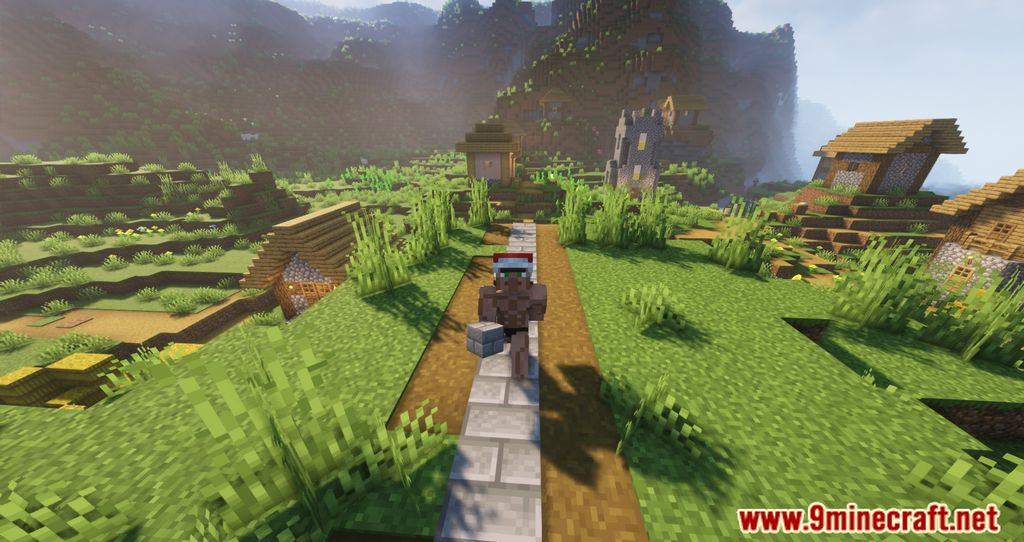
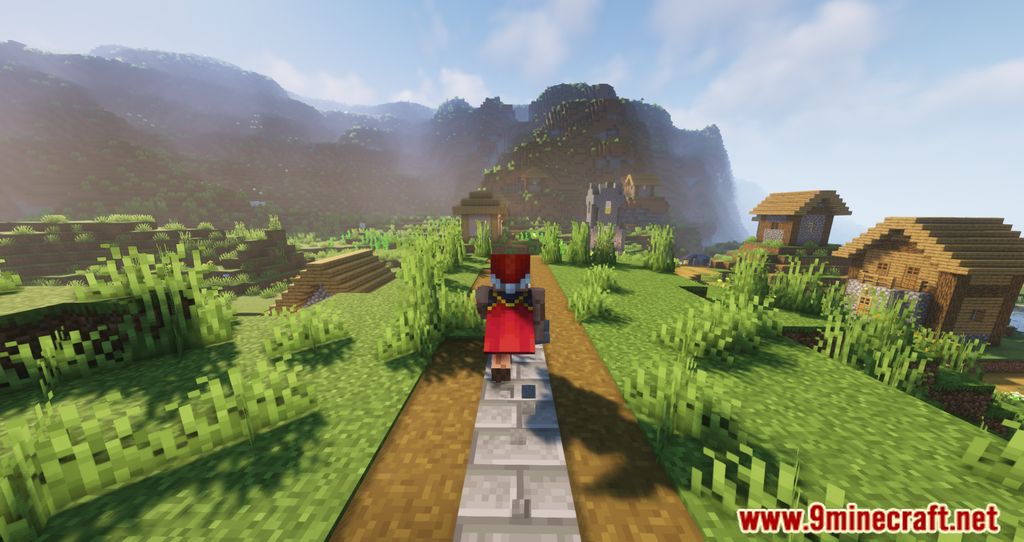
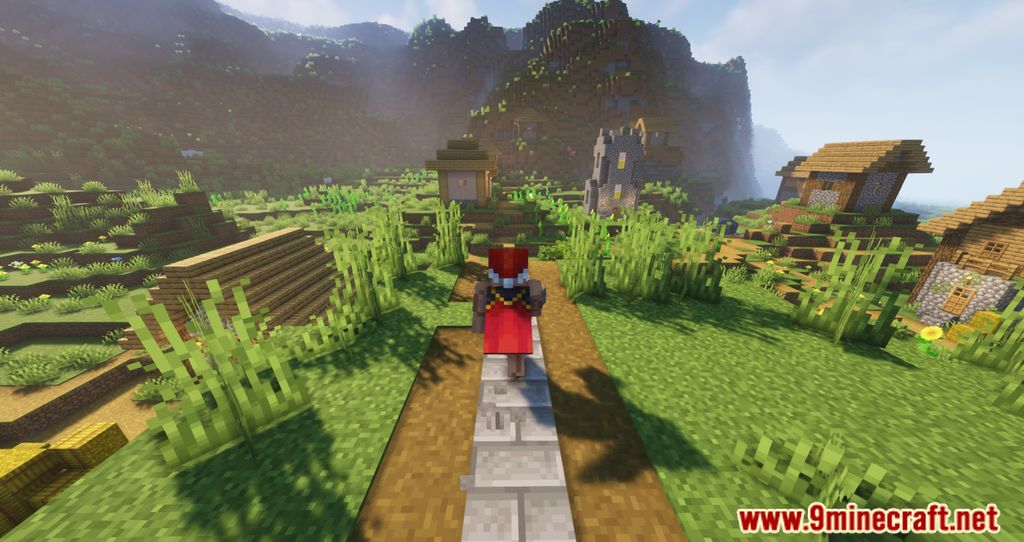
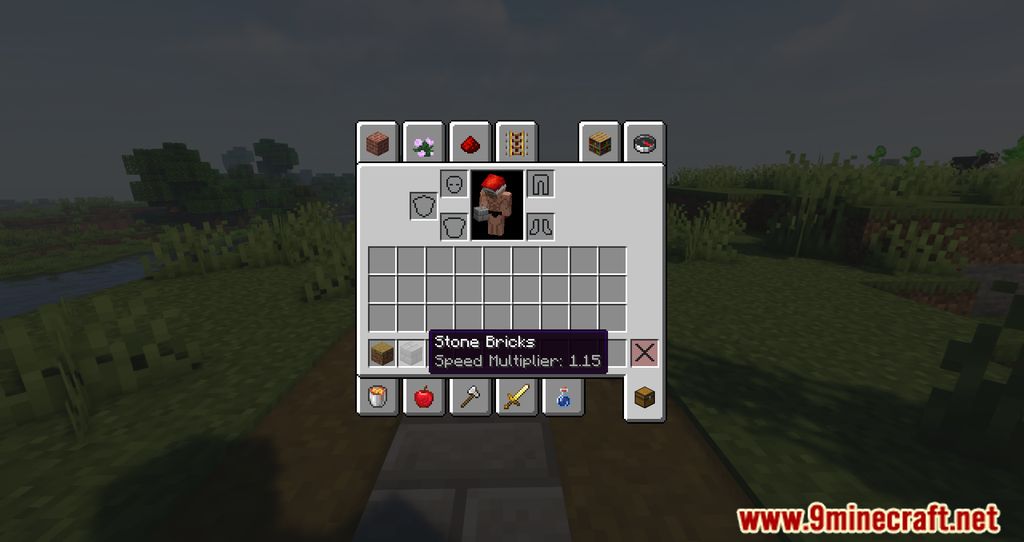
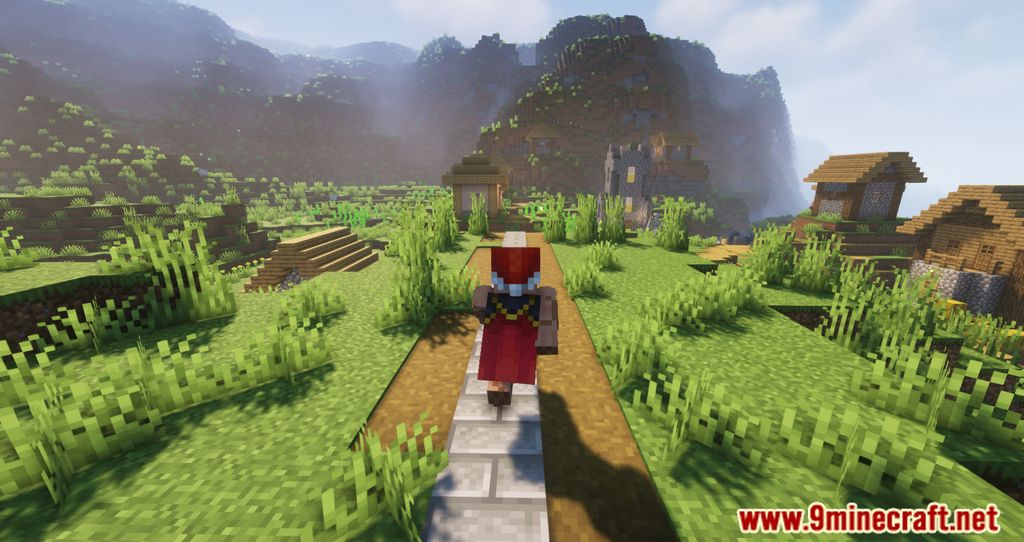
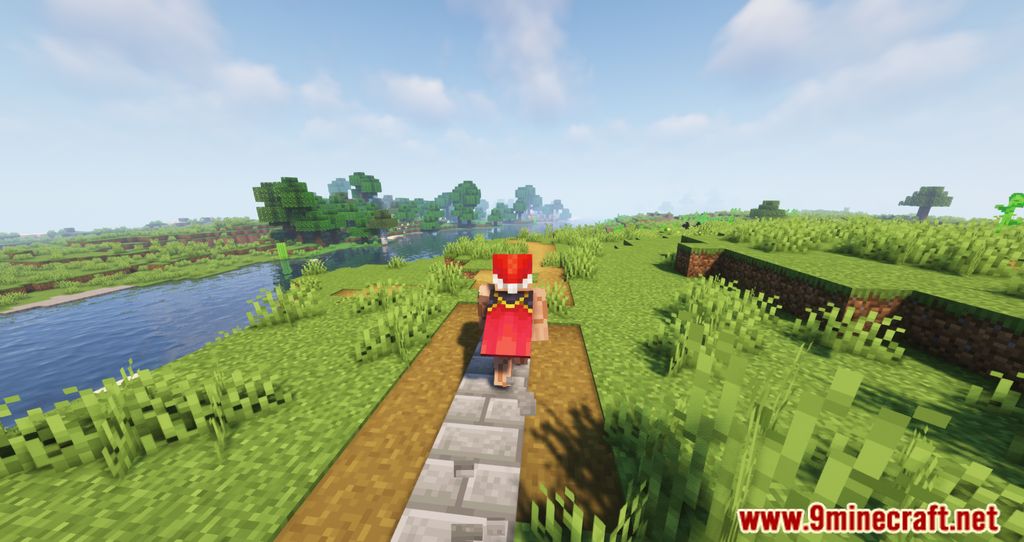
Block Runner Mod is a mod that modifies entity speed in the game, making running speed dependent on the type of block you move over. Now, “path” blocks serve a practical purpose beyond aesthetics, allowing you to run faster than on grass. This speed boost applies whether you’re running on foot or riding a horse. In the following image, you can see the increased speed on path blocks (left side) and on stone brick blocks (right side).
Features:
- Path blocks now provide a speed boost, making them useful beyond aesthetics.
- Players can configure speed settings for any block or block tag.
- Roads and trails become more functional, improving navigation.
- Adjust settings easily via the mod menu.
Configs:
If available for a mod, configuration is possible directly from in-game using the mod menu (requires Mod Menu Mod to be installed on Fabric). Please note that on older Minecraft versions installing Forge Config Screens Mod is also a requirement.
For manual configuration using an external text editor all files are found at .minecraft/config, named as MOD_ID-client.toml, MOD_ID-common.toml, or MOD_ID-server.toml, depending on the type of config. Not all types might exist for a mod, if any at all.
Block Runner also uses an additional custom json config file. You can find it at .minecraft/config/blockrunner.json and add or remove your own custom speed values for blocks and block tags. To reload the config in-game run /reload (the same command that also reloads data packs).
Screenshots:
How to Install:
New to Minecraft? Follow our step-by-step guide to install Mods on your PC.View Guide
Requirements:





Block Runner Mod Download Links
For Minecraft 26.2
For Minecraft 26.1.2, 26.1.1, 26.1
For Minecraft 1.21.11
For Minecraft 1.21.10, 1.21.9
For Minecraft 1.21.8, 1.21.7, 1.21.6
For Minecraft 1.21.5
For Minecraft 1.21.4
For Minecraft 1.21.3, 1.21.2
For Minecraft 1.21.1, 1.21
For Minecraft 1.20.4
For Minecraft 1.20.1, 1.20
For Minecraft 1.19.4
For Minecraft 1.19.3
For Minecraft 1.19.2
For Minecraft 1.18.2
For Minecraft 1.16.5
You May Also Like

This post has no comments yet. Be the first — your comment will appear here.