


Create Sound of Steam Tuning Wrench Mod (1.21.11, 1.20.1) – Tune Pipe Organs

 0
0 

🌐 Good news — we've translated this article into other languages!
Or pick the one you like:
Create Sound of Steam Tuning Wrench Mod adds a helpful tool for the Sound of Steam mod. This mod gives you a special wrench to set up your pipe organs automatically. Instead of manually changing the channels on every redstone link, you just right-click the pipes. It works perfectly in survival mode by taking the redstone links you carry in your inventory. This tool saves you time and makes building large musical instruments much easier.

Features:
- Automatic Redstone Links: Places a redstone link two blocks below a pipe and sets it to receive mode.
- Instant Tuning: Automatically sets the correct frequency on the redstone link to match the pipe above it.
- Survival Mode Ready: Takes redstone links directly from your inventory when you use the tool in a survival world.
- Traditional Mode: Sets the links up for keyboard relays, just like real pipe organs.
- Pitch Match Mode: Matches the exact frequency of the pipe, which works best for MIDI playing.
- Safe Placement: Stops the tool from placing a link if another block or link is already in that spot.
How to Use:
- Hold the tuning wrench in your hand.
- Hold the Alt key and scroll your mouse wheel to pick a tuning mode.
- Point your crosshair at a Sound of Steam pipe.
- Right-click the pipe with the wrench.
- Check below the pipe to see your placed and tuned redstone link.
Screenshots:
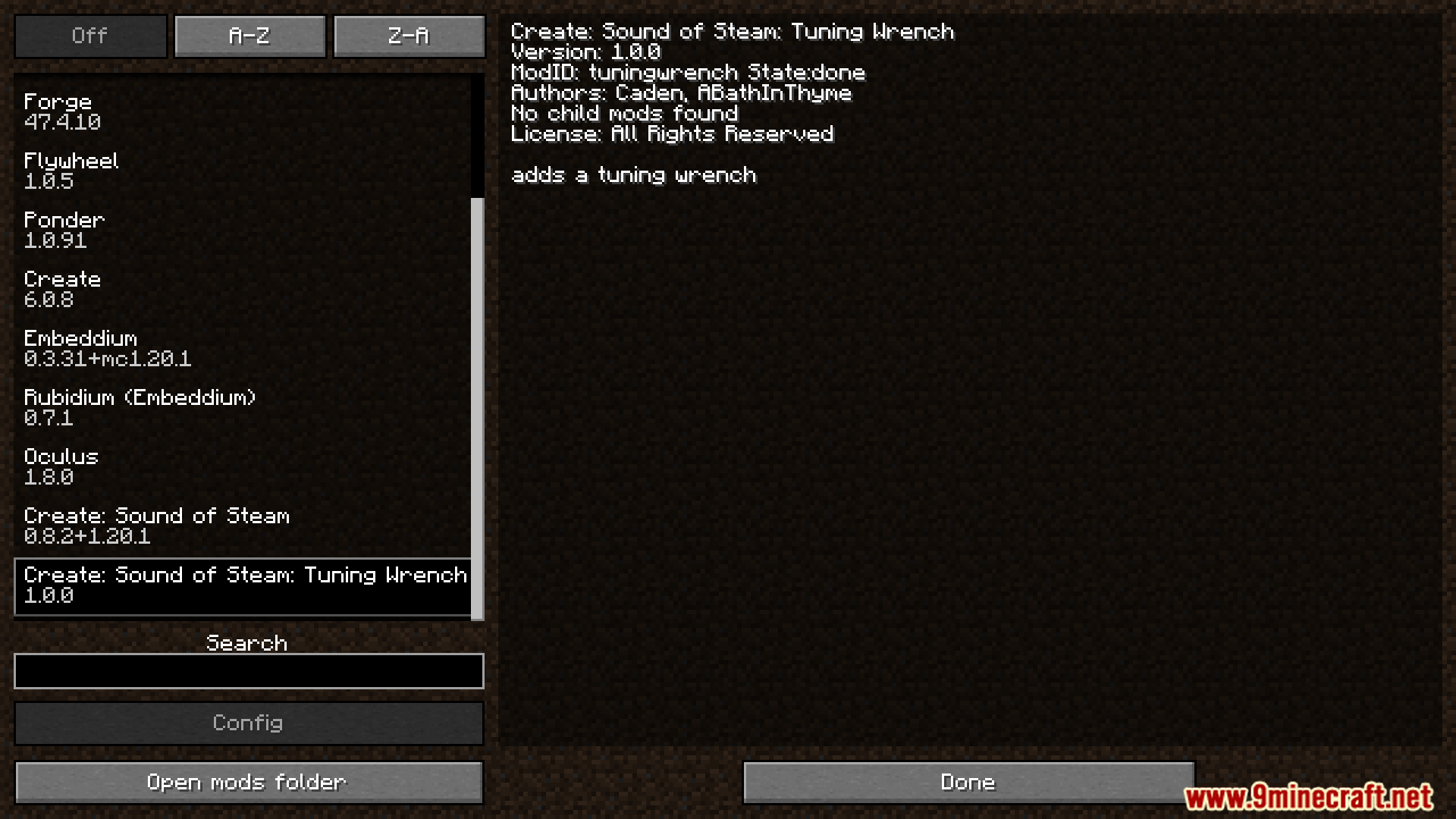


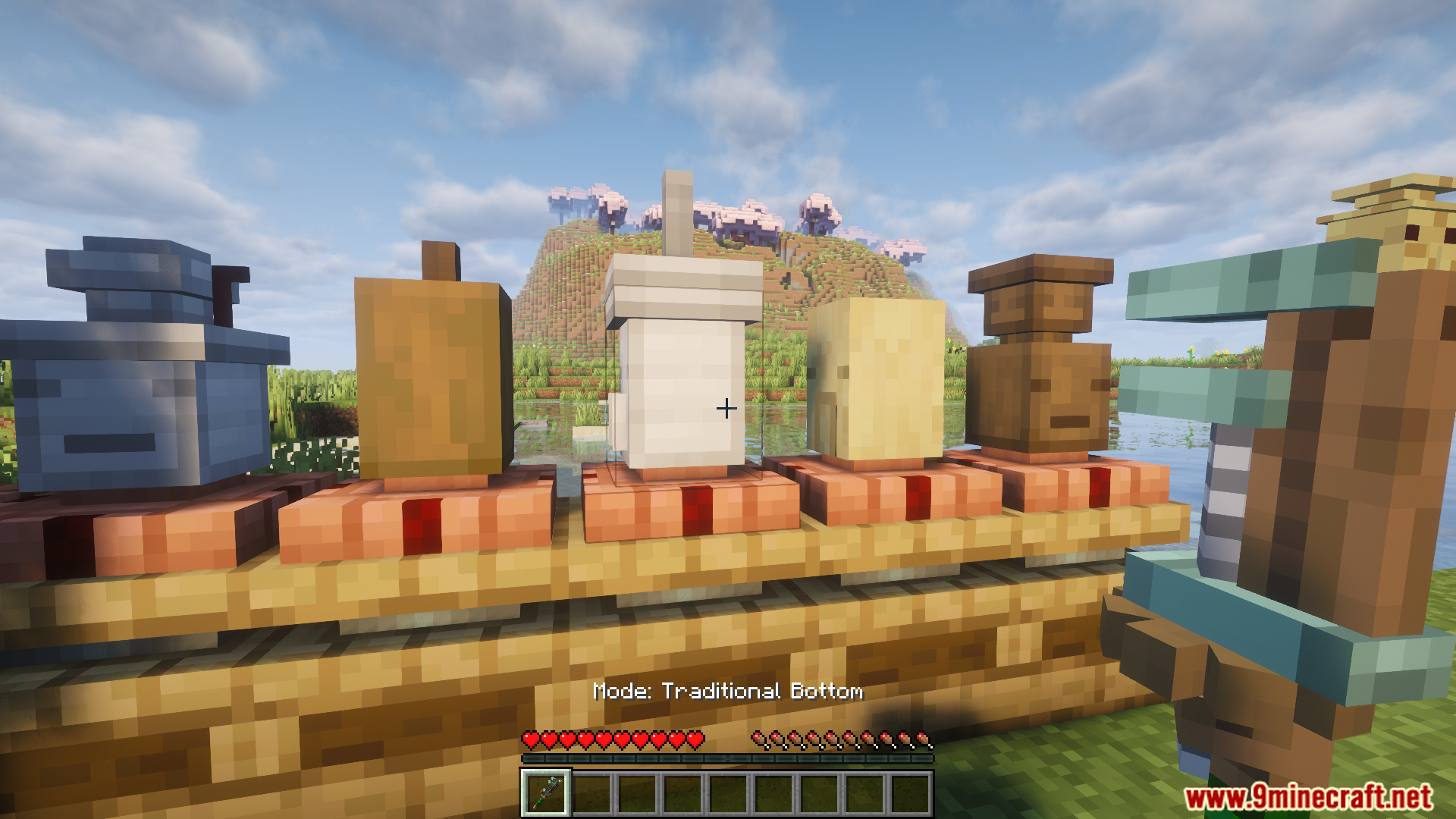






How to Install:
New to Minecraft? Follow our step-by-step guide to install Mods on your PC.View Guide
Requirements:




Create Sound of Steam Tuning Wrench Mod Download Links
For Minecraft
1.21.11,
1.21.10,
1.21.9
All Versions Covered
1.21.11
1.21.10
1.21.9
1.21.8
1.21.7
1.21.6
1.21.5
1.21.4
1.21.3
1.21.2
1.21.1
1.21
All Versions Covered
1.21.11
1.21.10
1.21.9
1.21.8
1.21.7
1.21.6
1.21.5
1.21.4
1.21.3
1.21.2
1.21.1
1.21
For Minecraft 1.20.1, 1.20
Click to rate this post!
[Total: 2 Average: 4]
You May Also Like


















This post has no comments yet. Be the first — your comment will appear here.