


Ponderer Mod (1.21.1, 1.20.1) – Visuelle Tutorials ohne Scripts erstellen
 113
113
 0
0


🌐 Du liest diesen Artikel auf Deutsch. Möchtest du wechseln?
📖 Auf Englisch lesen (Original)Oder wähle die gewünschte Sprache:
Ponderer Mod lässt dich visuelle Tutorial-Szenen direkt in Minecraft bauen, bearbeiten und testen. Du kannst Schritt-für-Schritt-Anleitungen für Items und Blöcke erstellen, ohne vorher komplizierte Scripts schreiben zu müssen. Die Mod bietet dir ein visuelles Menü, um Kamerawinkel anzupassen, Mobs zu spawnen, Blöcke zu platzieren und Texte zu deinen Szenen hinzuzufügen. Du kannst sogar mit Freunden auf einem Server zusammenarbeiten, um diese Guides zu erstellen. Dieses Tool speichert deine Arbeit als Blueprints, sodass du deine eigenen Tutorials schnell mit anderen Spielern teilen kannst.
Features:
- Visueller Editor: Öffne ein Menü, um die Kamera zu justieren, Blöcke zu ändern, Mobs zu spawnen und Sounds hinzuzufügen – einfach per Mausklick.
- Sofortige Updates: Lade deine Änderungen direkt neu, um zu sehen, wie dein Tutorial aussieht, ohne das Spiel neu zu starten.
- Team-Editing: Nutze Pull- und Push-Funktionen auf einem Server, damit du und deine Freunde gemeinsam an Guides arbeiten könnt.
- Du kannst Schritte beim Erstellen einer Szene kopieren, einfügen, rückgängig machen und wiederholen.
- Nutze ein Blueprint-Tool, um Bereiche deiner Welt auszuwählen und sie als Strukturen für deine Guides zu speichern.
- Ziehe Items, Blöcke oder Mobs direkt aus der Just Enough Items (JEI) Liste in dein Tutorial-Menü.
- Exportiere alle fertigen Szenen und Strukturen in eine ZIP-Datei, um sie mit der Community zu teilen.
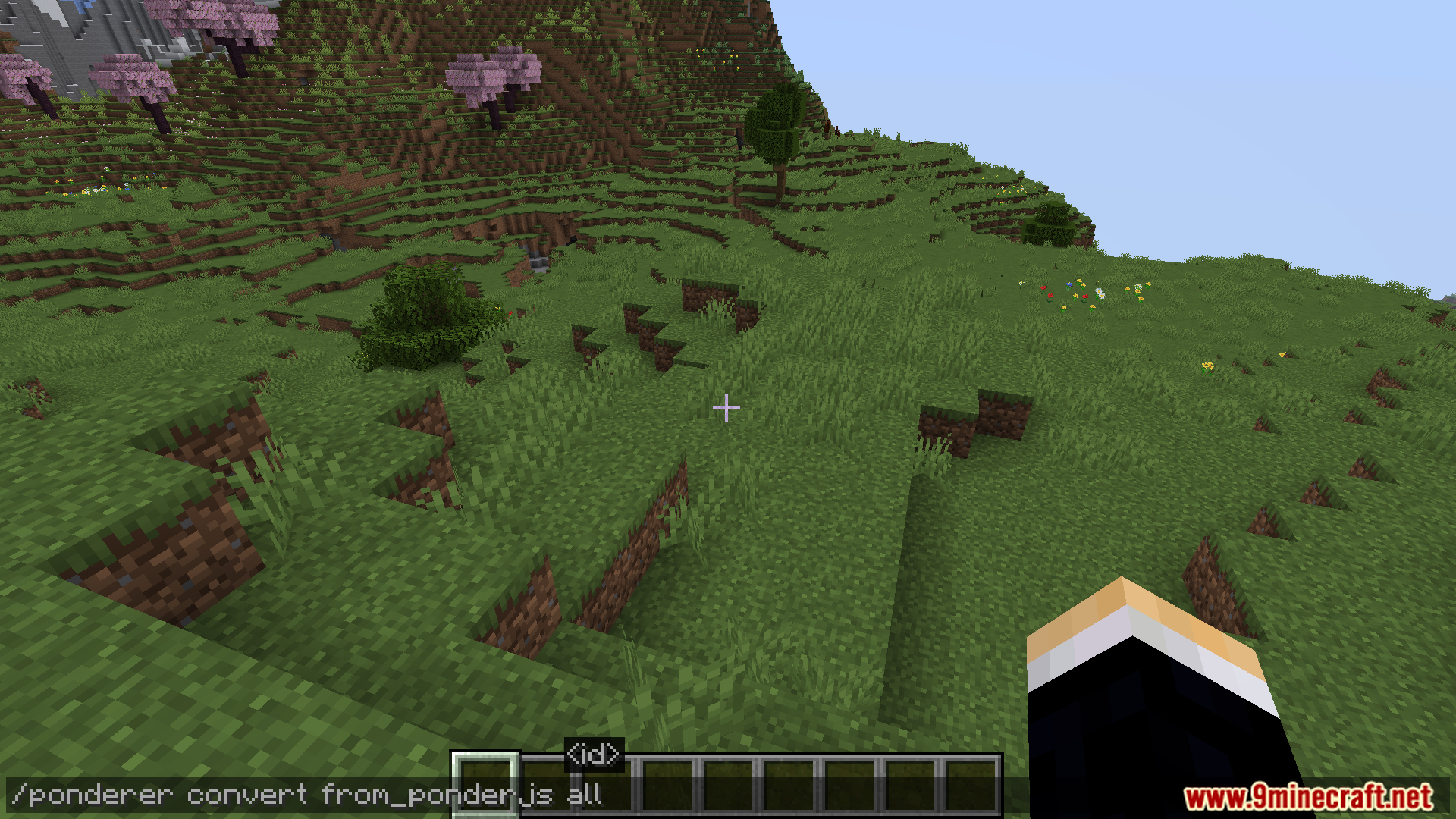
- Konvertiere deine visuellen Szenen in das PonderJS-Format, falls du sie auf andere Weise nutzen möchtest.
Befehle:
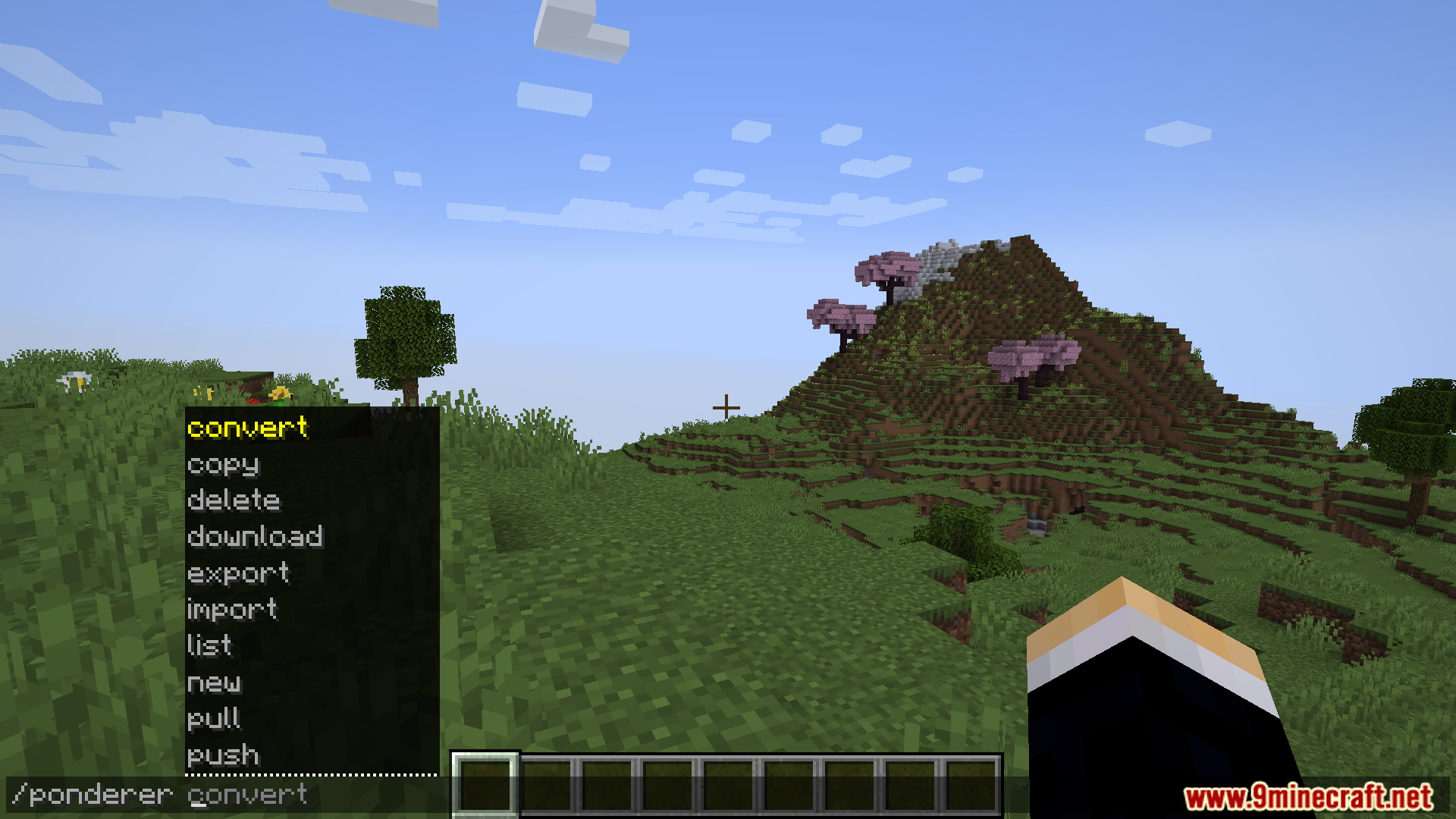
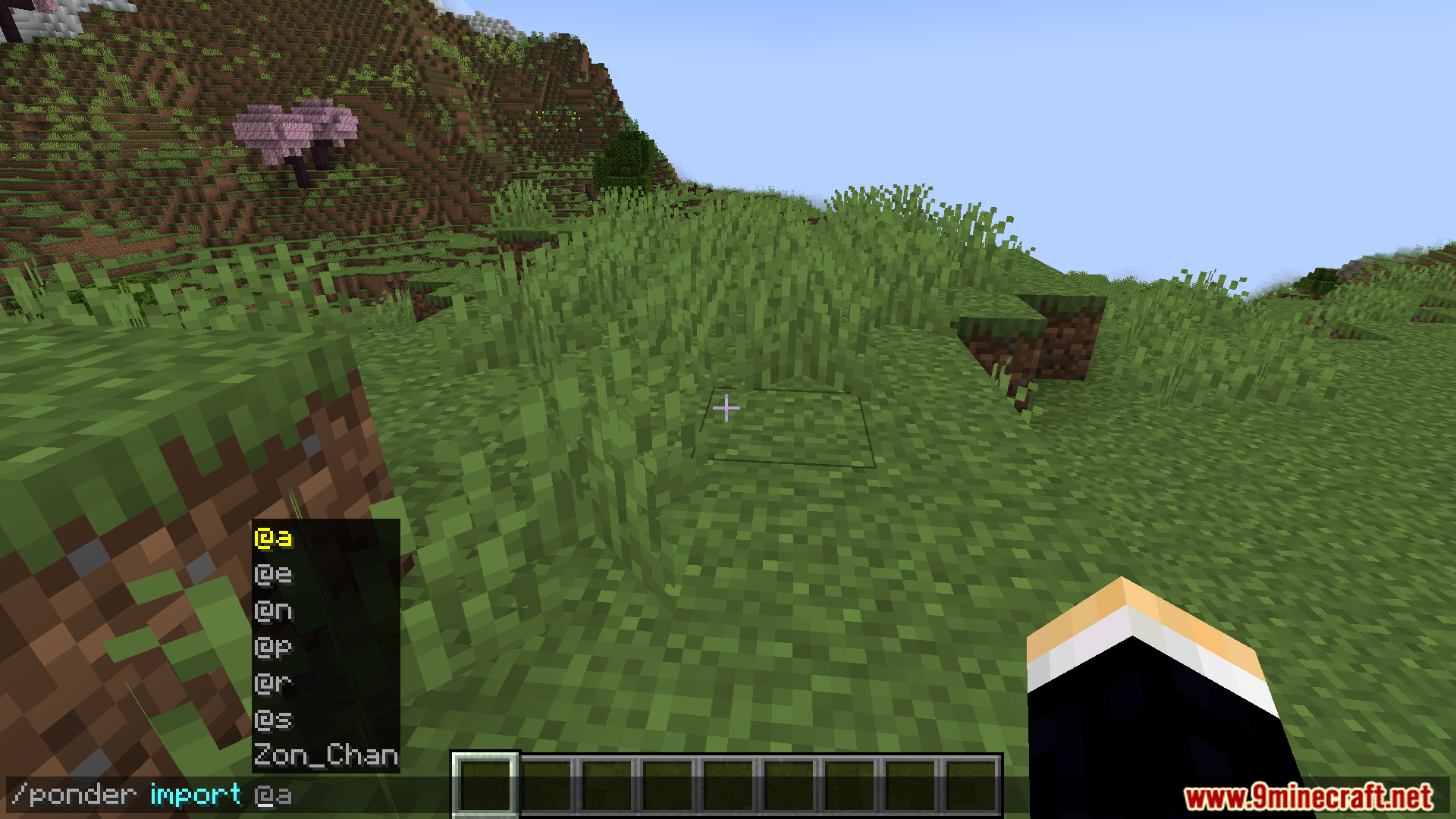
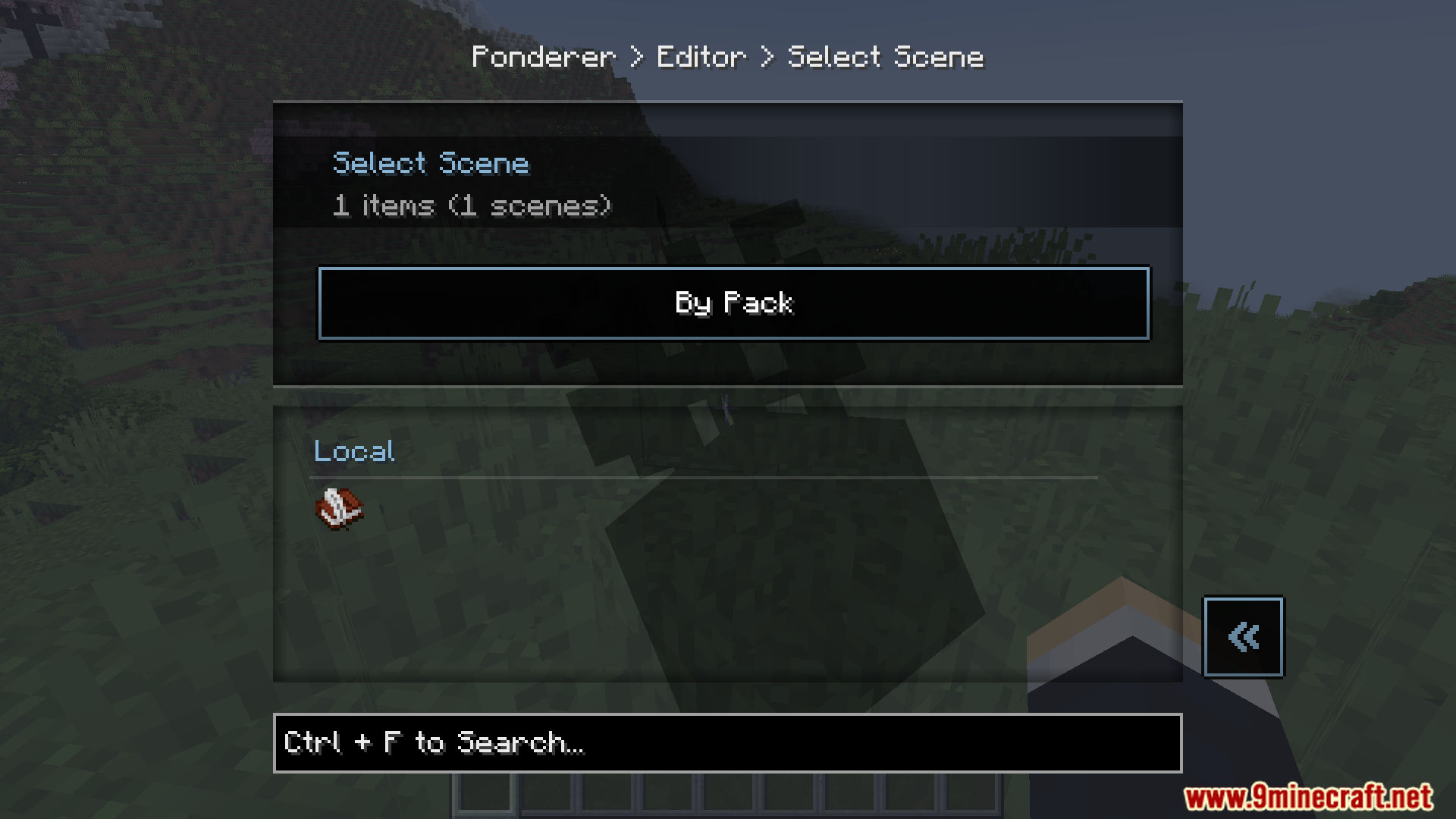
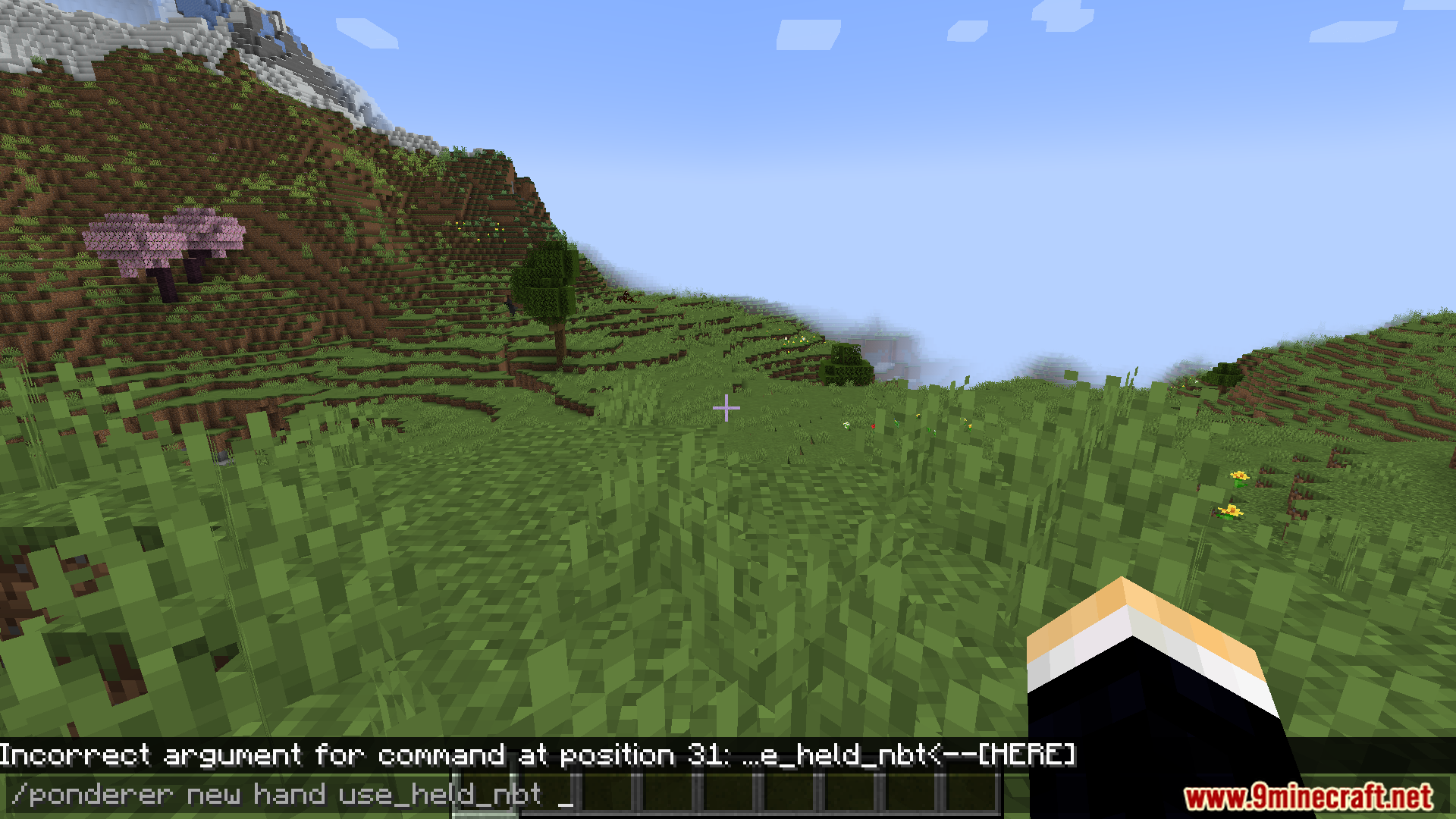
/ponderer new hand– Erstellt eine neue Tutorial-Szene für das Item, das du gerade hältst./ponderer reload– Lädt deine lokalen Dateien neu, um die neuesten Änderungen im Spiel anzuzeigen./ponderer push– Sendet deine lokalen Tutorial-Szenen an den Server./ponderer pull– Lädt Tutorial-Updates vom Server herunter./ponderer export– Speichert alle deine Scripts und Strukturen in einer ZIP-Datei./ponderer list– Öffnet ein Menü mit all deinen Tutorial-Items.
Anleitung:
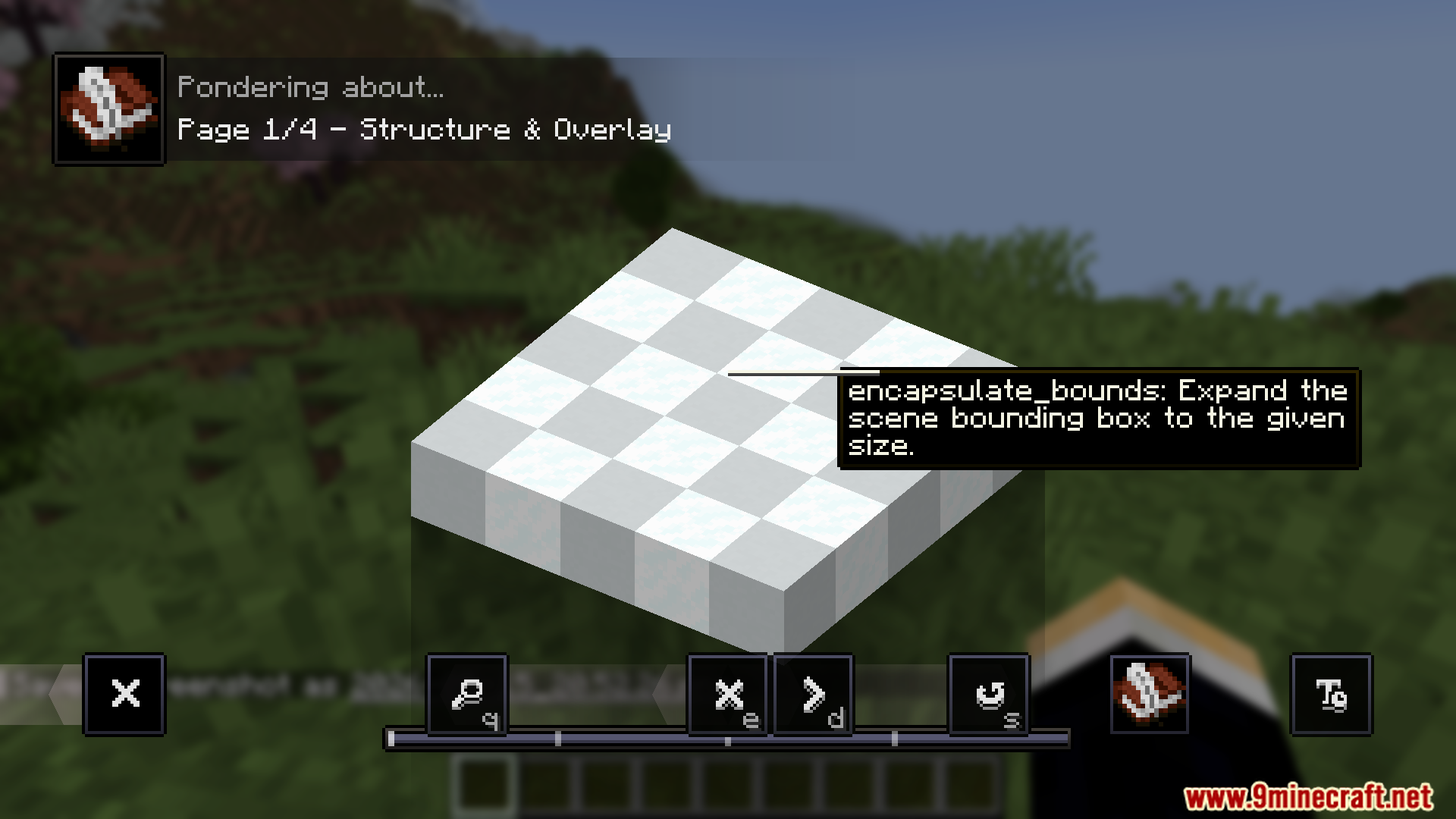
- Halte ein Beschriebenes Buch in der Hand, um eine eingebaute Demo-Szene zu sehen, die dir zeigt, wie alles funktioniert.
- Halte ein Item, für das du einen Guide erstellen willst, und gib den Startbefehl ein, um eine neue Szene zu erstellen.
- Klicke auf das Bearbeiten-Icon in der unteren linken Ecke der Szene, um das visuelle Menü zu öffnen.
- Halte ein Blatt Papier, um das Blueprint-Tool zu nutzen, mit dem du Bereiche deiner Welt markieren und speichern kannst.
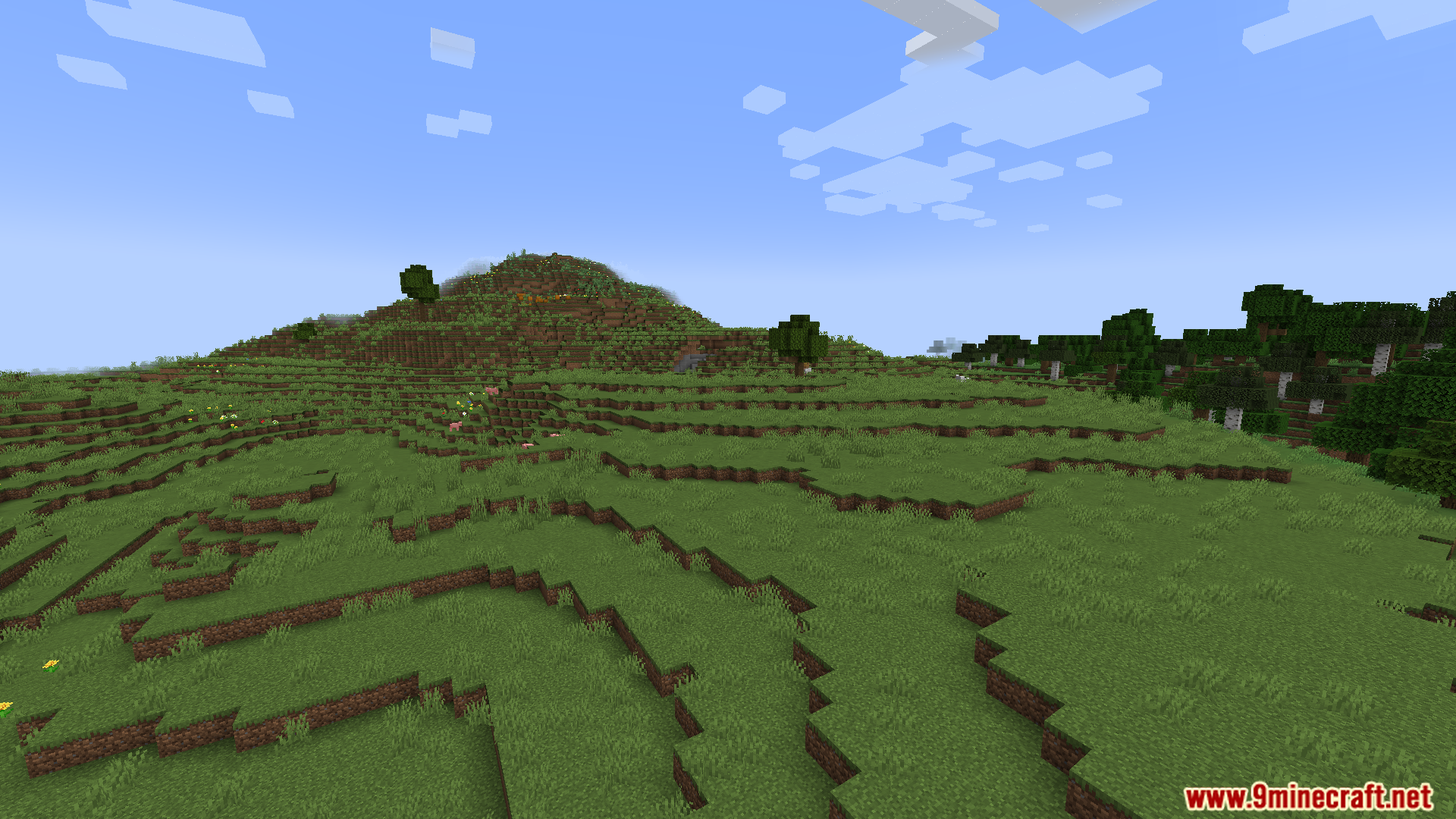
Screenshots:
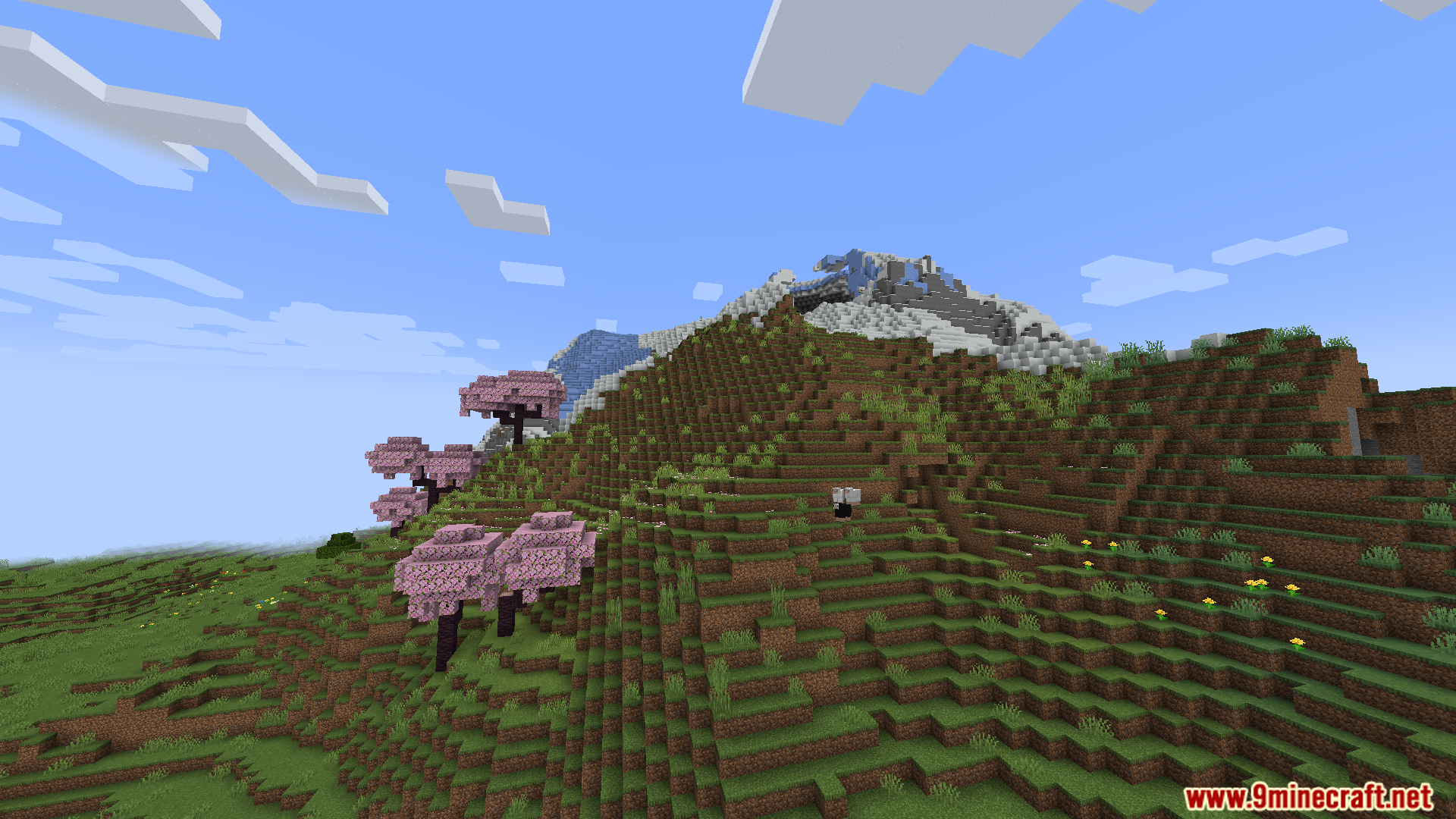
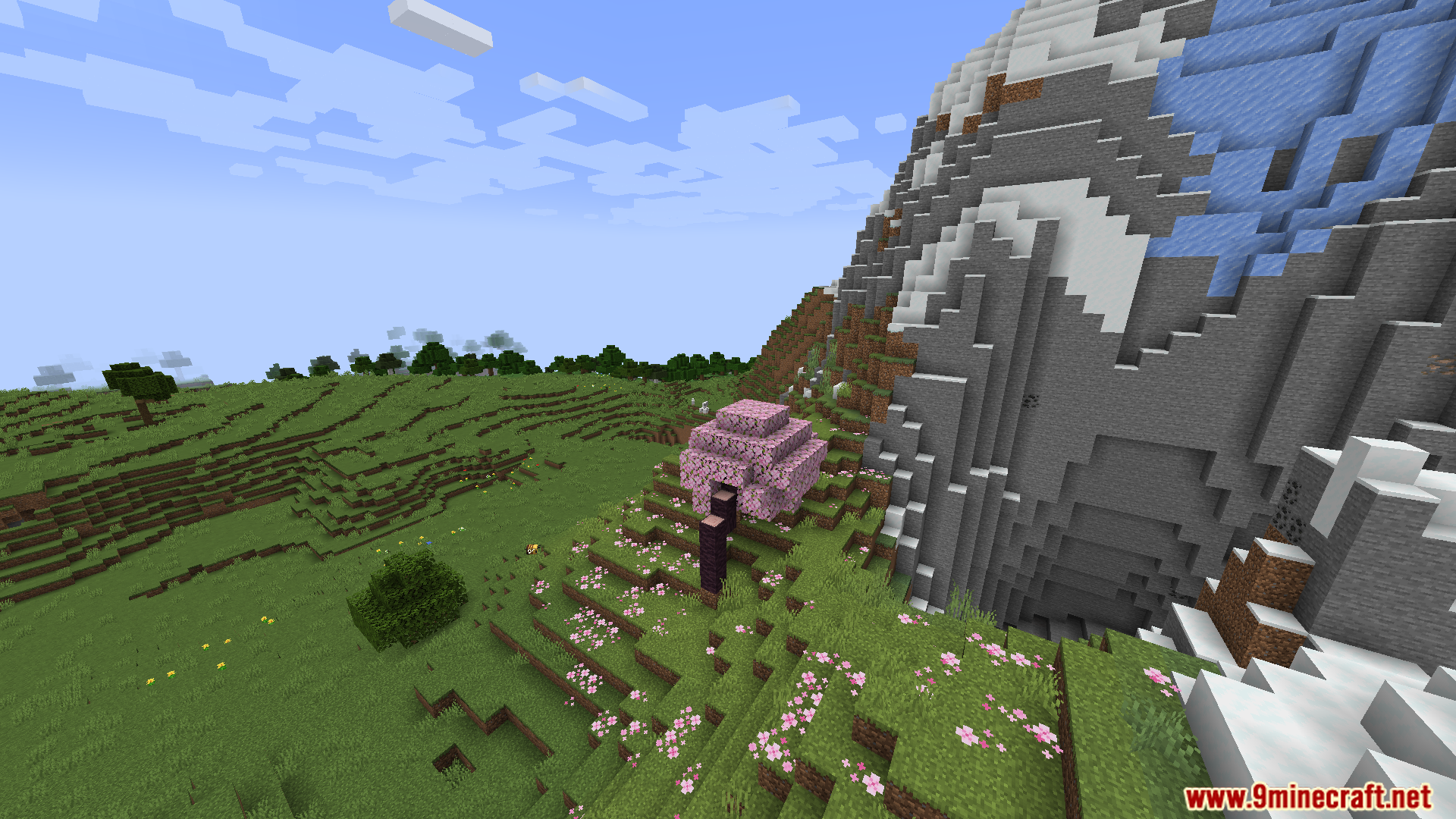
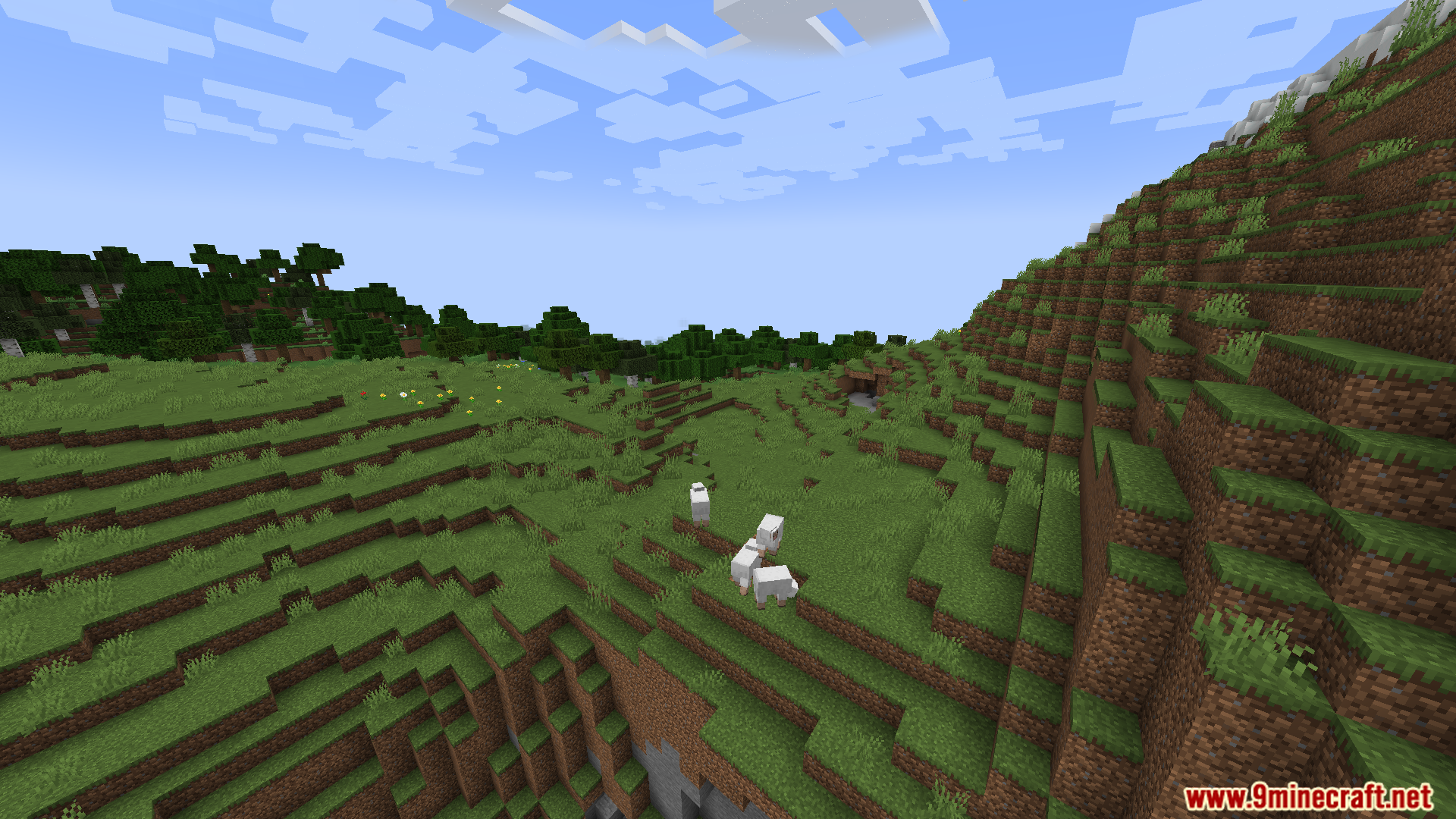
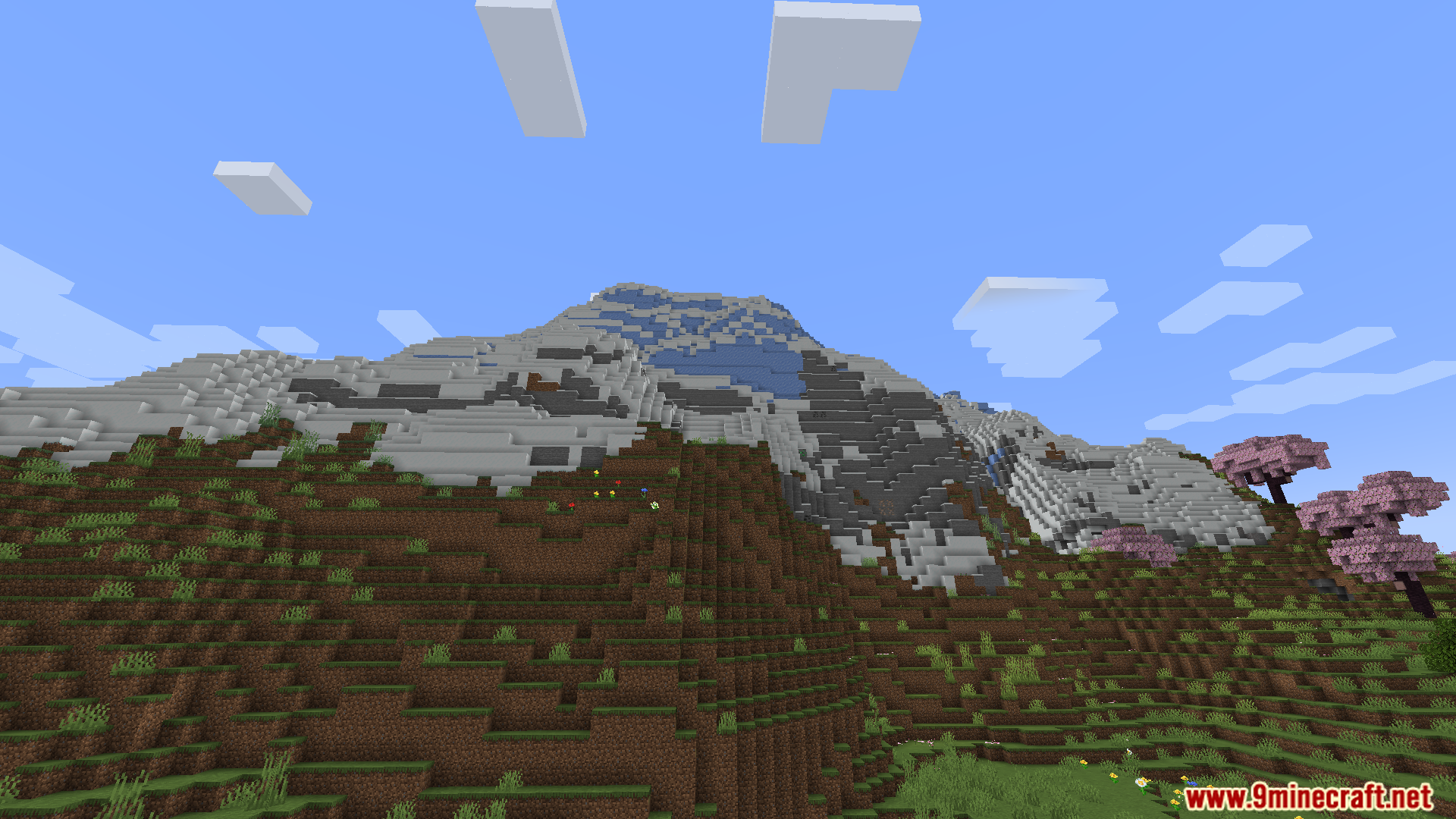
Installationsanleitung:
Voraussetzungen:
 Fabric Loader Erforderlich
 Fabric API Erforderlich
 Minecraft Forge Erforderlich
 NeoForge Erforderlich
Ponderer – 思索者 Erforderlich
Just Enough Items (JEI) Erforderlich
Ponderer Mod Download Links
Für Minecraft 1.21.1, 1.21
Für Minecraft 1.20.1, 1.20
Klicke, um diesen Beitrag zu bewerten!
[Total: 0 Average: 0]
Das könnte dir auch gefallen



Dieser Beitrag hat noch keine Kommentare. Sei der Erste – dein Kommentar erscheint hier.