


DO NOT DISABLE Resource Pack (1.21.1, 1.20.1)
 0
0
 0
0

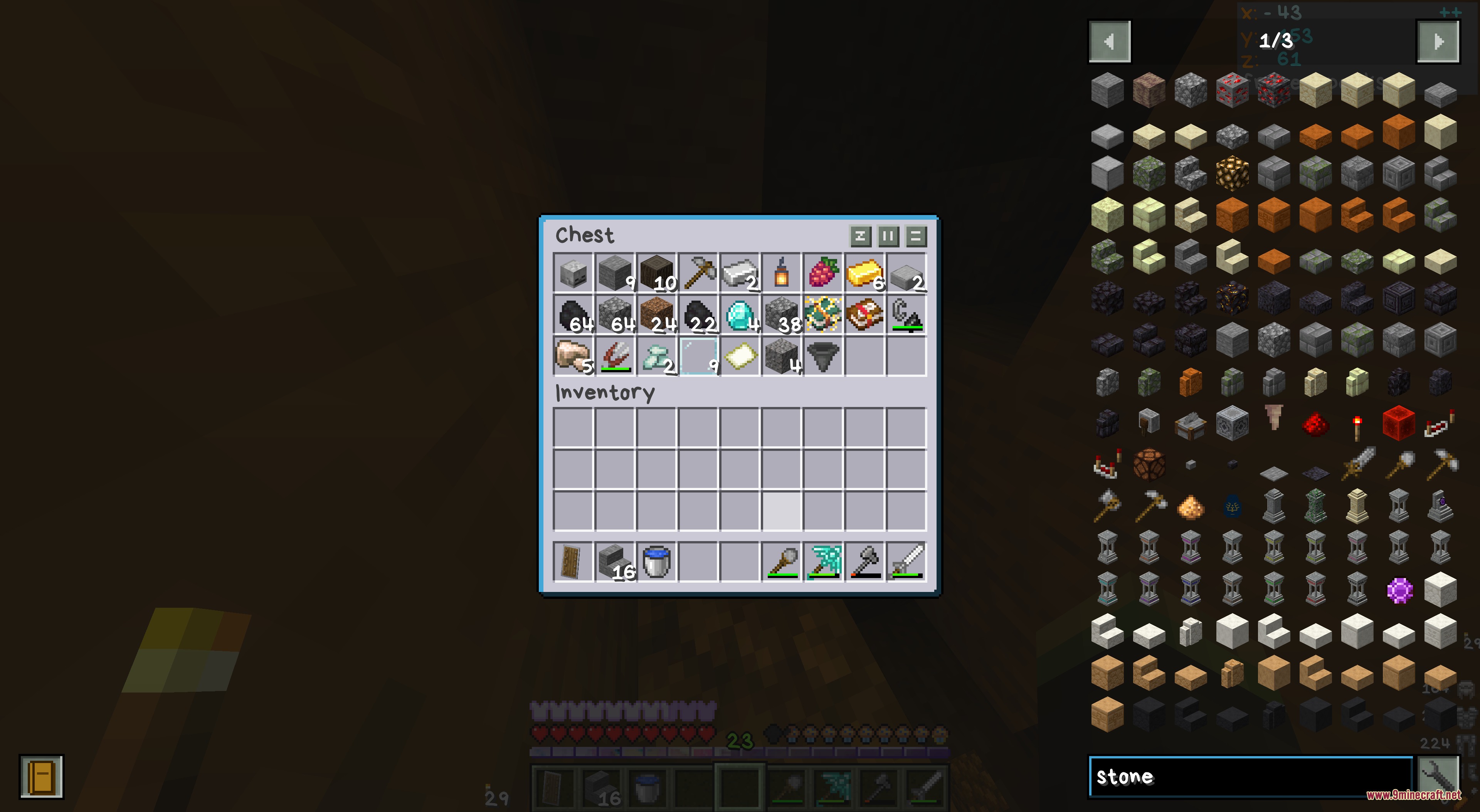
DO NOT DISABLE Resource Pack transforms the look and sound of your game with a massive collection of new textures and music. It packs in custom lighting, glowing blocks, and fresh interface designs for both vanilla Minecraft and many popular mods. The pack replaces standard tracks with high-quality ambient sounds to make your world feel alive. It stores files in a special way so your game loads them faster without slowing down your computer.
Features:
- Massive Audio Upgrade: Replaces normal game music with new ambient sounds that play at a comfortable, balanced volume.
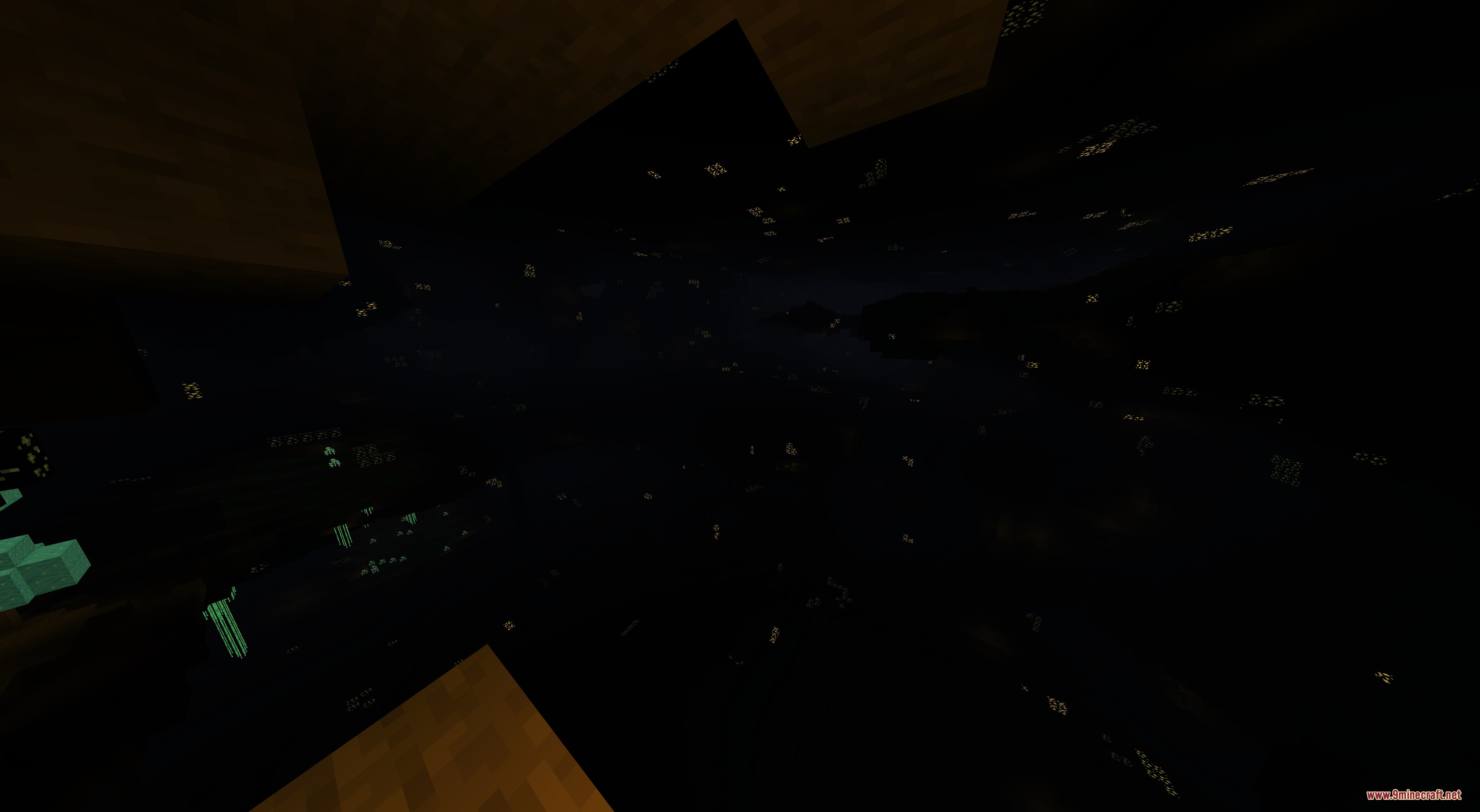
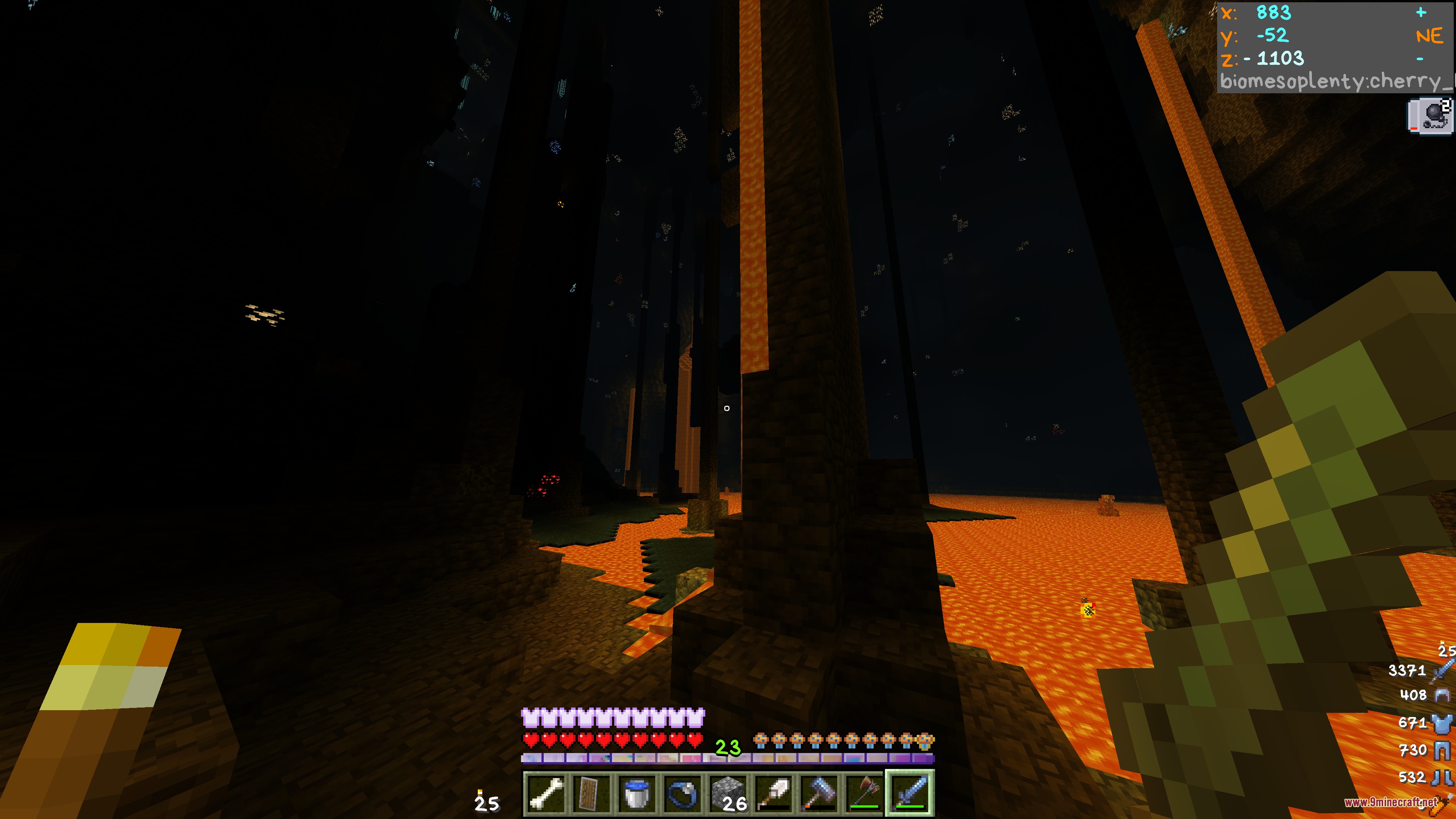
- Glowing Textures: Makes specific blocks and items glow in the dark so they stand out at night.
- Custom Item Looks: Changes how your items look depending on their name, enchantments, or specific variants.
- Adds connected textures so blocks like glass blend together smoothly.
- Paints the sky with custom visuals for a better view above.
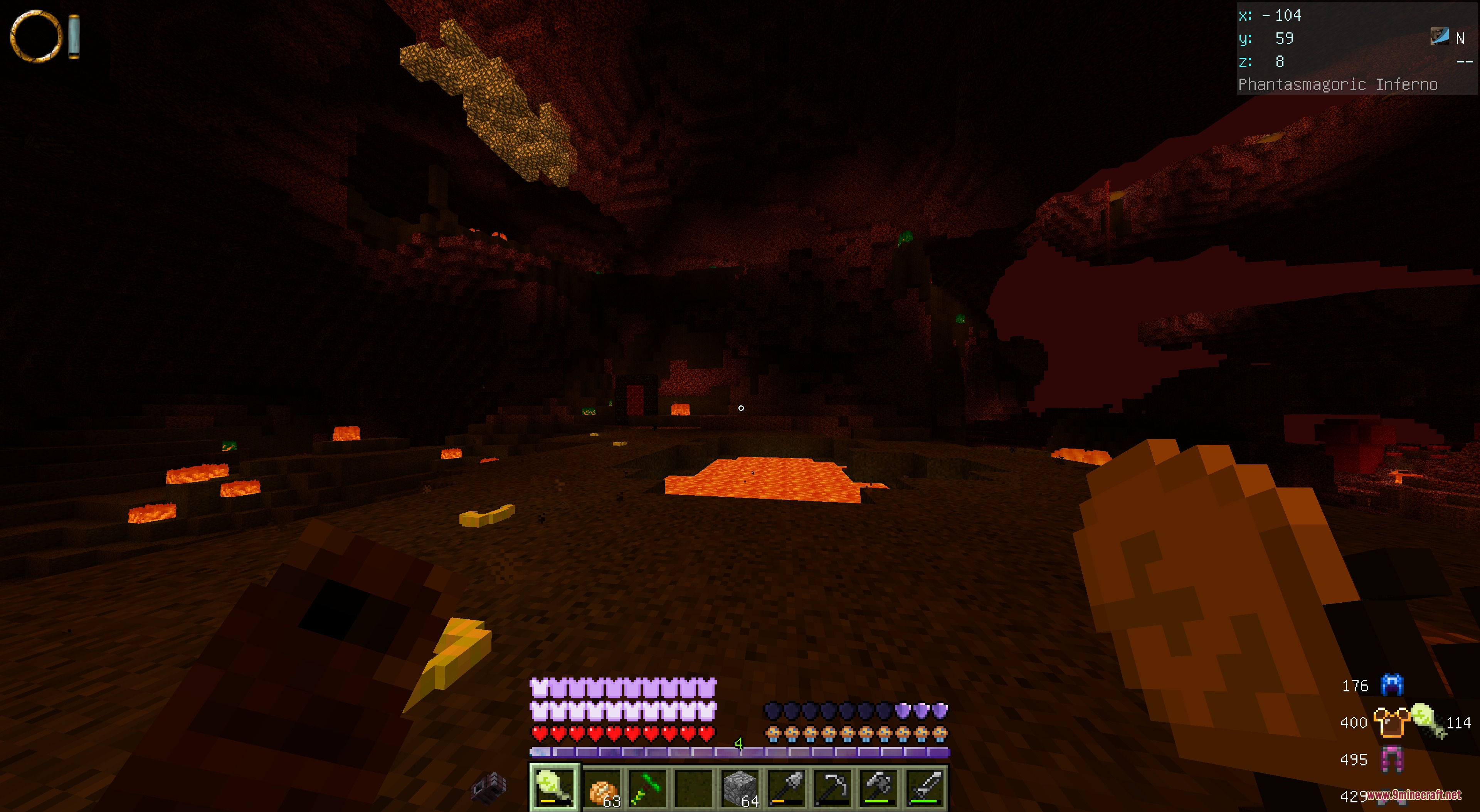
- Changes the lighting colors in the Overworld, the Nether, and the End.
- Updates the game menus and interface with a fresh, clean theme.
- Stores all files without compression so your game loads them much faster.
- Fixes small text and translation mistakes in the game menus.
Mod Support:
This pack adds special textures and sounds for many popular mods. If you have these mods installed, you will see the changes automatically.
Deep Mod Coverage:
- Changes almost everything in The Twilight Forest and L_Ender’s Cataclysm.
- Adds new looks for The Aether and Deep Aether dimensions.
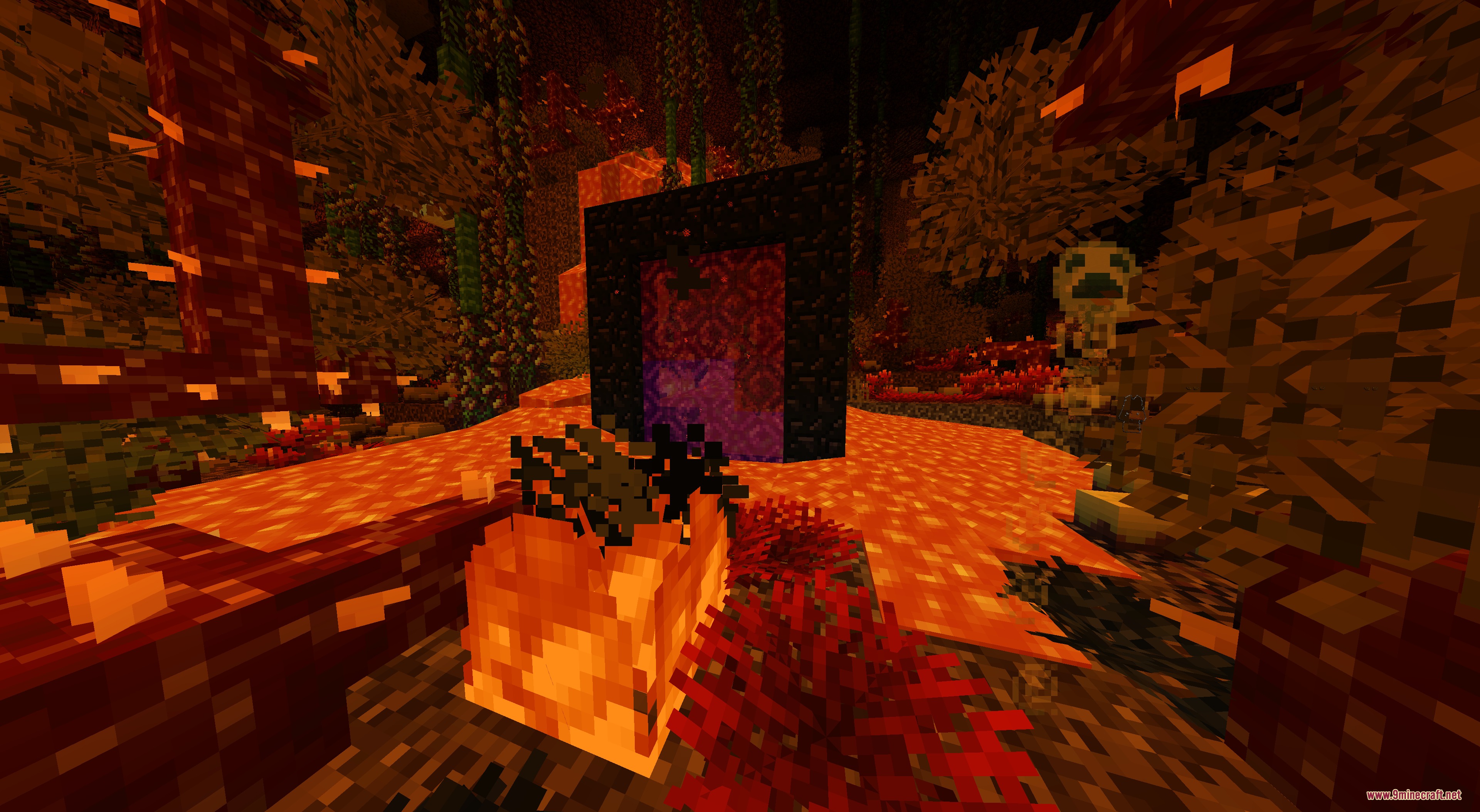
- Updates visuals in The Undergarden and Better Nether.
- Brings fresh textures to Ars Nouveau, Biomes O’ Plenty, and Mowzie’s Mobs.
Partial Mod Coverage:
- Updates specific items and blocks in Create and End Remastered.
- Changes parts of Waystones, Iron Chests, and Repurposed Structures.
- Adds small touches to Aquaculture 2, Grimoire of Gaia 4, and Project: Vibrant Journeys.
Menu and Interface Updates:
- Reskins helpful menus like Just Enough Items (JEI) and FTB Quests.
- Updates health bars and inventory screens for ToroHealth and Inventory HUD+.
- Changes icons for AppleSkin, Better Advancements, and Toast Control.
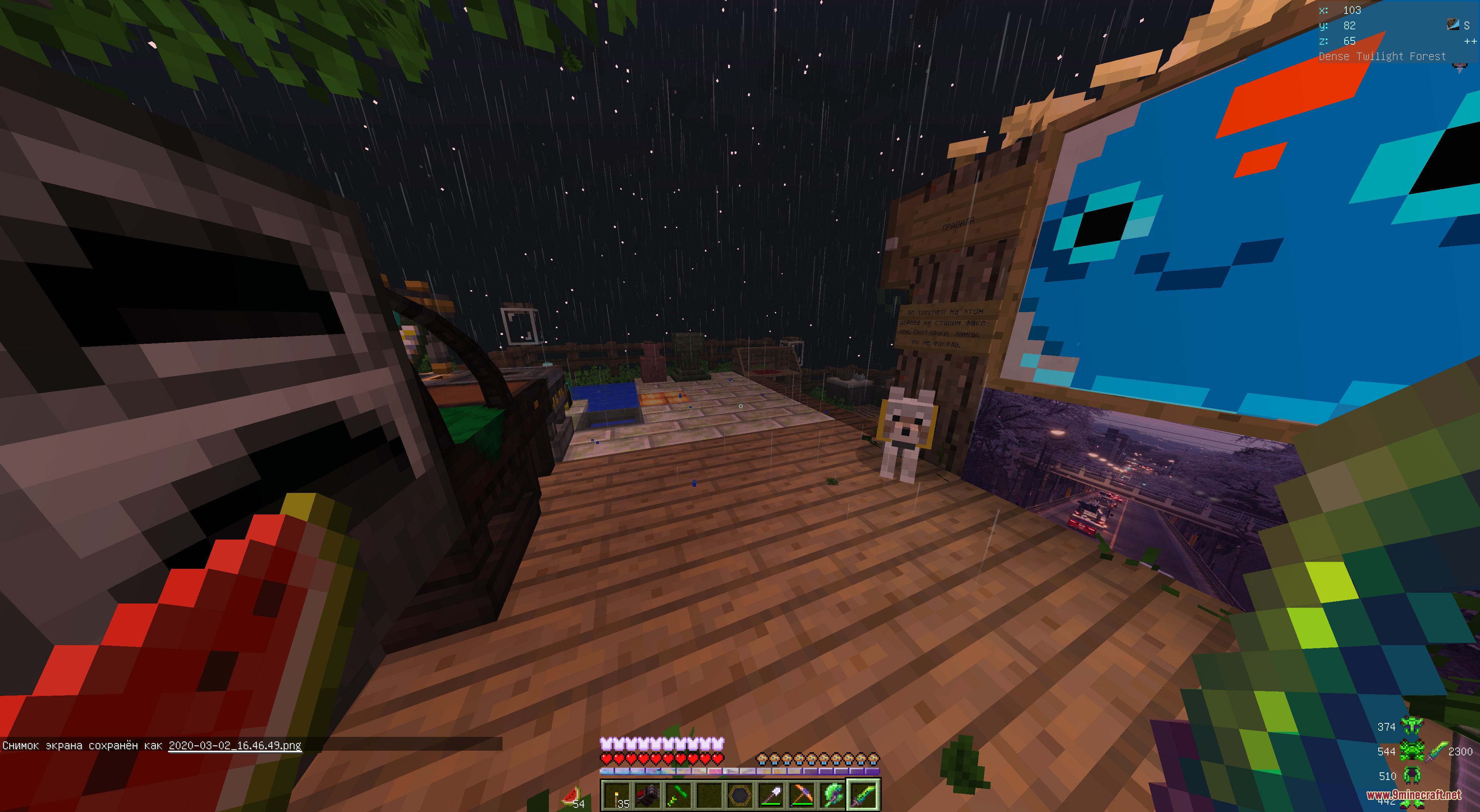
Screenshots:
How to Install:
New to Minecraft? Follow our step-by-step guide to install Resource Packs on your PC.View Guide
DO NOT DISABLE Resource Pack Download Links
For Minecraft
1.21.x
All Versions Covered
1.21.1
1.21
All Versions Covered
1.21.1
1.21
For Minecraft
1.20.x
All Versions Covered
1.20.1
1.20
All Versions Covered
1.20.1
1.20
For Minecraft
1.19.x
All Versions Covered
1.19.2
All Versions Covered
1.19.2
For Minecraft
1.7.x
All Versions Covered
1.7.10
All Versions Covered
1.7.10
Click to rate this post!
[Total: 0 Average: 0]
You May Also Like

This post has no comments yet. Be the first — your comment will appear here.