


9minecraft OptiFork (26.2, 26.1.2) – Ang Susunod na Henerasyon ng OptiFine
 3,394
3,394
 0
0


9minecraft OptiFork ay ang susunod na henerasyon ng OptiFine – isang from-scratch rebuild para sa modernong Fabric at NeoForge loaders na sa wakas ay nagdadala ng signature performance tweaks, connected textures, at Dynamic Lights ng OptiFine sa modernong Minecraft. Ang OptiFine mismo ay bumagal na ang pag-update, madalas na pinaghihintay ang community ng 2-3 buwan pagkatapos ng Minecraft release bago lumabas ang compatible build. Ang OptiFork ay binuo para punan ang gap na iyon. Nakatuon kami na maglabas ng updated build sa loob ng isang linggo pagkatapos ng bawat bagong Minecraft release, at aktibo naming pinapalawak ang mga feature nito higit pa sa orihinal na mod – may shader support, mas matalinong performance tools, at mahabang roadmap ng mga bagong options na darating sa mga susunod na updates.
Mga Feature:
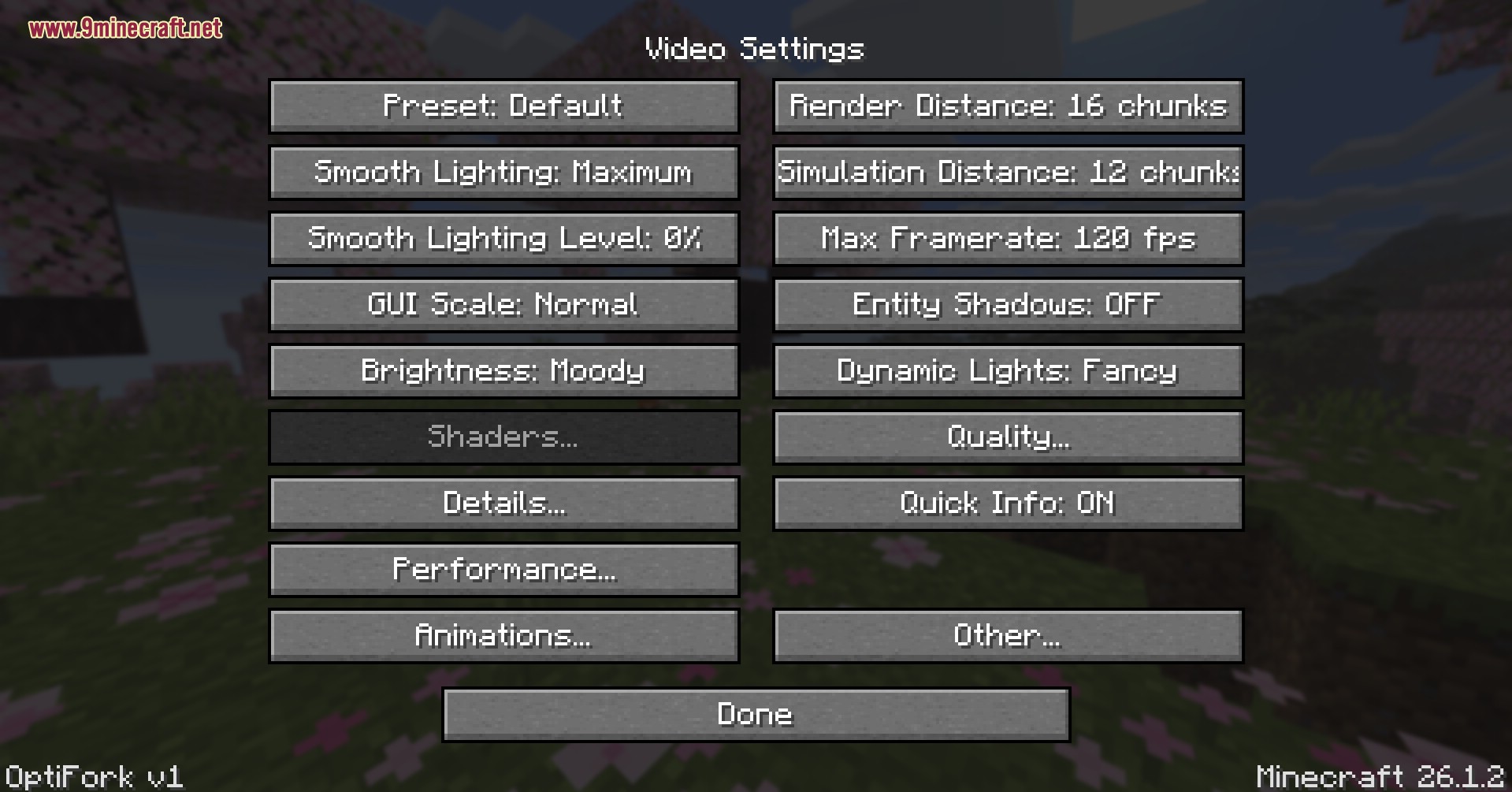
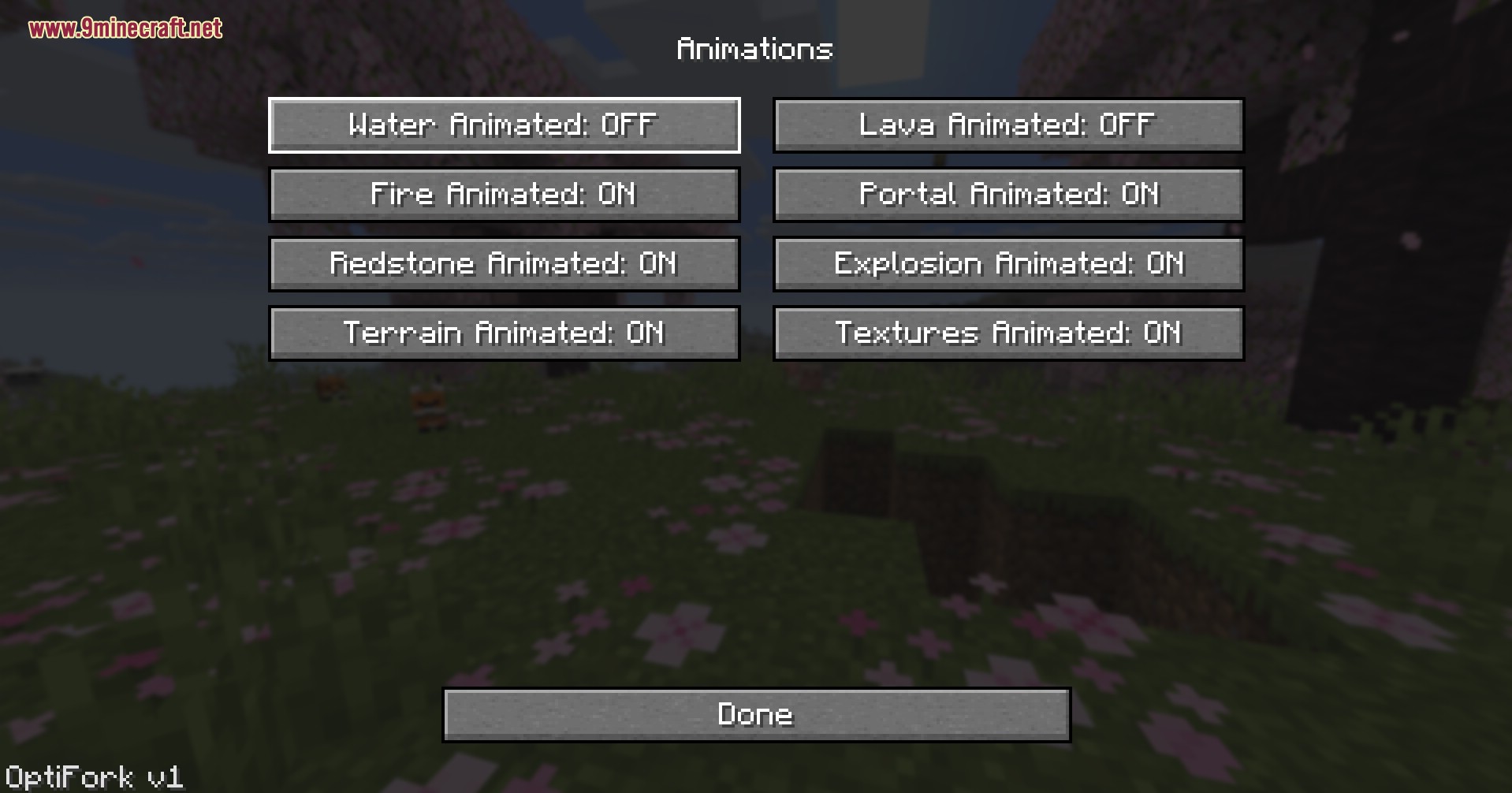
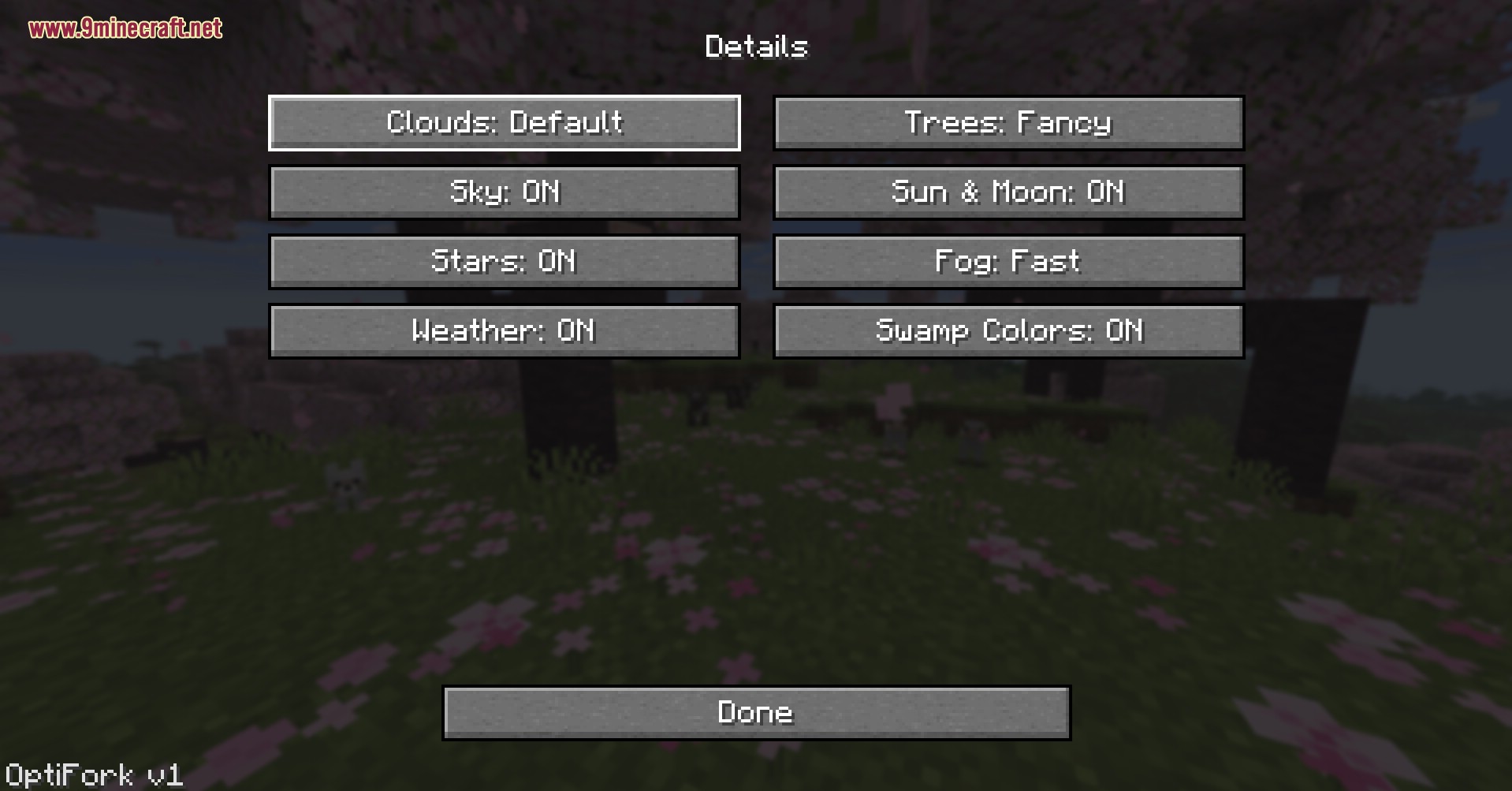
- OptiFine Core Rebuilt: Balik na ang lahat ng classic na Video Settings, Performance, Quality, Animations, at Details menus.
- Dynamic Lights: Ang mga hawak na torches, glowstone, at lava buckets ay nagbibigay na ngayon ng totoong liwanag sa mundo sa paligid ng player.
- Shader Support: Ang native OptiFine-style shader pack integration ay kasalukuyang dine-develop at darating sa susunod na update.
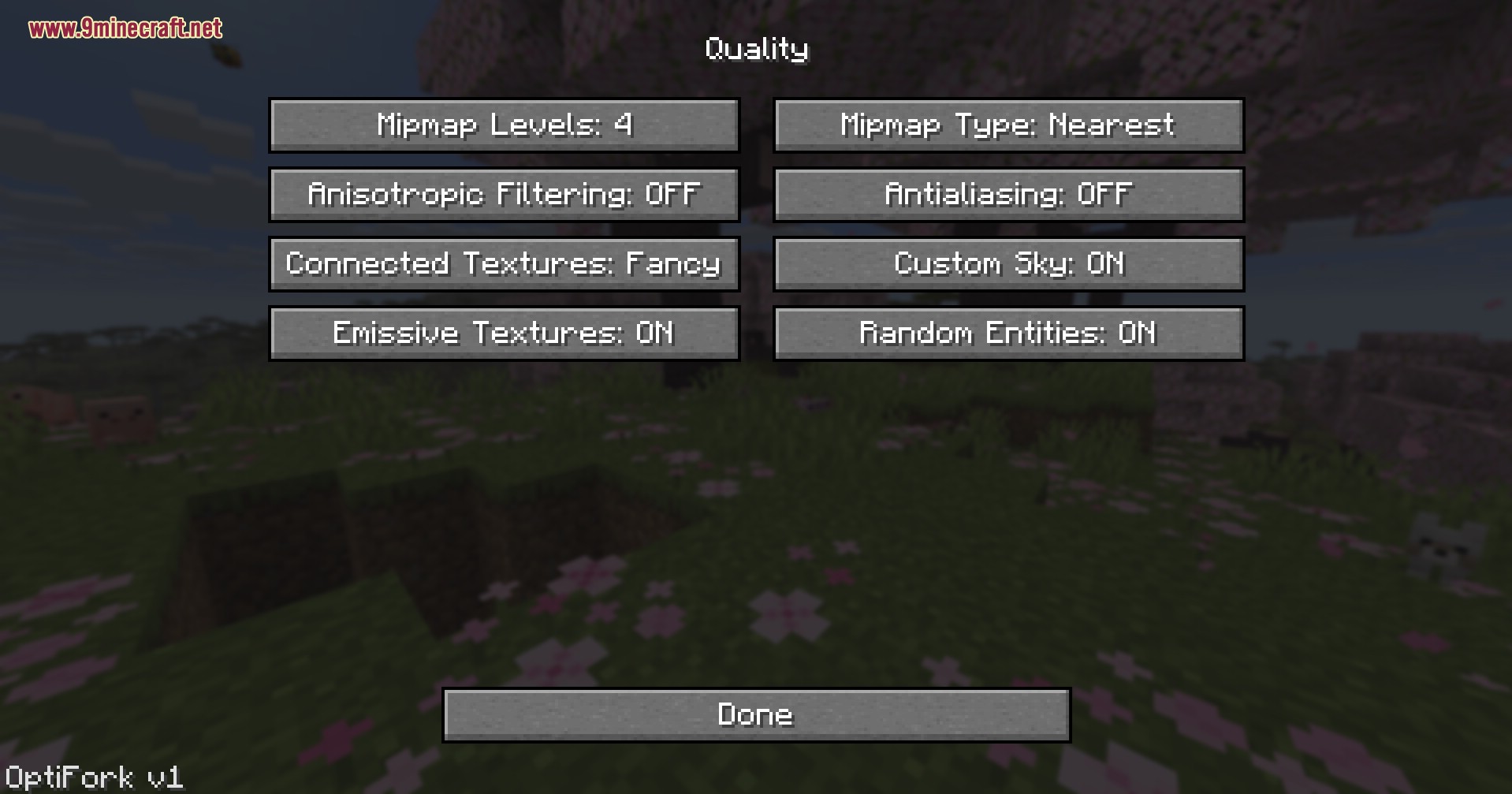
- Nagdadagdag ng Connected Textures na may Fancy mode para ang glass, bookshelves, at custom resource packs ay swabe ang pag-blend sa mga faces.
- Ibinabalik ang Custom Sky, Emissive Textures, at Random Entities para manatiling gumagana ang mga classic OptiFine resource packs.
- Gumagana sa parehong Fabric at NeoForge builds mula sa iisang installer kaya pwedeng magpalit ng loaders nang hindi na kailangang mag-download ulit.
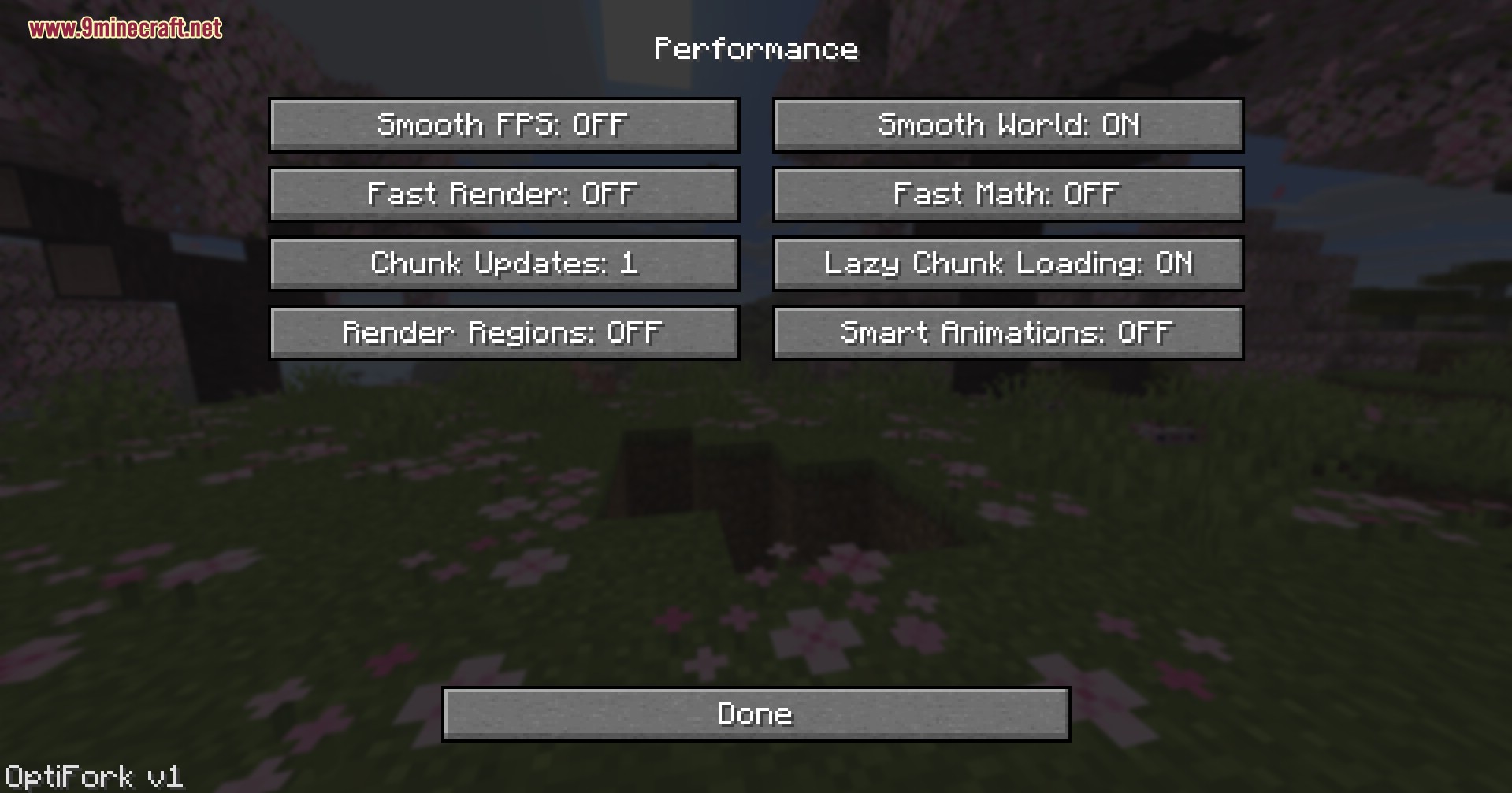
- Kasama ang Lazy Chunk Loading, Smart Animations, Fast Render, at Fast Math toggles para makakuha ng extra FPS sa mga low-end na hardware.
- Pinapayagan kang i-cap ang Max Framerate hanggang 260 FPS at i-adjust ang Render Distance at Simulation Distance nang hiwalay.
- Nagpapakita ng Quick Info HUD sa screen na may FPS, biome, coordinates, at direction sa isang tinginan lang.
- Ligtas na nag-i-install sa sarili nitong profile at hindi kailanman binabago ang iyong vanilla launcher o iba pang modded profiles.
Paano Gamitin:
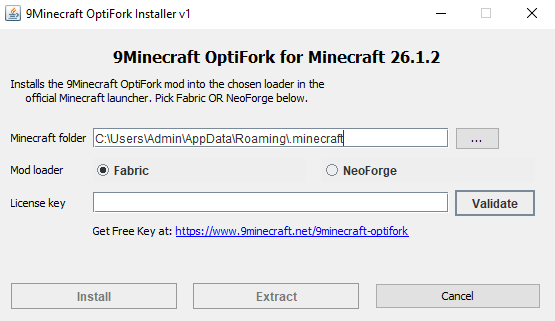
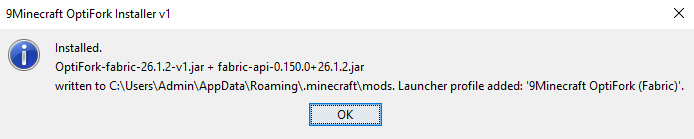
- I-run ang installer, ilagay ang iyong license key ⬇, piliin ang Fabric o NeoForge, pagkatapos ay i-click ang install.
- Buksan ang official Minecraft launcher at piliin ang bagong 9Minecraft OptiFork (Fabric) o 9Minecraft OptiFork (NeoForge) profile mula sa listahan.
- I-launch ang laro at buksan ang Options → Video Settings para makita ang bagong OptiFork panel.
- I-click ang Shaders… para buksan ang shader picker at i-drop ang iyong shader packs sa shaderpacks folder.
- Buksan ang Performance menu at i-on ang Smooth World, Lazy Chunk Loading, at Fast Render para sa mga low-end na PC.
- Buksan ang Quality menu para i-enable ang Connected Textures, Emissive Textures, at Custom Sky para sa resource packs.
- I-toggle ang Dynamic Lights: Fancy sa main Video Settings page para magliwanag ang mga kuweba gamit ang hawak na items.
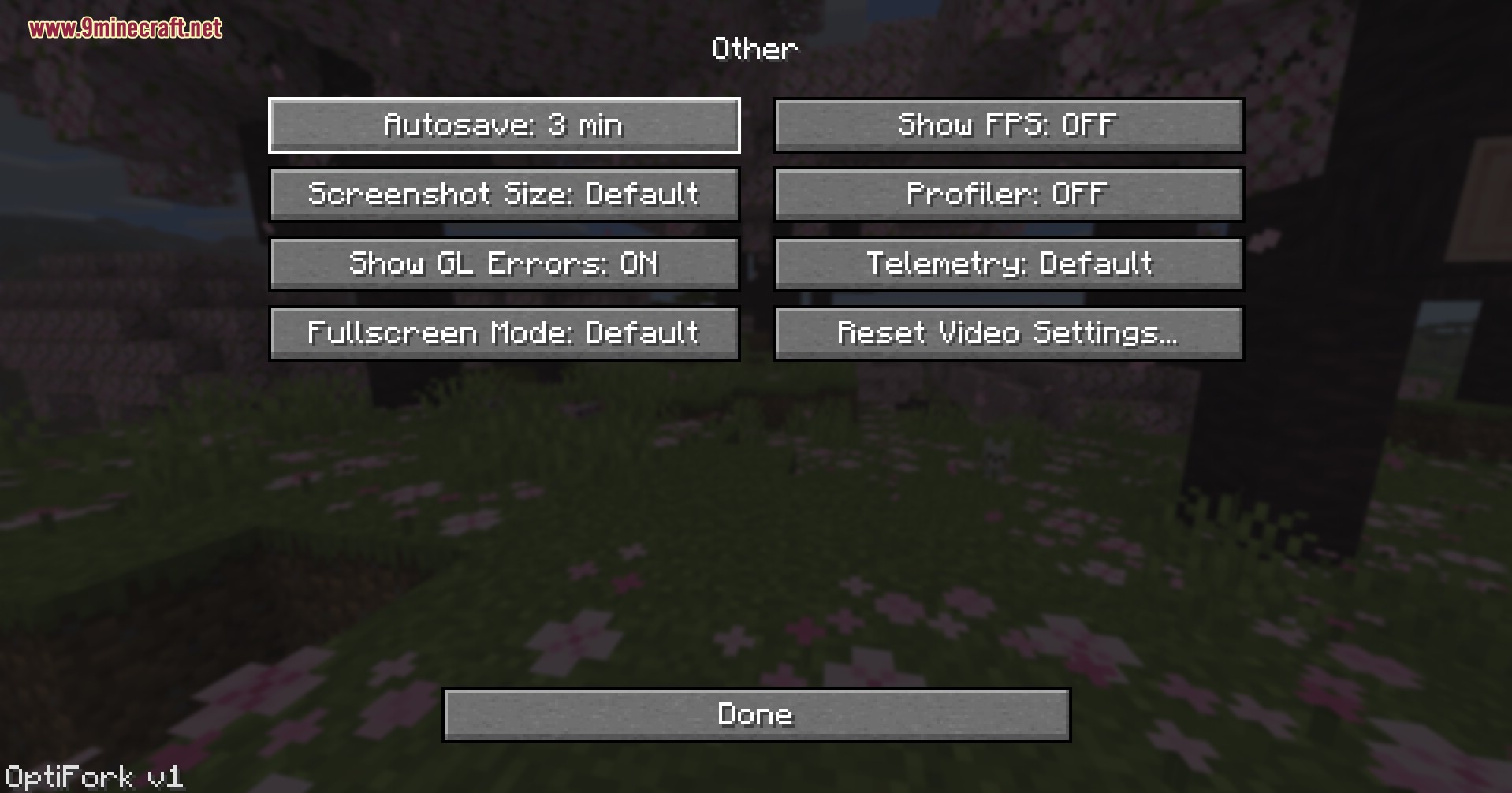
- Pindutin ang Esc → Options → Video Settings → Other… para i-tweak ang Fog, Show Capes, Show FPS, at Quick Info kahit kailan habang nasa laro.
Screenshots:

Generate Your License Key
Click the button to get a license key for 9Minecraft OptiFork. Click the key to copy, then paste it into the installer's License field and click Validate.


9minecraft OptiFork Download Links
Para sa Minecraft 26.2
Para sa Minecraft 26.1.2, 26.1.1, 26.1
Baka Magustuhan Mo Rin

Wala pang komento ang post na ito. Maging una — lalabas dito ang iyong komento.