


Cobblemon Smartphone Mod (1.21.1, 1.21) – Mag-explore Nang Hindi Bumabalik sa Base

 0
0 

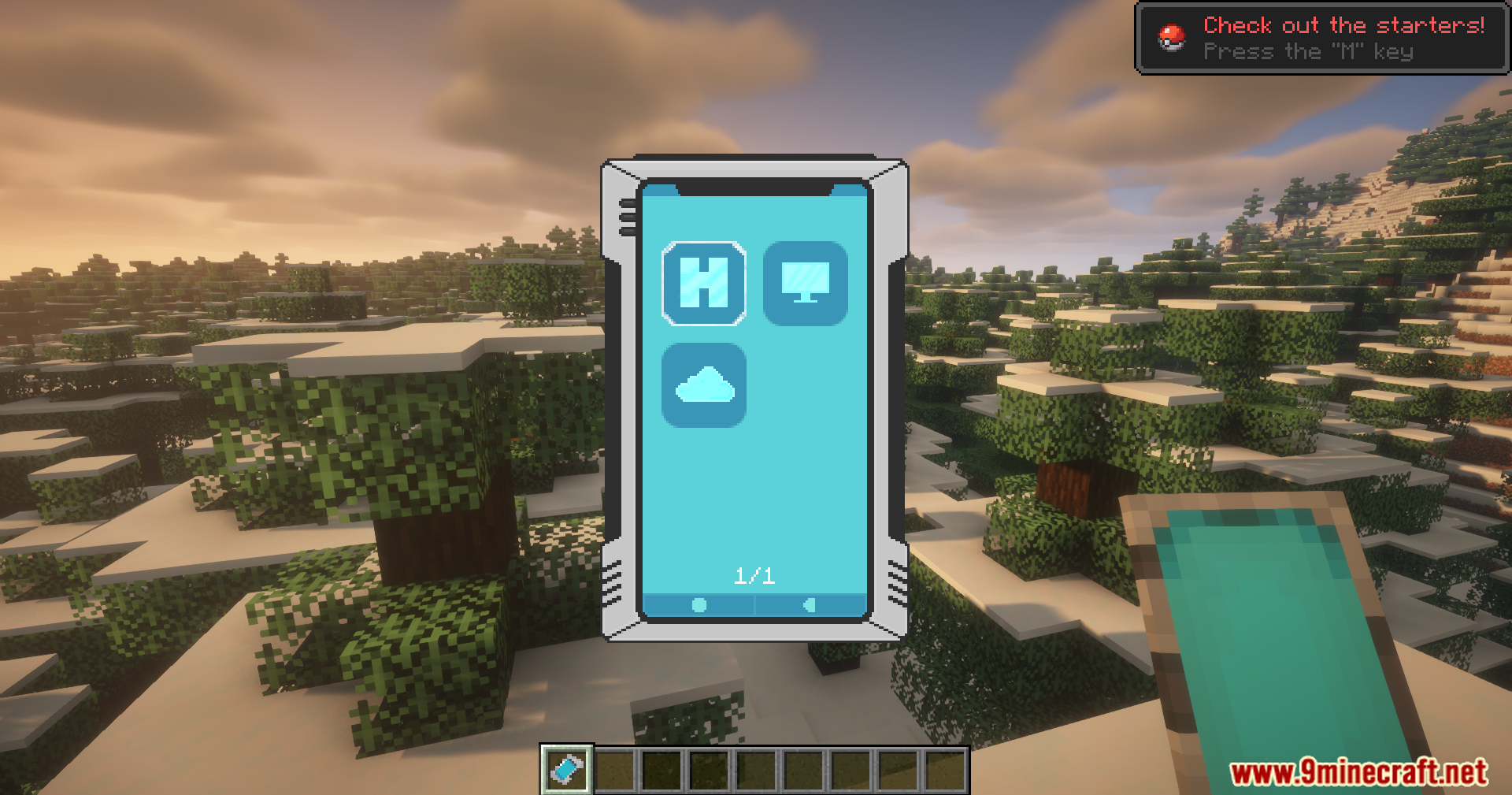
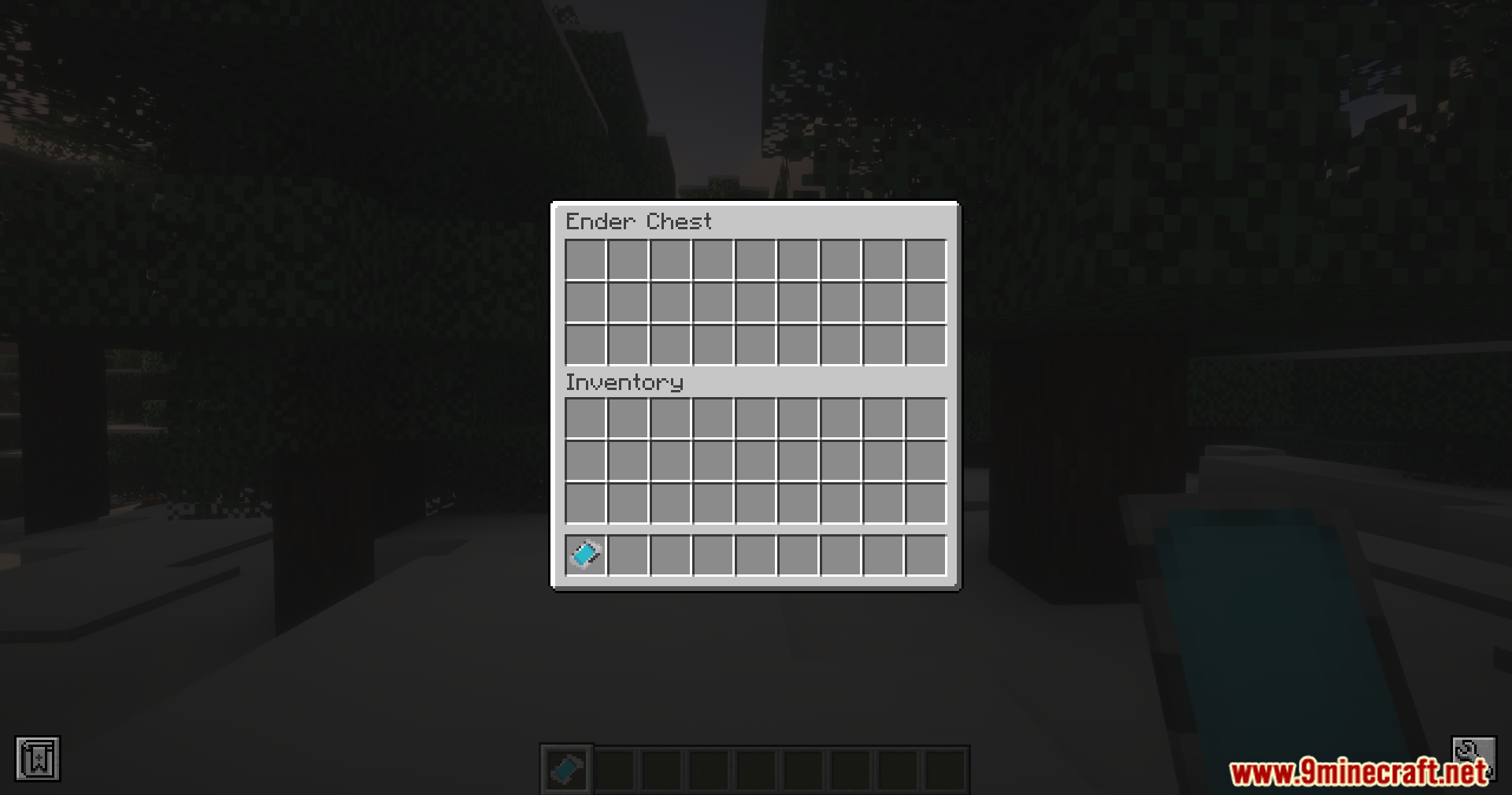
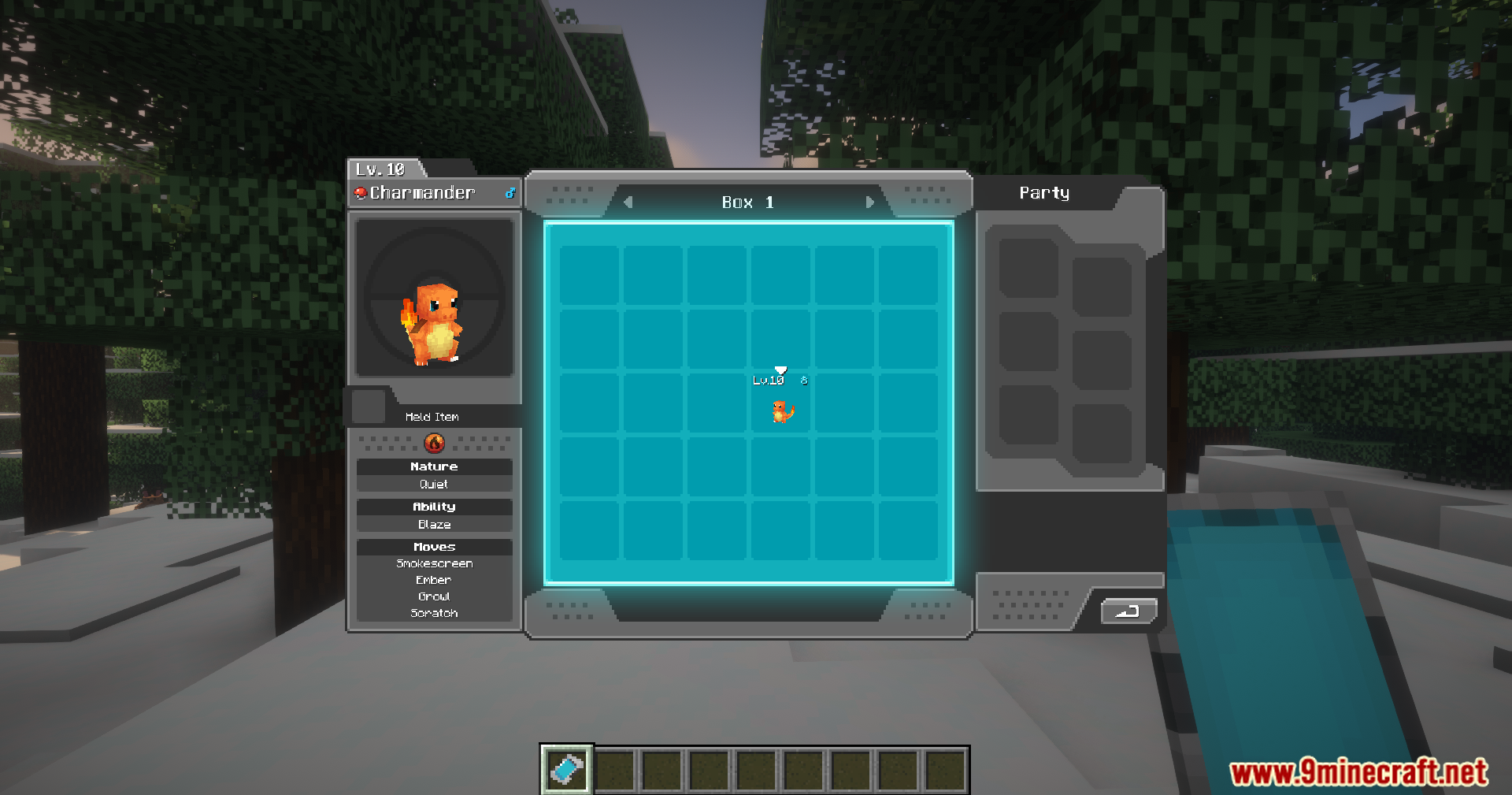
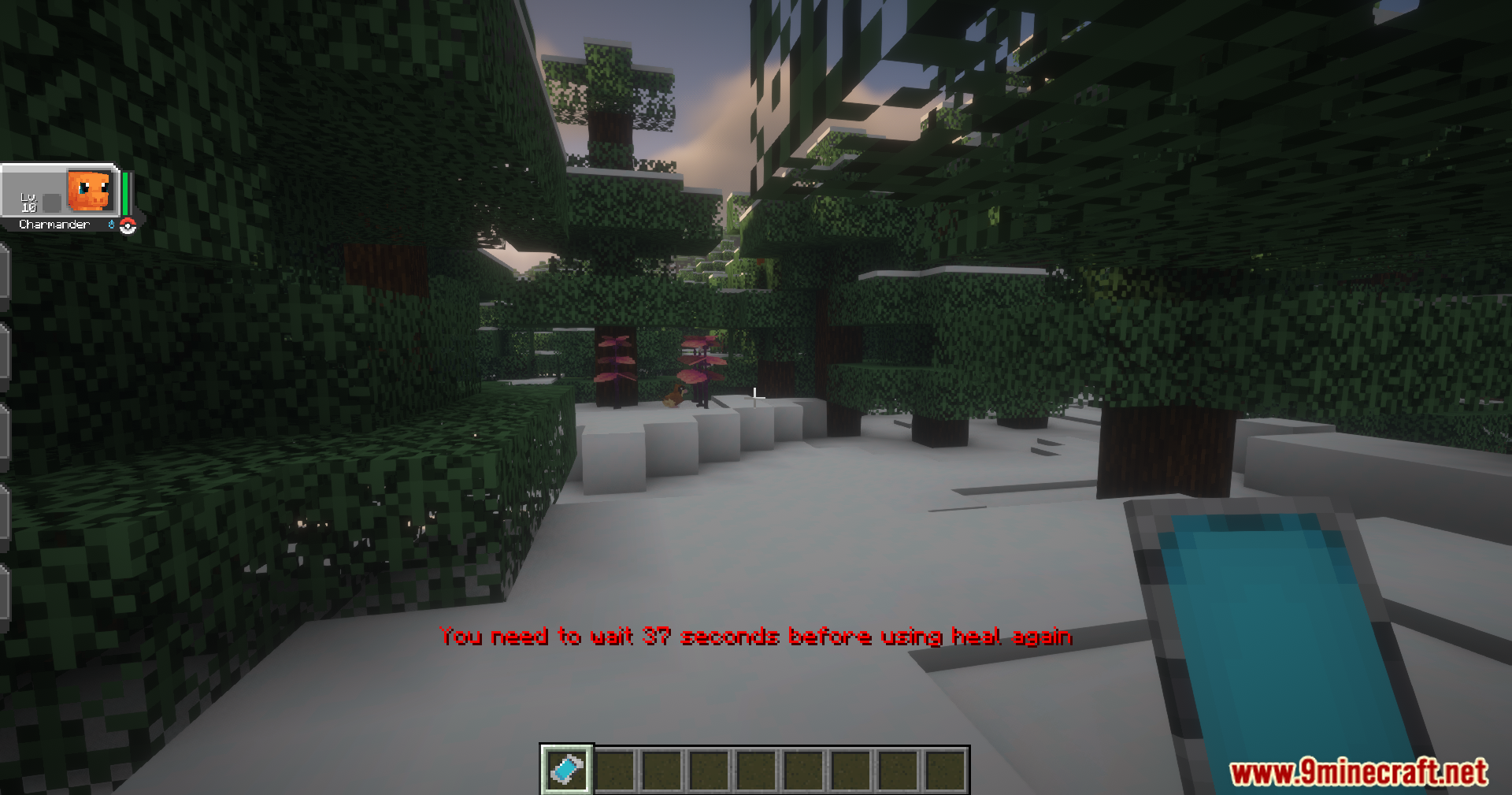
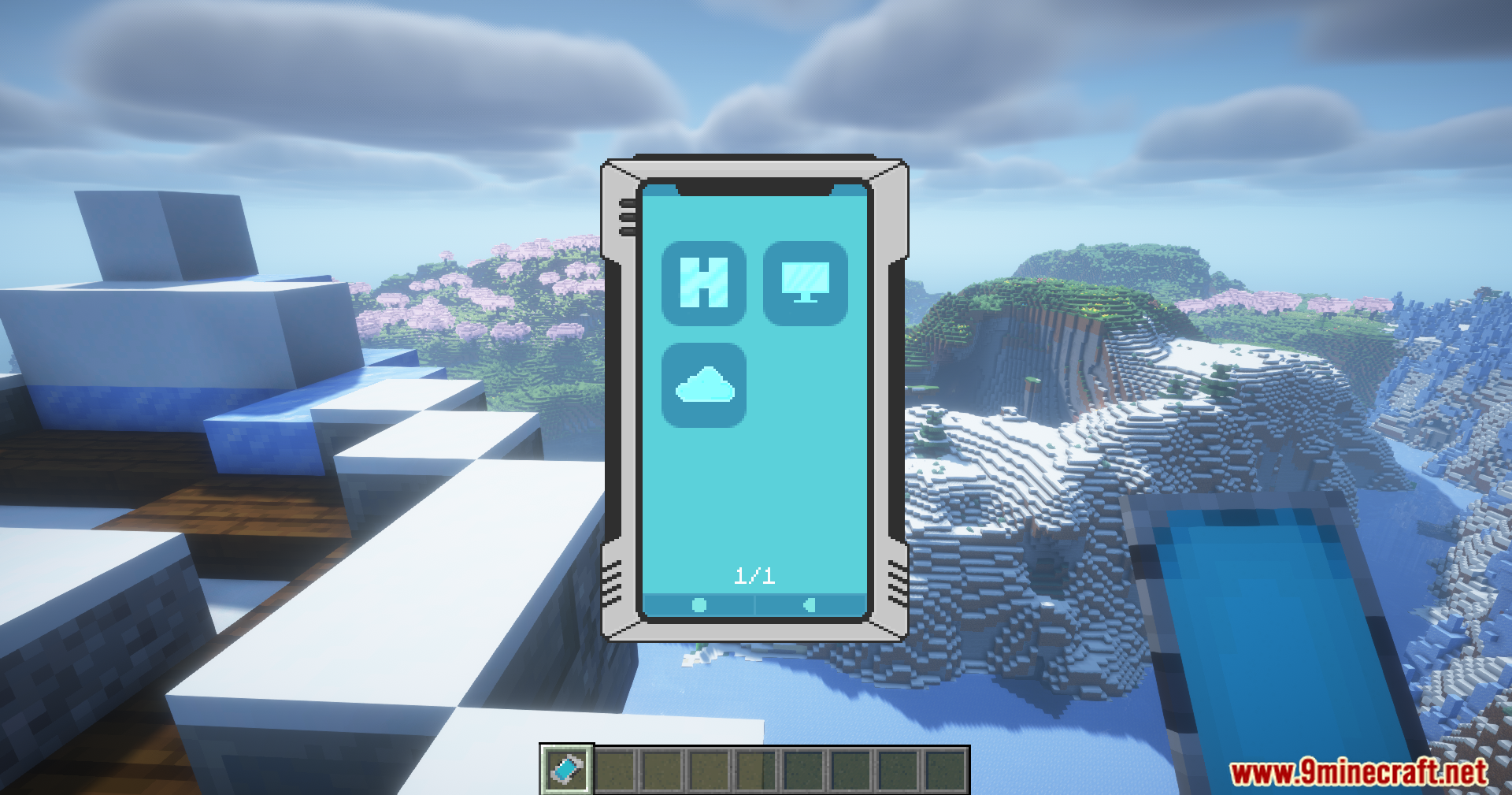
Ang Cobblemon Smartphone Mod ay nagdaragdag ng isang kapaki-pakinabang na smartphone para sa mga trainer na naglalaro ng Cobblemon mod. Ang espesyal na phone na ito ay hinahayaan kang gawin ang mga importanteng bagay kahit nasaan ka man, nang hindi na kailangang pumunta sa isang station. Maaari mo itong gamitin para mabilis na i-heal ang iyong buong Pokémon team, buksan ang iyong PC storage box, at kumuha ng items mula sa iyong Ender Chest. Para manatiling balanse ang laro, ang mga feature na ito ay may maikling cooldown pagkatapos mong gamitin.
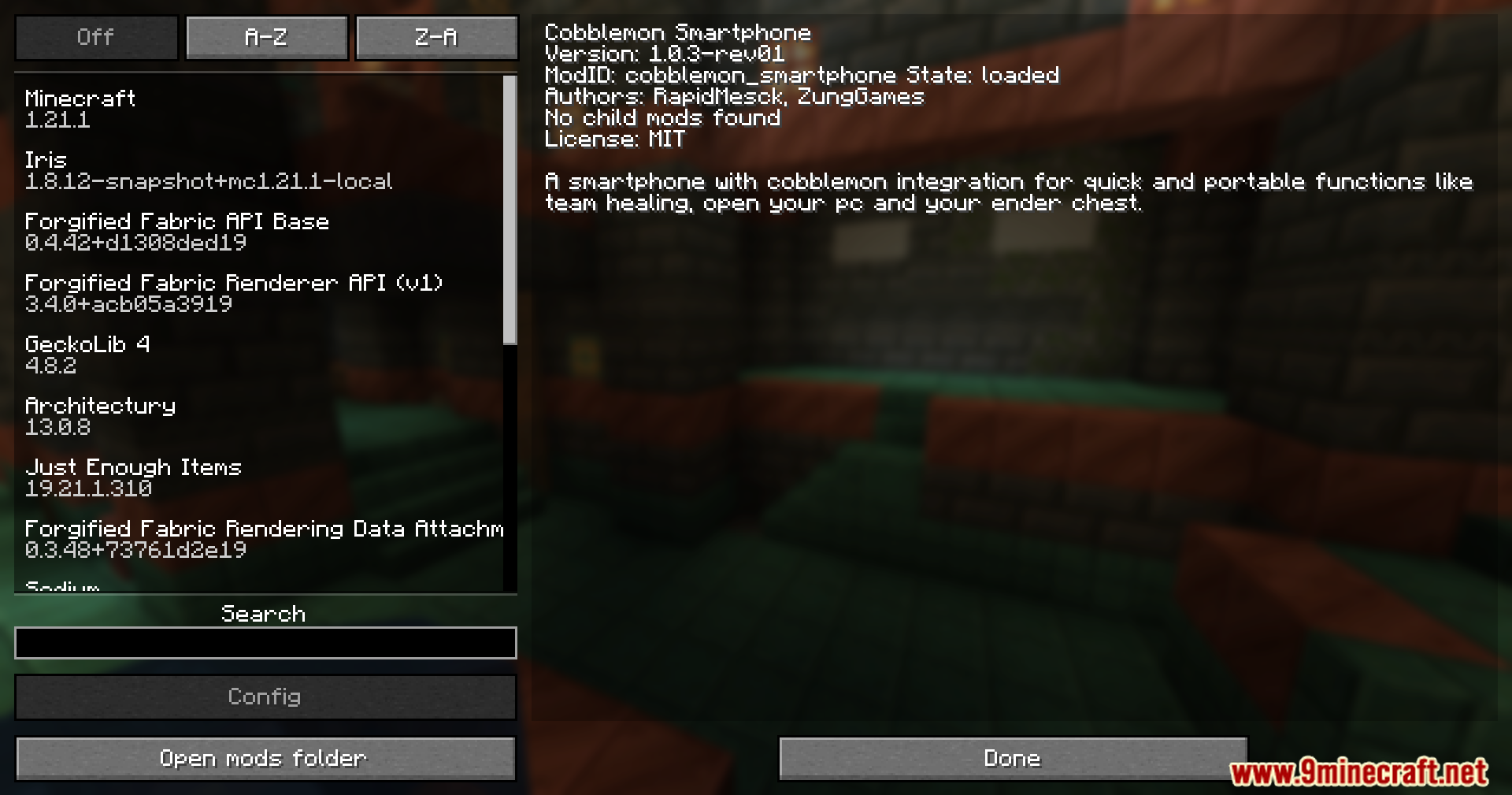
Features:
- Hinahayaan kang i-heal ang iyong buong team ng Pokémon diretso mula sa screen ng phone.
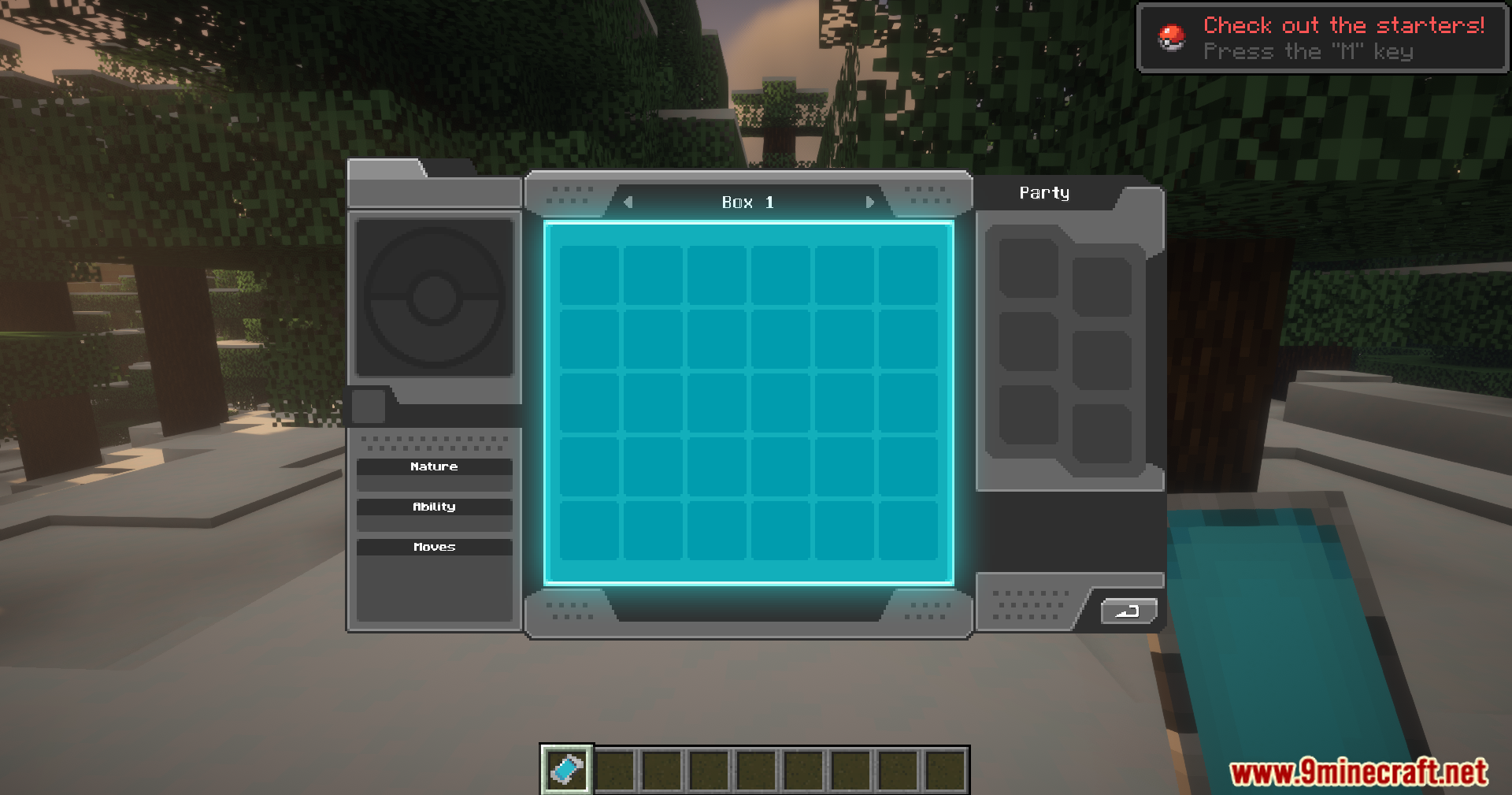
- Buksan at i-manage ang iyong Pokémon PC storage kahit saan, nang hindi nangangailangan ng PC block.
- Binibigyan ka ng access sa iyong Ender Chest sa pamamagitan ng isang cloud storage app sa phone.
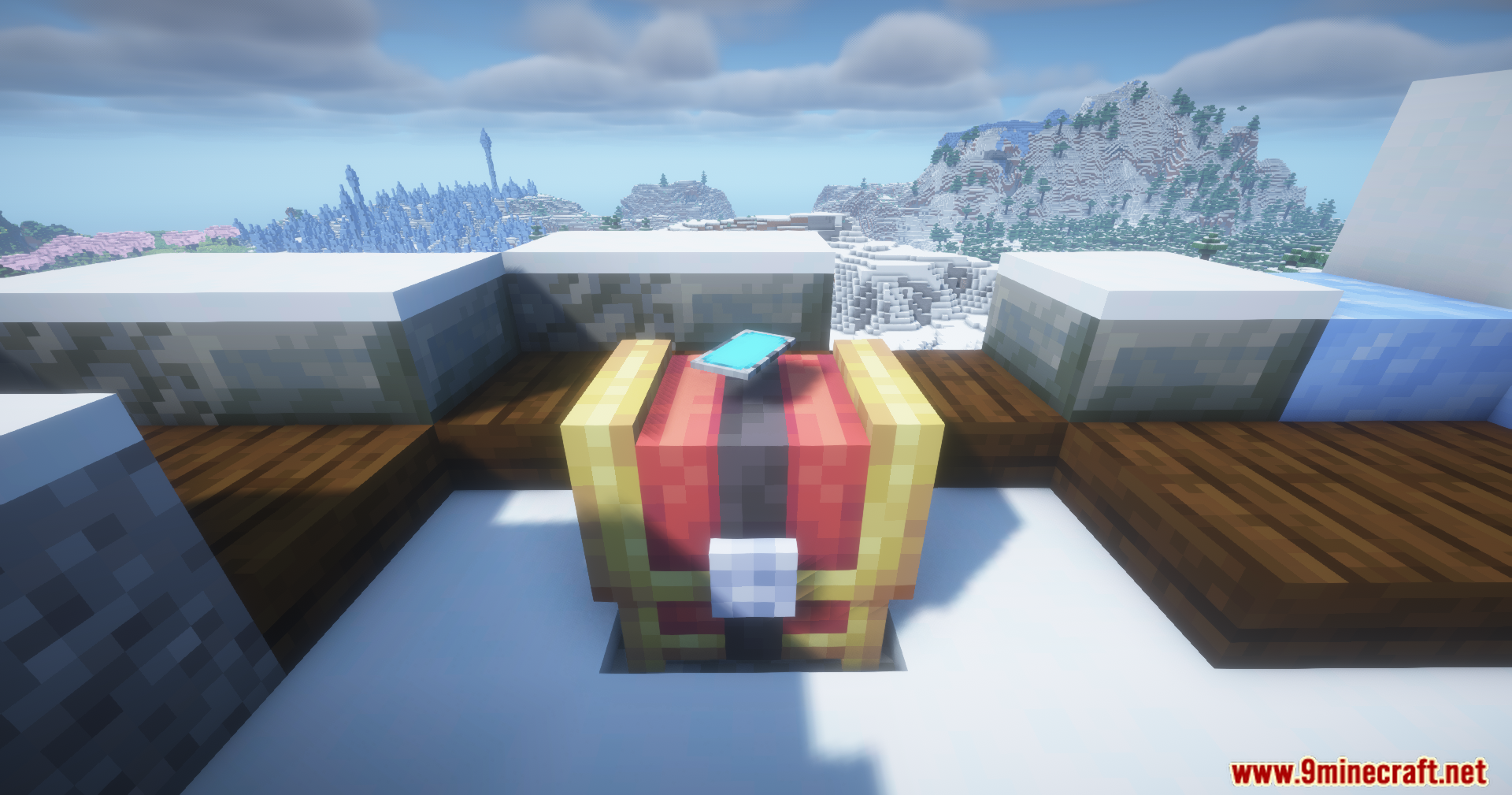
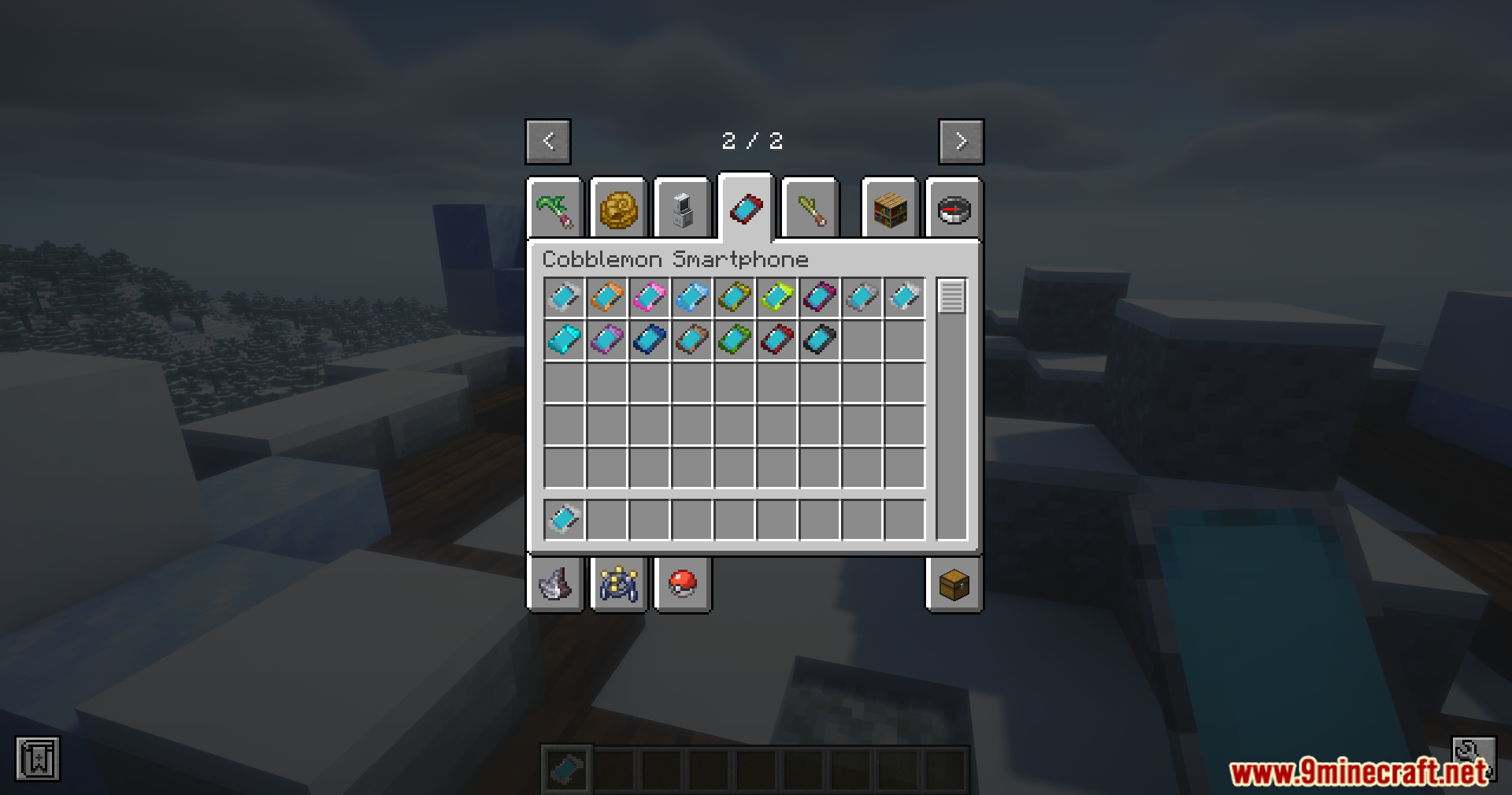
- Ang smartphone ay may iba’t ibang kulay na pwedeng pagpilian.
- Maaari mong i-on o i-off ang bawat app sa settings ng mod.
- Hinahayaan ka ring baguhin ang cooldown time para sa healing, PC access, at cloud storage.
Configuration:
Maaari mong baguhin ang settings ng mod sa config file nito. Hinahayaan ka nitong i-on o i-off ang mga feature at i-adjust ang wait times.
Feature Toggles
Maaari mong i-enable o i-disable ang mga main app sa smartphone:
enableHeal: Toggles ang Pokémon healing feature.enablePC: Toggles ang PC access feature.enableCloud: Toggles ang Ender Chest (Cloud Storage) feature.
Cooldown Settings
Maaari mo ring i-set kung gaano katagal kailangang maghintay bago gamitin ulit ang isang feature:
- Healing Button: 60 seconds (default)
- PC Access: 5 seconds (default)
- Cloud Storage: 5 seconds (default)
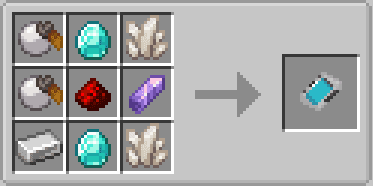
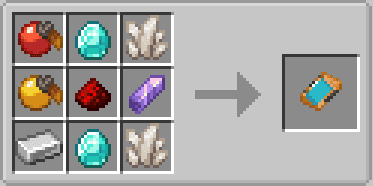
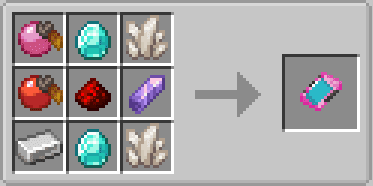
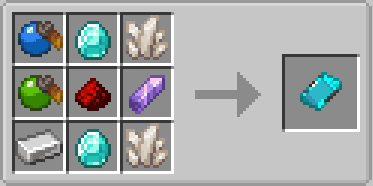
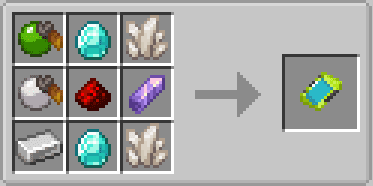
Crafting Recipes:
Screenshots:
Paano I-install:
Mga Kailangan:
Cobblemon Smartphone Mod Download Links
Para sa Minecraft 1.21.1, 1.21
Fabric version: Download from Server 1 – Download from Server 2
NeoForge version: Download from Server 1 – Download from Server 2
Baka Magustuhan Mo Rin



Wala pang komento ang post na ito. Maging una — lalabas dito ang iyong komento.