


EMI Enchants 9minecraft Mod (26.2) – Inspect Every Enchantment Before You Anvil
 0
0
 0
0

🌐 Read this article in your language! Choose your preferred language below.
Or pick the one you like:
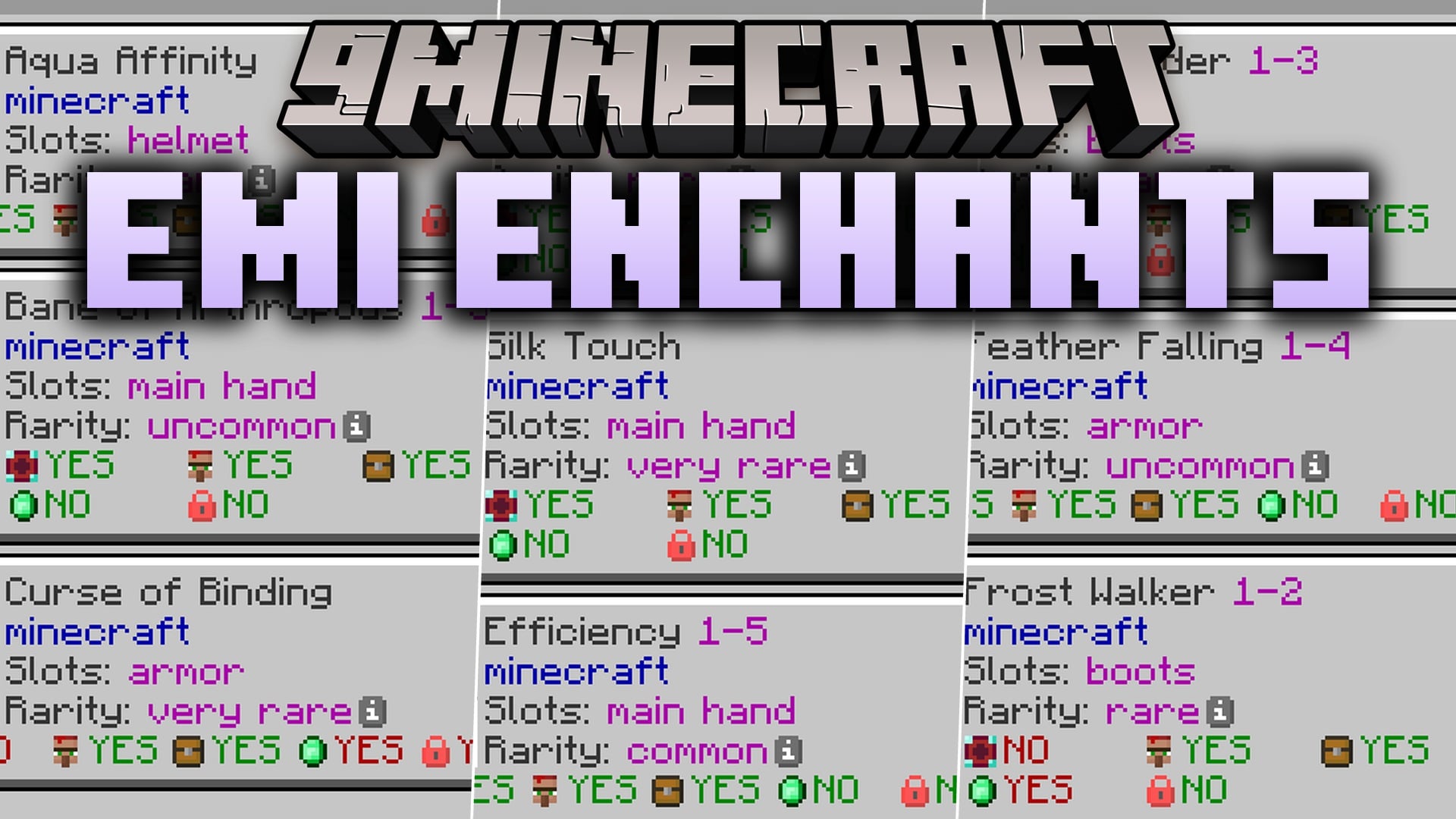
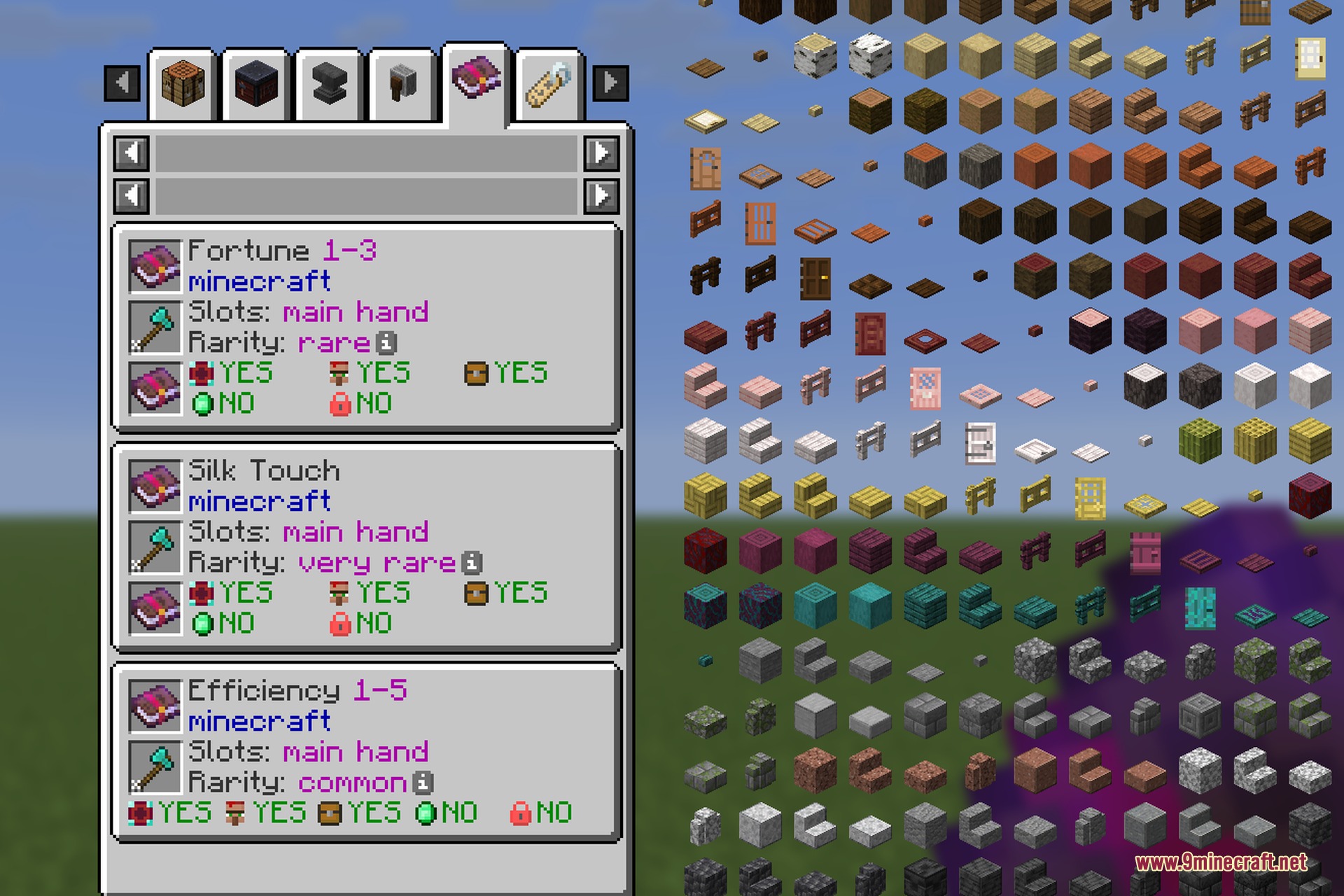
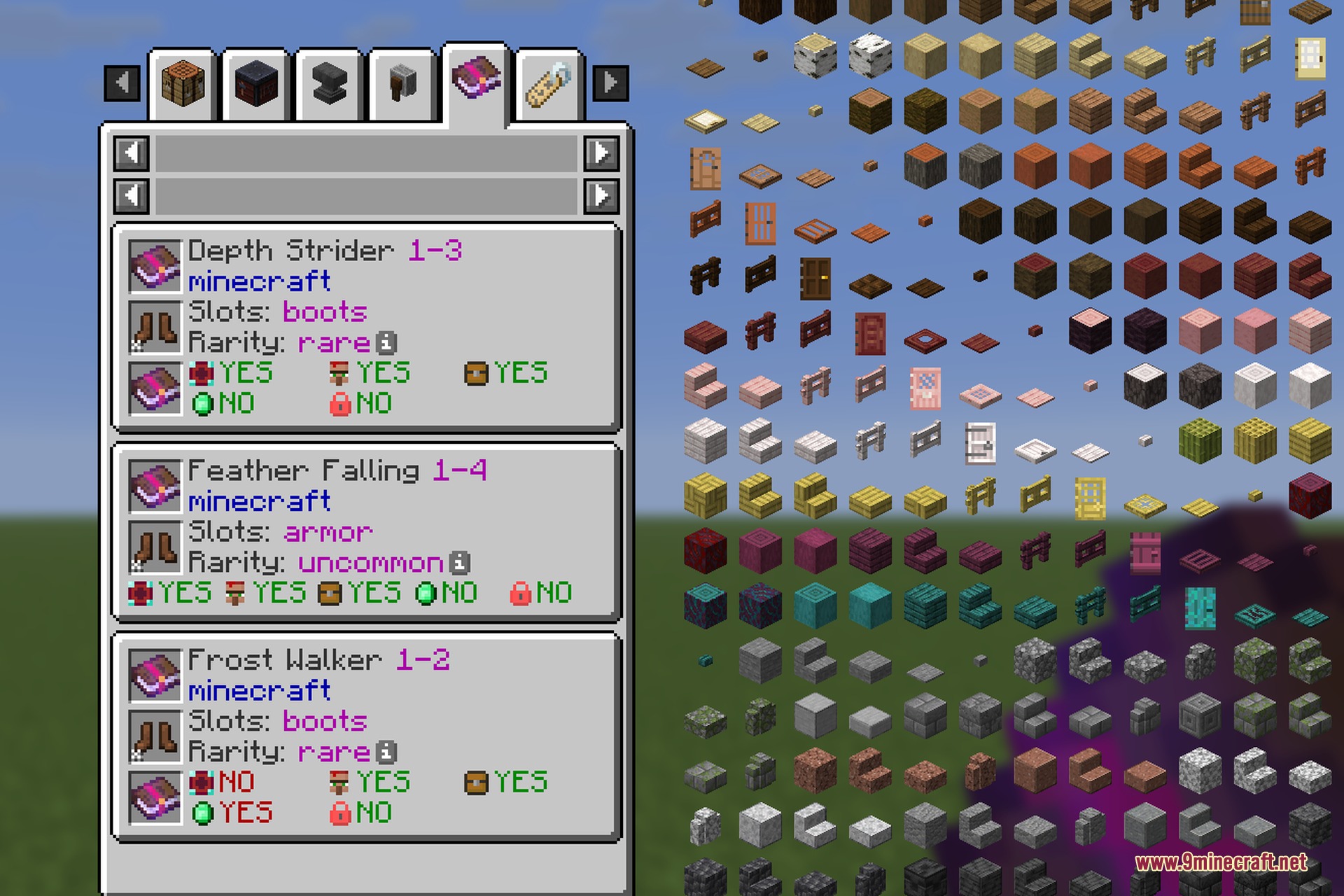
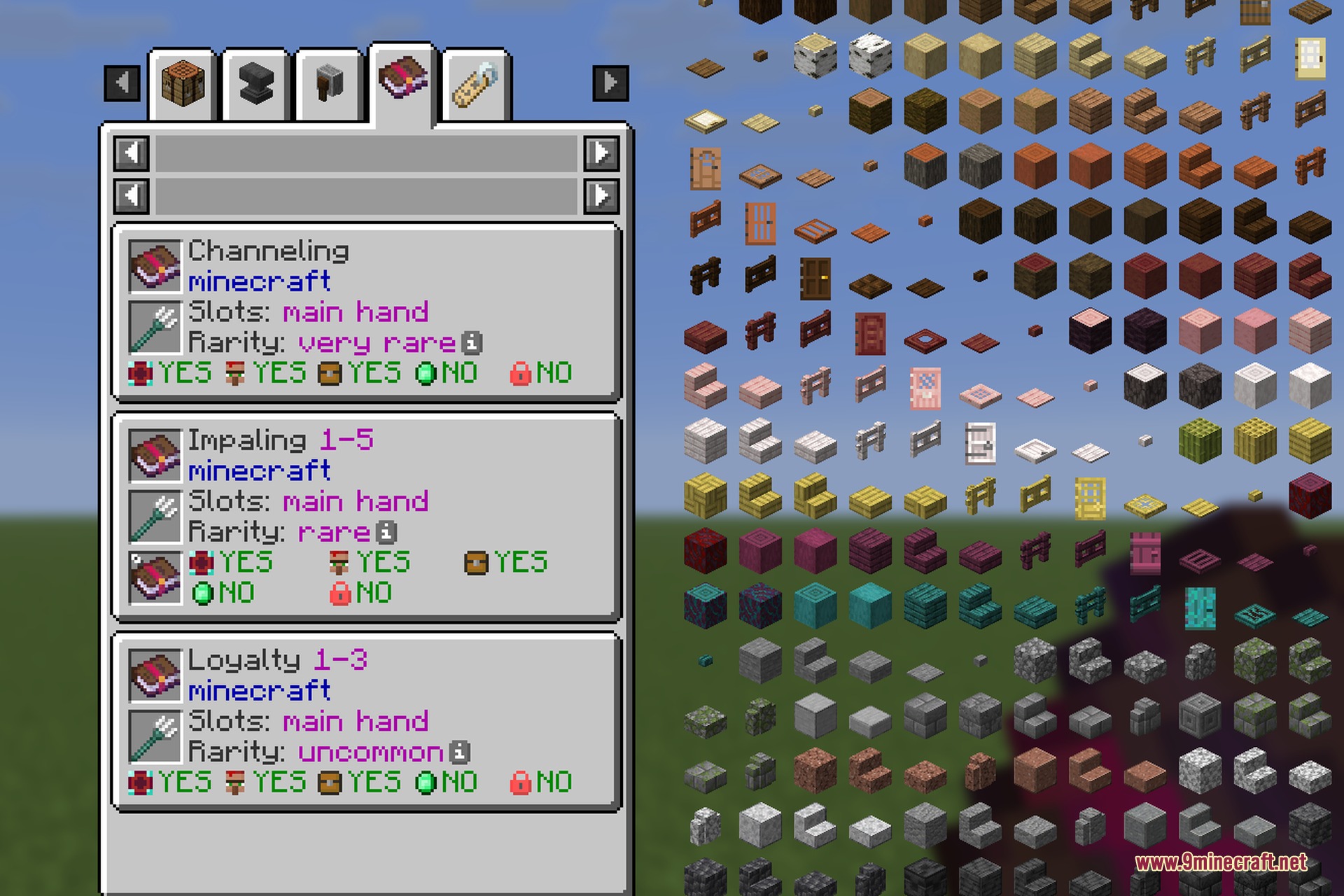
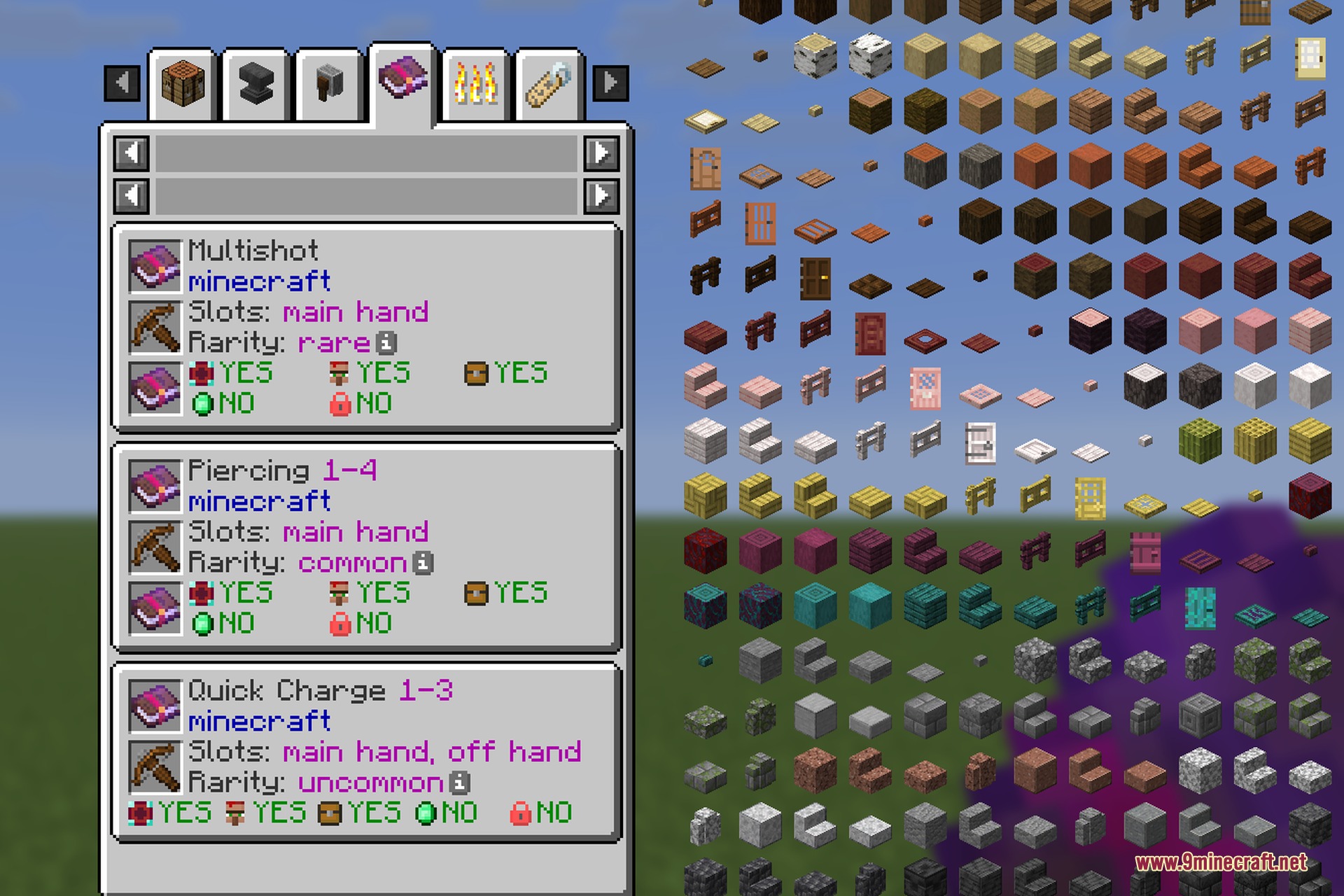
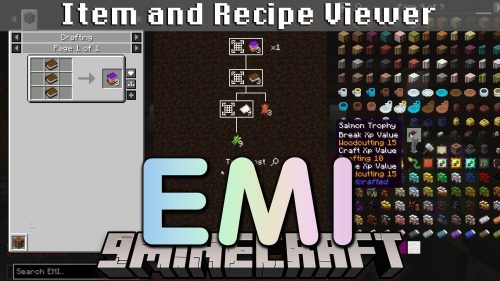
EMI Enchants 9minecraft Mod adds detailed enchantment lookup pages for EMI. It lets you check enchantment costs, item compatibility, and conflicts before spending levels at an anvil. The mod reads directly from the game’s registry, so every modded and vanilla enchant shows up with full details. You can view rarity, level requirements, table costs, and loot sources on one clear screen.
Features:
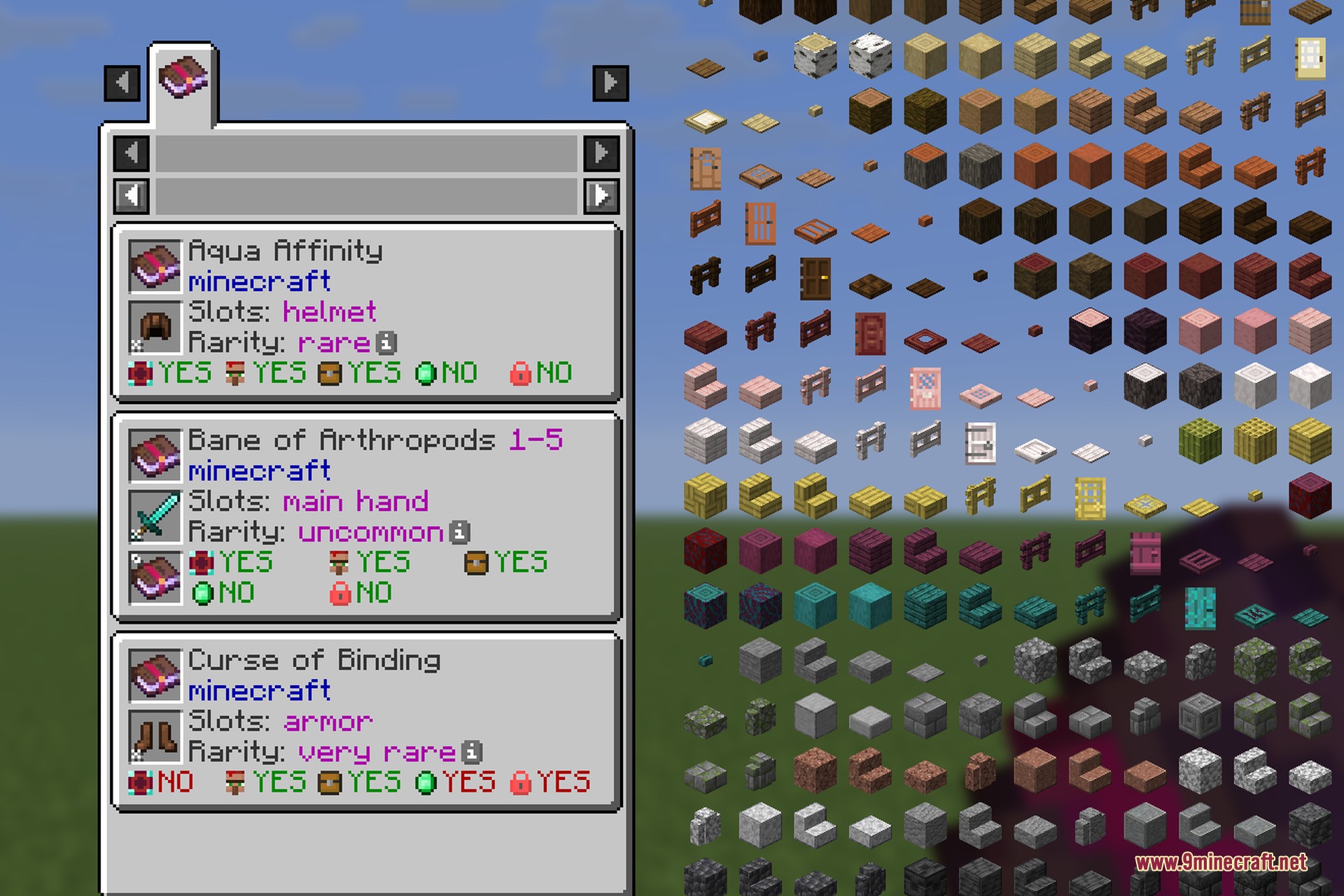
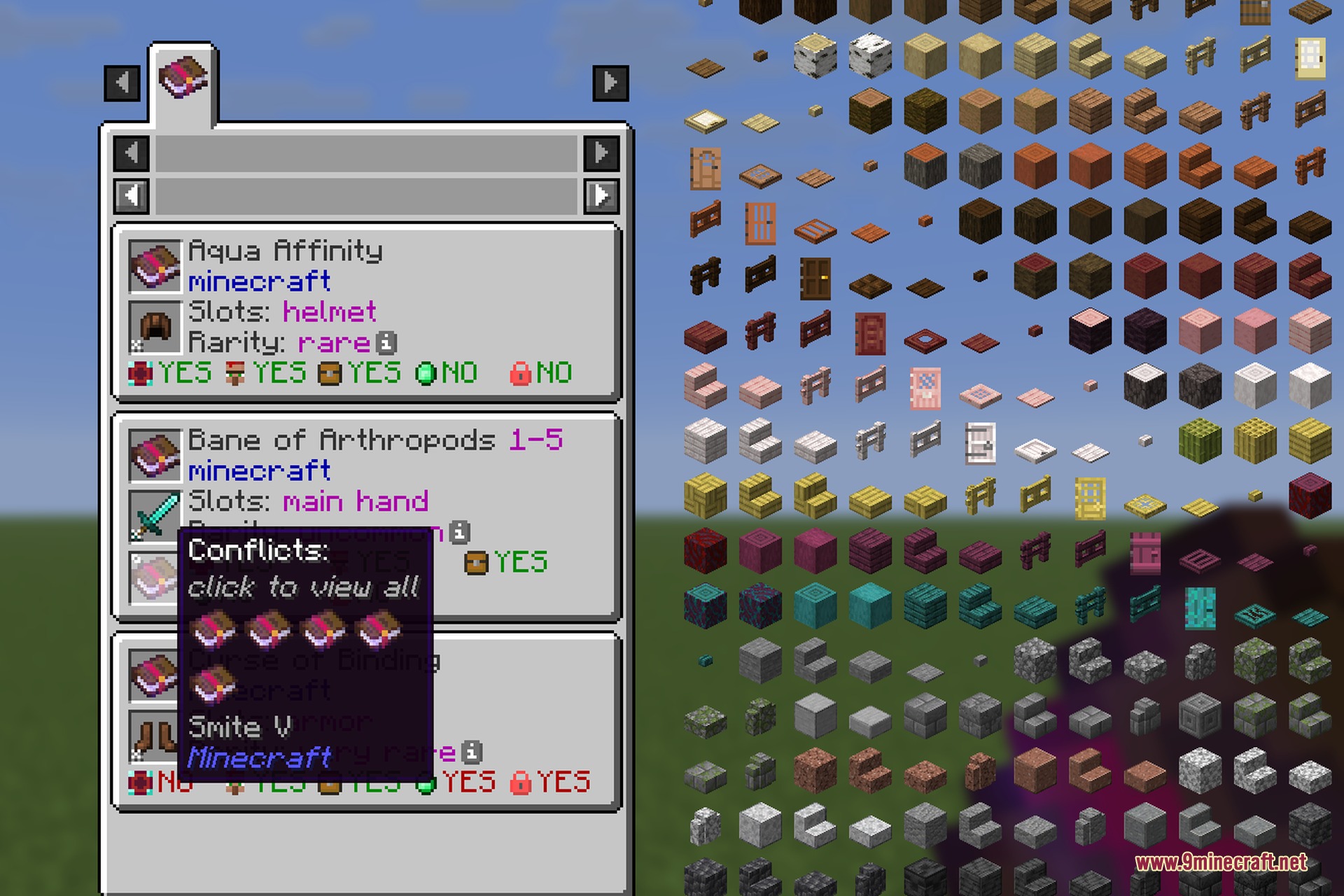
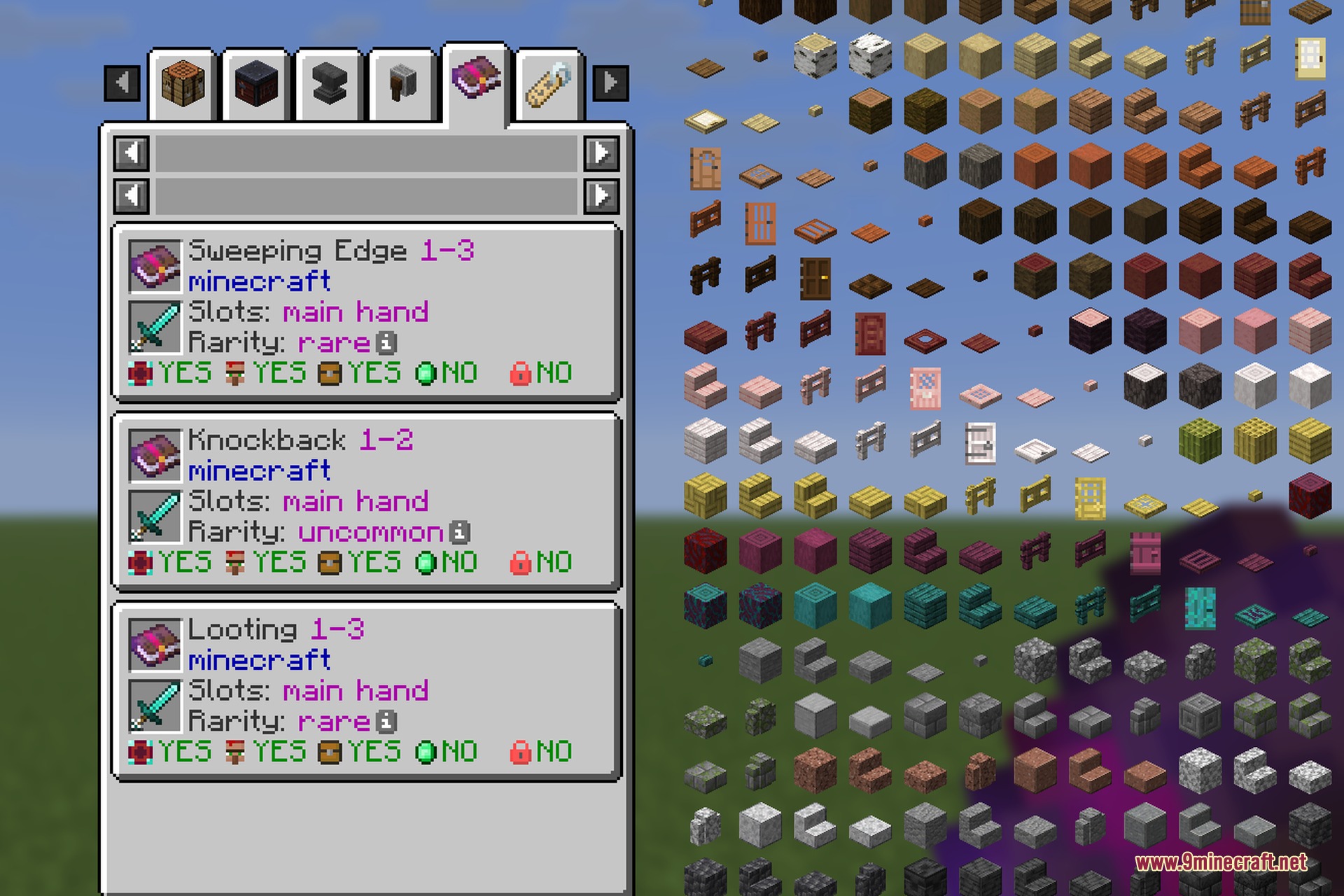
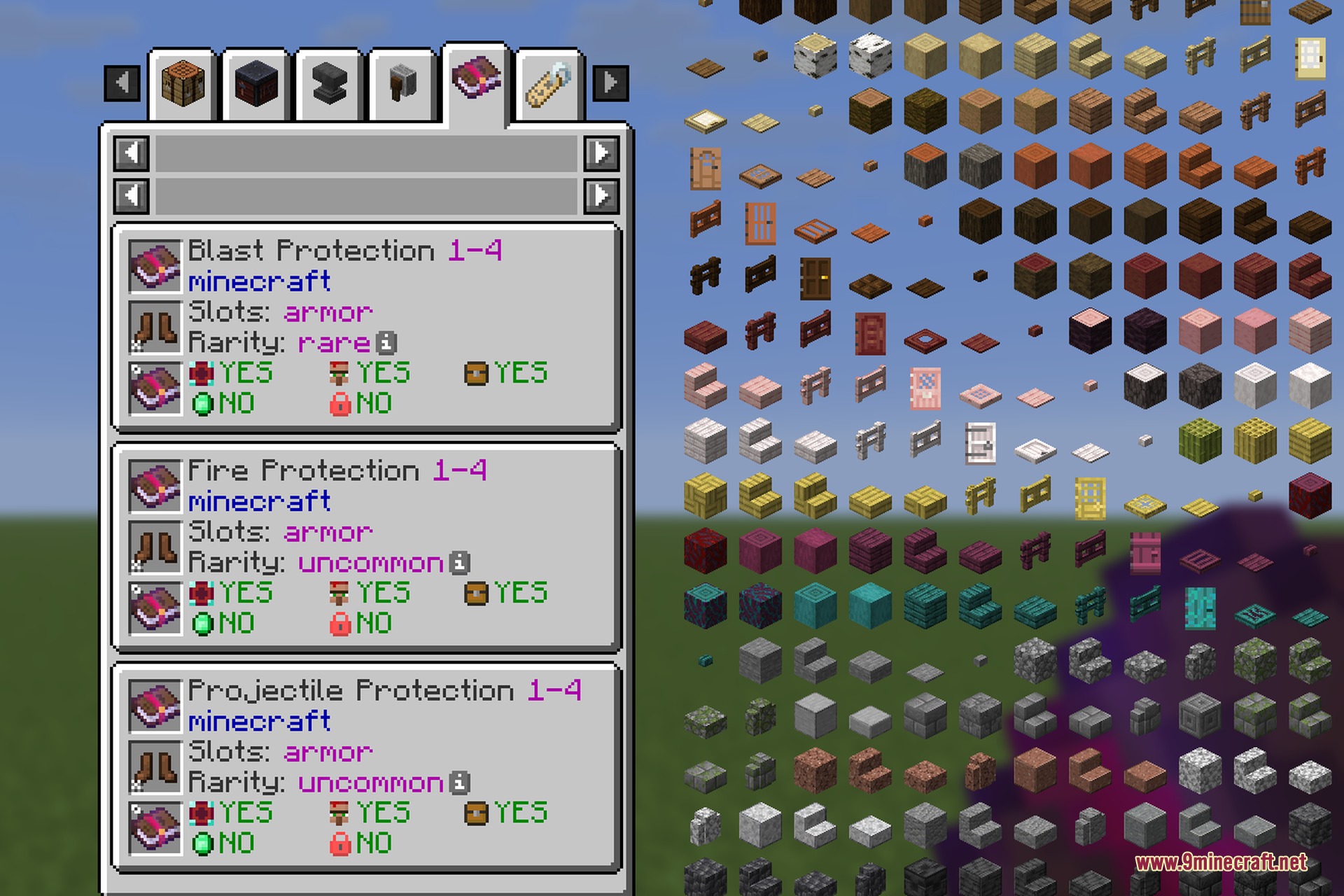
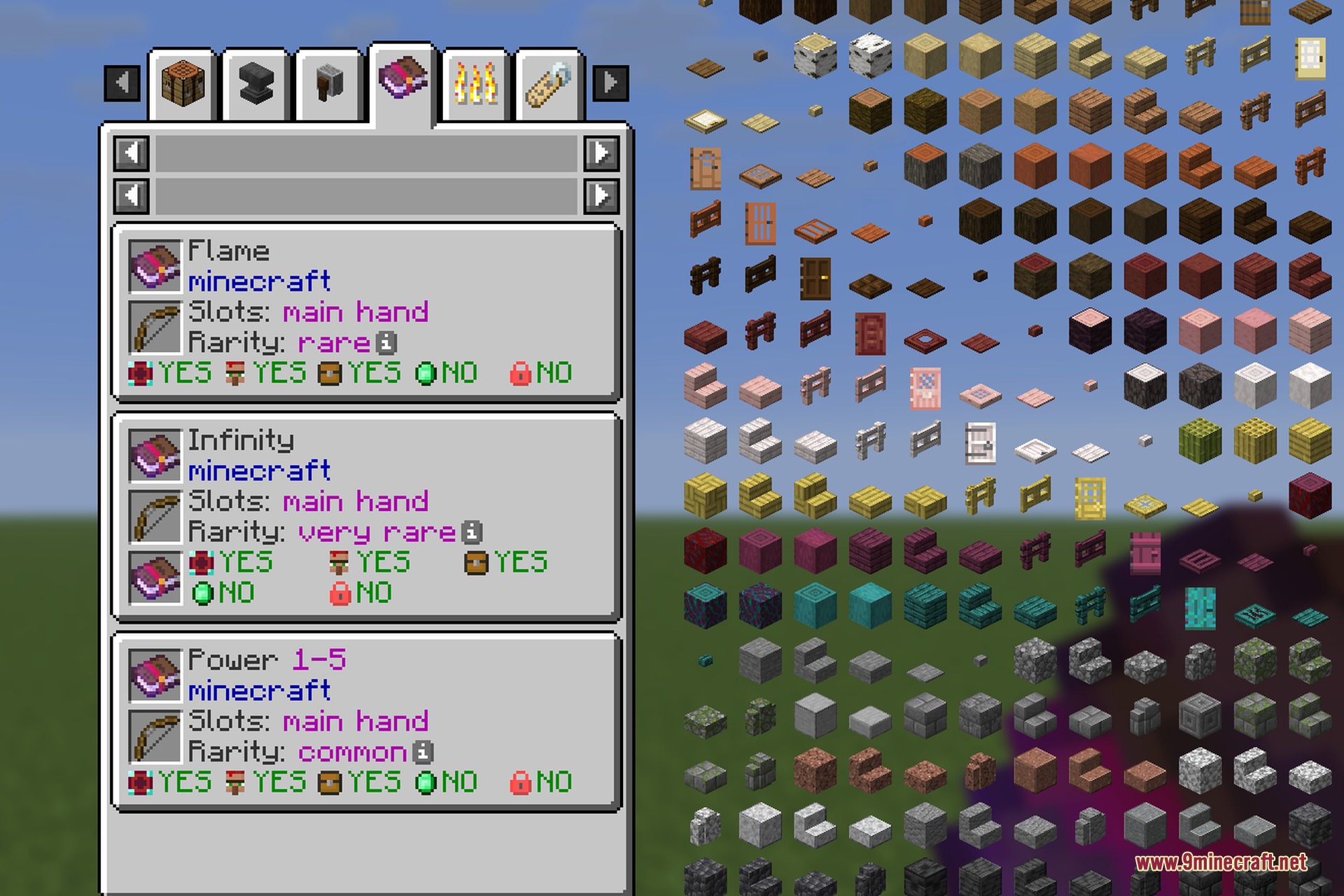
- Turns every vanilla and modded enchantment into a readable EMI page.
- Displays all items and equipment slots that can accept a selected enchantment.
- Shows conflicting enchantments in an interactive slot so you can cycle through rival perks.
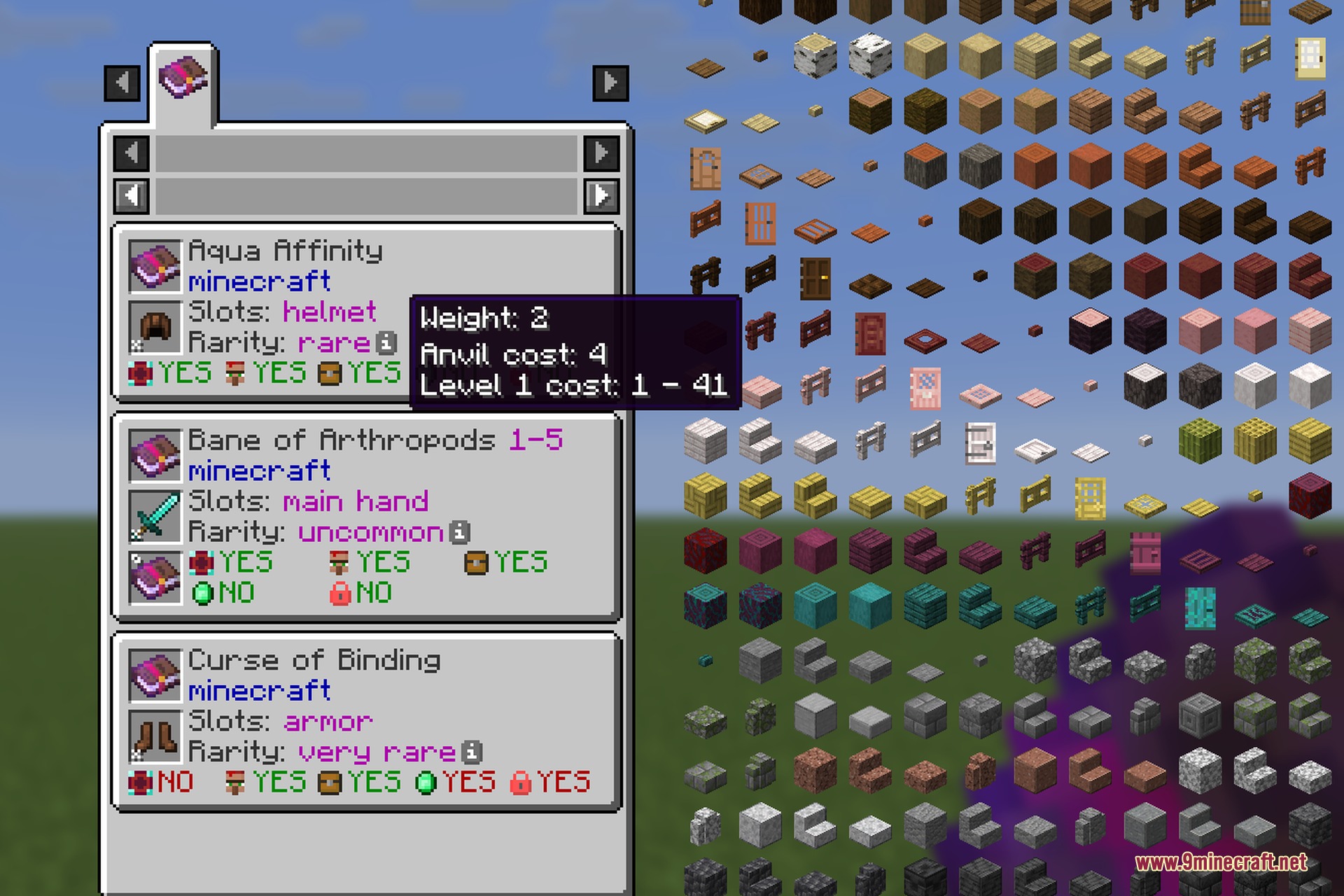
- Details anvil costs, selection weight, and exact enchanting table levels when hovering the info icon.
- Features five quick-read icons showing if an enchantment comes from tables, villager trades, loot chests, treasure finds, or curses.
- Works client-side with zero new items or blocks added to your world.
How to Use:
- Open your inventory or EMI menu to look at the Enchantment category.
- Click any enchanted book to view compatible gear, slot limits, and conflicting perks.
- Hover over the info icon on the page to view anvil costs and level requirements.
- Hover over any tool, weapon, or armor and press the Uses key to view every enchantment it accepts.
Screenshots:
How to Install:
New to Minecraft? Follow our step-by-step guide to install Mods on your PC.View Guide



EMI Enchants 9minecraft Mod Download Links
For Minecraft 26.2
Click to rate this post!
[Total: 0 Average: 0]
You May Also Like








This post has no comments yet. Be the first — your comment will appear here.