Overview#
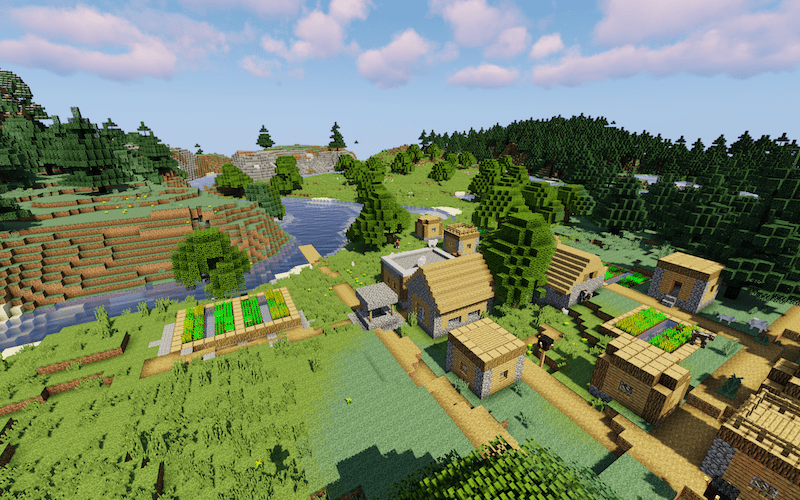
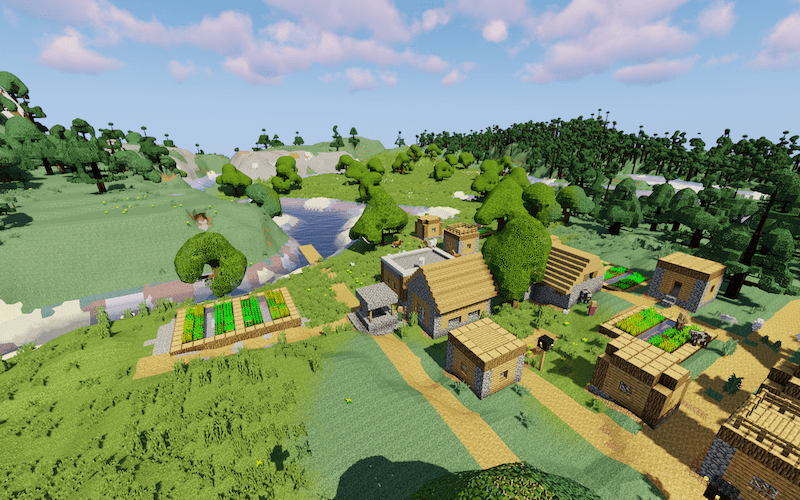
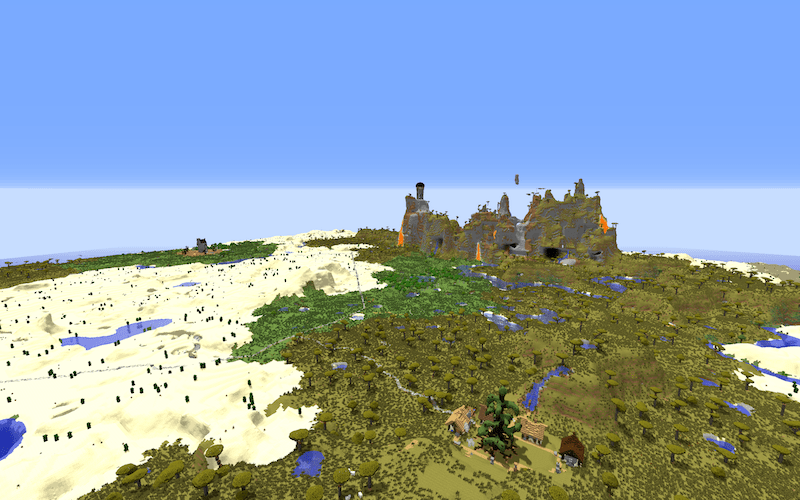
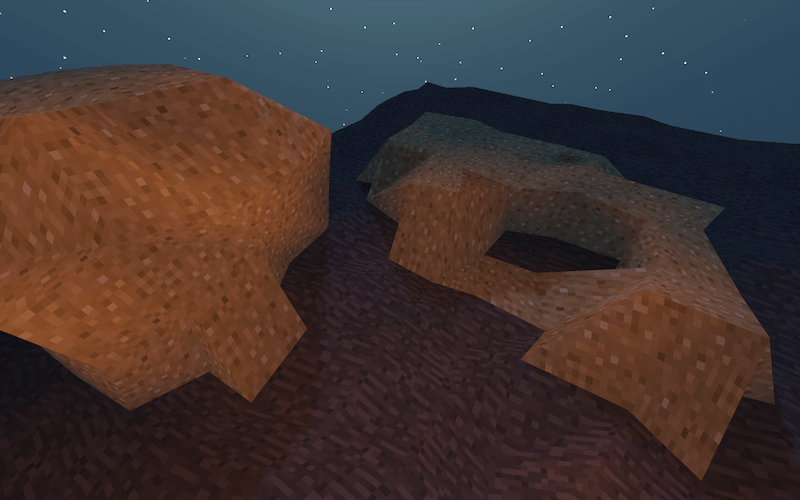
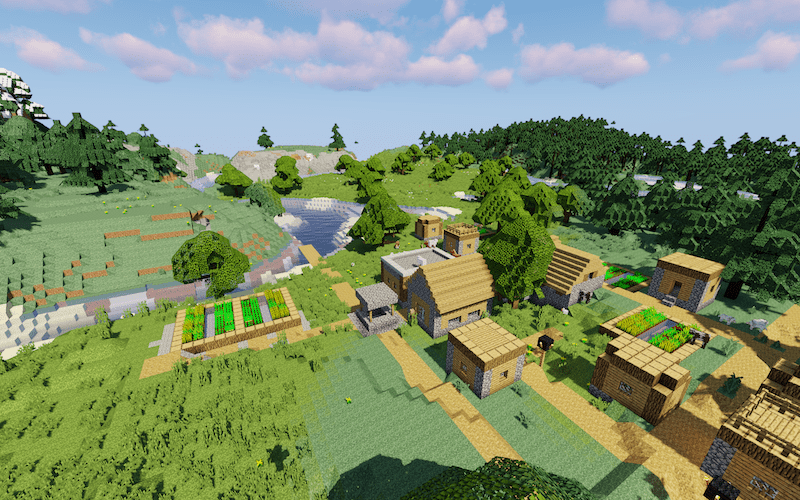
NoCubes is a unique aesthetic mod that completely overhauls Minecraft's terrain generation and rendering. It is the first mod in the game's history to fully transform the traditional 1x1 blocky world into a landscape of smooth, rolling hills, circular caves, and flowing mountain ranges. Despite the drastic visual change, the mod is designed to leave player-built structures untouched, ensuring that your houses and bases remain perfectly square while the natural world around them becomes organic.
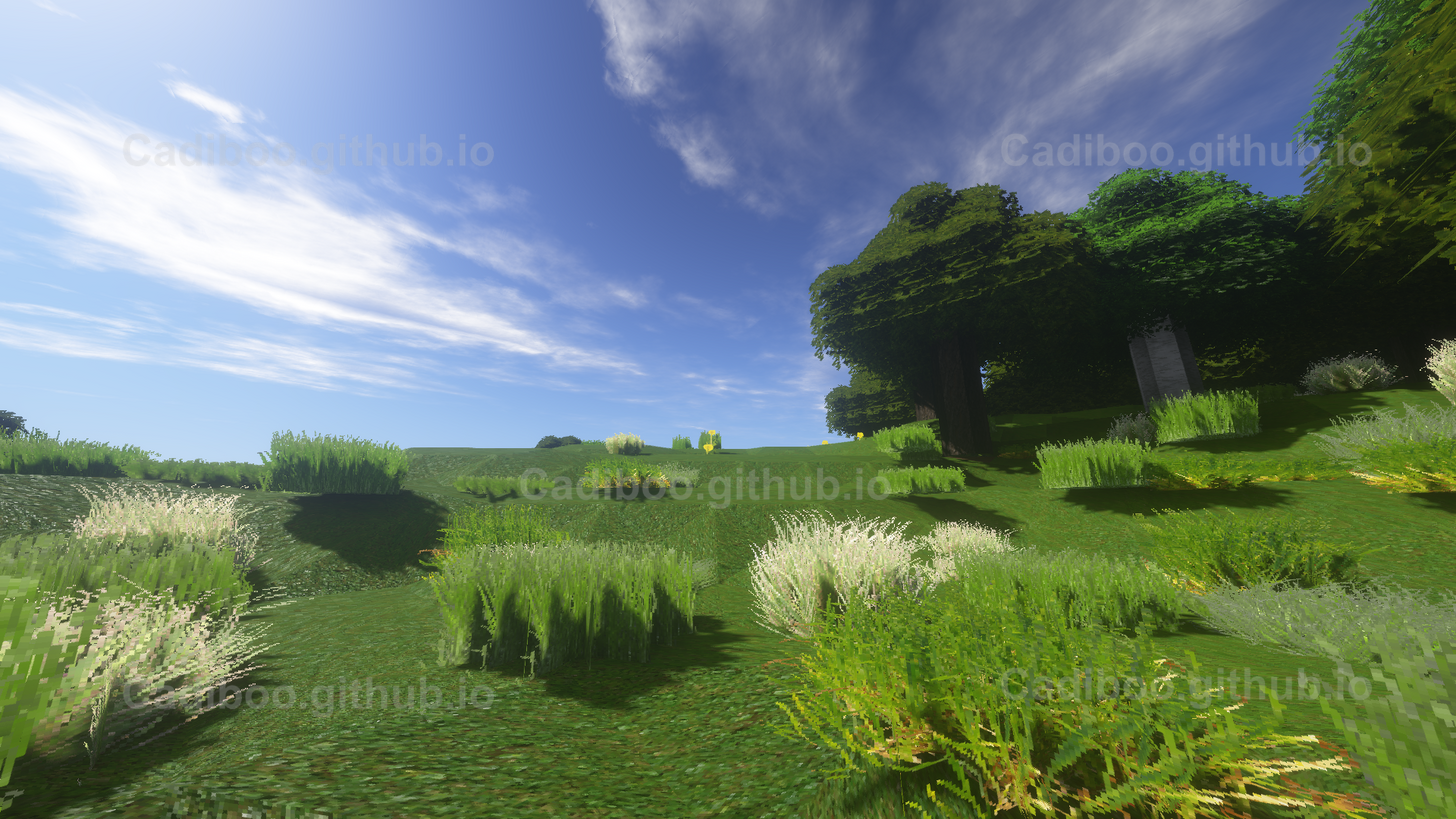
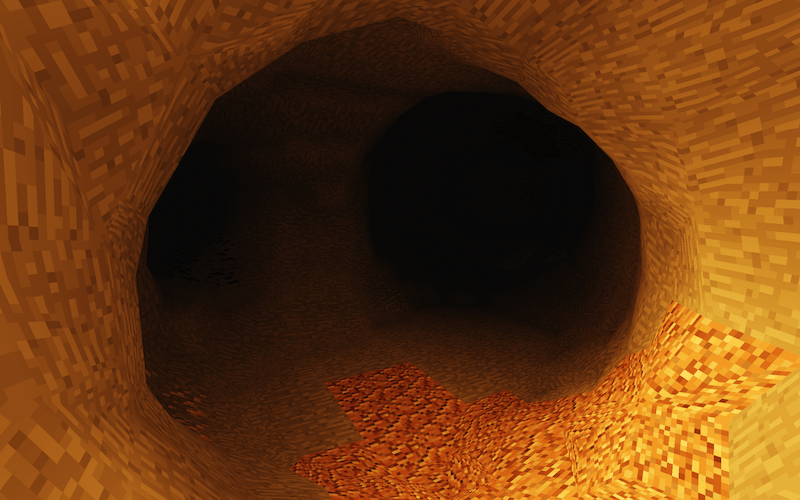

The mod is fully multiplayer compatible and highly optimized. It functions by increasing the polygon count of existing blocks in a way that blends them with their neighbors, creating a continuous mesh. At its core, Minecraft remains a game of cubes; NoCubes simply changes how those cubes are presented to the eye and how the player interacts with their surfaces.
Rendering Engines#
NoCubes offers multiple rendering algorithms to suit different aesthetic preferences and performance needs. These can be toggled in the configuration menu.
| Algorithm | Description | Best For |
|---|---|---|
| Surface Nets | The modern default algorithm. It creates a smooth surface while preserving more of the original block's structural integrity. | General gameplay, ravines, and cliffs. |
| Marching Cubes | A classic isosurface extraction algorithm that produces highly organic, rounded shapes. | Rolling hills and extremely smooth landscapes. |
| OldNoCubes | A legacy renderer based on the original 1.7.10 version of the mod. | Players seeking a nostalgic look or specific performance profiles. |

Visual Features#
The mod introduces several specific visual improvements beyond simple terrain smoothing:
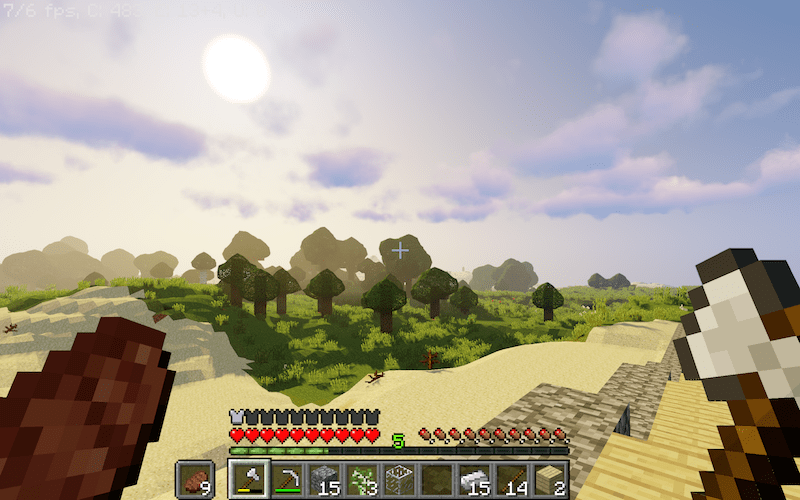
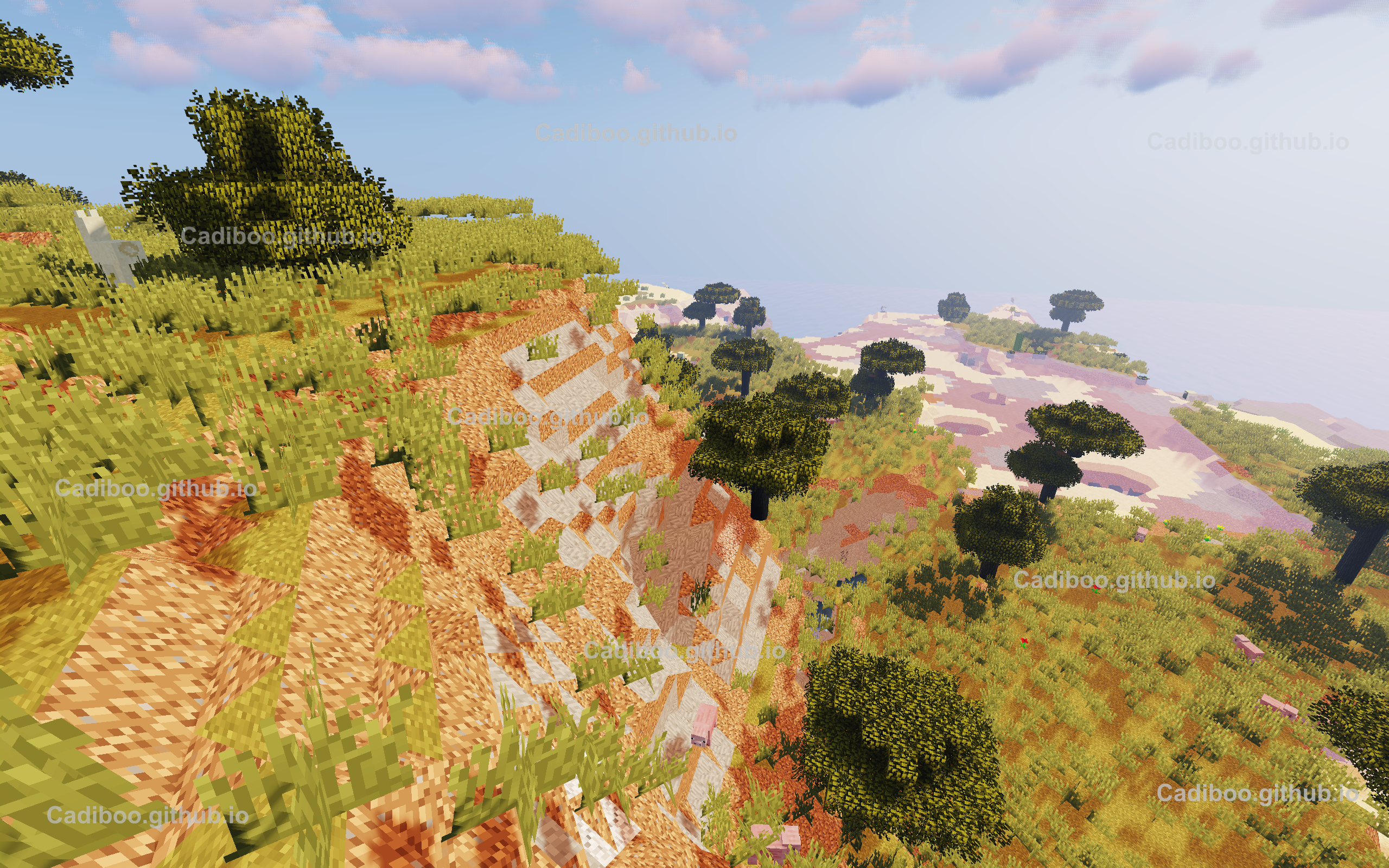
- Rolling Hills & Mountains: Sharp cliff edges and stepped hills are replaced with continuous slopes.
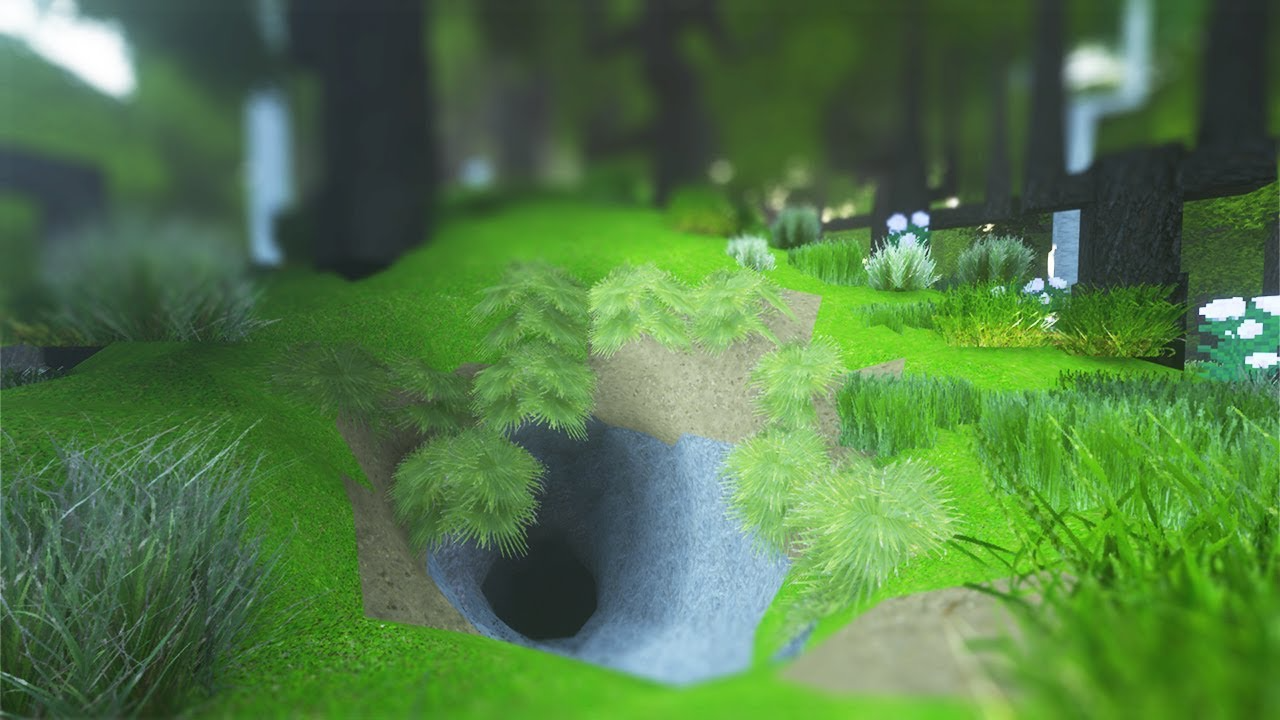
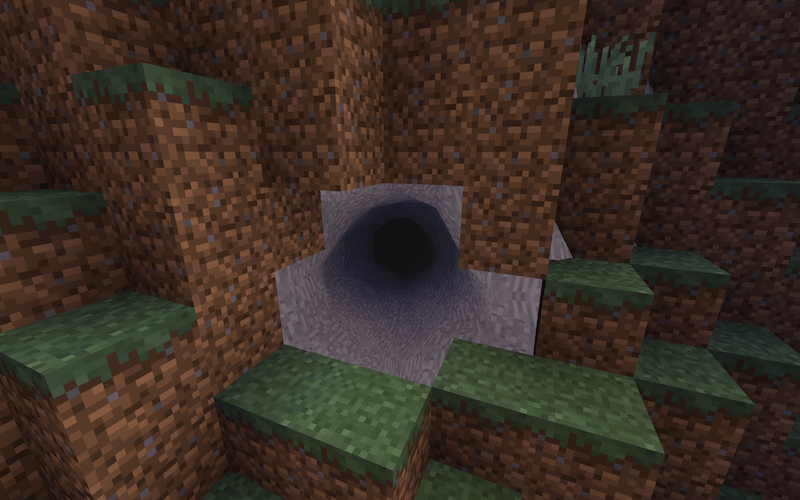
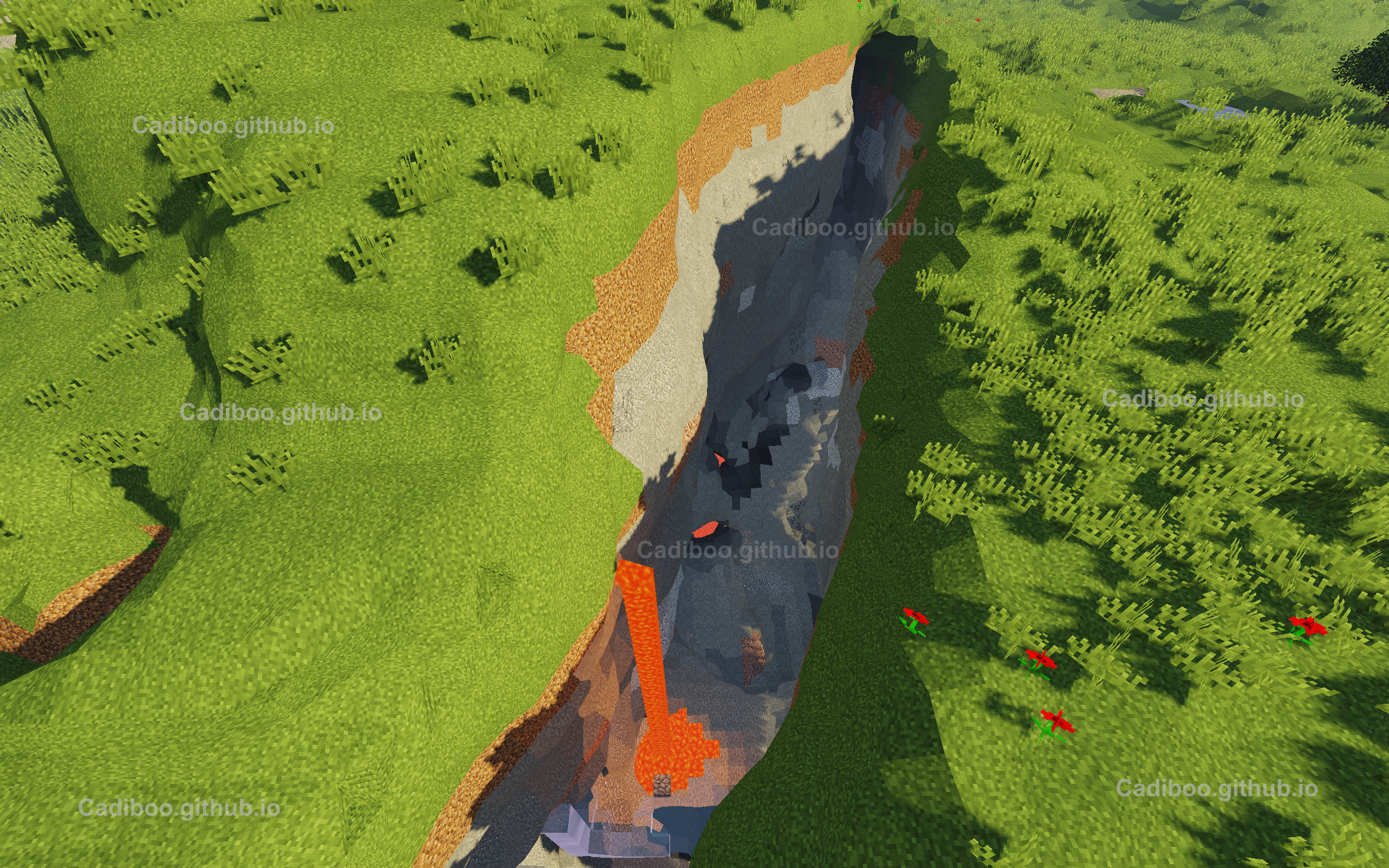
- Circular Caves: Underground tunnels and caverns lose their jagged edges, appearing as natural, rounded bores through the earth.
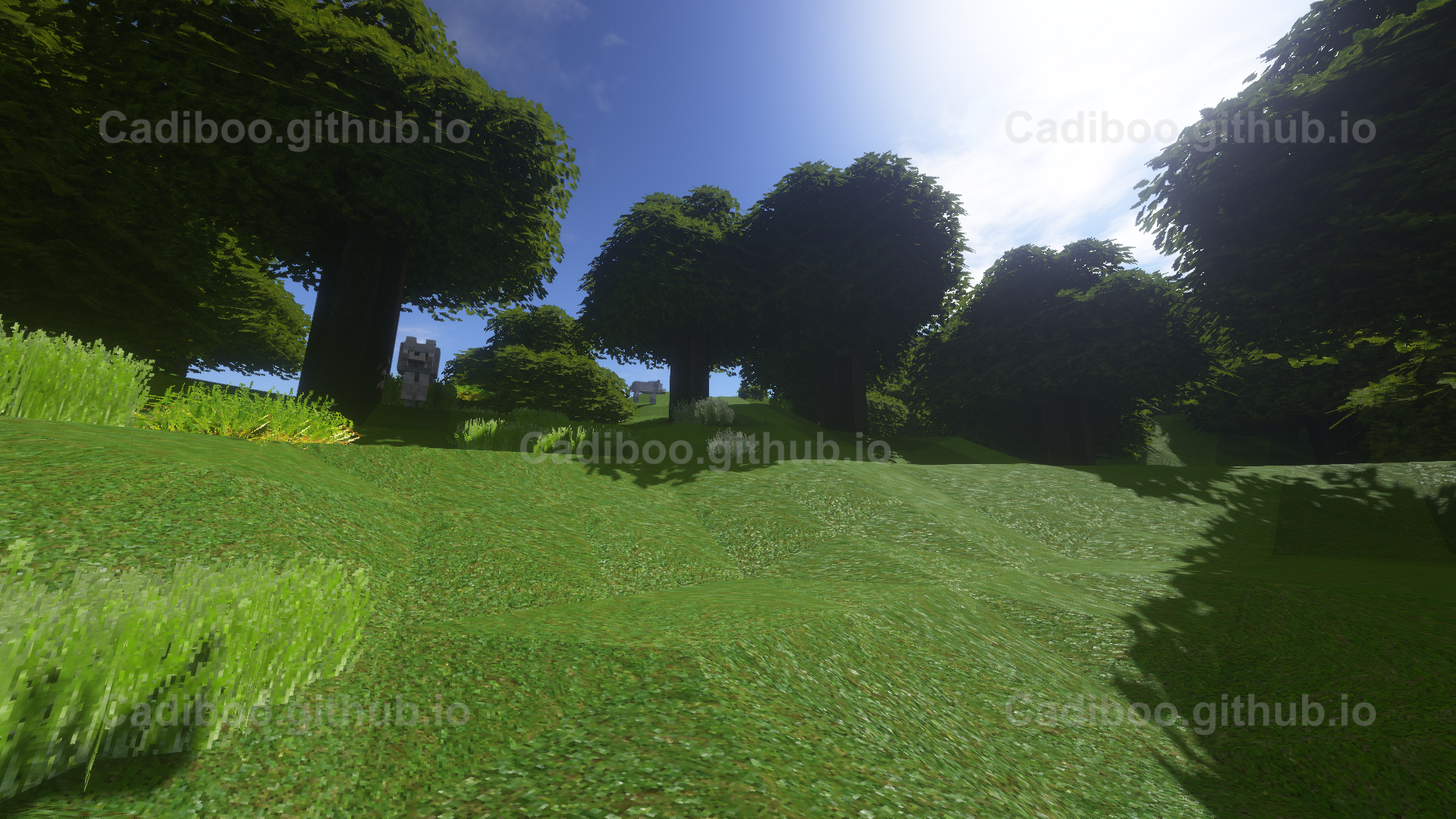
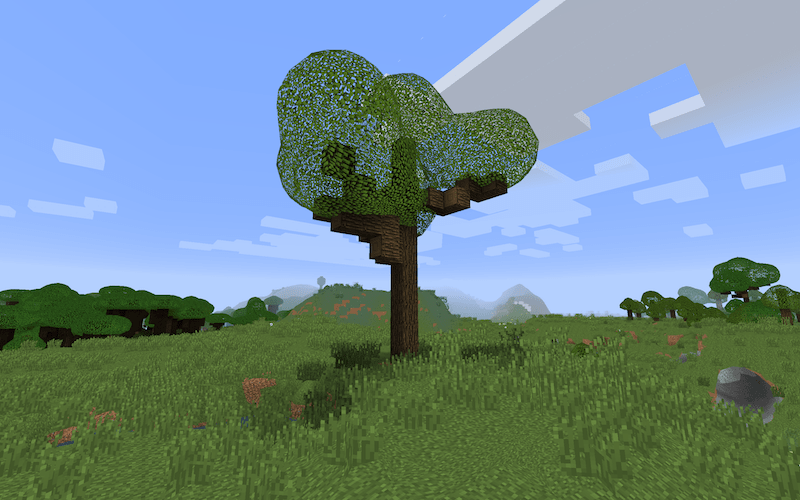
- Rounded Trees: Tree trunks and leaf clusters are rendered with rounded edges, making forests look more lush and realistic.
- Leaves Separation: Improved rendering for leaf blocks to prevent them from looking like solid green blobs.
- Smooth Biome Blending: Transitions between different biome colors (such as the shift from a lush jungle to a dry desert) are rendered as smooth gradients rather than sharp lines on the grass and foliage.
- Texture Randomization: To prevent tiling patterns on large smooth surfaces, the mod can randomize texture orientation and placement.
Fluid Enhancements#
NoCubes includes a suite of "Bonus Features" dedicated to fixing long-standing vanilla Minecraft fluid rendering issues. These can be enabled even if the smooth terrain features are turned off.
| Feature | Effect |
|---|---|
| Smooth Fluid Lighting | Removes the blocky light levels on the surface of water and lava, creating a uniform glow or reflection. |
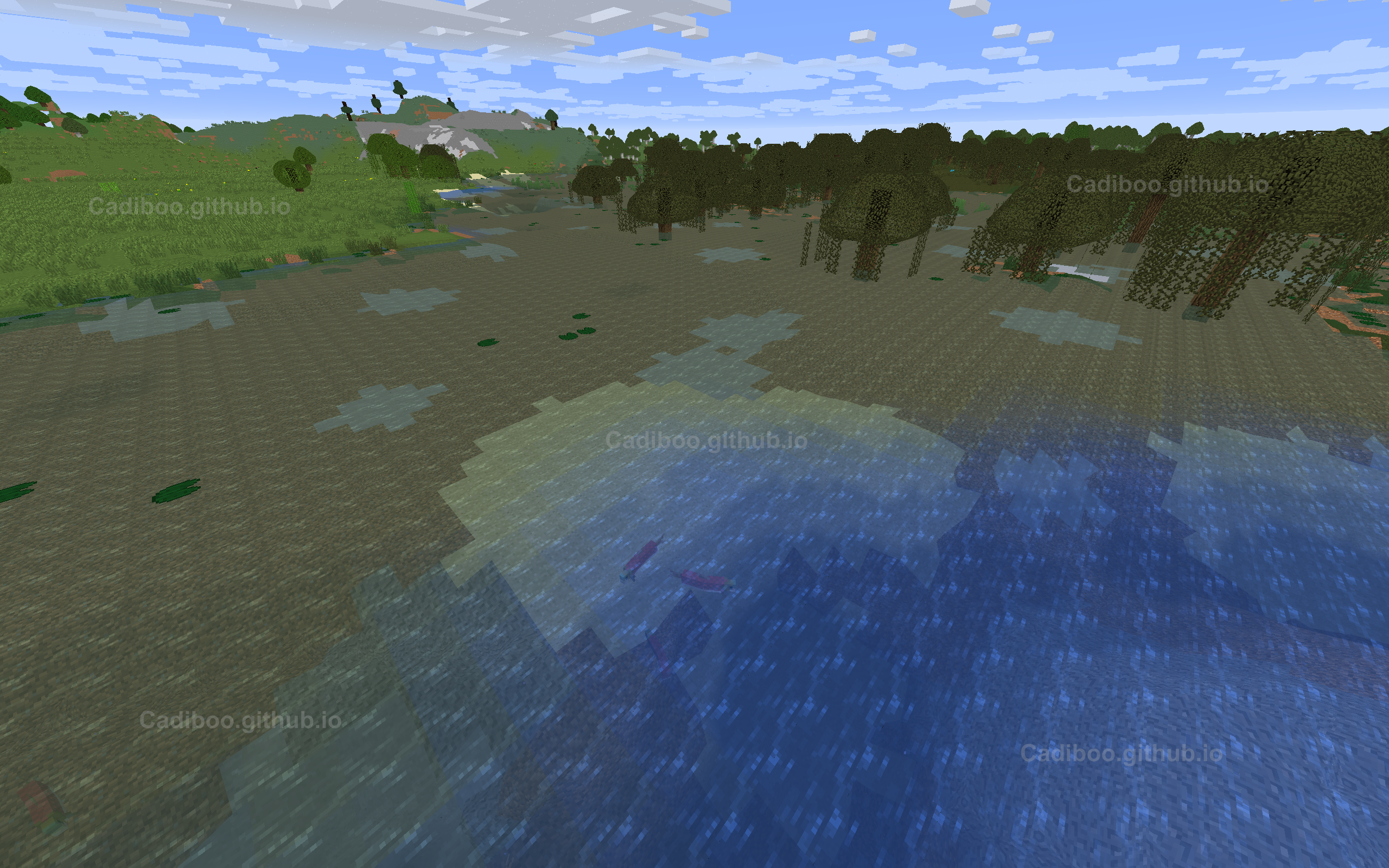
| Fluid Biome Transitions | Blends water colors seamlessly between biomes (e.g., the transition from swamp water to ocean water). |
| Natural Fluid Textures | Adjusts the way textures flow over the fluid mesh for a more liquid appearance. |
| Shoreline Correction | Fixes the "gap" between water and the shore, ensuring the liquid mesh reaches the land. |

Mechanics and Physics#
Collision Logic
In vanilla Minecraft, collisions are strictly cubic. NoCubes changes this by implementing Accurate Collisions. When both the client and server have the mod installed, the game calculates the player's physical position based on the smooth mesh rather than the underlying cubes. This allows players to walk up smooth slopes without the "stepping" motion typical of vanilla stairs or slabs.
Block Interaction
Blocks are still "square at heart." When you mine a block, you are still removing a 1x1x1 cube from the world data. The mod dynamically updates the surrounding mesh to reflect the missing block.
- Selection Boxes: The black outline shown when looking at a block can be configured to be either a standard cube or a "Smooth Selection Box" that follows the contours of the rendered terrain.
Configuration#
NoCubes is highly customizable via an in-game GUI. By default, the configuration menu is accessed by pressing the "O" key.
Key Configuration Options:
- NoCubes General: Toggle the entire mod on or off without restarting.
- Render Algorithm: Switch between Surface Nets, Marching Cubes, and OldNoCubes.
- Smooth Fluids: Toggle the individual fluid fixes (Lighting, Colors, Textures).
- Auto Step: Allows the player to walk up hills automatically (similar to the Step Assist effect). Note: This feature may be disabled in certain dev builds.
- Performance Settings: Options for RAM optimization, faster lighting calculations, and emissive lighting support.
Compatibility#
NoCubes is designed to work alongside the most popular visual enhancement mods in the Minecraft ecosystem:
- OptiFine & Shaders: Fully compatible with OptiFine and high-end shaders like SEUS or Sildur's. The smooth geometry interacts realistically with shader-based lighting and shadows.
- BetterFoliage: Works in tandem with BetterFoliage to create extremely detailed and organic forests.
- Dynamic Lights: Compatible with mods that add handheld or moving light sources.
- Performance Mods: Compatible with Rubidium/Sodium, though specific mixin settings (like
chunk_rendering=false) may be required in some versions for optimal stability.
Gallery#