


Fast Paintings 9minecraft Mod (26.2) – Place Wall Art Exactly Where You Want It

 0
0 

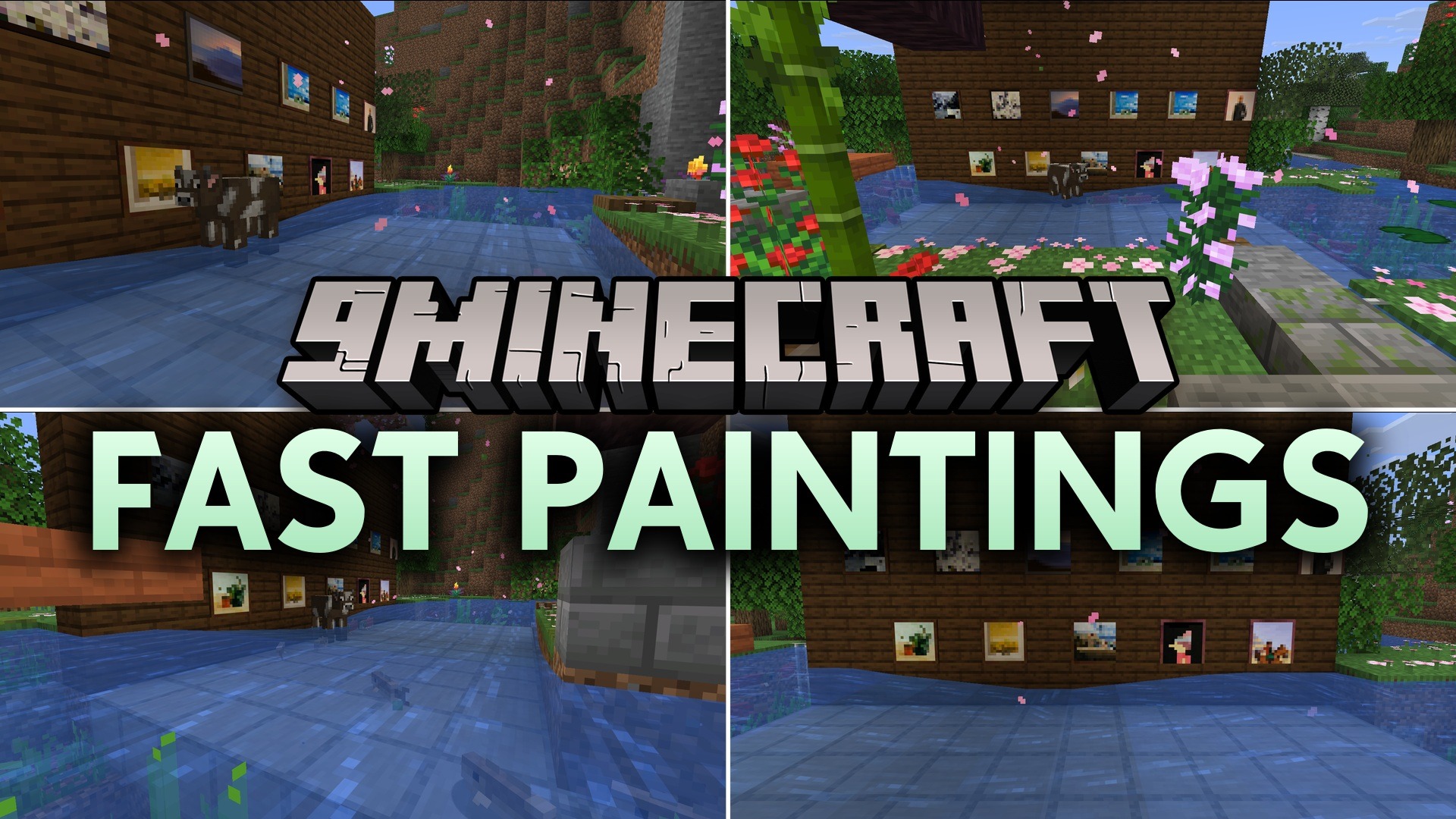
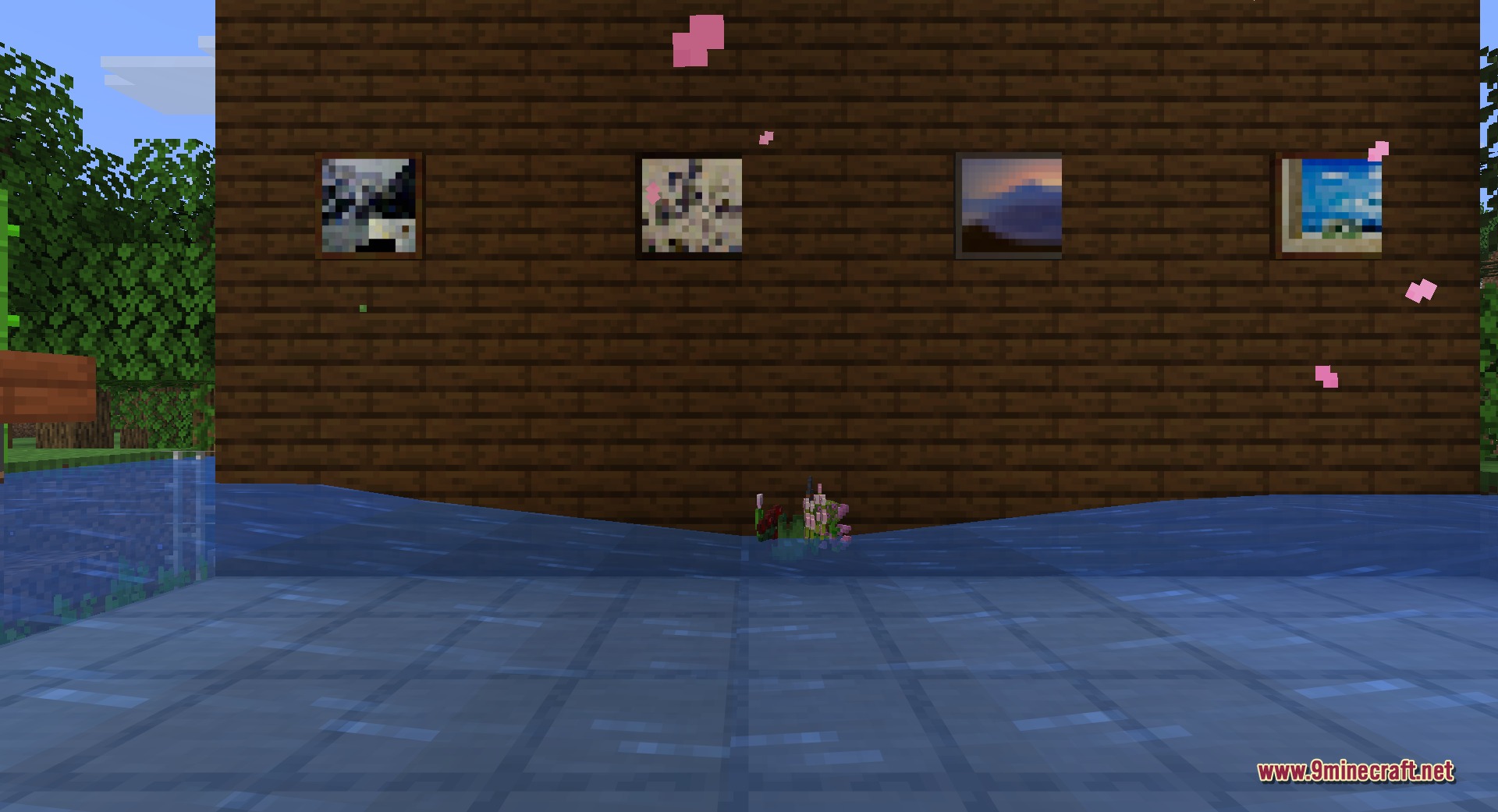
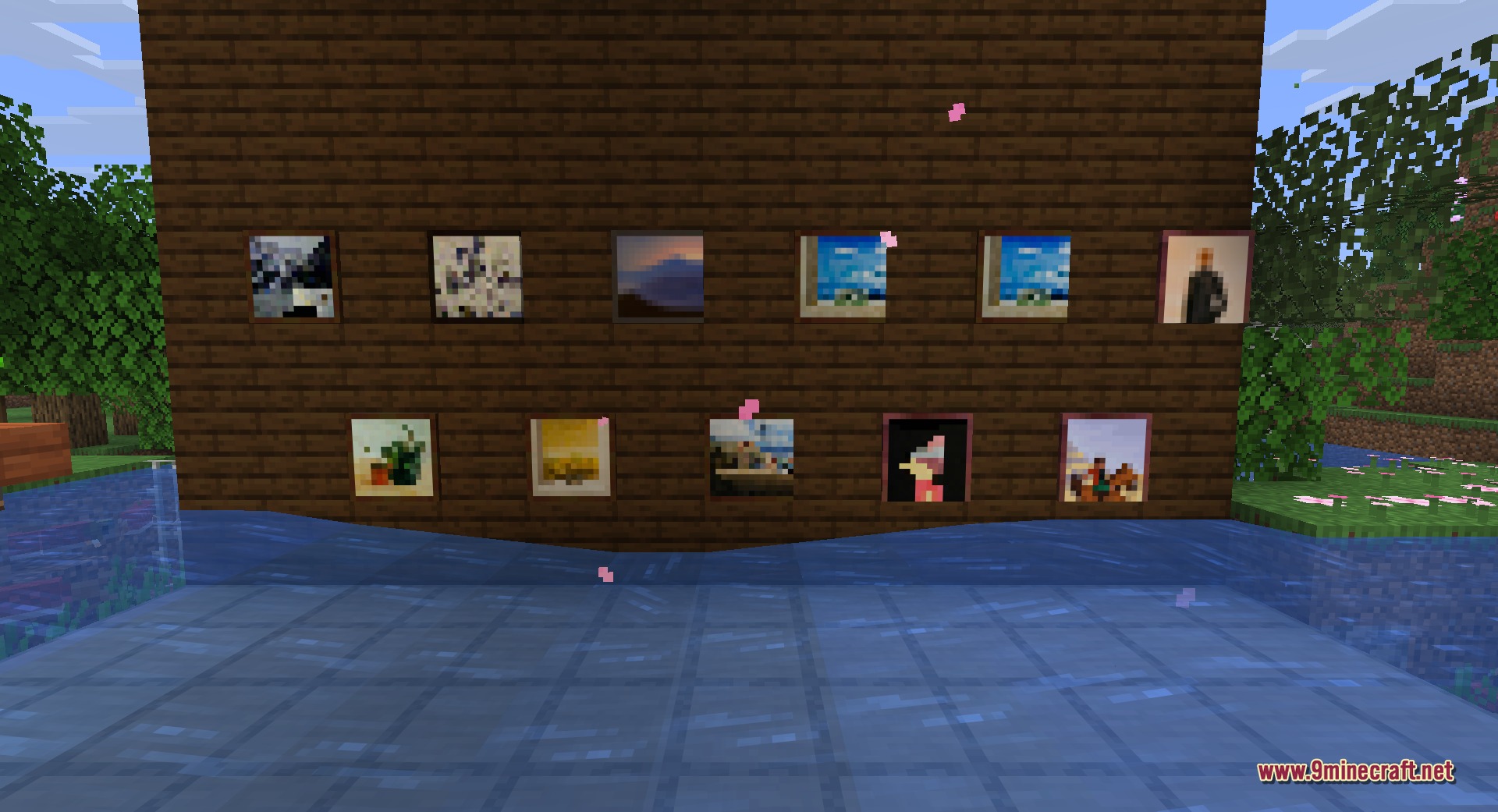
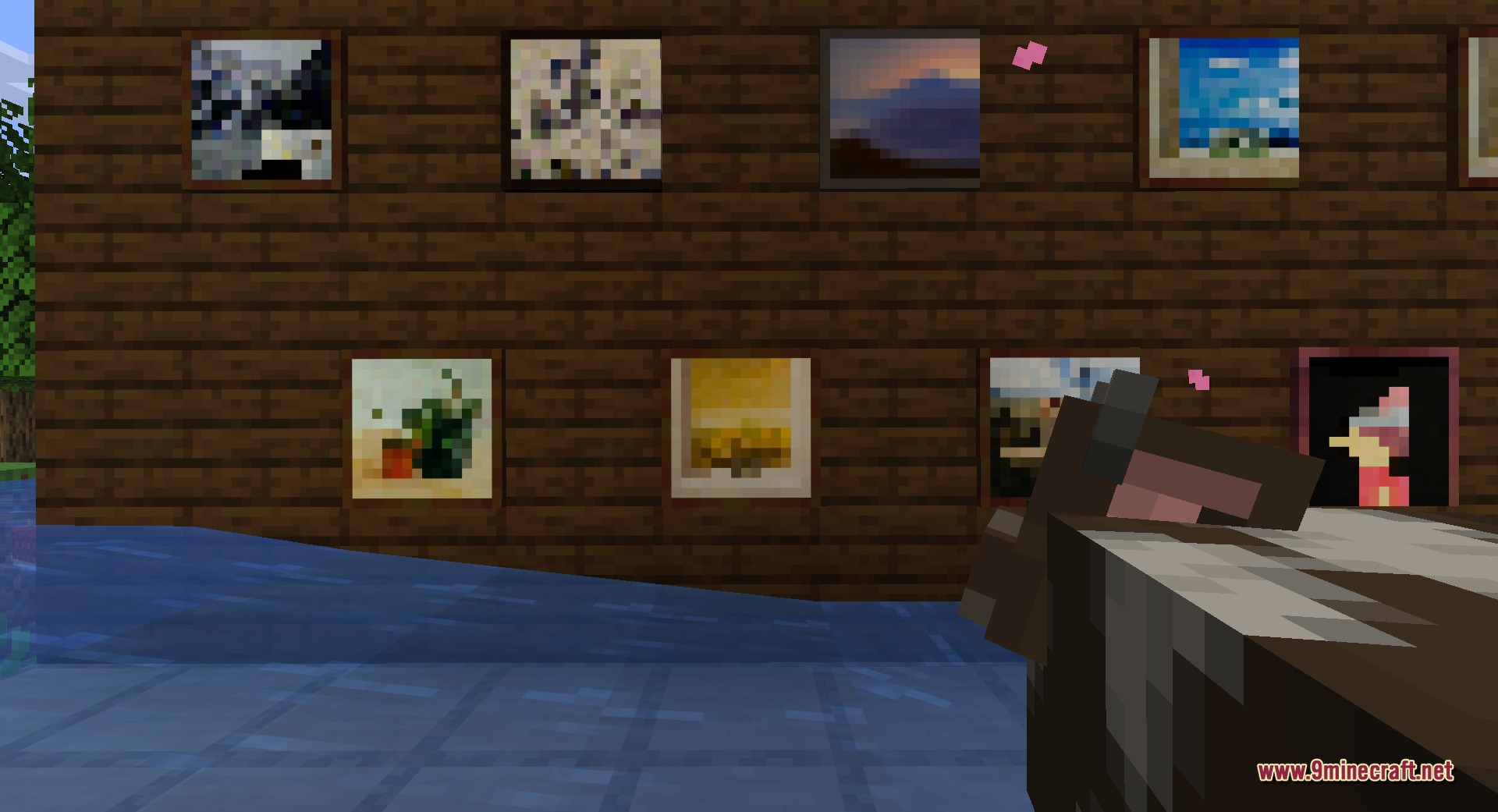
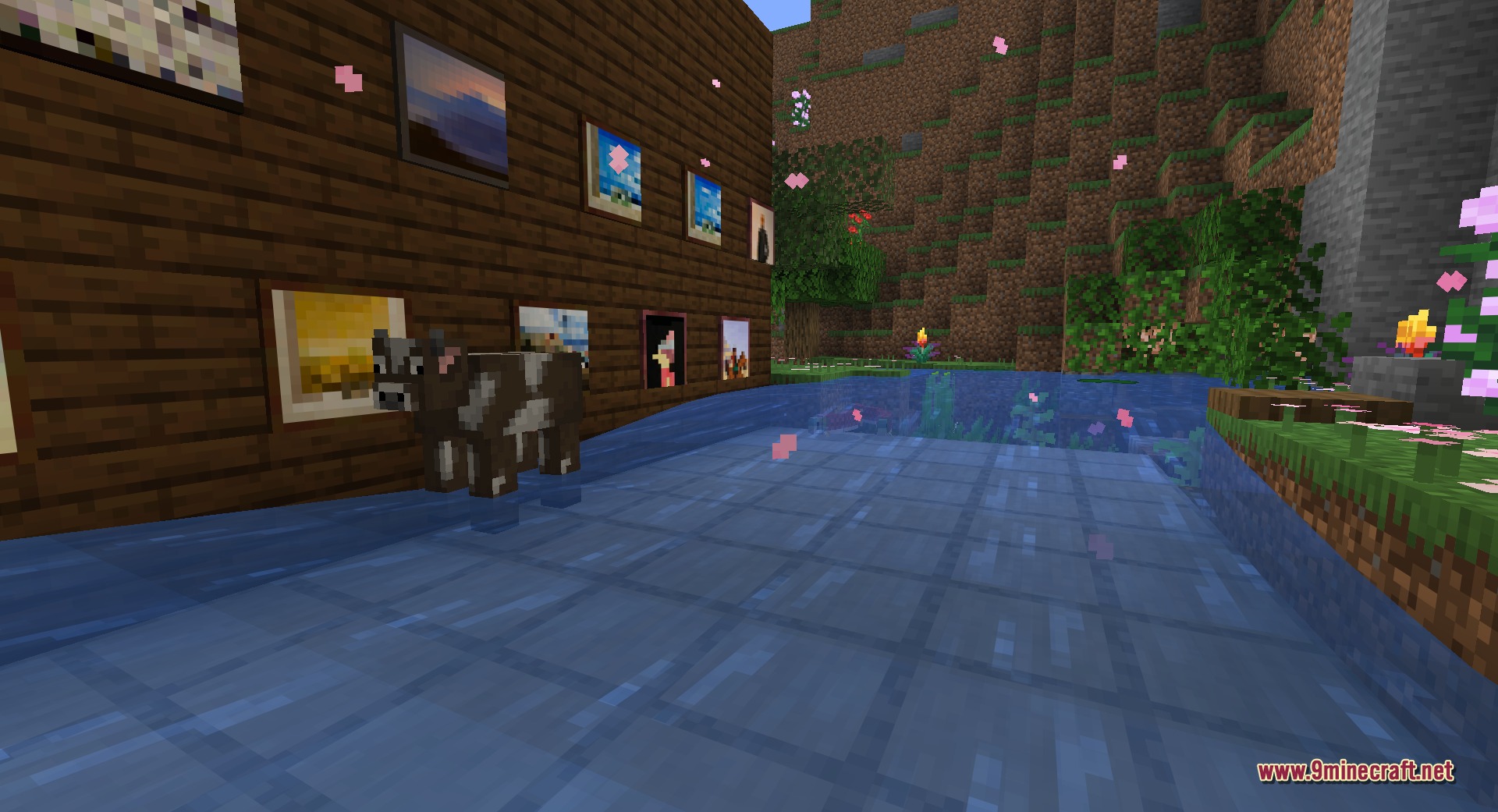
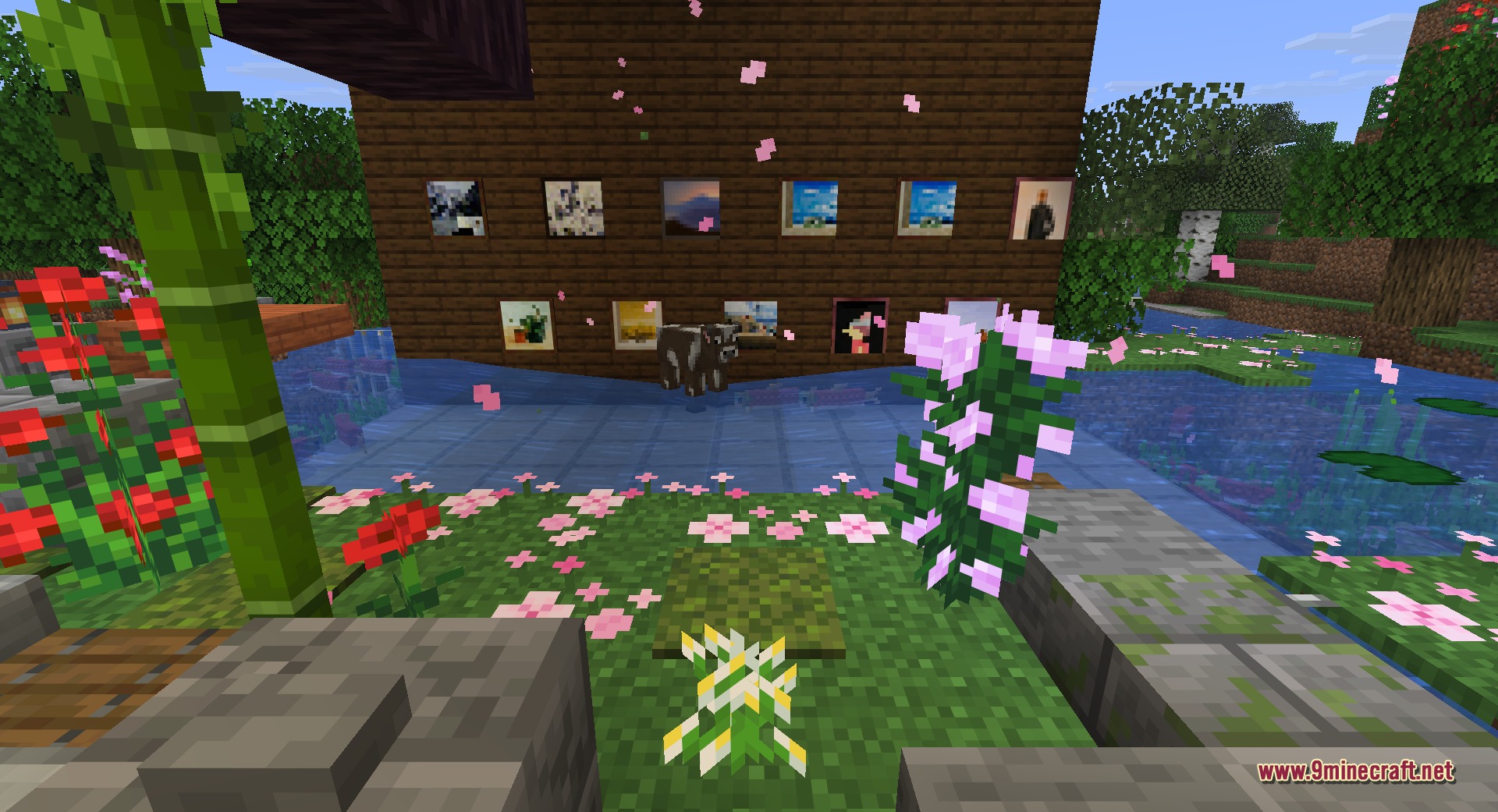
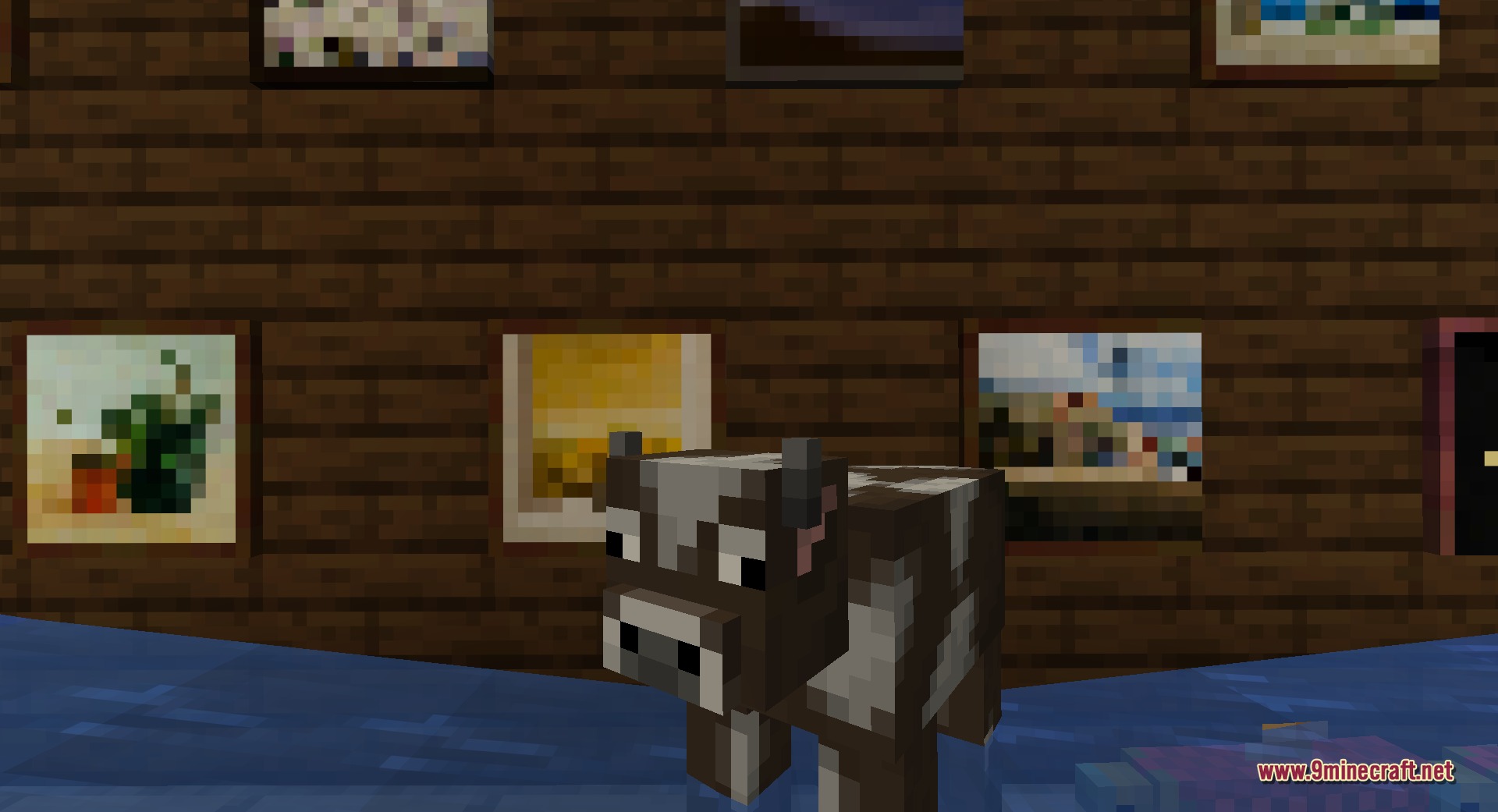
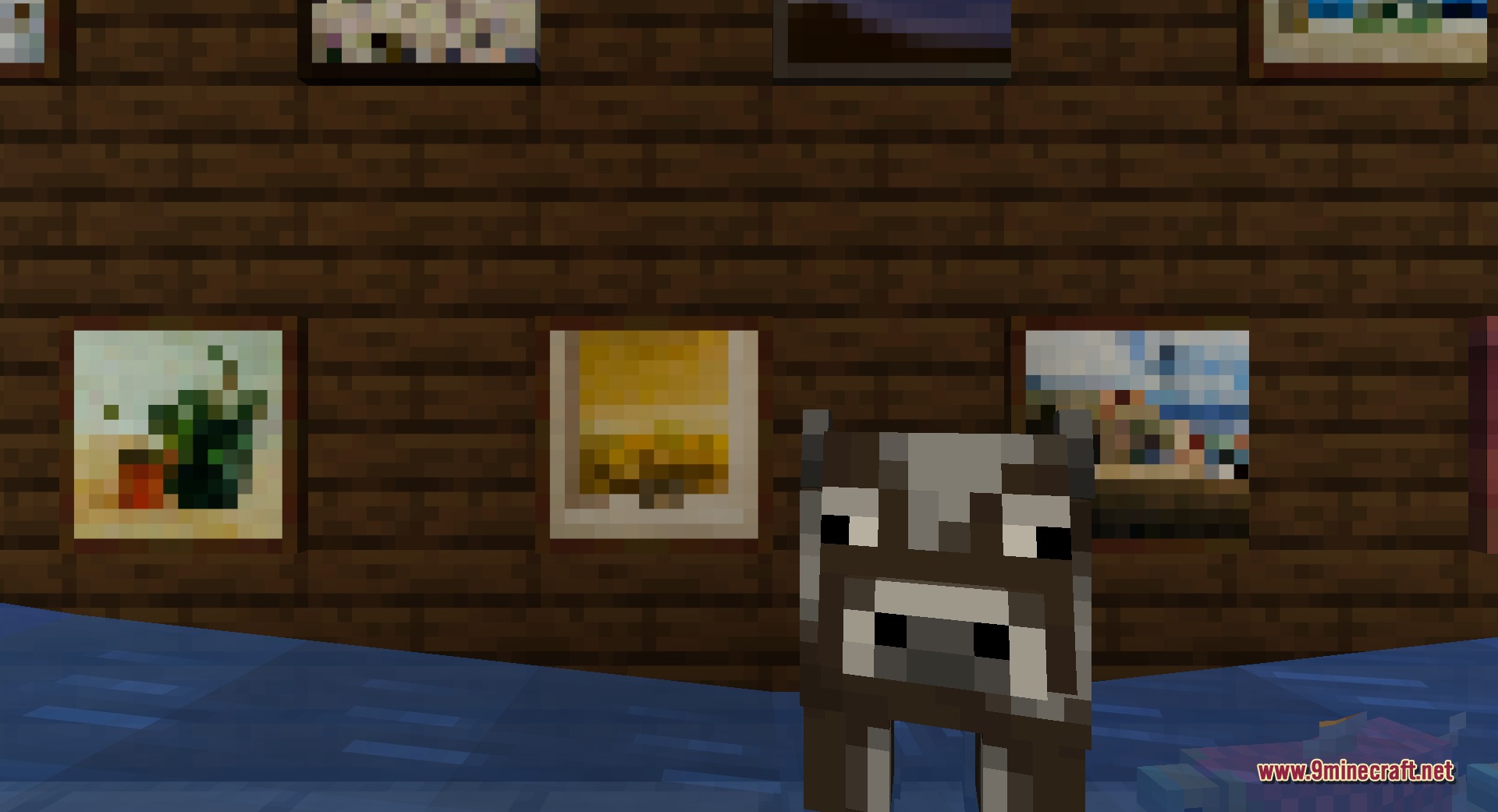
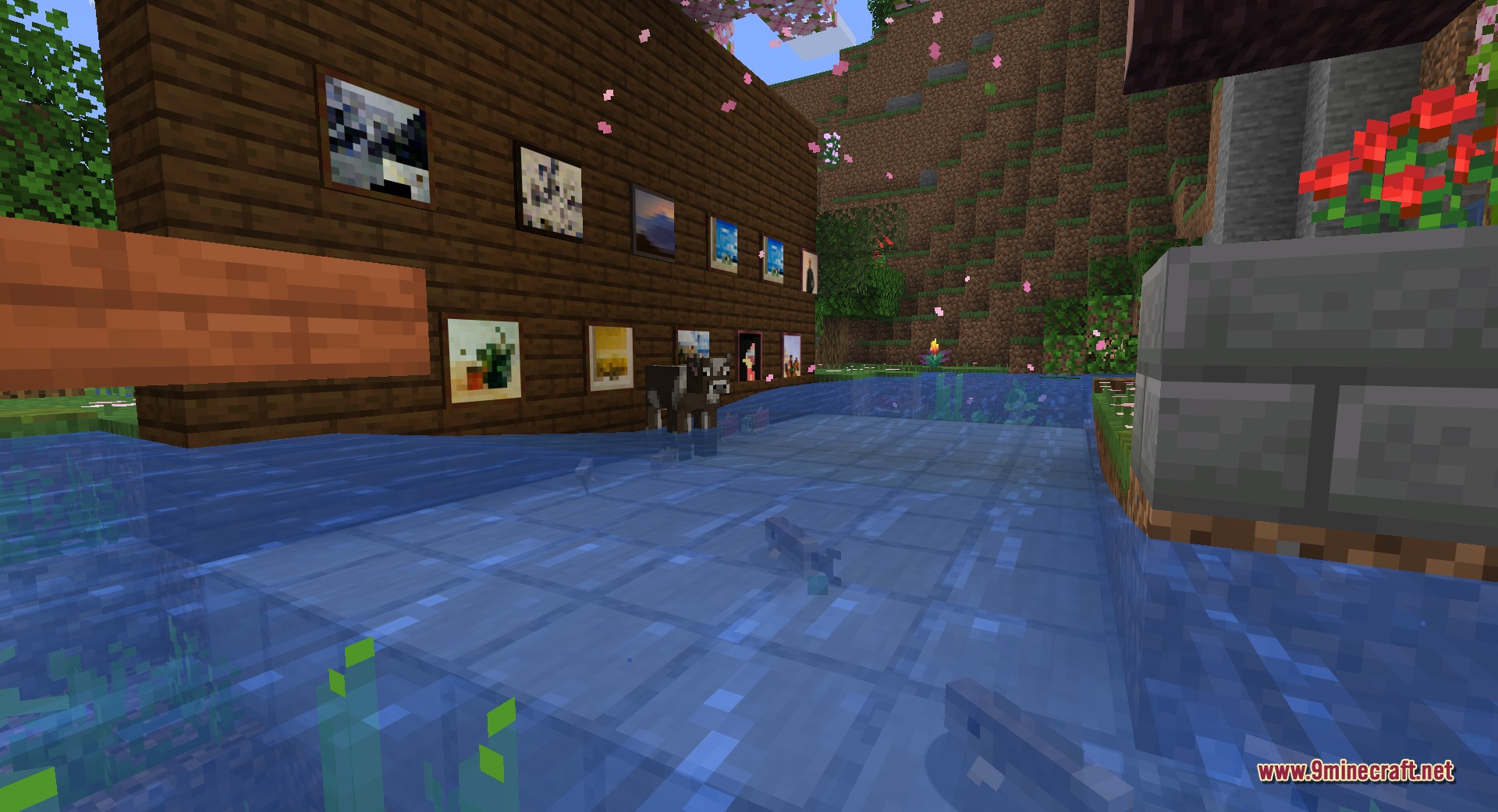
Fast Paintings 9minecraft Mod turns regular Minecraft paintings into solid wall blocks that snap flat against surfaces. It gives you full control over your artwork placement without the random sizes or loose entity behavior of vanilla paintings. You can place single painting blocks one by one, and placing them side by side combines them into larger custom pictures. The mod keeps all classic vanilla art styles while making wall decorating fast and reliable.
Features:
- Turns paintings into lightweight blocks that snap tight against any wall surface.
- Combines adjacent painting blocks into a single larger artwork of any size.
- Maintains full compatibility with all original vanilla Minecraft painting designs.
- Stops paintings from falling off walls when hit or bumped by mobs.
- Lets you break and place art pieces directly with standard block mechanics.
- Offers exact placement so you get the exact art size and layout you want.
How to Use:
- Hold a painting item in your main hand.
- Right-click on a wall block to place a single painting tile.
- Place more painting blocks directly next to the first one to expand the frame into a larger piece.
- Break any painting block with your hand or a tool to pick it back up.
Screenshots:
How to Install:
New to Minecraft? Follow our step-by-step guide to install Mods on your PC.View Guide
Requirements:



Fast Paintings 9minecraft Mod Download Links
For Minecraft 26.2
Click to rate this post!
[Total: 0 Average: 0]
You May Also Like





This post has no comments yet. Be the first — your comment will appear here.