


Borderless Mining 9minecraft Mod – Switch Windows Without Freezing Your Game

 0
0 

Borderless Mining 9minecraft Mod changes standard fullscreen mode into a borderless windowed mode. It fills your entire monitor screen without showing window frames or title bars. You can switch between your game and other programs like web browsers, music apps, or chat windows without waiting. It stops the black screen flickering that normally happens when you switch tasks on your computer.
Features:
- Turns normal fullscreen mode into a borderless window that covers your entire display.
- Lets you press Alt + Tab to switch to other applications with zero delay.
- Prevents the game from freezing or minimizing when you click outside the window.
- Works well with multi-monitor setups so you can move your mouse across screens.
- Runs strictly on the client side with no performance loss or changes to gameplay.
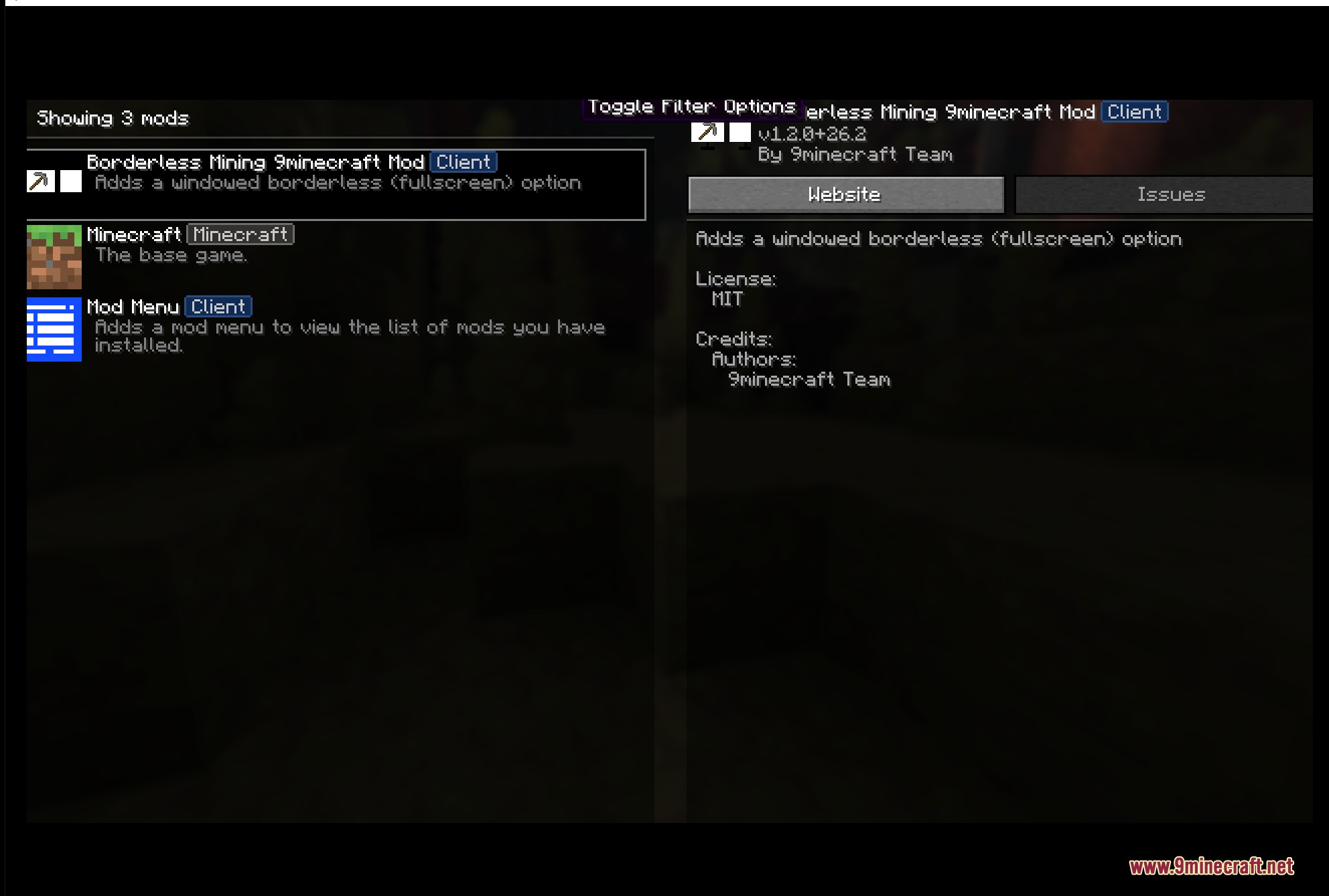
- Includes a configuration file to set custom window sizes or choose a specific monitor.
- Runs on Windows, Linux, and macOS operating systems.
How to Use:
- Open your world or join a server.
- Press F11 on your keyboard or toggle Fullscreen in the Video Settings menu.
- Press Alt + Tab to freely switch between the game and other desktop apps.
Screenshots:
How to Install:
New to Minecraft? Follow our step-by-step guide to install Mods on your PC.View Guide



Borderless Mining 9minecraft Mod Download Links
For Minecraft 26.2
Click to rate this post!
[Total: 0 Average: 0]
You May Also Like




This post has no comments yet. Be the first — your comment will appear here.