
Find The Button Bottom 2 Map (26.3, 1.20.1) for Minecraft
 2,587
 0

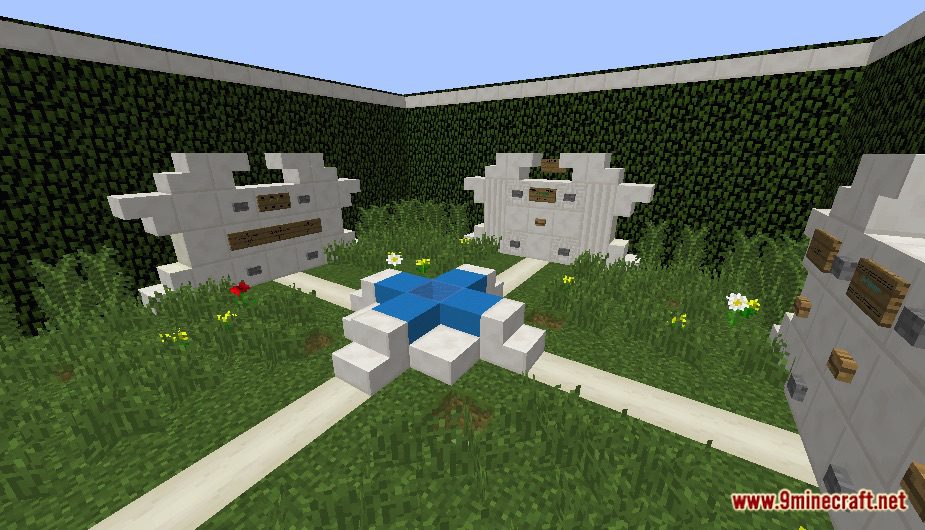
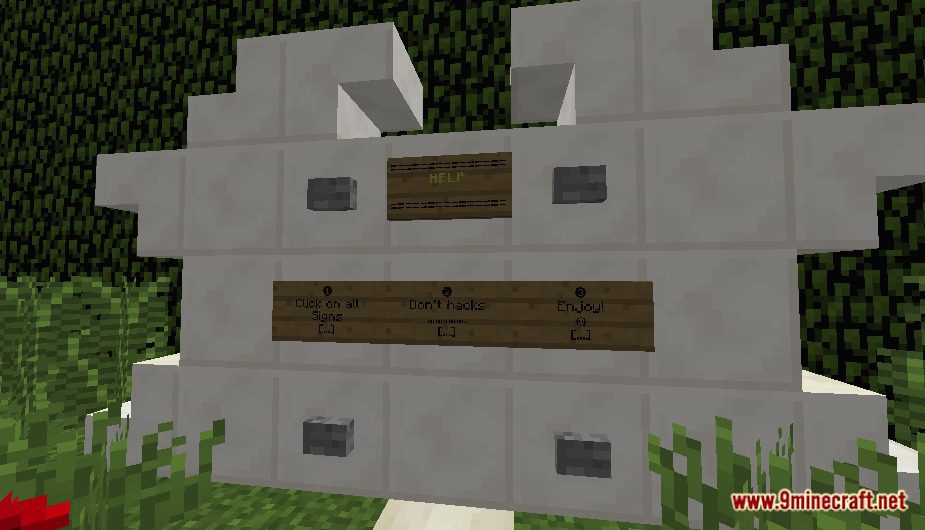
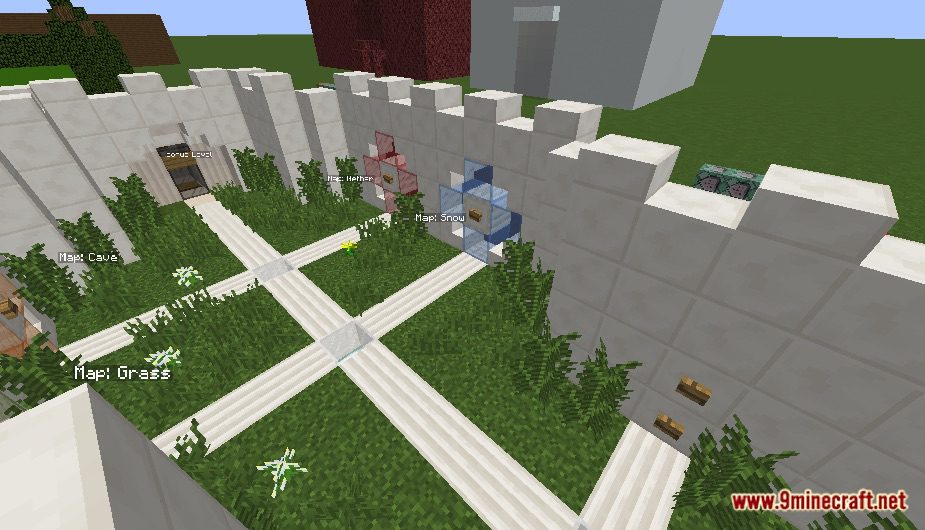
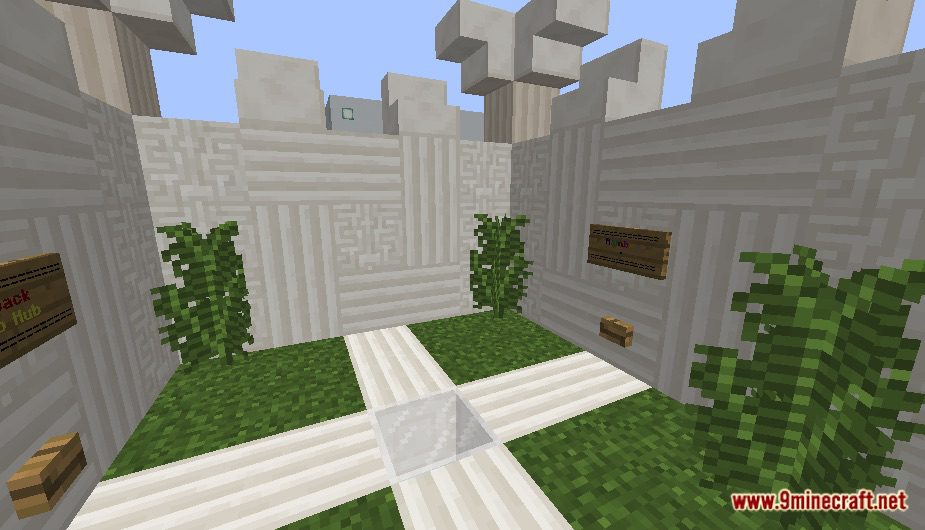
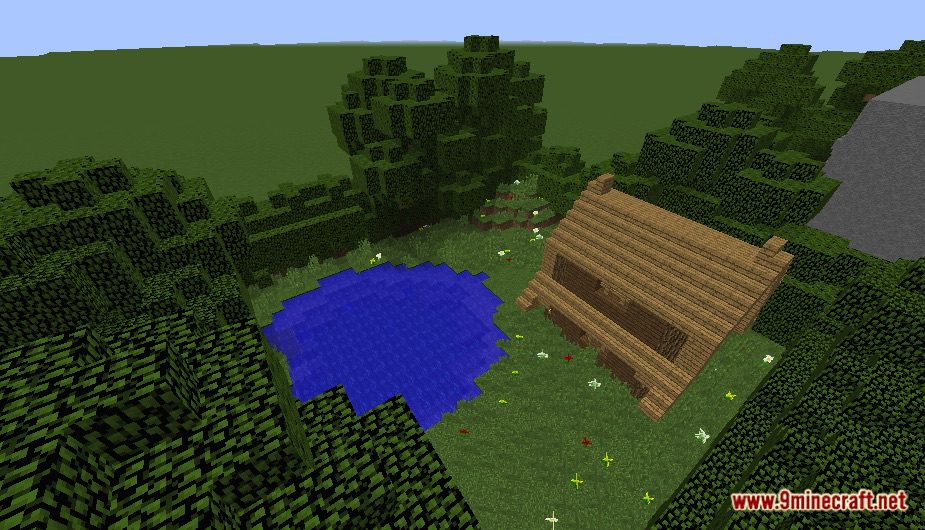
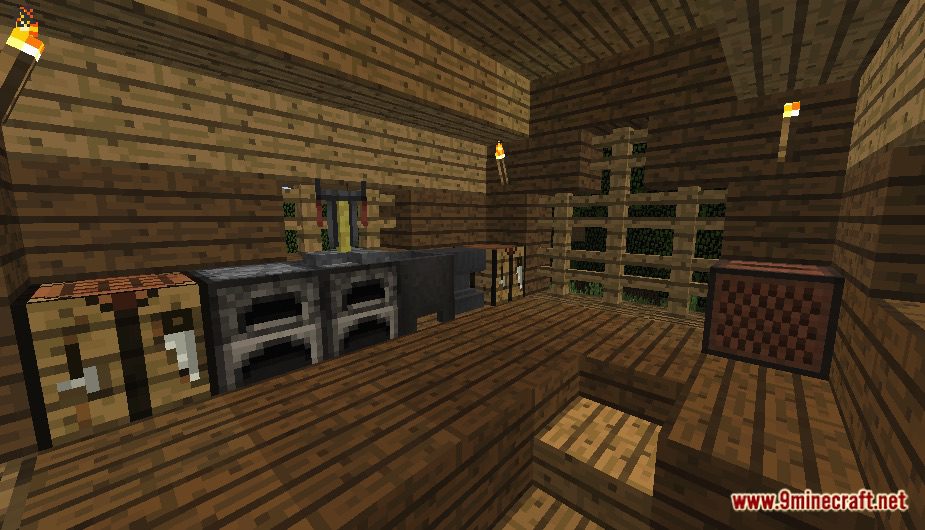
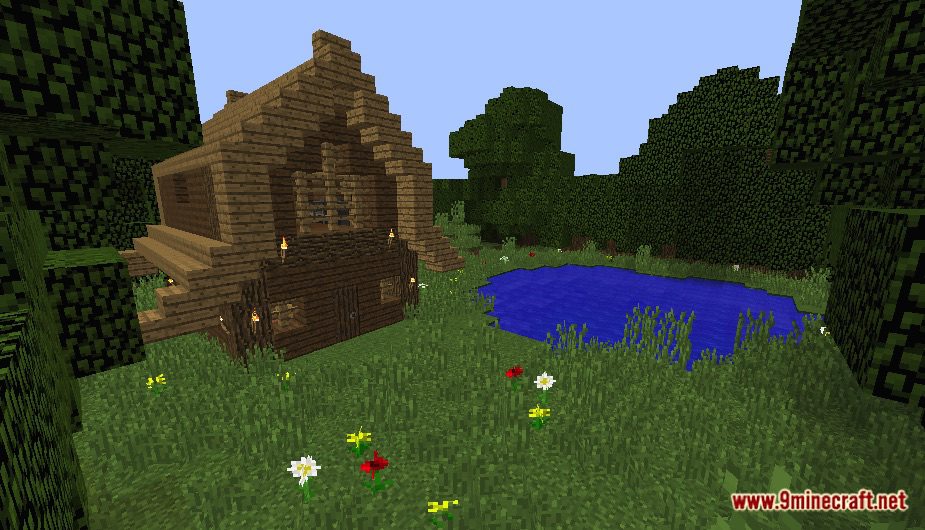
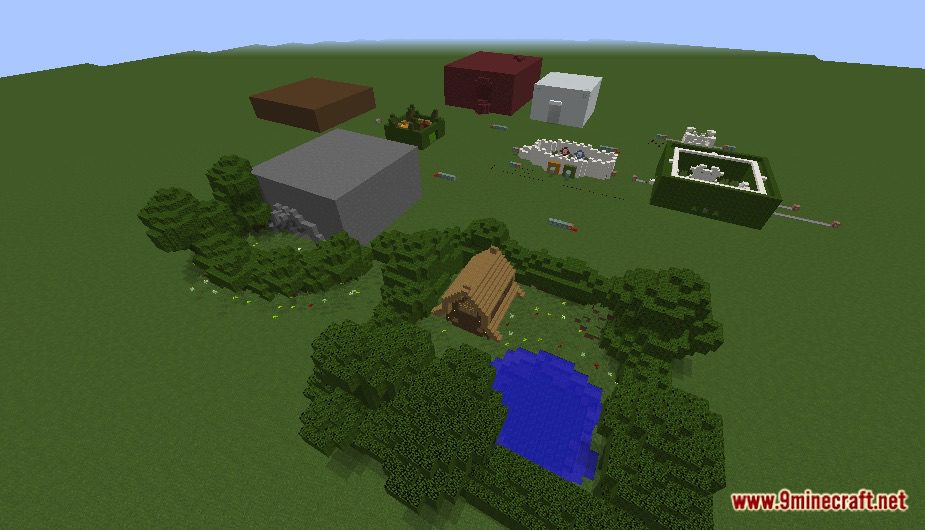
Find The Button Bottom 2 Map challenges you to test your observation skills by hunting down hidden buttons across multiple unique stages. This puzzle map features four main levels and a secret bonus level that unlocks only after you finish the rest. You start searching for the button right after spawning in each area, and you can even set a custom trail to guide your progress. Put your searching skills to the test on hard difficulty and see if you can reach the very end.
Features:
- Four main levels packed with hidden buttons in various themed environments.
- One bonus level that unlocks after you complete all main stages.
- Custom trail system that lets you set and change your tracking path.
- Hard difficulty gameplay designed to test your attention to detail.
Screenshots:
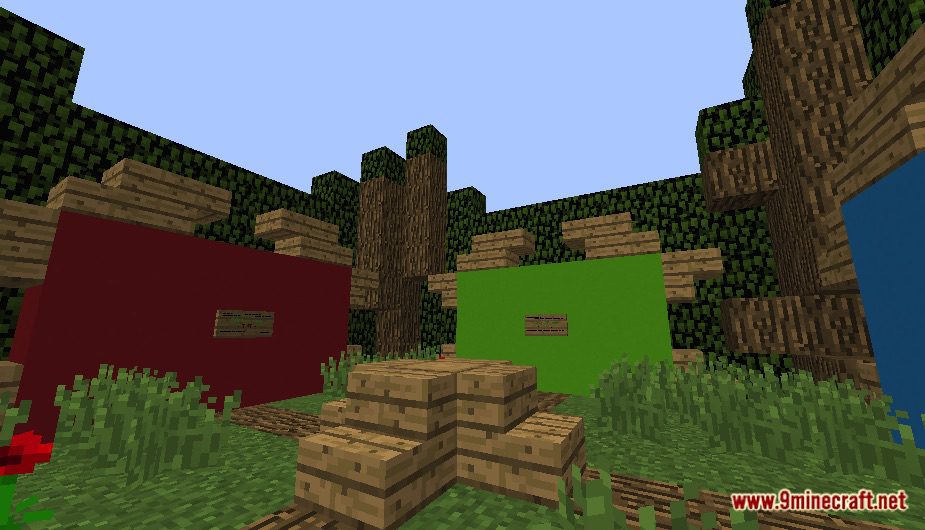
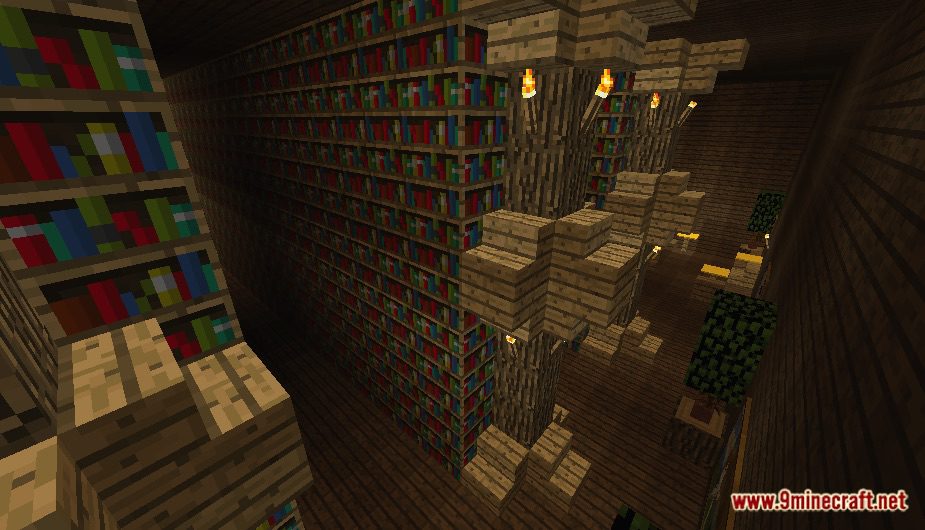
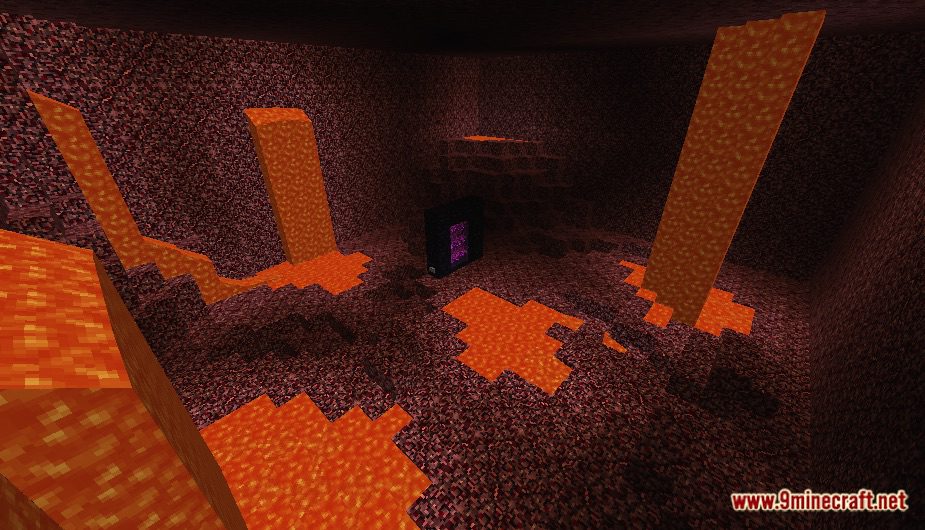
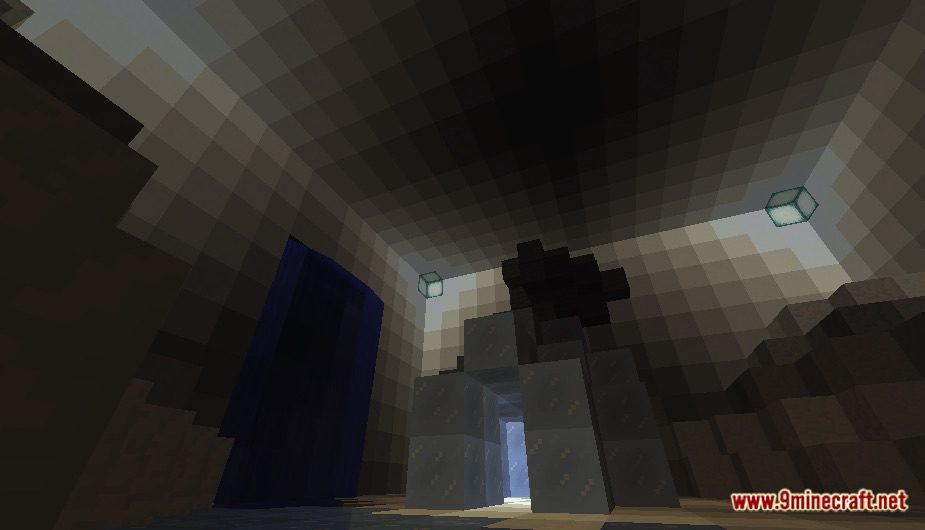
- Please do not play on any other version or it may not work!
- Do not cheat.
- You should set Render Distance to 12 or upper.
How to Install:
New to Minecraft? Follow our step-by-step guide to install Maps on your PC.View Guide
Find The Button Bottom 2 Map Download Links
Click to rate this post!
[Total: 0 Average: 0]
QUICK MINECRAFT SURVEY · ONE TAP
Adventure & Custom Maps
Have you ever tried making your own custom map for others to play?
1 responses · See the full results →
You May Also Like
Picked for this page
 Parkour Paradise Map (26.3, 1.20.1) – Themed Challenge Tower
 Happy Gardener Map (26.3, 1.20.1) – Bloom Your Way
 Panas The Pyramid City Map (26.3, 1.20.1) – Impressive Desert Build
 Survive 30 Seconds Map (26.3, 1.20.1) – Live Fast!
 Hertz Industries Map (26.3, 1.20.1) – Solve Hidden Puzzles
 Icy islands Map (26.3, 1.20.1) – Kingdom in the Snow
 Warped Crimson Island Map (26.3, 1.20.1) – Reversed World
Most viewed in Maps over the last 7 days
 Attack on Titan: Shiganshina Map (26.3, 1.20.1) – Recreation of Shiganshina District
 SkyBlock Map (26.3, 1.20.1) – Floating Island and Survive
 Fantasy Lobby Map (26.3, 1.20.1) – Ultimate Server Hub Lobby
 OneBlock Reborn Map (26.3, 1.20.1) – Relive The Legend
 One Block SkyBlock Map (26.3, 1.20.1) – Minecraft Hardcore
 Chunk Defense Map (26.3, 1.20.1) for Minecraft
 SkyBlock: Worlds Map (26.3, 1.20.1) – A New Dimension of Survival
 PvP Bot Map (26.3, 1.20.1) for Minecraft
 One Block LuckyBlock Map (26.3, 1.20.1) – Test Your Luck
 BoxPvP Map (26.3, 1.20.1) – Retro Box
 2v1000 Law Battle Simulator Unstable SMP Map (26.3, 1.20.1)
 The Dropper Map (26.3, 1.20.1) for Minecraft
More from Maps
 Titanic Interior Map DEMO 1 Map (26.3, 1.20.1) – Tour Historic Passenger Decks
 MetroManhattan NYC Map (26.3, 1.20.1) – Ride Subways Beneath Towering Skylines
 Super World Map – Uncover Hidden Wonders and Survive the Brutal Night
 The Art of Defense Map (26.3, 1.20.1) – Guard the Gates Against Monsters
 Ultimate Mace Spear & Sword PvP Map Bot & Mob Practice Map (26.3, 1.20.1)
 The Backrooms Movie! Map (26.3, 1.20.1) – Survive the Endless Yellow Maze
 The Nuclear Infernal Way El Camino Nuclear Infernal Map (1.12.2)
 MINIGAMES 1V1 Map (26.3, 1.20.1) – Settle Scores in Quick Duels
 PVP ARENA KITS Map (26.3, 1.20.1) – Fierce Duels Against Ruthless Rivals
 Death Valley Map Survival 1.6.4 Map – Find the Hidden End Portal
 Modern Kitchen Map Inspire by Cooking Smilator Map (1.12.2)
 Ben 10 Bellwood OPEN WORLD Map (26.1.2, 1.20.1) – Patrol Dark UnderTown Alleys

This post has no comments yet. Be the first — your comment will appear here.