


Cobblemon Smartphone Mod (1.21.1, 1.21) – बार-बार बेस जाने की झंझट खत्म

 0
0 

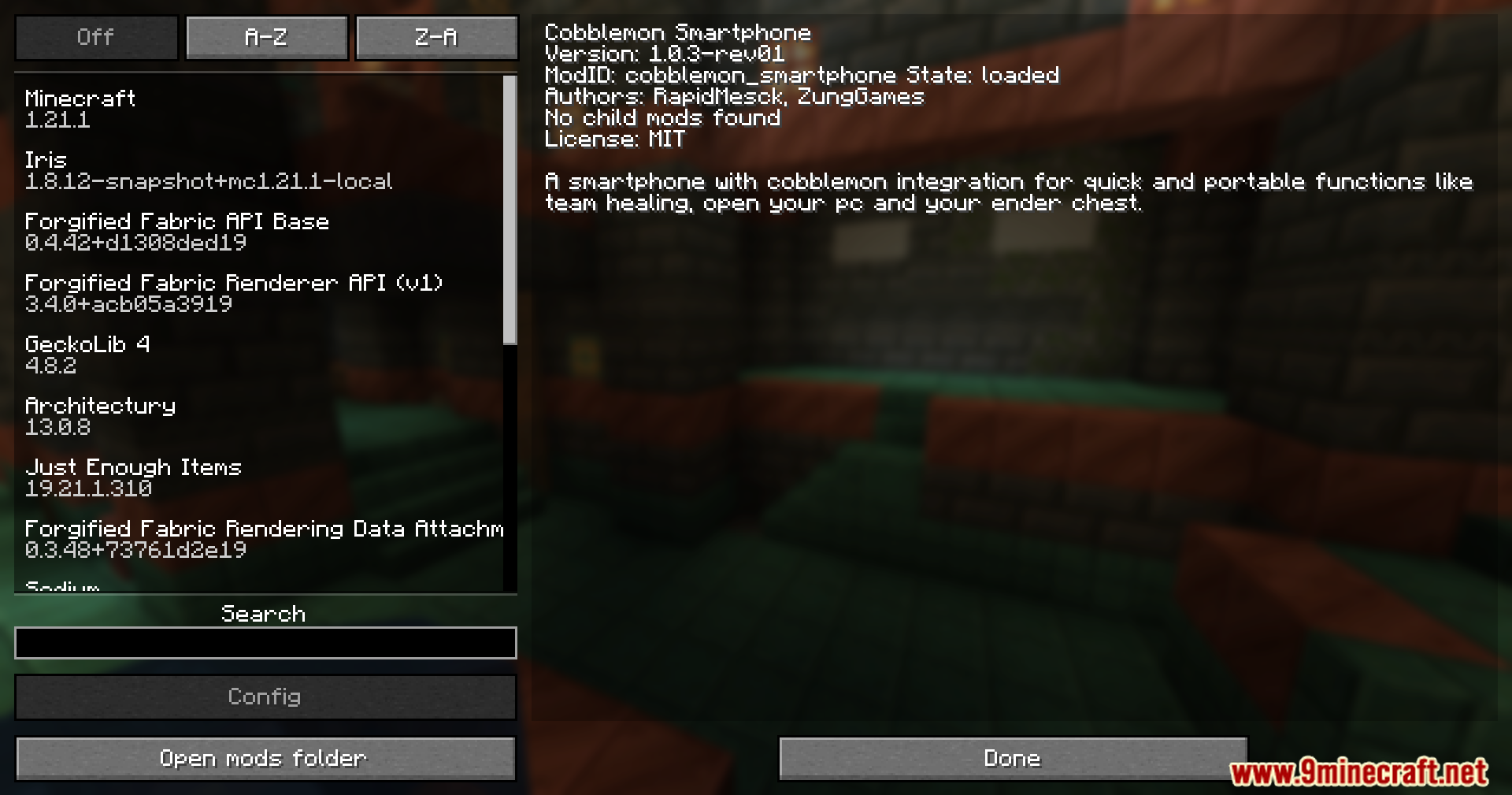
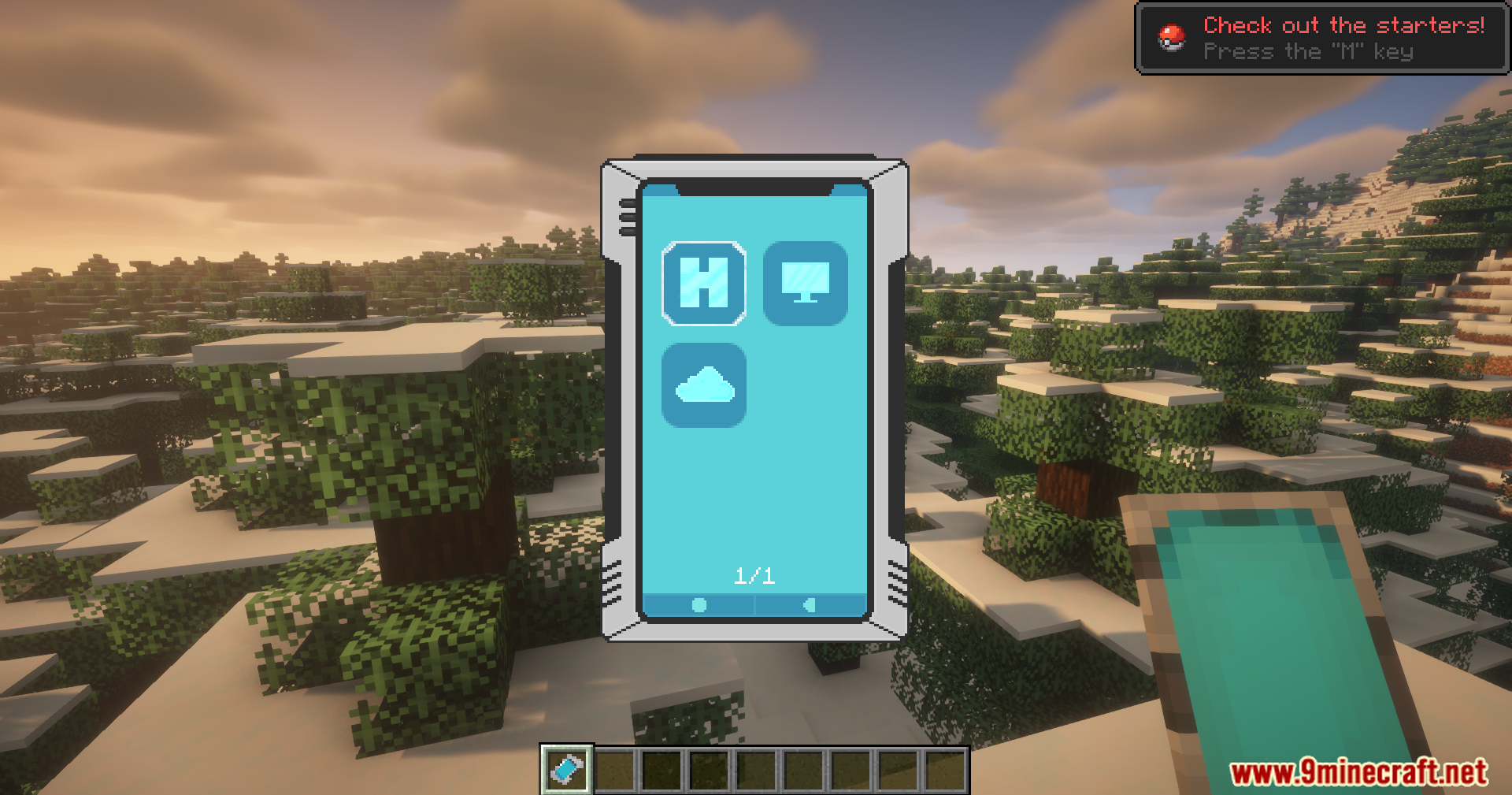
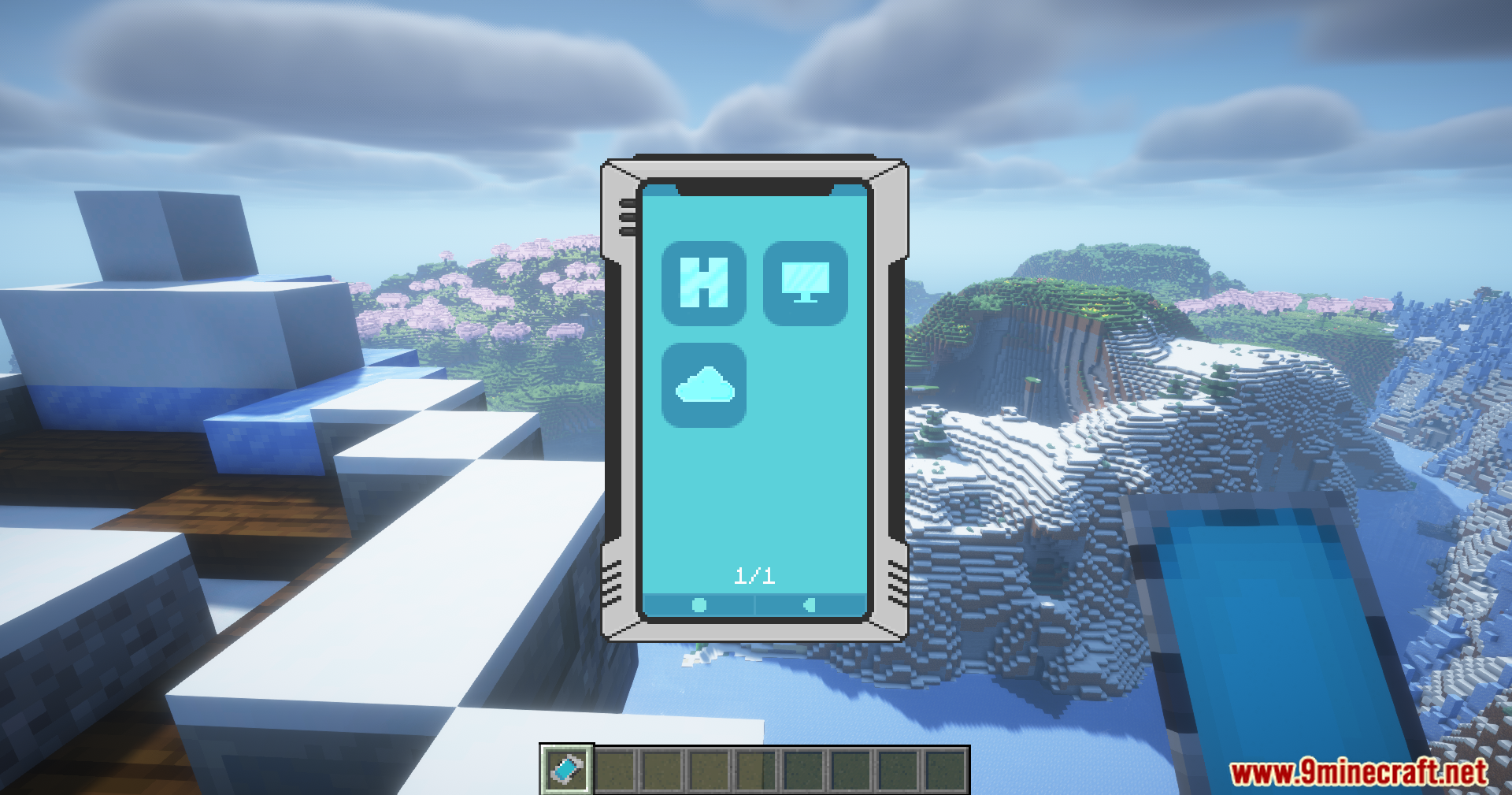
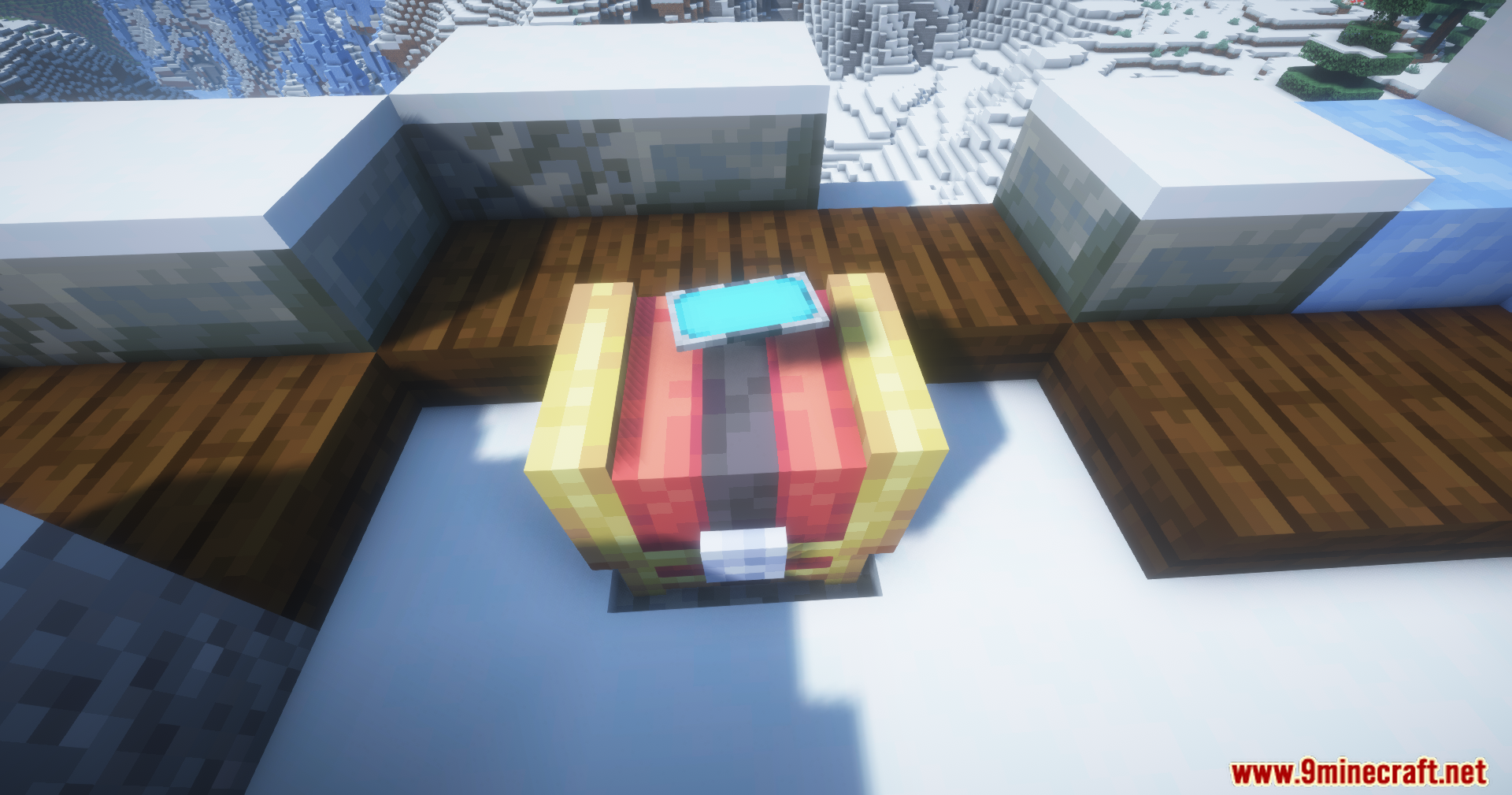
Cobblemon Smartphone Mod उन ट्रेनर्स के लिए एक बहुत ही काम का स्मार्टफोन जोड़ता है जो Cobblemon mod के साथ खेल रहे हैं। यह स्पेशल फोन आपको कहीं से भी ज़रूरी काम करने की सुविधा देता है, इसके लिए आपको किसी स्टेशन पर वापस जाने की ज़रूरत नहीं है। आप इसका इस्तेमाल अपनी पूरी Pokémon टीम को तुरंत हील करने, अपना PC स्टोरेज बॉक्स खोलने और अपने Ender Chest से आइटम निकालने के लिए कर सकते हैं। गेम का बैलेंस बनाए रखने के लिए, इन फीचर्स को इस्तेमाल करने के बाद एक छोटा सा कूलडाउन (cooldown) टाइम रखा गया है।
Features:
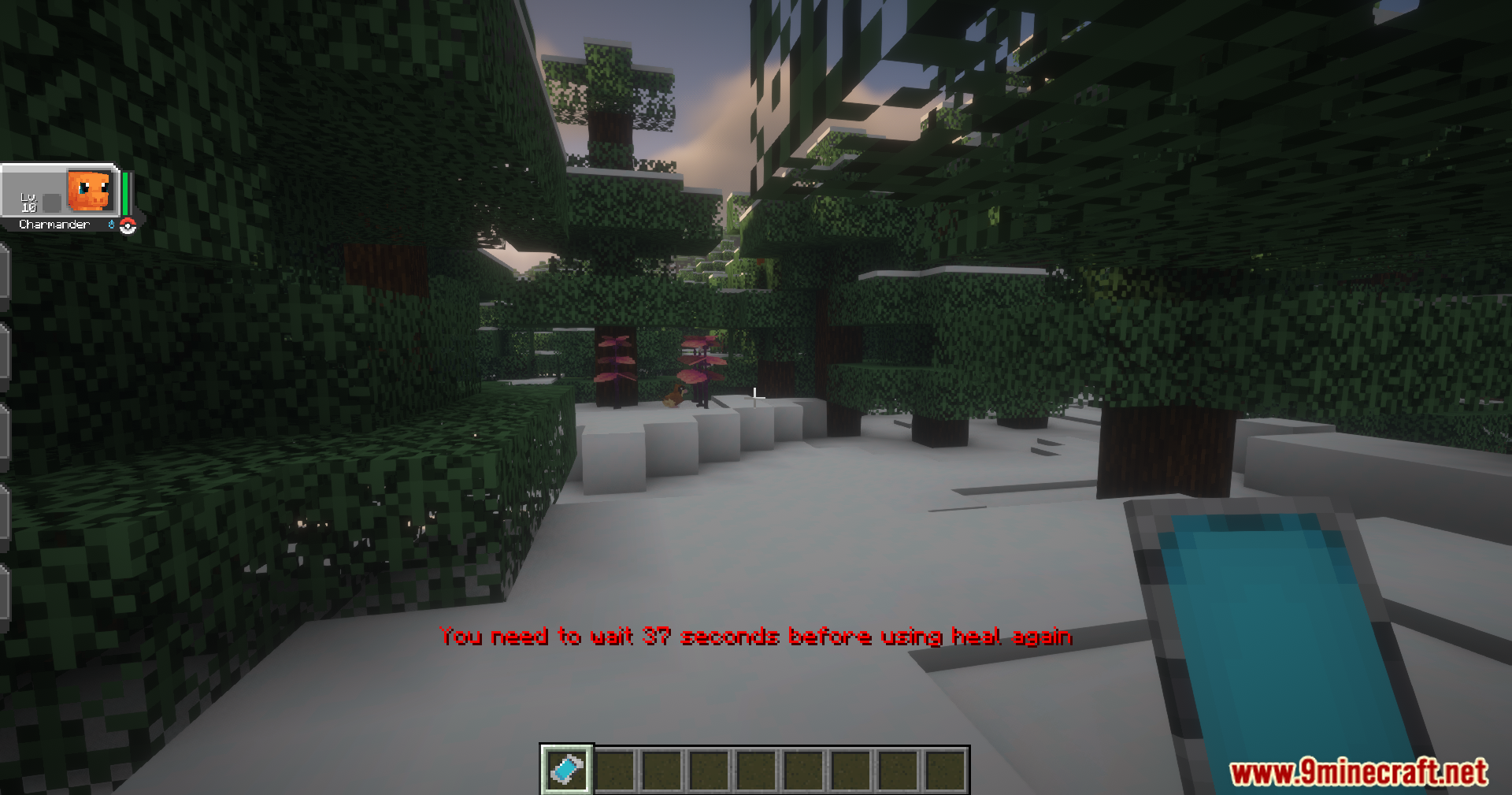
- फोन की स्क्रीन से ही अपनी पूरी Pokémon टीम को हील करने की सुविधा देता है।
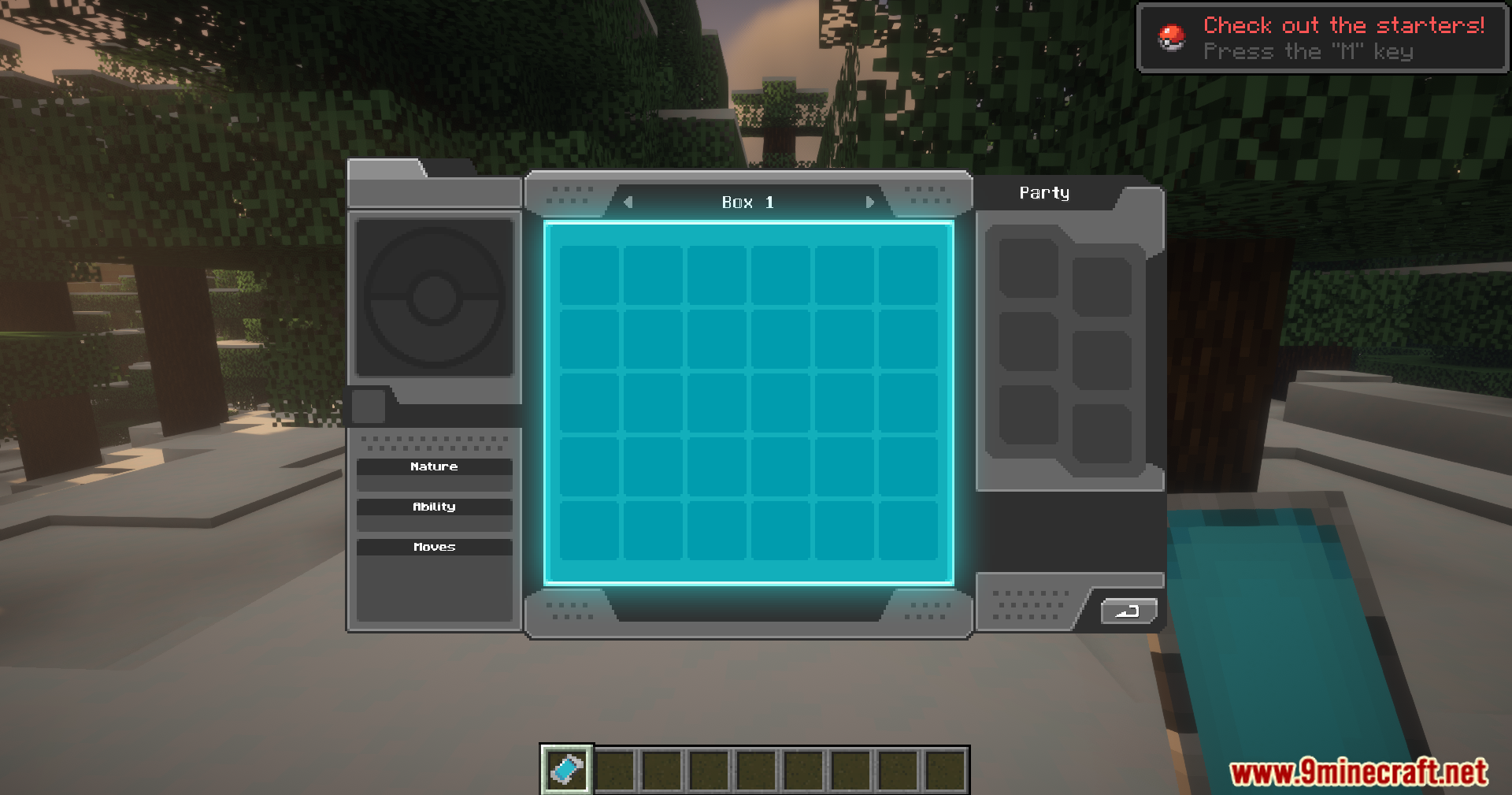
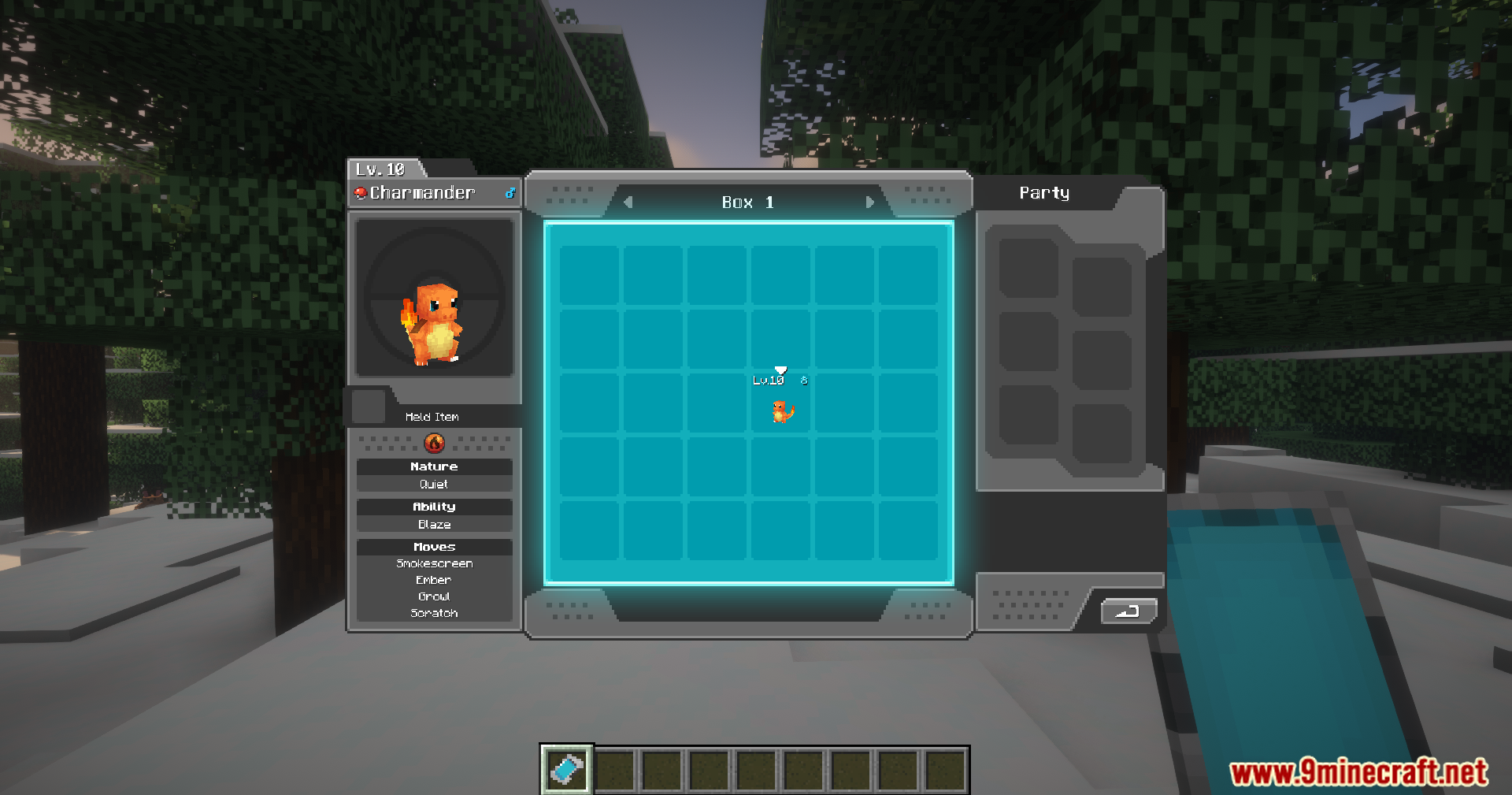
- बिना PC ब्लॉक के, कहीं से भी अपना Pokémon PC स्टोरेज खोलें और मैनेज करें।
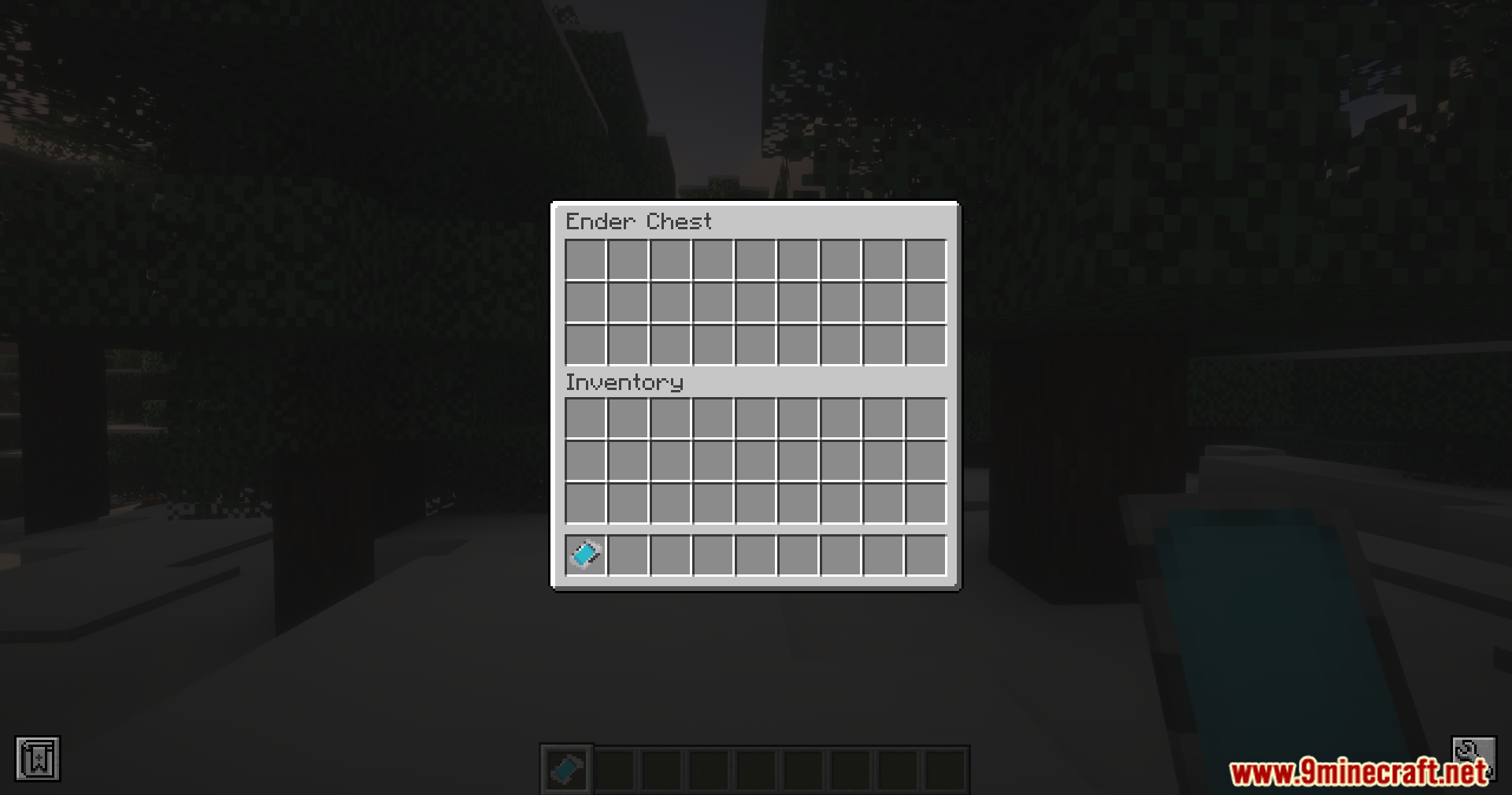
- फोन पर क्लाउड स्टोरेज ऐप के ज़रिए आपको अपने Ender Chest का एक्सेस देता है।
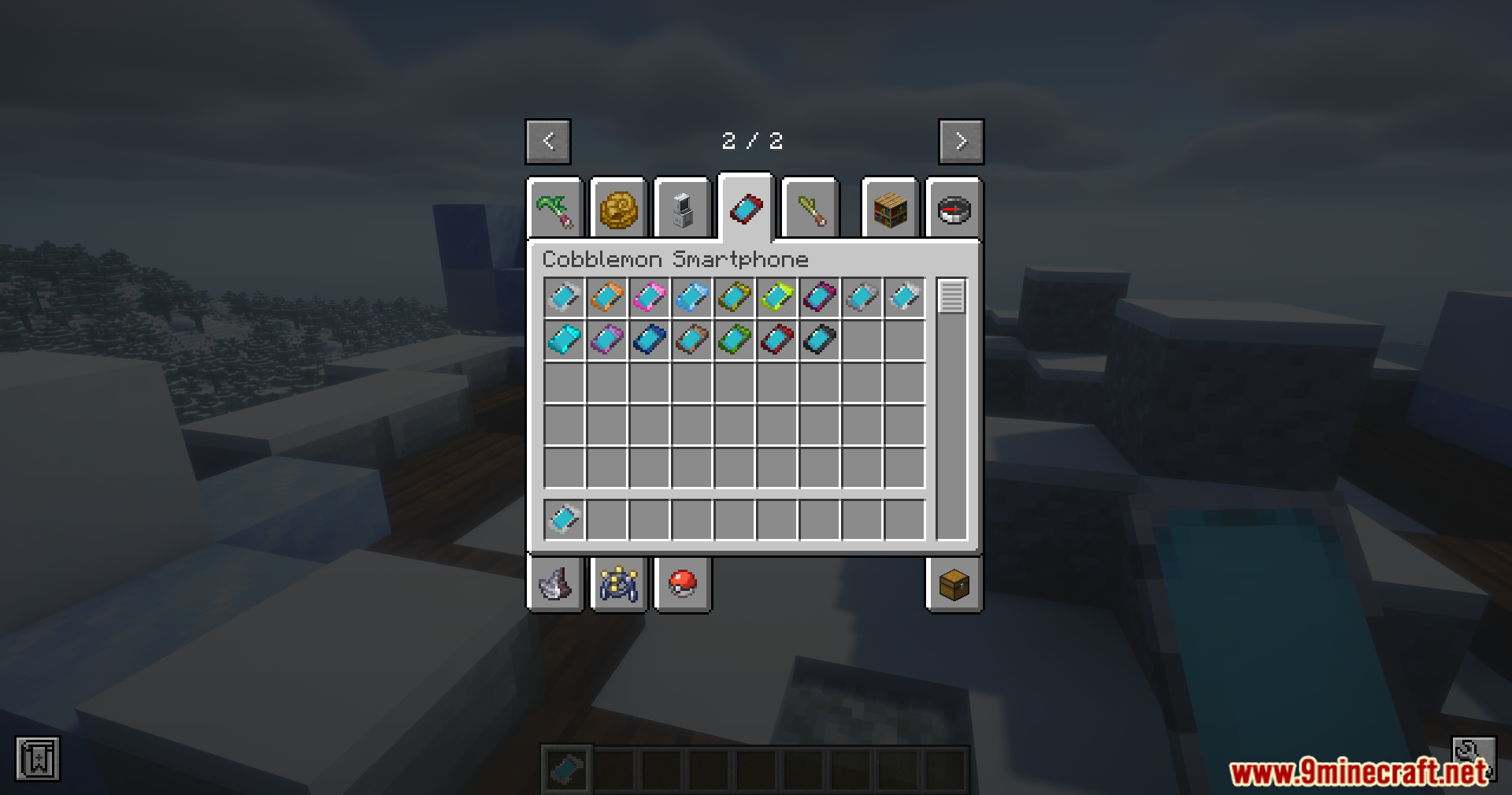
- स्मार्टफोन चुनने के लिए कई अलग-अलग रंगों में आता है।
- आप मोड की सेटिंग्स में हर ऐप को ऑन या ऑफ कर सकते हैं।
- हीलिंग, PC एक्सेस और क्लाउड स्टोरेज के लिए कूलडाउन टाइम को बदलने की सुविधा भी देता है।
Configuration:
आप मोड की सेटिंग्स को इसकी कॉन्फ़िग फ़ाइल में बदल सकते हैं। इससे आप फीचर्स को ऑन या ऑफ कर सकते हैं और वेटिंग टाइम को एडजस्ट कर सकते हैं।
Feature Toggles
आप स्मार्टफोन के मुख्य ऐप्स को इनेबल या डिसेबल कर सकते हैं:
enableHeal: Pokémon हीलिंग फीचर को टॉगल करता है।enablePC: PC एक्सेस फीचर को टॉगल करता है।enableCloud: Ender Chest (Cloud Storage) फीचर को टॉगल करता है।
Cooldown Settings
आप यह भी सेट कर सकते हैं कि किसी फीचर को दोबारा इस्तेमाल करने से पहले आपको कितनी देर इंतज़ार करना होगा:
- Healing Button: 60 सेकंड (डिफ़ॉल्ट)
- PC Access: 5 सेकंड (डिफ़ॉल्ट)
- Cloud Storage: 5 सेकंड (डिफ़ॉल्ट)
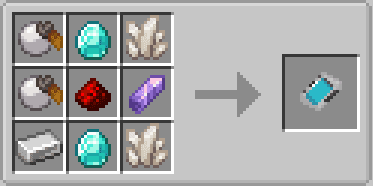
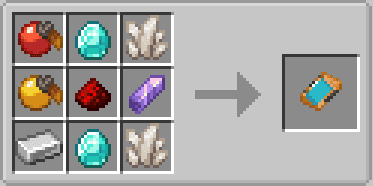
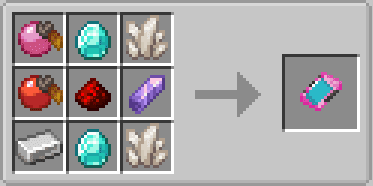
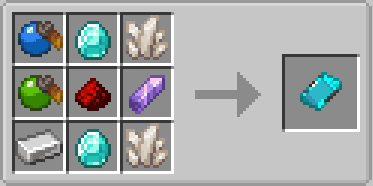
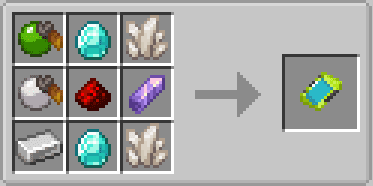
Crafting Recipes:
Screenshots:
इंस्टॉल कैसे करें:
आवश्यकताएँ:

Cobblemon Smartphone Mod Download Links
For Minecraft 1.21.1, 1.21
Fabric version: Download from Server 1 – Download from Server 2
NeoForge version: Download from Server 1 – Download from Server 2
ये भी पसंद आ सकते हैं





इस पोस्ट पर अभी कोई टिप्पणी नहीं है। सबसे पहले बनें — आपकी टिप्पणी यहाँ दिखाई देगी।