


Create Sound of Steam Tuning Wrench Mod (1.21.11, 1.20.1) – Pipe Organs को ट्यून करें

 0
0 

🌐 आप यह लेख हिन्दी में पढ़ रहे हैं। क्या बदलना चाहेंगे?
📖 अंग्रेज़ी मूल में पढ़ेंया अपनी पसंद की भाषा चुनें:
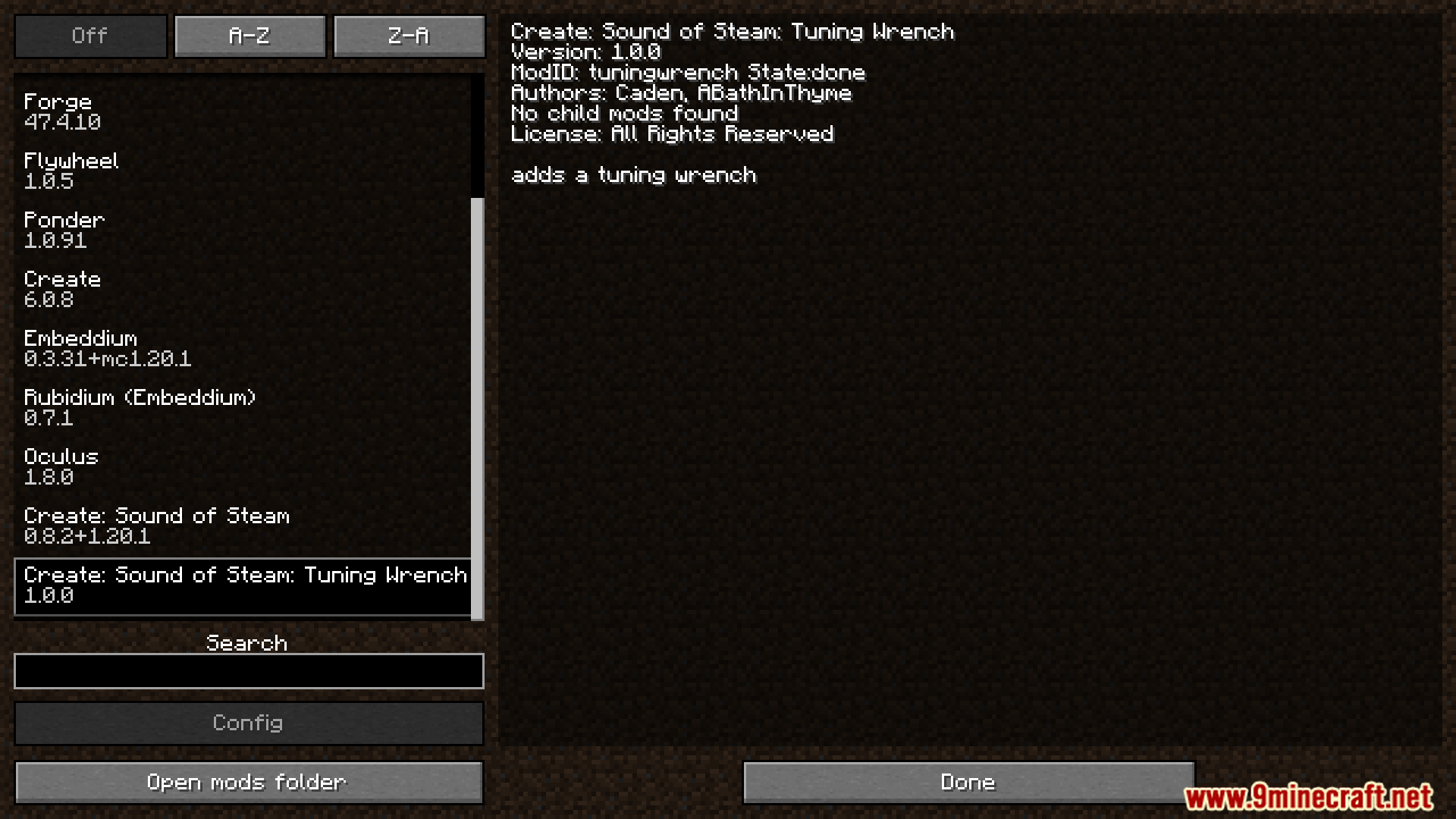
Create Sound of Steam Tuning Wrench Mod Sound of Steam मॉड के लिए एक बहुत ही काम का टूल जोड़ता है। यह मॉड आपको अपने pipe organs को ऑटोमैटिक रूप से सेटअप करने के लिए एक खास wrench देता है। हर redstone link पर मैन्युअल रूप से चैनल बदलने के बजाय, आप बस पाइप्स पर राइट-क्लिक कर सकते हैं। यह सर्वाइवल मोड में आपकी इन्वेंट्री से redstone links का उपयोग करके पूरी तरह से काम करता है। यह टूल आपका समय बचाता है और बड़े म्यूजिकल इंस्ट्रूमेंट्स बनाना बहुत आसान बना देता है।

Features:
- Automatic Redstone Links: यह पाइप के दो ब्लॉक नीचे एक redstone link लगाता है और उसे receive mode पर सेट कर देता है।
- Instant Tuning: ऊपर वाले पाइप से मैच करने के लिए redstone link पर सही फ्रीक्वेंसी ऑटोमैटिकली सेट कर देता है।
- Survival Mode Ready: जब आप सर्वाइवल वर्ल्ड में इस टूल का उपयोग करते हैं, तो यह सीधे आपकी इन्वेंट्री से redstone links ले लेता है।
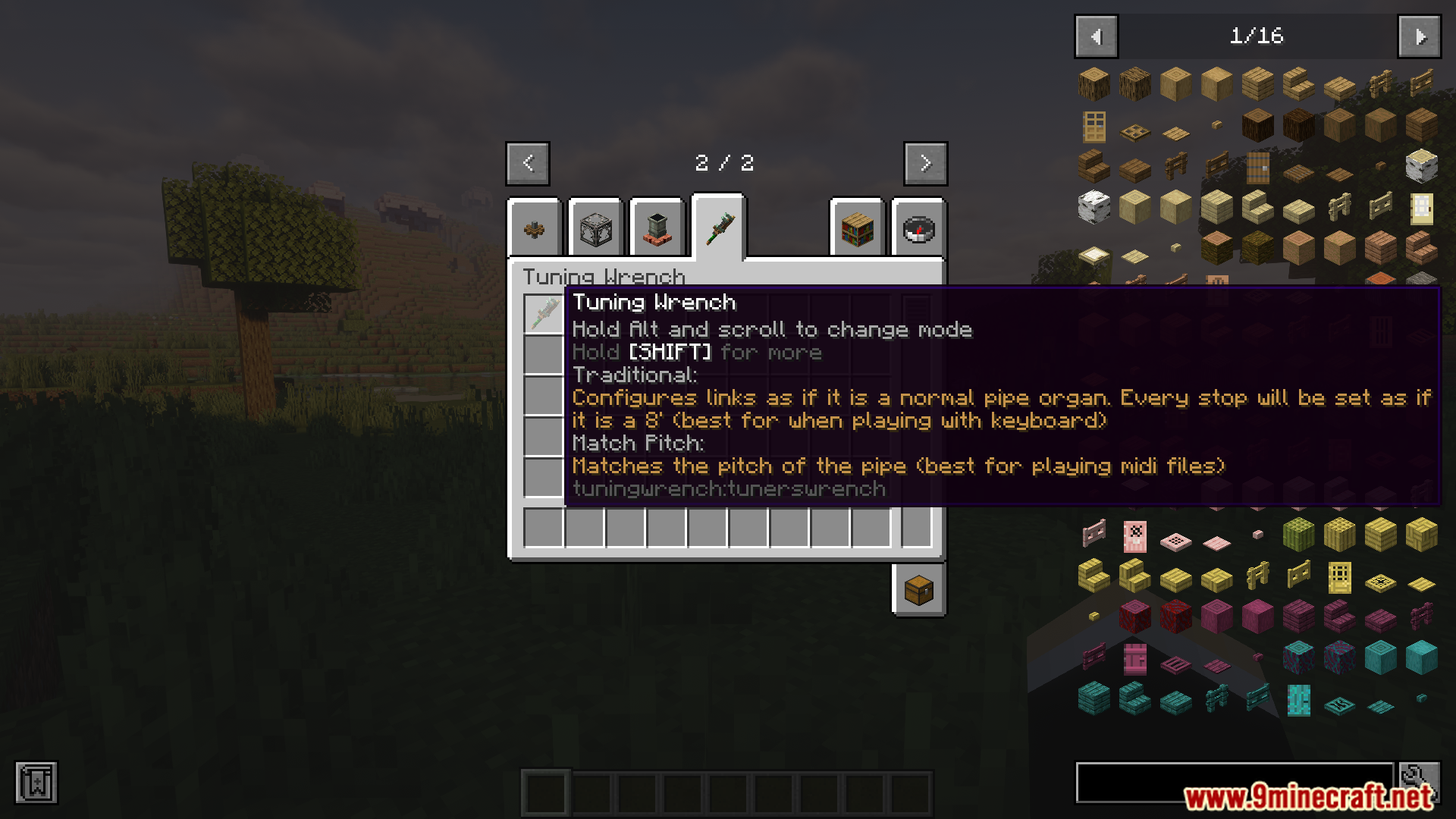
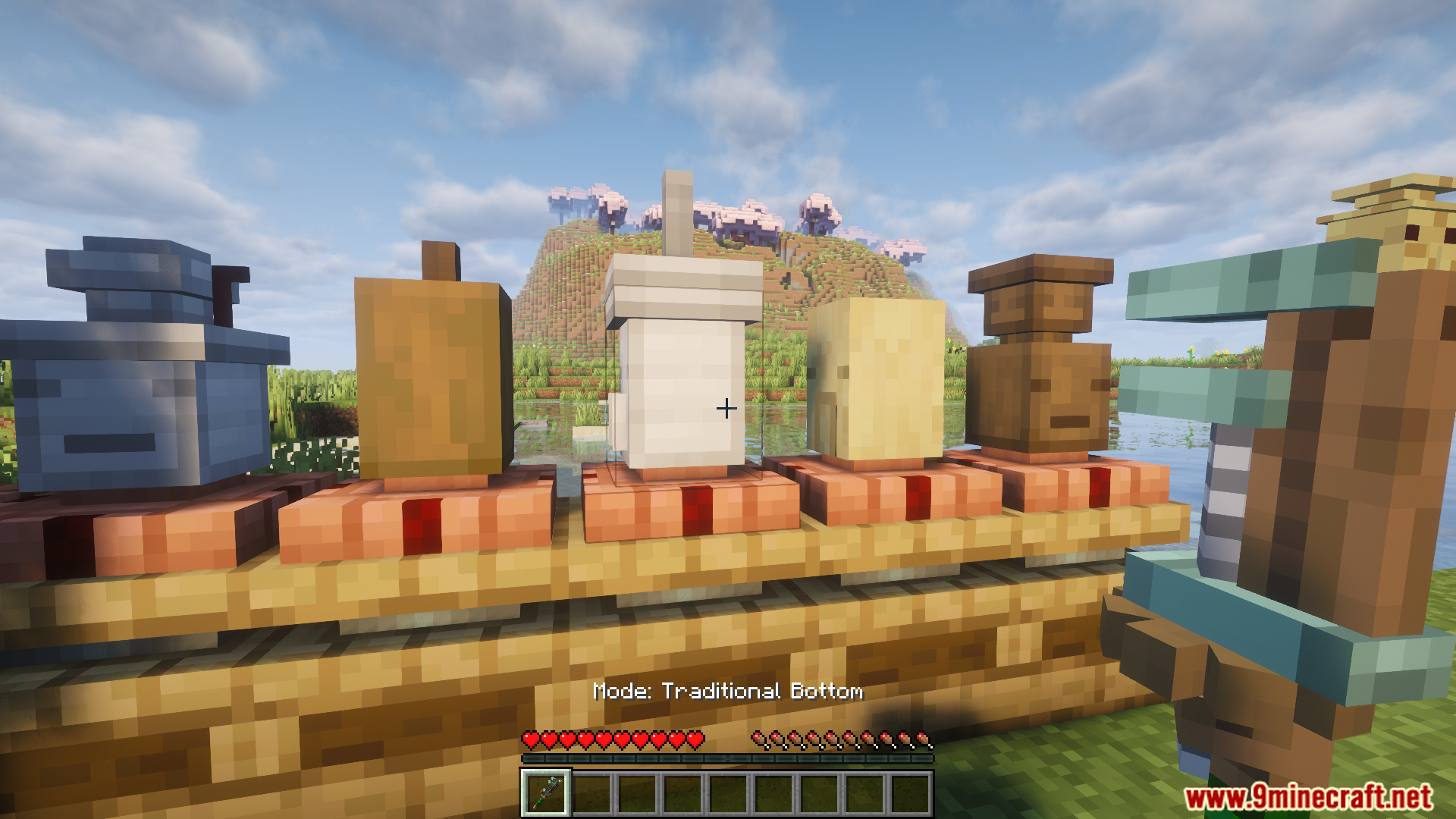
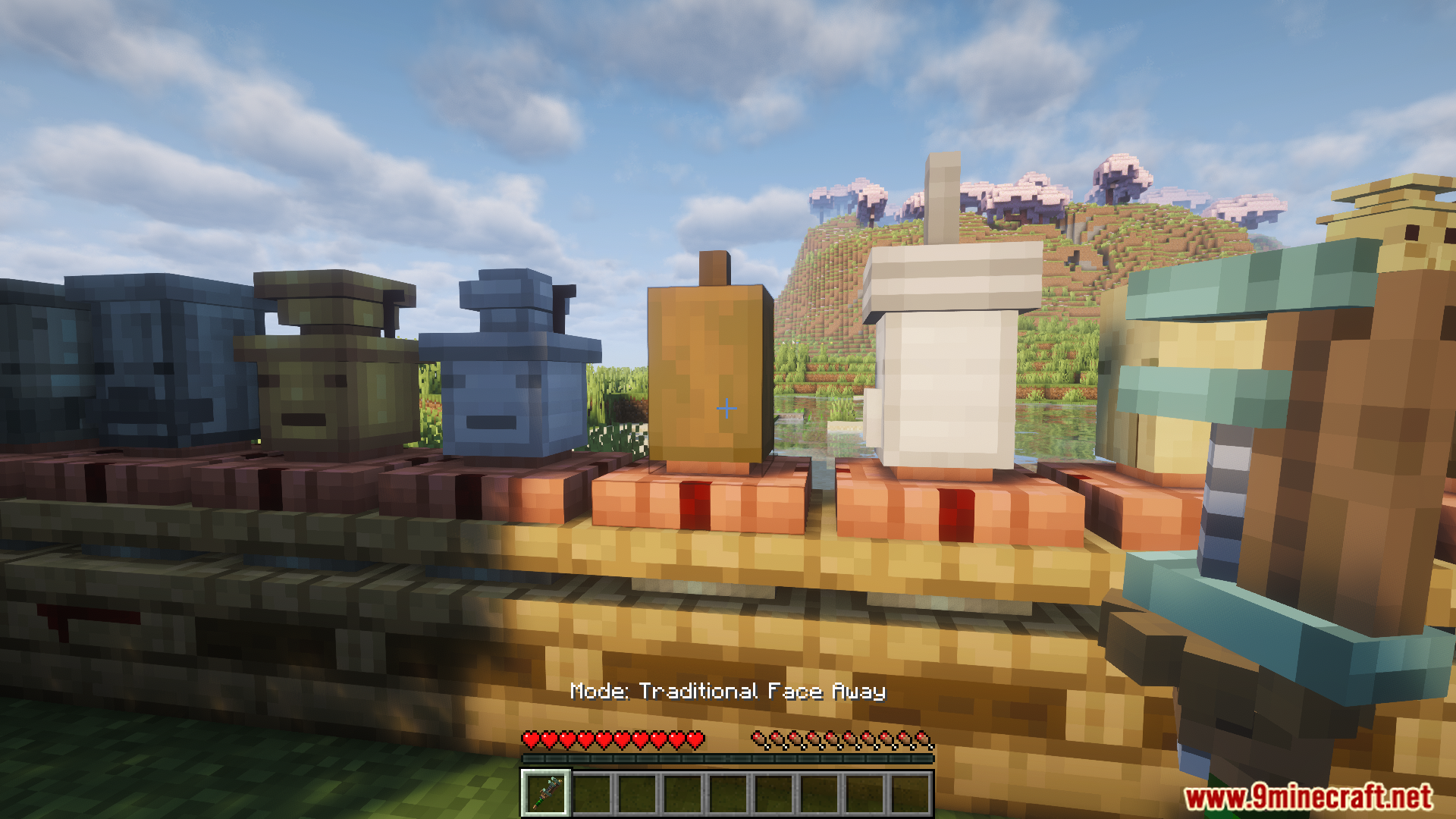
- Traditional Mode: यह असली pipe organs की तरह कीबोर्ड रिले के लिए लिंक्स सेटअप करता है।
- Pitch Match Mode: यह पाइप की सटीक फ्रीक्वेंसी से मैच करता है, जो MIDI बजाने के लिए सबसे अच्छा काम करता है।
- Safe Placement: यदि उस जगह पर पहले से ही कोई दूसरा ब्लॉक या लिंक है, तो यह टूल लिंक प्लेस करने से रुक जाता है।
How to Use:
- अपने हाथ में tuning wrench पकड़ें।
- Alt की दबाकर रखें और ट्यूनिंग मोड चुनने के लिए माउस व्हील को स्क्रॉल करें।
- अपने क्रॉसहेयर को Sound of Steam पाइप की ओर रखें।
- Wrench के साथ पाइप पर राइट-क्लिक करें।
- अपने प्लेस किए गए और ट्यून किए गए redstone link को देखने के लिए पाइप के नीचे चेक करें।
Screenshots:



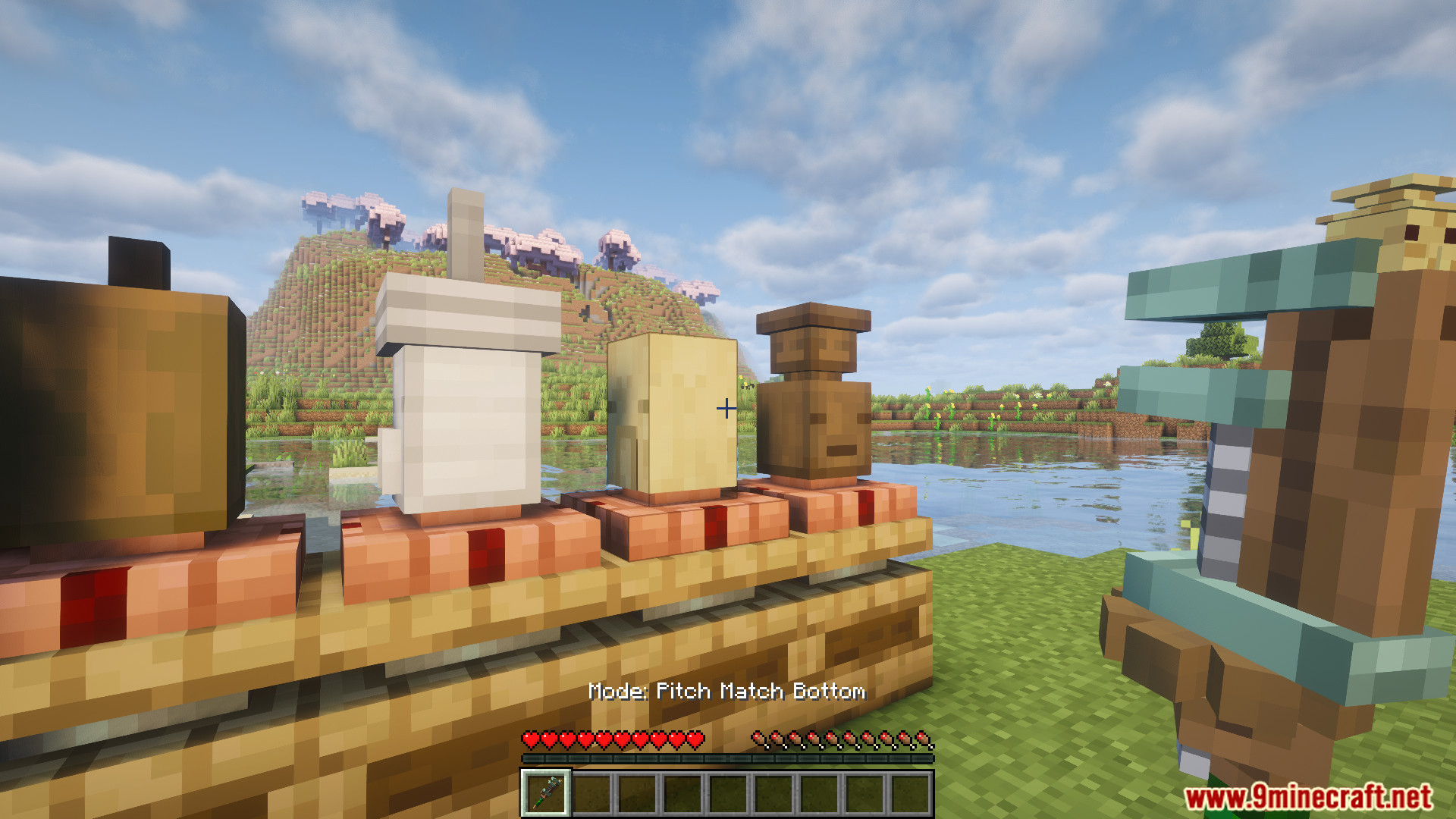
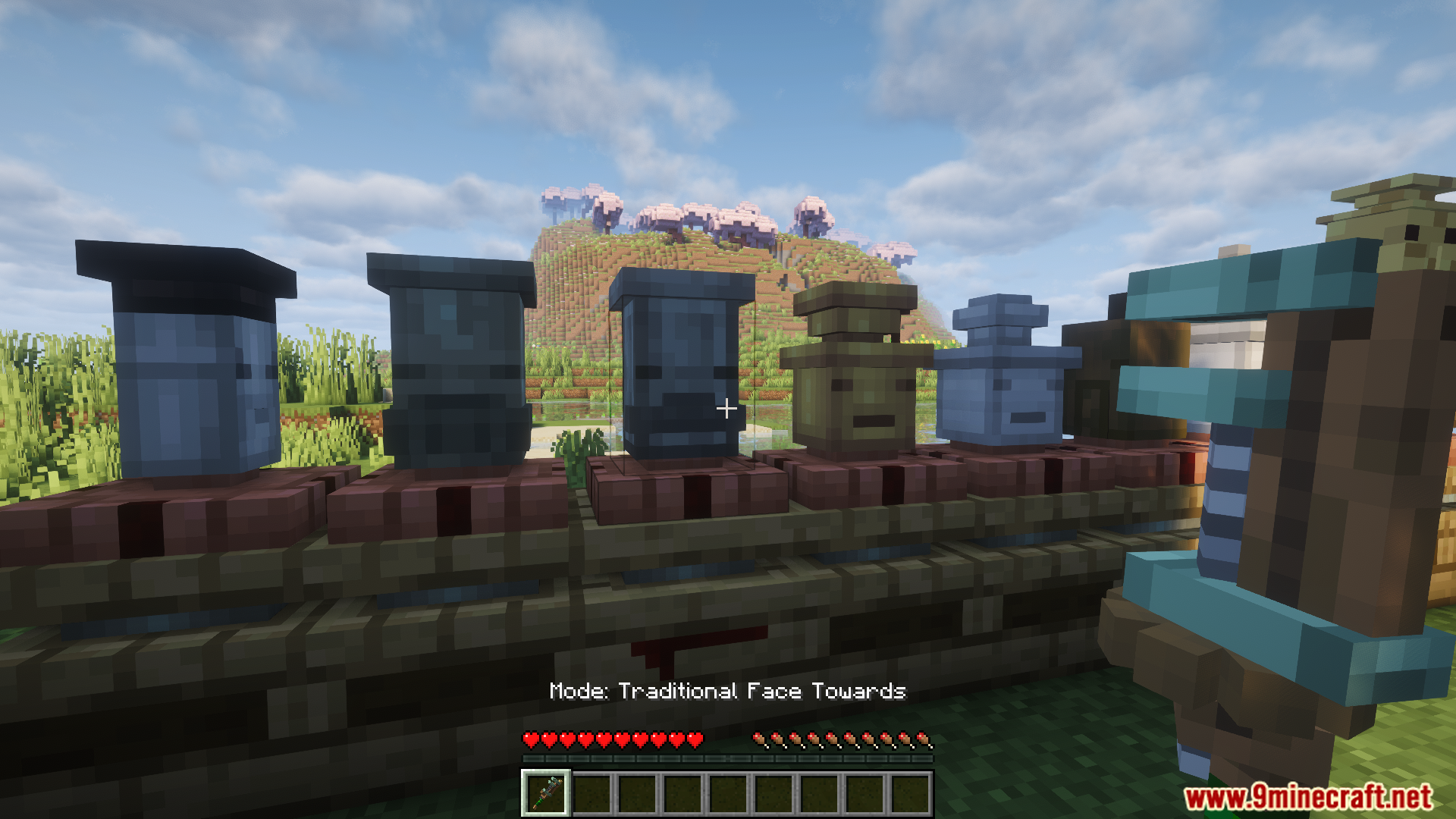

इंस्टॉल कैसे करें:



Create Sound of Steam Tuning Wrench Mod Download Links
Minecraft के लिए
1.21.11,
1.21.10,
1.21.9
All Versions Covered
1.21.11
1.21.10
1.21.9
1.21.8
1.21.7
1.21.6
1.21.5
1.21.4
1.21.3
1.21.2
1.21.1
1.21
All Versions Covered
1.21.11
1.21.10
1.21.9
1.21.8
1.21.7
1.21.6
1.21.5
1.21.4
1.21.3
1.21.2
1.21.1
1.21
Minecraft के लिए 1.20.1, 1.20
इस पोस्ट को रेट करने के लिए क्लिक करें!
[Total: 2 Average: 4]
ये भी पसंद आ सकते हैं









इस पोस्ट पर अभी कोई टिप्पणी नहीं है। सबसे पहले बनें — आपकी टिप्पणी यहाँ दिखाई देगी।