


Icon Xaero’s 9minecraft Resource Pack (26.2) – Detailed Minimap Mob Sprites
 0
0
 0
0

Icon Xaero’s 9minecraft Resource Pack replaces the plain colored dots on your Xaero’s Minimap and World Map with clear, recognizable icons for hundreds of mobs, so a single glance at the radar tells you exactly what is nearby.
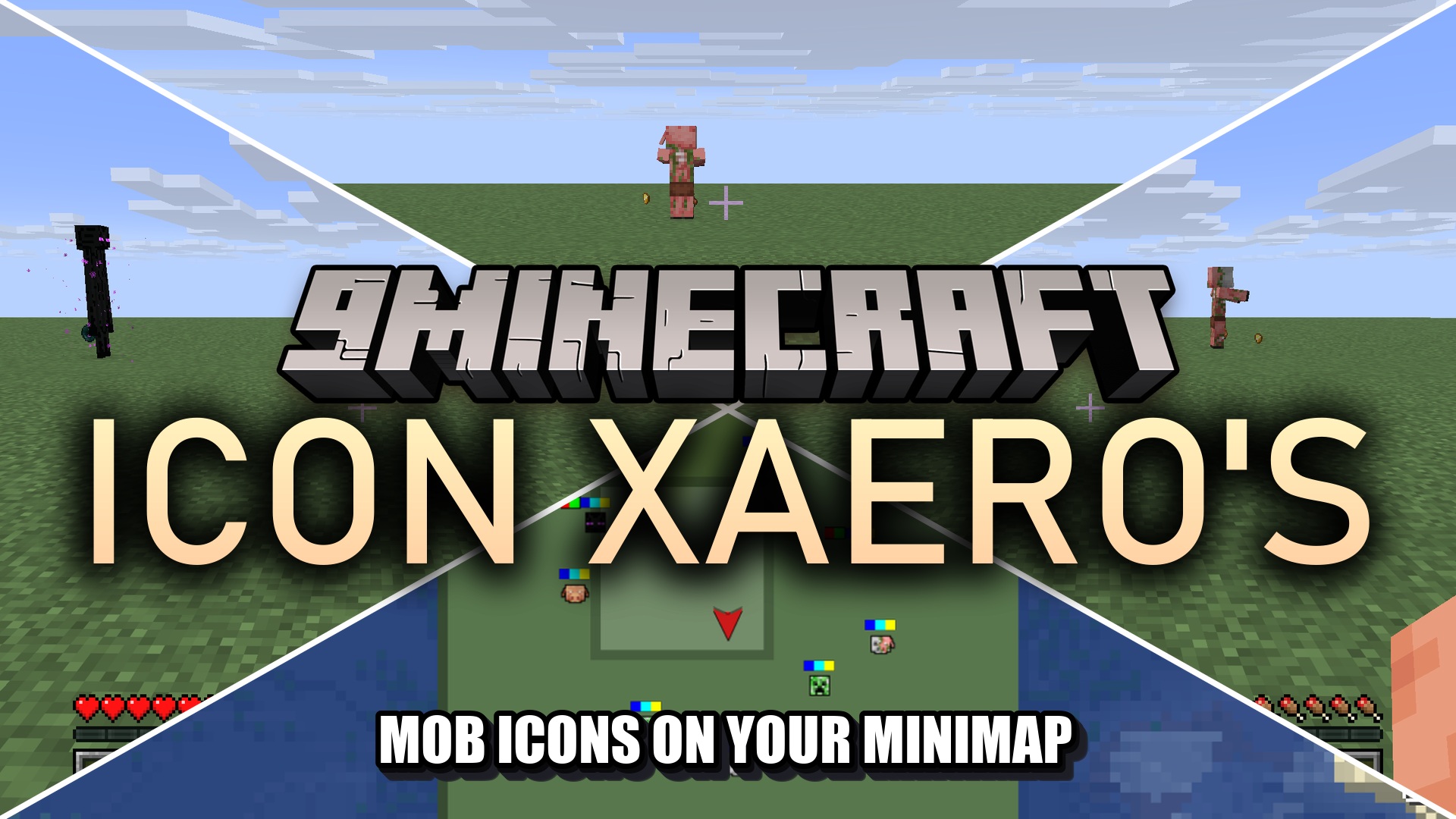
Instead of guessing whether a dot on the radar is a friendly animal or a hostile monster, this pack draws a small outlined sprite of each creature right on the map. It ships icons for vanilla mobs as well as entities from 129 popular mods, covering everything from Alex’s Mobs and The Aether to Ad Astra and many more. The icons show up on both the minimap and the full-screen world map.
Important – turn the icons on:
By default Xaero’s Minimap only shows icons for players. To see the mob icons from this pack, open Entity Radar Settings in the Xaero’s Minimap menu and set Display Icons to Always.
Features:
- Custom radar icons for vanilla mobs and entities from 129 supported mods.
- Clear outlined sprites replace the generic colored dots on the radar.
- Works on both Xaero’s Minimap and Xaero’s World Map.
- Tell hostile, neutral, and passive creatures apart at a glance.
- Lightweight – it only adds icon images and makes no gameplay changes.
How to Use:
- Install Xaero’s Minimap (and optionally Xaero’s World Map) first.
- Add this pack in Options → Resource Packs and move it to the active list.
- Open the Xaero’s Entity Radar Settings and set Display Icons to Always.
- Nearby mobs now appear as their own icons on the minimap and world map.
Screenshots:
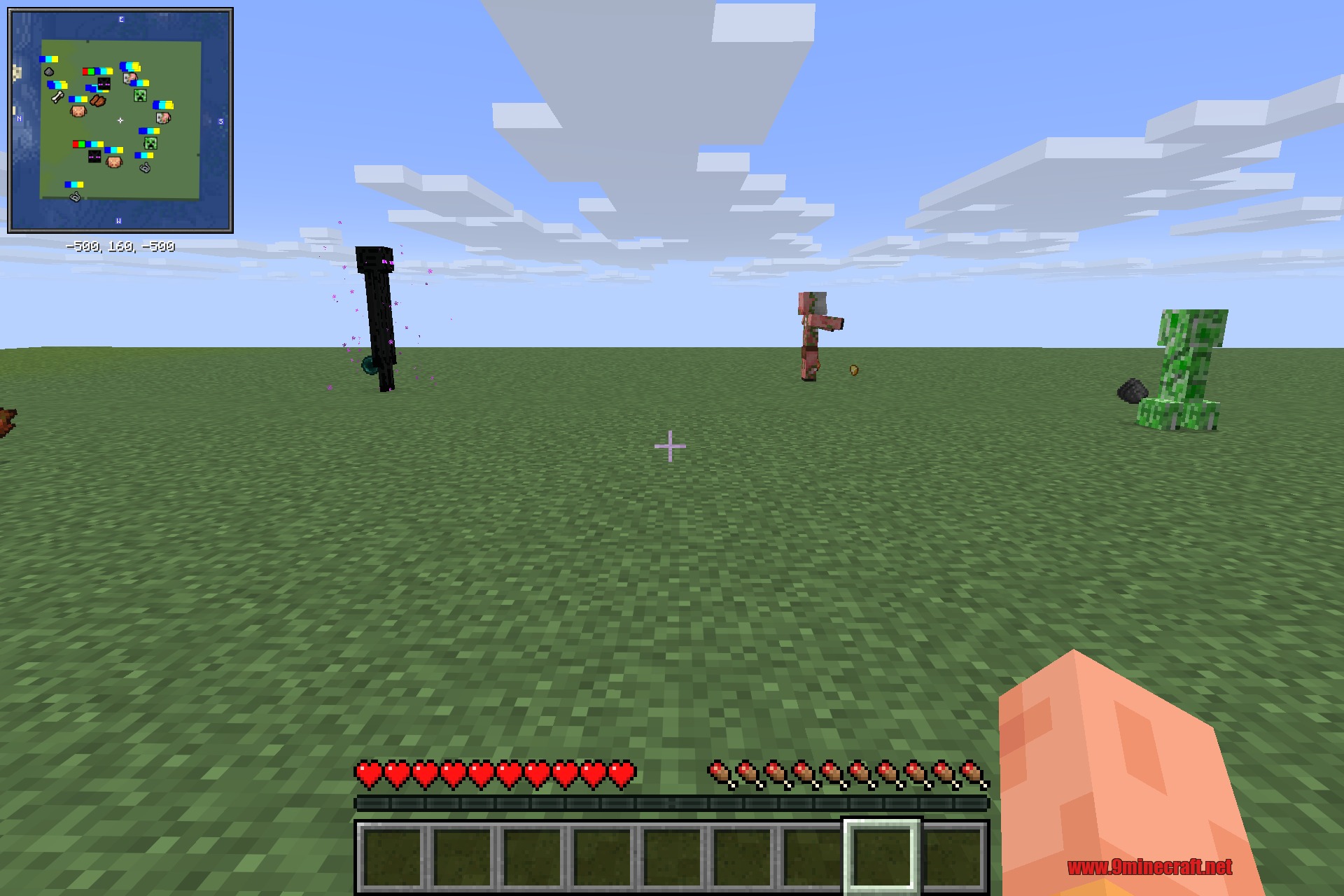
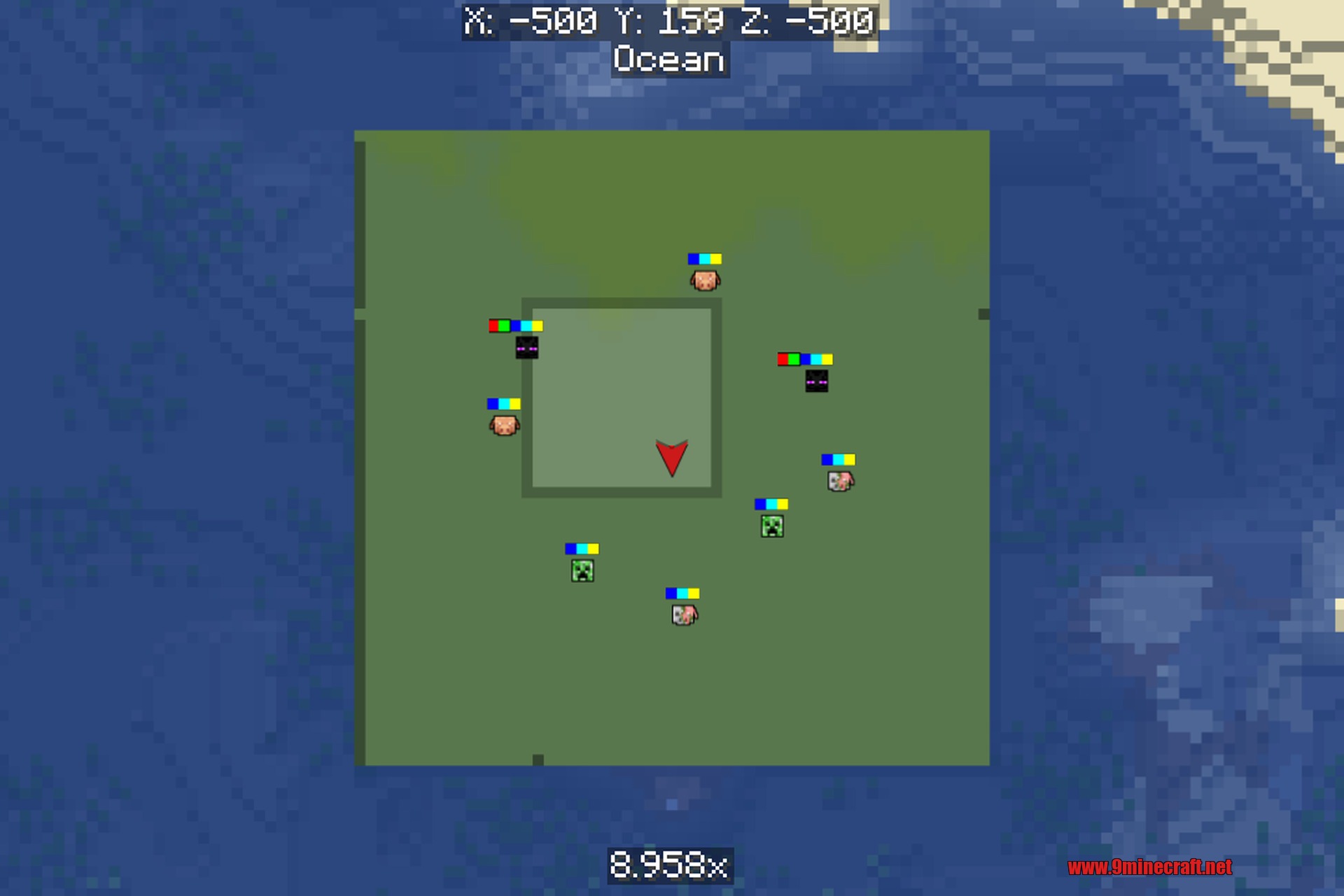
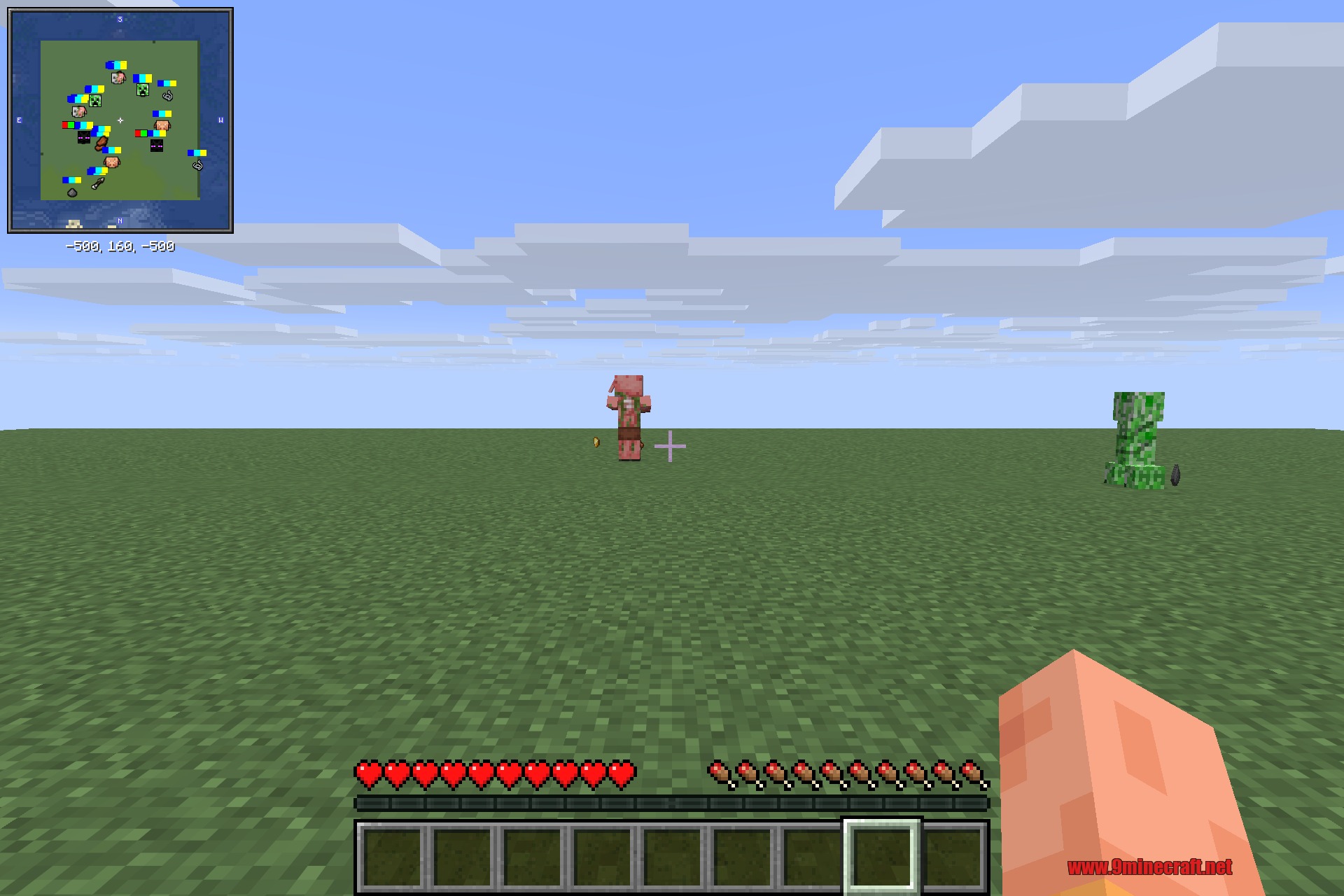
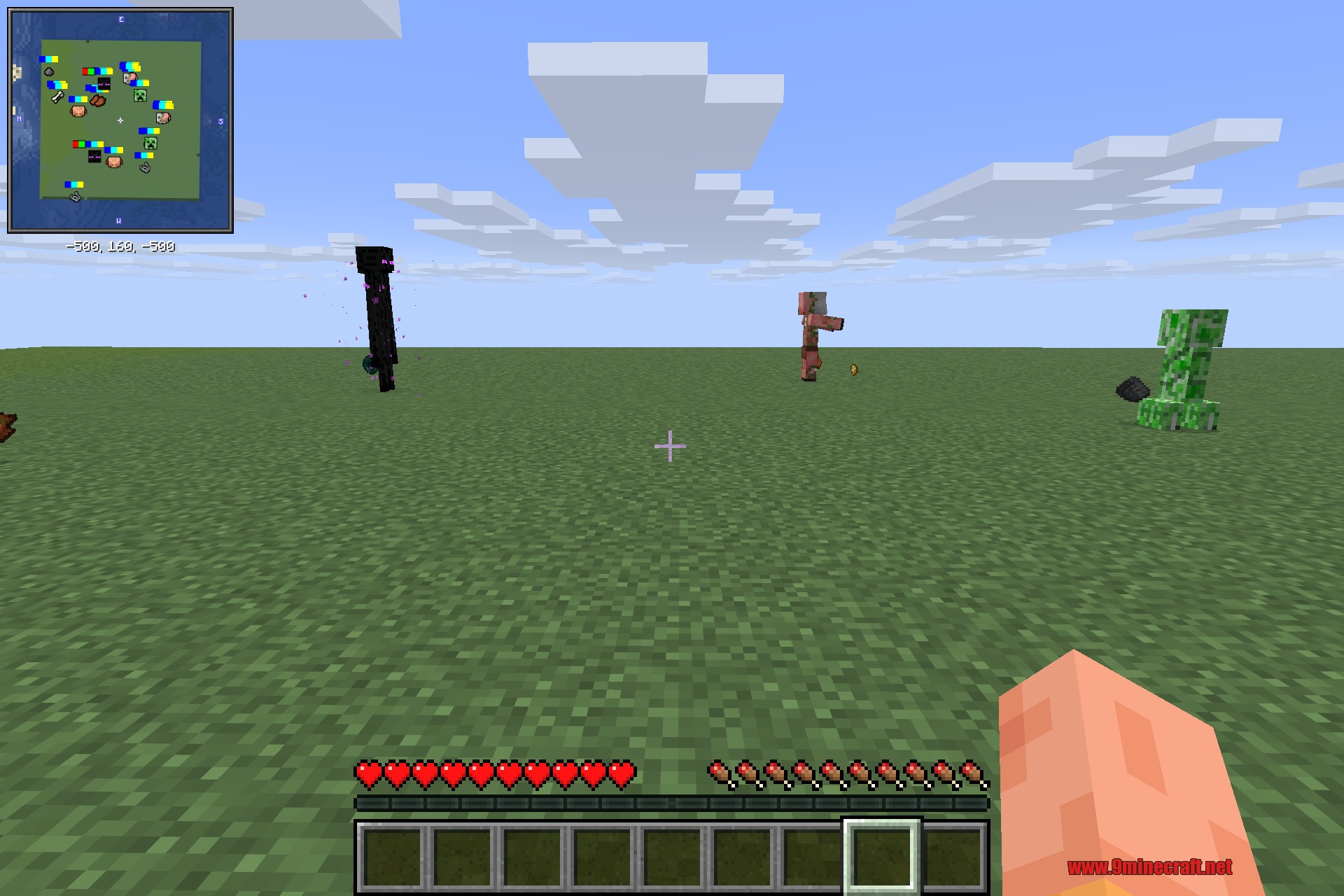
For Minecraft
26.2.x
All Versions Covered
26.2
You May Also Like








This post has no comments yet. Be the first — your comment will appear here.