
Crops Plus Resource Pack (1.21.11, 1.20.1) – See When Your Crops Are Ready

 0


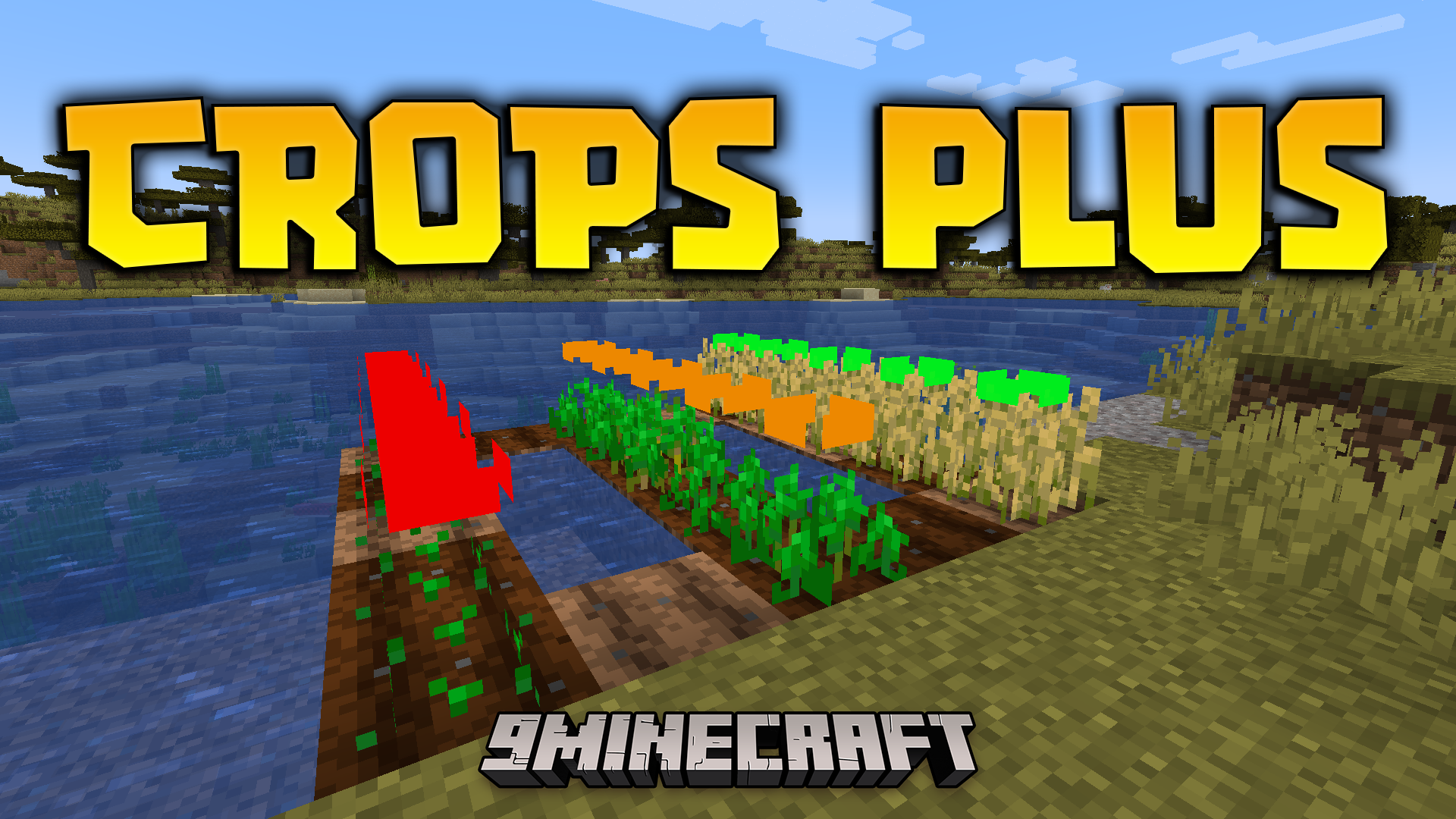
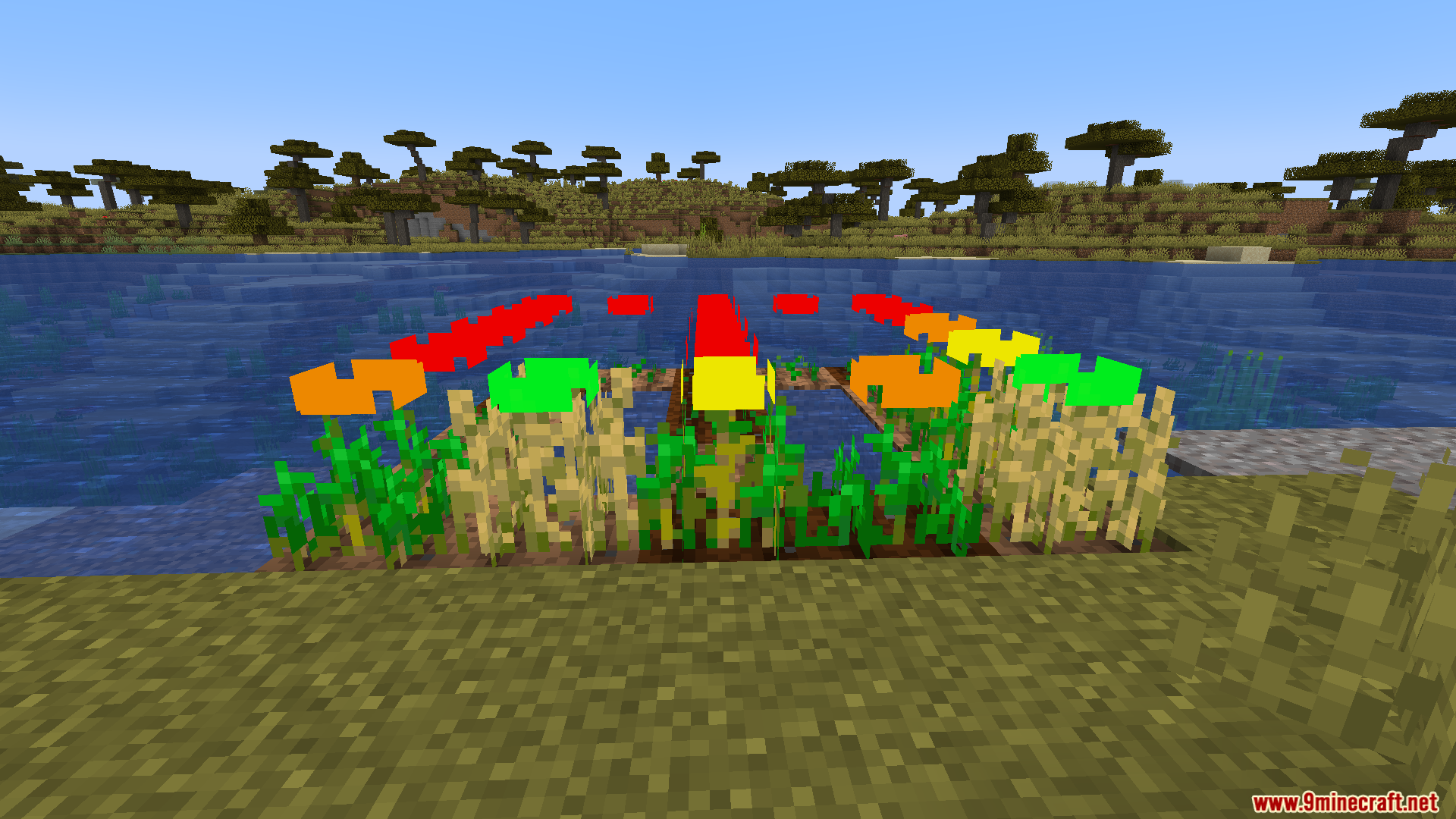
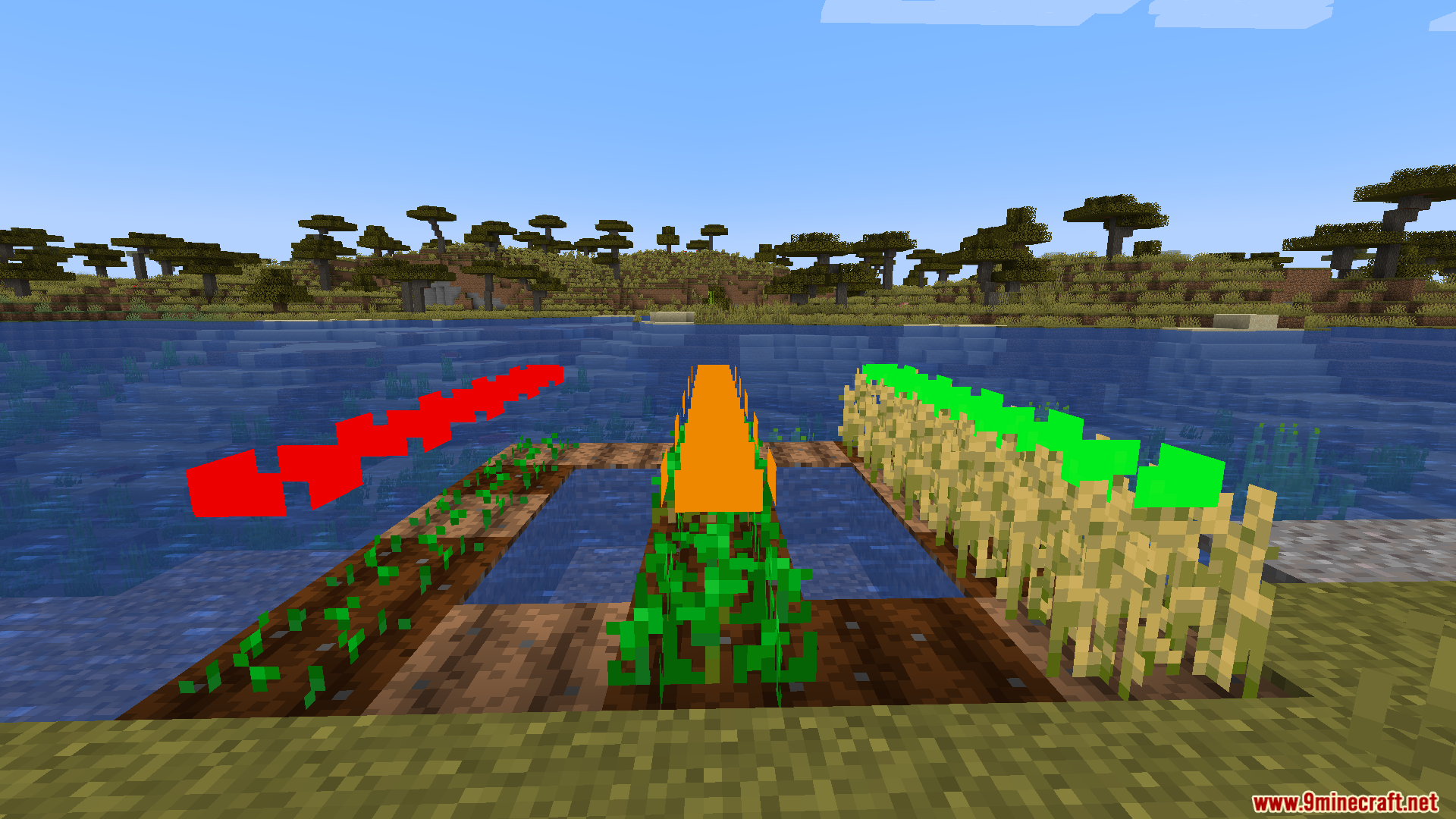
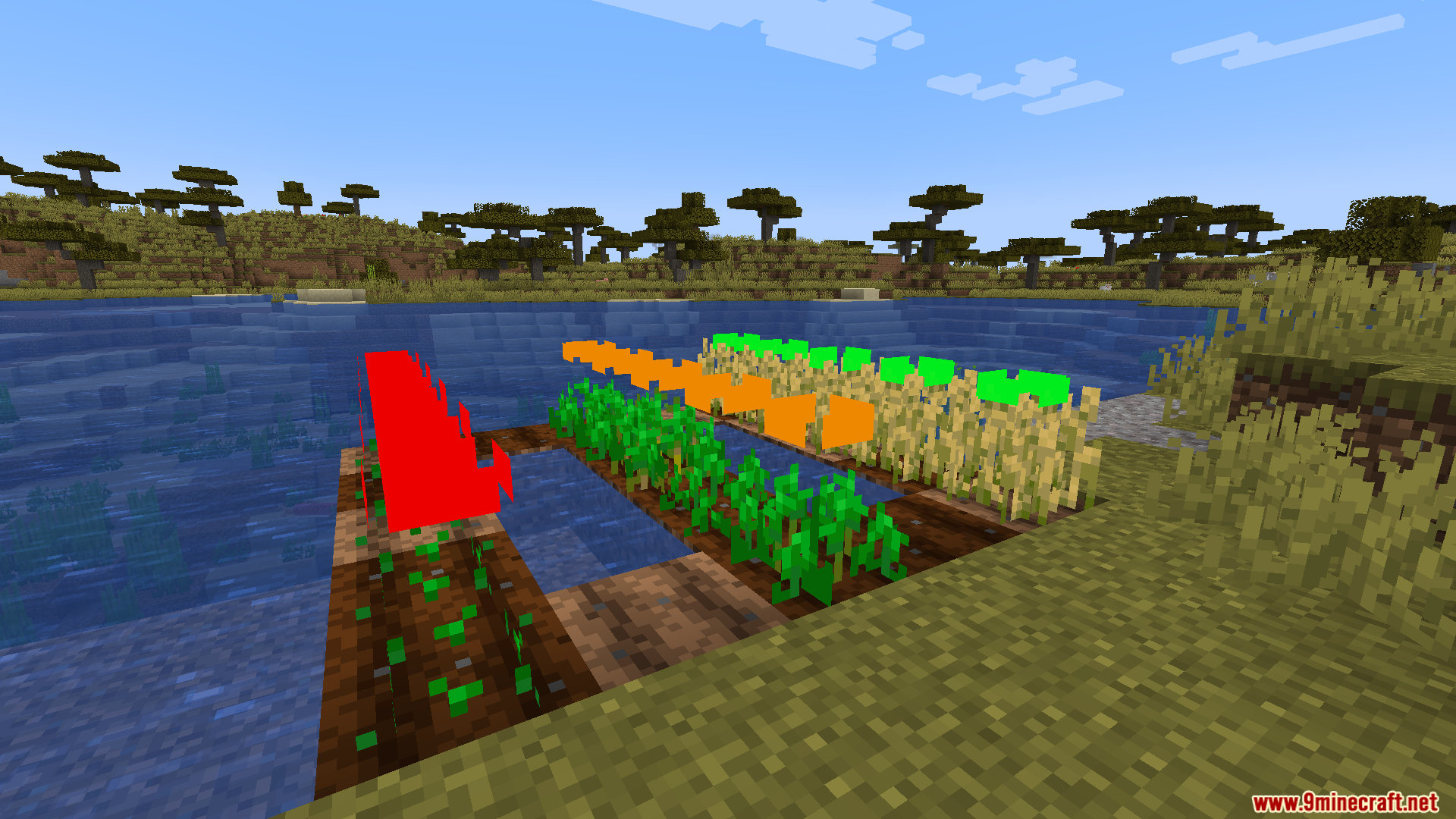
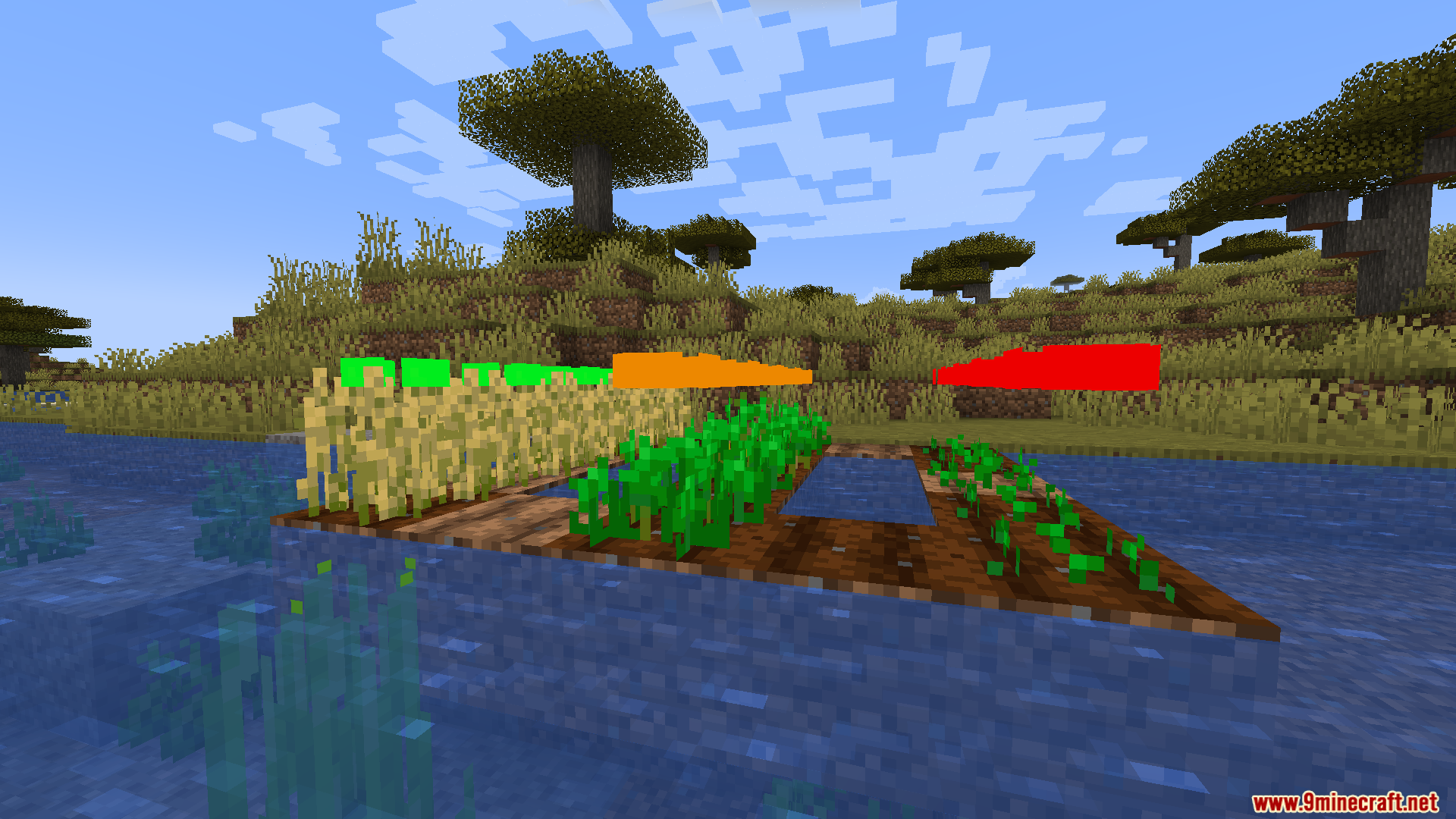
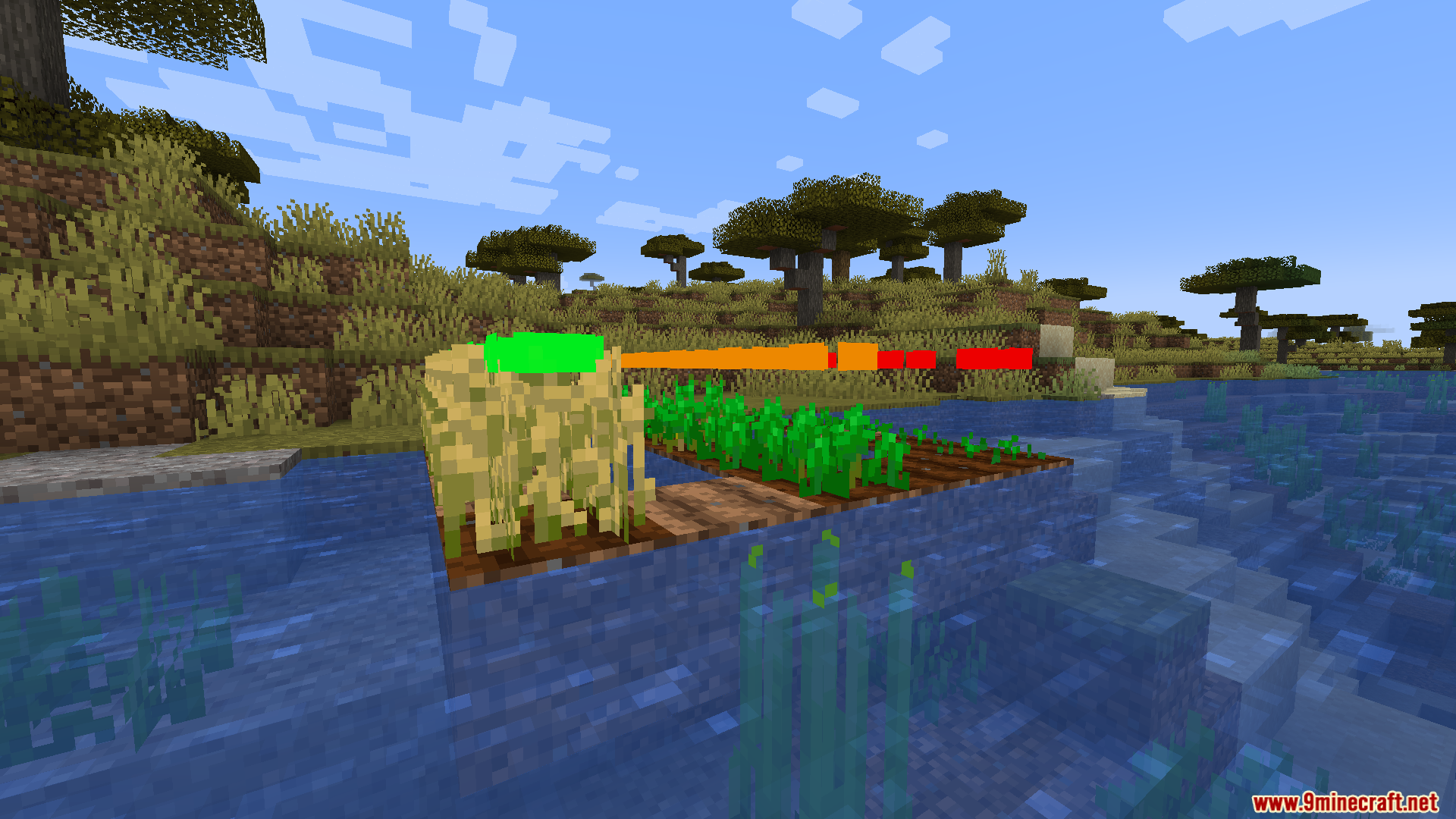
Crops Plus Resource Pack adds a simple visual helper to your farming worlds. This pack places a small, colored rectangle above your farm plants so you always know exactly when they are ready to harvest. It takes the guesswork out of farming by using a clear traffic-light system for plant growth. You no longer need to look closely at tiny pixel changes on wheat or carrots to figure out if they are done growing.
Features:
- Color Indicators: Places a small rectangle floating right above your planted seeds.
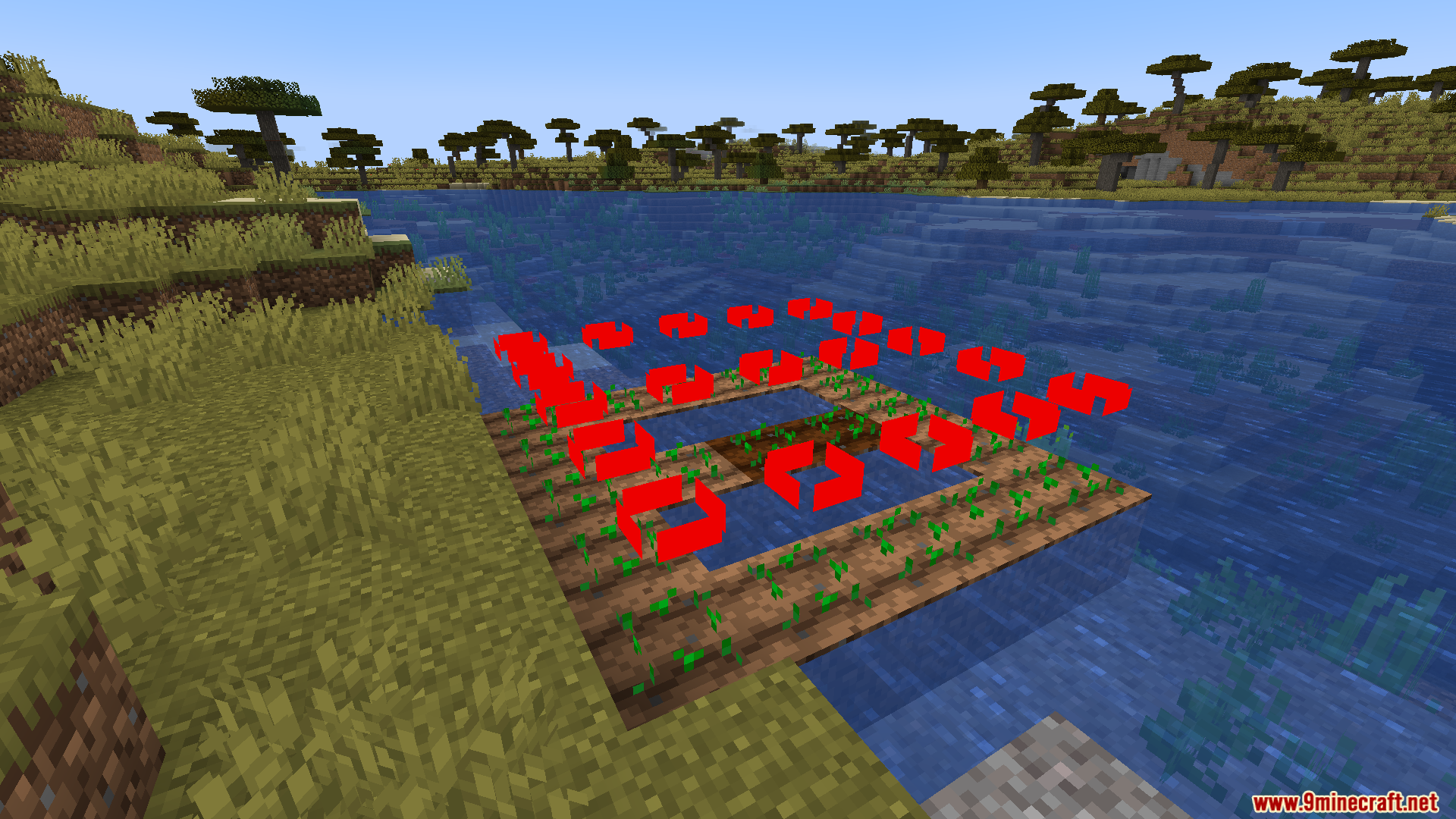
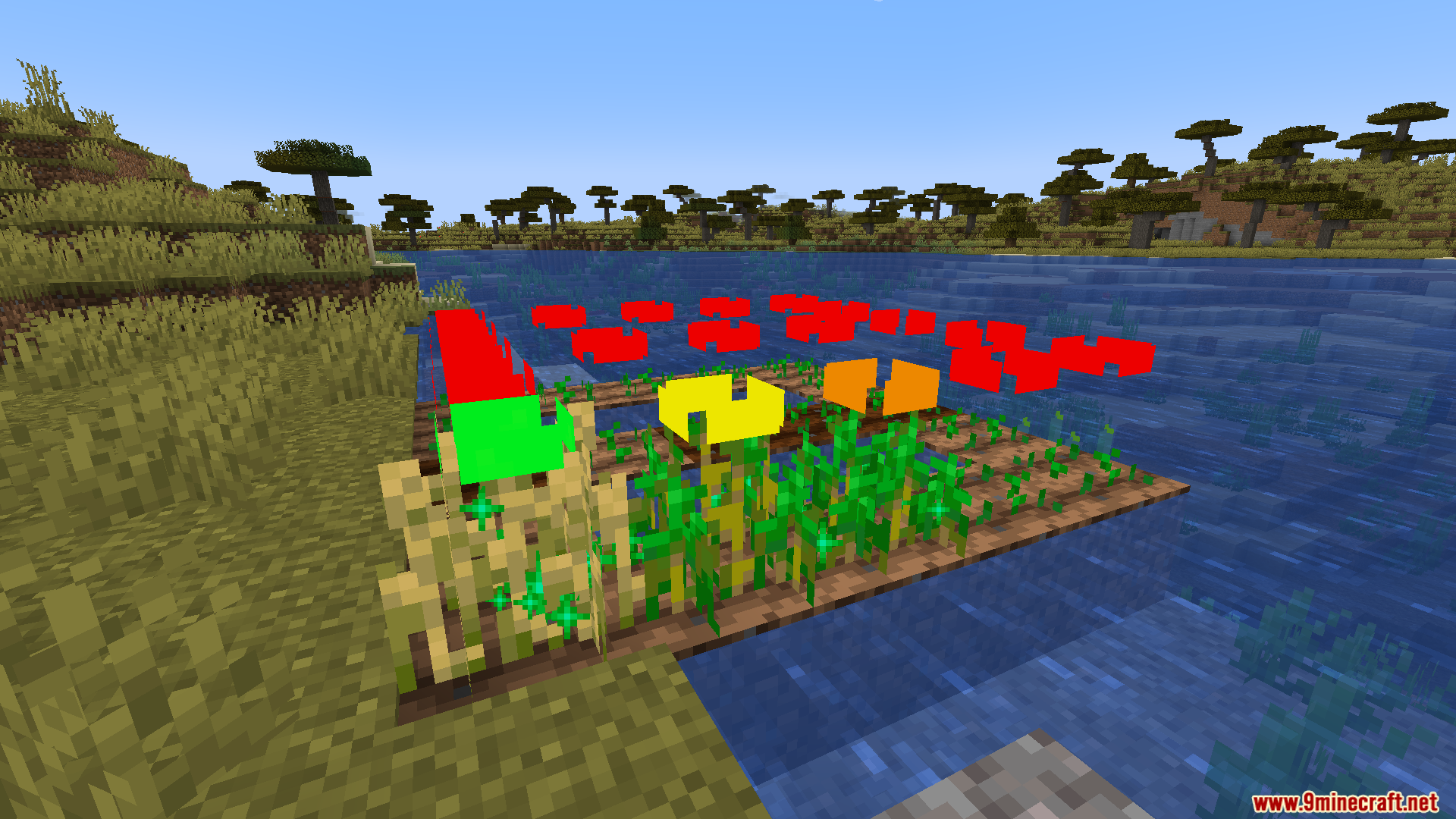
- Turns red when you first plant the seeds in the dirt.
- Changes to orange when the plant reaches the halfway point of its growth cycle.
- Switches to yellow when the food is almost ready to pick.
- Turns green to tell you the crop is fully grown and ready to eat.
- Helps players save time by letting them check their large farms from far away.
- Works great for beginners who do not know what fully grown Minecraft plants look like yet.
Screenshots:
How to Install:
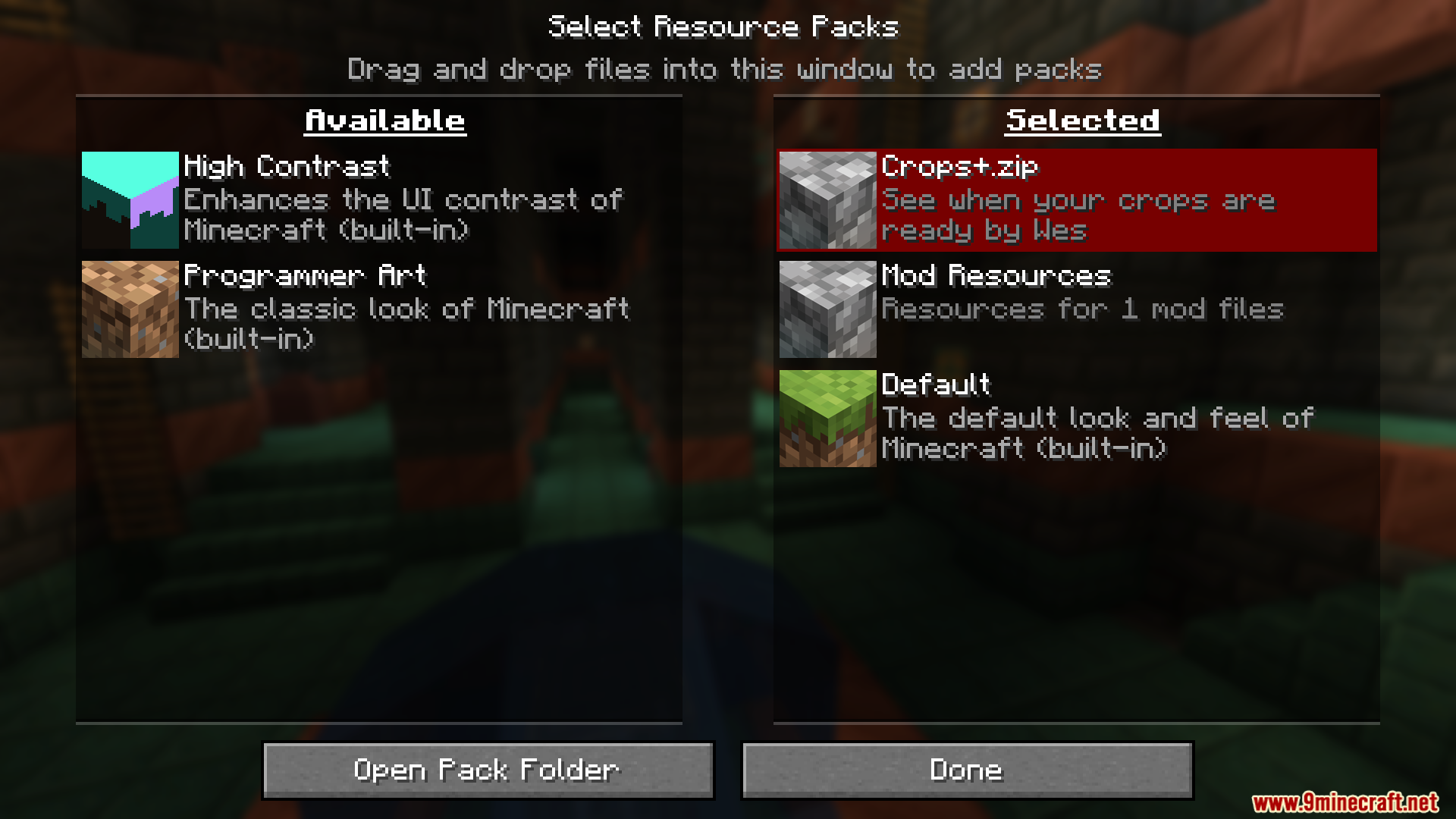
New to Minecraft? Follow our step-by-step guide to install Resource Packs on your PC.View Guide
Crops Plus Resource Pack Download Links
For Minecraft
1.21.x
All Versions Covered
1.21.11
Have you ever paid money for a premium shader or high-resolution resource pack (outside the Bedrock Marketplace)?
4 responses · See the full results →
You May Also Like
Picked for this page
 Colourful Containers GUI Resource Pack (26.2, 1.20.1) – Texture Pack
 Default Dark Mode Resource Pack (26.3, 1.20.1) – Texture Pack
 Smaller Handhelds Resource Pack (26.3, 1.20.1) – Texture Pack
 Low On Fire Resource Pack (26.3, 1.20.1) – Texture Pack
 Aimz (26.3, 1.20.1) – Lunar Arrow Crosshair Resource Pack – Texture Pack
 Custom Background HD Resource Pack (26.3, 1.20.1) – Texture Pack
 STONEBORN UI Overhaul Resource Pack (26.2, 1.20.1) – Texture Pack
 Cassette Music Disc Resource Pack (1.21.11, 1.20.1) – Texture Pack
 Aimz (26.3, 1.20.1) – Throne and Liberty Crosshair Resource Pack – Texture Pack
 ChicknTurtle’s Better Shield Resource Pack (26.3, 1.20.1) – Block Without
 Cubic Stars Resource Pack (26.1.2, 1.20.1) – Texture Pack
 X-Ray Boat Resource Pack (26.1.2, 1.20.1) – Crystal Clear Ocean Views
Most viewed in Resource Packs over the last 7 days
 Jenny Mod Skins Resource Pack (1.12.2) – Uzaki, Klee, Mita, and More
 Jenny Mod Skin Pack Mega Collection – 310+ Characters
 Jennycraft Resource Pack (1.20.1) – Skins for Jennycraft Mod
 Dewier’s 20k Resource Pack (1.8.9) – Texture Pack
 750 Models Addon for Yes Steve Model Mod
 Animation Collection for Jenny Mod – 60+ Animations, Updated Regularly
 Vanilla+ 3D Crystal Resource Pack (1.21.1, 1.20.1) – Texture Pack
 Mandala’s GUI Dark Mode 9minecraft Resource Pack (26.3) – Eye-Soothing Dark Mode Menus
 Bare Bones 9minecraft Resource Pack (26.3) – Official Cinematic Trailer Look
 Mizuno’s Craft 9minecraft Resource Pack (26.3) – A Cozy Handpainted Storybook World
 Patrix Resource Pack (26.3, 1.20.1) – The Peak of Photorealism
 Stay True 9minecraft Resource Pack (26.3) – Crisper Vanilla Without the Noise
More from Resource Packs
 Enhanced Boss Bars Resource Pack (26.3, 1.20.1) – Texture Pack
 BnC Coaster Compat Resource Pack (1.20.1) – Cozy Rustic Dining for Modded Meals
 Better Crops 9minecraft Resource Pack (26.3) – Lush Bushy Farmlands in Vanilla Style
 3D Crops 9minecraft Resource Pack (26.3) – Lush Layered Fields for Cozy Farming
 Improved Boss Bars 9minecraft Resource Pack (26.3) – Stylized Fantasy Boss Health Bars
 Fancy GUI Overhaul 9minecraft Resource Pack (26.3) – Sleek Dark Menus and Warm Wood
 Bloom and Serenity UI 9minecraft Resource Pack (26.3) – Hand-Painted Menus
 Cubic Leaves 9minecraft Resource Pack (26.3) – Bushy 3D Foliage for Vanilla Trees
 Classic 3D 9minecraft Resource Pack (26.3) – Vanilla Blocks with Real Depth
 MTR3 4 Eurostar Class 373 Resource Pack (1.21.11, 1.20.1)
 STONEBORN Gear Overhaul Resource Pack (1.19.2, 1.12.2)
 Excalibur Hold My Items Support Resource Pack (1.21.11, 1.21.1)

This post has no comments yet. Be the first — your comment will appear here.