


Title Screen Mobs Mod (1.21.4, 1.20.1) – Menu Utama Jadi Gak Sepi Lagi

 0
0 

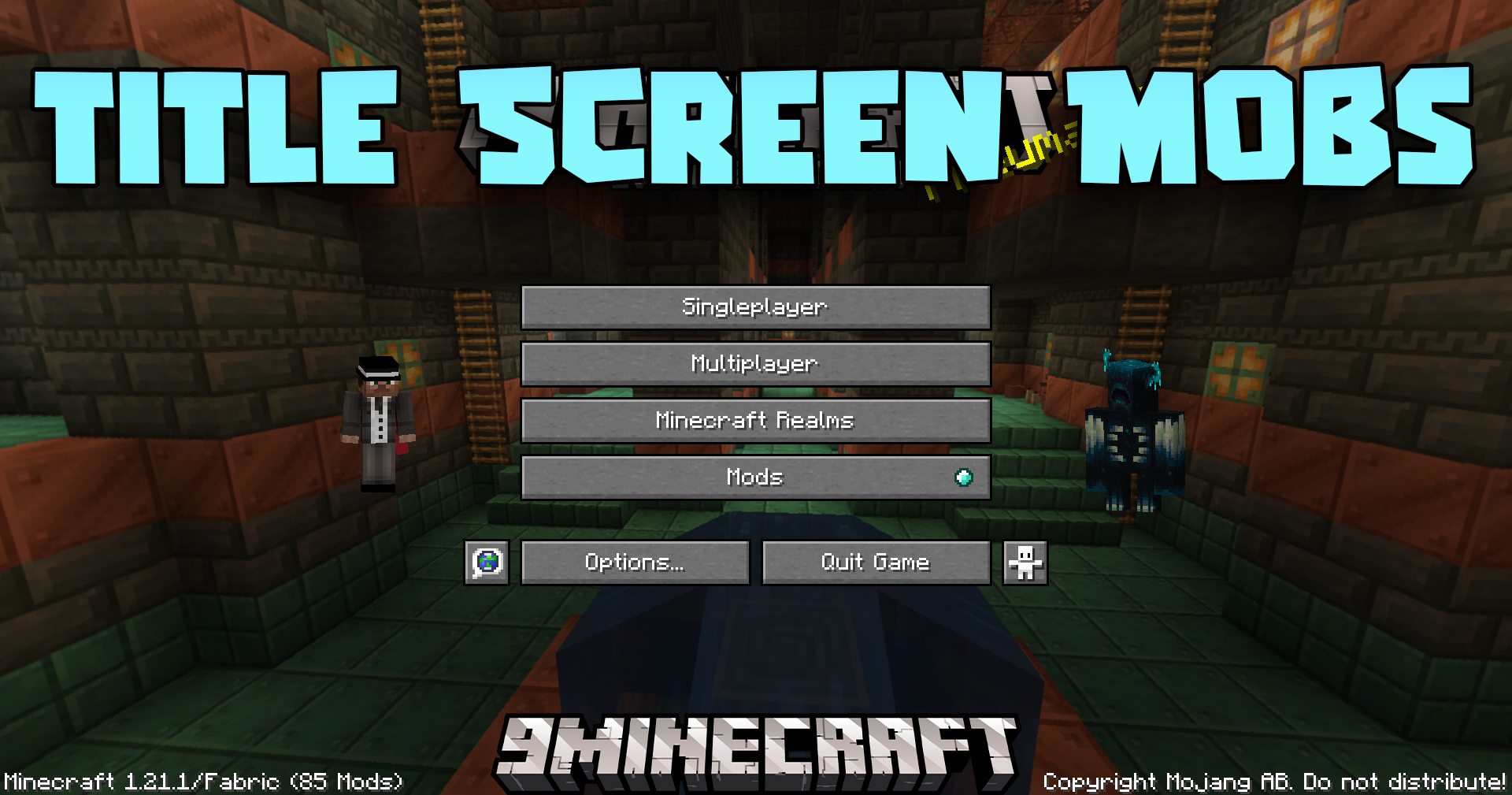
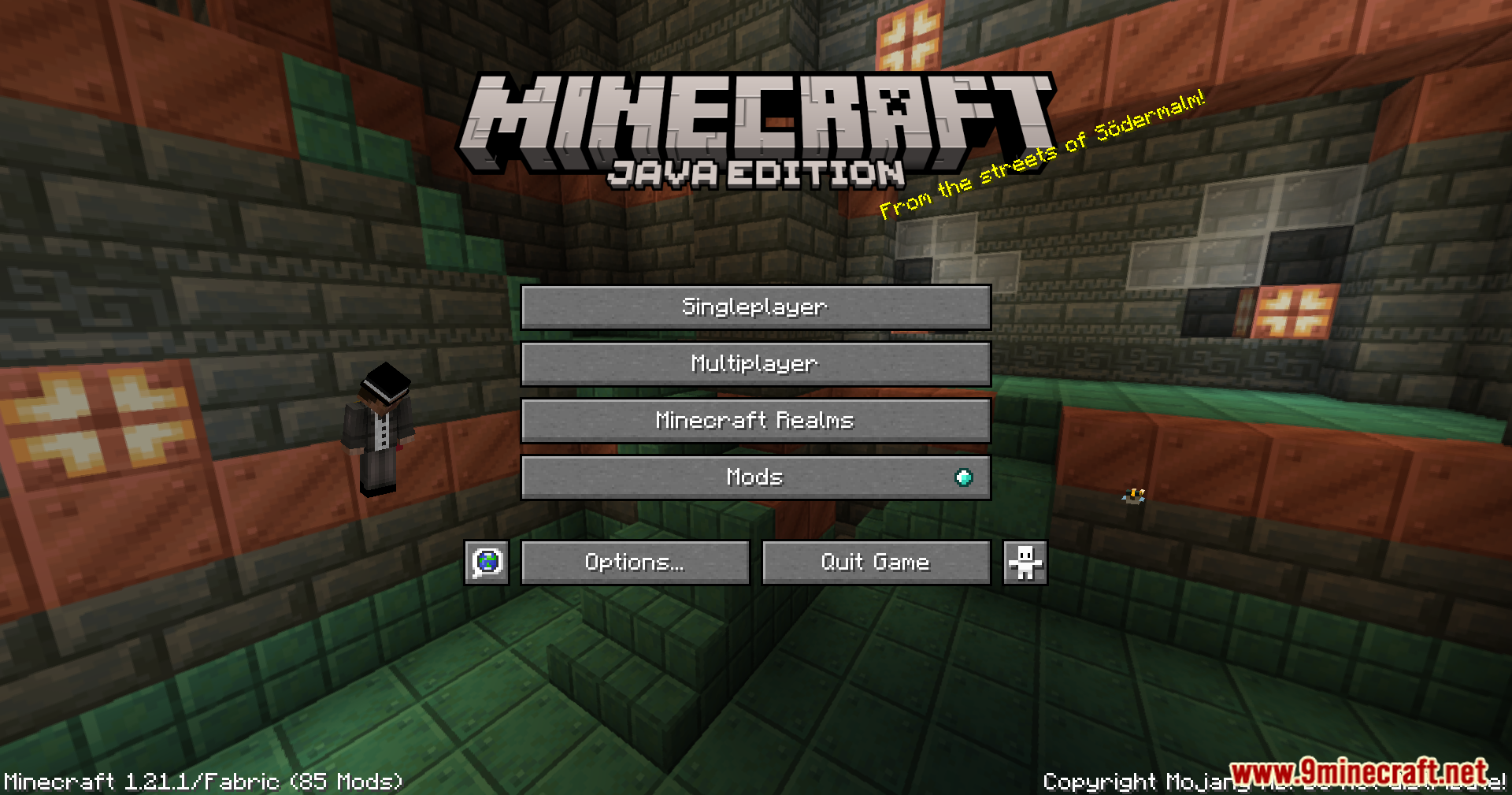
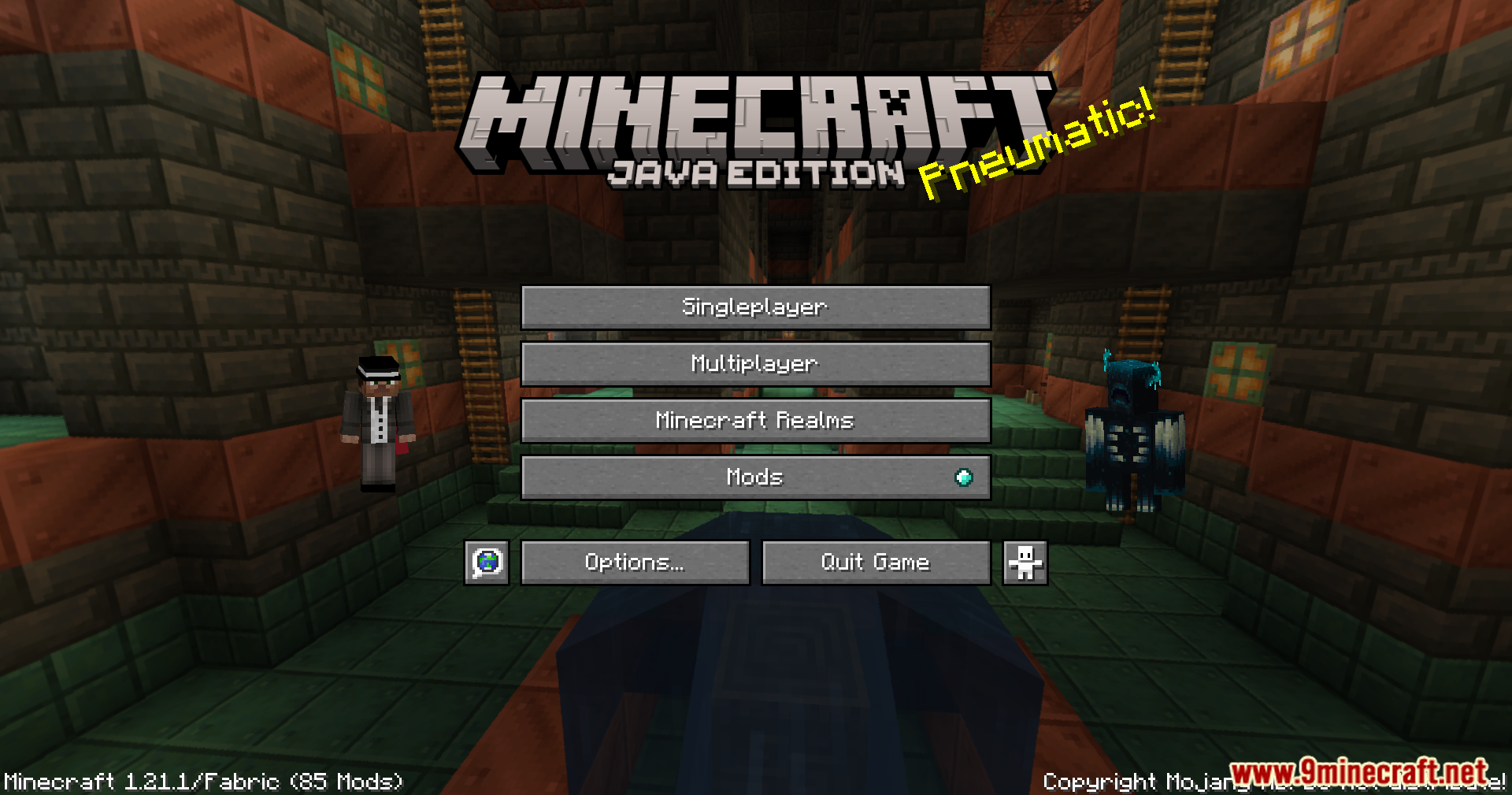
Title Screen Mobs Mod menambahkan mob langsung ke layar judul Minecraft kamu. Alih-alih latar belakang yang kosong, kamu mungkin bakal melihat Warden, Wither, atau bahkan burung nuri sebelum mulai main. Mod ini bikin menu utama jadi lebih menarik. Kamu juga bisa masuk ke pengaturan buat milih mob mana saja yang pengen kamu lihat.
Fitur:
- Menambahkan berbagai mob dari game ke latar belakang layar judul.
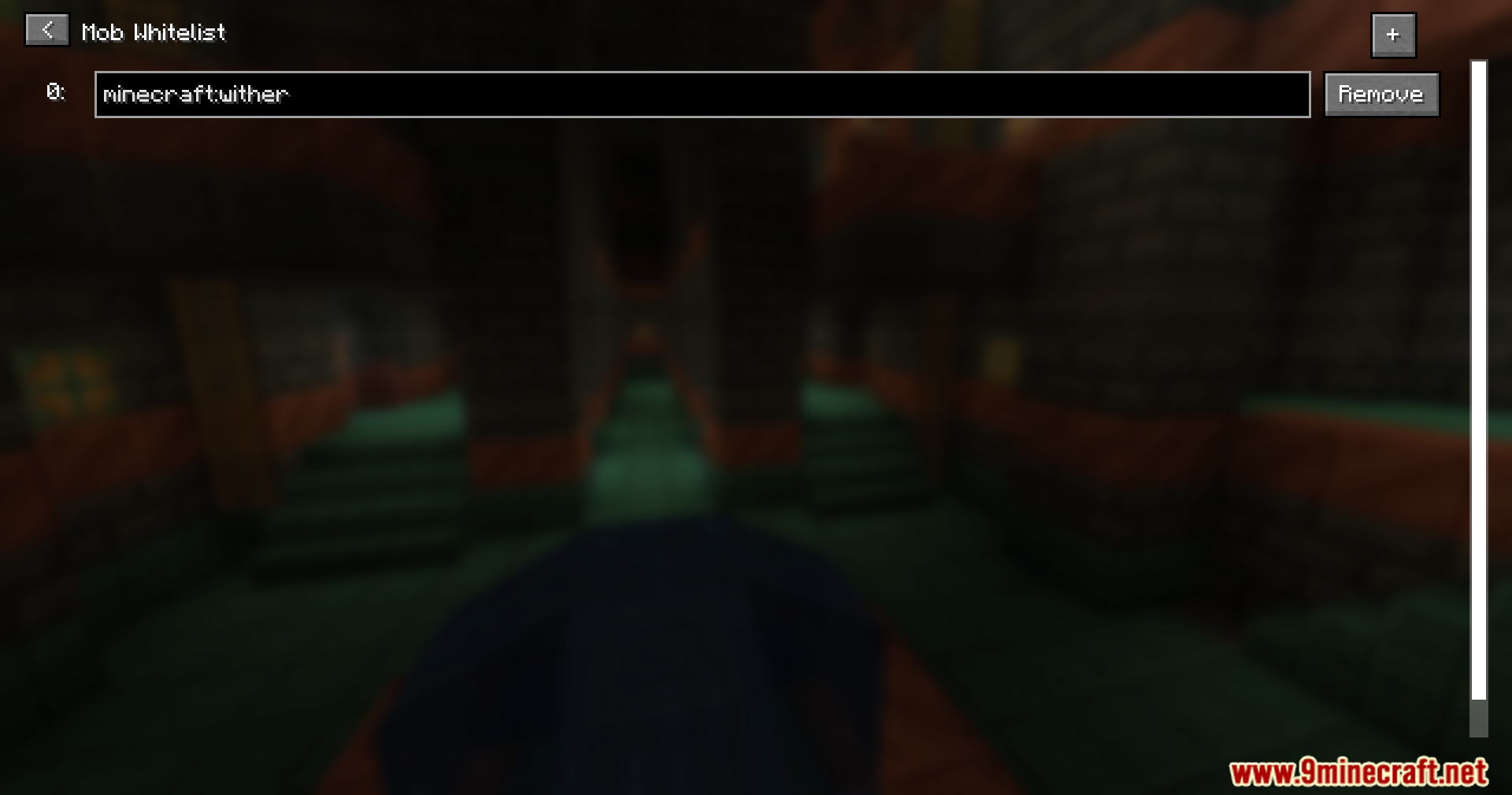
- Bisa milih mob apa saja yang muncul dengan menambahkannya ke daftar khusus (whitelist).
- Support berbagai jenis mob, termasuk boss besar kayak Wither dan Warden.
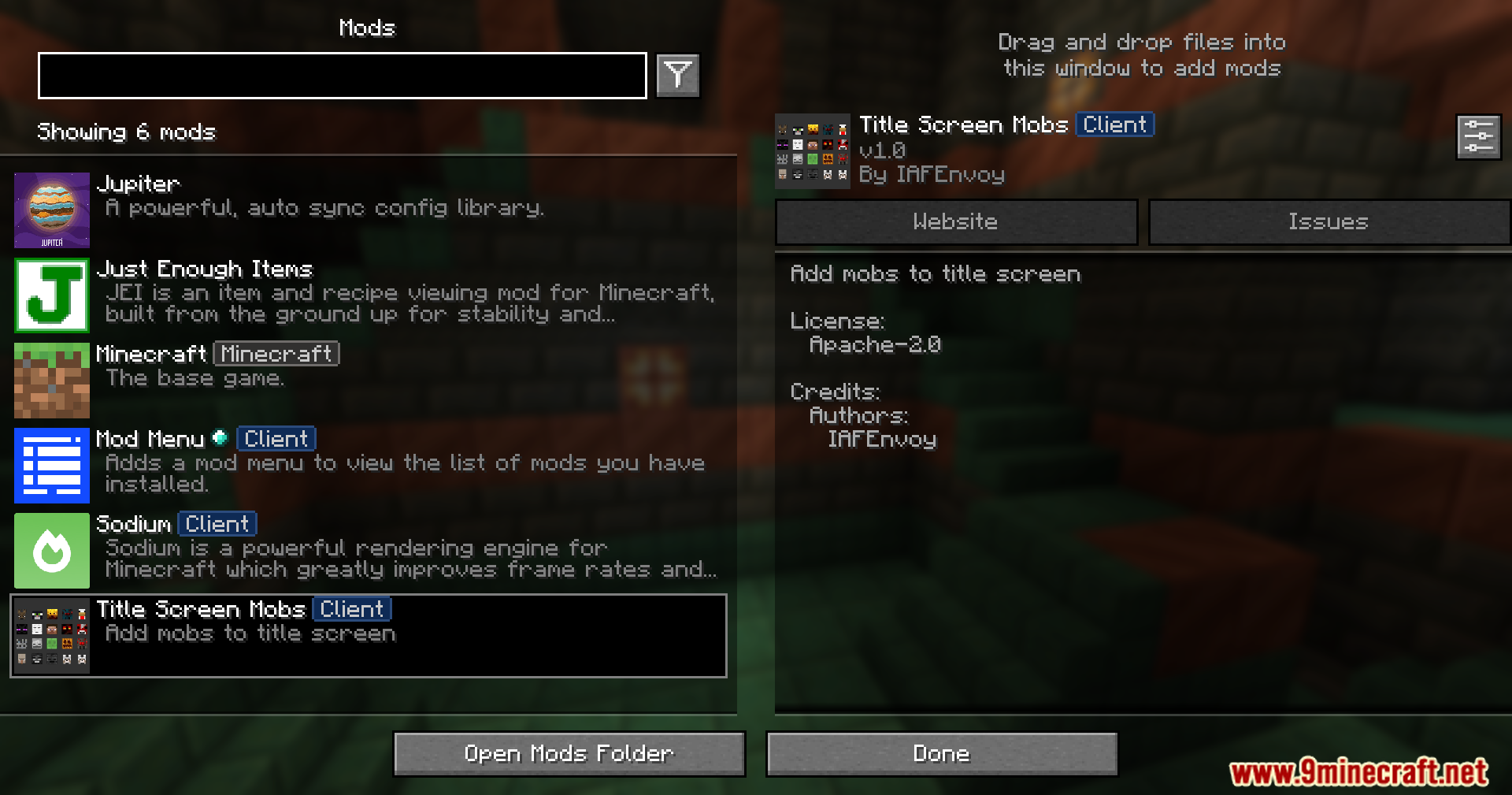
- Semua pengaturan bisa diubah langsung di dalam game kalau kamu pasang ModMenu.
- Menampilkan peringatan yang berguna di layar kalau ada konflik dengan mod lain.
- Pesan peringatan bisa dimatikan di pengaturan.
Screenshots:




Cara Instal:
Persyaratan:

Title Screen Mobs Mod Download Links
For Minecraft 1.21.4
Fabric Version: Download from Server 1 – Download from Server 2
NeoForge Version: Download from Server 1 – Download from Server 2
For Minecraft 1.21.1, 1.21
Fabric Version: Download from Server 1 – Download from Server 2
NeoForge Version: Download from Server 1 – Download from Server 2
For Minecraft 1.20.6
Fabric Version: Download from Server 1 – Download from Server 2
NeoForge Version: Download from Server 1 – Download from Server 2
For Minecraft 1.20.4
Fabric Version: Download from Server 1 – Download from Server 2
NeoForge Version: Download from Server 1 – Download from Server 2
For Minecraft 1.20.1, 1.20
Forge/NeoForge Version: Download from Server 1 – Download from Server 2
Fabric Version: Download from Server 1 – Download from Server 2
For Minecraft 1.19.4
Forge Version: Download from Server 1 – Download from Server 2
Fabric Version: Download from Server 1 – Download from Server 2
For Minecraft 1.19.2
Forge Version: Download from Server 1 – Download from Server 2
Fabric Version: Download from Server 1 – Download from Server 2
Anda Mungkin Juga Suka


Postingan ini belum memiliki komentar. Jadilah yang pertama — komentar Anda akan muncul di sini.