


Extreme Sound Muffler Mod (26.1.2, 1.20.1) – Sound Control, Sound Testing

 0
0  April 8, 2026
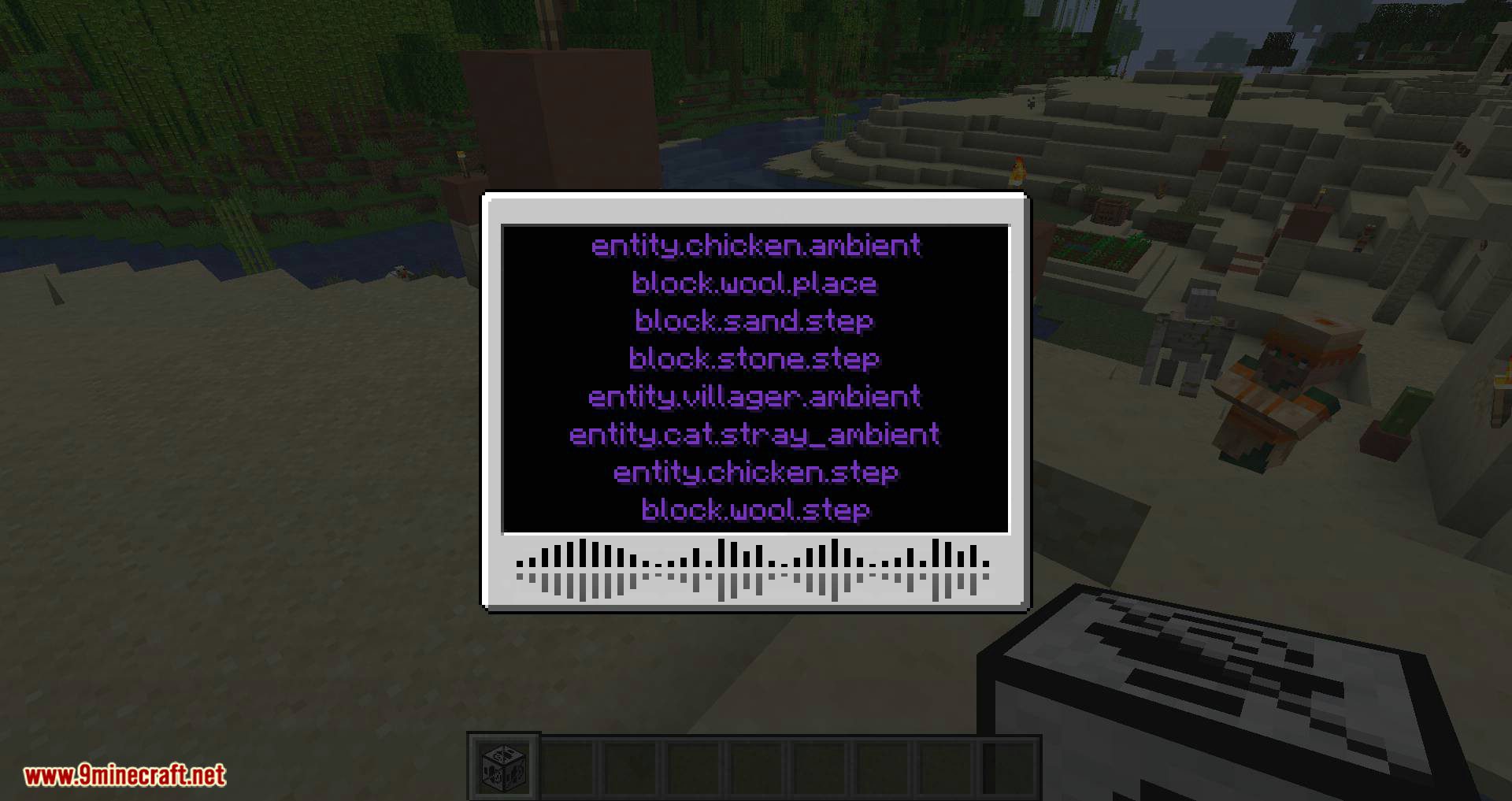
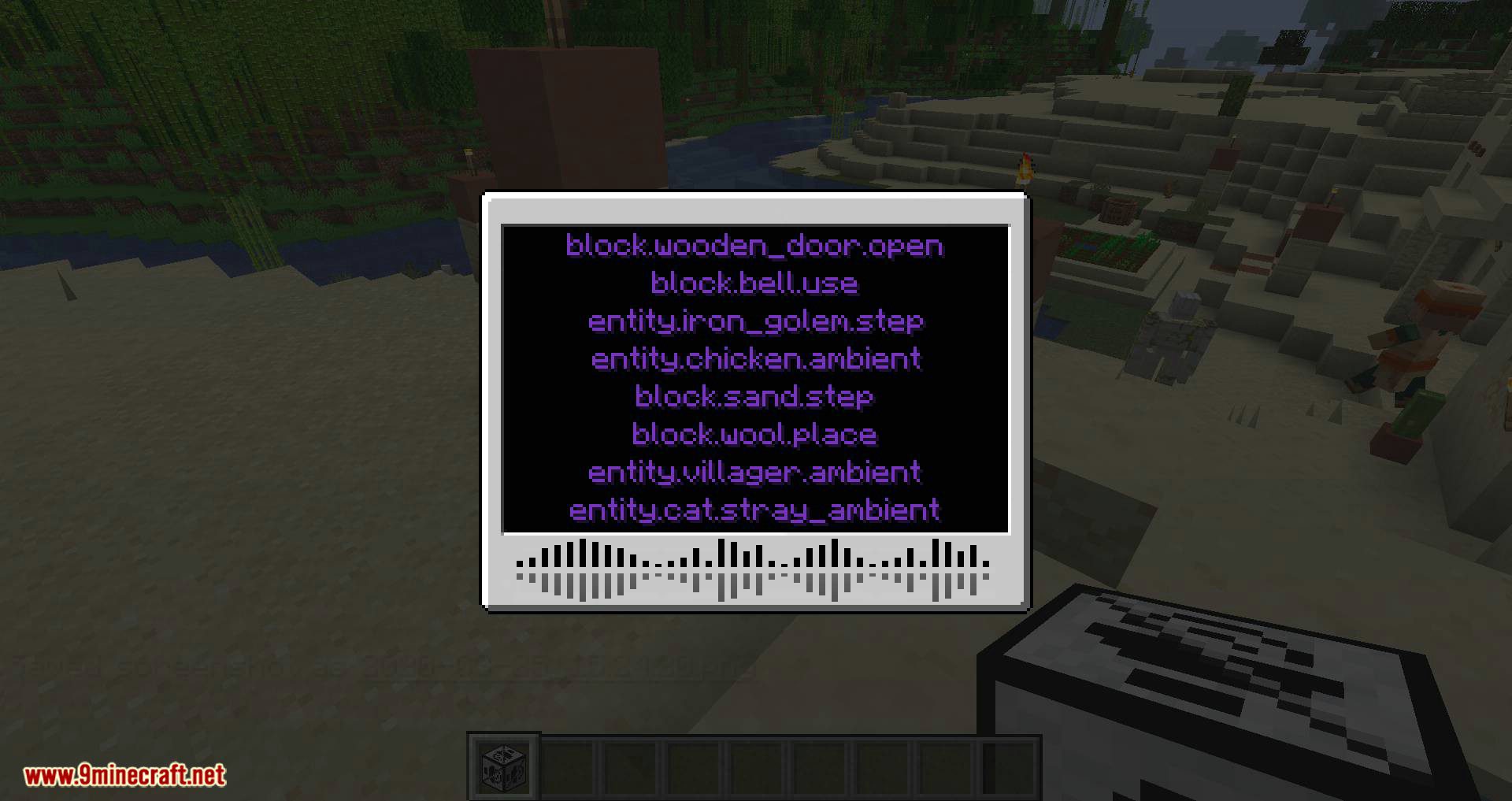
With Extreme Sound Muffler Mod, a special interface will appear, allowing you to search for various in-game sounds and mute them. This way, you can eliminate annoying sounds and fully customize the game’s audio environment to your preference.
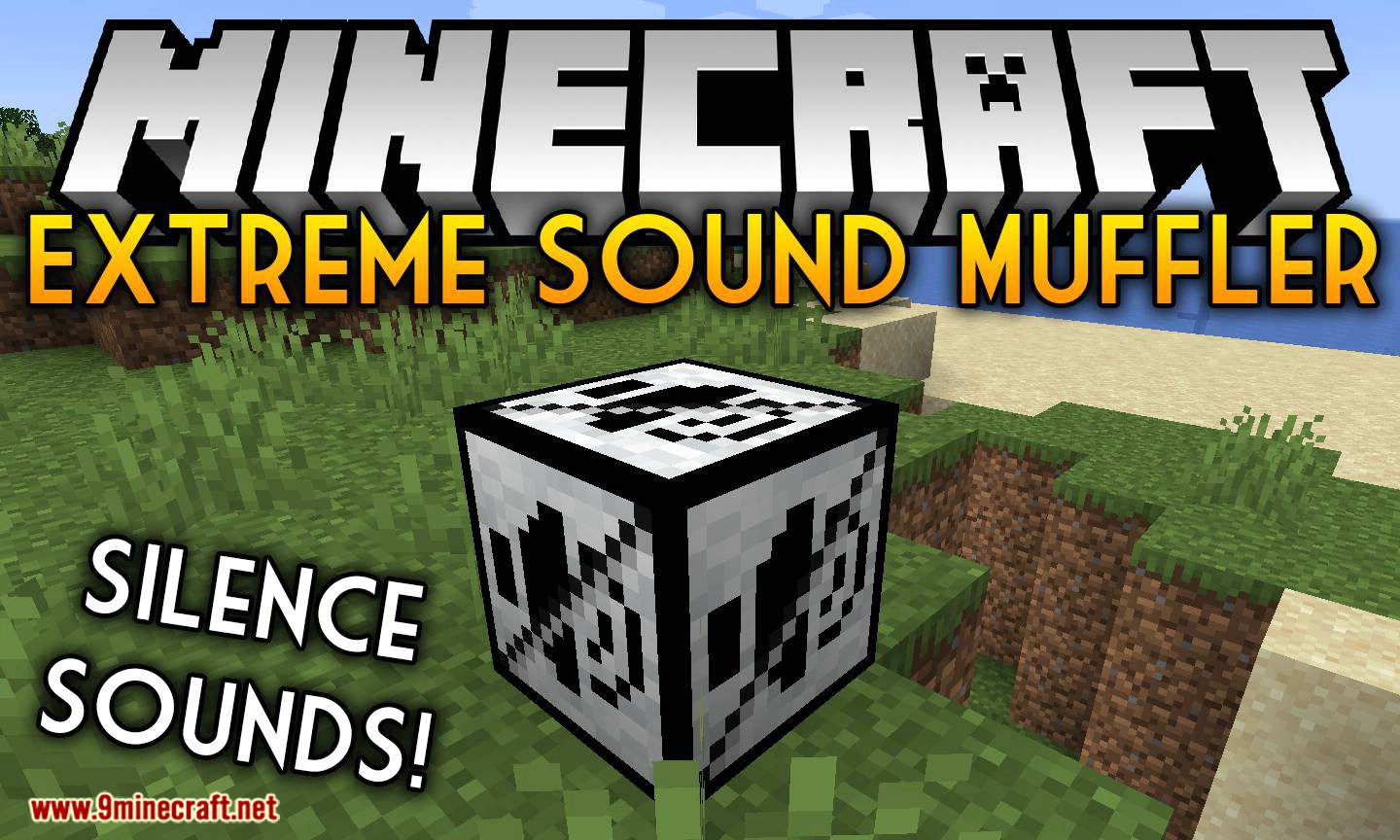
Features:
- Sound Control: Muffle specific sounds by selecting them in the GUI and adjusting their volume with a slider.
- Sound Testing: Play a sound sample to ensure you’re muffling the correct one.
- Create ranged mufflers to suppress sounds in specific areas, with customizable range and position.
- Move or disable the inventory button, and configure the placement of muffle and play buttons for better visuals.
- Includes a dark mode option for the GUI.
- Blacklist Sounds: Prevent certain sounds from appearing in the muffler interface.
Screenshots:
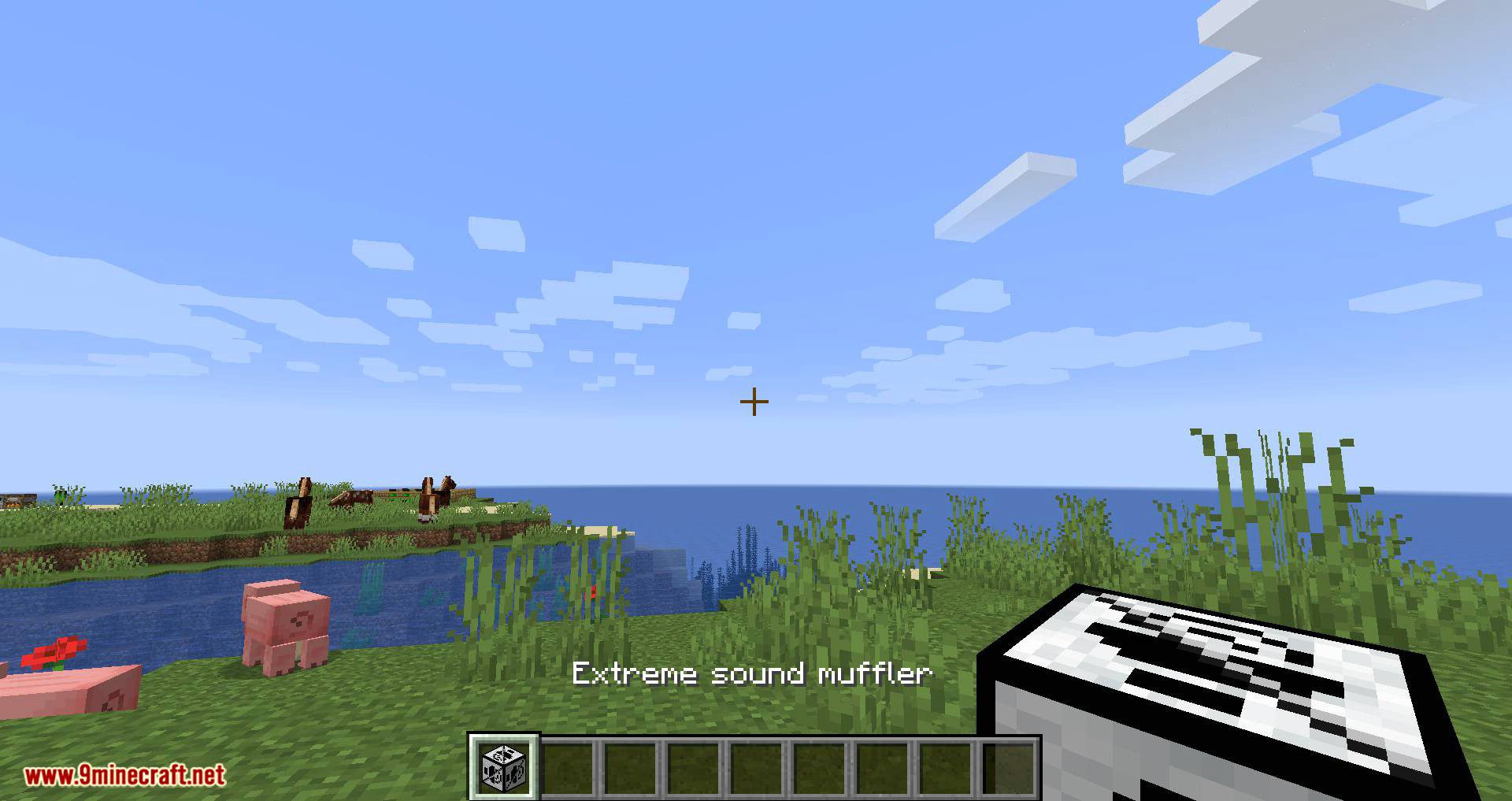
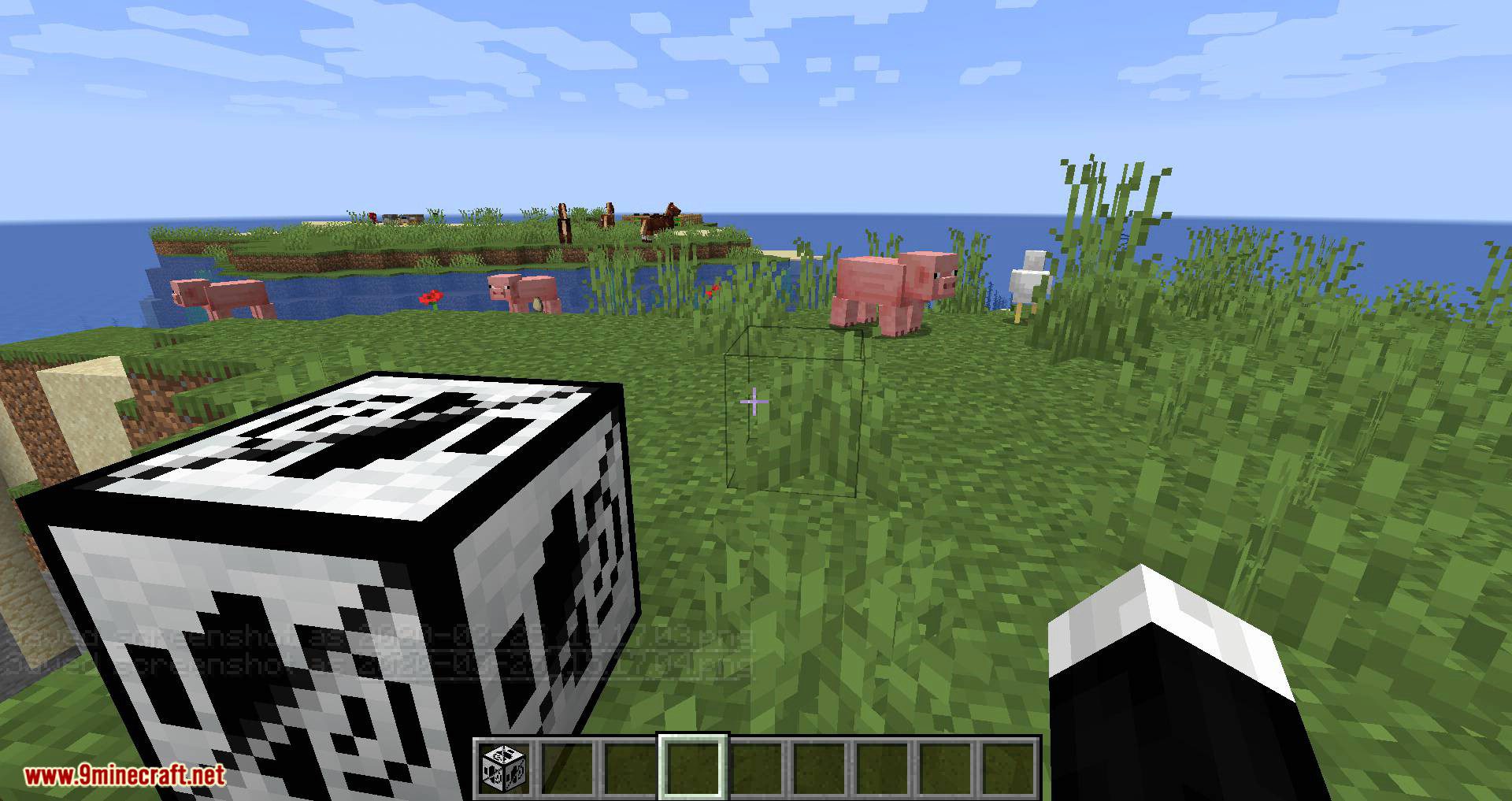
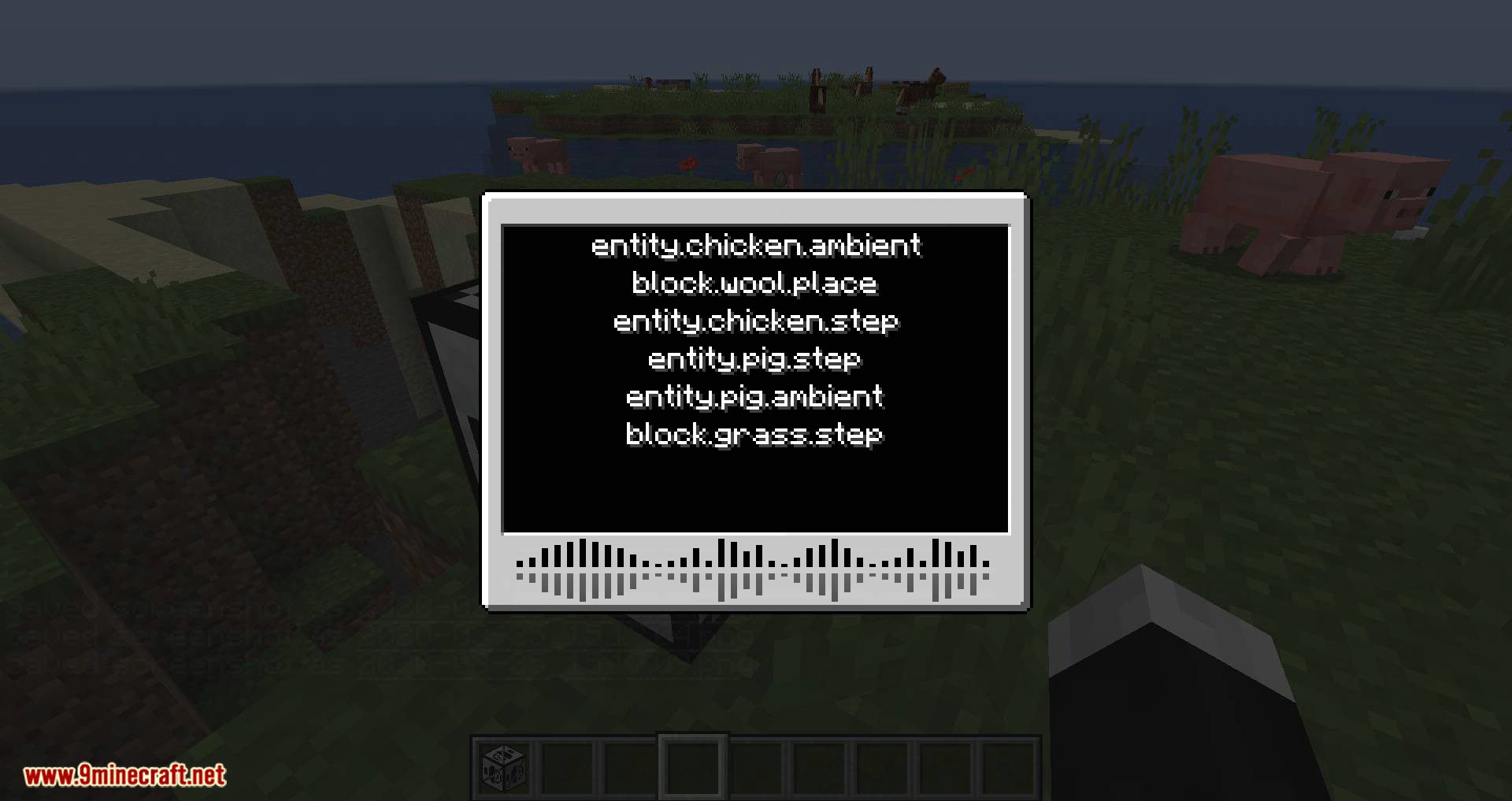
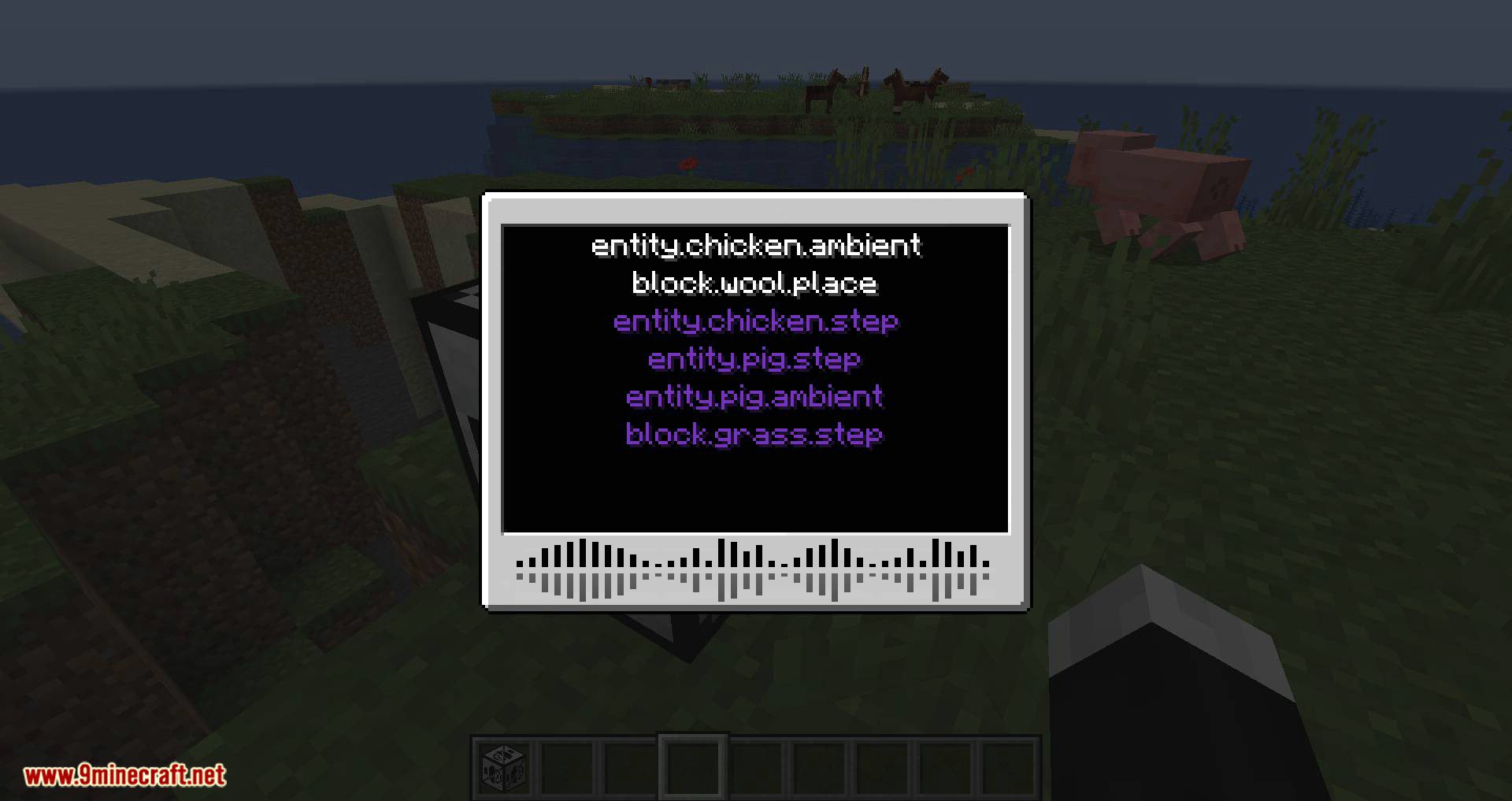
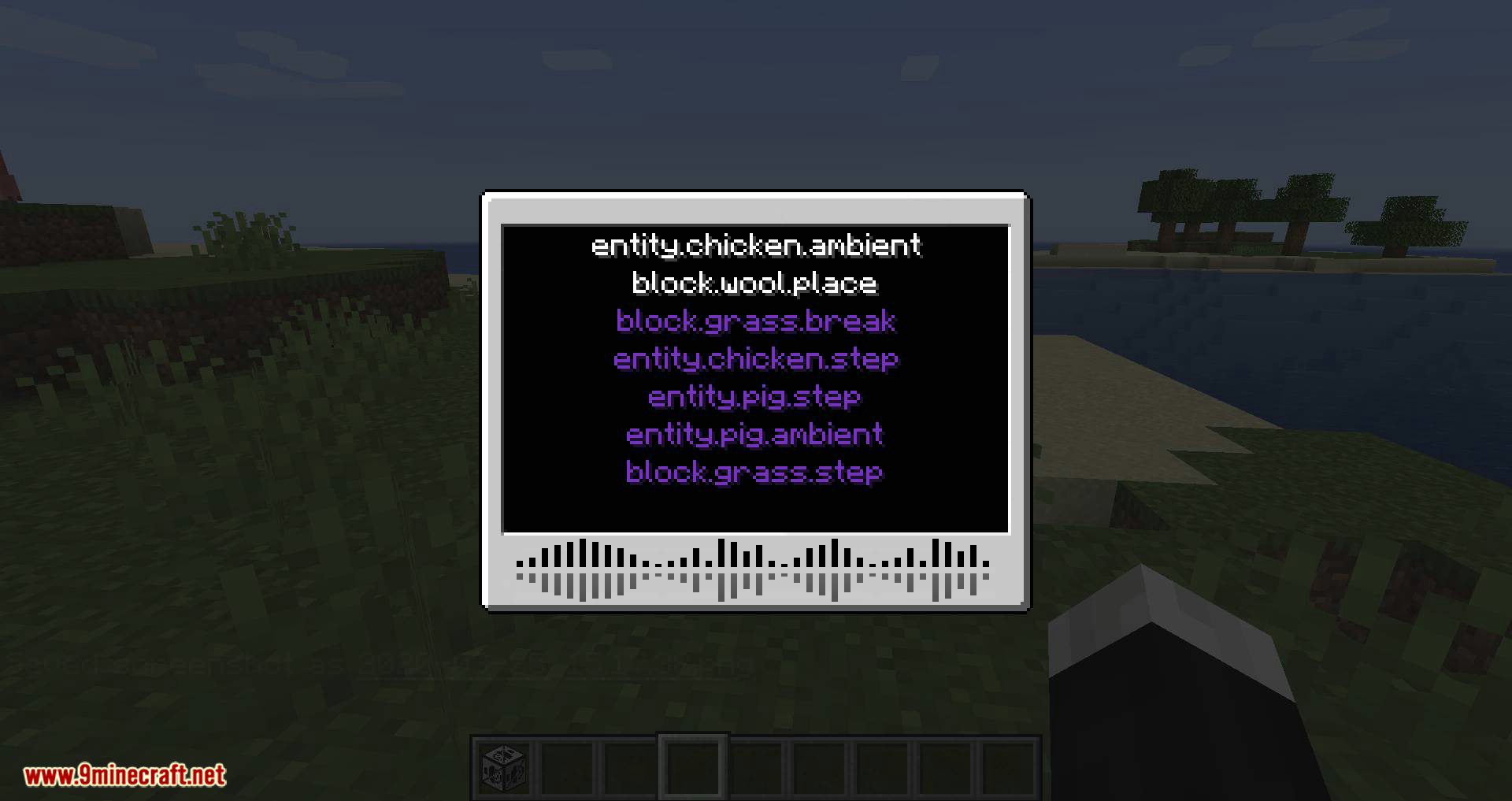
White text is not muffled sounds.
How to Install:
New to Minecraft? Follow our step-by-step guide to install Mods on your PC.View Guide




Extreme Sound Muffler Mod Download Links
For Minecraft 26.1
For Minecraft 1.21.11
For Minecraft 1.21.10, 1.21.9
For Minecraft 1.21.9
For Minecraft 1.21.8, 1.21.7, 1.21.6
For Minecraft 1.21.5
For Minecraft 1.21.4
For Minecraft 1.21.3, 1.21.2
For Minecraft 1.21.1
For Minecraft 1.20.6
For Minecraft 1.20.4
For Minecraft 1.20.2
For Minecraft 1.20.1
For Minecraft 1.19.4
For Minecraft 1.19.3
For Minecraft 1.19.2, 1.19.1, 1.19
For Minecraft 1.18.2, 1.18.1, 1.18
For Minecraft 1.17.1
For Minecraft 1.16.5
For Minecraft 1.15.2
For Minecraft 1.14.4
Click to rate this post!
[Total: 0 Average: 0]
You May Also Like













This post has no comments yet. Be the first — your comment will appear here.