


OneKeyMiner Mod (26.1.2, 1.20.1) – Automatic Chain Mining And Farming

 0
0  April 16, 2026
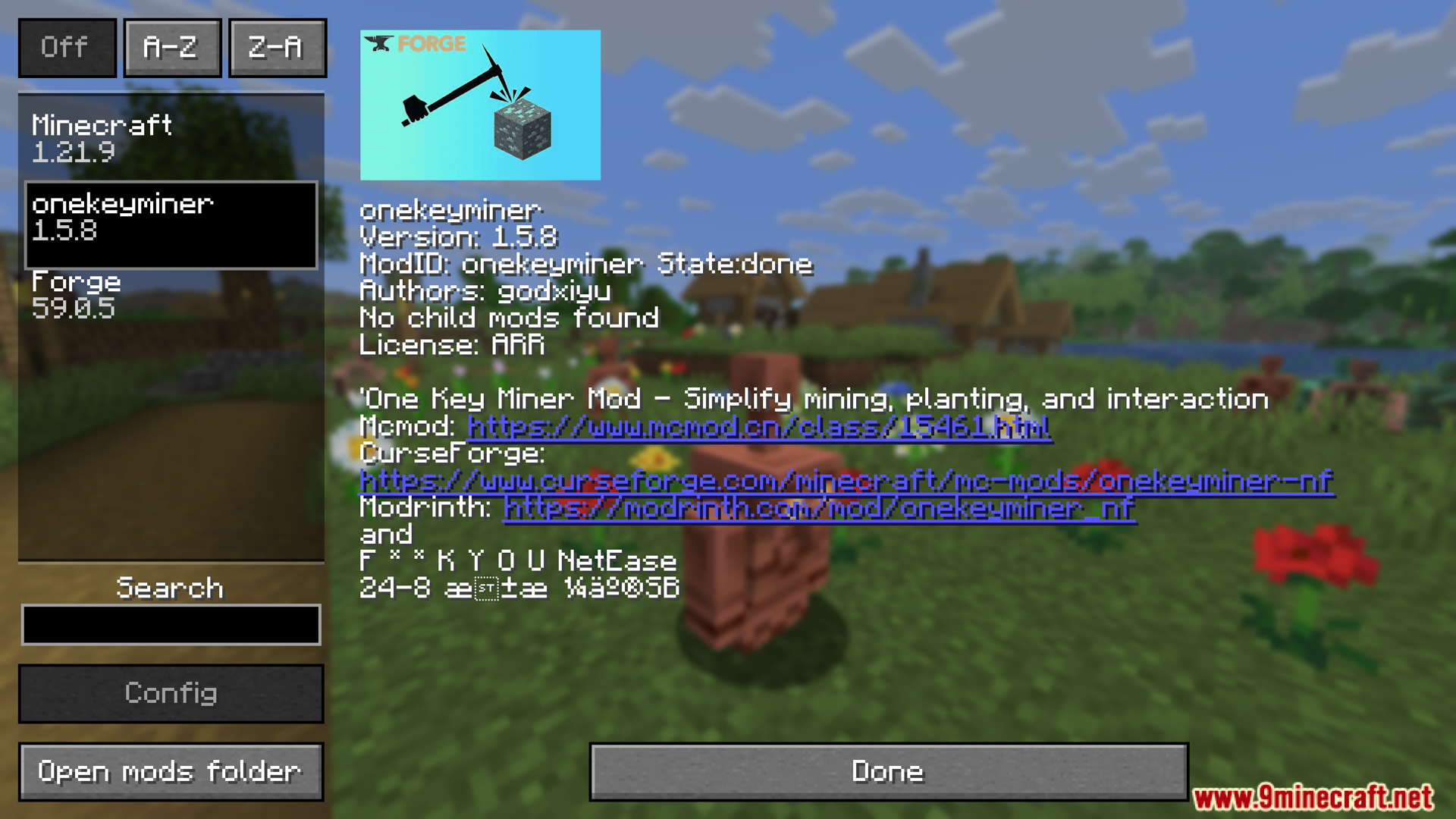
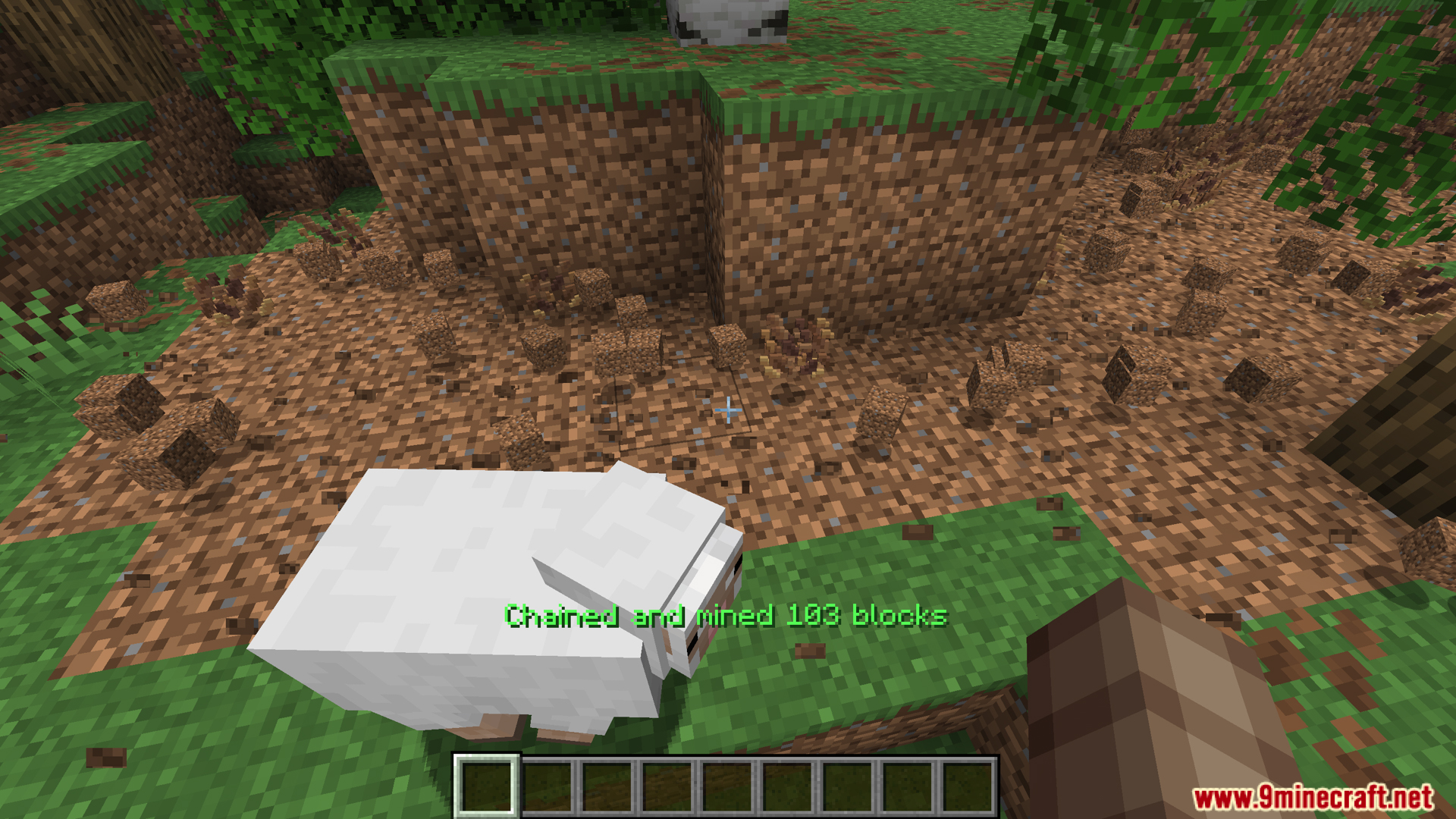
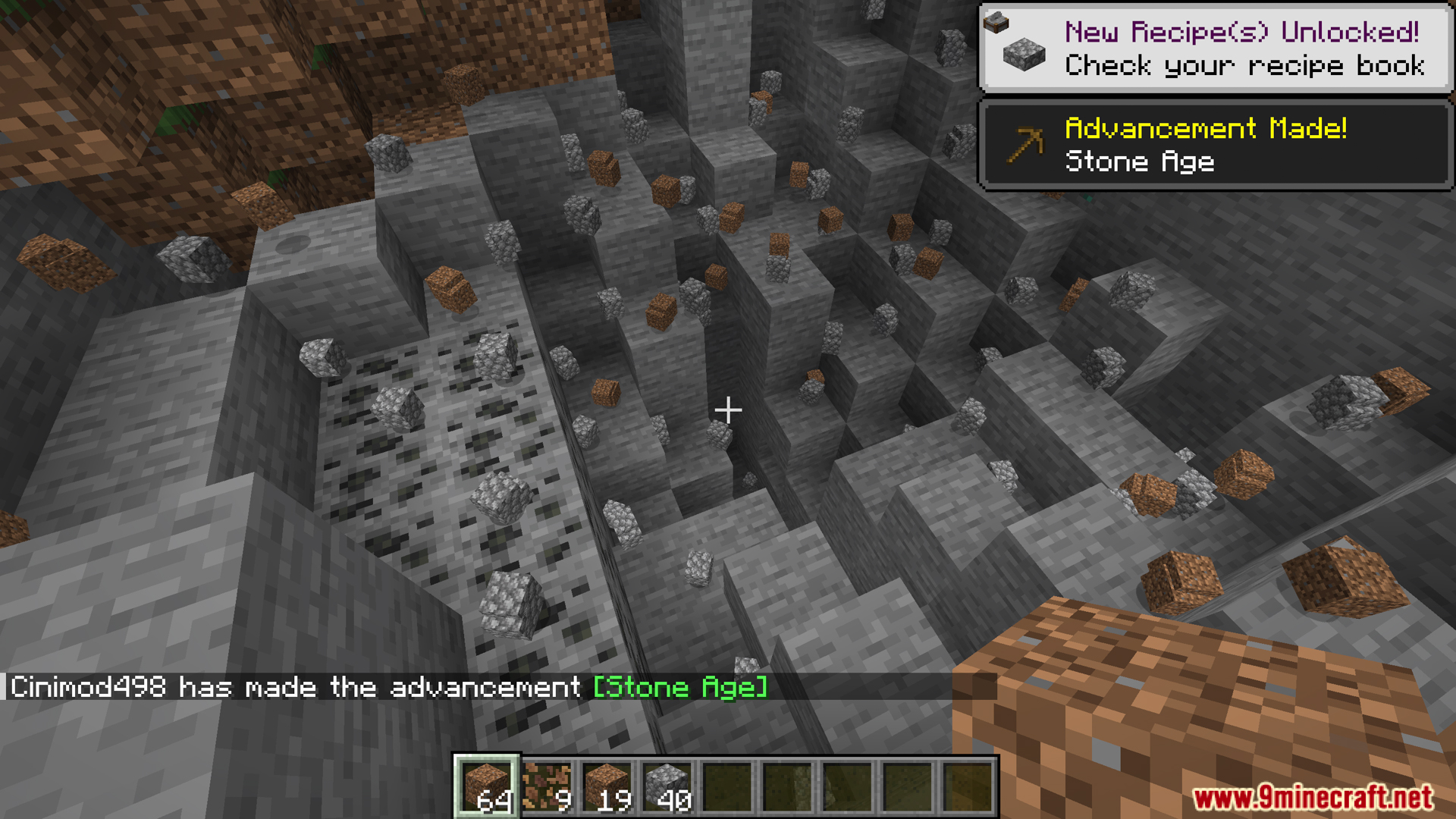
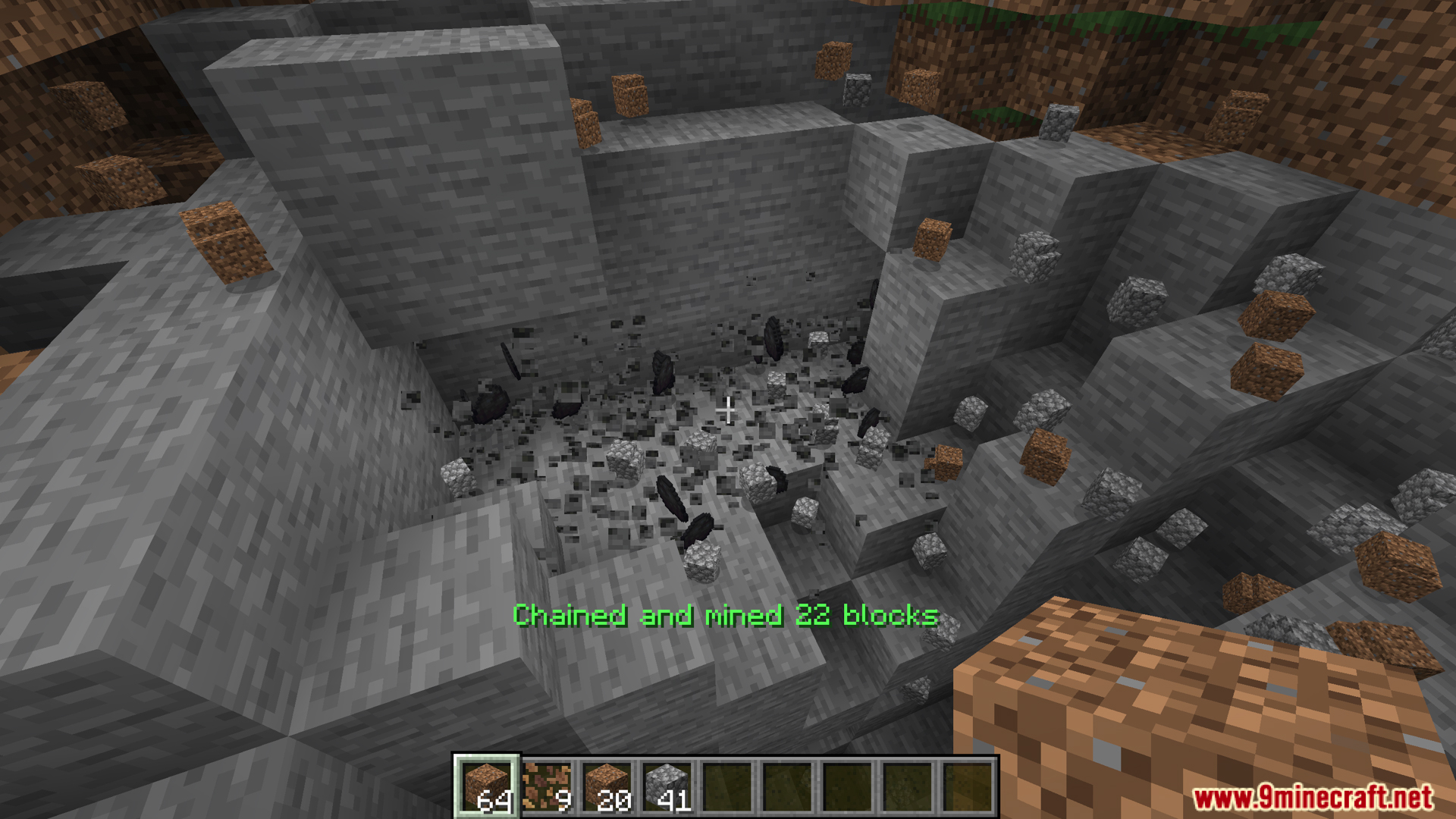
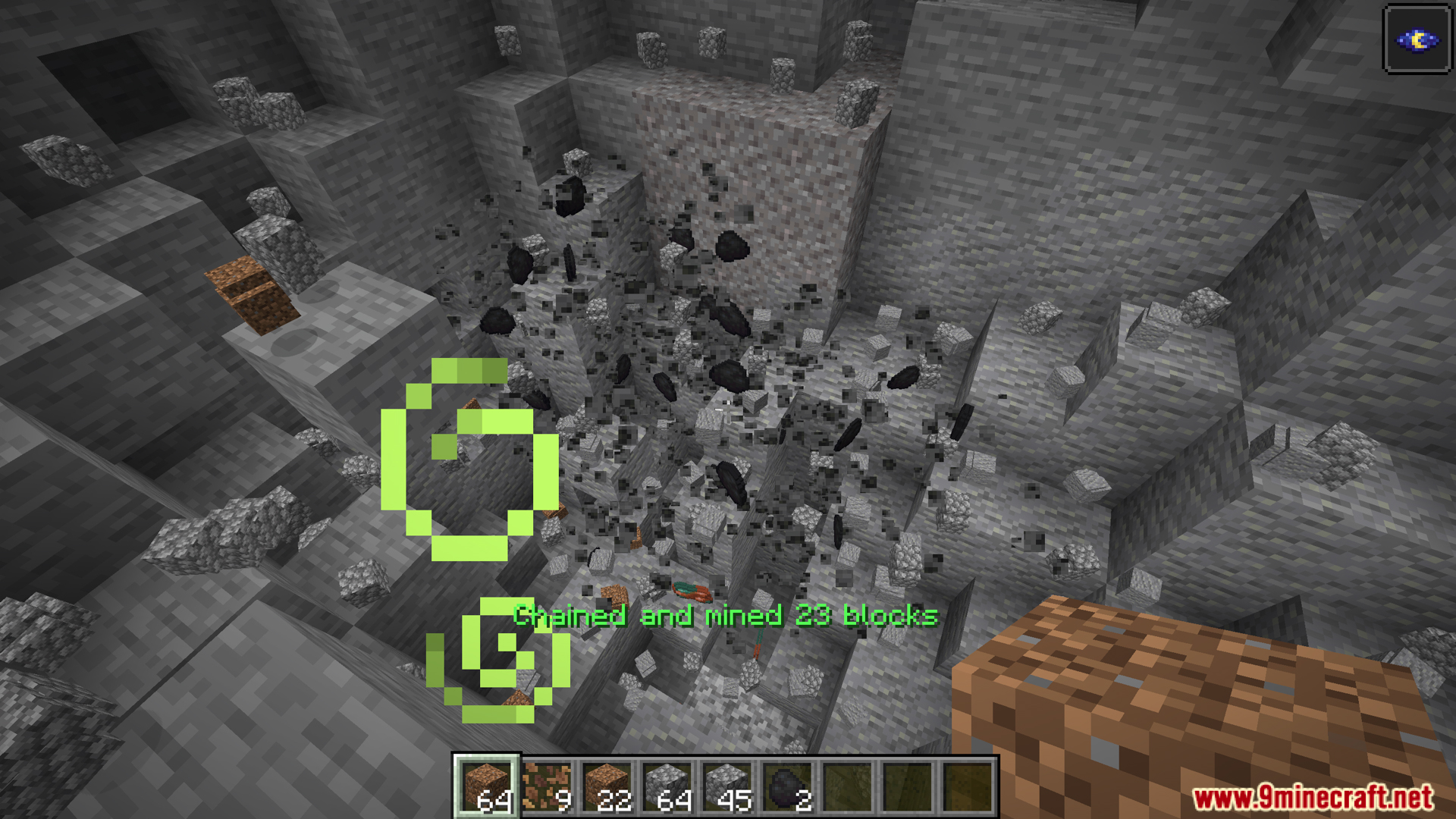
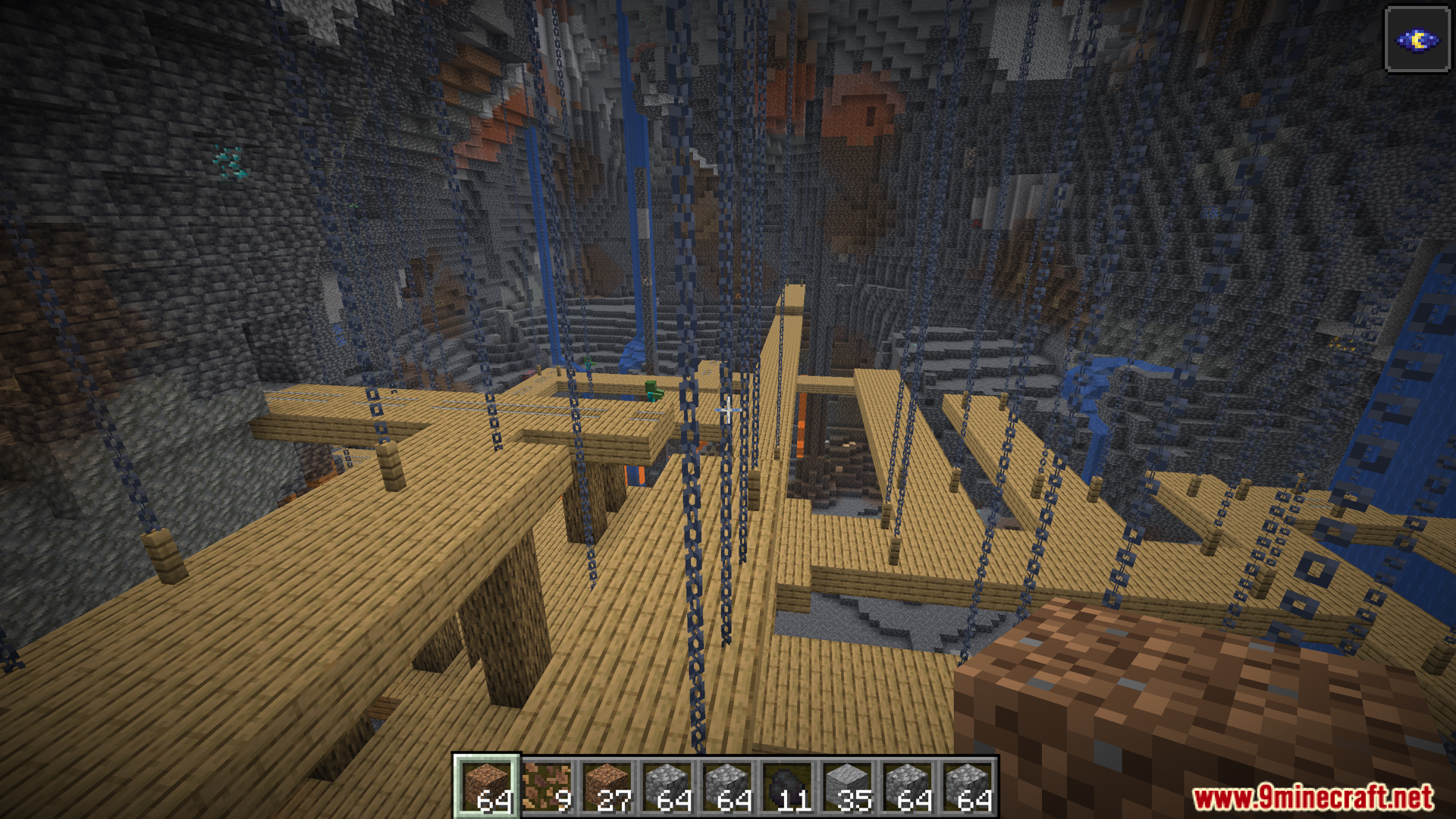
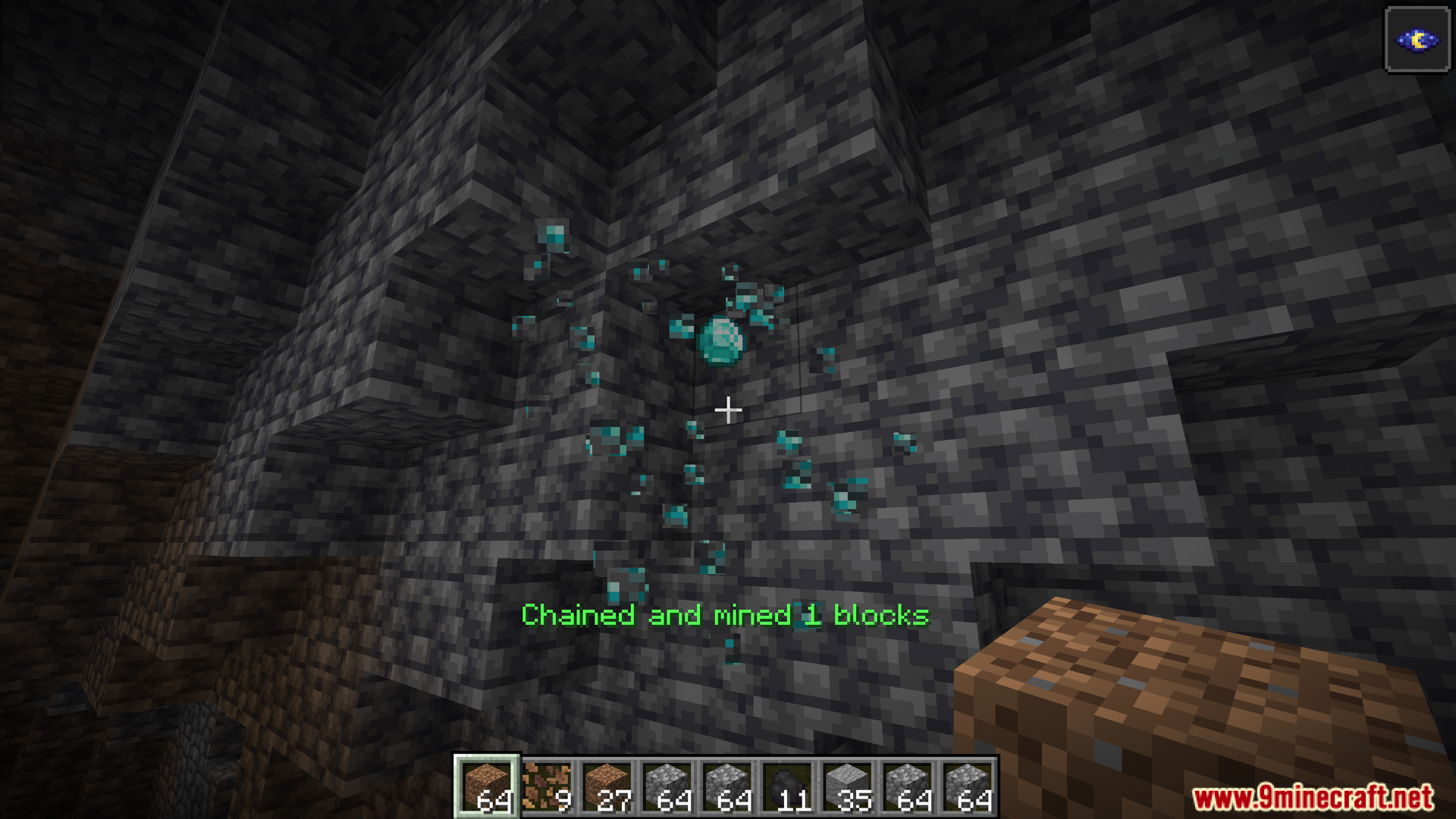
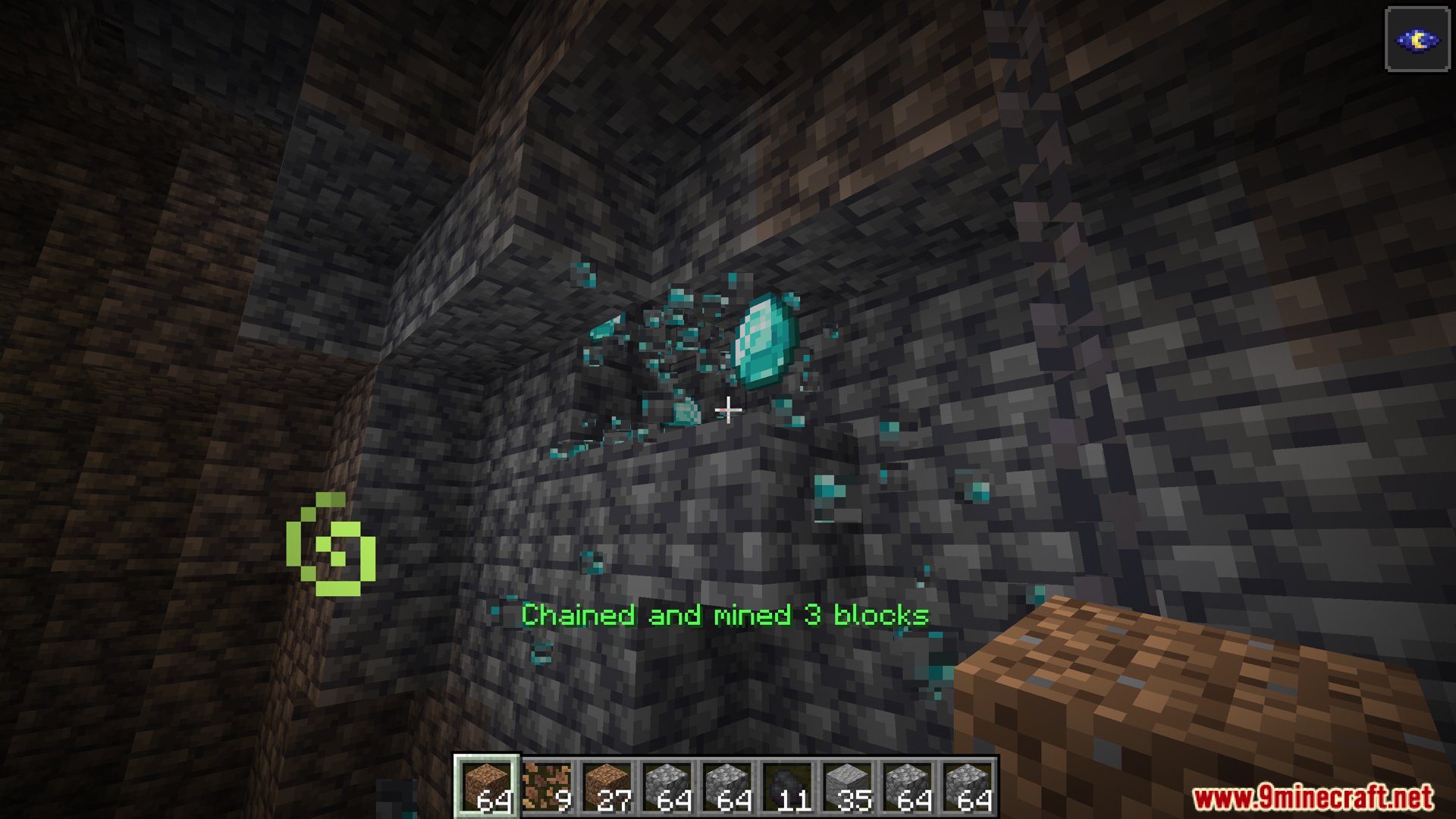
OneKeyMiner Mod is a mod for Minecraft that allows mining, farming, or mass interaction with multiple blocks/objects at once with a single action.

Features:
- Chain Mining: Break one block, and all connected matching blocks are automatically mined.
- Chain Planting: Plant seeds over multiple tilled blocks in one go.
- Tool Protection & Durability Check: Mod prevents tool breakage mid-use, ensuring smooth operation.
- Advanced Configuration: Customize limits, tools, block types, and modes for tailored play.
- NeoForge Exclusive – Chain Interactions: Beyond ore and crops, use the feature on sheep (shears), farmland, and other block-entity actions.
Commands:
The OneKeyMiner mod allows players and administrators to manage chain mining behavior through in-game commands. All commands start with /excavation.
- Permission Levels
- Level 0: Regular players
- Level 2: Game administrators
- Level 4: Server operators
- Basic Commands
/excavation help: Display help for all commands (no permission required)/excavation status: Show current chain mode status and main configuration (no permission required)- Chain mode active?
- Maximum chain blocks
- Maximum chain depth
- Diagonal chaining enabled?
- Sneaking requirement enabled?
- Common Configuration Commands (Level 2 required)
- Syntax:
/excavation common options <config_item> [value] - Numeric Options
maxChainBlocks: Max number of chain blocks (1-4096)maxChainDepth: Max chain depth (1-64)maxBlocksInChain: Max blocks for survival mode (1-4096)maxBlocksInChainCreative: Max blocks for creative mode (1-16384)
- Boolean Options
enableDiagonalChaining: Allow diagonal blocks in chainteleportDropsToPlayer: Drops teleport to playerignoreToolCompatibility: Ignore tool-block compatibilitymatchBlockState: Match full block statematchSeedBlockState: Match seed block stateenableInCreative: Enable chain mining in creativerequireSneaking: Require sneaking to trigger chaining
- Block Blacklist
- View:
/excavation common options nonChainableBlocks list - Add:
/excavation common options nonChainableBlocks add <block_id> - Remove:
/excavation common options nonChainableBlocks remove <block_id>
- View:
- Seed Blacklist
- View:
/excavation common options seedBlacklist list - Add:
/excavation common options seedBlacklist add <seed_id> - Remove:
/excavation common options seedBlacklist remove <seed_id>
- View:
- Syntax:
- Client Configuration Commands (No permission required)
- Syntax:
/excavation client options <config_item> [value] - Options
showBlockCount: Show block count during chain mining (true/false)messageStyle: Message display style (chat, actionbar, both, none)keyMode: Activation method (toggle, hold)Debug: Enable client debug mode (true/false)frozen timer: Auto-reset time for chain state in toggle mode (seconds)
- Syntax:
- Server Configuration Commands (Level 4 required)
- Syntax:
/excavation server options <config_item> [value] - Options
toolDurabilityThreshold: Protect tools from breaking (≤1.0 = %, >1.0 = fixed)hungerThreshold: Minimum hunger for chain mining (0-20)
- Syntax:
- Usage Examples
- Administrator: Set Chain Parameters
/excavation common options maxBlocksInChain 32/excavation common options maxBlocksInChainCreative 128/excavation common options enableDiagonalChaining true/excavation common options ignoreToolCompatibility true
- Administrator: Manage Block Blacklist
- View list:
/excavation common options nonChainableBlocks list - Add block:
/excavation common options nonChainableBlocks add bedrock - Remove block:
/excavation common options nonChainableBlocks remove diamond_block
- View list:
- Player: Adjust Personal Settings
/excavation client options messageStyle actionbar/excavation client options showBlockCount true/excavation client options keyMode hold
- Server Operator: Adjust Protection
/excavation server options toolDurabilityThreshold 0.2/excavation server options hungerThreshold 5.0
- Administrator: Set Chain Parameters
- Important Notes
- Permission checks must match command requirements
- Numeric values must be within valid ranges
- Configuration changes are immediately saved and take effect instantly
- Block IDs can use abbreviations (auto-prefix
minecraft:) or full IDs - In-game Tab completion is supported for faster input
- Troubleshooting
- Insufficient permissions → contact admin
- Invalid arguments → check format and ranges
- Block not found → verify ID and mod loading
- Getting Help
- Use
/excavation helpfor command overview - Use
/excavation statusto view current settings - Execute configuration commands without parameters to view current values
- Use
- Configuration File Mapping
common options maxChainBlocks→ common config:maxChainBlockscommon options enableDiagonalChaining→ common config:enableDiagonalChainingclient options showBlockCount→ client config:showBlockCountclient options messageStyle→ client config:messageStyleserver options toolDurabilityThreshold→ server config:toolDurabilityThreshold
Screenshots:
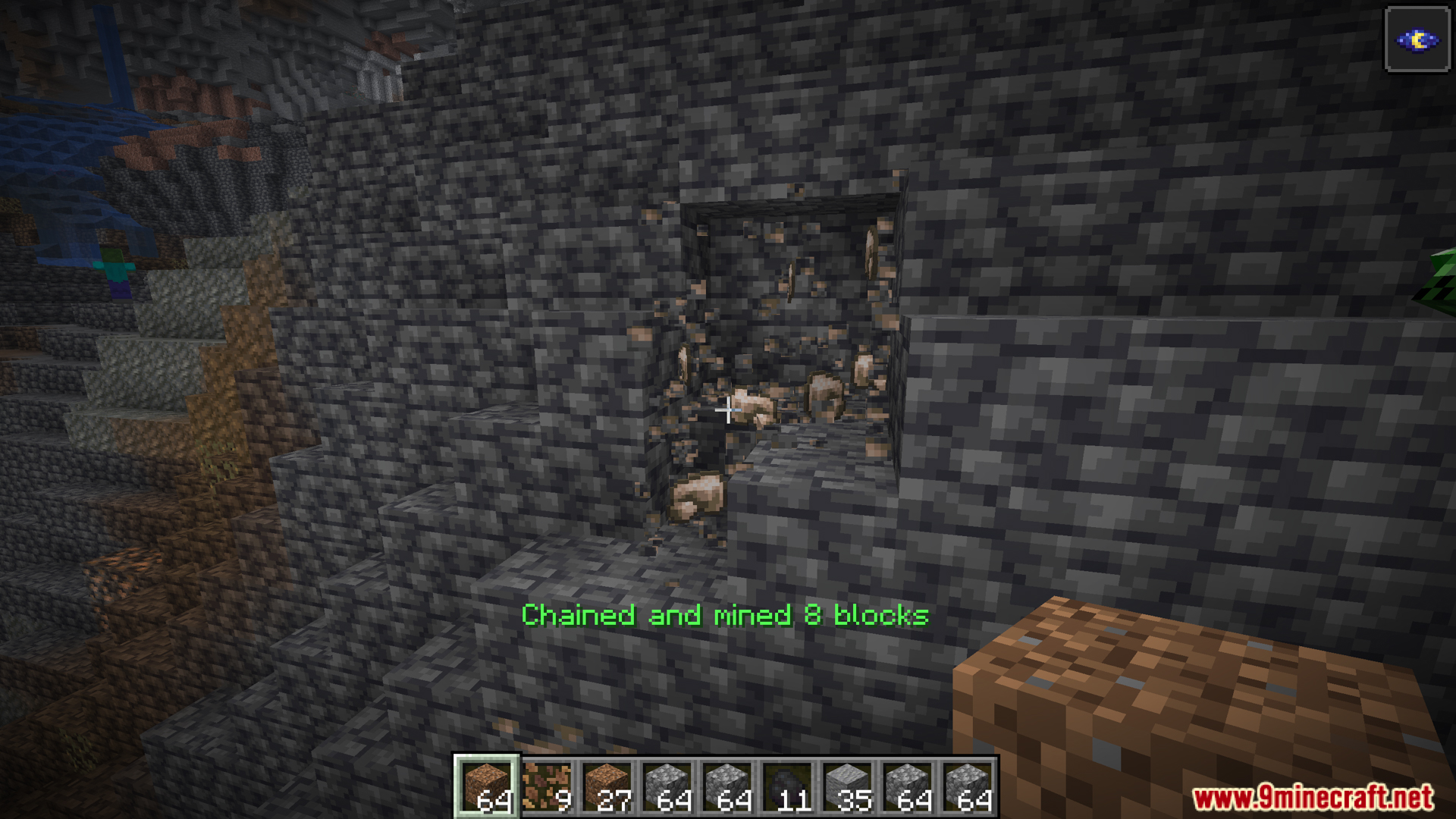
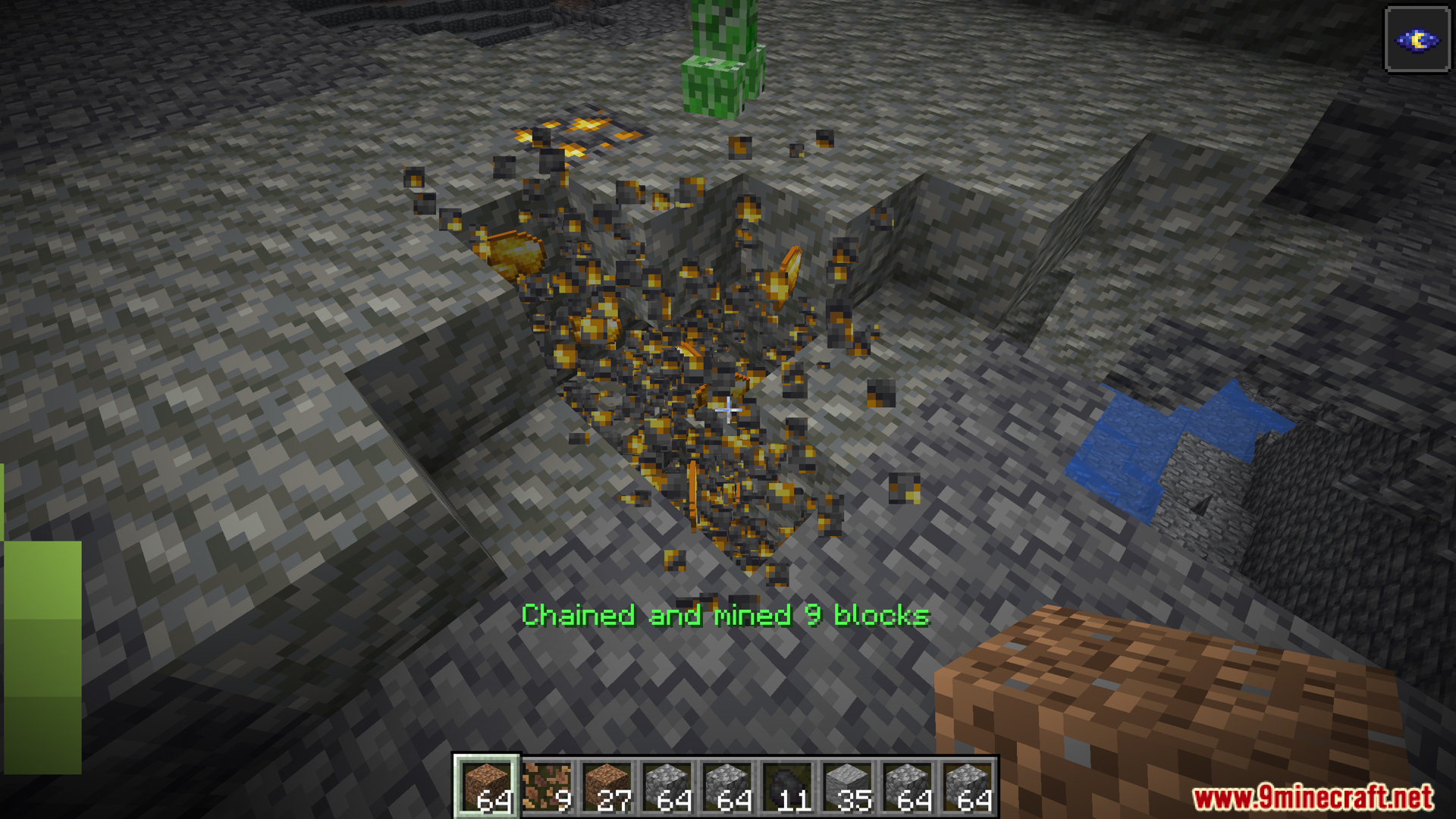
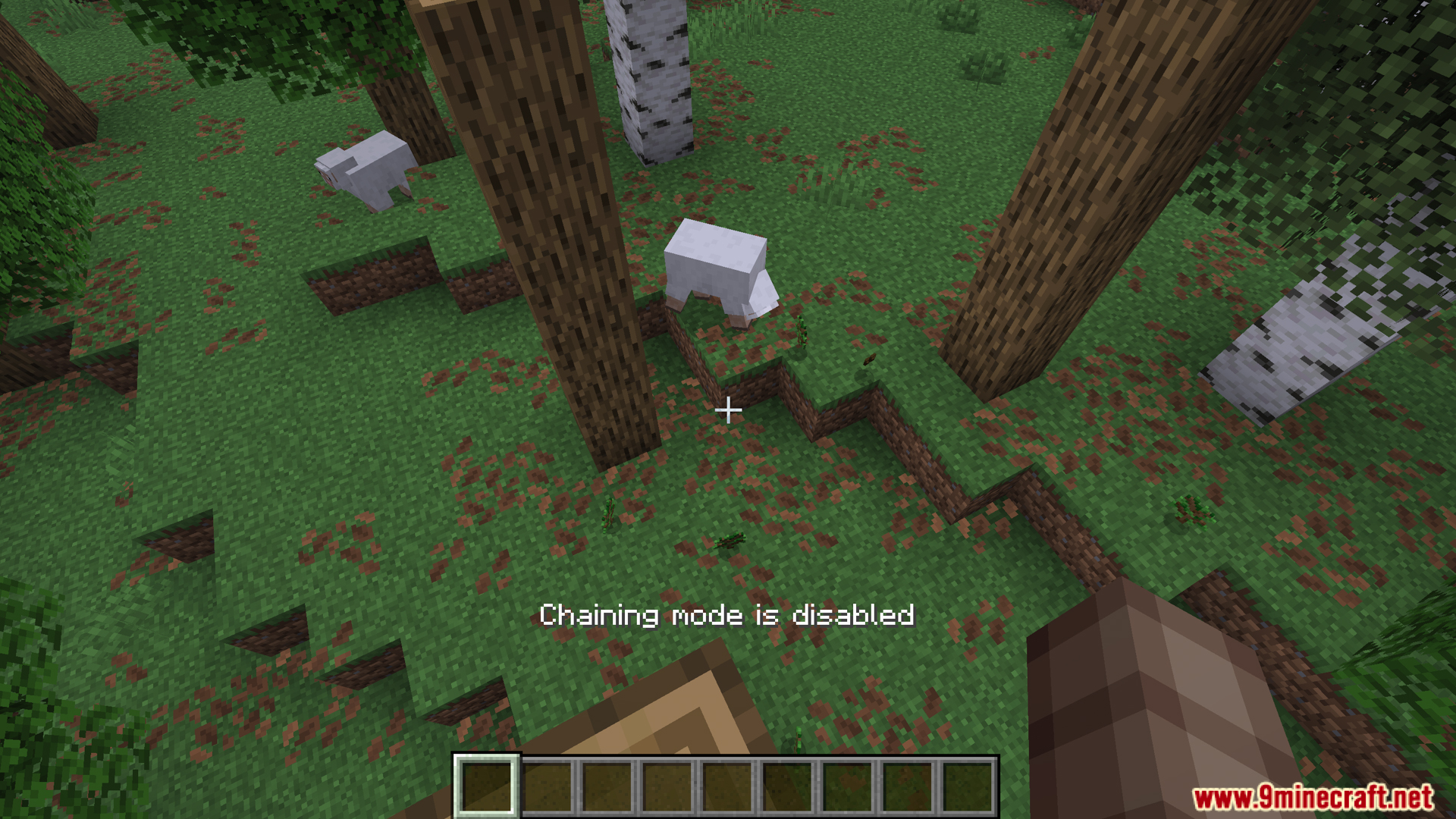
How to Install:
New to Minecraft? Follow our step-by-step guide to install Mods on your PC.View Guide




OneKeyMiner Mod Download Links
For Minecraft 26.1.2, 26.1.1, 26.1
For Minecraft 1.21.11
For Minecraft 1.21.10
For Minecraft 1.21.8, 1.21.7
For Minecraft 1.21.6, 1.21.5
For Minecraft 1.21.5
For Minecraft
1.21.3,
1.21.2,
1.21.1
All Versions Covered
1.21.3
1.21.2
1.21.1
1.21
All Versions Covered
1.21.3
1.21.2
1.21.1
1.21
For Minecraft 1.21.1, 1.21
For Minecraft 1.20.6
For Minecraft 1.20.4
For Minecraft 1.20.2
For Minecraft 1.20.1, 1.20
For Minecraft 1.18.2
For Minecraft 1.16.5
For Minecraft 1.12.2
For Minecraft 1.8.9
For Minecraft 1.7.10
Click to rate this post!
[Total: 1 Average: 5]
You May Also Like
















This post has no comments yet. Be the first — your comment will appear here.