


Pick Block Pro Mod (1.21.3, 1.20.1) – Creative Builder Utility Mod

 0
0 

Pick Block Pro Mod is designed for map builders and greatly simplifies interaction with blocks and the hotbar in Creative mode. It increases your block interaction range, allows you to pick up even fire, liquids, light, and spawners, adds the ability to lock inventory slots, and lets you quickly copy block IDs to the clipboard.
Features:
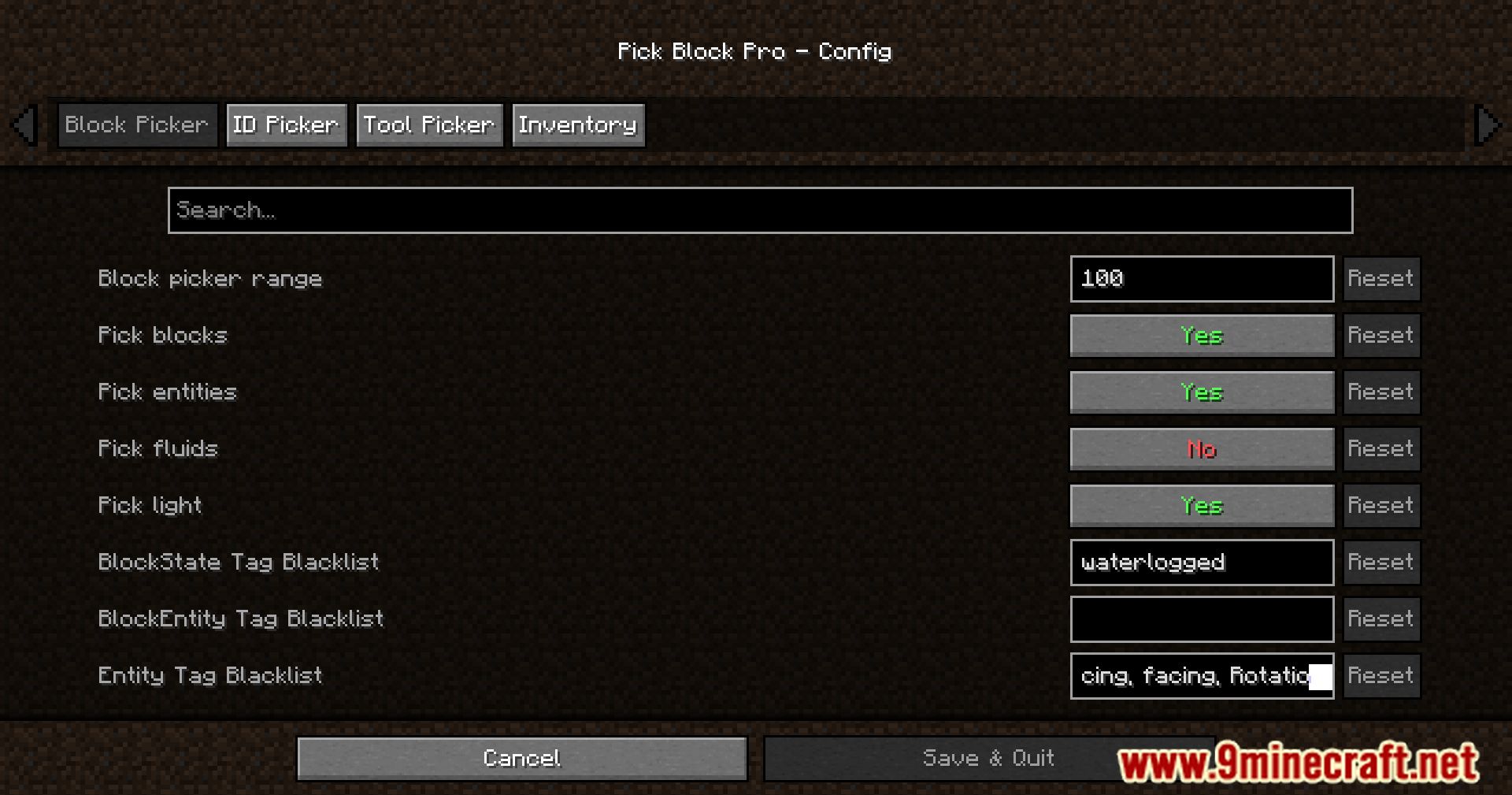
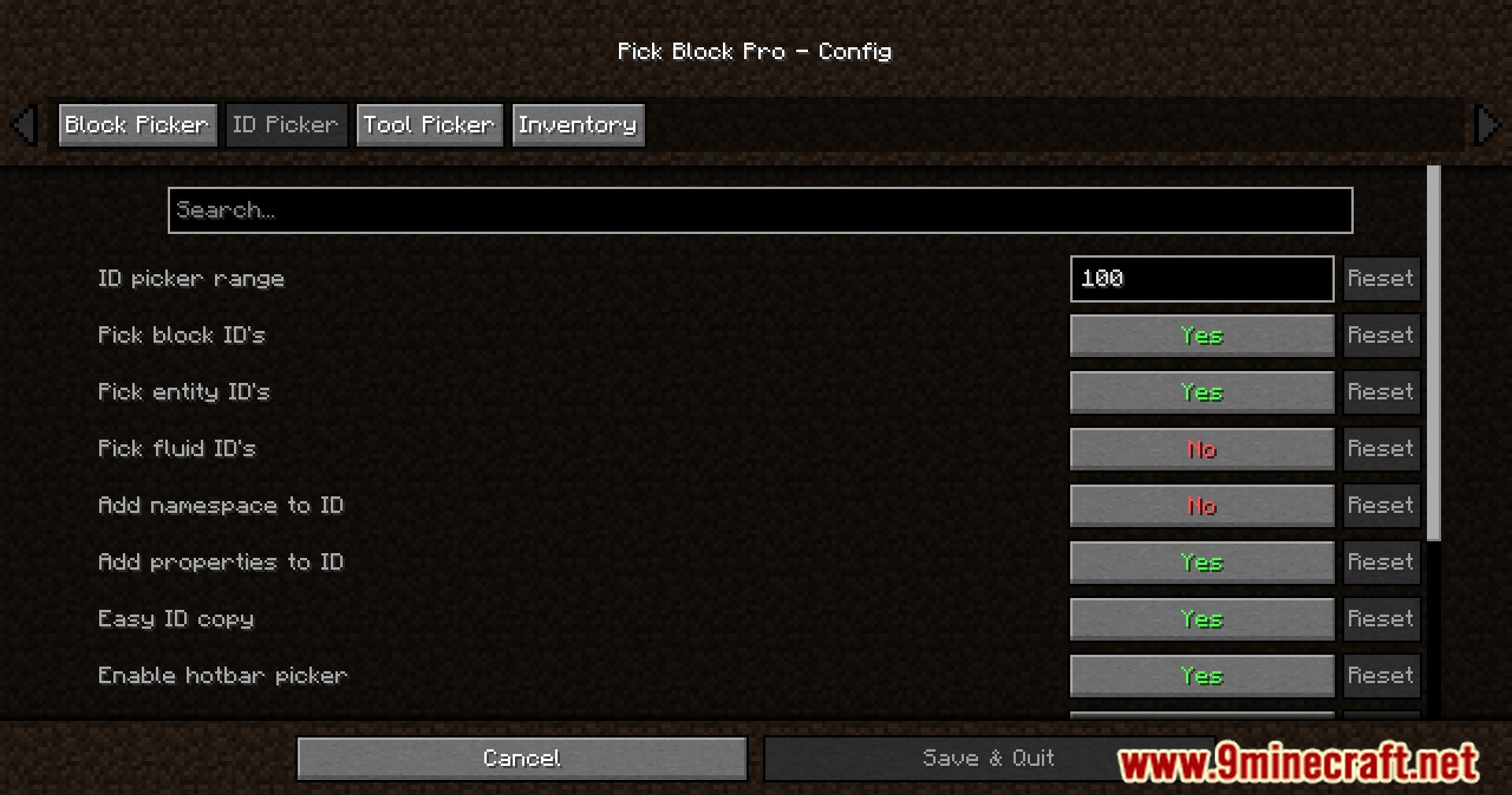
Pick Block Pro is a powerful utility mod designed for builders and creators, enhancing block picking, entity copying, inventory control, and ID management. Most features are fully configurable via the config file or Mod Menu.
- Advanced Block & Item Picking
- In Survival mode, the picker searches through your inventory and also inside item containers such as shulkers and bundles.
- If the block is found inside a container, the container with the highest amount of that item is moved to the main hand.
- Works with all containers that function similarly to shulkers and bundles.
- Extended Pick Controls
- Hold ALT to copy block-state data (rotation, lit state, etc.) as NBT.
- Hold CTRL to copy block-entity data (banners, skulls, containers).
- Hold CTRL while picking entities to copy full entity data:
- Copies mob data into spawn eggs
- Copies armor stands with pose and items
- Copies item frames with contained items
- Copies painting variants
- Special Pick Features
- Pick fire → get Flint & Steel (1.16+)
- Pick sun or moon → get a Light Block (1.17+)
- Cycle light levels by picking the sun or moon while holding the light block
- Pick a player → get the player head
- Pick falling blocks
- Pick fluids → get a bucket of that fluid (disabled by default)
- Custom Pick Overrides
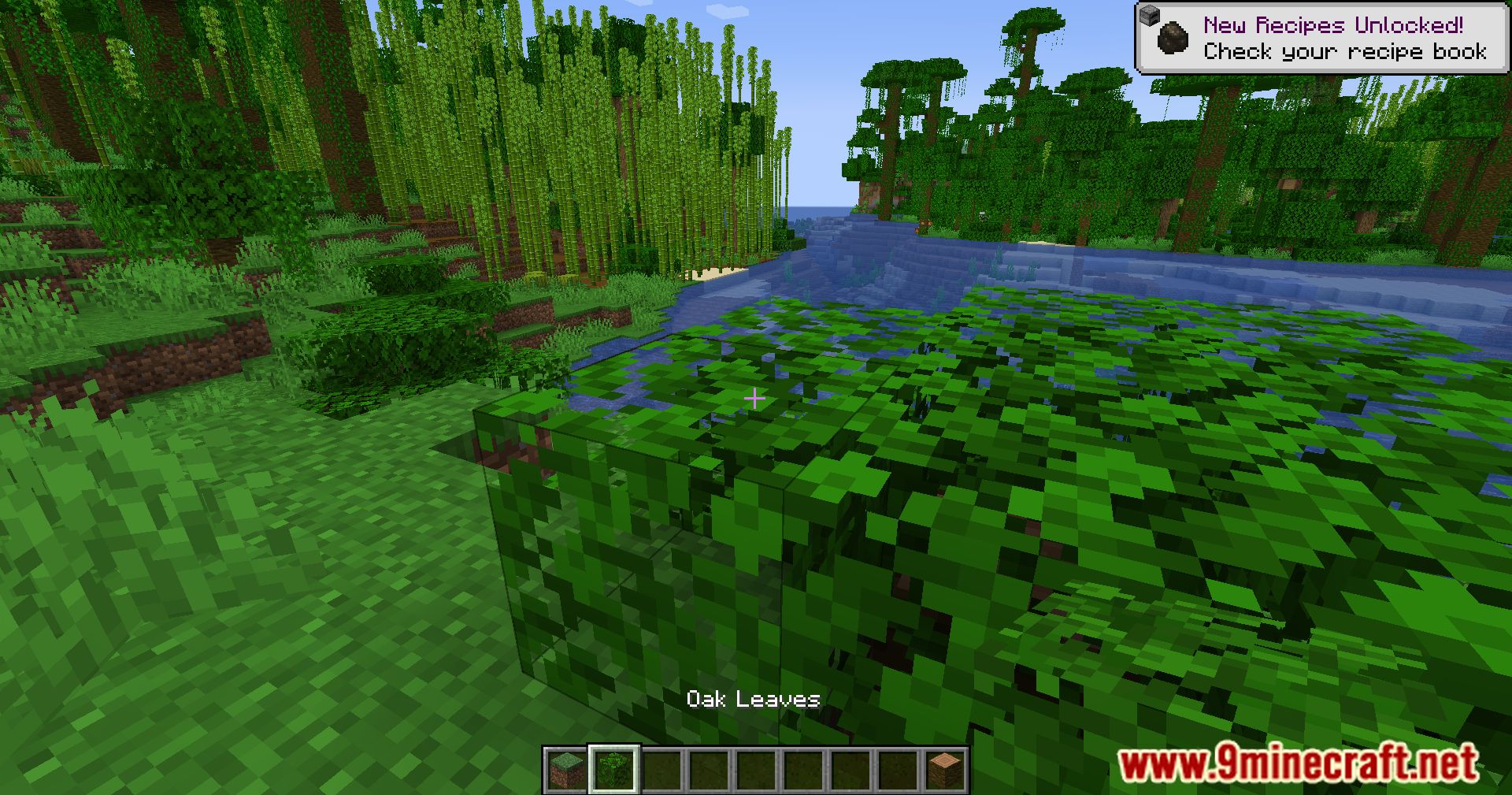
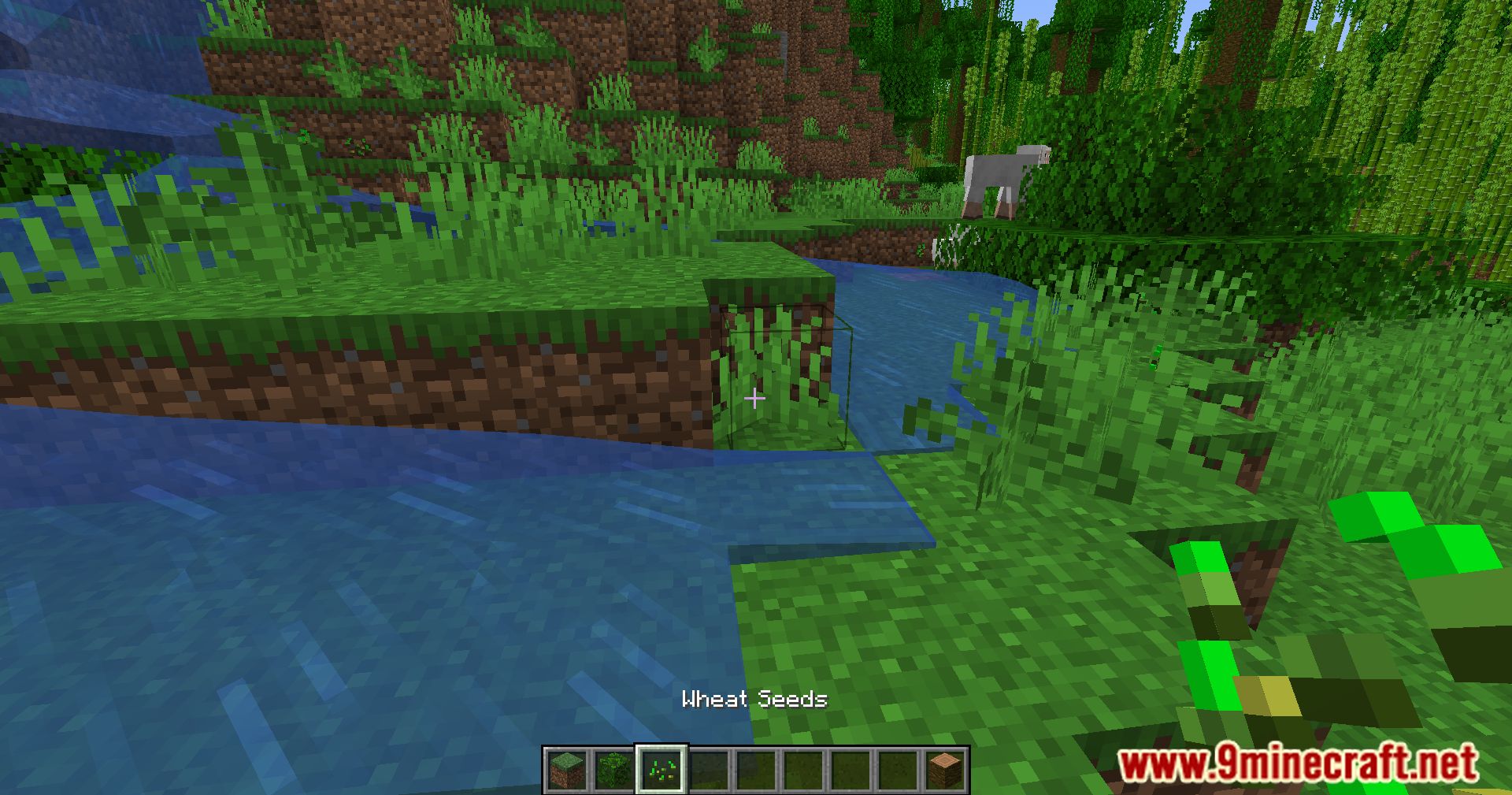
- Allows full customization of which item you receive when picking a block or entity.
- Uses an overrides.json configuration file.
- Supports full NBT data.
- Reload overrides in-game using: /pbp reload
- Includes default overrides for unsupported blocks and entities.
- Extended Pick Range
- Default Minecraft pick range is 3 blocks.
- This mod extends the range up to 100 blocks or more (fully configurable).
- No need to fly to distant blocks just to pick them.
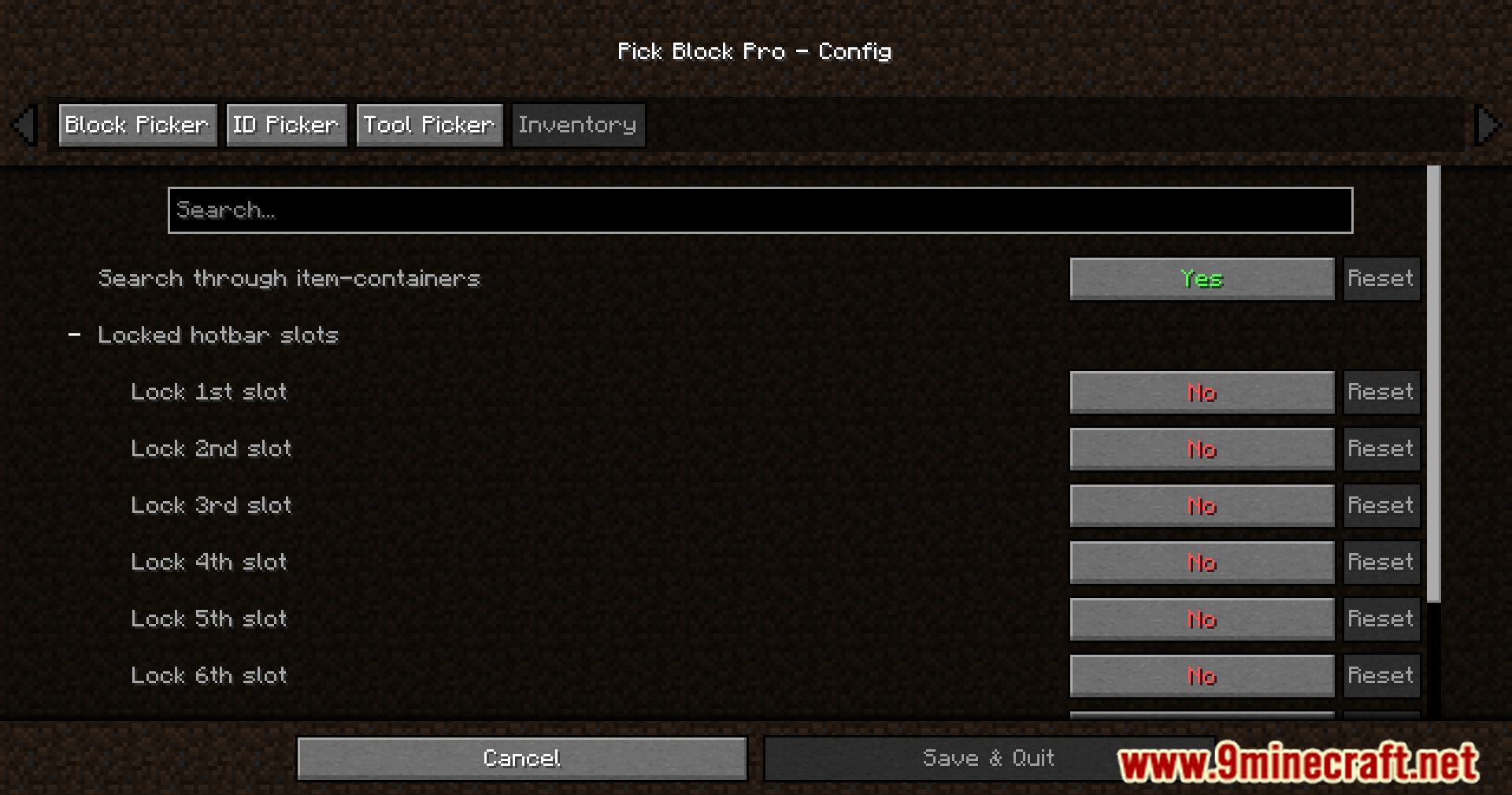
- Inventory Slot Locking
- Prevents important hotbar slots from being replaced.
- Locked slots are skipped if already occupied.
- Empty locked slots can still receive new items.
- Fully configurable through settings.
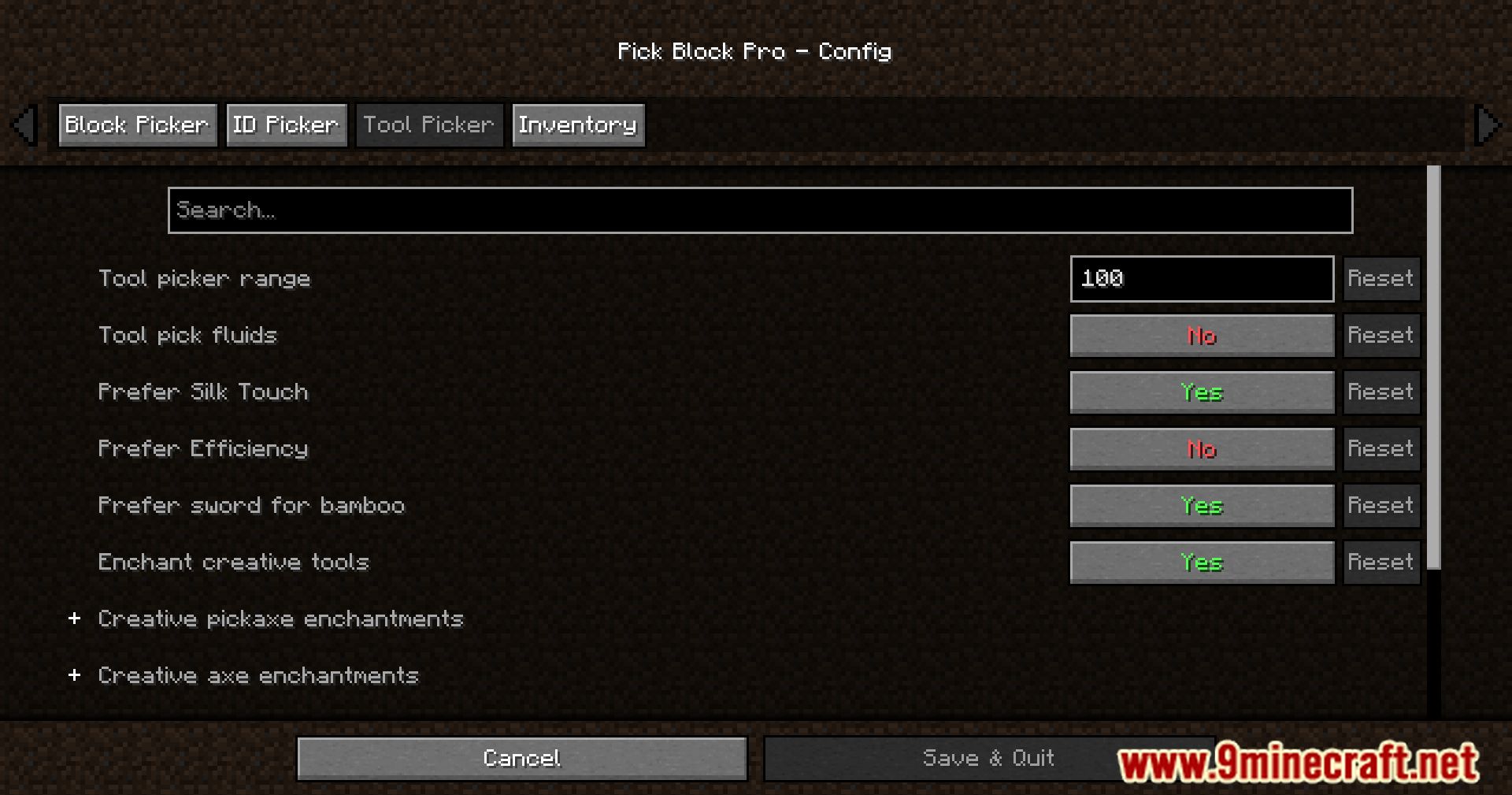
- Tool Picker
- Automatically selects the best available tool for the block or entity.
- In Creative mode, provides a fully enchanted tool (configurable).
- In Survival mode, searches your inventory for the best fit.
- Hotbar Item ID Copy
- Copy block or item IDs directly into chat.
- Hold CTRL + 0-9 while chat is open.
- 0 corresponds to the off-hand slot.
- Ideal for fast WorldEdit command creation.
- World Block ID Picker
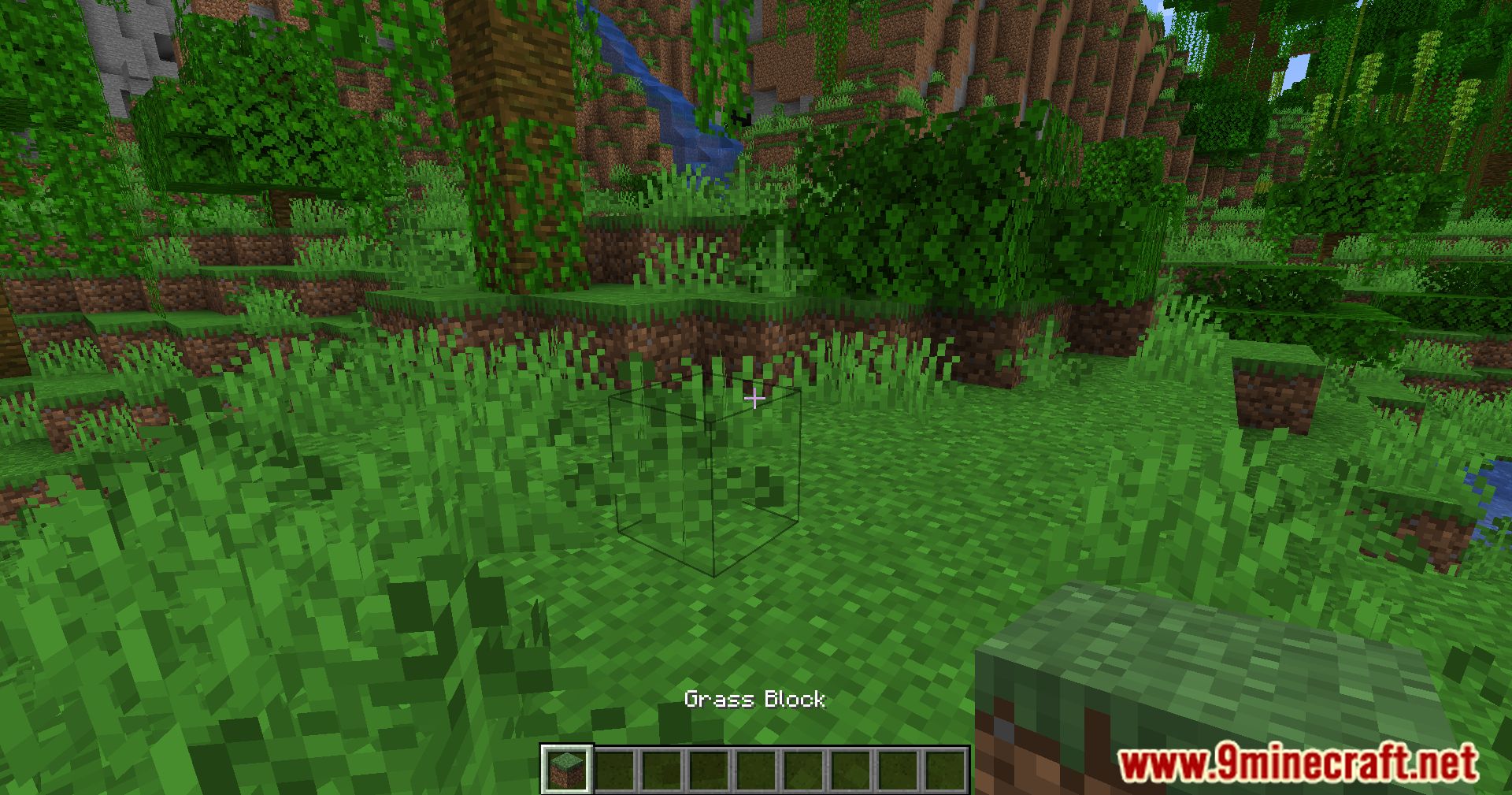
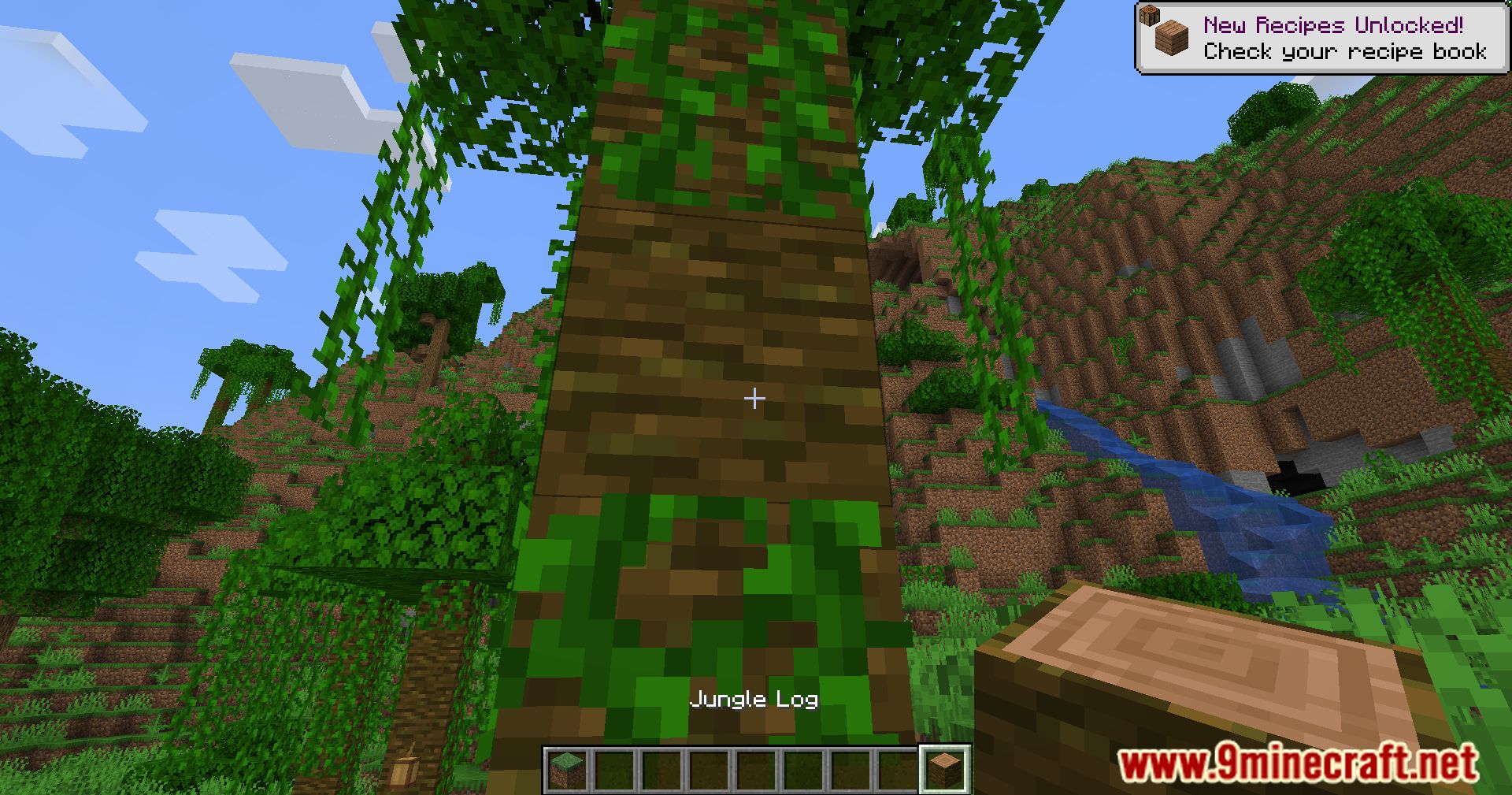
- Pick block IDs with full properties directly into the clipboard.
- Paste instantly while writing commands.
- Hold CTRL to also copy full block or entity NBT data.
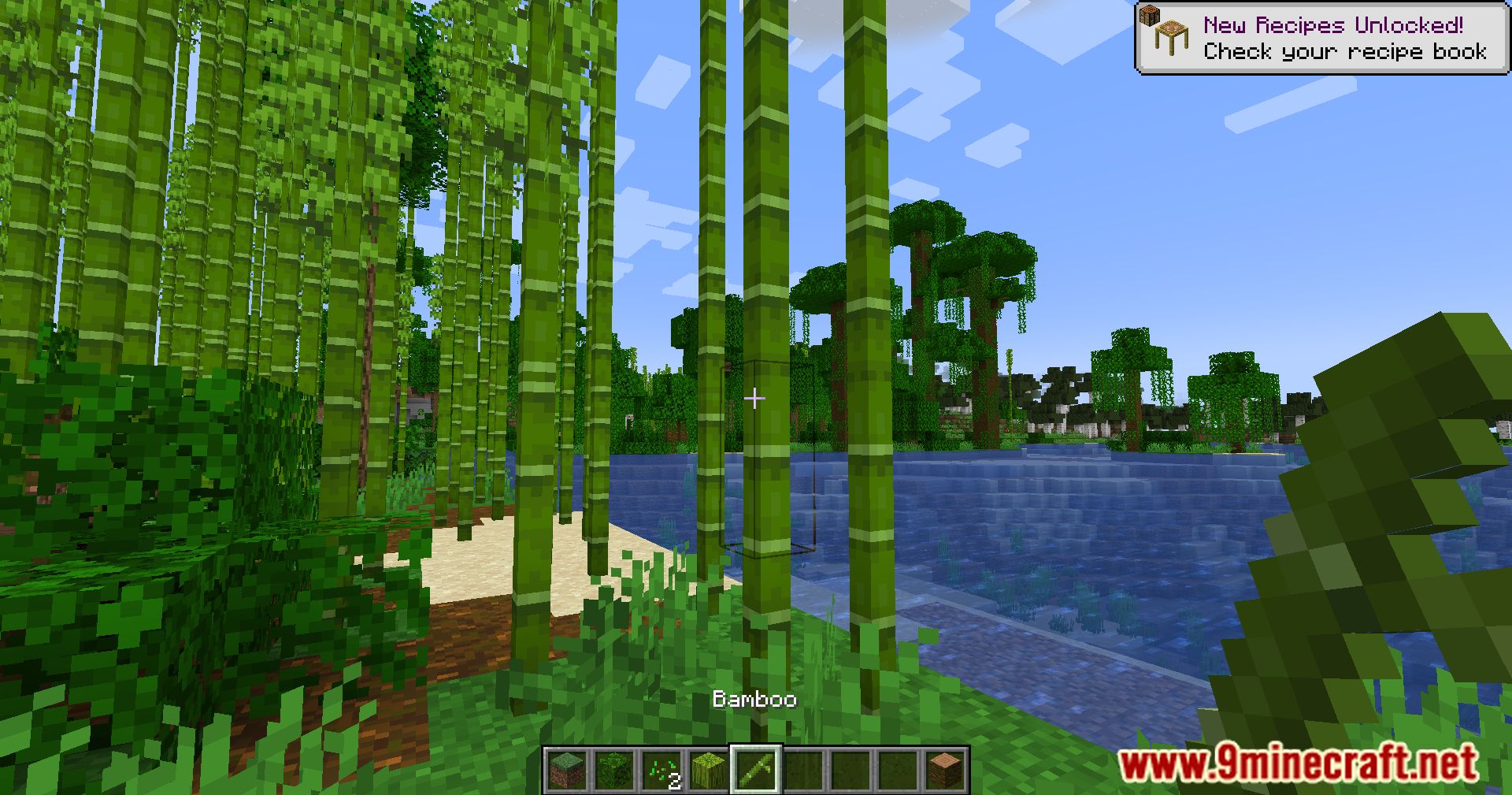
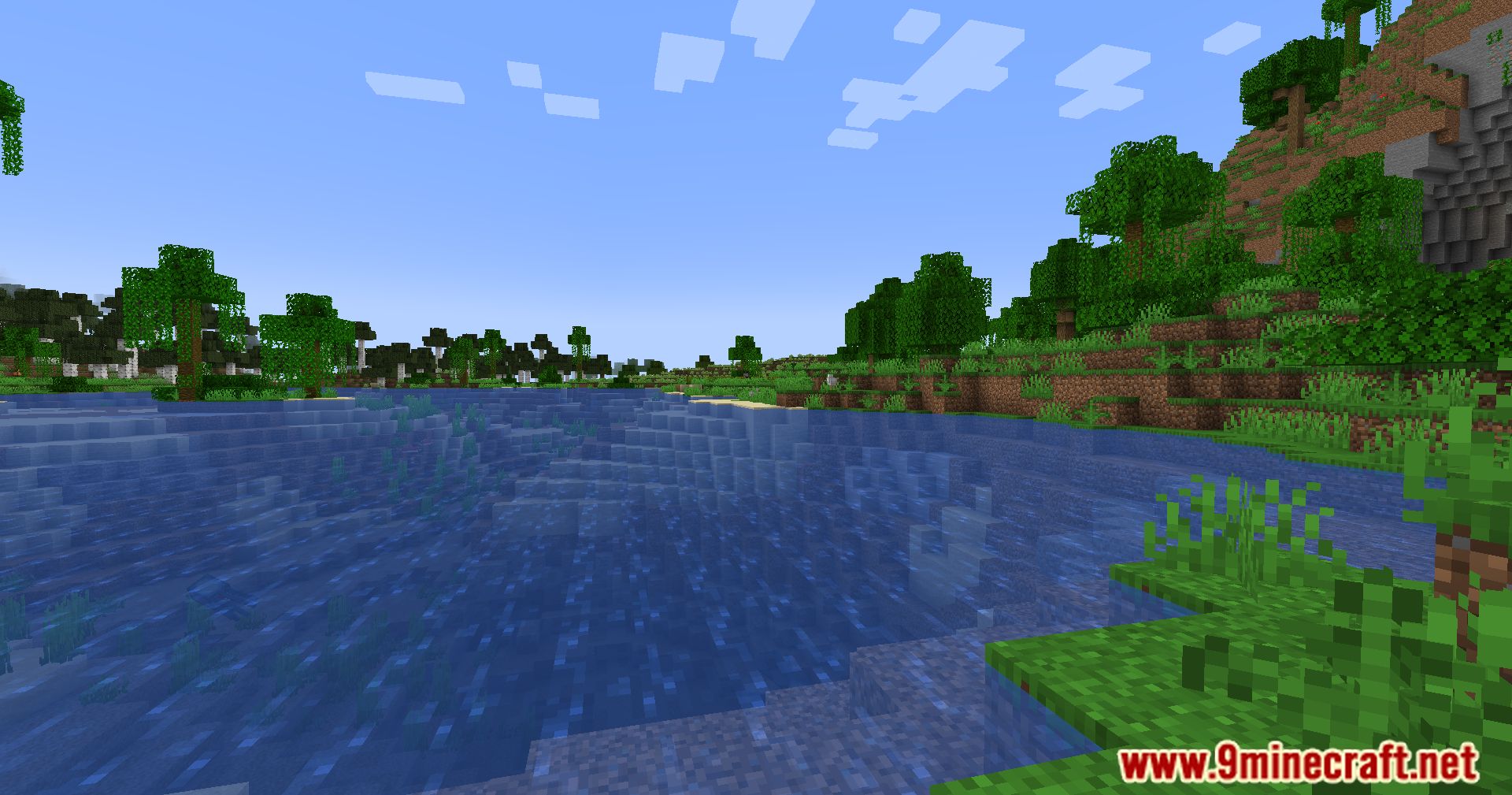
Screenshots:
How to Install:
New to Minecraft? Follow our step-by-step guide to install Mods on your PC.View Guide
Requirements:


Pick Block Pro Mod Download Links
For Minecraft 1.14.4
Fabric version: Download from Server 1 – Download from Server 2
For Minecraft 1.15.2
Fabric version: Download from Server 1 – Download from Server 2
For Minecraft 1.16.5
Fabric version: Download from Server 1 – Download from Server 2
For Minecraft 1.17.1
Fabric version: Download from Server 1 – Download from Server 2
For Minecraft 1.18.1
Fabric version: Download from Server 1 – Download from Server 2
For Minecraft 1.18.2
Fabric/Quilt version: Download from Server 1 – Download from Server 2
For Minecraft 1.19.2, 1.19.1, 1.19
Fabric/Quilt version: Download from Server 1 – Download from Server 2
For Minecraft 1.19.3
Fabric/Quilt version: Download from Server 1 – Download from Server 2
For Minecraft 1.19.4
Fabric/Quilt version: Download from Server 1 – Download from Server 2
For Minecraft 1.20.2, 1.20.1, 1.20
Fabric/Quilt version: Download from Server 1 – Download from Server 2
For Minecraft 1.20.4
Fabric/Quilt version: Download from Server 1 – Download from Server 2
For Minecraft 1.20.5
Fabric/Quilt version: Download from Server 1 – Download from Server 2
For Minecraft 1.20.6
Fabric/Quilt version: Download from Server 1 – Download from Server 2
For Minecraft 1.21.1, 1.21
Fabric/Quilt version: Download from Server 1 – Download from Server 2
For Minecraft 1.21.3, 1.21.2
Fabric/Quilt version: Download from Server 1 – Download from Server 2
You May Also Like






This post has no comments yet. Be the first — your comment will appear here.