


SkinChanger Mod (1.21.11, 1.20.1) – Get A Free Cape
 14,095
 0
0
 2 weeks ago
 boomboompower
SkinChanger Mod allows players to change their cape and skin directly from an in-game menu. Skins can be retrieved from files, urls and directly from player names and UUIDs. This mod designed to implement in-game dynamic skin and cape switching.
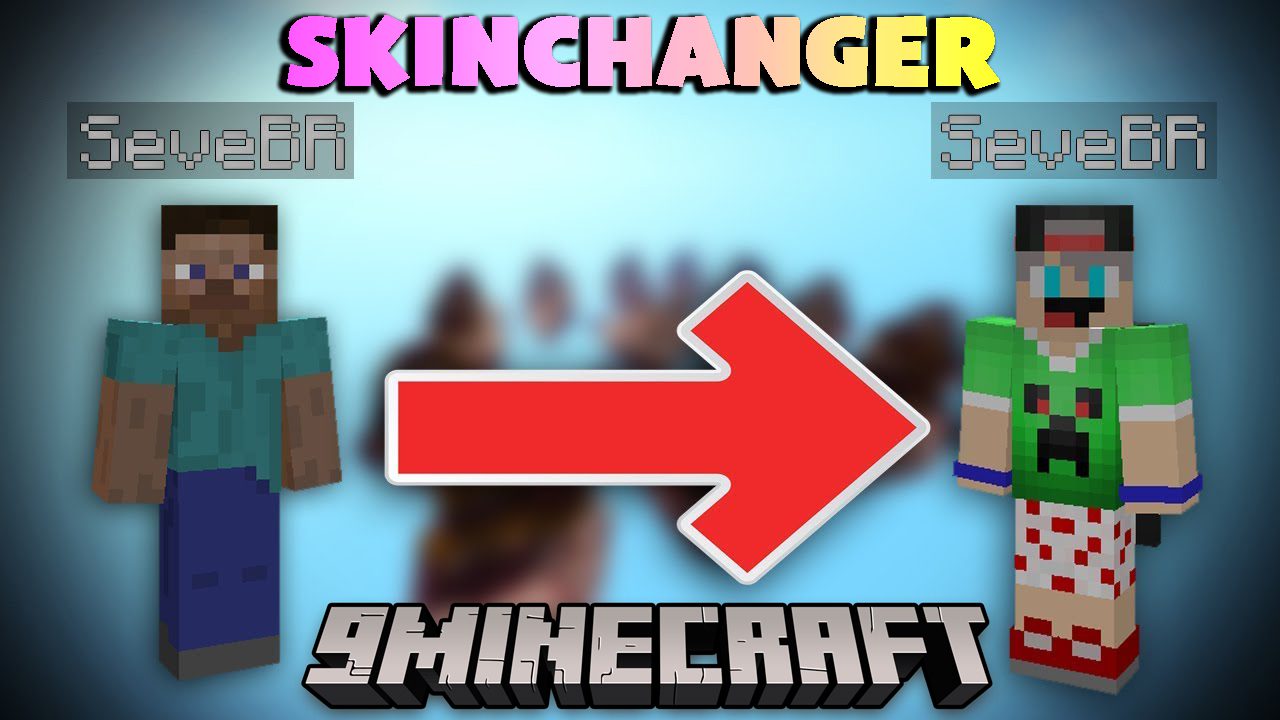
Features:
- Turn cape on and off.
- Change your skin to another players.
- Use other players Optifine capes.
- Temporarily change all users skins.
- Other player’s won’t see the cape or skin you use.
For skins:
- Skin from file
- Skin from URL
- Skin from a player’s name/UUID
For capes:
- Cape from file
- Cape from a URL
- Cape from optifine
Screenshots:
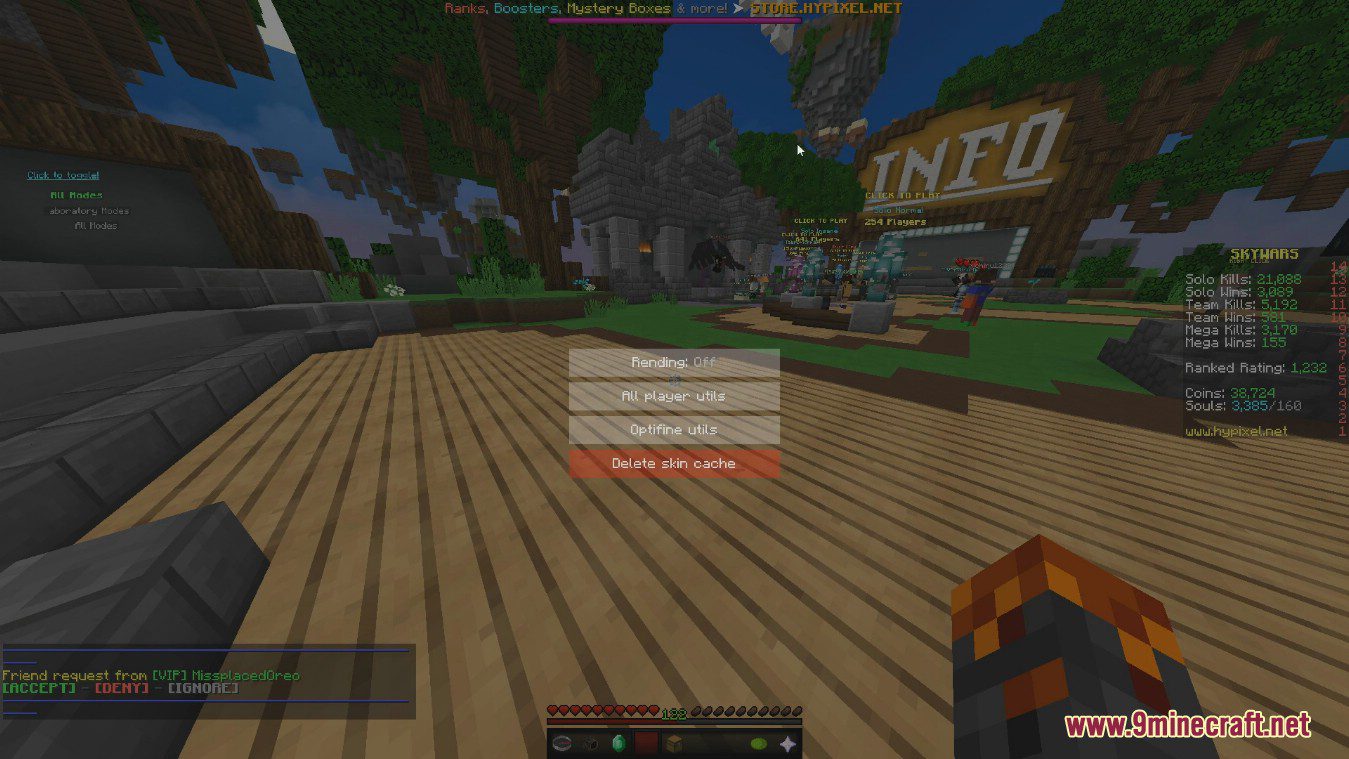
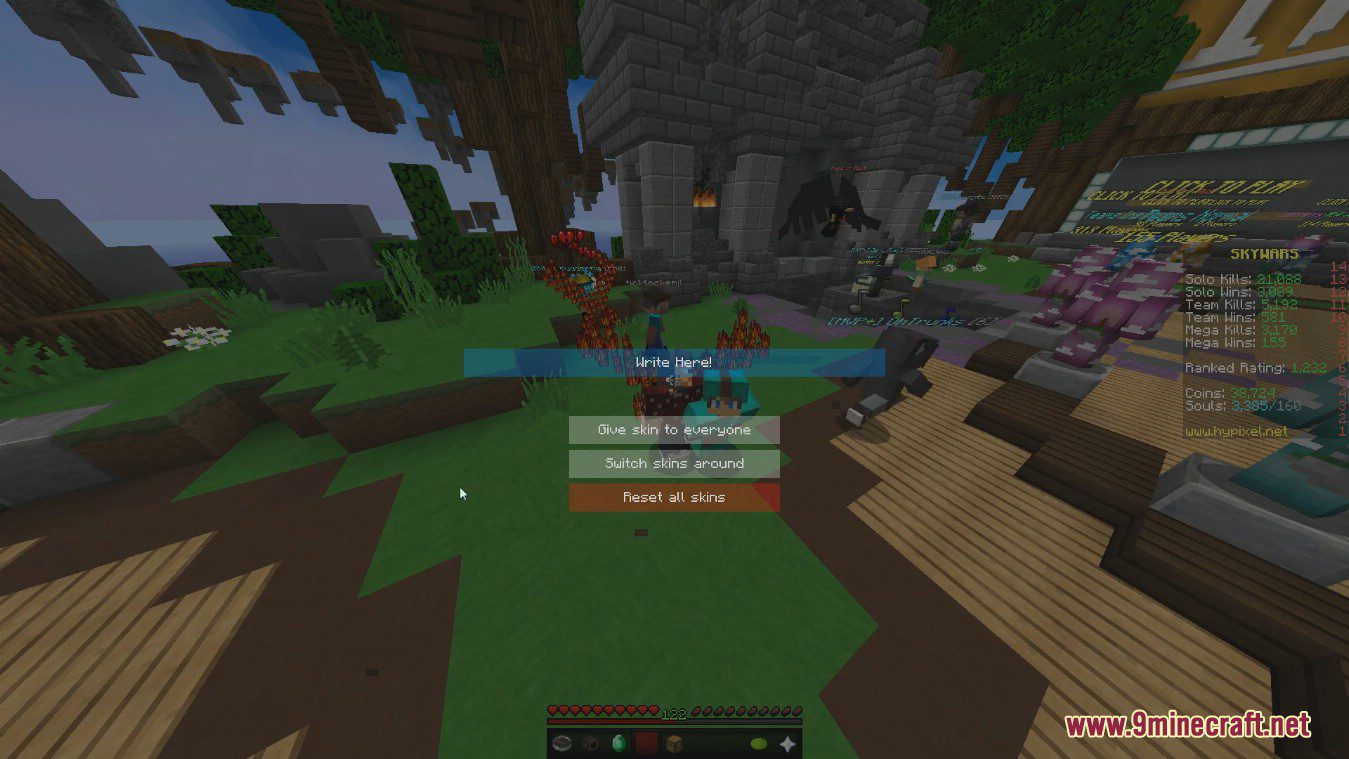

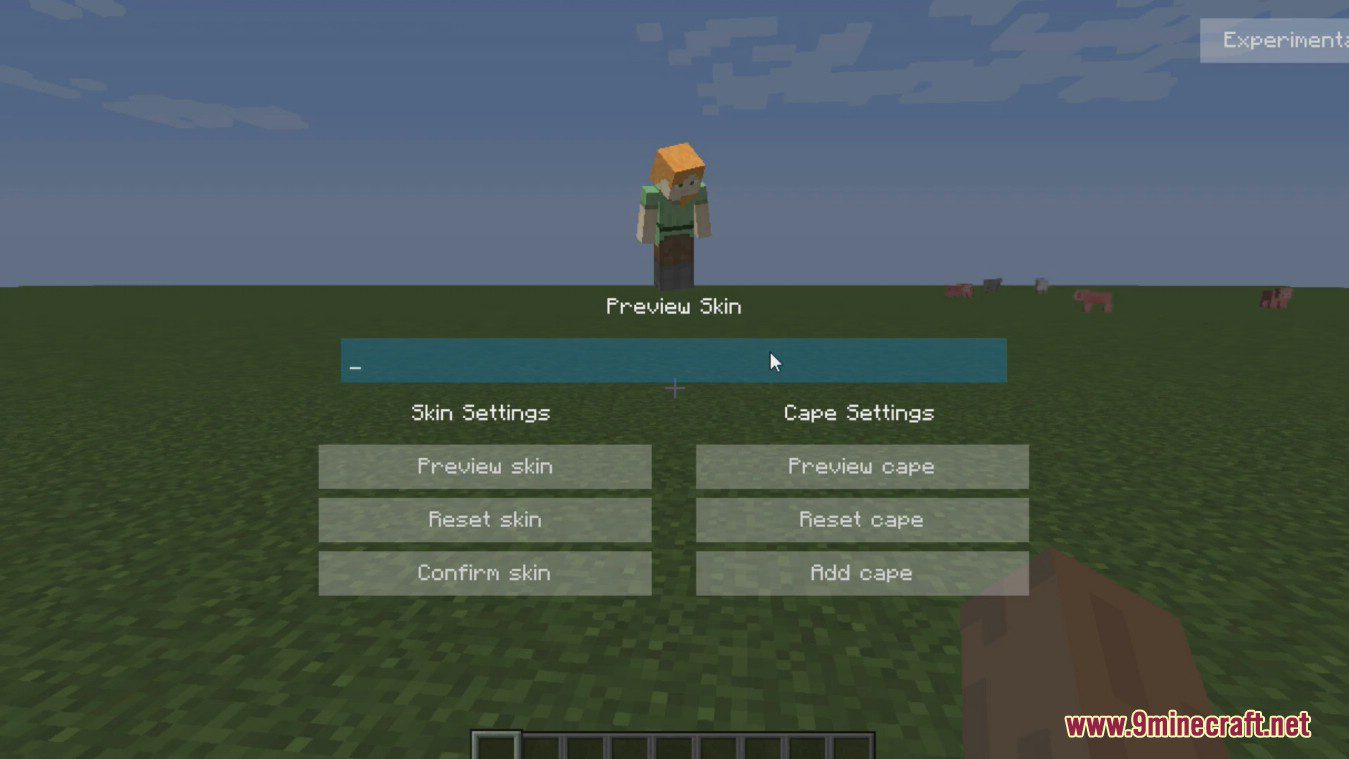
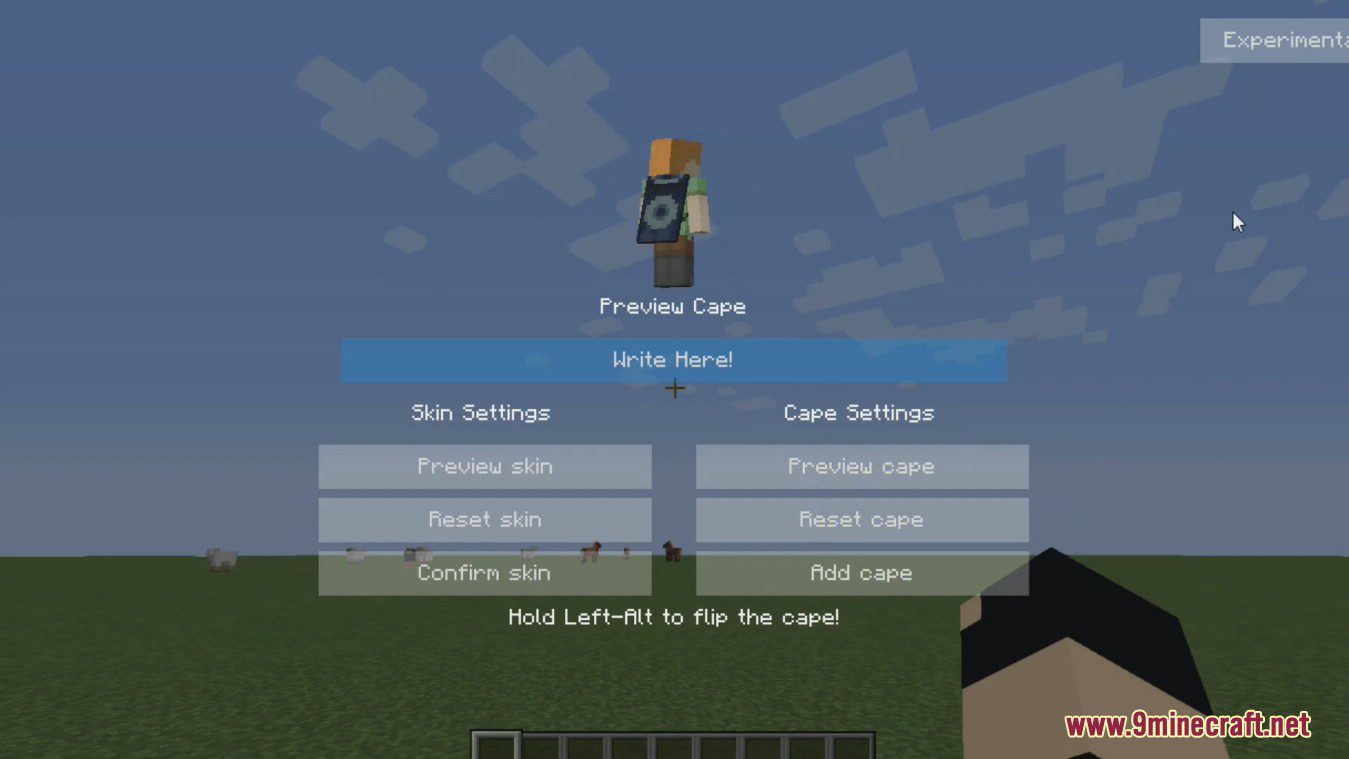
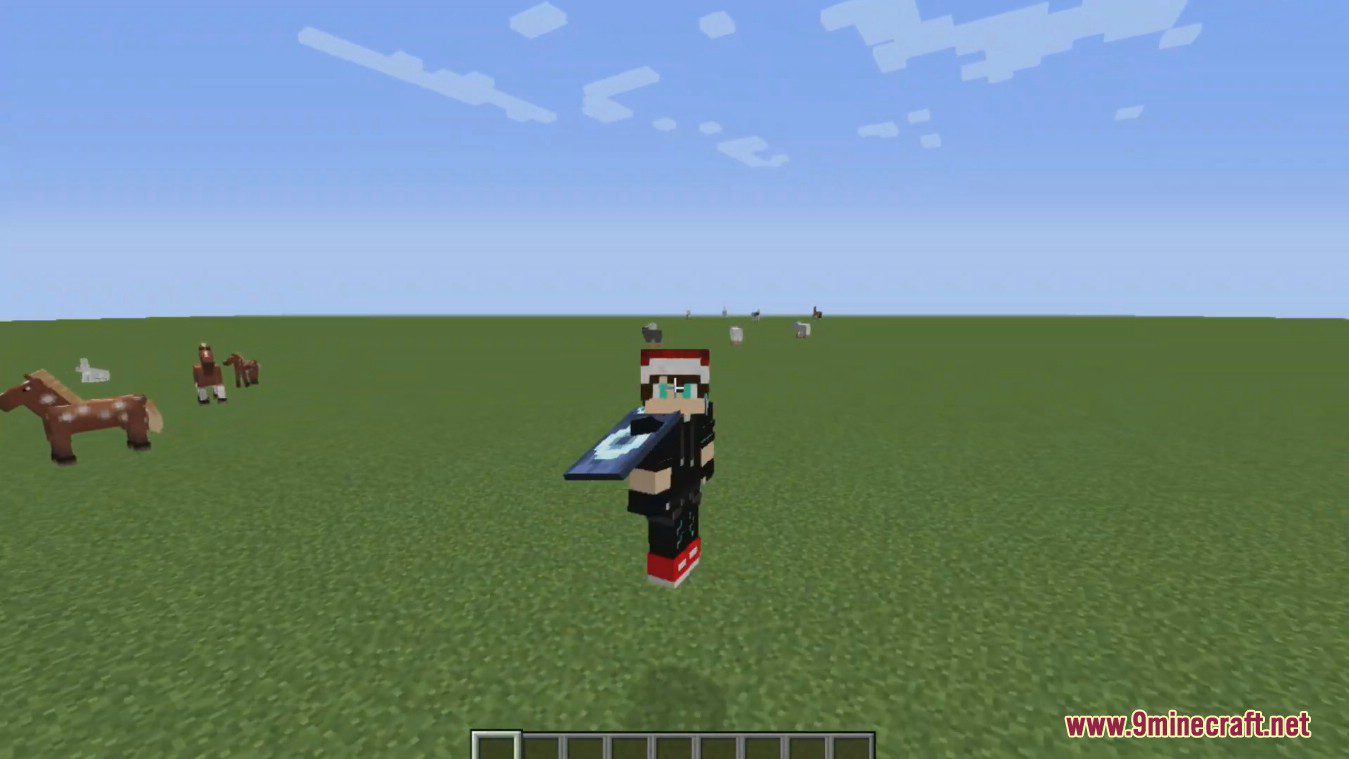
How to use:
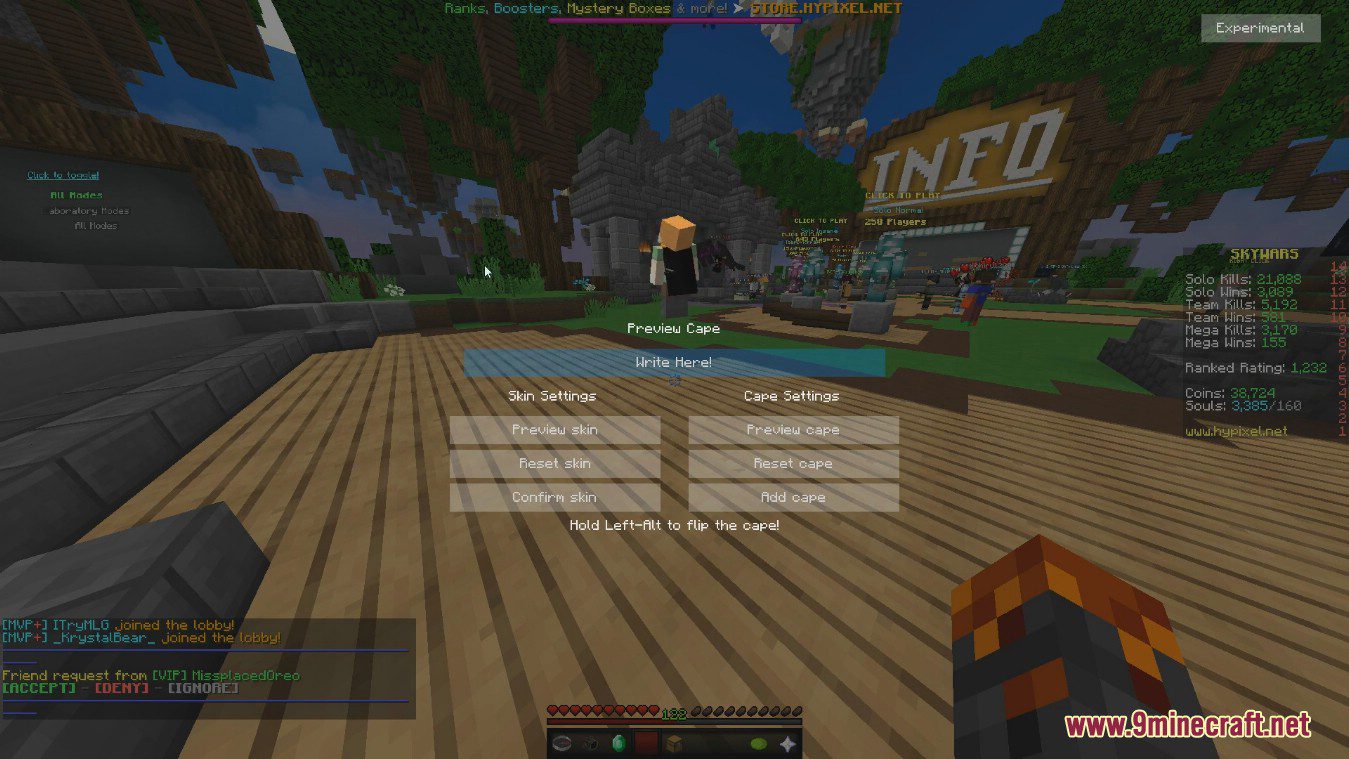
- To change your skin, type a players name in the TextBox (Should say “Write here”) then press “Confirm Skin”.
- If you want to preview the skin, repeat the steps above, except click “Preview Skin” instead.
- To use a cape, press the “Add cape” button. You should have one behind you.
Commands:
- Main command is /skinchanger
- Aliases /cape and /skin
- Example: /skin boomboompower
How to Install:
New to Minecraft? Follow our step-by-step guide to install Mods on your PC.View Guide
Requirements:





SkinChanger Mod Download Links
For Minecraft
1.21.11,
1.21.10,
1.21.9
All Versions Covered
1.21.11
1.21.10
1.21.9
1.21.8
1.21.7
1.21.6
1.21.5
1.21.4
1.21.1
1.21
All Versions Covered
1.21.11
1.21.10
1.21.9
1.21.8
1.21.7
1.21.6
1.21.5
1.21.4
1.21.1
1.21
For Minecraft
1.20.6,
1.20.5,
1.20.4
All Versions Covered
1.20.6
1.20.5
1.20.4
1.20.3
1.20.2
1.20.1
1.20
All Versions Covered
1.20.6
1.20.5
1.20.4
1.20.3
1.20.2
1.20.1
1.20
For Minecraft 1.20.1, 1.20
For Minecraft
1.19.4,
1.19.3,
1.19.2
All Versions Covered
1.19.4
1.19.3
1.19.2
1.19.1
1.19
All Versions Covered
1.19.4
1.19.3
1.19.2
1.19.1
1.19
Click to rate this post!
[Total: 1 Average: 5]
You May Also Like













This post has no comments yet. Be the first — your comment will appear here.