


Dungeons And Combat Mod (1.20.1, 1.20) — Выбери свой класс для покорения данжей
 1,534
1,534
 0
0


🌐 Вы читаете эту статью на Русский. Хотите переключить?
📖 Читать на английском (оригинал)Или выберите нужный:
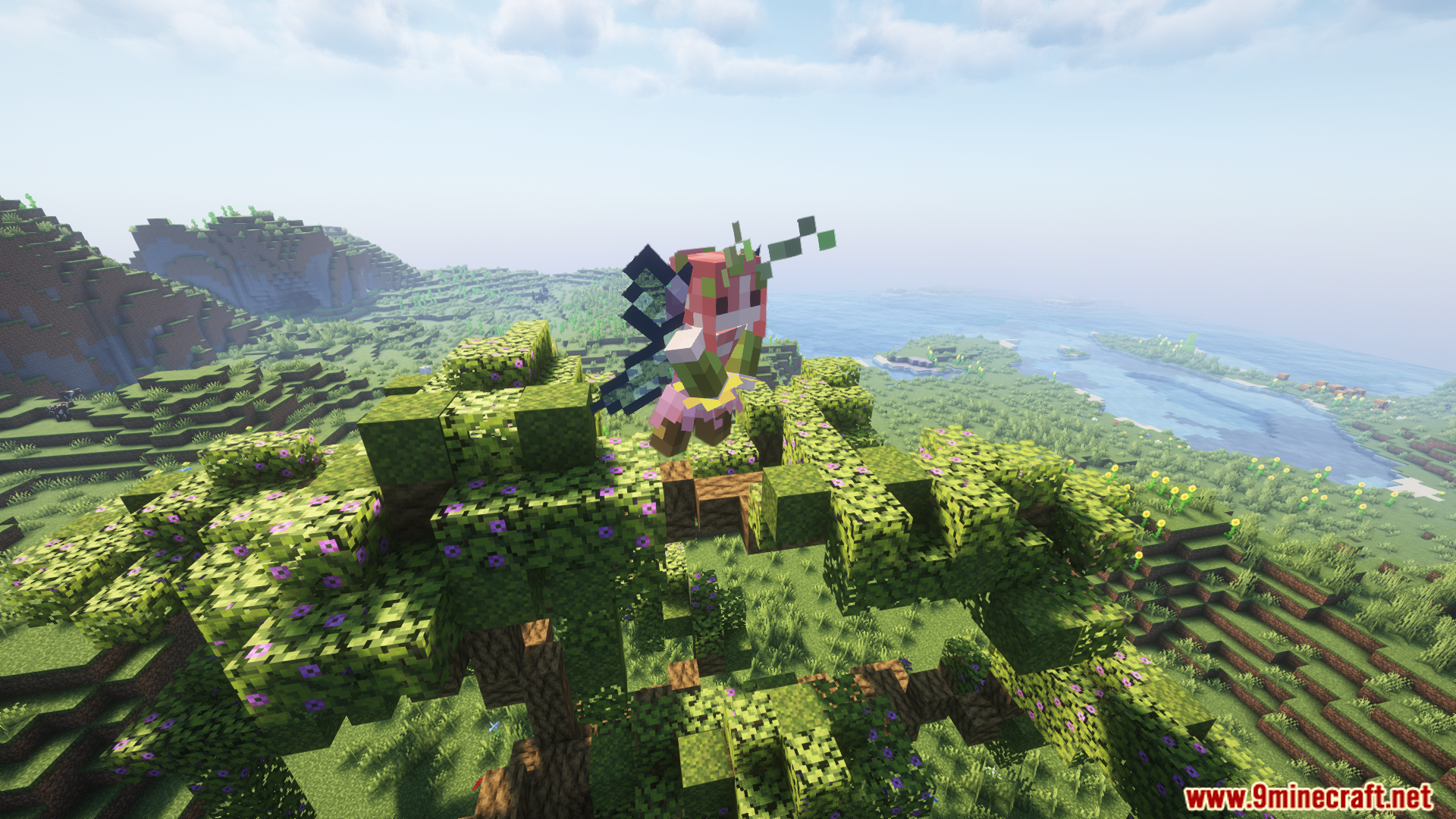
Dungeons And Combat Mod превращает Minecraft в настоящее RPG-приключение. Этот мод вводит систему классов, где вы можете выбрать роль с уникальными характеристиками и пассивными способностями. Исследуйте новые данжи в обычном мире и Незере, каждый из которых охраняется уникальными врагами и мини-боссами. Мод также добавляет новые материалы для крафта 3D-брони и три типа оружия: легкое, среднее и тяжелое.
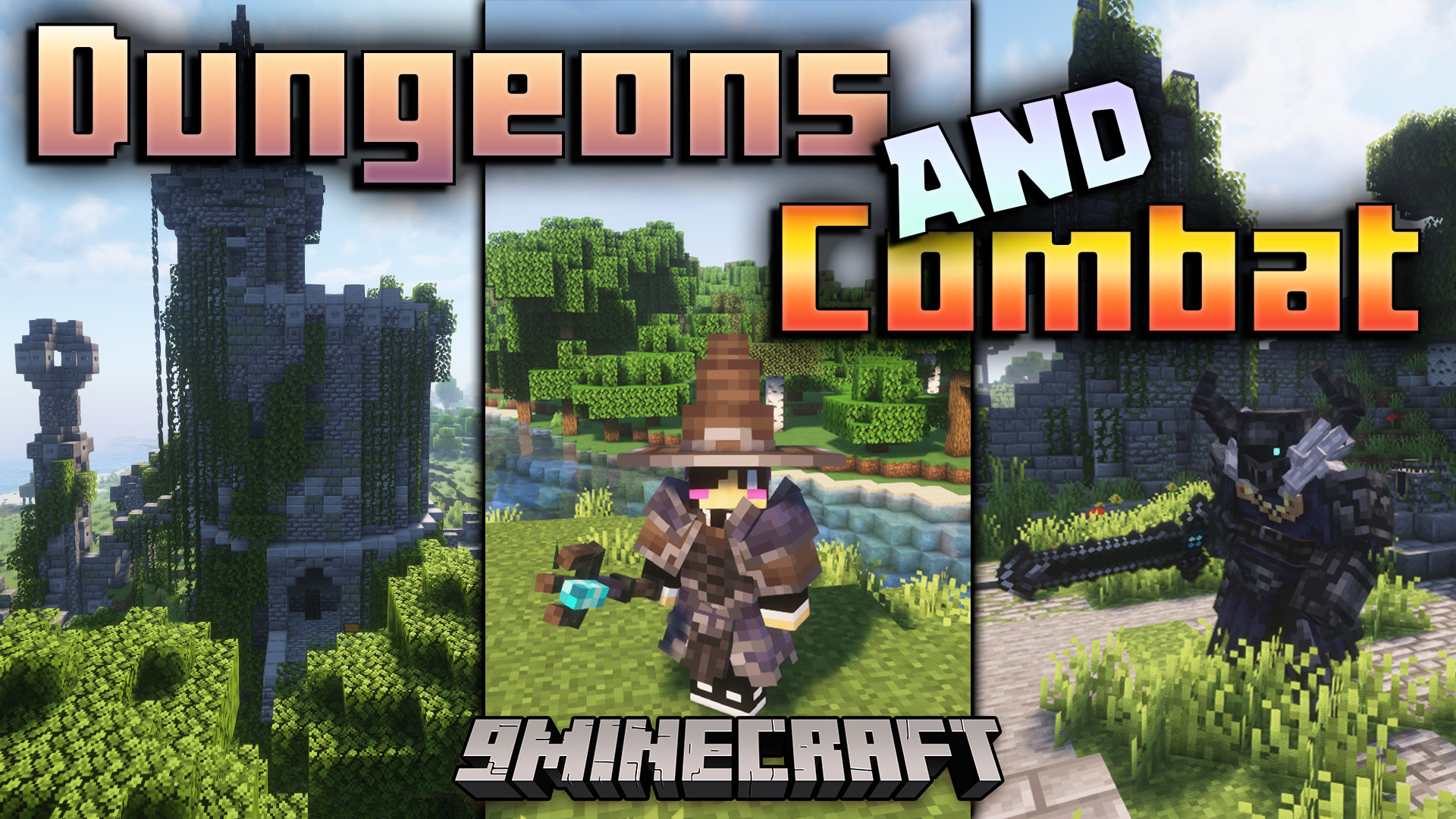
Особенности:
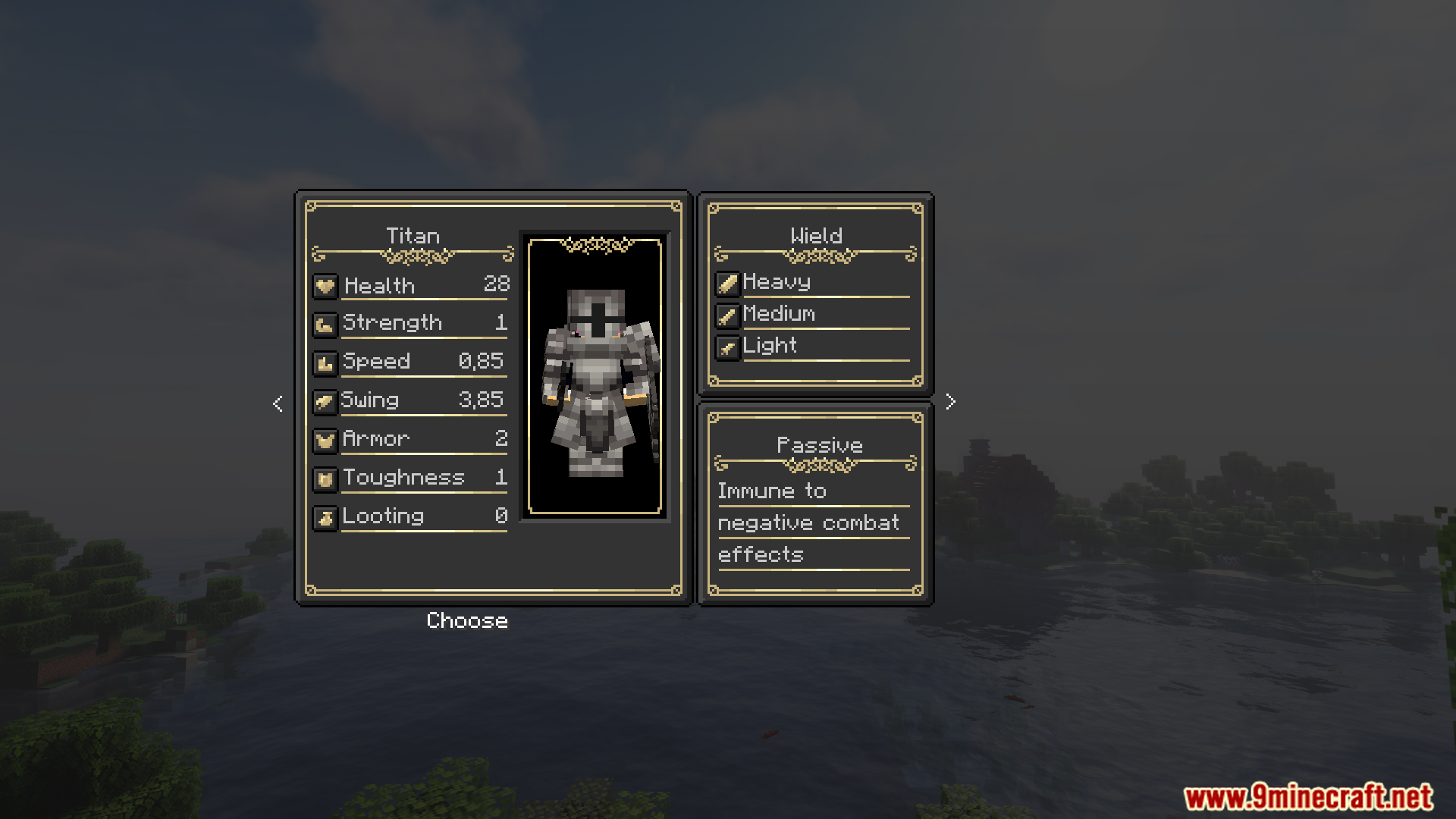
- Выберите класс, который определит ваши атрибуты и даст пассивную способность.
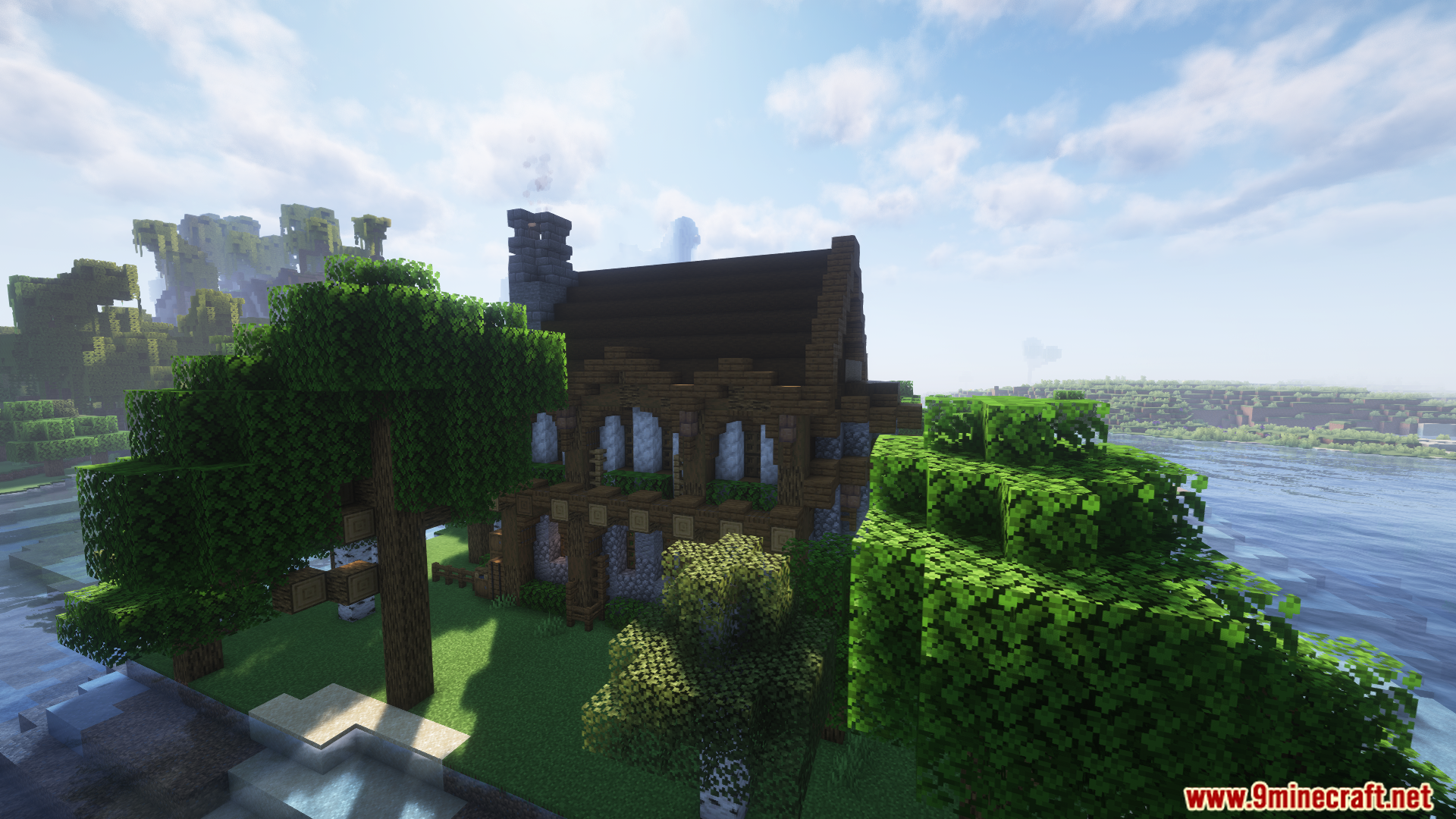
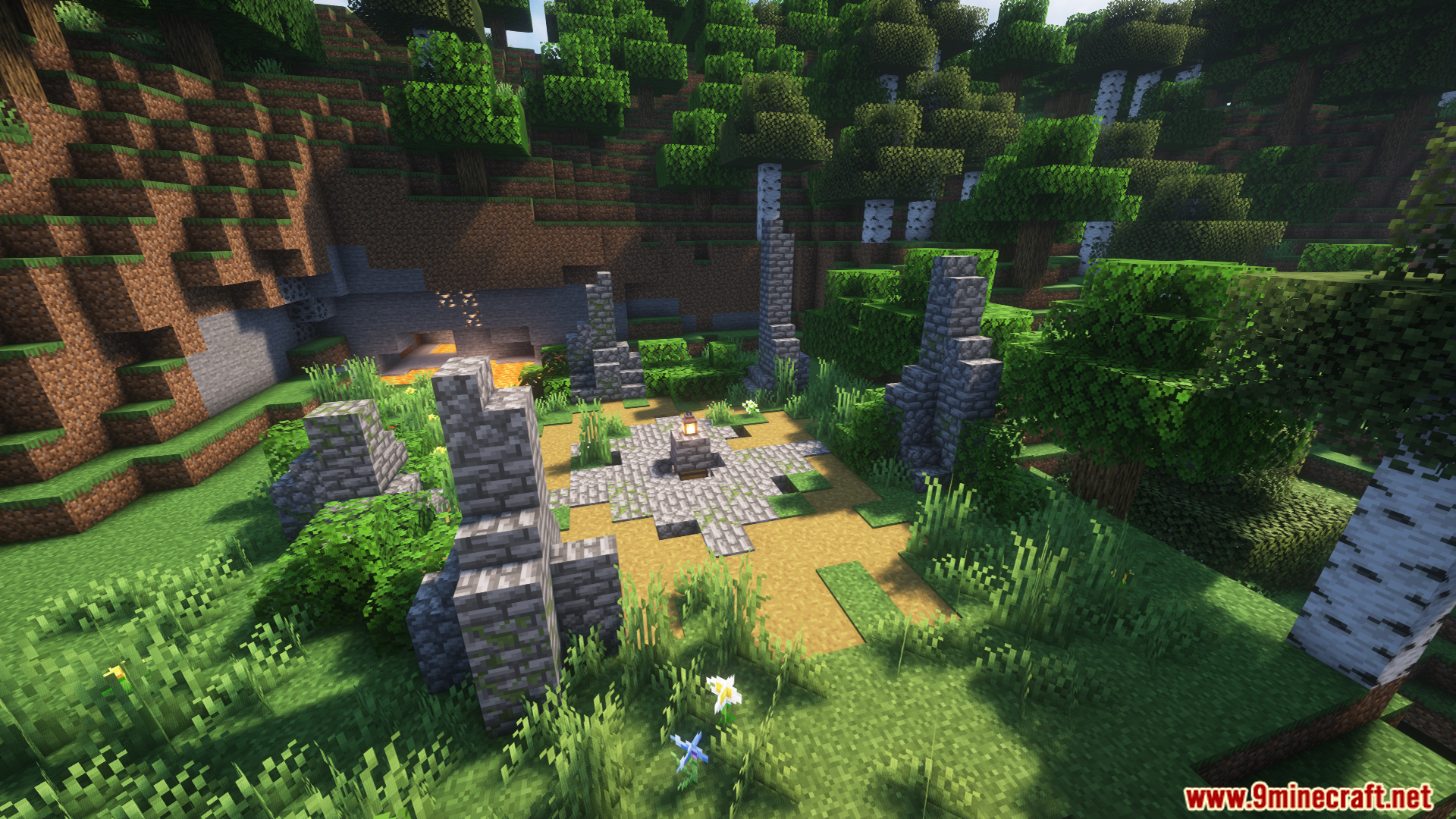
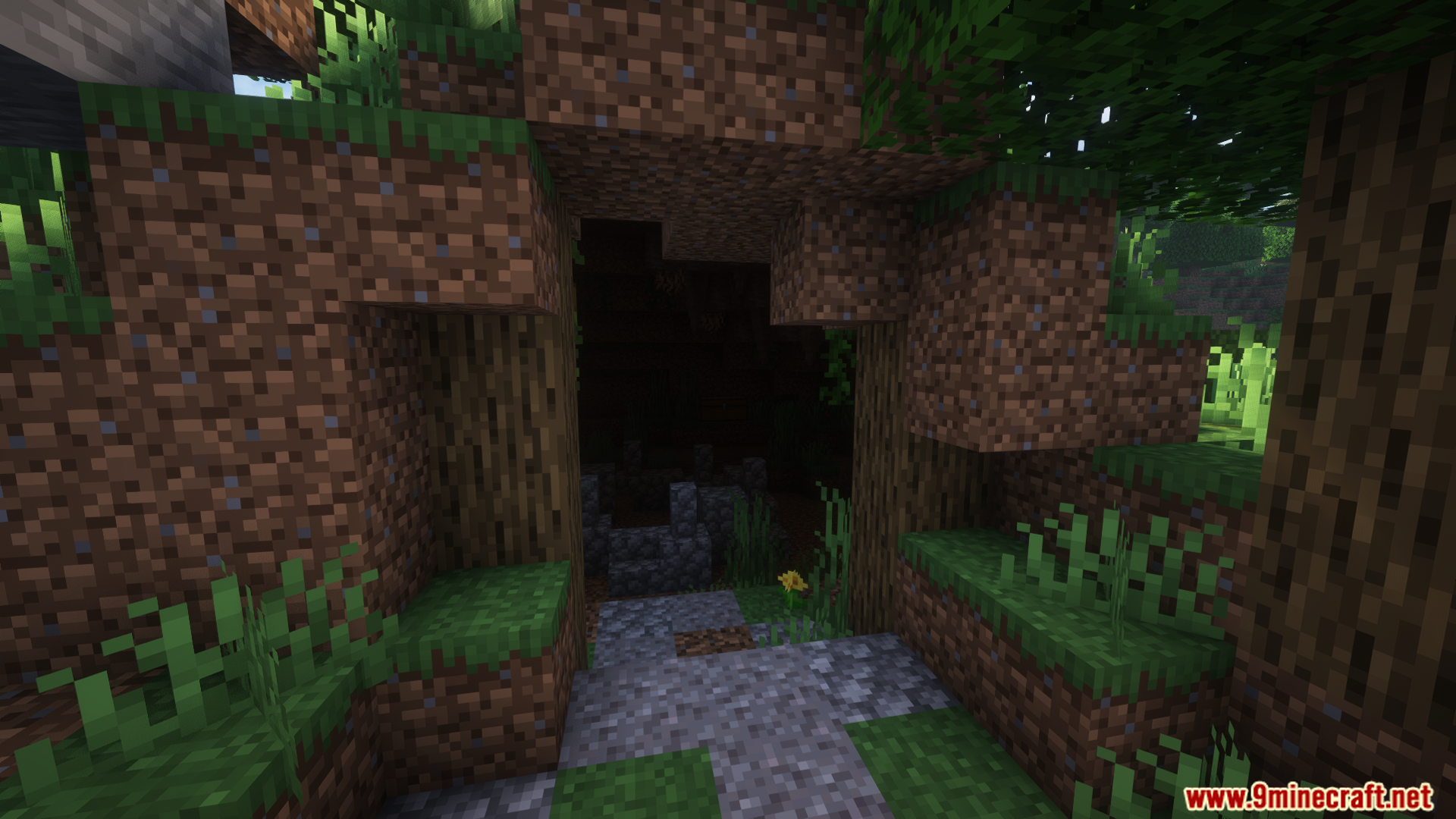
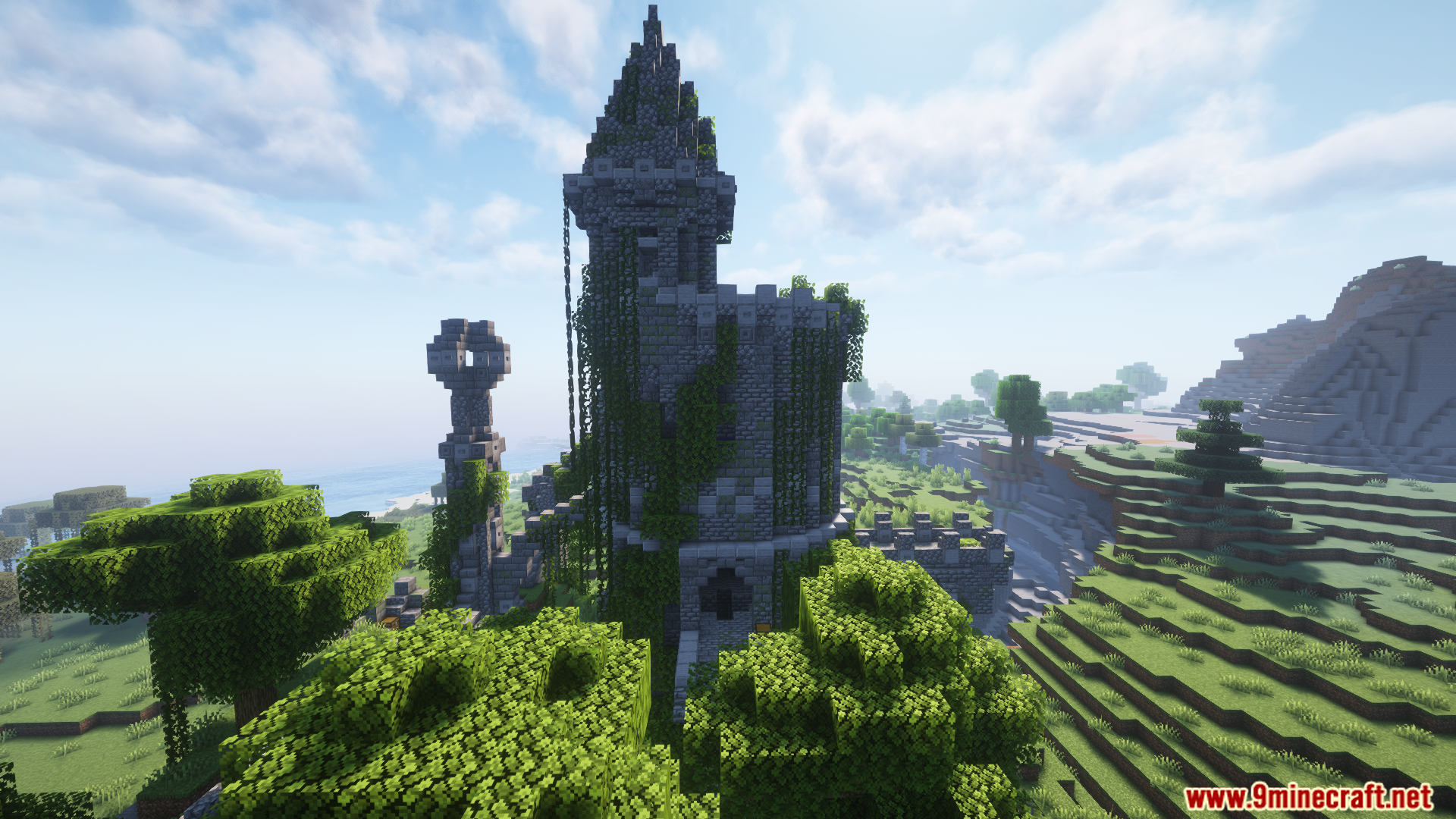
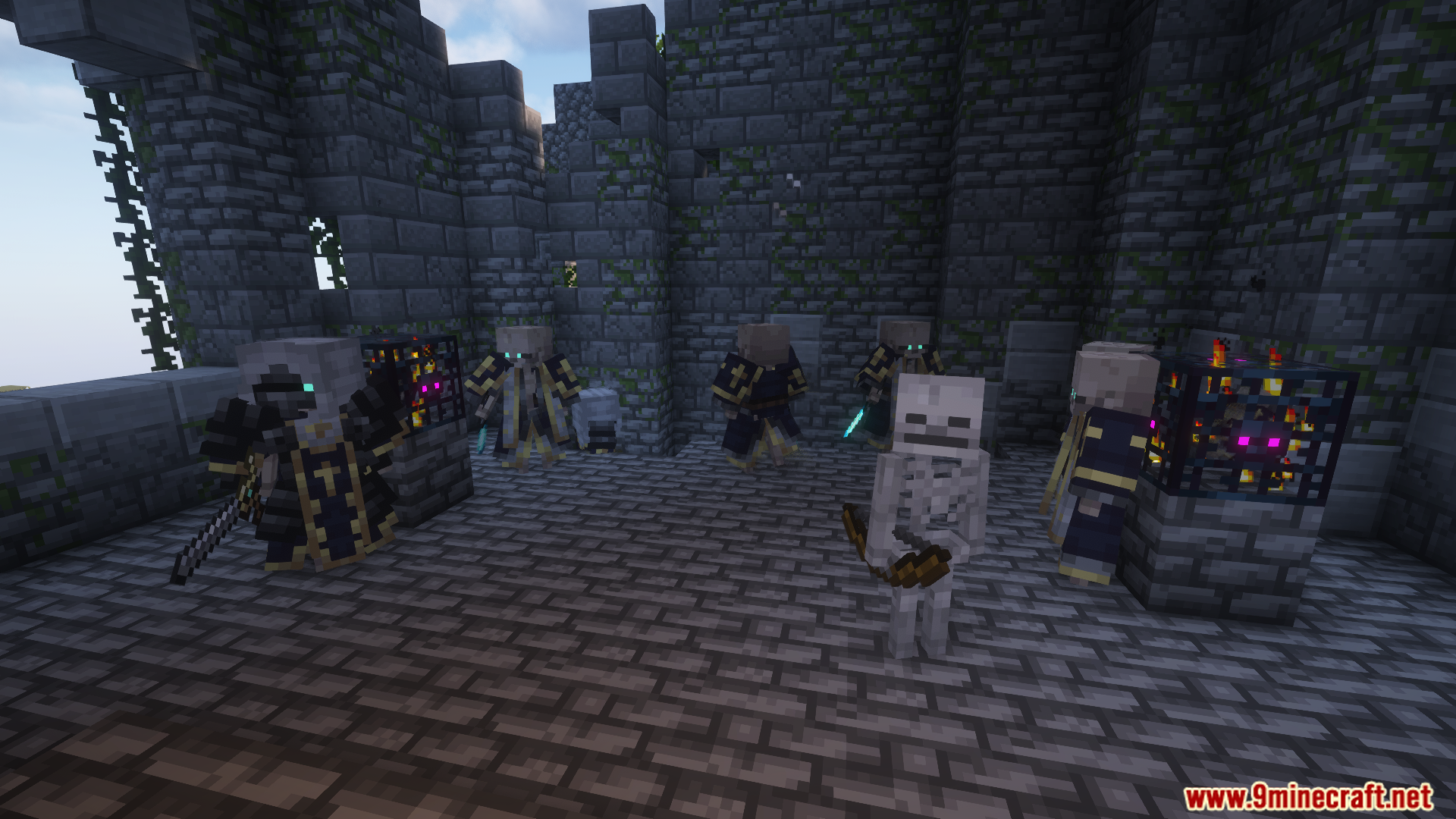
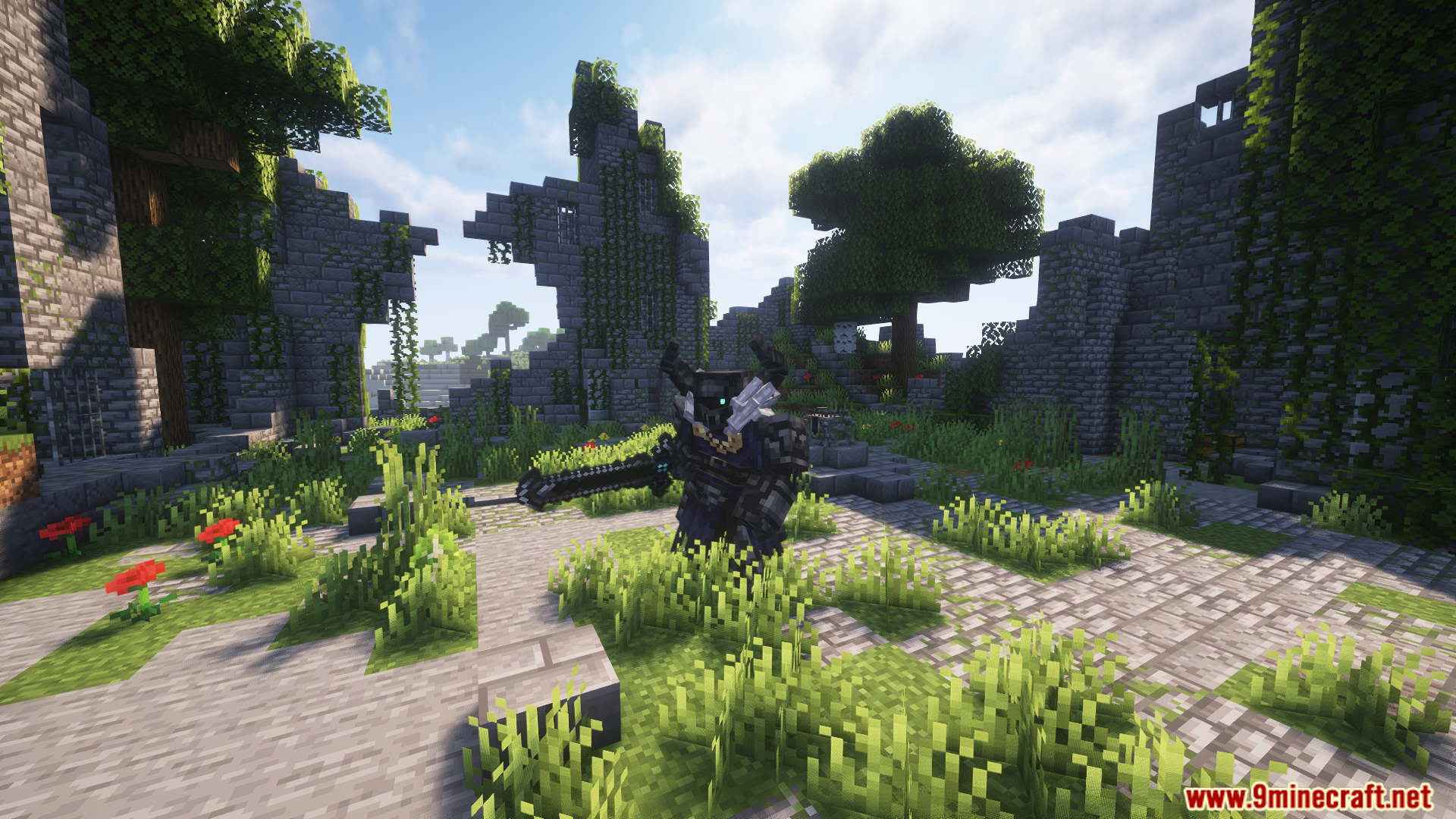
- Исследуйте новые структуры и подземелья с уникальной тематикой и боссами.
- Находите новые материалы в пещерах для создания снаряжения.
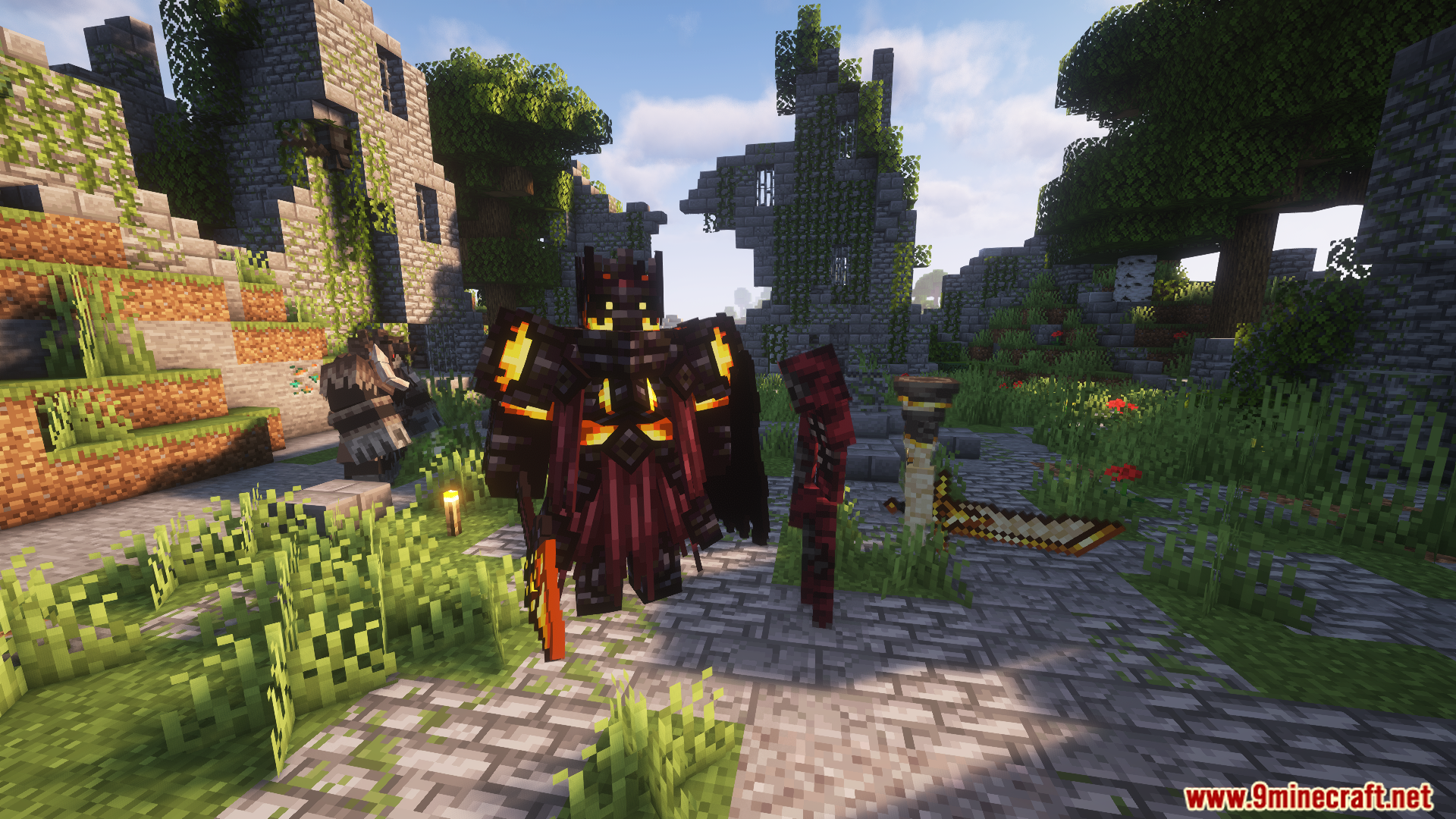
- Скрафтите более 20 сетов 3D-брони с пассивными эффектами.
- Используйте три типа оружия для каждого материала: легкое, среднее и тяжелое, каждое со своими плюсами и минусами.
- Множество новых гаджетов, аксессуаров и блоков.
Классы игроков
- Vagabond: Сбалансированный класс со стандартными характеристиками игрока.
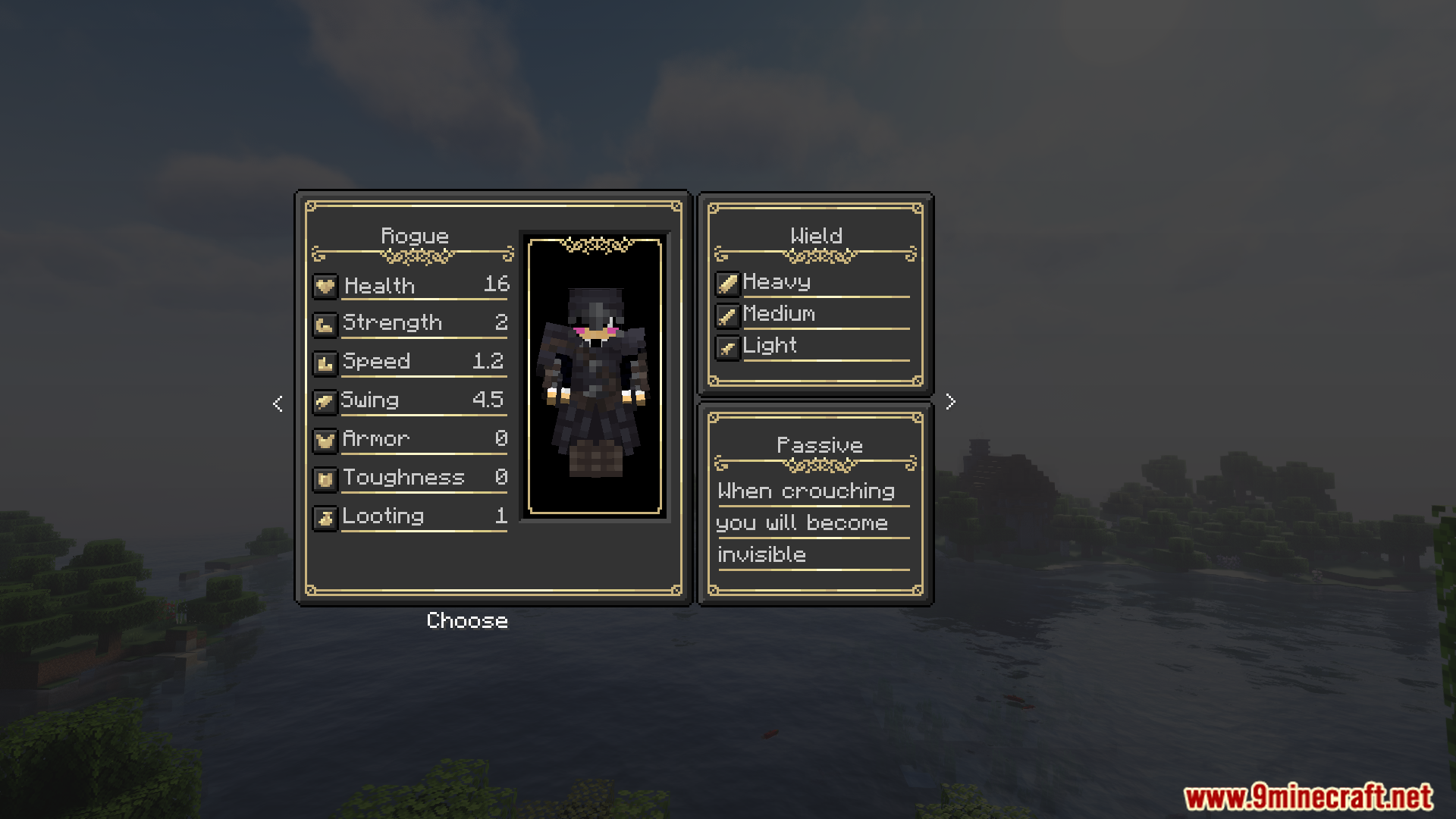
- Rogue: Быстрый боец с повышенной мобильностью. Может становиться невидимым в приседе, но имеет меньше здоровья.
- Bounty Hunter: Повышенный шанс выпадения лута и эффект «Сила», но запас здоровья урезан наполовину.
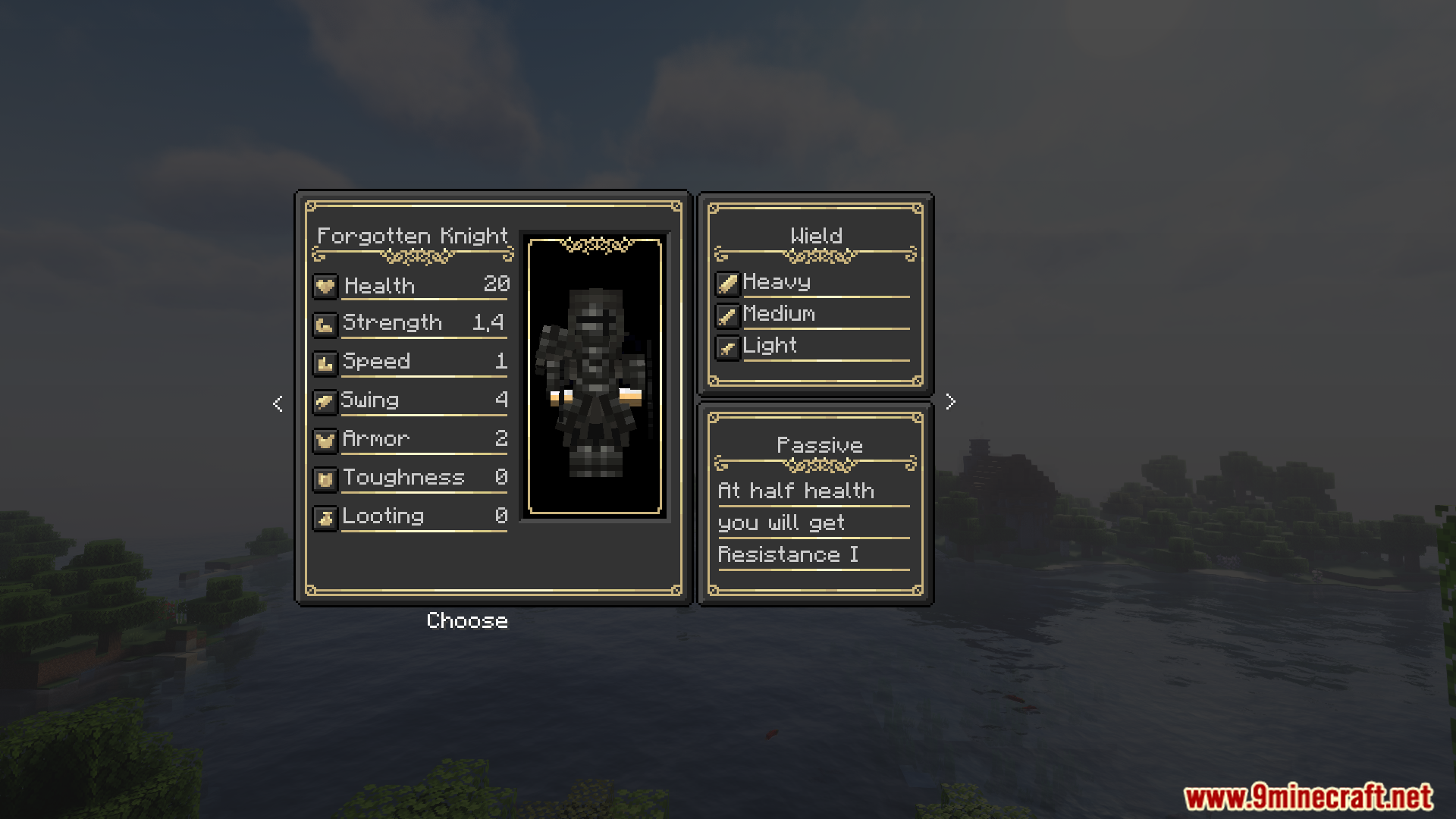
- Forgotten Knight: Тяжелый класс, получающий эффект «Сопротивление», когда здоровье падает до половины.
- Titan: Живучий класс с огромным запасом здоровья, но медленным передвижением. Иммунитет к усталости, слабости и замедлению.
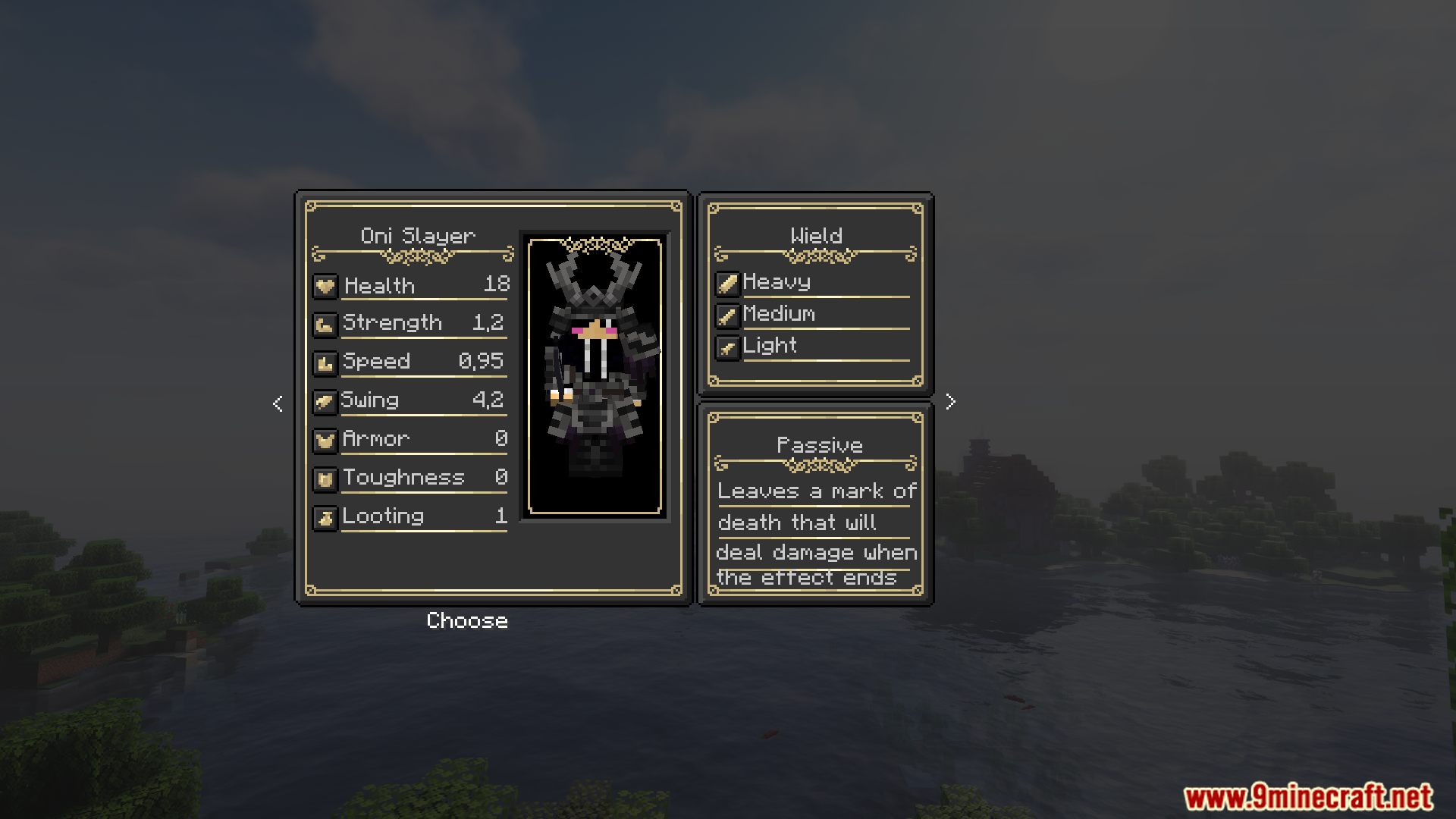
- Oni Slayer: Ловкий самурай, способный помечать врагов для нанесения дополнительного урона.
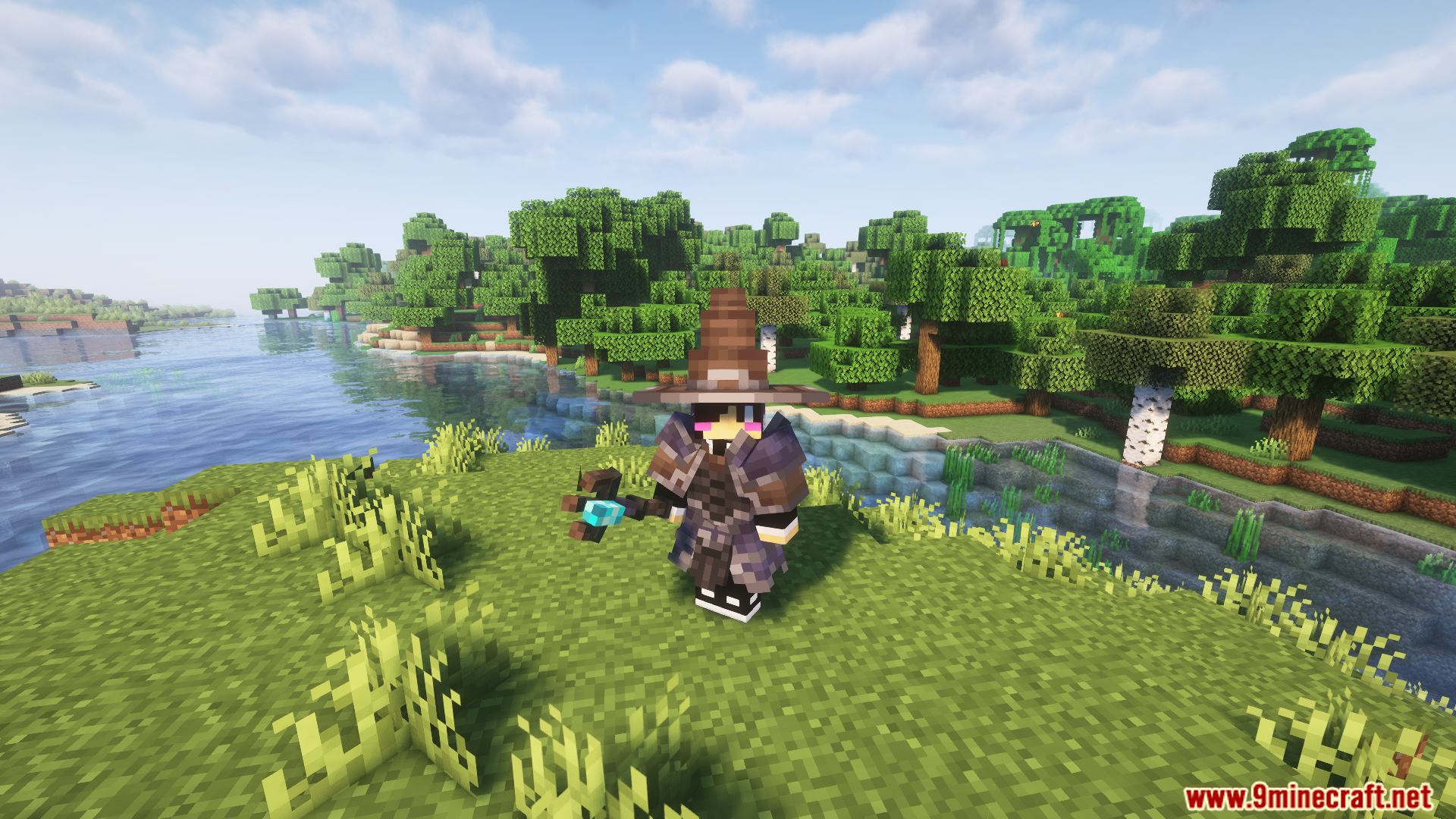
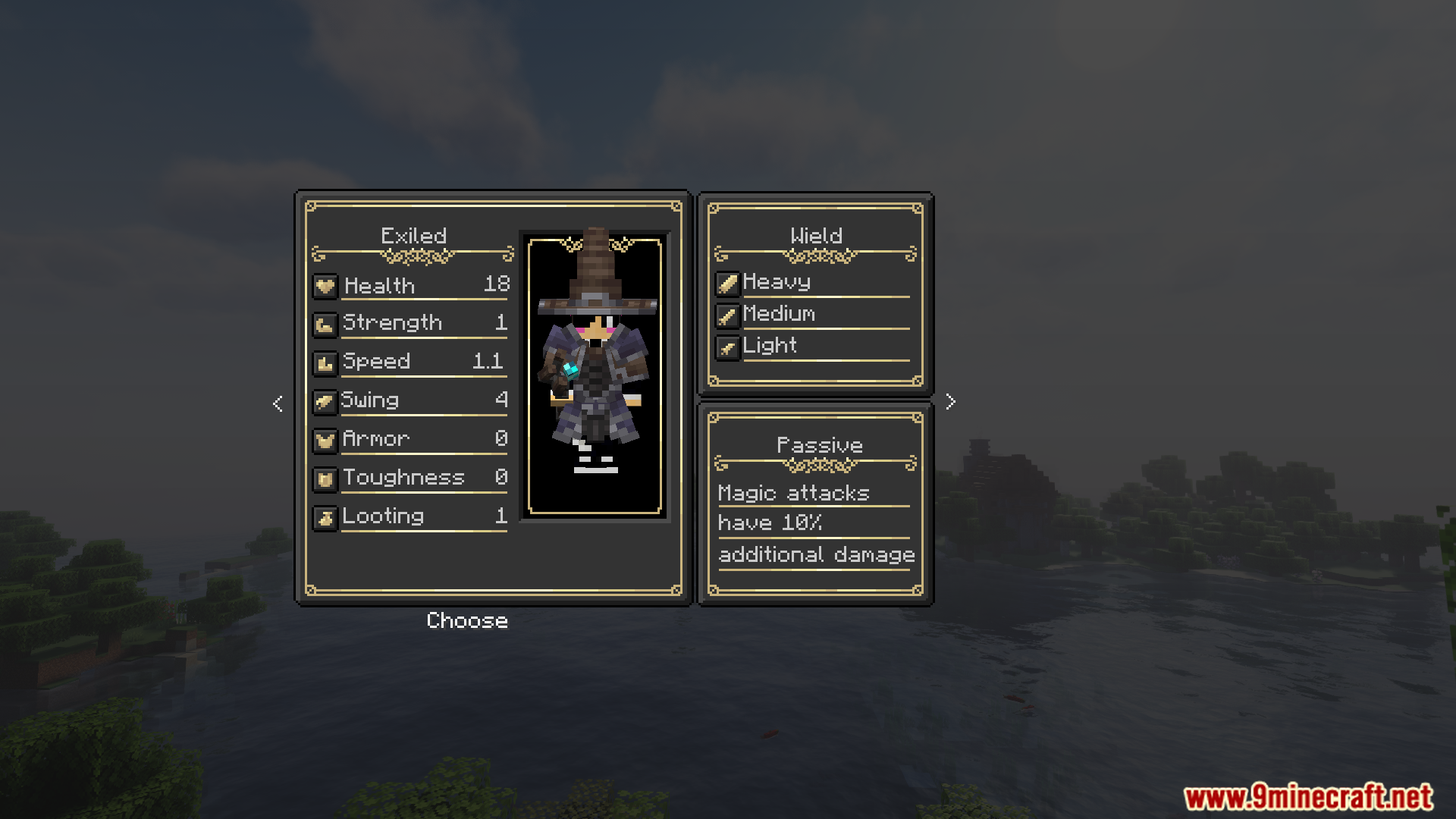
- Exiled: Маг, способный совершать рывки и стрелять магическими стрелами, с повышенным магическим уроном.
Данжи и структуры
- The Catacumbs Lugubrious: Лабиринт, кишащий скелетами и охраняемый мини-боссом.
- Forgotten Sands: Огромная пирамида с солнечными сущностями и боссом — полуптицей-богиней.
- The Cathedral: Обитель культистов крови и их могущественного Монарха.
- The Blazing Fortress: Дворец в Незере, полный адских стражей.
- The field of the fallen: Кладбище с ценным лутом под охраной Могильного смотрителя.
Команды:
Чтобы сбросить уже выбранный класс, используйте следующие команды:
/advancement revoke @a only dungeons_and_combat:origin/advancement revoke @a only dungeons_and_combat:(название_вашего_класса)
Скриншоты:
Как установить:
Впервые в Minecraft? Следуйте нашей пошаговой инструкции, чтобы установить Mods на ПК.Инструкция
Требования:

Dungeons And Combat Mod Ссылки на скачивание
Для Minecraft 1.20.1, 1.20
Версия Forge: Скачать с сервера 1 – Скачать с сервера 2
Нажмите, чтобы оценить эту публикацию!
[Total: 5 Average: 3.4]
Вам также может понравиться


У этой записи пока нет комментариев. Будьте первым — ваш комментарий появится здесь.