ShootIt Mod 1.12.2, 1.10.2 (Make Your Own In-Game Photos)
 27,867
 0
0
 January 30, 2019
ShootIt Mod 1.12.2, 1.10.2 allows you to make your own in-game photos. It works in singleplayer and multiplayer.
Screenshots:
Camera
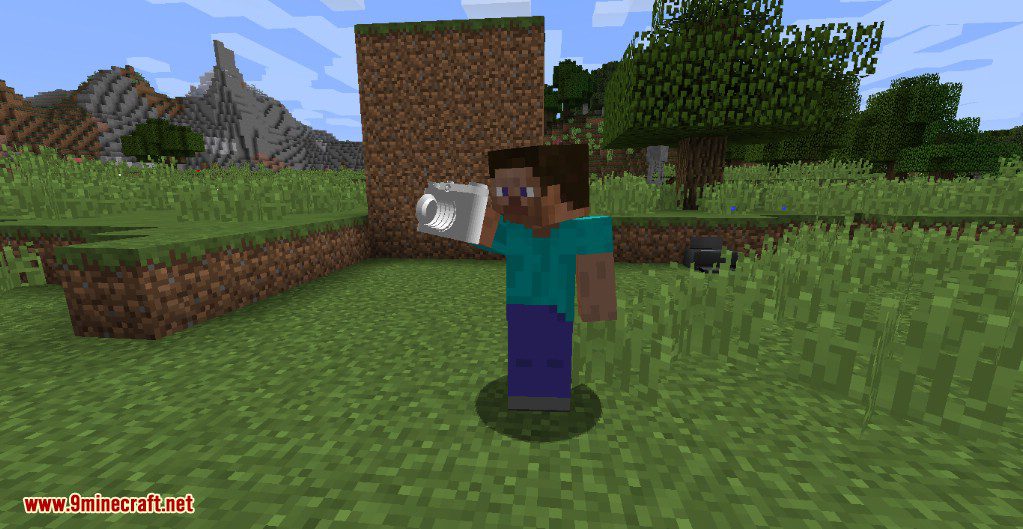
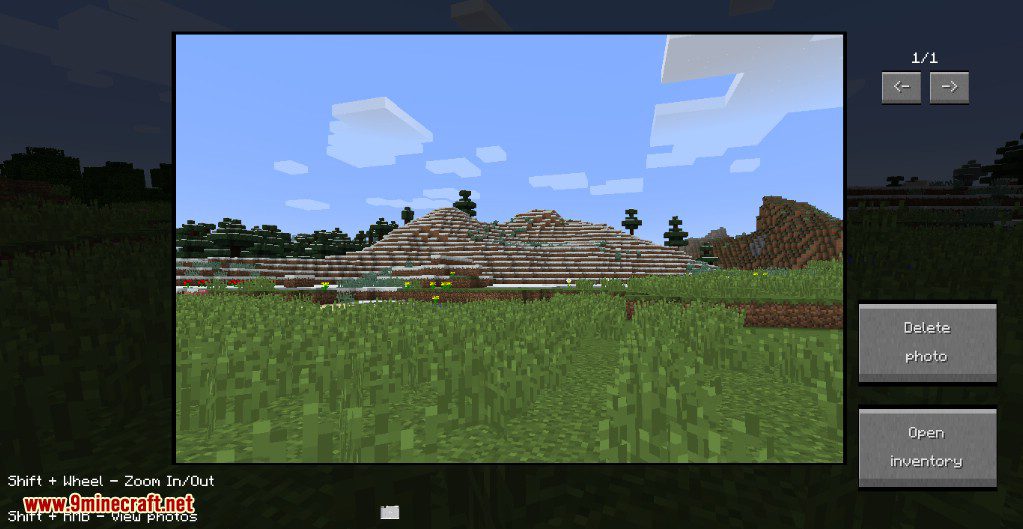
Camera – First view
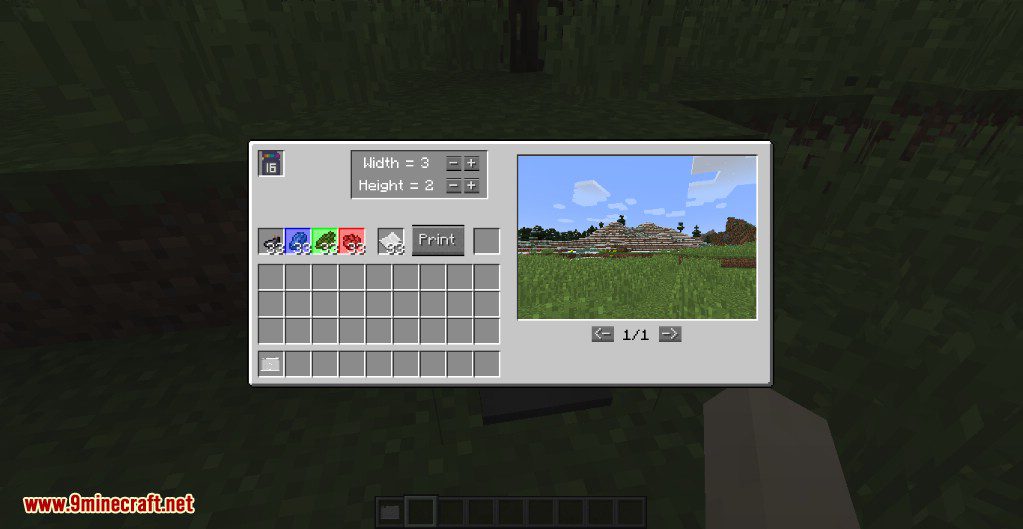
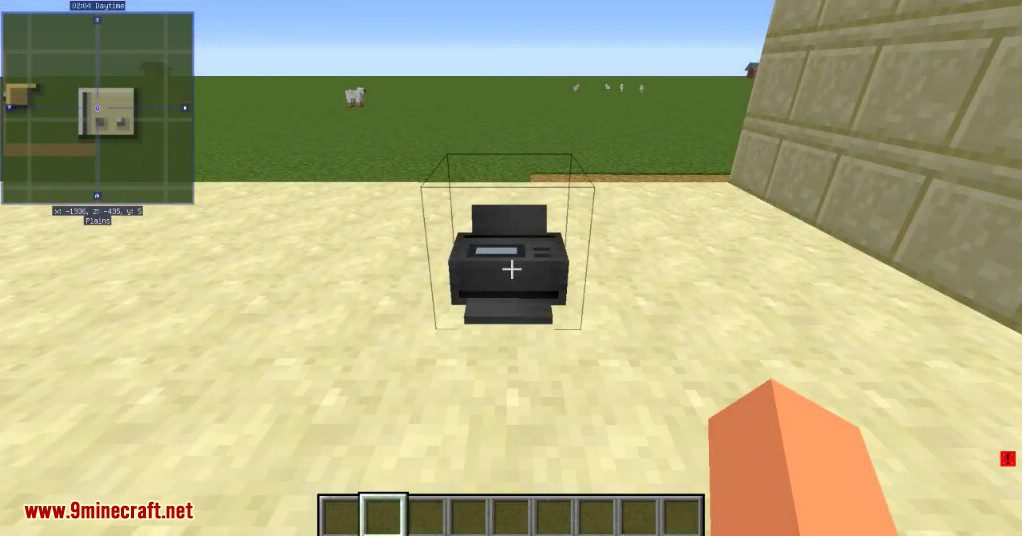
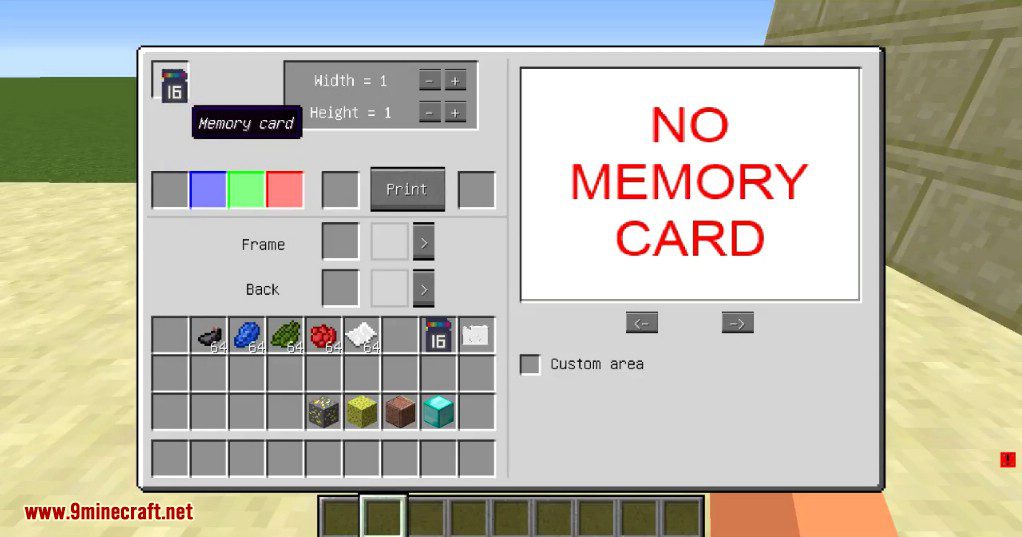
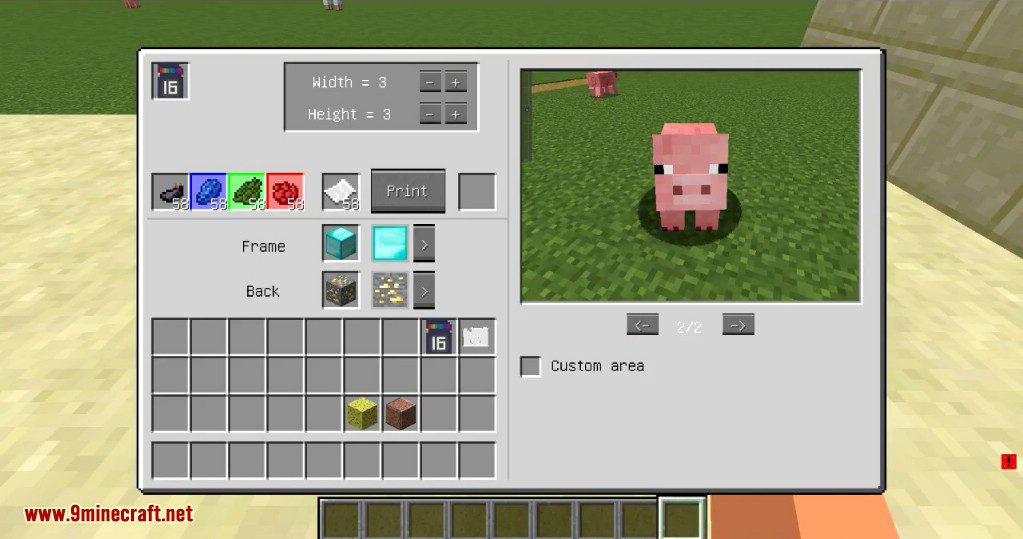
Printer
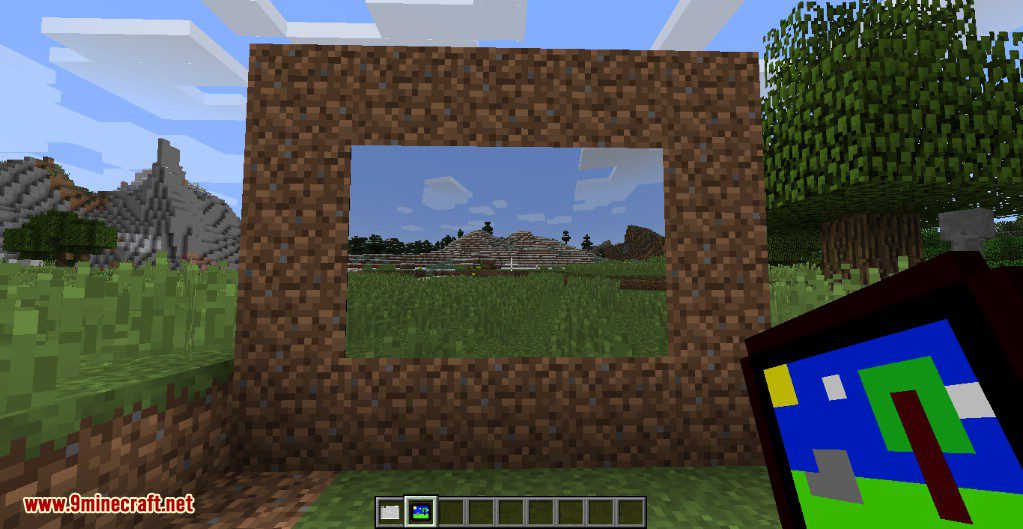
Photo
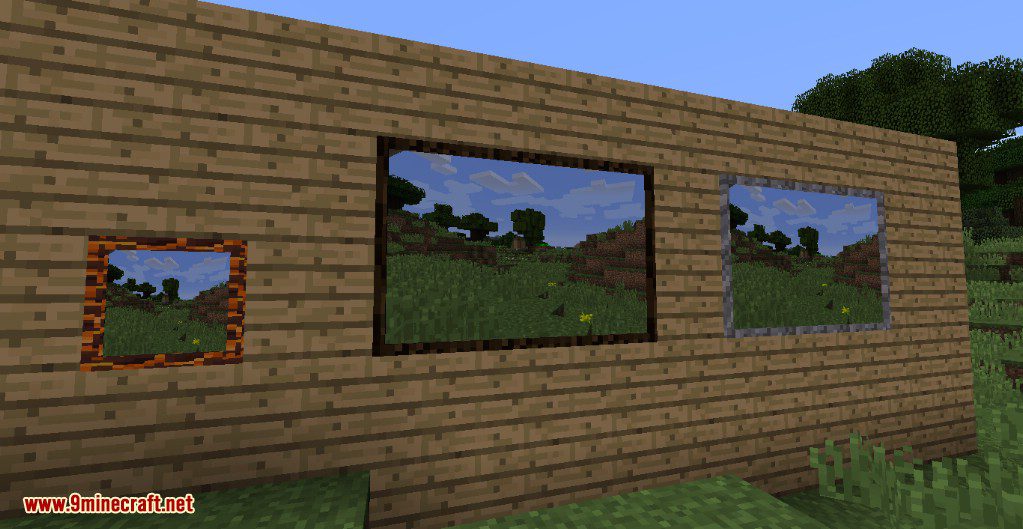
Frames
Filter
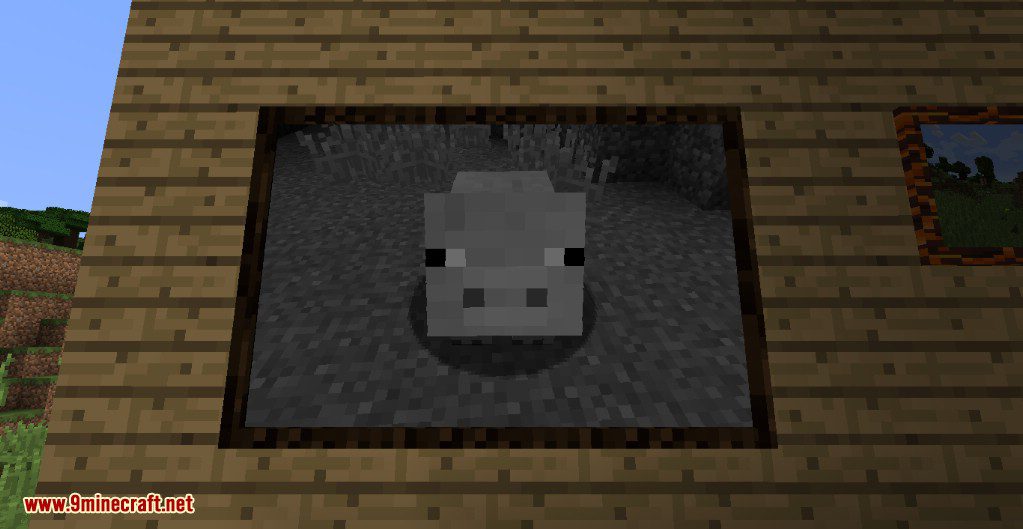
Non-stretched image
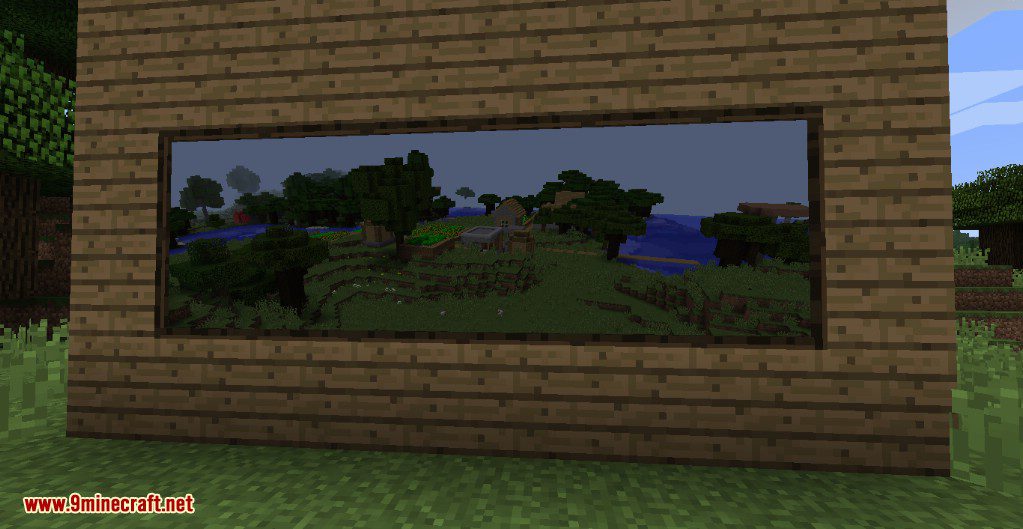
Painter
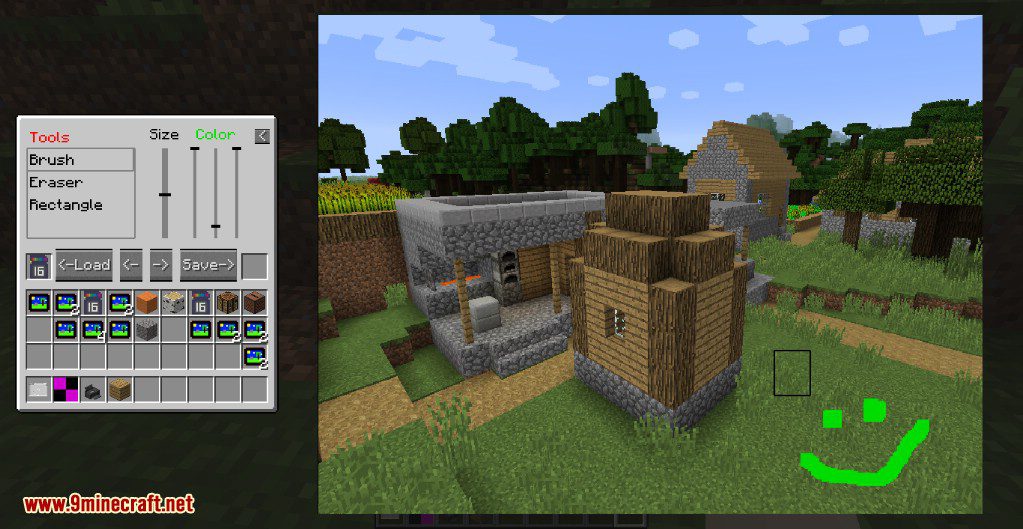
Painted images
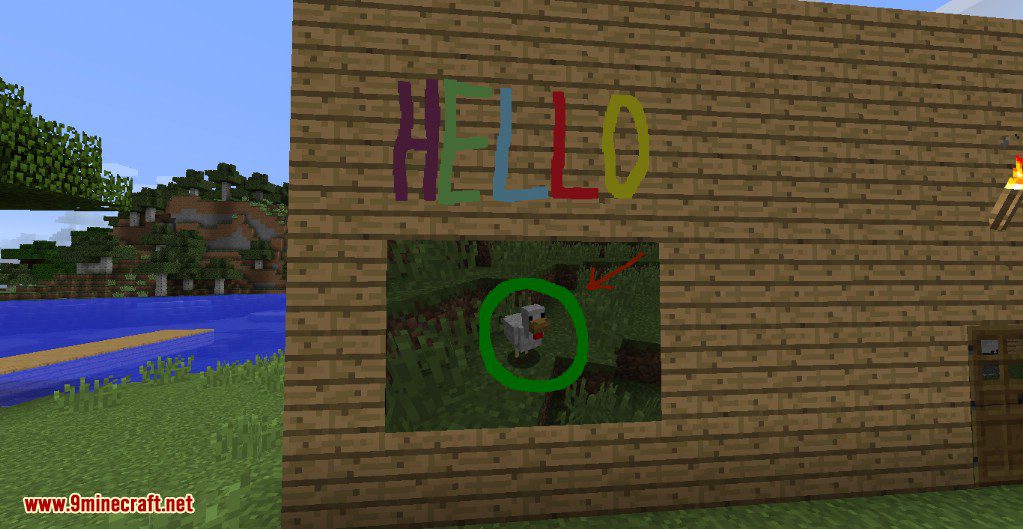
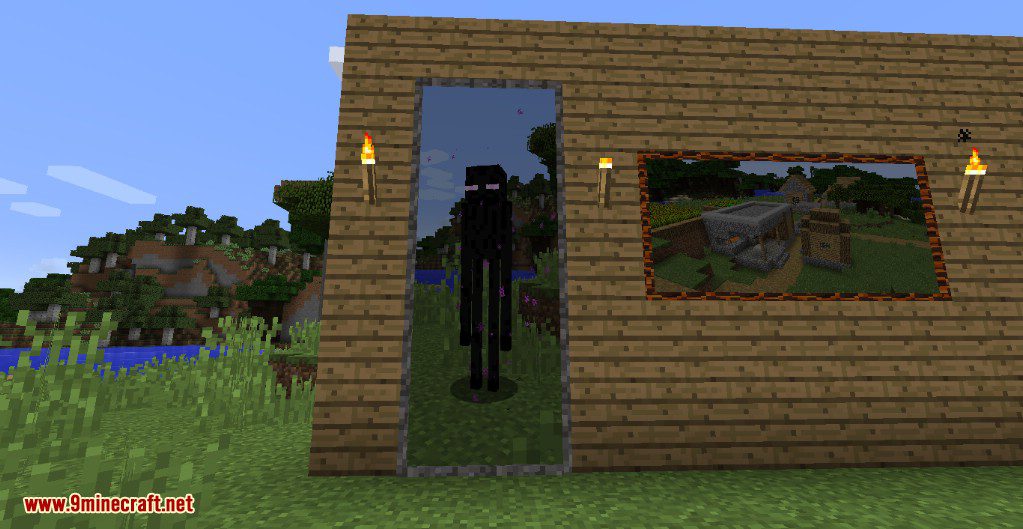
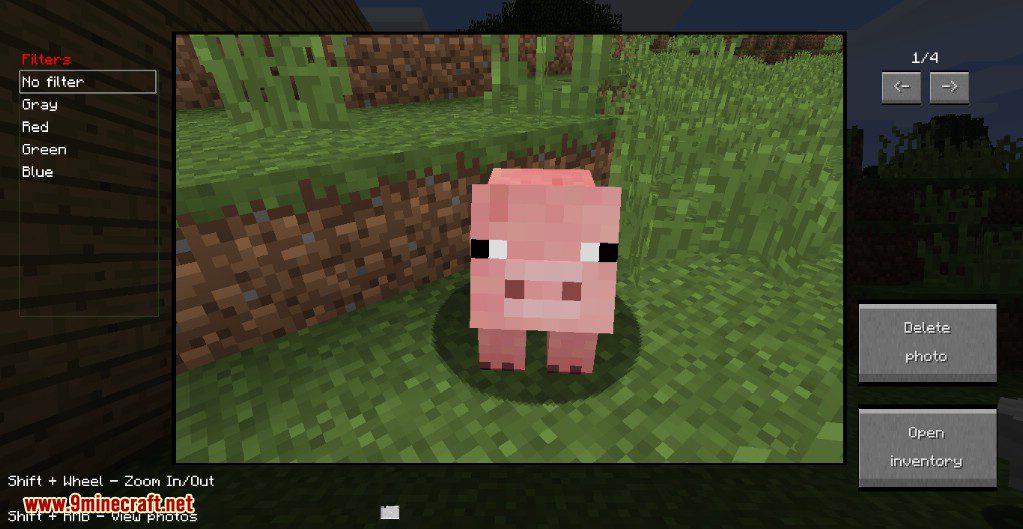
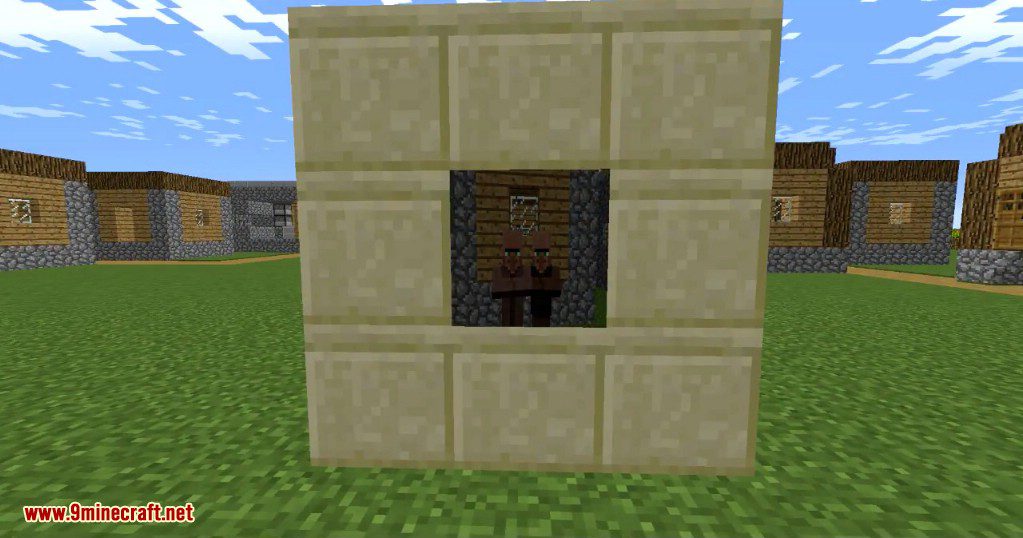
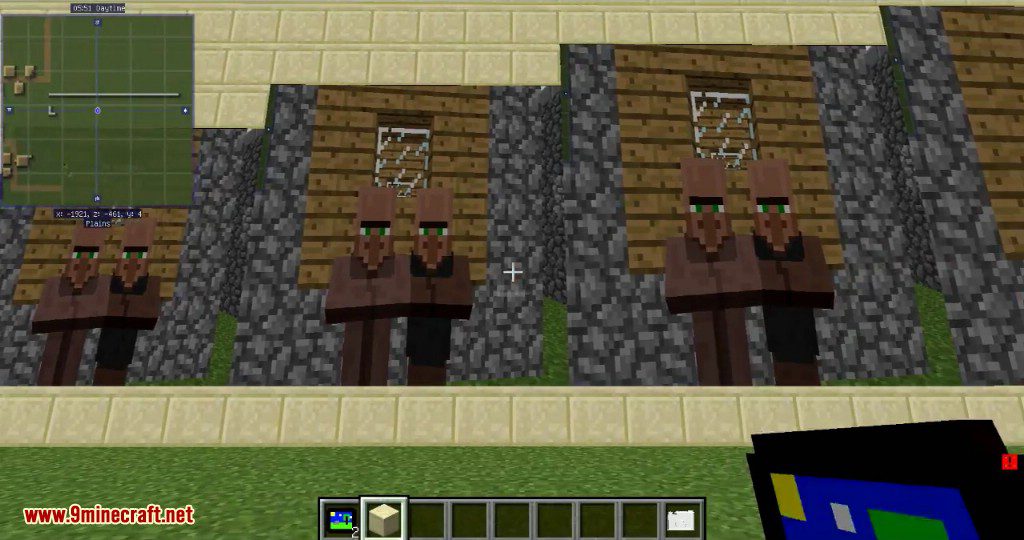
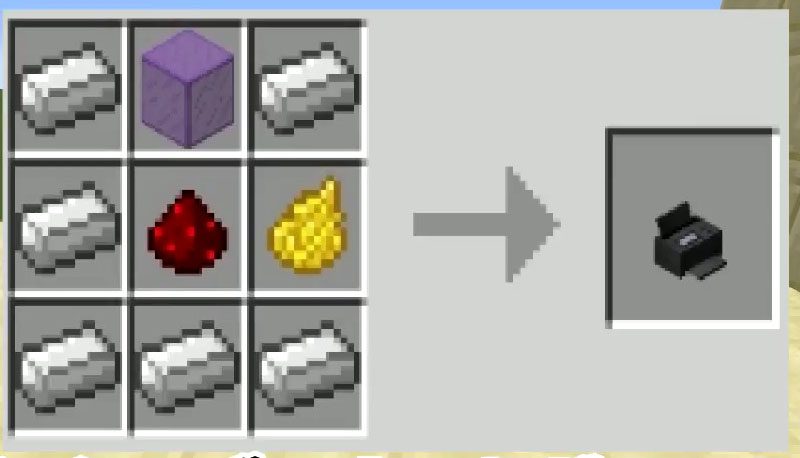
Crafting Recipes:
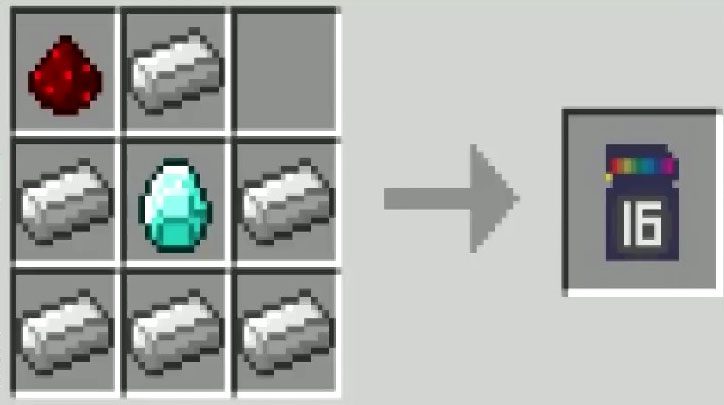
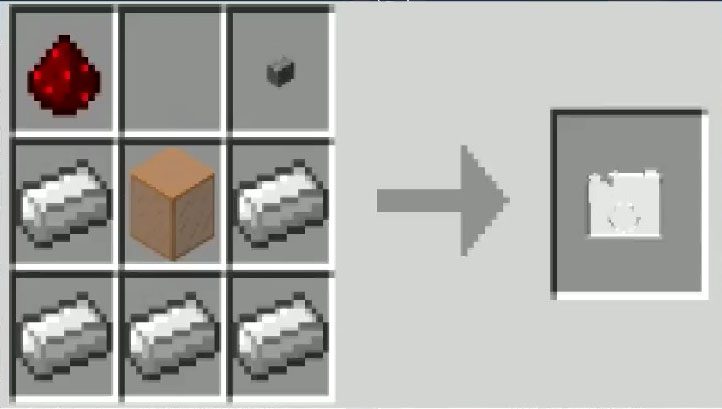
How to use:
- To get started you need to craft a camera and insert into it a memory card (shift + right click with camera in hands). Now you can make your first photo (right click). To view photos just open a camera inventory.
- If you want to print a photo you need to extract a memory card from the camera and place it into the printer. Add some materials (dyes and paper) and get the photo item, which you can place in the world.
- You can add to photos some filters. For this open camera inventory, press filters button, and select from the list.
- To delete photos open camera gui and press delete button – with Ctrl button to remove only from memory card in this camera; with Ctrl + Alt buttons to remove from everywhere.
Information:
- Photos location: (Minecraft Folder)/photos/assets/photos
- In multiplayer photos are loaded from the server only when a player needs it (e.g. when he looks at pictures). After restarting the client loaded photos are removed.
- You can load your own pictures in the game (png format).
Requires:
How to Install:
New to Minecraft? Follow our step-by-step guide to install Mods on your PC.View Guide
ShootIt Mod 1.12.2, 1.10.2 Download Links
For Minecraft 1.10.2
For Minecraft 1.12.2
Click to rate this post!
[Total: 0 Average: 0]
You May Also Like