


ItemZoom Mod (26.2, 1.20.1) – See Block Textures Before You Build

 0
0 

🌐 Read this article in your language! Choose your preferred language below.
Or pick the one you like:
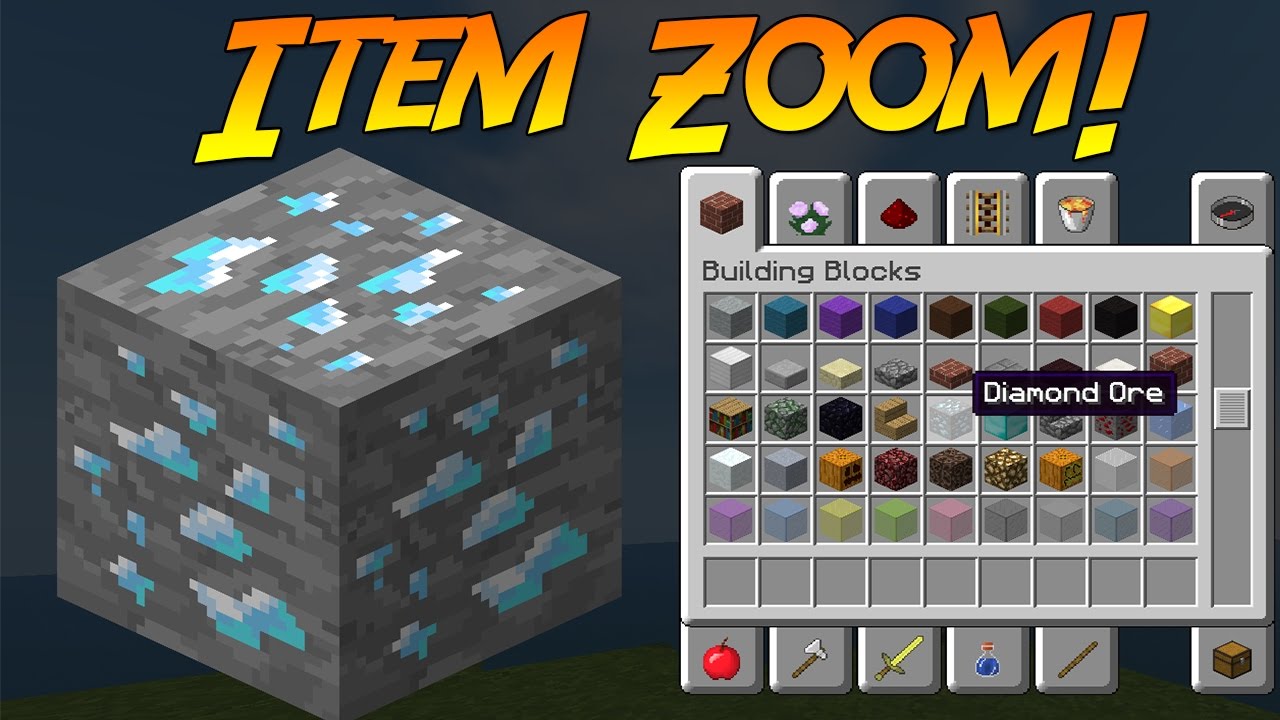
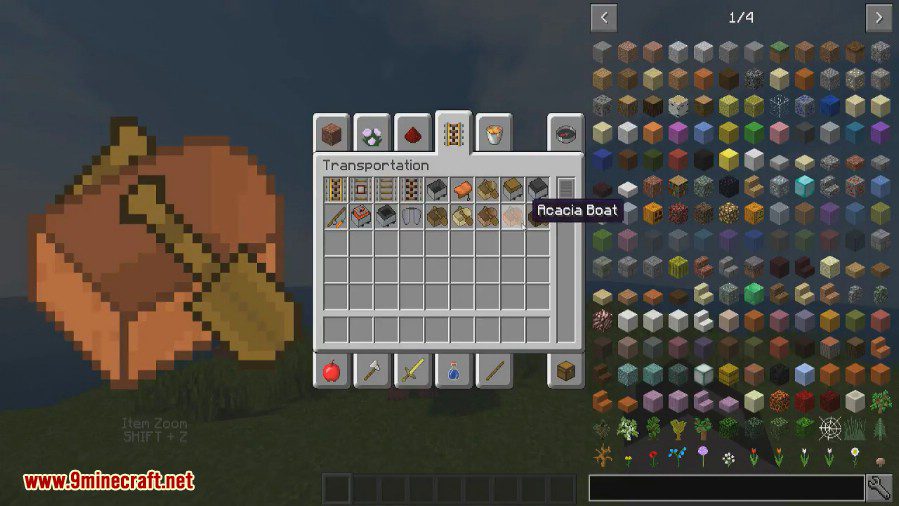
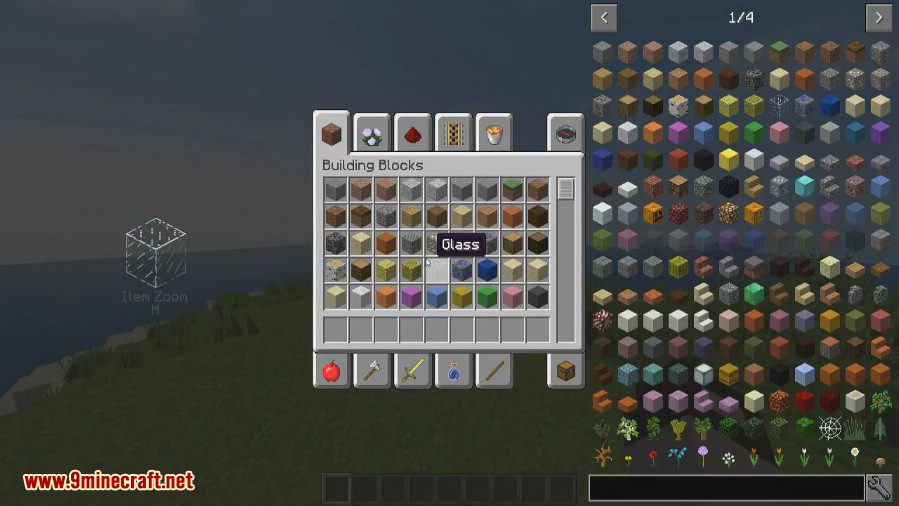
ItemZoom Mod shows a large preview of any item you hover over in your inventory. This makes it much easier to see the details on blocks and items, which is especially helpful for builders trying to pick the right materials.
Features:
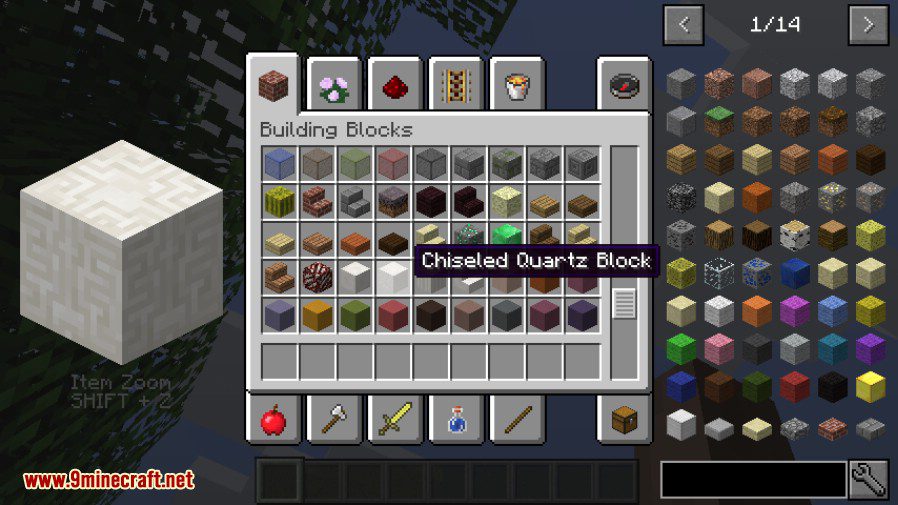
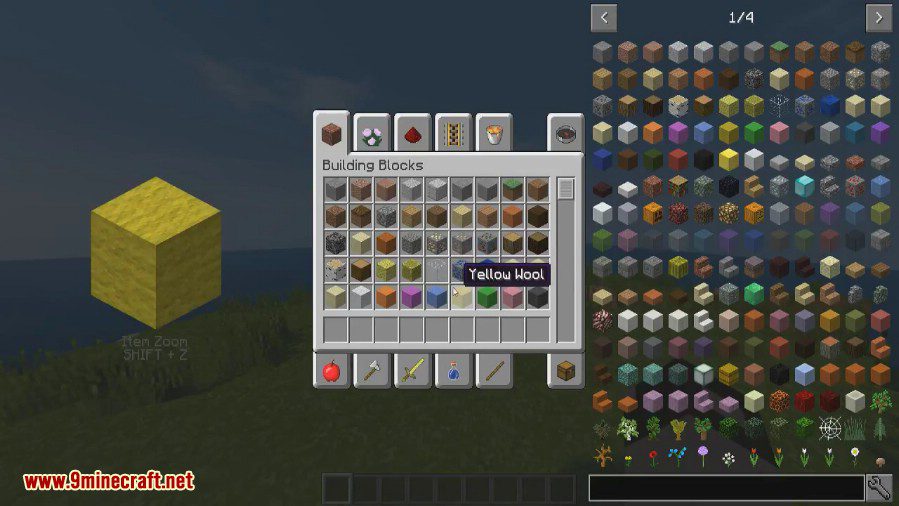
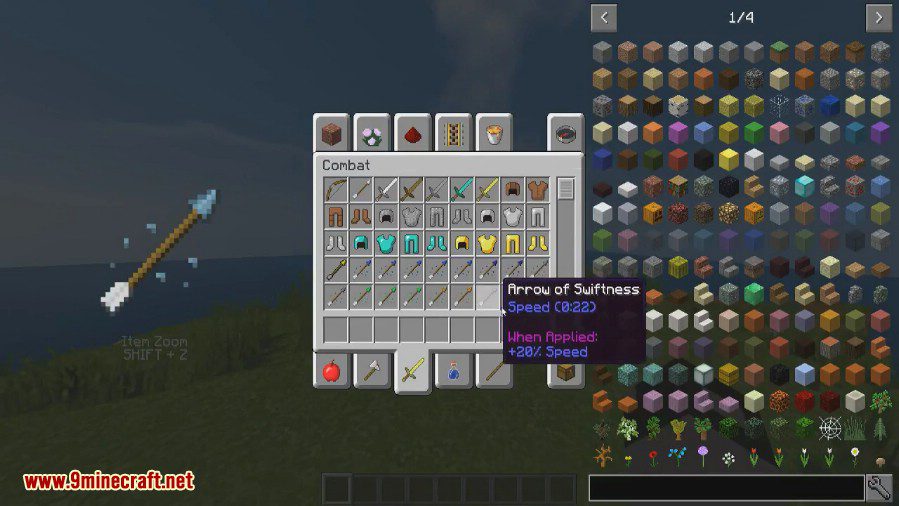
- Shows a large, zoomed-in version of any item you hover over with your mouse.
- Works on the client-side, meaning you can use it on servers that don’t have the mod.
- Toggle the zoom display on or off with a single key press.
- Change the default keybinds in the Minecraft controls menu.
- Set up a separate key to only show the zoom while you hold it down.
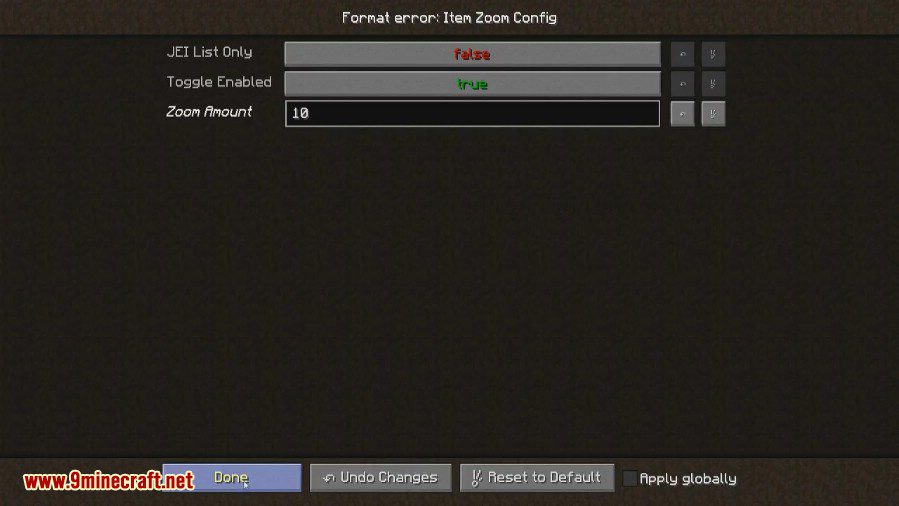
- Adjust the zoom level to be bigger or smaller through the config file or by using hotkeys.
How to Use:
- Press Shift + Z to turn the item zoom on and off. This hotkey can be changed in the Minecraft controls menu.
- You can also set a key to only show the zoom while you hold the button down. This key is unassigned by default.
- To change the zoom amount, you can either edit the config file or set up hotkeys for “Zoom In” and “Zoom Out” in the controls.
Screenshots:
How to Install:
New to Minecraft? Follow our step-by-step guide to install Mods on your PC.View Guide
Requirements:


ItemZoom Mod Download Links
For Minecraft 26.2
For Minecraft 26.1.2, 26.1.1, 26.1
For Minecraft
1.21.11,
1.21.10,
1.21.9
All Versions Covered
1.21.11
1.21.10
1.21.9
1.21.8
1.21.7
1.21.6
1.21.5
1.21.4
1.21.1
1.21
All Versions Covered
1.21.11
1.21.10
1.21.9
1.21.8
1.21.7
1.21.6
1.21.5
1.21.4
1.21.1
1.21
For Minecraft 1.20.6
For Minecraft 1.20.4
For Minecraft 1.20.1, 1.20
For Minecraft 1.19.4
For Minecraft 1.19.2
For Minecraft 1.19.1
For Minecraft 1.18.2
For Minecraft 1.18.1
For Minecraft 1.17.1
For Minecraft 1.16.5
For Minecraft 1.15.2
For Minecraft 1.12.2
Click to rate this post!
[Total: 0 Average: 0]
You May Also Like


















This post has no comments yet. Be the first — your comment will appear here.