


Shureee’s Block Icons Resource Pack (26.2, 1.21.11) – Clear Badges for Hidden

 0
0 

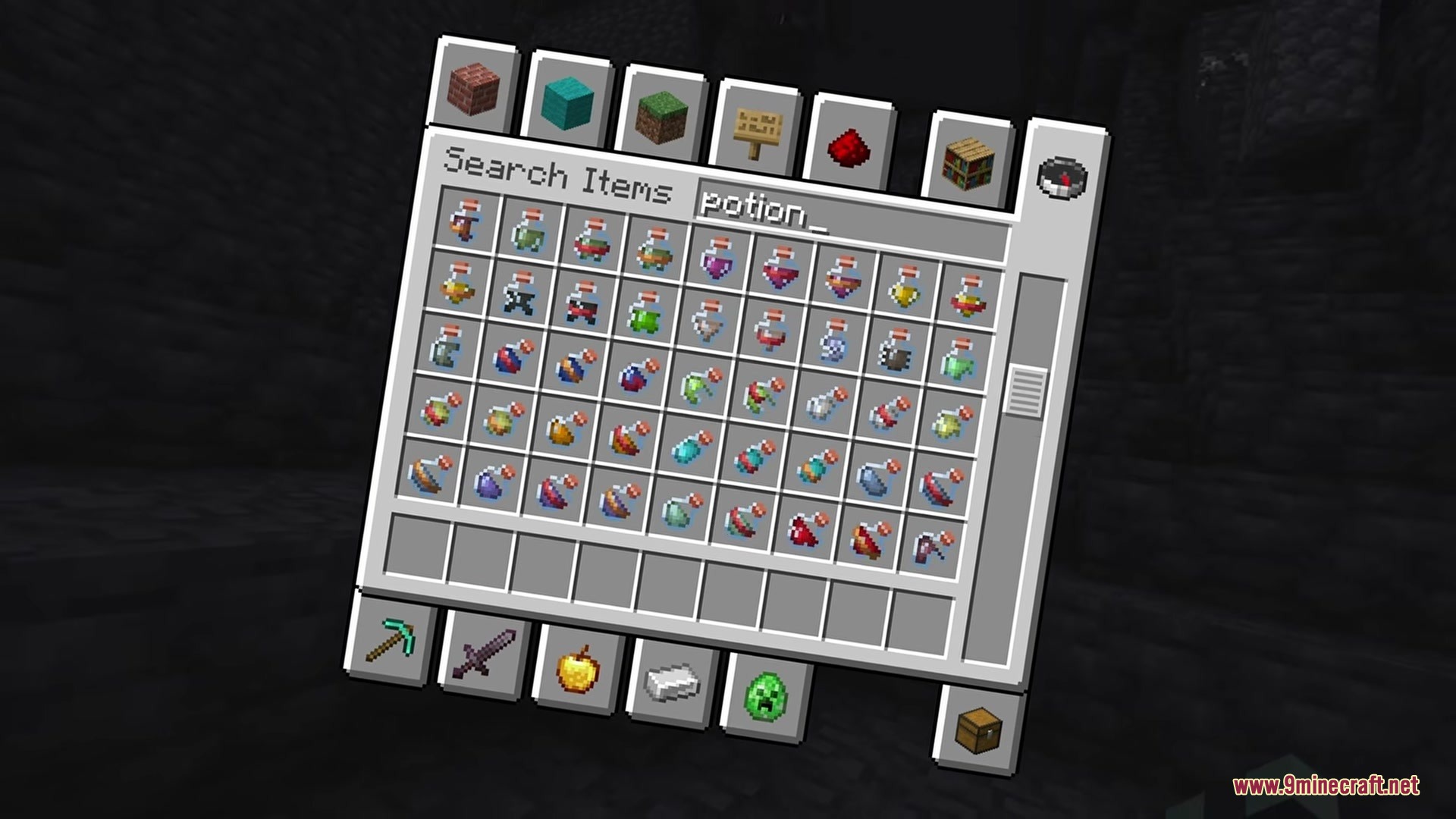
Shureee’s Block Icons Resource Pack adds helpful little badges to specific items in your inventory so you can tell them apart. It puts tiny icons on blocks that normally look identical to their regular versions. You never have to guess if a copper block is waxed or if a stone block is hiding a silverfish again. These new markers only show up while you look inside your inventory, keeping the placed blocks looking normal in your world.
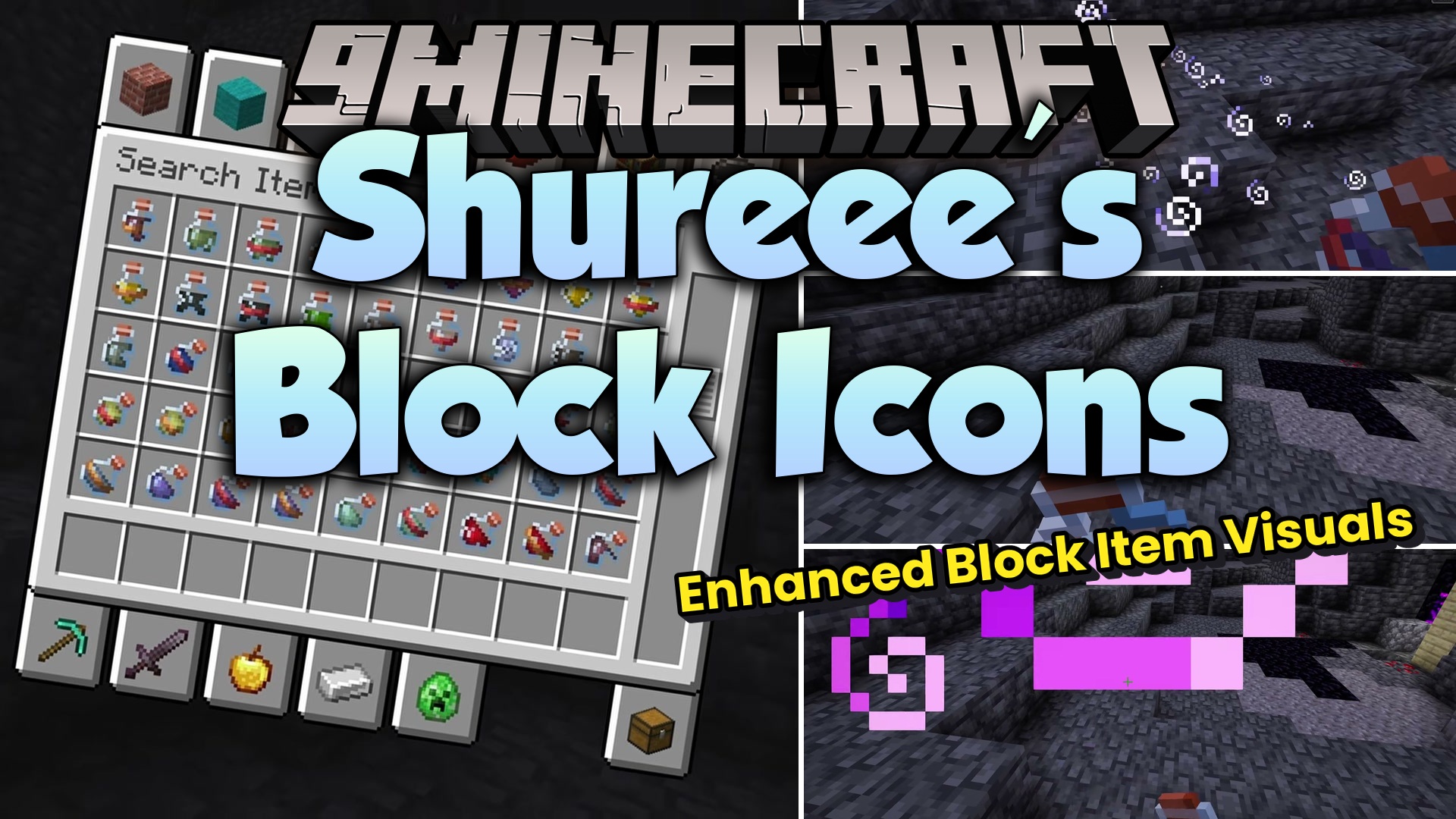
Features:
- Places a tiny star icon on waxed copper items so you know they will not change color over time.
- Adds a small silverfish badge to infested stone blocks, keeping you safe from bad surprises while building.
- Marks trapped chests with a redstone dust symbol so you do not accidentally trigger a trap.
- Keeps the actual placed blocks looking exactly like regular vanilla blocks in your base.
- Shows the new icons entirely inside your inventory screens without changing how the game looks outside.
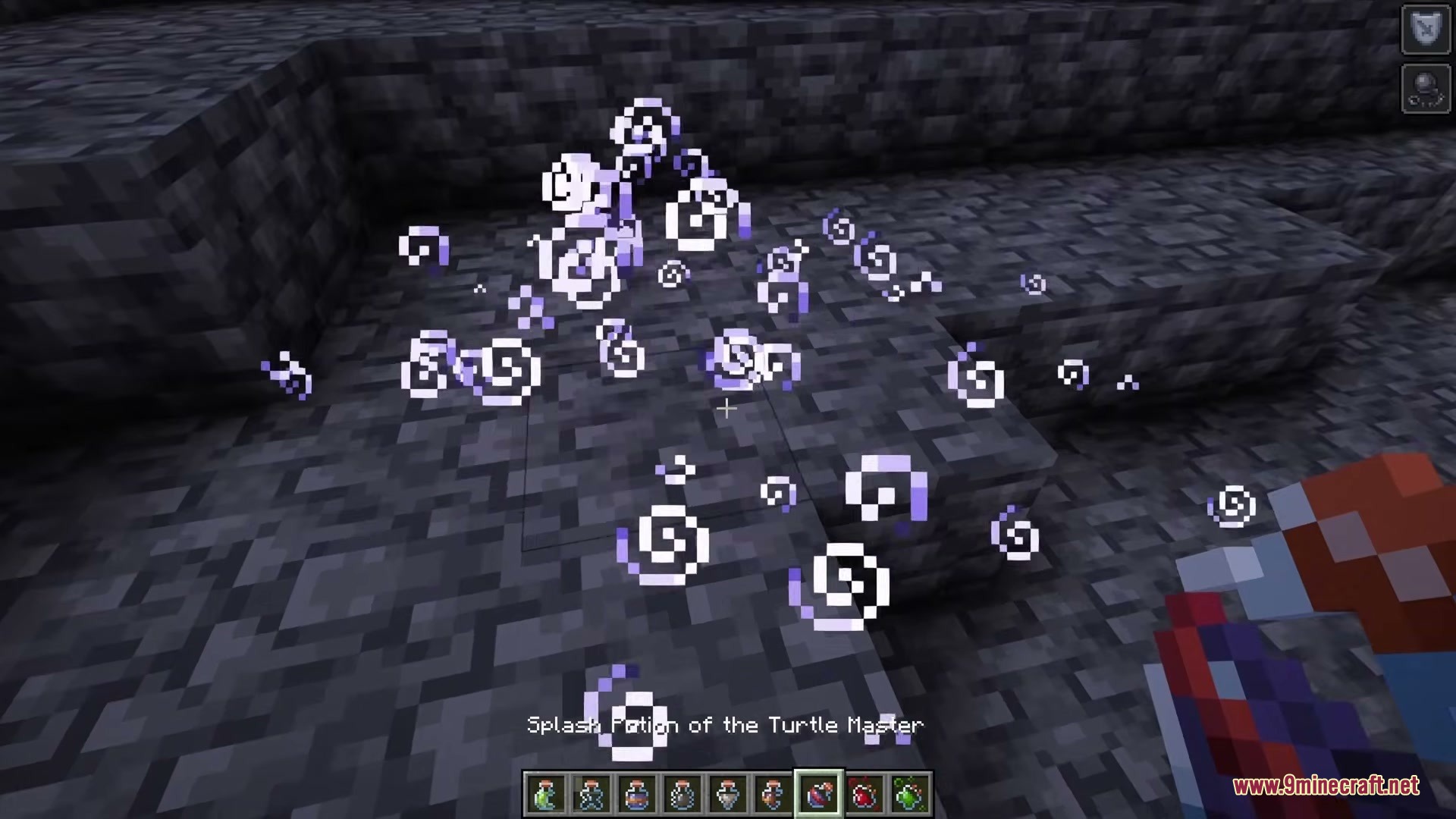
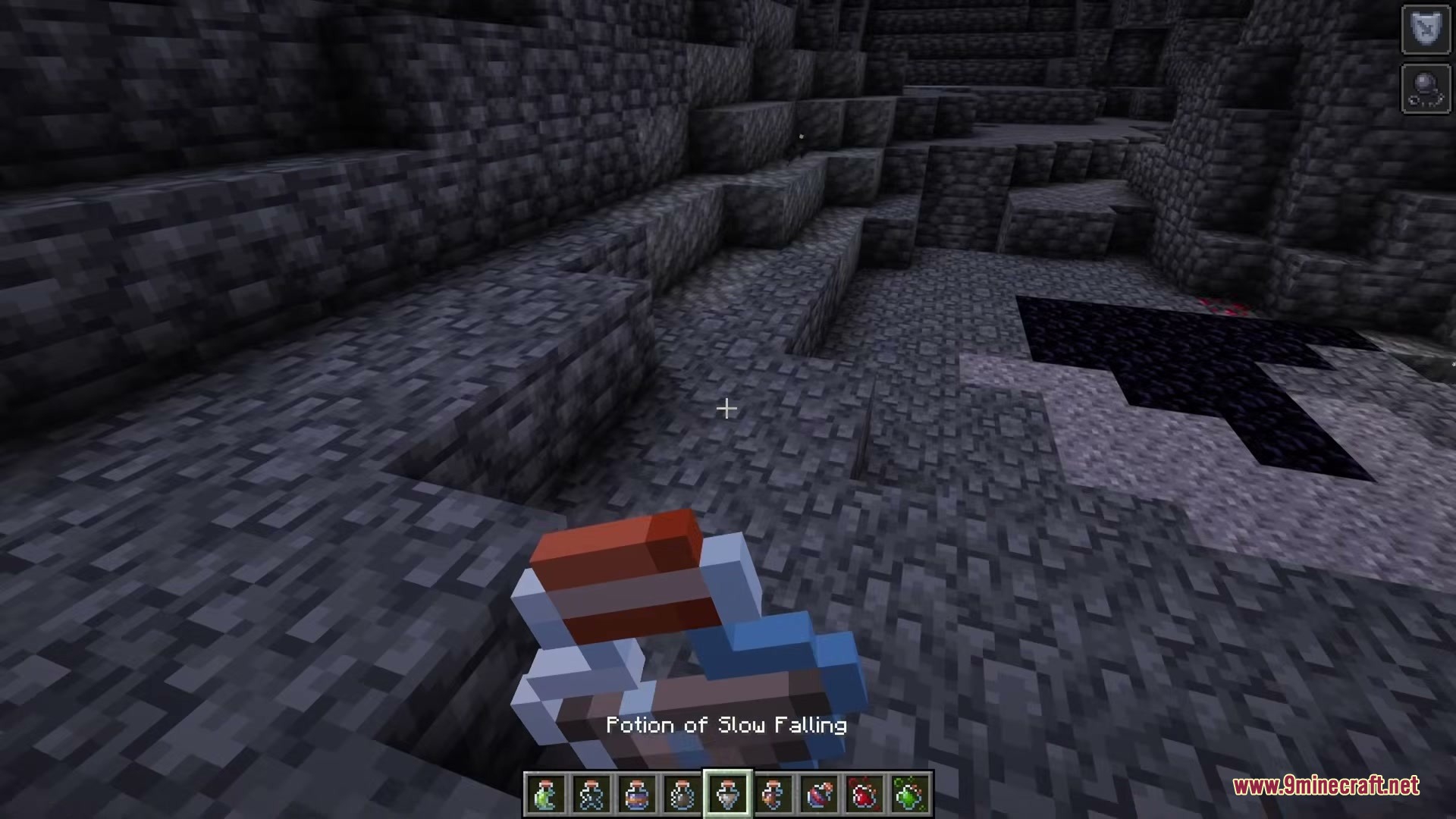
Screenshots:
How to Install:
New to Minecraft? Follow our step-by-step guide to install Resource Packs on your PC.View Guide
Shureee’s Block Icons Resource Pack Download Links
For Minecraft
26.2.x
All Versions Covered
26.2
26.1.2
26.1.1
26.1
1.21.11
1.21.10
1.21.9
1.21.8
1.21.7
1.21.6
1.21.5
All Versions Covered
26.2
26.1.2
26.1.1
26.1
1.21.11
1.21.10
1.21.9
1.21.8
1.21.7
1.21.6
1.21.5
Click to rate this post!
[Total: 0 Average: 0]
You May Also Like










This post has no comments yet. Be the first — your comment will appear here.