


Skip Transitions Mod (1.21.10, 1.20.1) – Remove Title Screen and Other Transitions
 1,879
1,879
 0
0


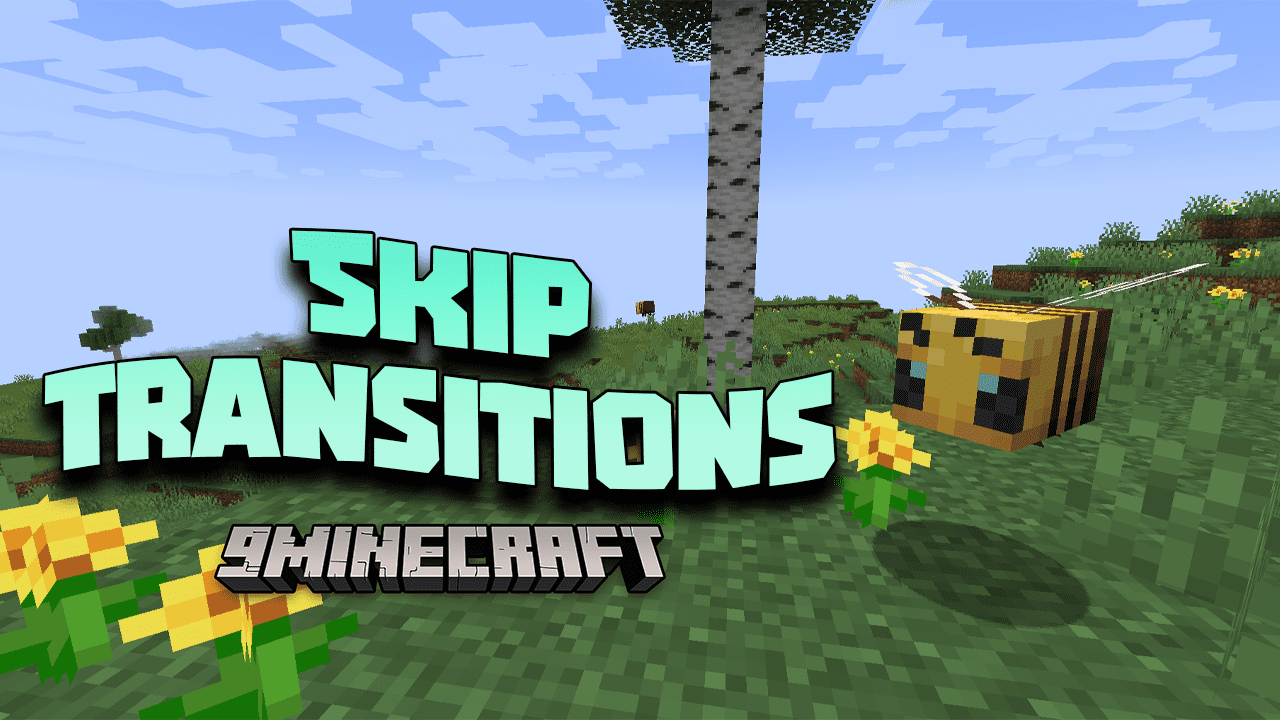
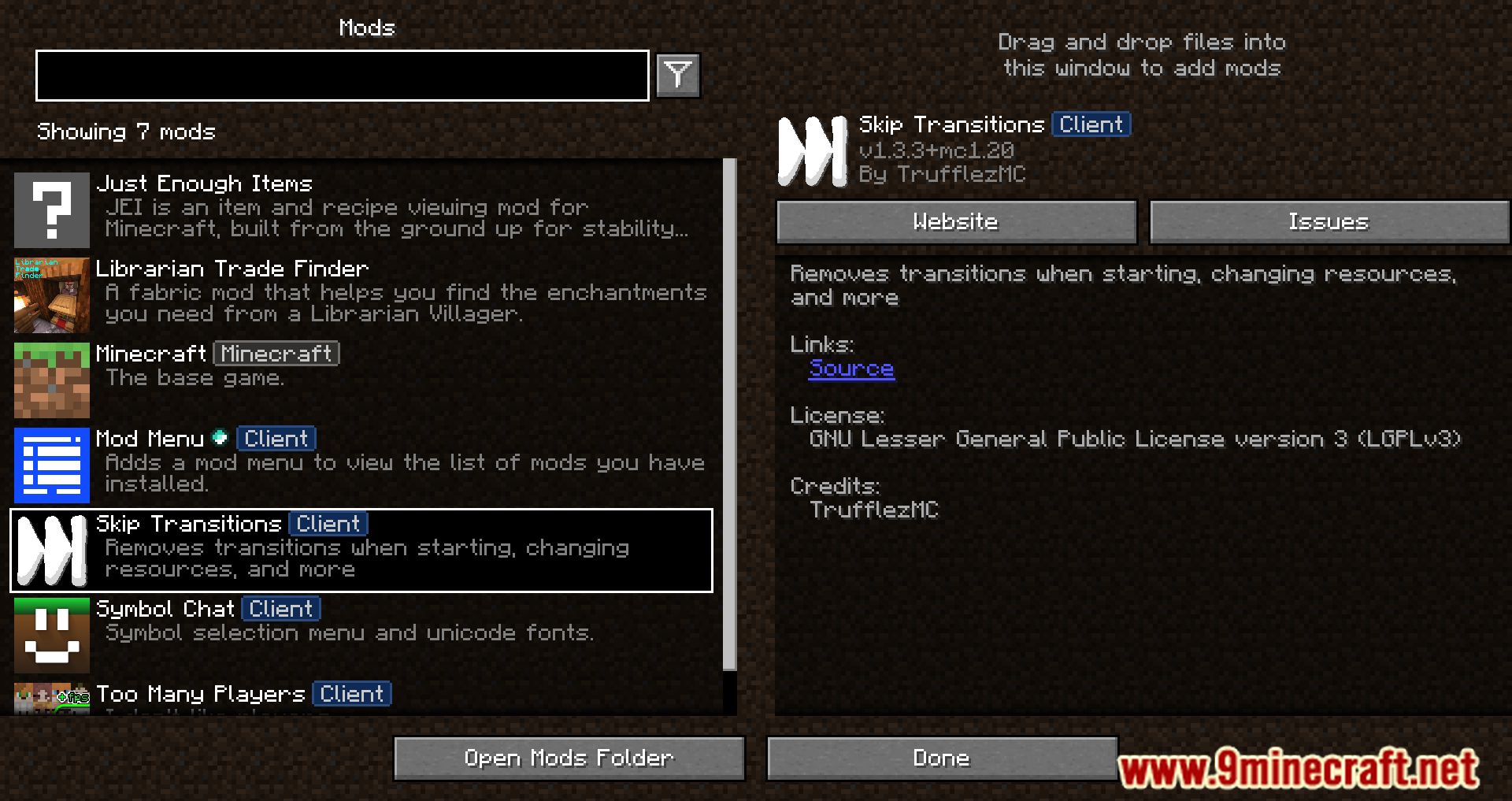
Skip Transitions Mod skips title screen animation, Mojang logo fade in/fade out, sliding notifications, and more.
Features:
This mod removes intrusive or distracting transition effects in Minecraft.
Affected areas:
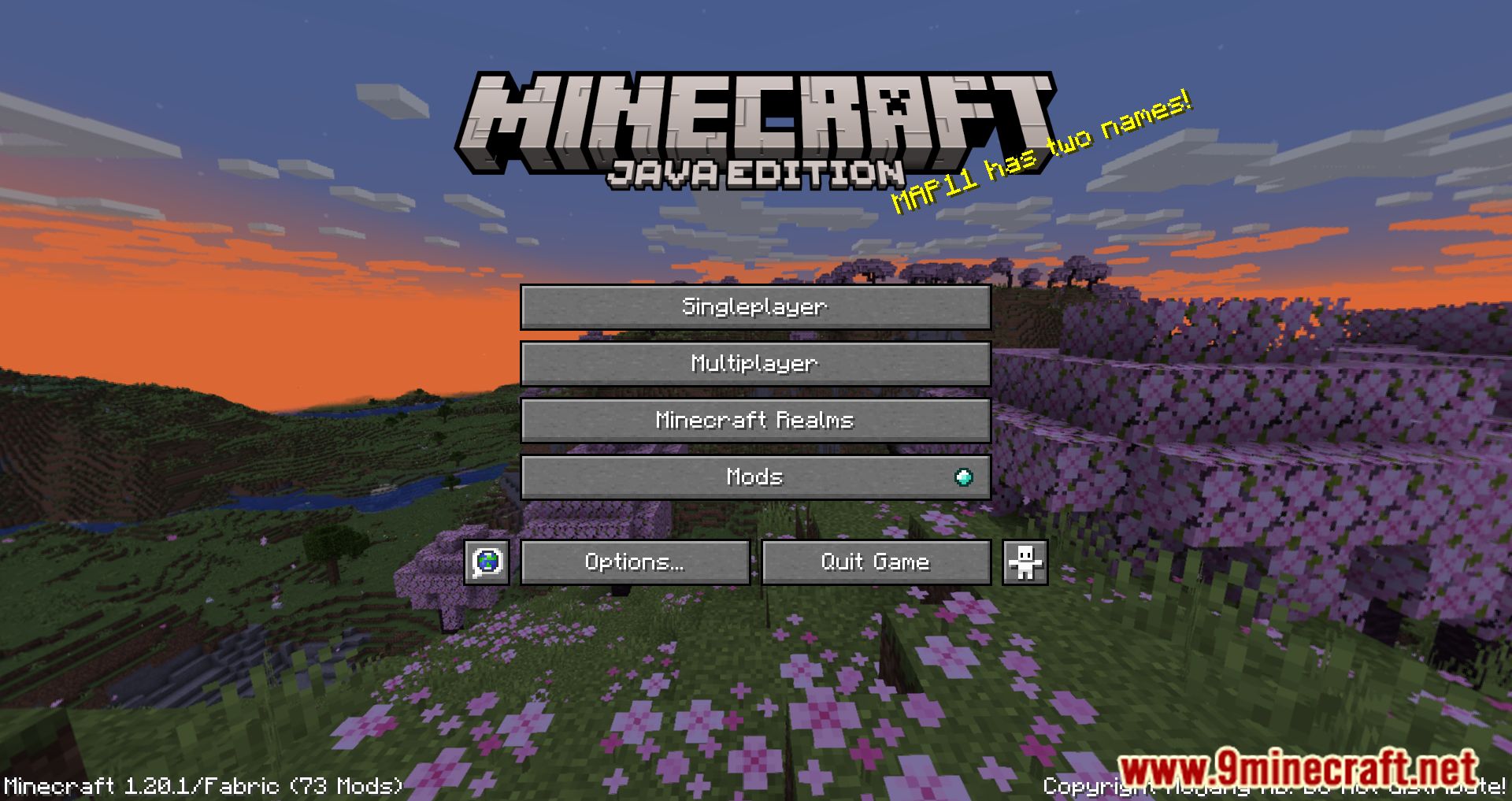
- Game start: title screen
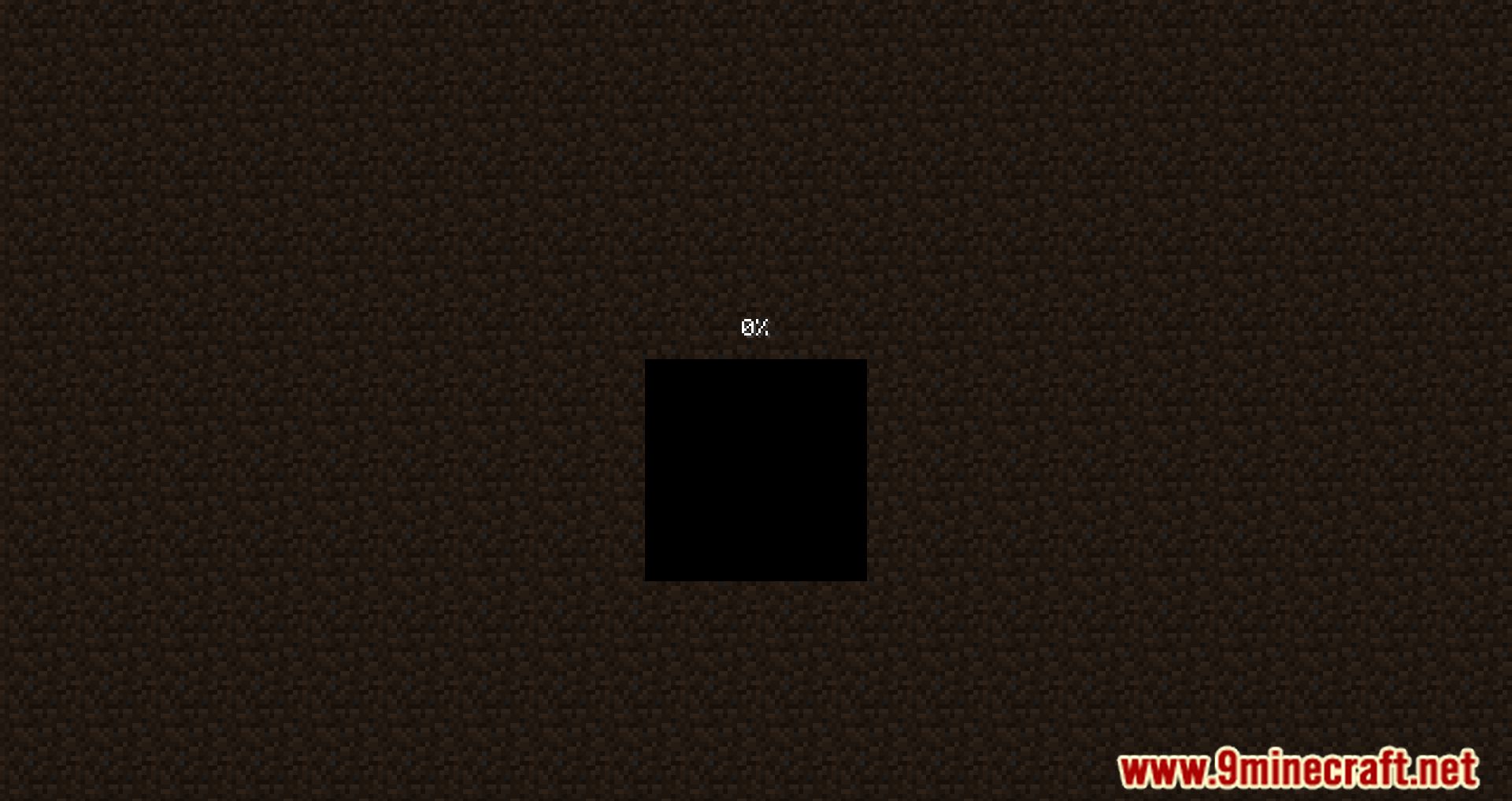
- Changing resource packs: loading resources
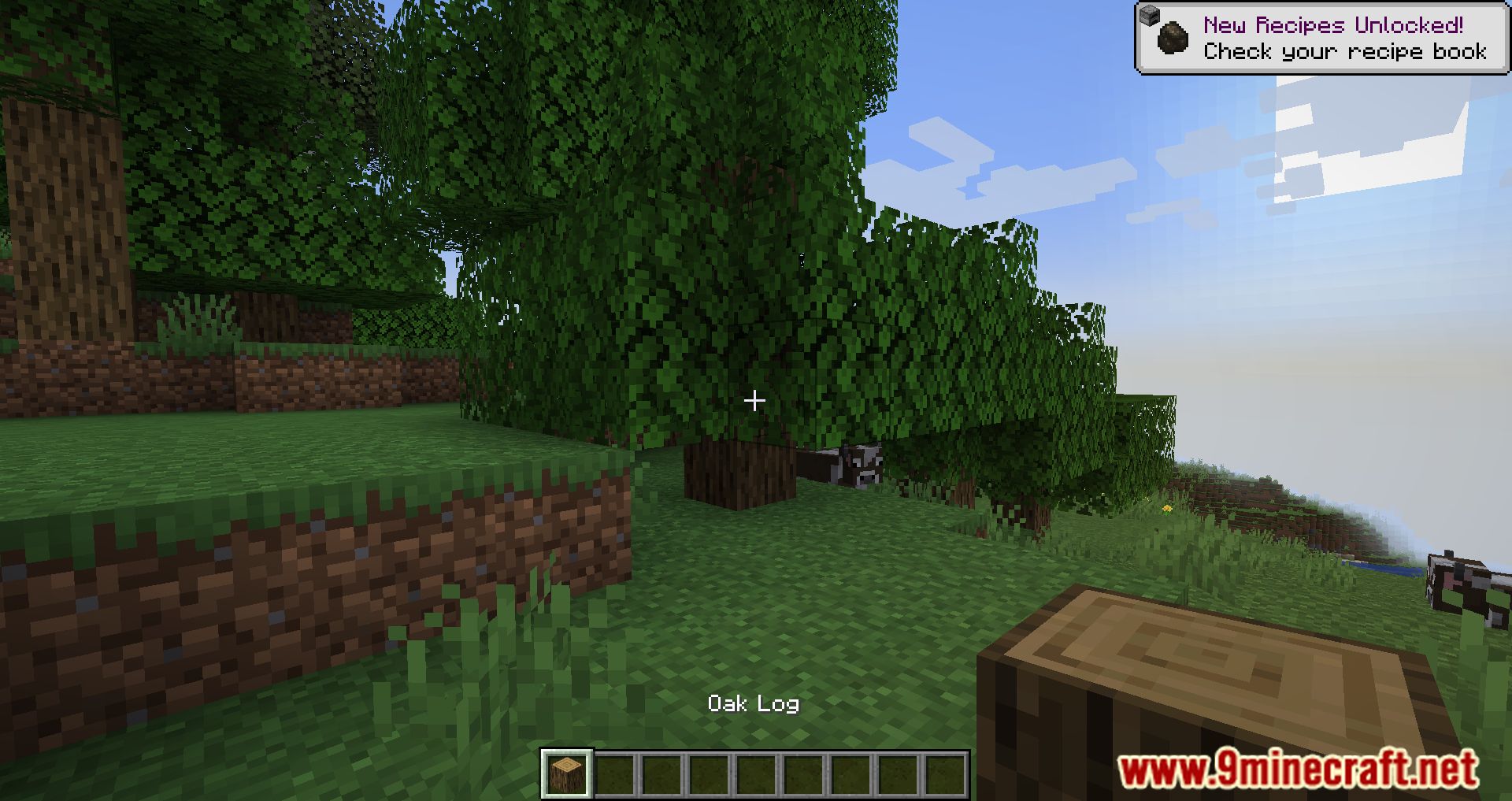
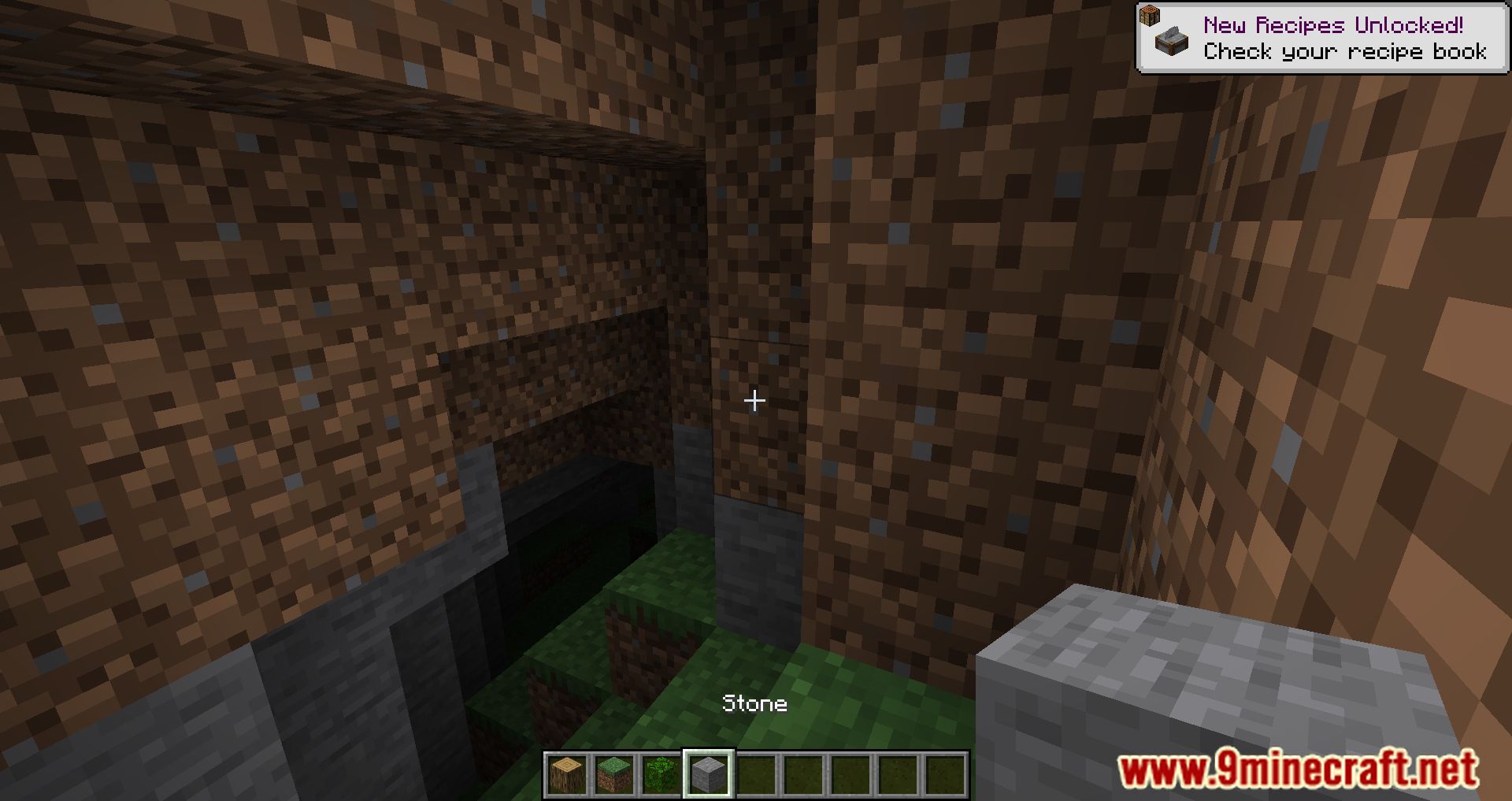
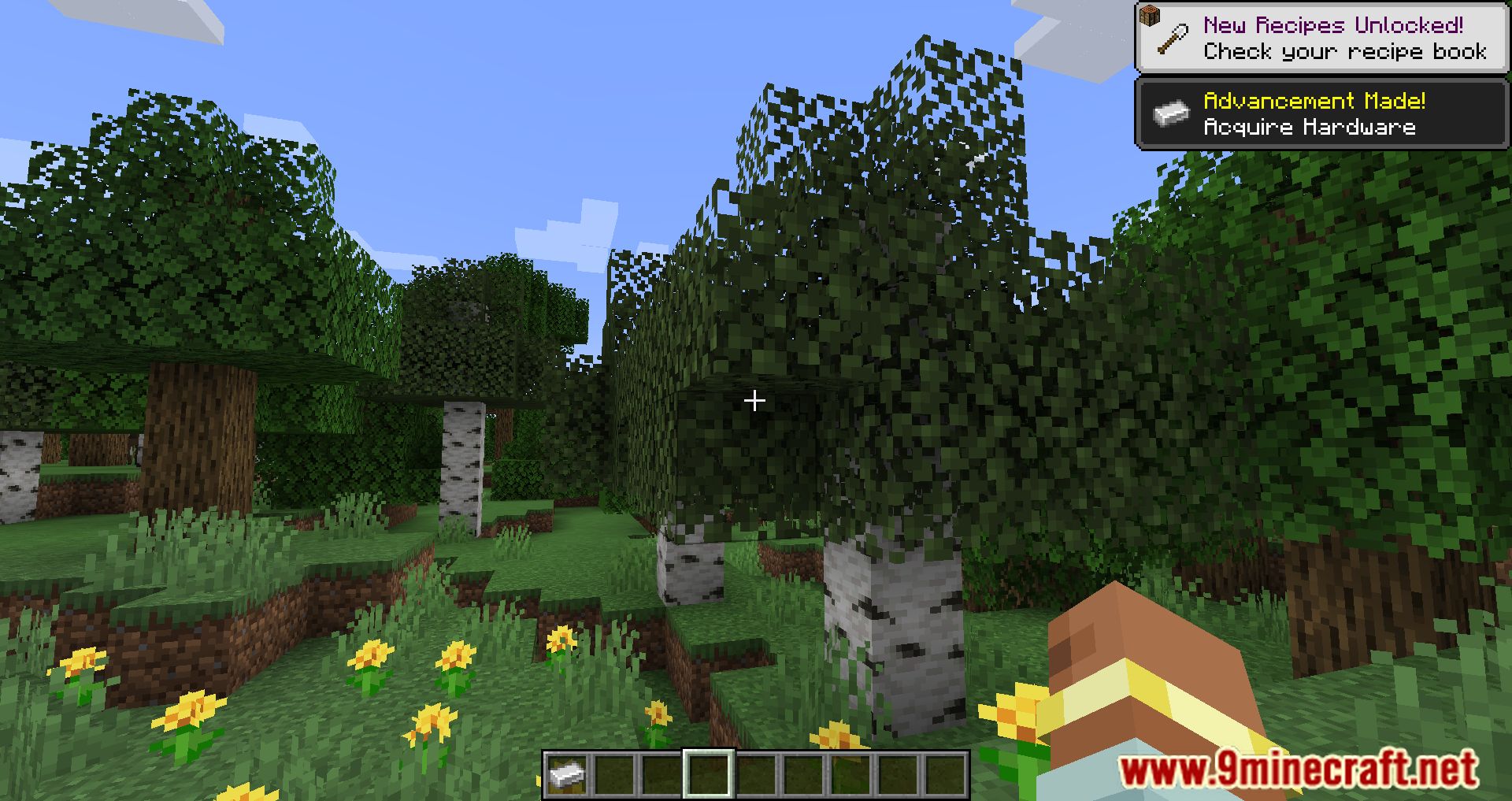
- Toast notifications
- All changes are configurable
Removes intrusive transitions:
- Title screen button fade-in that delays clicking
- Mojang logo fade-out on top of menus that temporarily freezes them
Removes cosmetic transitions:
- Mojang logo fade-in when applying resource pack changes (replaced by a hard cut)
- Toast notification slide-in / slide-out animations
- “Whoosh” sound effect associated with toast notifications
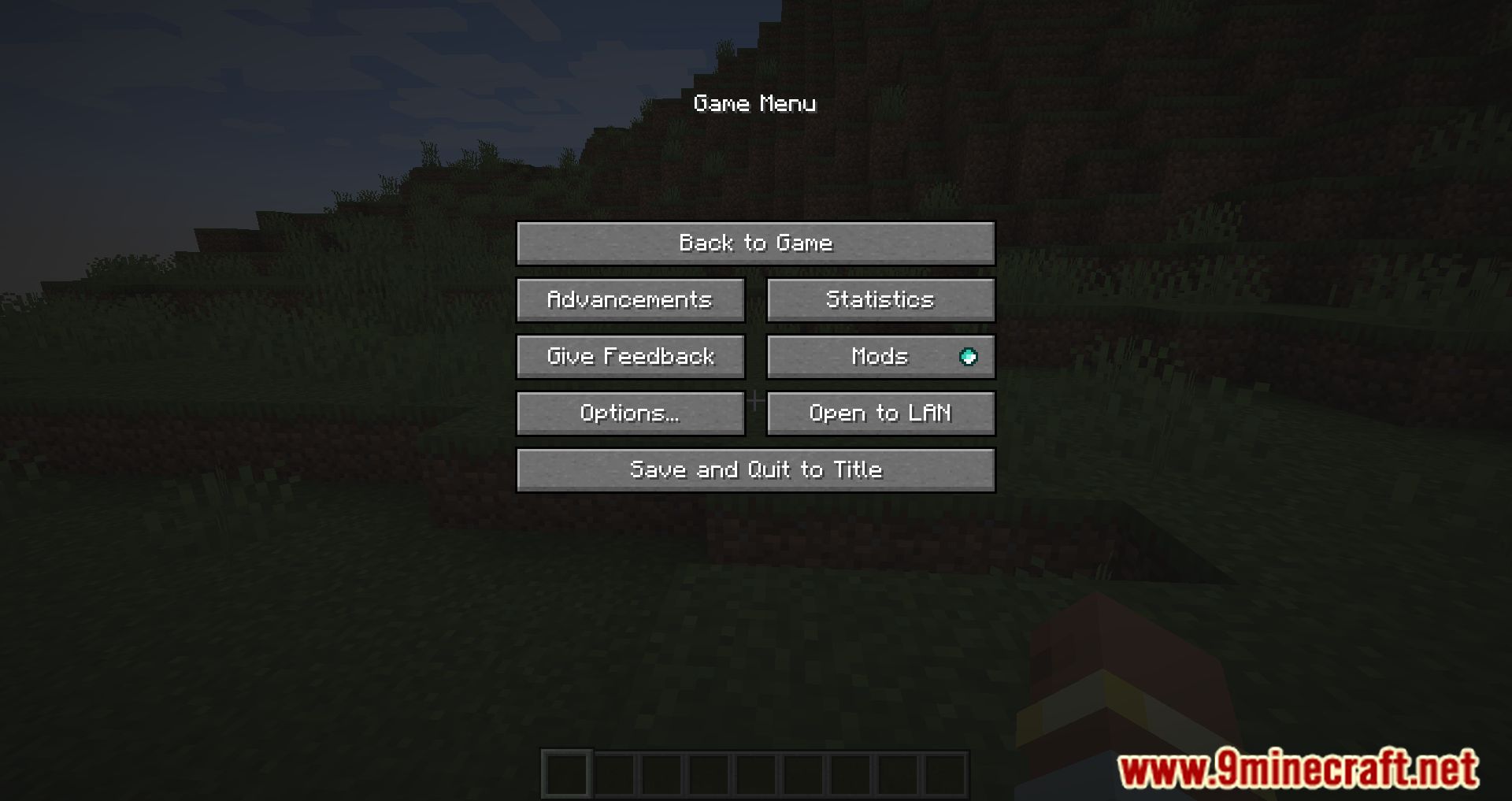
Screenshots:
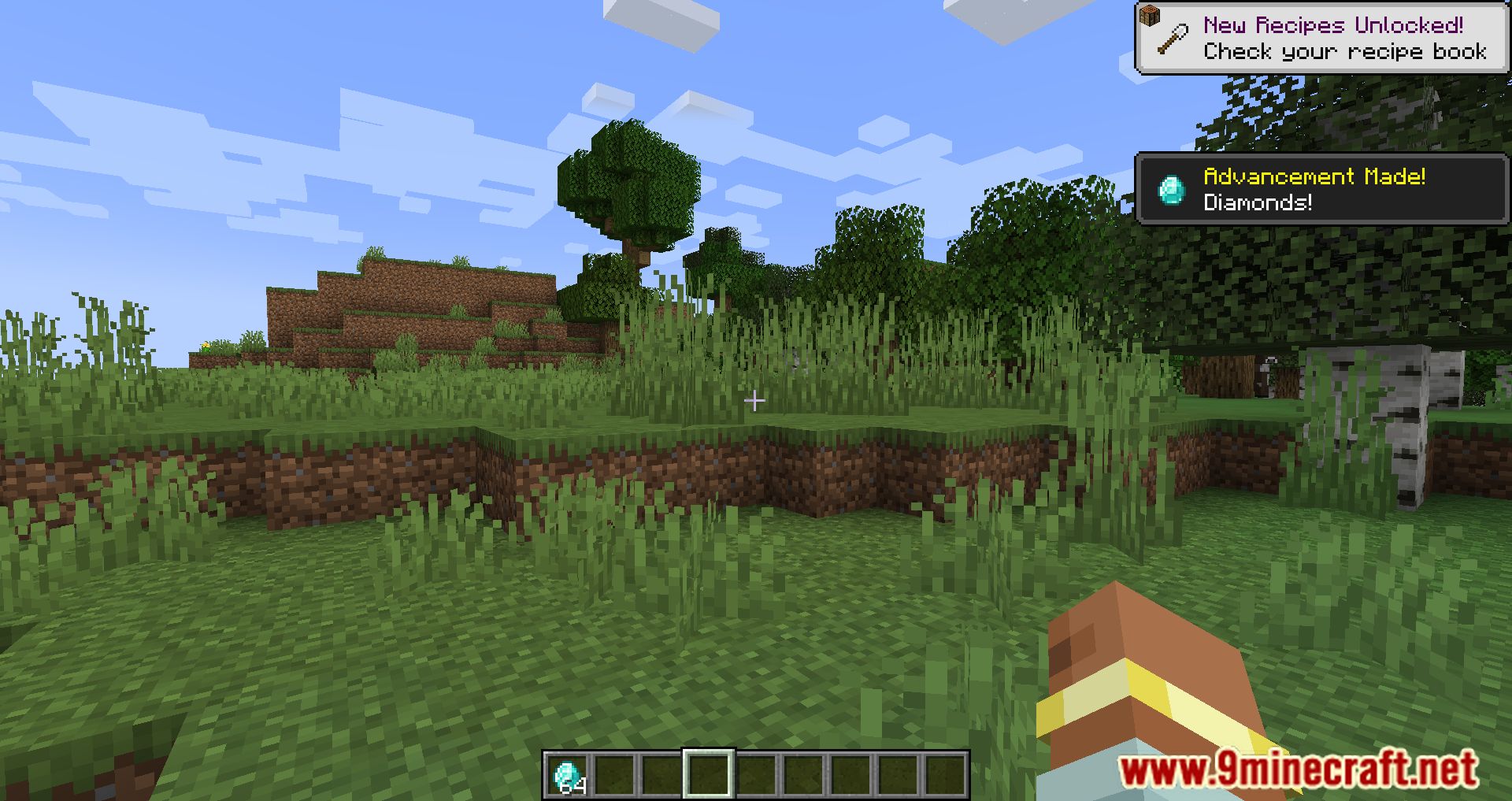
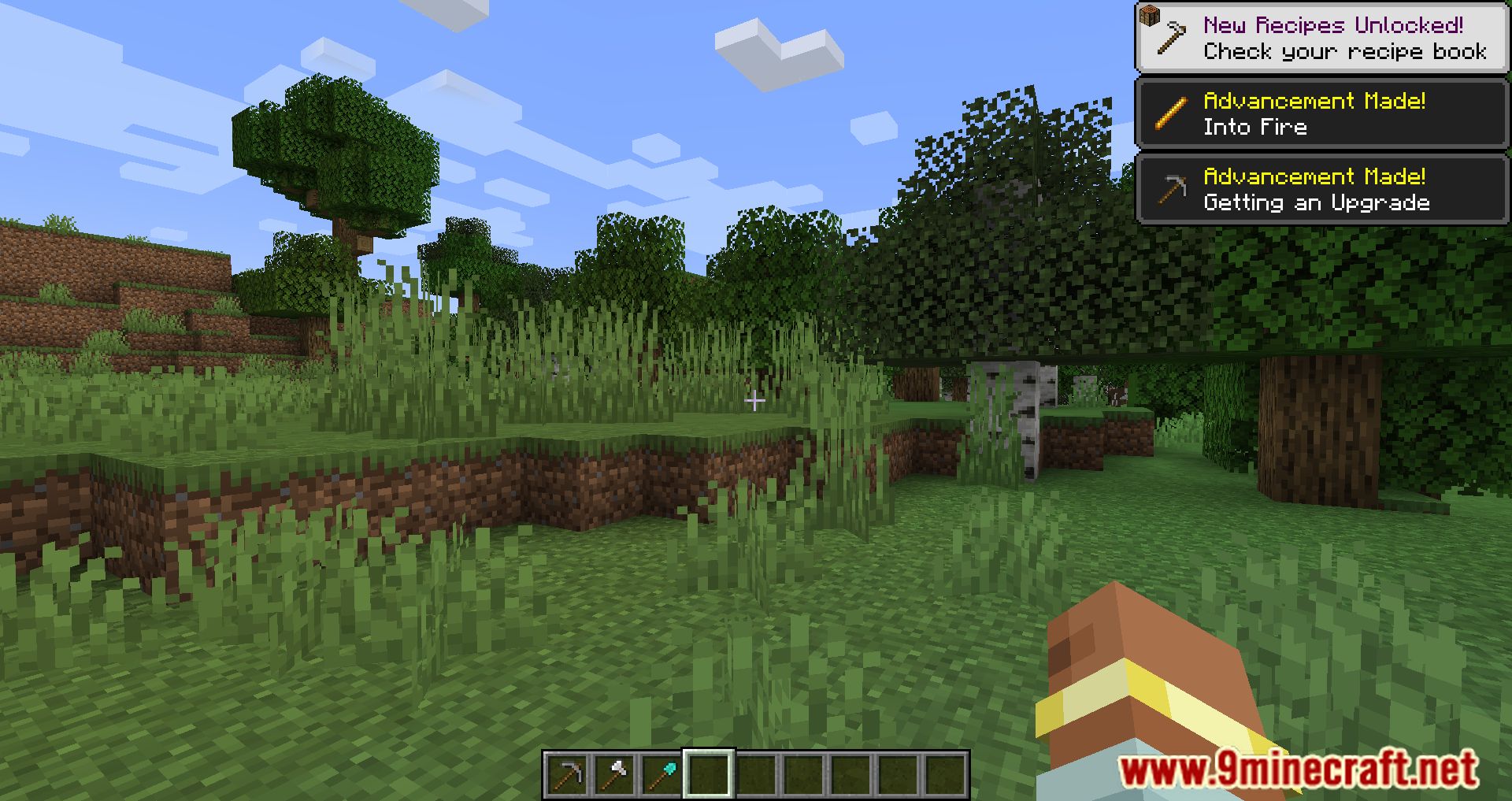

How to Install:
New to Minecraft? Follow our step-by-step guide to install Mods on your PC.View Guide
Skip Transitions Mod Download Links
For Minecraft 1.21.10, 1.21.9, 1.21.8, 1.21.7, 1.21.6, 1.21.5, 1.21.4
Fabric version: Download from Server 1 – Download from Server 2
For Minecraft 1.21.3, 1.21.2
Fabric version: Download from Server 1 – Download from Server 2
For Minecraft 1.21.1, 1.21
Fabric version: Download from Server 1 – Download from Server 2
For Minecraft 1.20.6
Fabric version: Download from Server 1 – Download from Server 2
For Minecraft 1.20.4
Fabric version: Download from Server 1 – Download from Server 2
For Minecraft 1.20.1, 1.20
Fabric version: Download from Server 1 – Download from Server 2
For All Versions from Minecraft 1.18 to Minecraft 1.19.2
Fabric version: Download from Server 1 – Download from Server 2
You May Also Like




This post has no comments yet. Be the first — your comment will appear here.