Sports Mod 1.7.10 (Football, Basketball, Tennis, Baseball)
 15,698
 0
0
 October 18, 2017
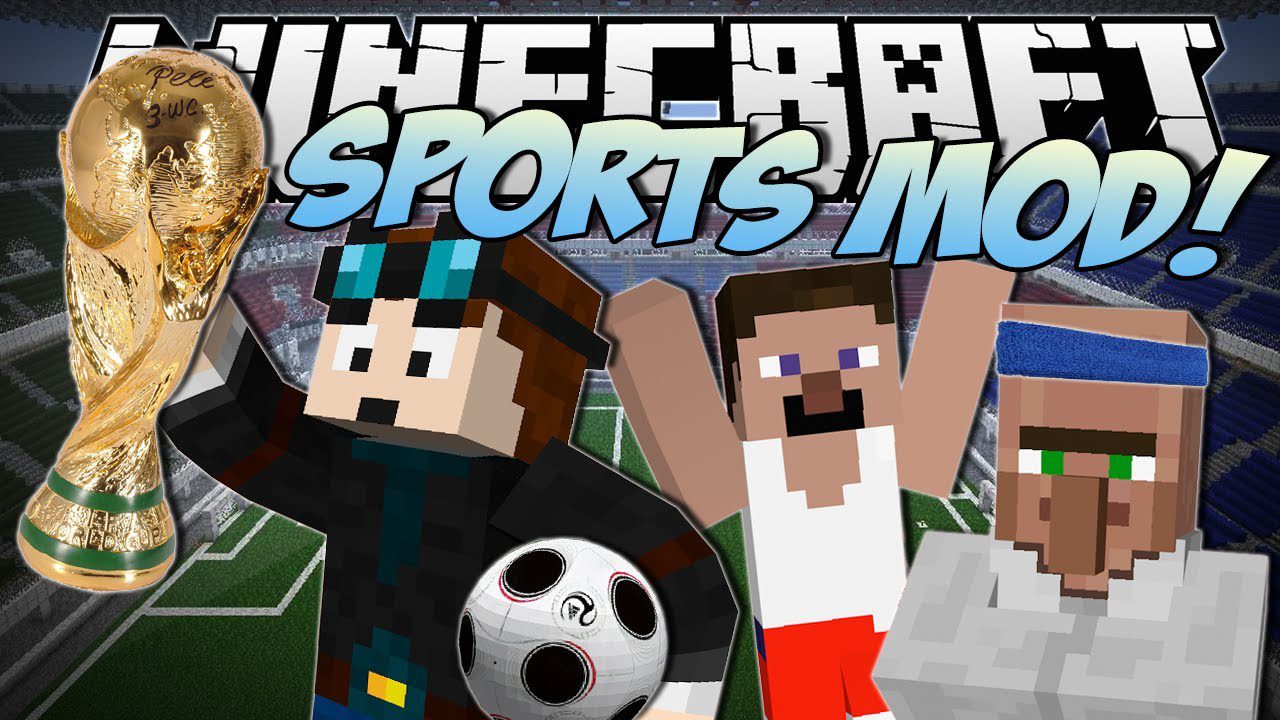
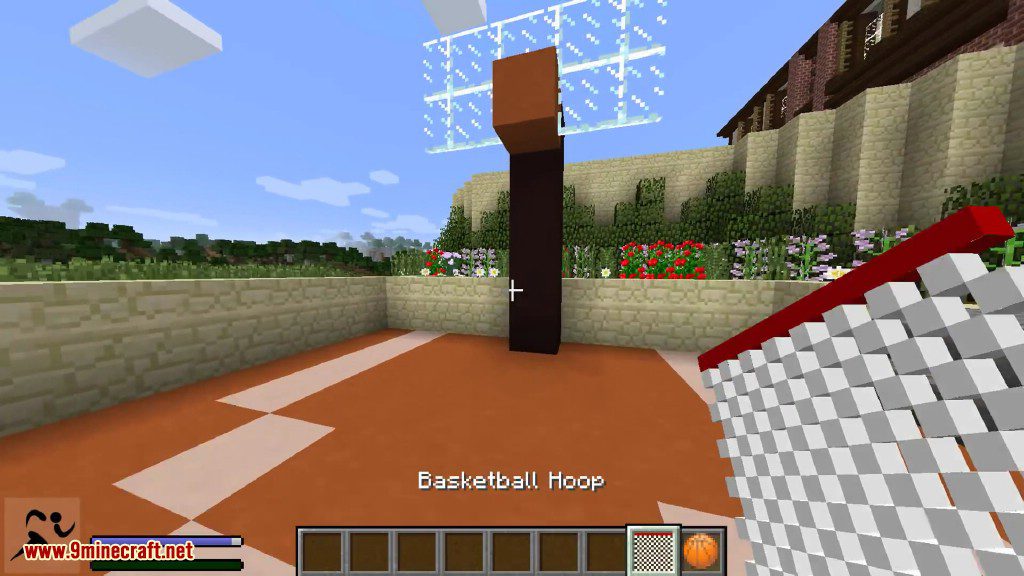
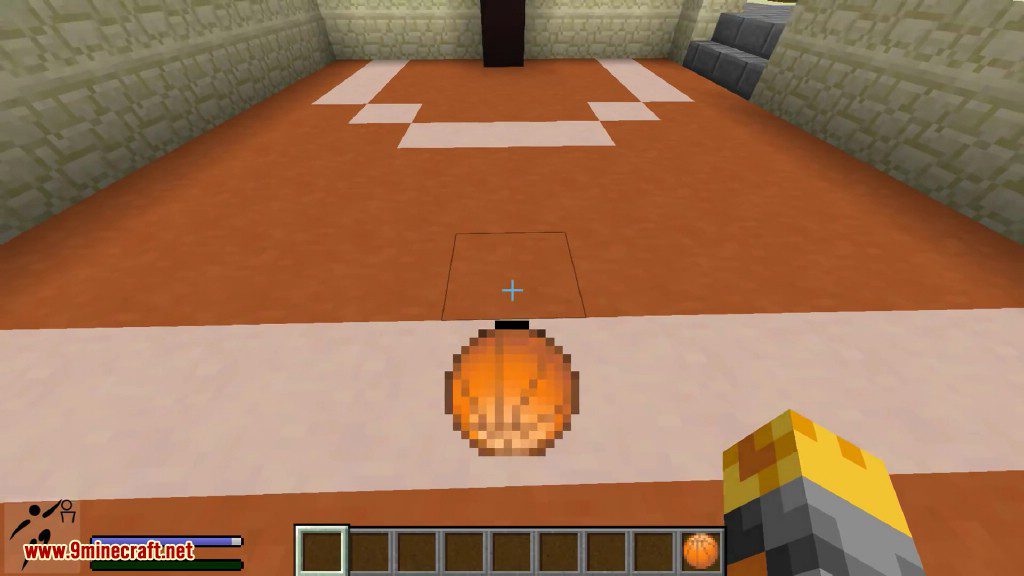
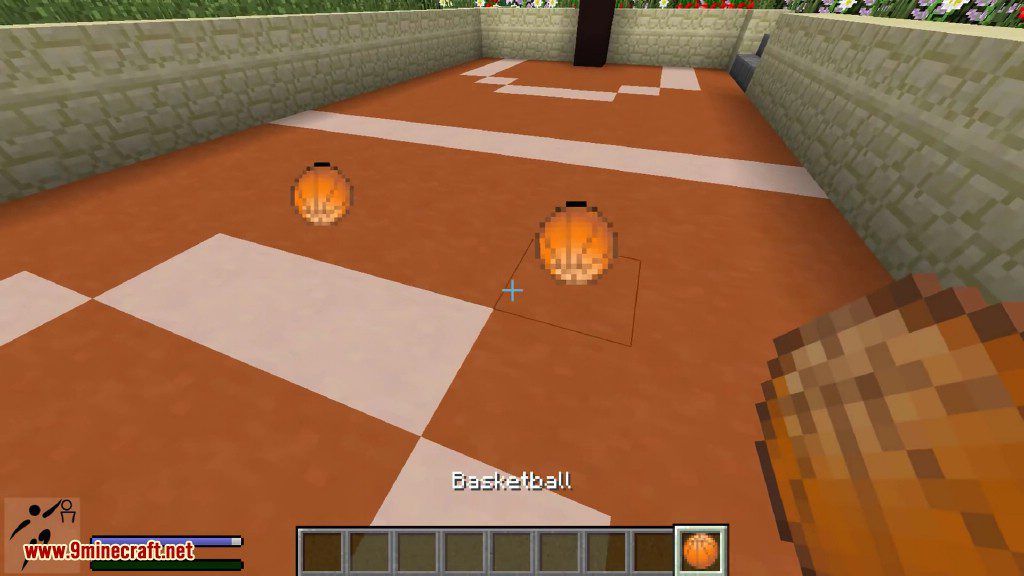
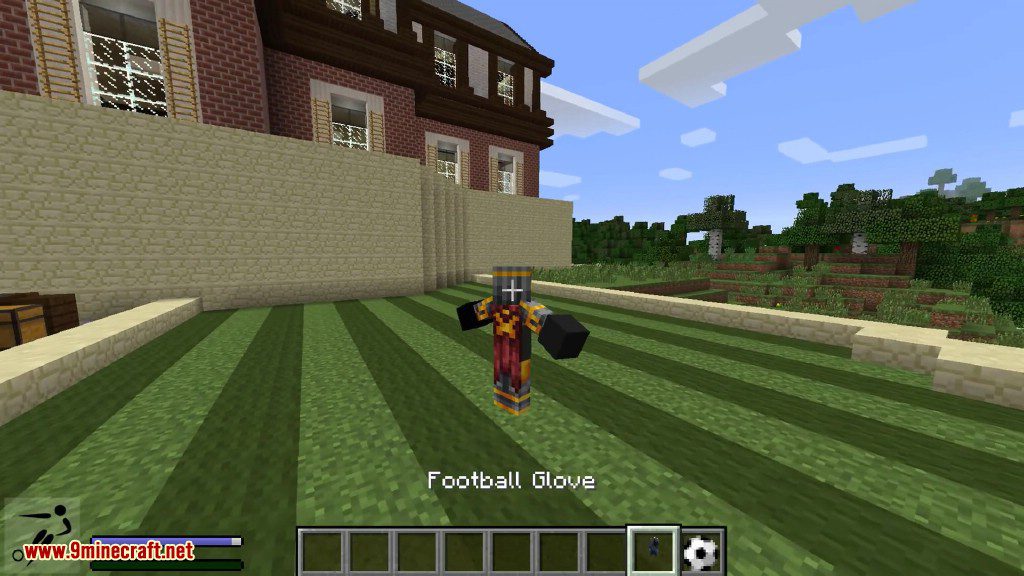
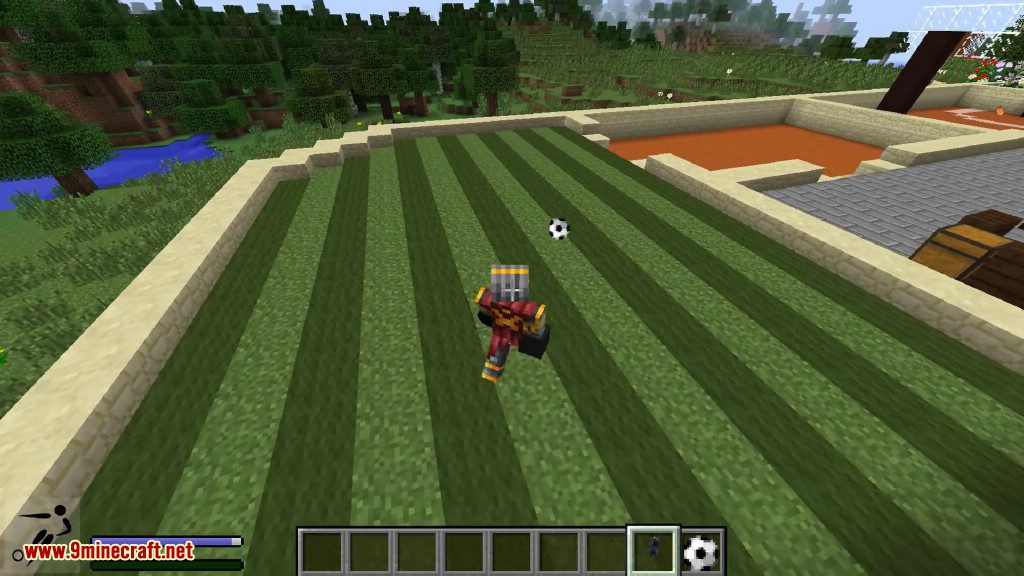
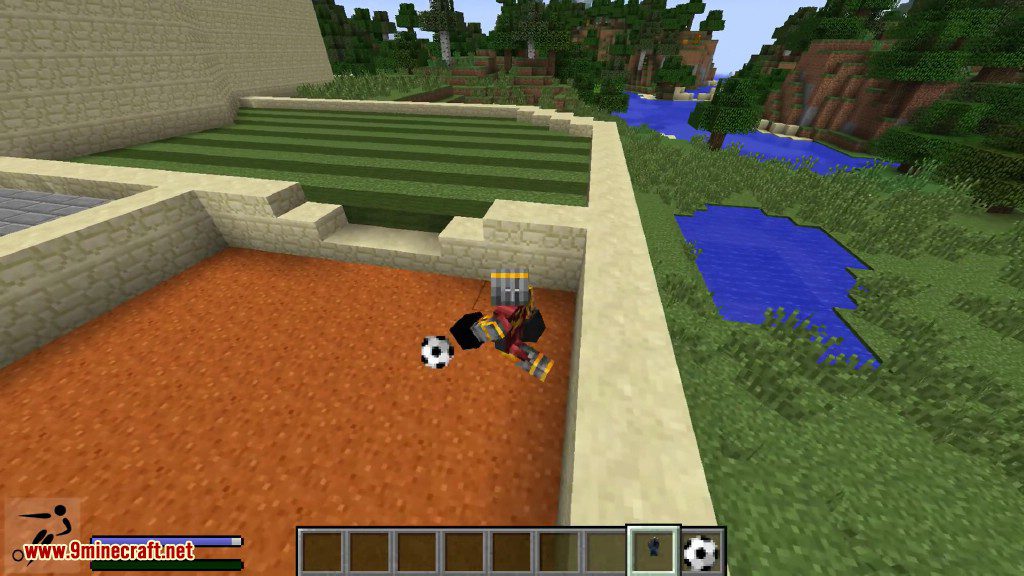
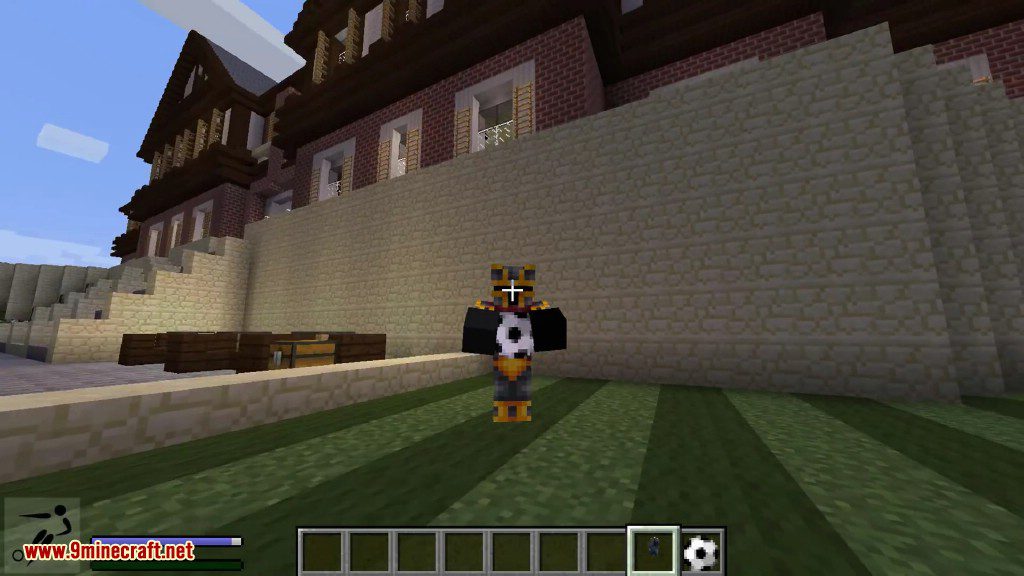
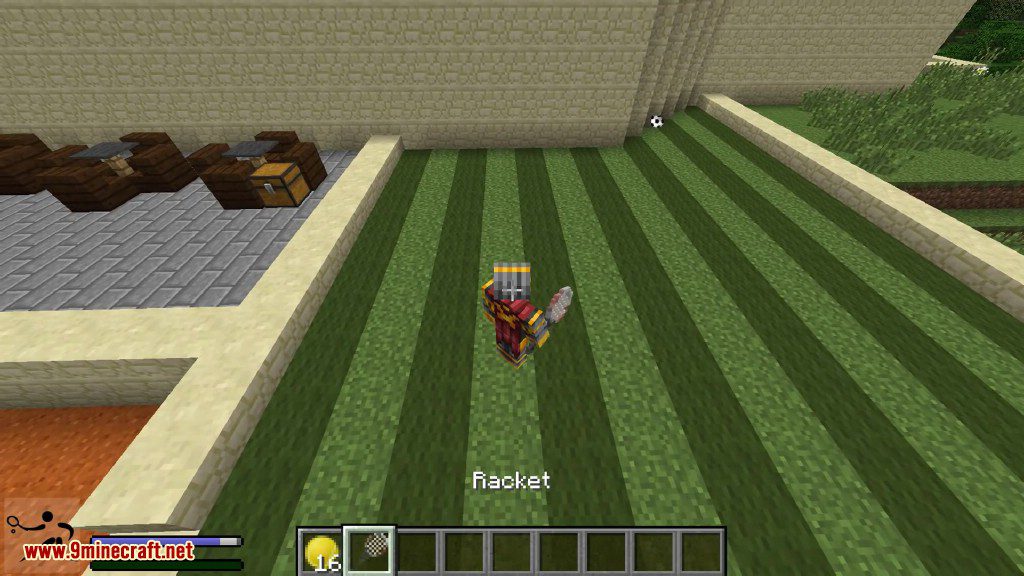
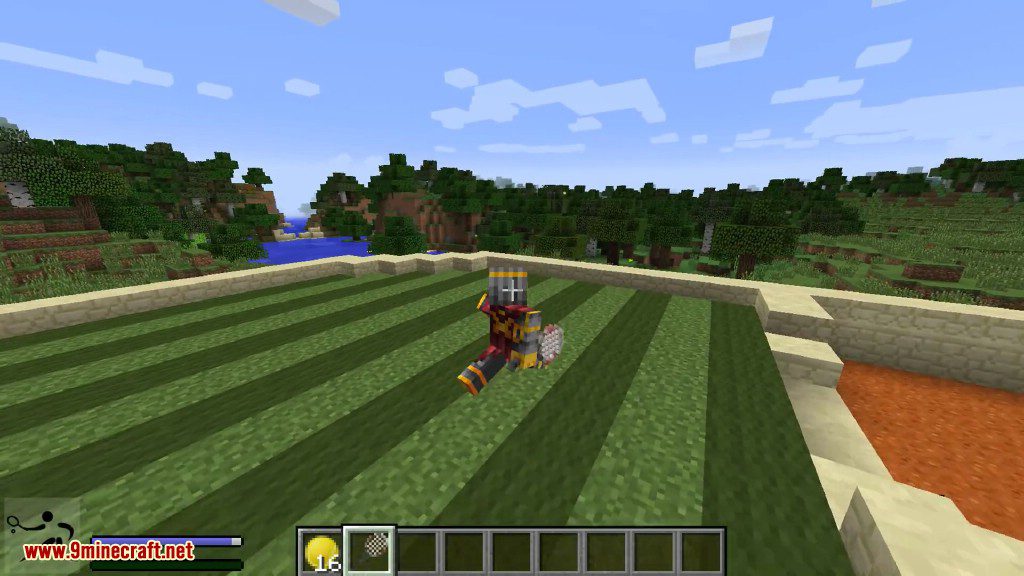
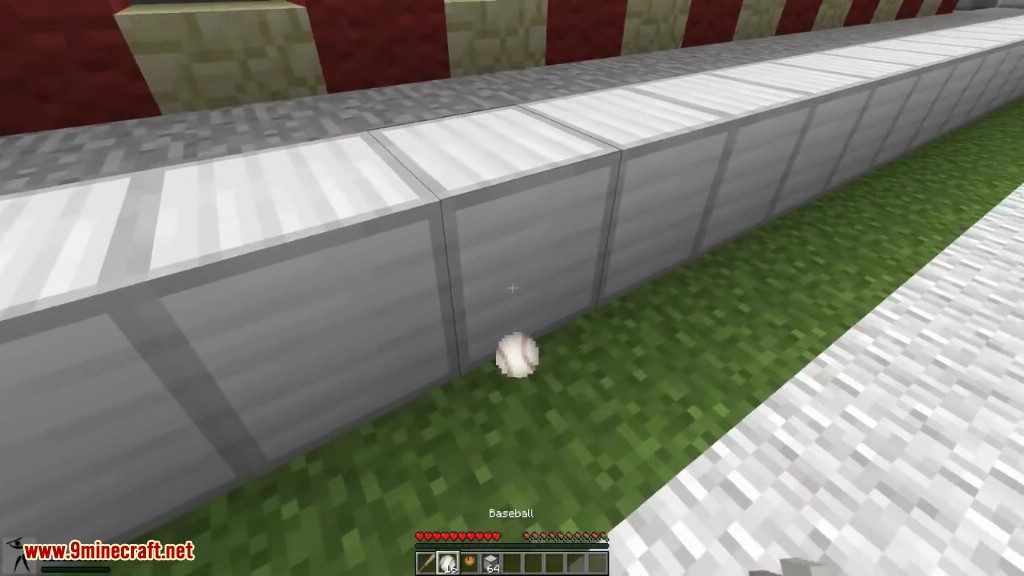
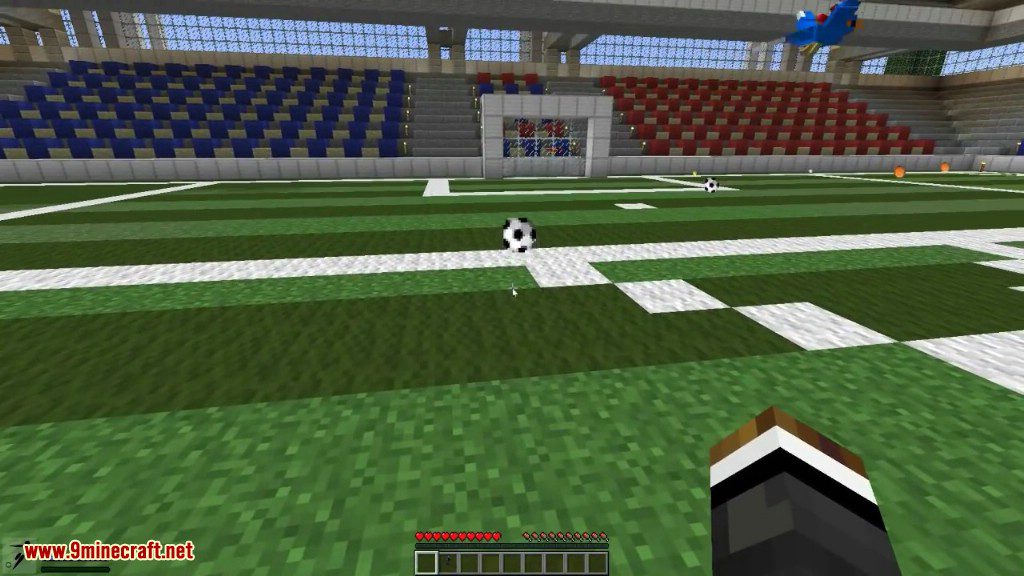
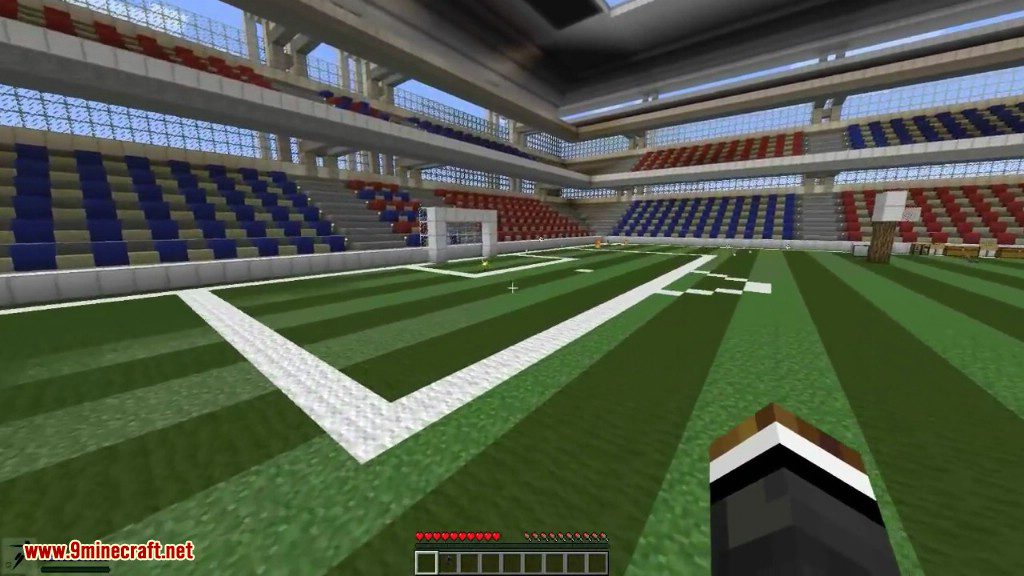
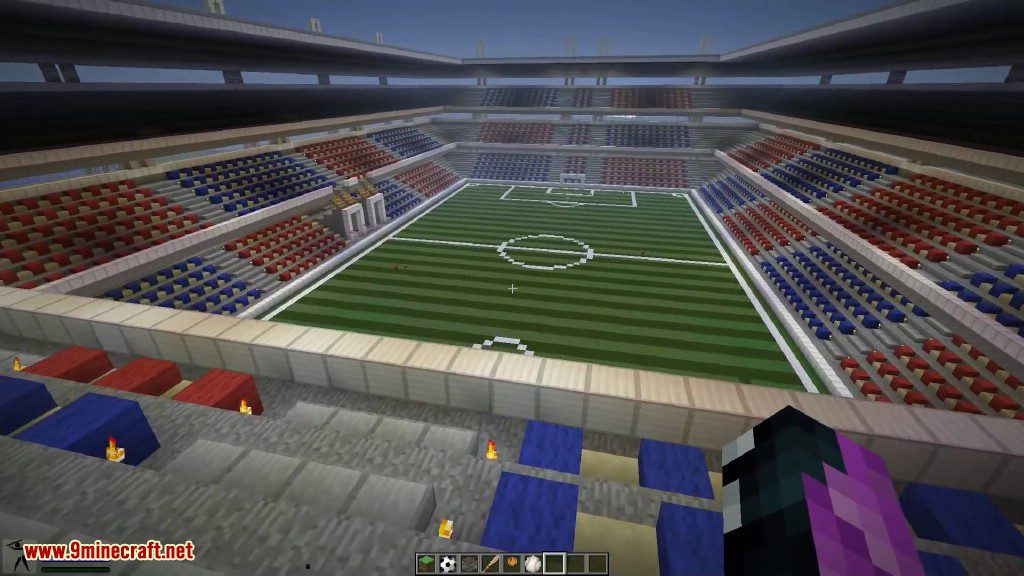
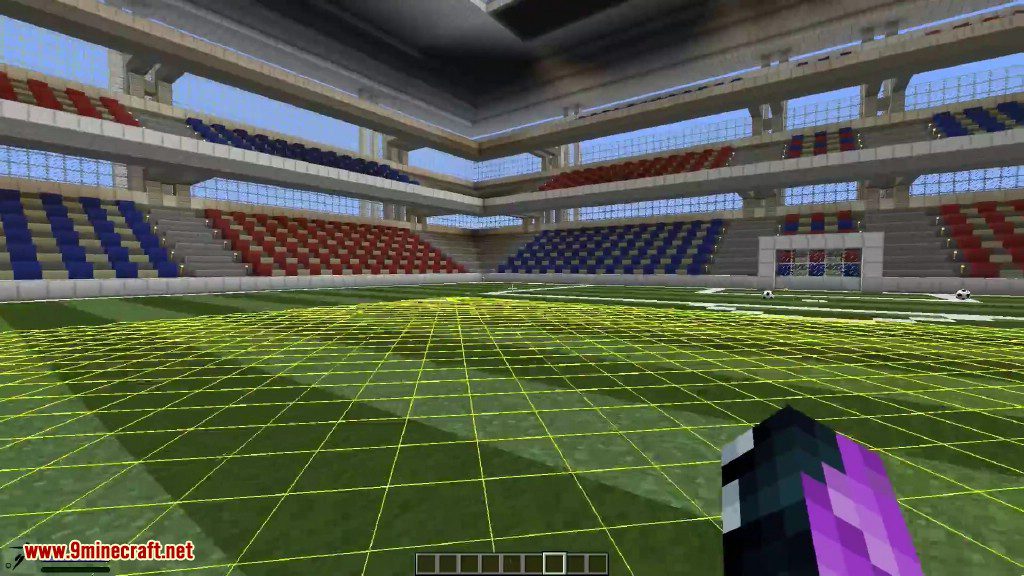
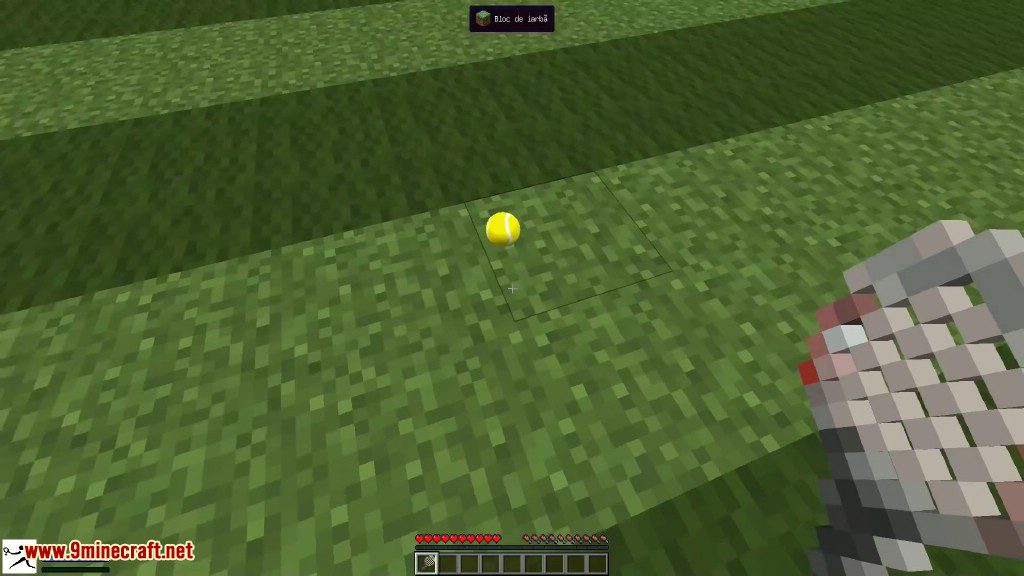
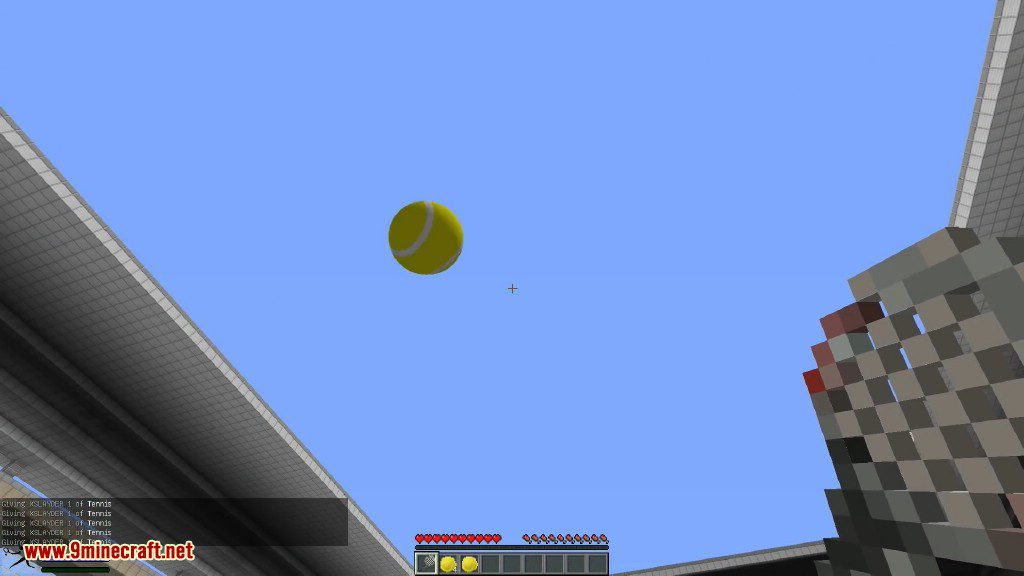
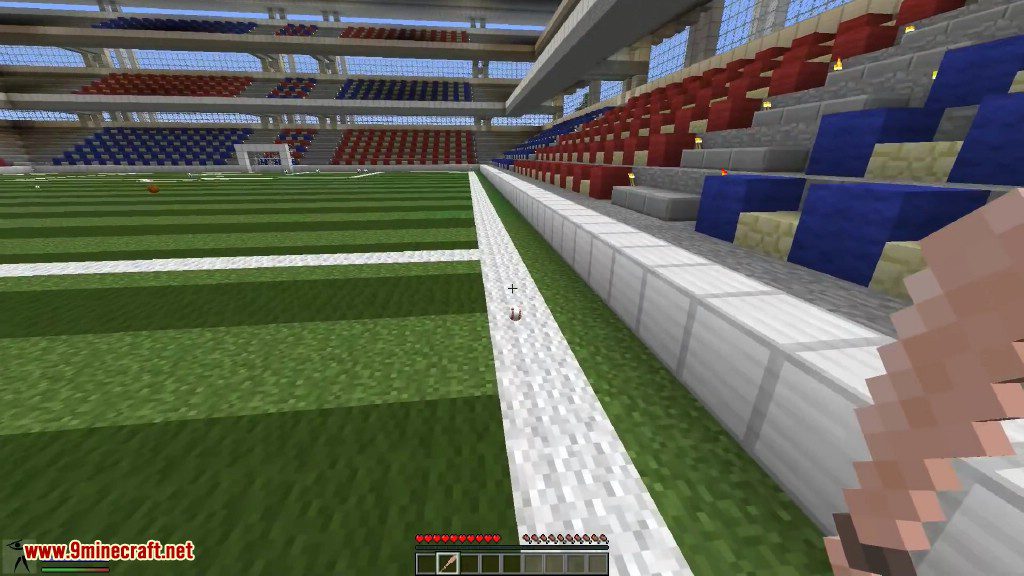
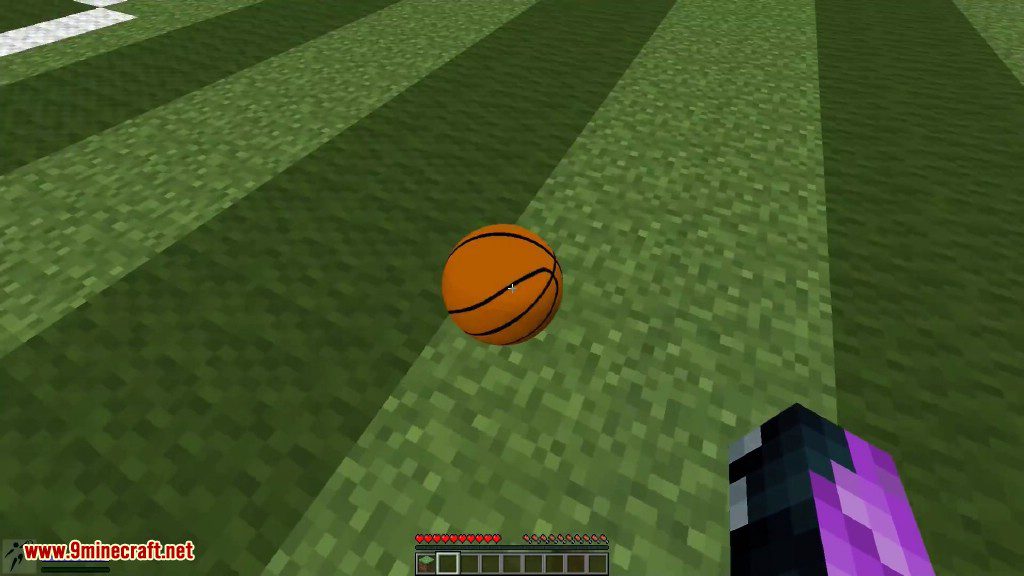
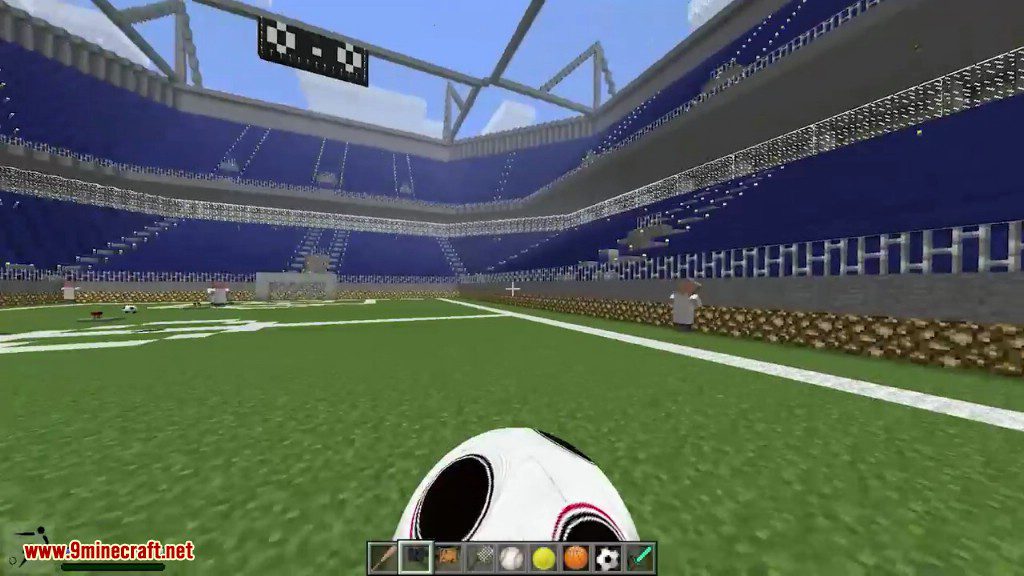
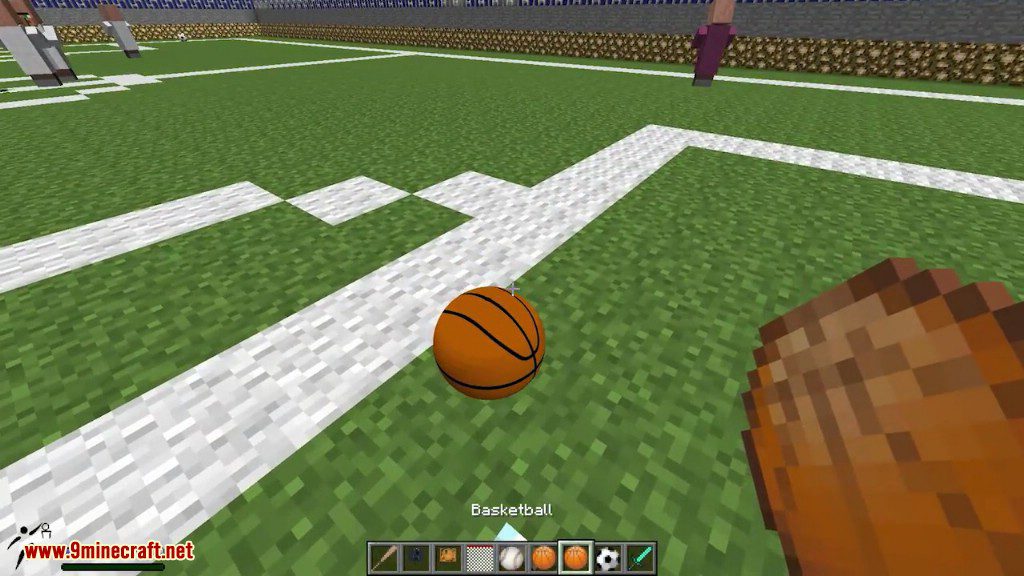
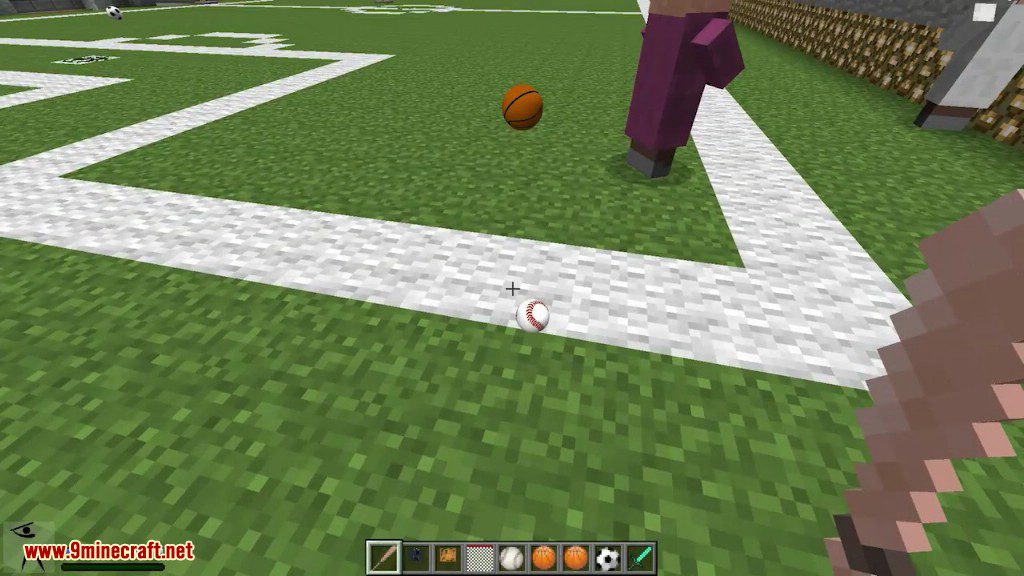
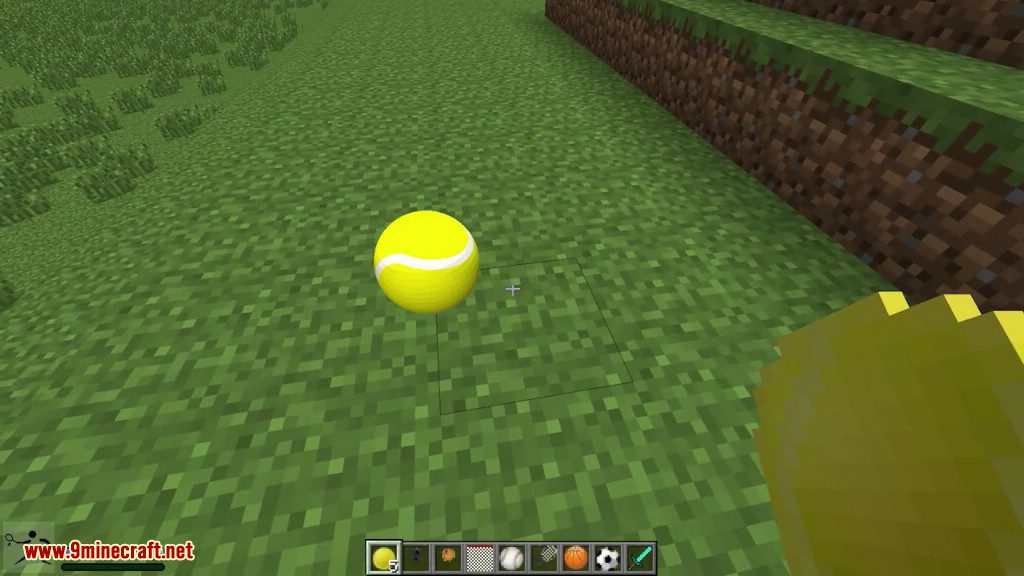
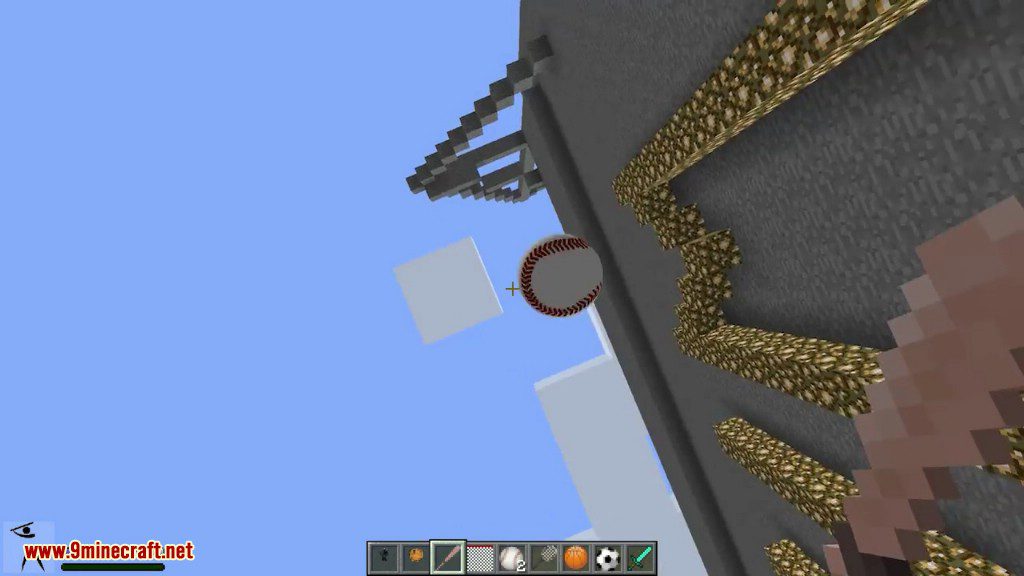
Sports Mod 1.7.10 add balls to play Basketball, Football, Tennis and Baseball. These are all very hard sports to play even in Minecraft but with a little practise you can do it.
Screenshots:
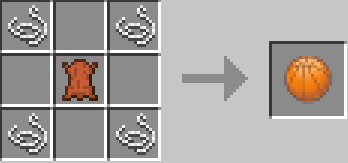
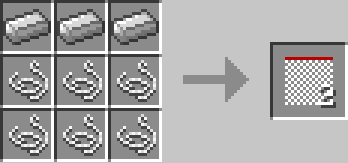
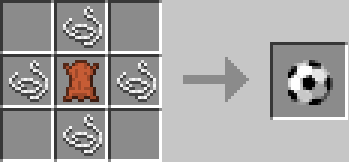
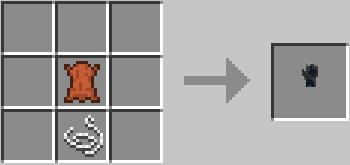
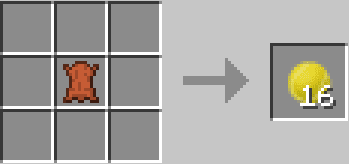
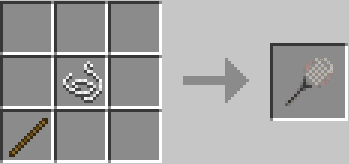
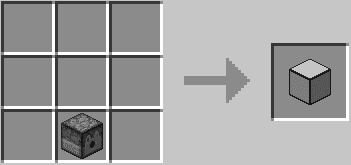
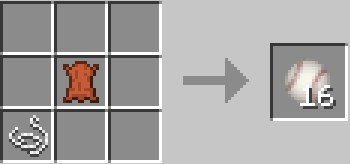
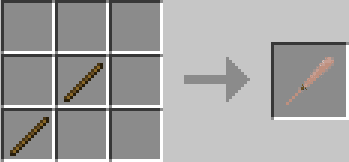
Crafting Recipes:
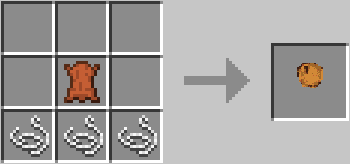
How to use:
Basketball Gameplay:
- Key Cross for hold the ball.
- Key Circle for a shot.
- The basketball hoop provide power when you score Putting a basket ball hoop 6 blocks under an other basket ball hoop, will receive the power.
- Sneak + Cross to spinning.
Football Gameplay:
- Push the ball with your avatar to move it.
- Key Cross for a pass.
- Key Circle for a shot.
- Right click with the glove item to hold the ball.
Tennis Gameplay:
- Key Cross for hold the ball.
- Key Circle to throw the ball in air.
- Right click with the racket item for a shot.
- The ball launcher difficulty depend of the game difficulty (Peacefull, easy, normal and hard).
- Balls are launched to a random direction.
Baseball Gameplay:
- Right click with the glove to catch the ball.
- Key Circle to throw the ball.
- Sneak + right click with the bat to kick the ball.
Settings:
- Options->Sports mod Options-> to set ball render, IDs, keys sensitivity, HUD.
- Options->controls… to set custom keys(Cross, Circle, Triangle, Square).
Global Gameplay:
- Key Square + collide with the ball to pick it up.
- Key triangle to sprint.
- The power of shot and passes can be measured by pressing more or less time the keys.
- More you look up and more the balls will go up.
- The balls reacts differently depending of the soil.
- Sand: low bound, slow moves.
- Grass: medium bound, medium moves.
- Cobblestone: bound to a random direction.
- Remaining solid blocks: hight bound, fast moves.
- Water: applies an upward force.
How to Install:
New to Minecraft? Follow our step-by-step guide to install Mods on your PC.View Guide
Requirements:
Sports Mod 1.7.10 Download Links
For Minecraft 1.5.2
Client: Download from Server 1 – Download from Server 2
Server: Download from Server 1 – Download from Server 2
For Minecraft 1.6.2
Client: Download from Server 1
Server: Download from Server 1
For Minecraft 1.7.10
Client: Download from Server 1
Server: Download from Server 1
Click to rate this post!
[Total: 7 Average: 2.3]
You May Also Like