


Gravestone Mod (26.2, 1.20.1) – Death Is No Longer the End
 1,546
1,546
 0
0

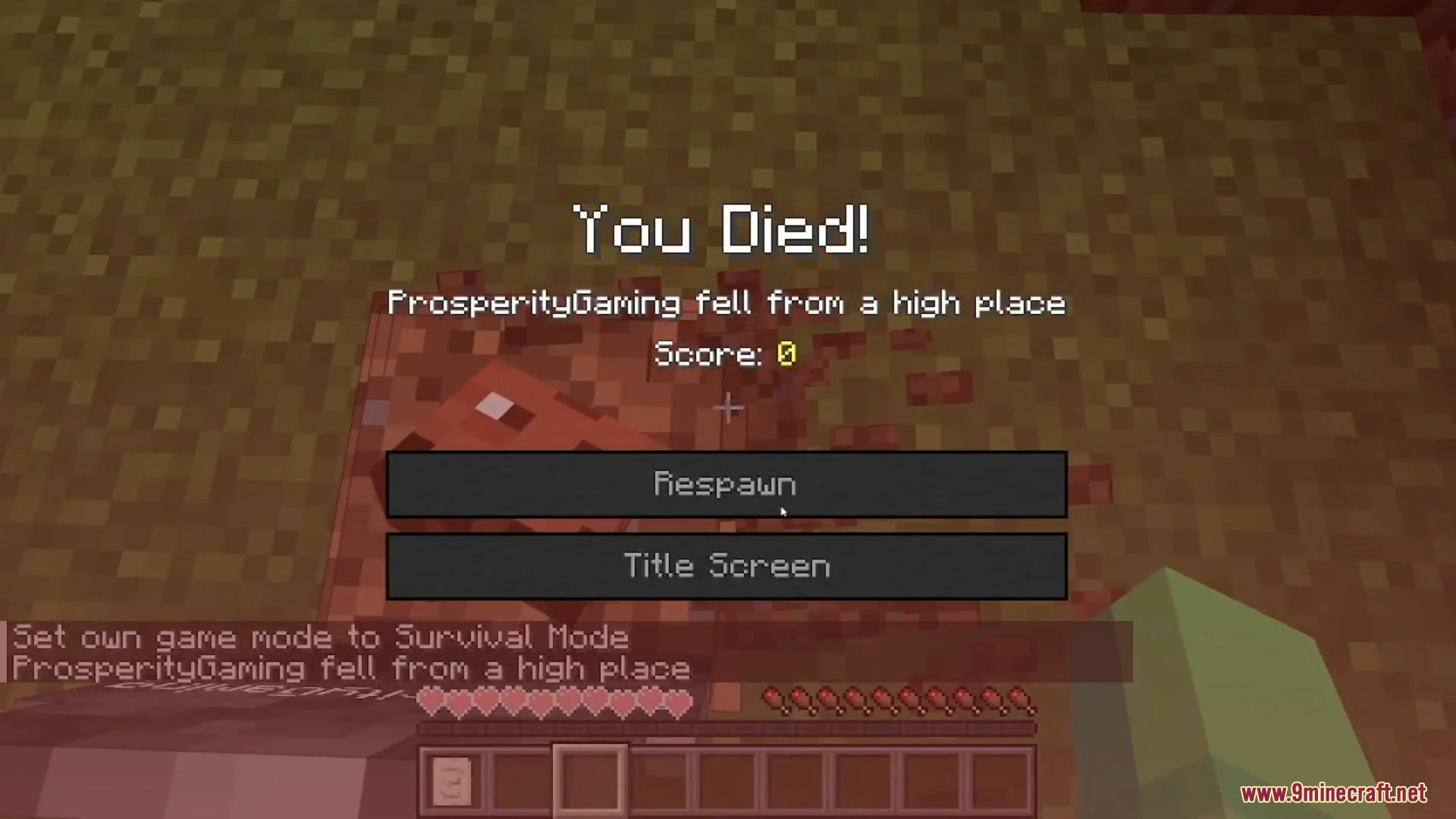
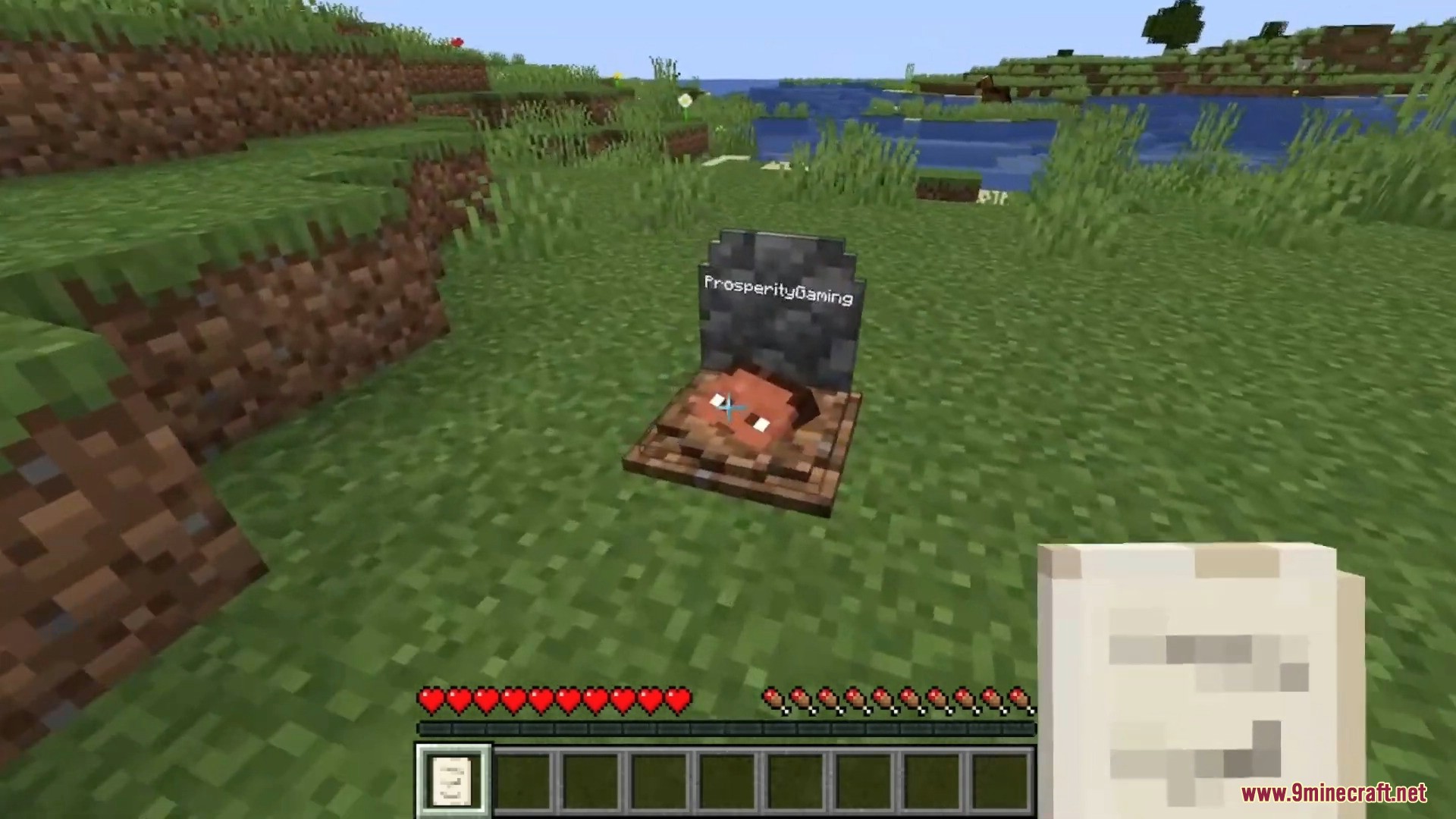
Gravestone Mod places a grave at your location when you die, keeping all your items safe inside. To get your items back, simply break the grave or sneak on it. You can right-click the grave to see details about your death, and the mod can even put items back into their original inventory slots.
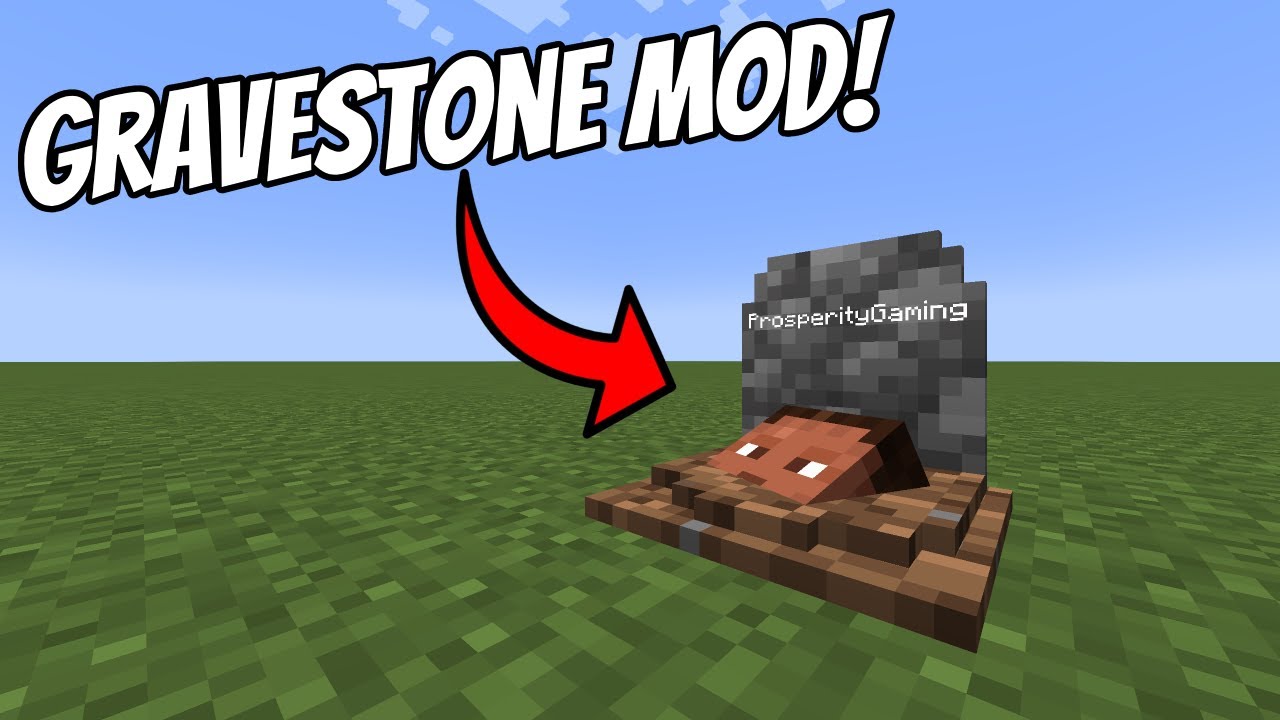
Features:
- Automatically places a grave where you die to store your items.
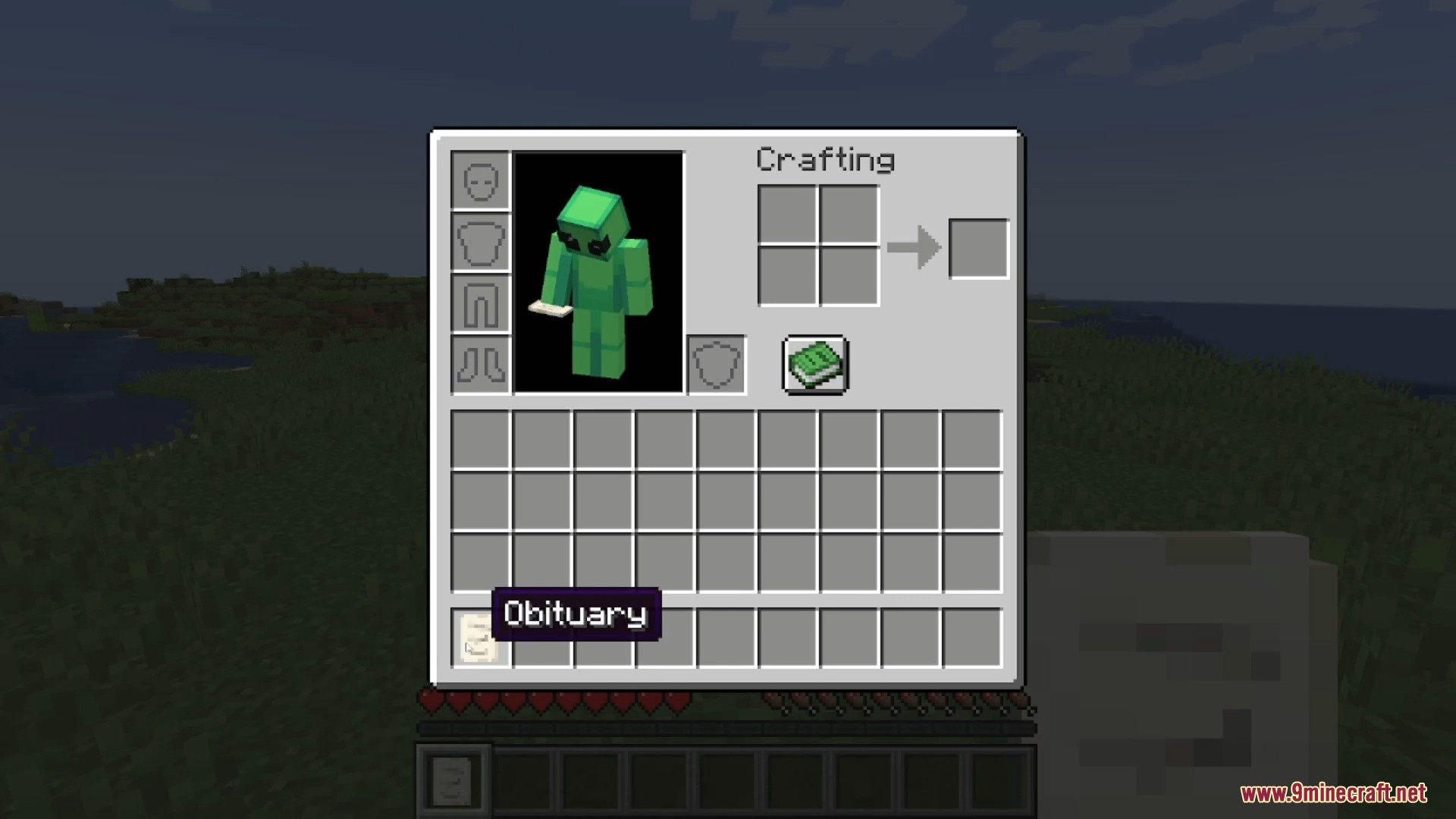
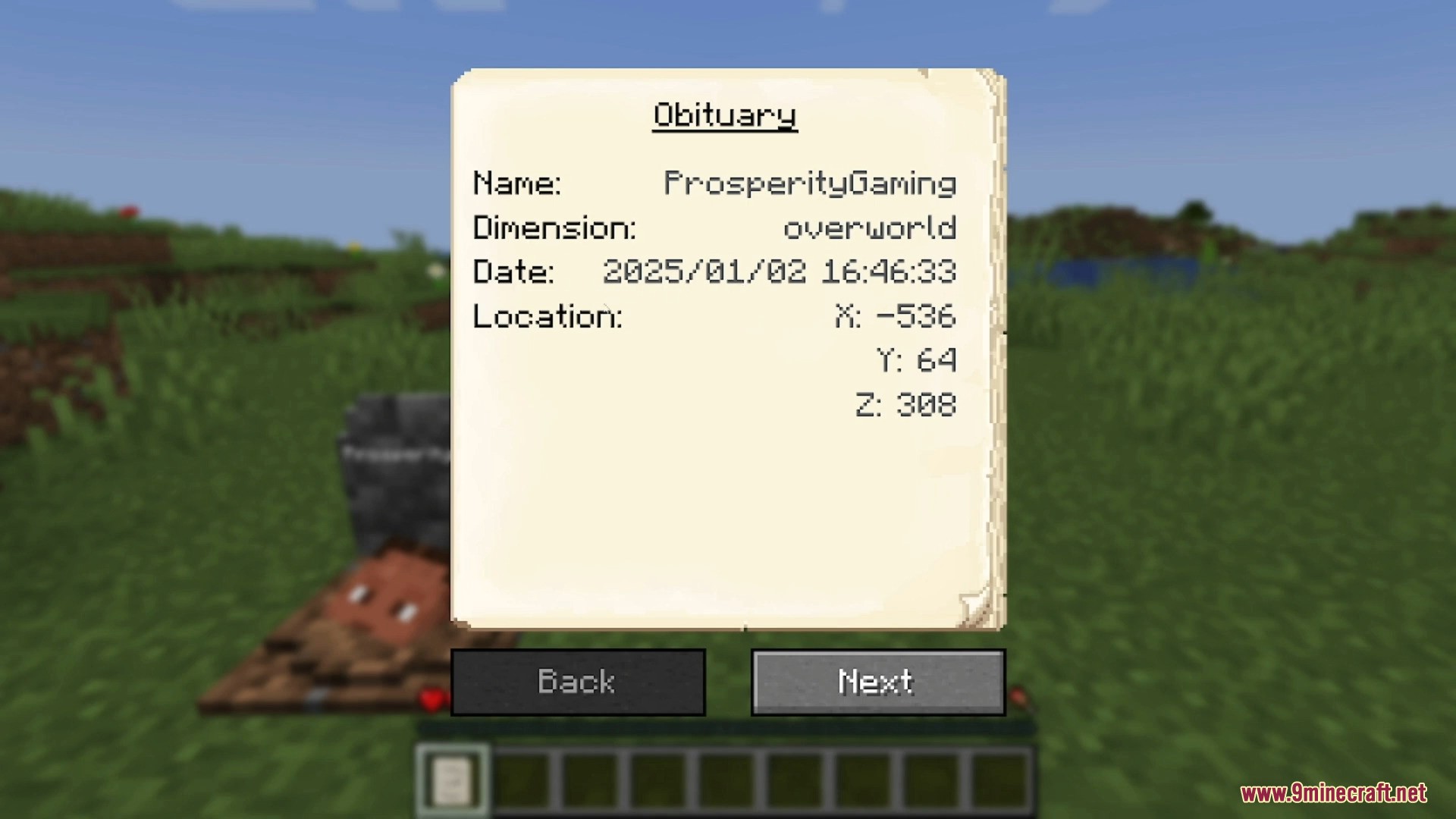
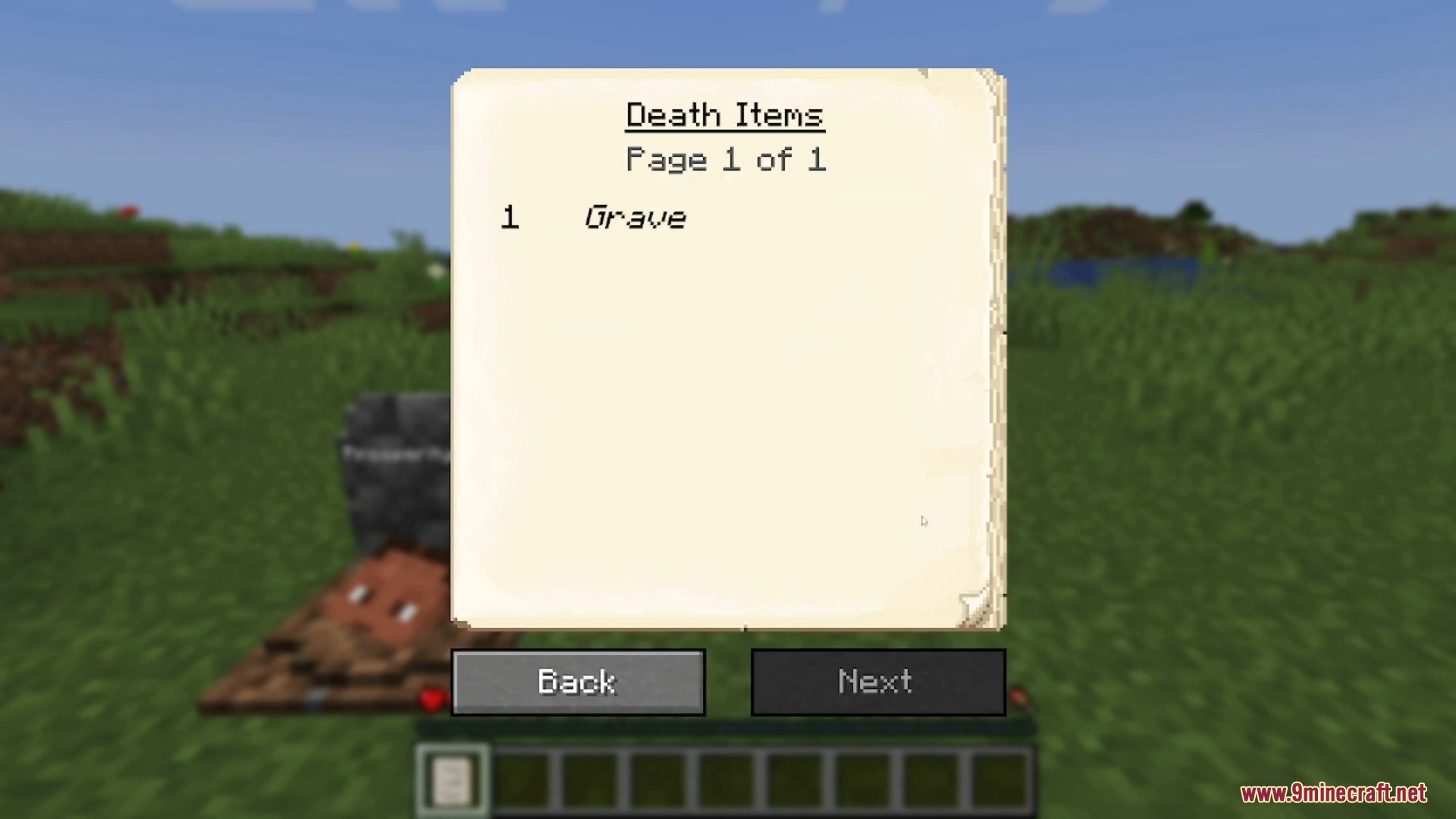
- Receive an obituary item with details like your name, death location, date, and a full list of lost items.
- Restores your items to their original inventory slots when you break the grave.
- Break a grave with a Silk Touch tool to pick it up as a block.
- Name a grave in an anvil to display custom text on it.
- Smart placement system finds a safe spot for the grave if you die inside a block or fall into the void.
- Lots of settings to change, such as text color, whether a skull appears, or if a friendly or hostile ghost spawns.
- Set it so only the owner of the grave can break it.
Commands:
If you lose your items, you can use a command to get them back:
/restore <player> <death_id> <replace|add>
- Player: The name of the player whose inventory you want to restore.
- Death_id: The specific ID of the death, found on the obituary item.
- Replace|add: Choose whether to overwrite the player’s current inventory or just add the items to it.
Admins can also sneak and right-click an obituary to get a pre-made restore command.
How to Use:
- When you die, a grave is automatically placed at your location.
- Find the grave and break it to get all your items back.
- You can also sneak on the grave to retrieve your items.
- Right-click the grave to view information about how and where you died.
Screenshots:
Requires:
How to Install:
New to Minecraft? Follow our step-by-step guide to install Mods on your PC.View Guide
Requirements:


Gravestone Mod Download Links
For Minecraft 26.2
For Minecraft 26.1.2, 26.1.1, 26.1
For Minecraft 1.21.11
For Minecraft 1.21.10, 1.21.9
For Minecraft 1.21.8, 1.21.7, 1.21.6
For Minecraft 1.21.5
For Minecraft 1.21.4
For Minecraft 1.21.3, 1.21.2
For Minecraft 1.21.1, 1.21
For Minecraft 1.20.6
For Minecraft 1.20.5
For Minecraft 1.20.4
For Minecraft 1.20.2
For Minecraft 1.20.1, 1.20
For Minecraft 1.19.4
For Minecraft 1.19.3
For Minecraft 1.19.2
For Minecraft 1.18.2
For Minecraft 1.17.1
For Minecraft 1.16.5
For Minecraft 1.12.2
For Minecraft 1.11.2
For Minecraft 1.10.2
For Minecraft 1.9.4
For Minecraft 1.8.9
For Minecraft 1.7.10
For Minecraft 1.5.1
Click to rate this post!
[Total: 0 Average: 0]
You May Also Like

This post has no comments yet. Be the first — your comment will appear here.