


The Mini Crosshair Resource Pack (26.1.2, 1.20.1) – Clearer Sights Without

 0
0 

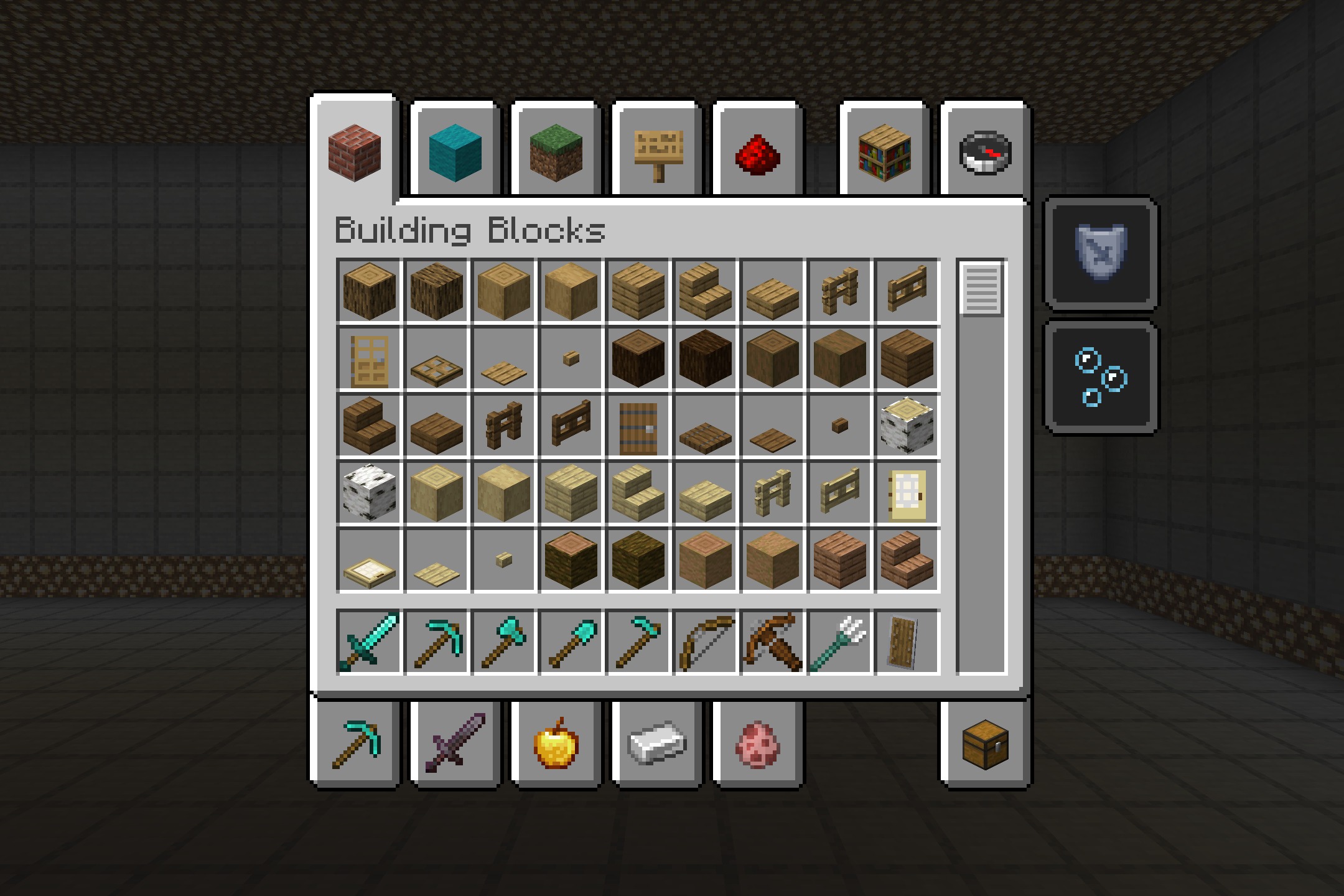
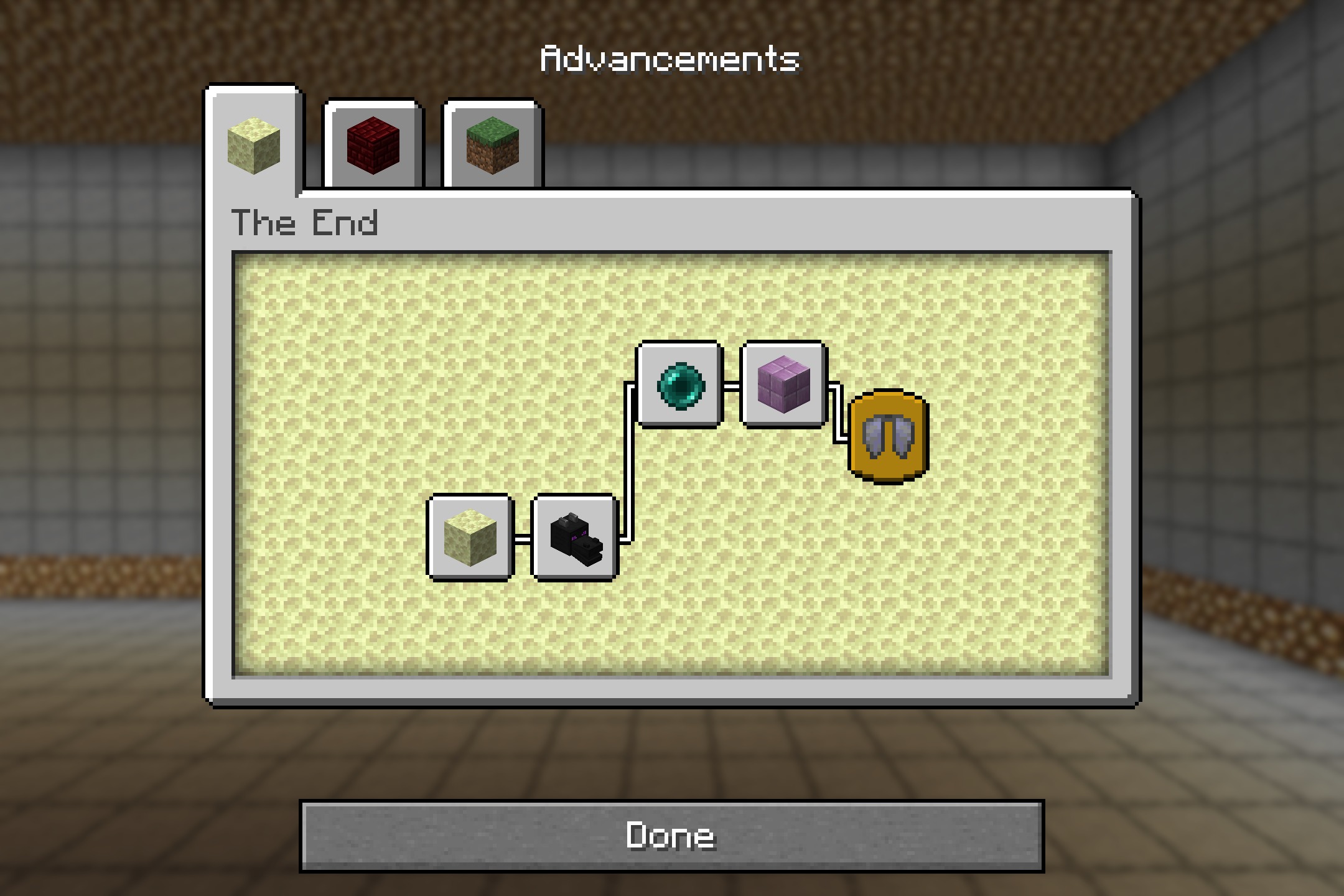
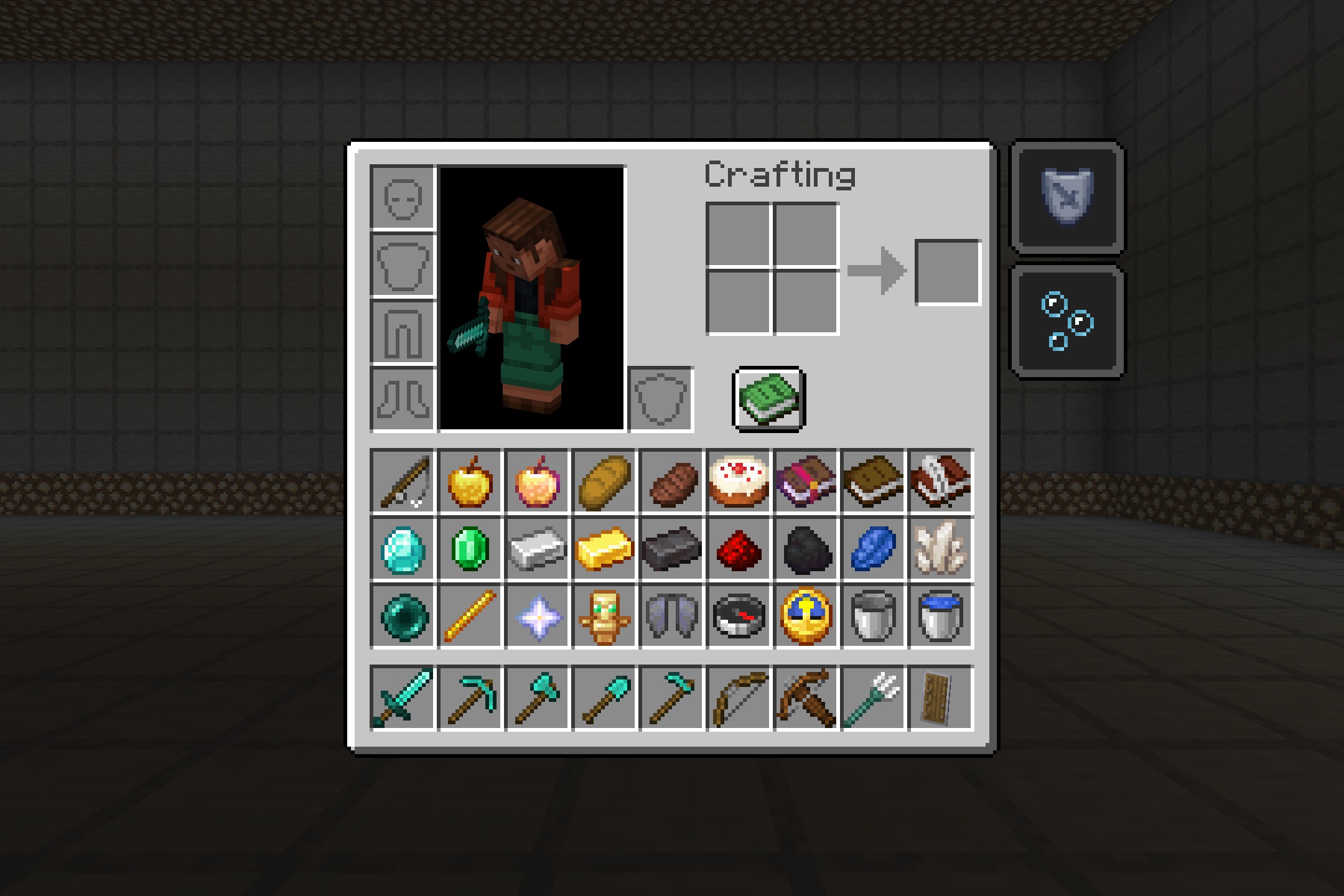
The Mini Crosshair Resource Pack cleans up your screen by making the aiming cross in the middle much smaller. It gives you a clear view of the world around you while you play. You can still aim perfectly, but the giant cross no longer blocks your sight.
Features:
- Tiny Crosshair: Shrinks the default aiming cross so it takes up less space on your screen.
- Removes extra visual clutter from the center of your view.
- Helps you focus on building, fighting, or mining without a big shape in the way.
- Keeps the exact center point clear so your aim stays accurate.
- Players get a better look at their surroundings because the crosshair is subtle.
Screenshots:
How to Install:
New to Minecraft? Follow our step-by-step guide to install Resource Packs on your PC.View Guide
The Mini Crosshair Resource Pack Download Links
For Minecraft
26.1.x
All Versions Covered
26.1.2
26.1.1
26.1
1.21.11
1.21.10
1.21.9
1.21.8
1.21.7
1.21.6
1.21.5
1.21.4
1.21.3
1.21.2
1.21.1
1.21
1.20.6
1.20.5
1.20.4
1.20.3
1.20.2
1.20.1
1.20
1.19.4
1.19.3
1.19.2
1.19.1
1.19
1.18.2
1.18.1
1.18
1.17.1
1.17
1.16.5
1.16.4
1.16.3
1.16.2
1.16.1
1.16
1.15.2
1.15.1
1.15
1.14.4
1.14.3
1.14.2
1.14.1
1.14
1.13.2
1.13.1
1.13
1.12.2
1.12.1
1.12
All Versions Covered
26.1.2
26.1.1
26.1
1.21.11
1.21.10
1.21.9
1.21.8
1.21.7
1.21.6
1.21.5
1.21.4
1.21.3
1.21.2
1.21.1
1.21
1.20.6
1.20.5
1.20.4
1.20.3
1.20.2
1.20.1
1.20
1.19.4
1.19.3
1.19.2
1.19.1
1.19
1.18.2
1.18.1
1.18
1.17.1
1.17
1.16.5
1.16.4
1.16.3
1.16.2
1.16.1
1.16
1.15.2
1.15.1
1.15
1.14.4
1.14.3
1.14.2
1.14.1
1.14
1.13.2
1.13.1
1.13
1.12.2
1.12.1
1.12
Click to rate this post!
[Total: 0 Average: 0]
You May Also Like

This post has no comments yet. Be the first — your comment will appear here.