


Traveler’s Compass Mod (26.2, 1.20.1) – Item & Mob Tracker

 0
0 

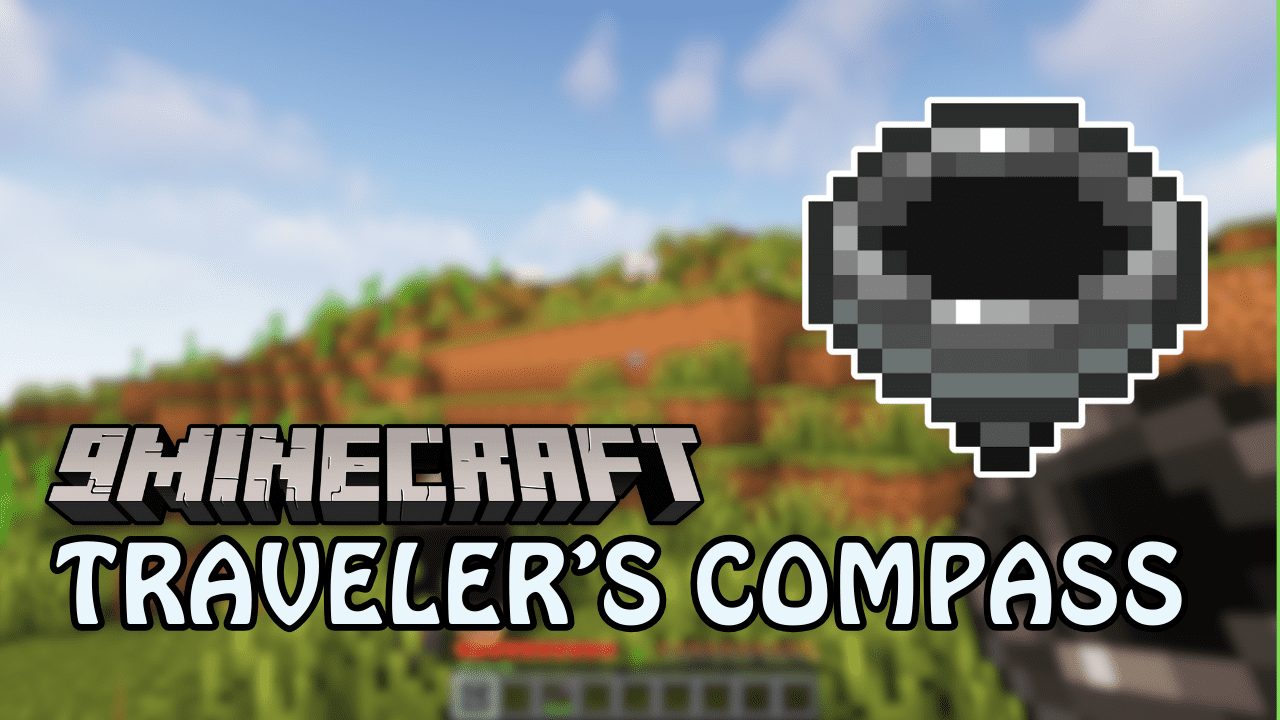
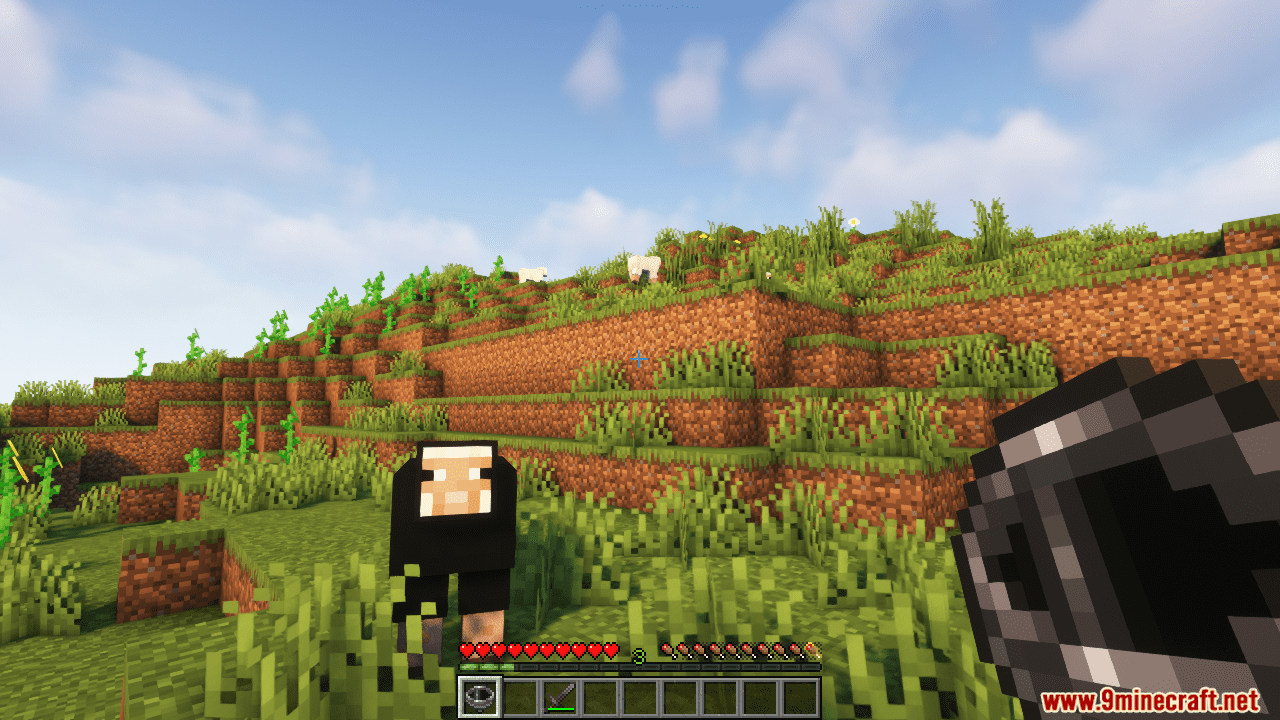
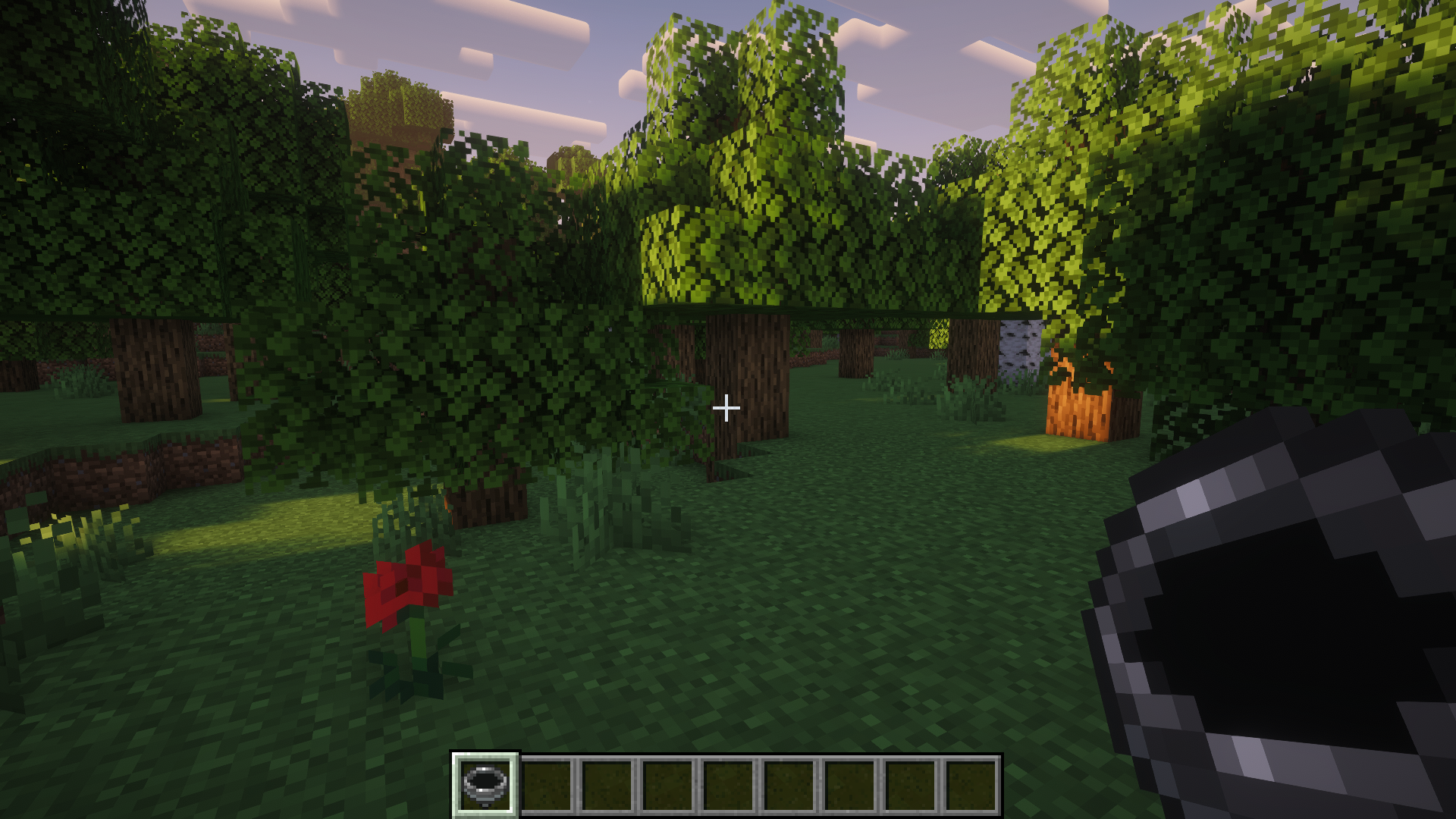
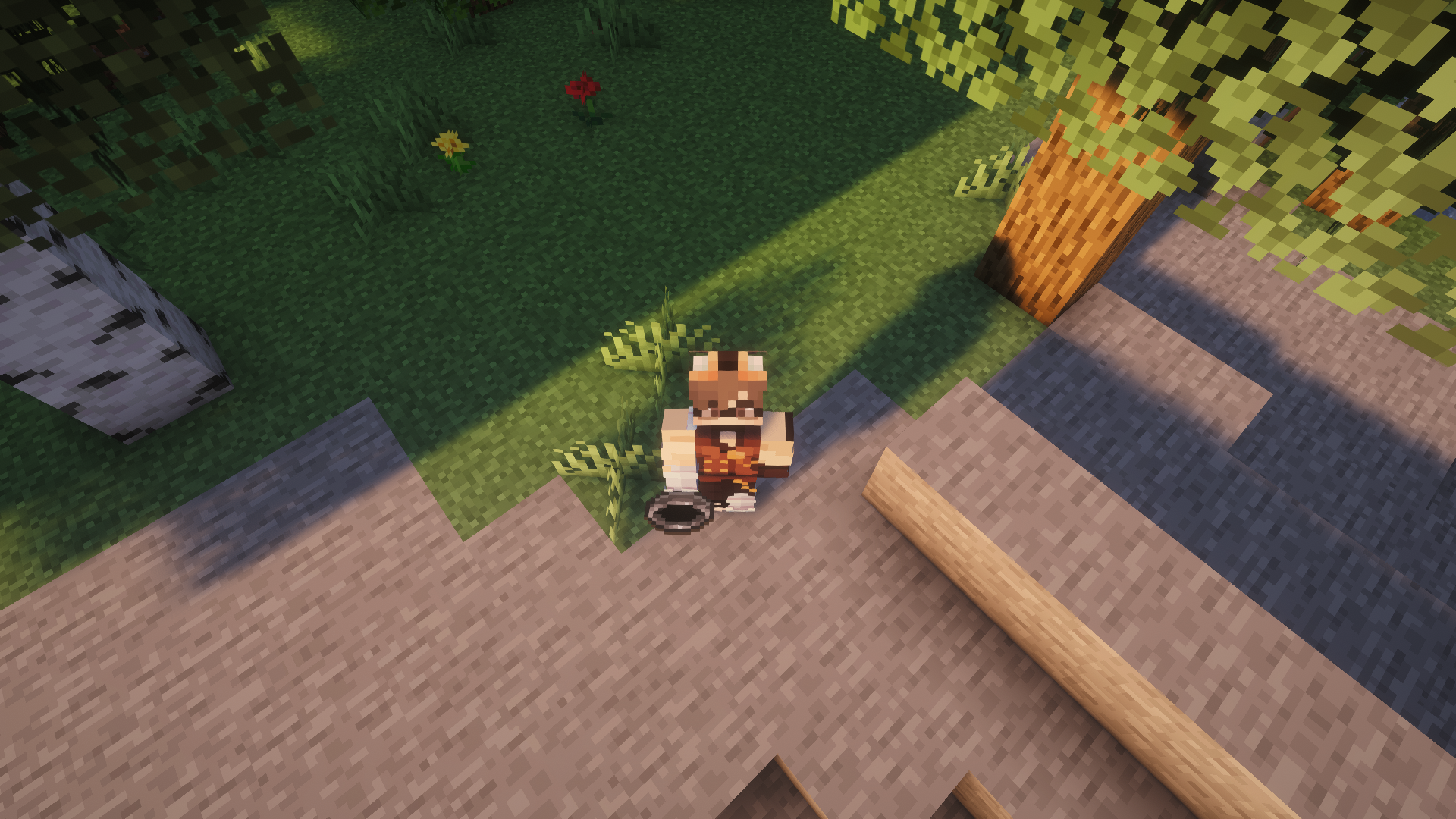
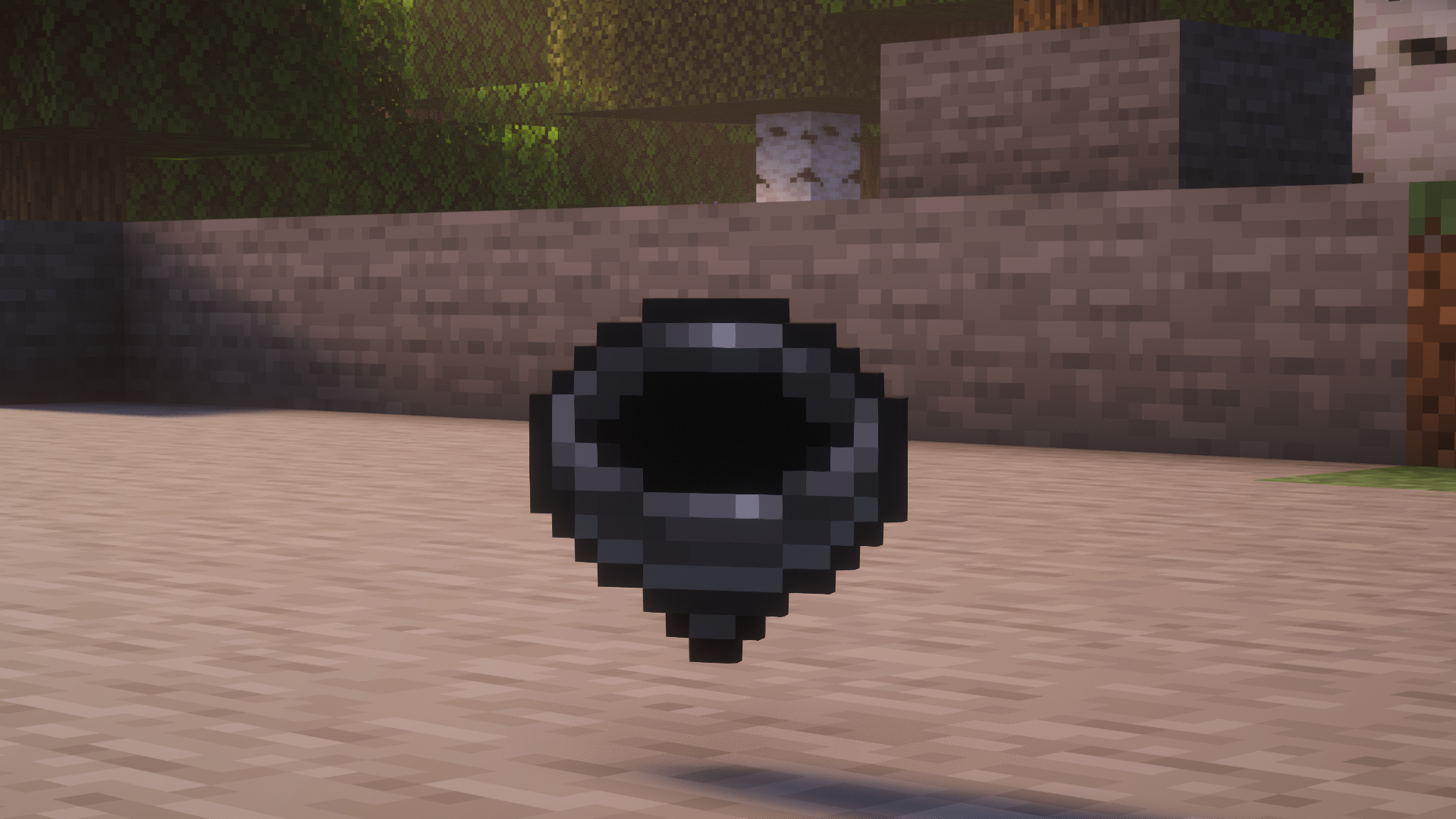
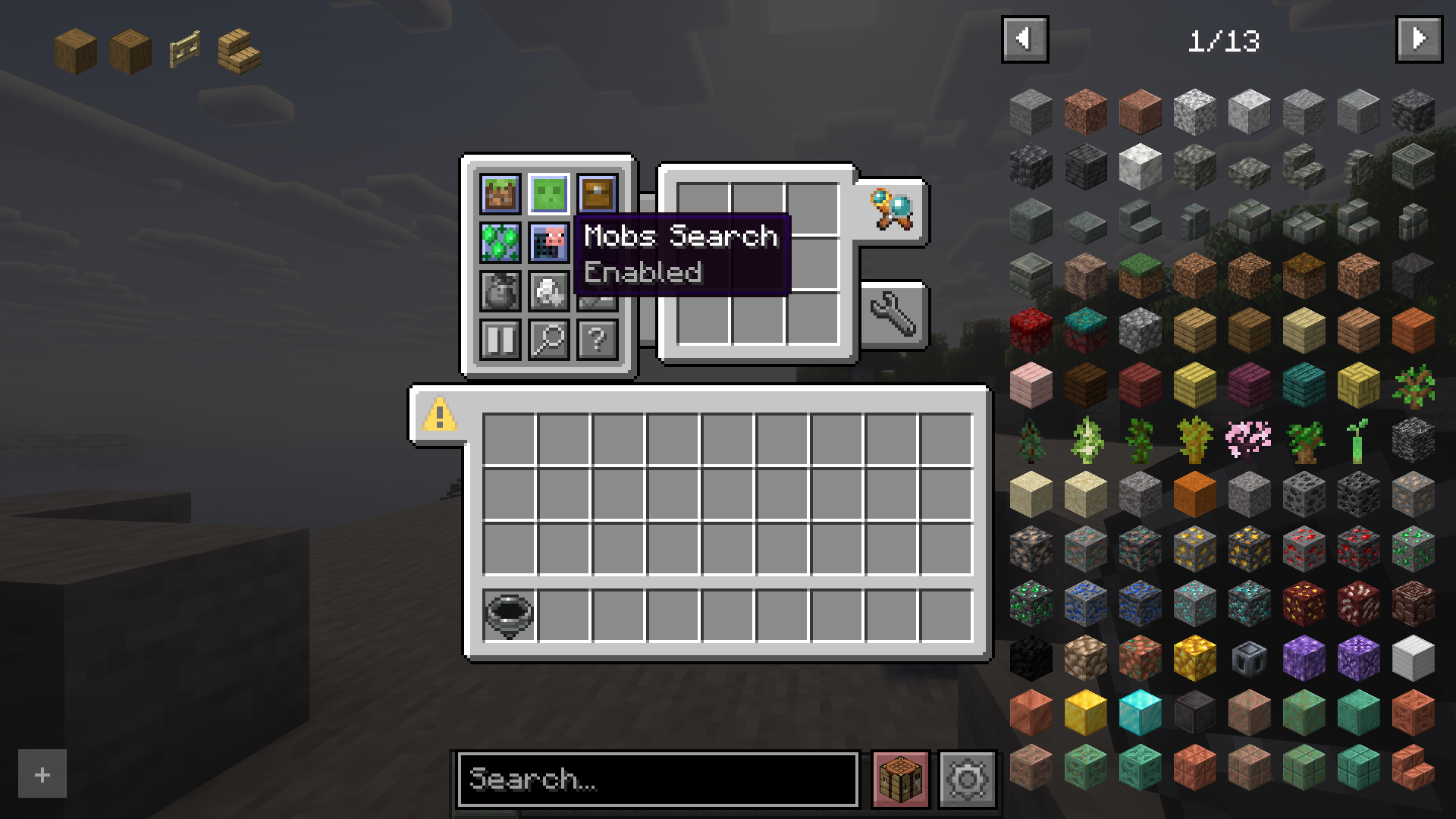
Traveler’s Compass Mod adds a useful tool to the game – the Traveler’s Compass. It allows you to track any mobs (by their drops), blocks, or containers (by their contents). The compass will always point to the nearest object to the player.
Features:
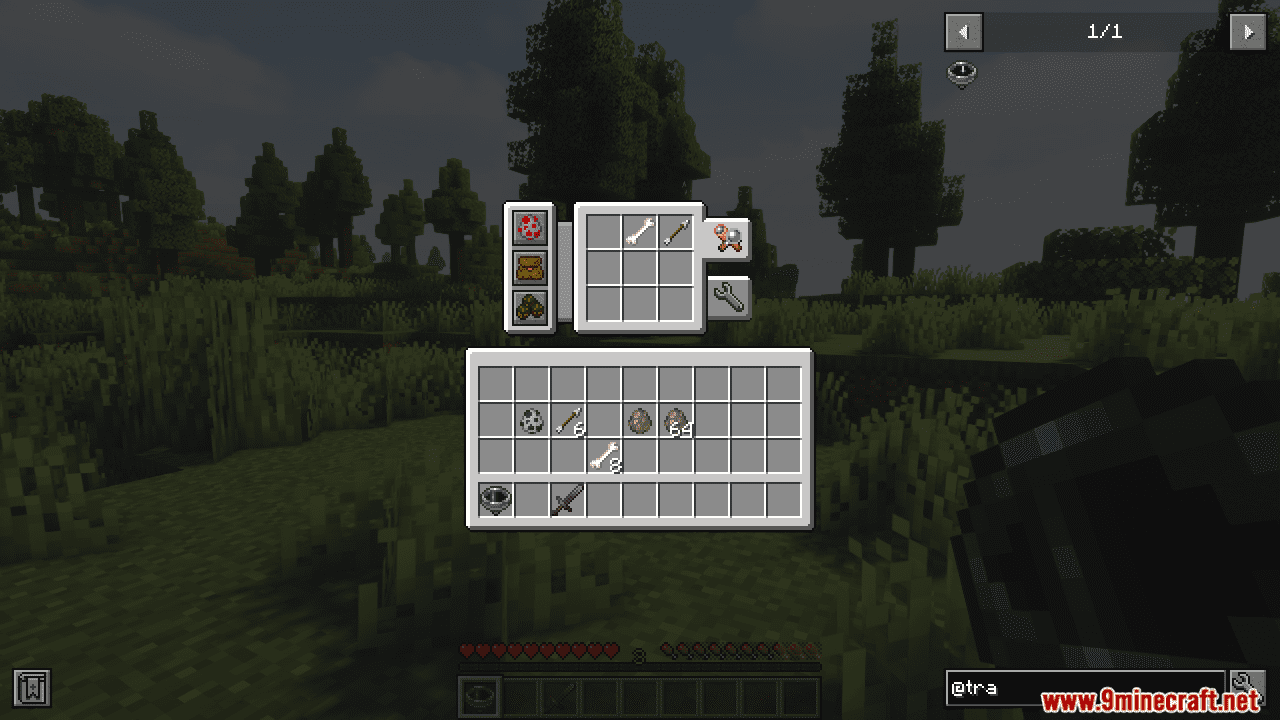
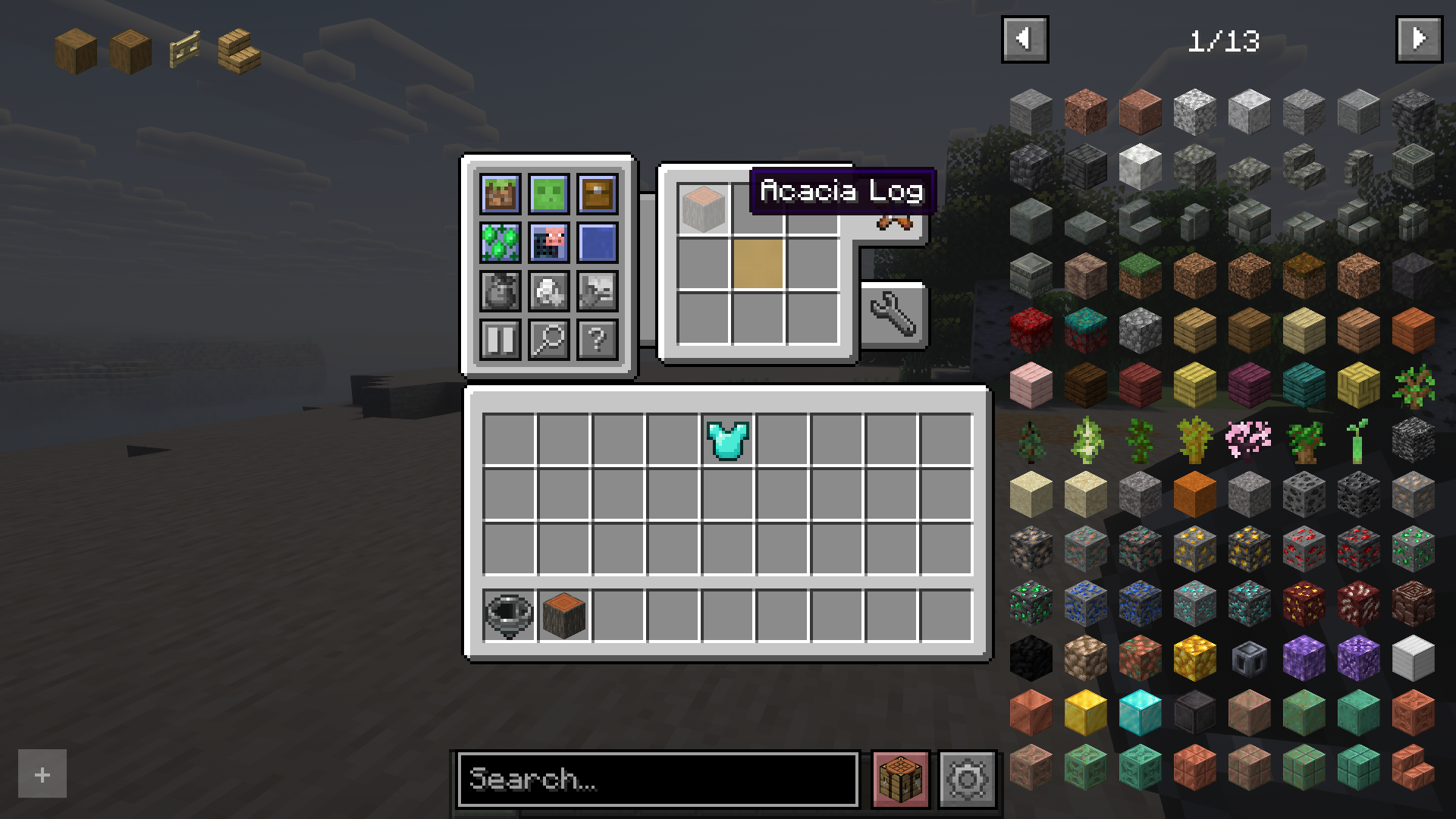
- Shift + RMB on a block or mob: add it to the compass inventory.
- Shift + RMB on an item in the compass inventory: mark it as priority.
- Priority items are searched first.
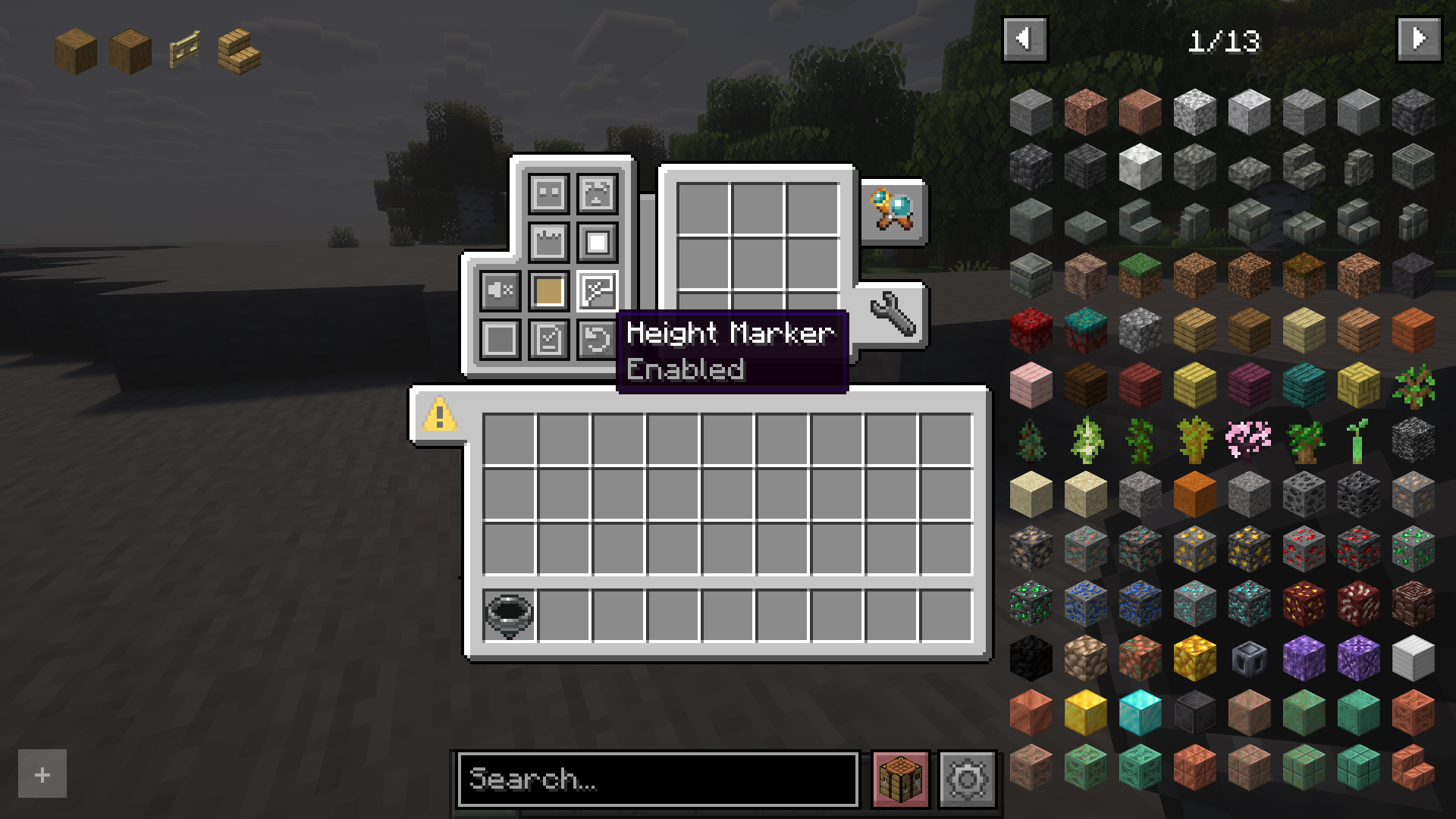
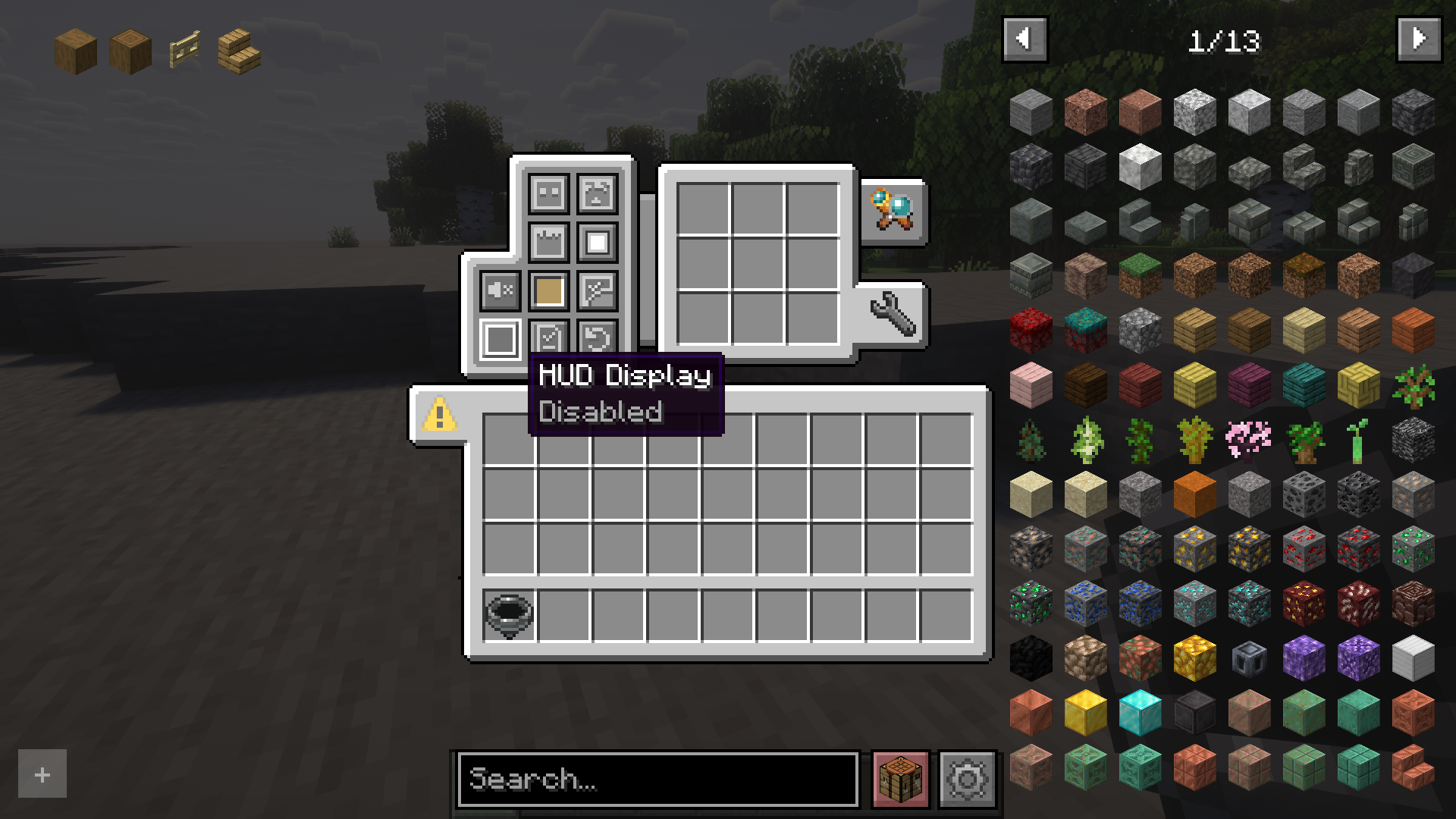
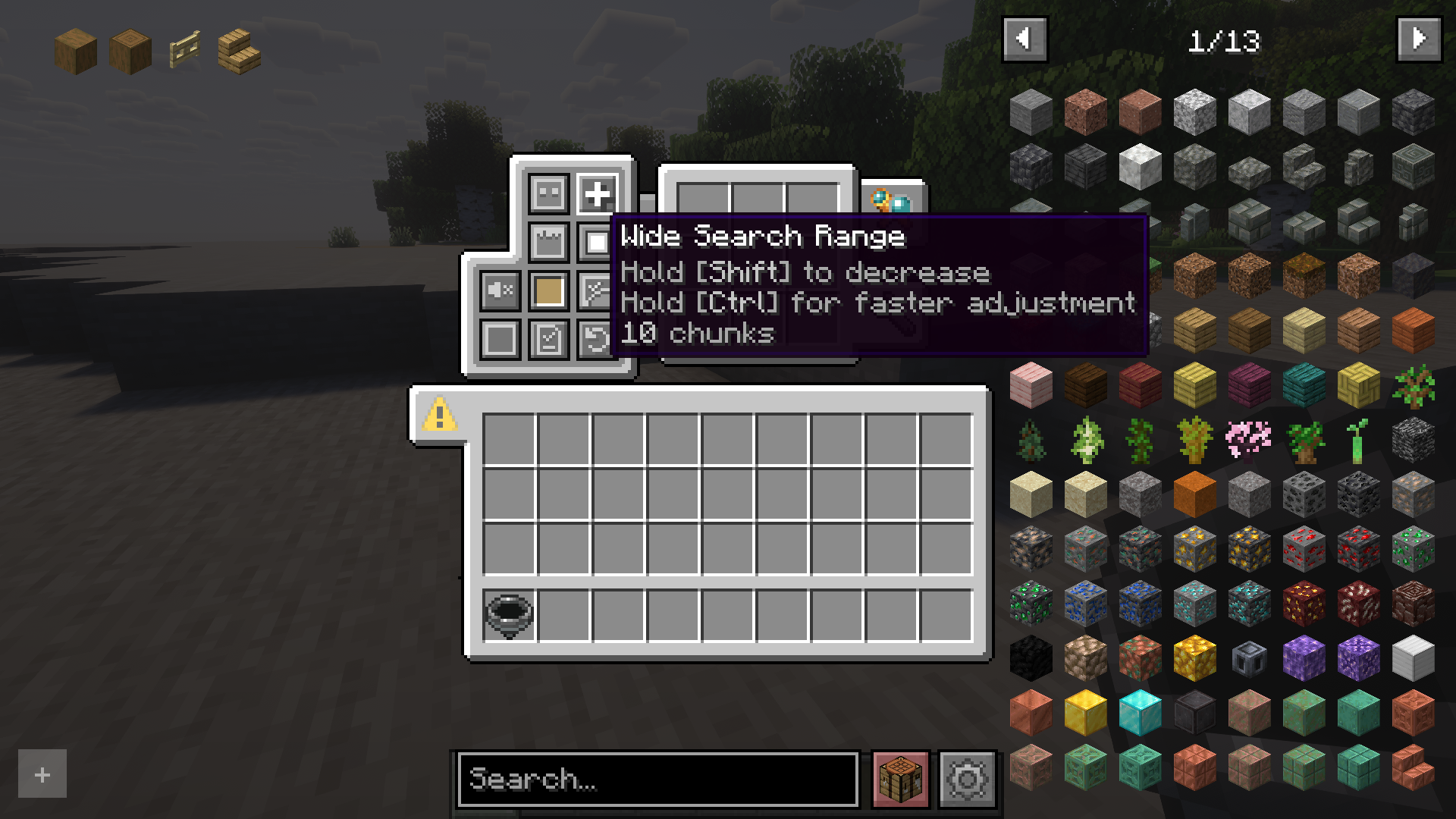
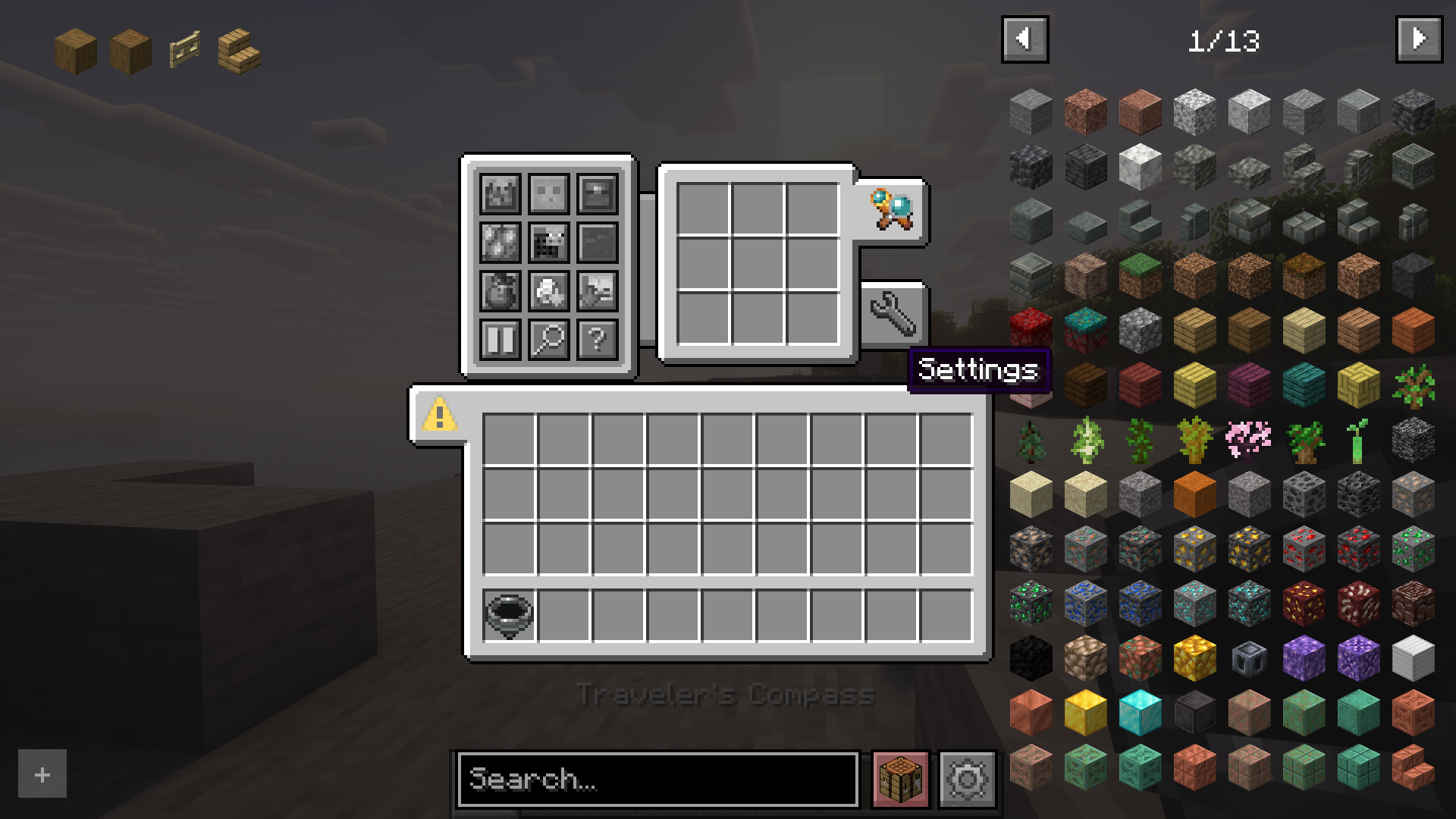
- Configure HUD, ping sound, search range, and more in the compass menu.
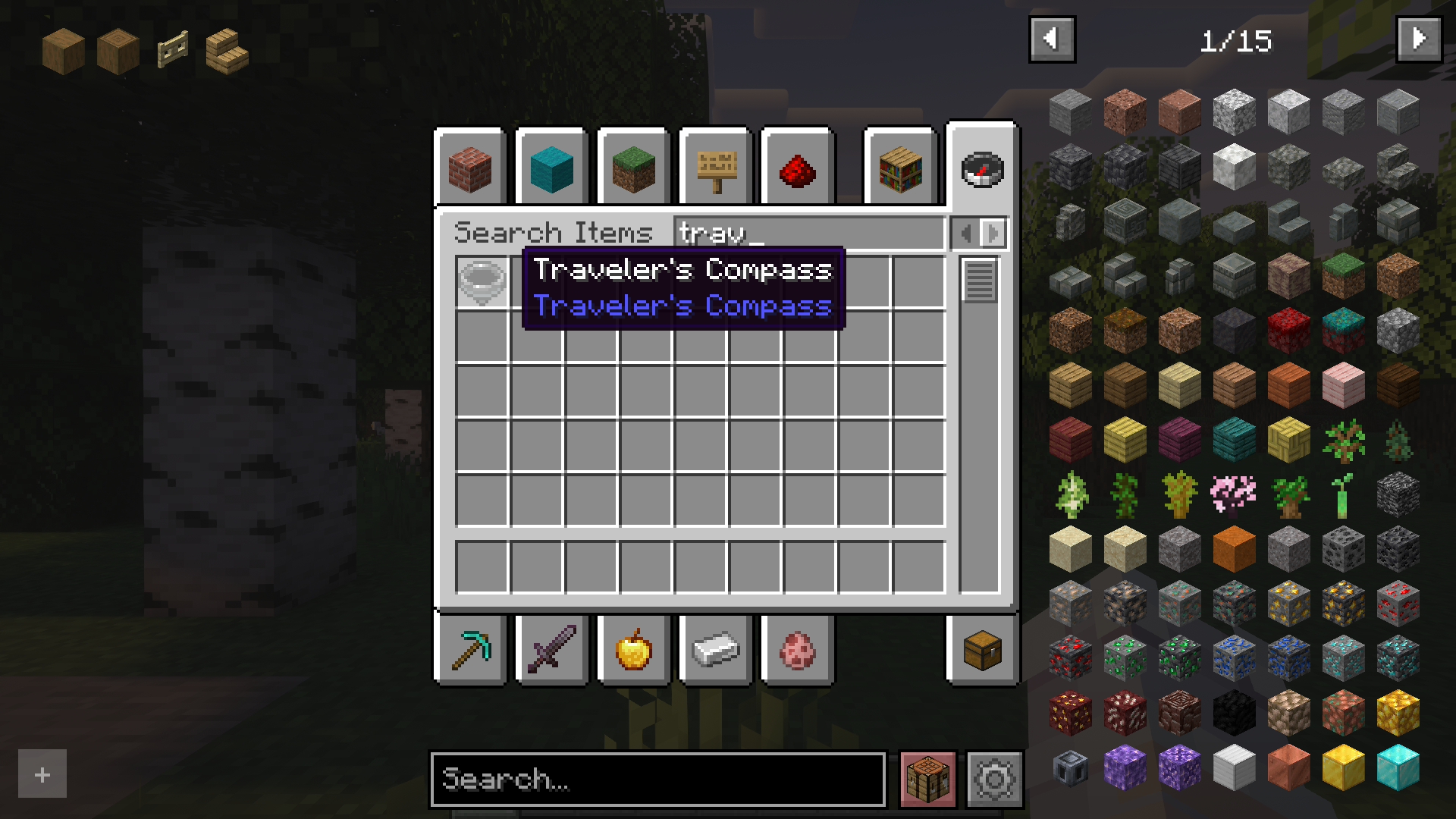
- Use JEI / REI / EMI to drag and drop items into the compass inventory.
How it works:
- Open the Compass menu with RMB.
- Place the block or item you want to find into the compass inventory.
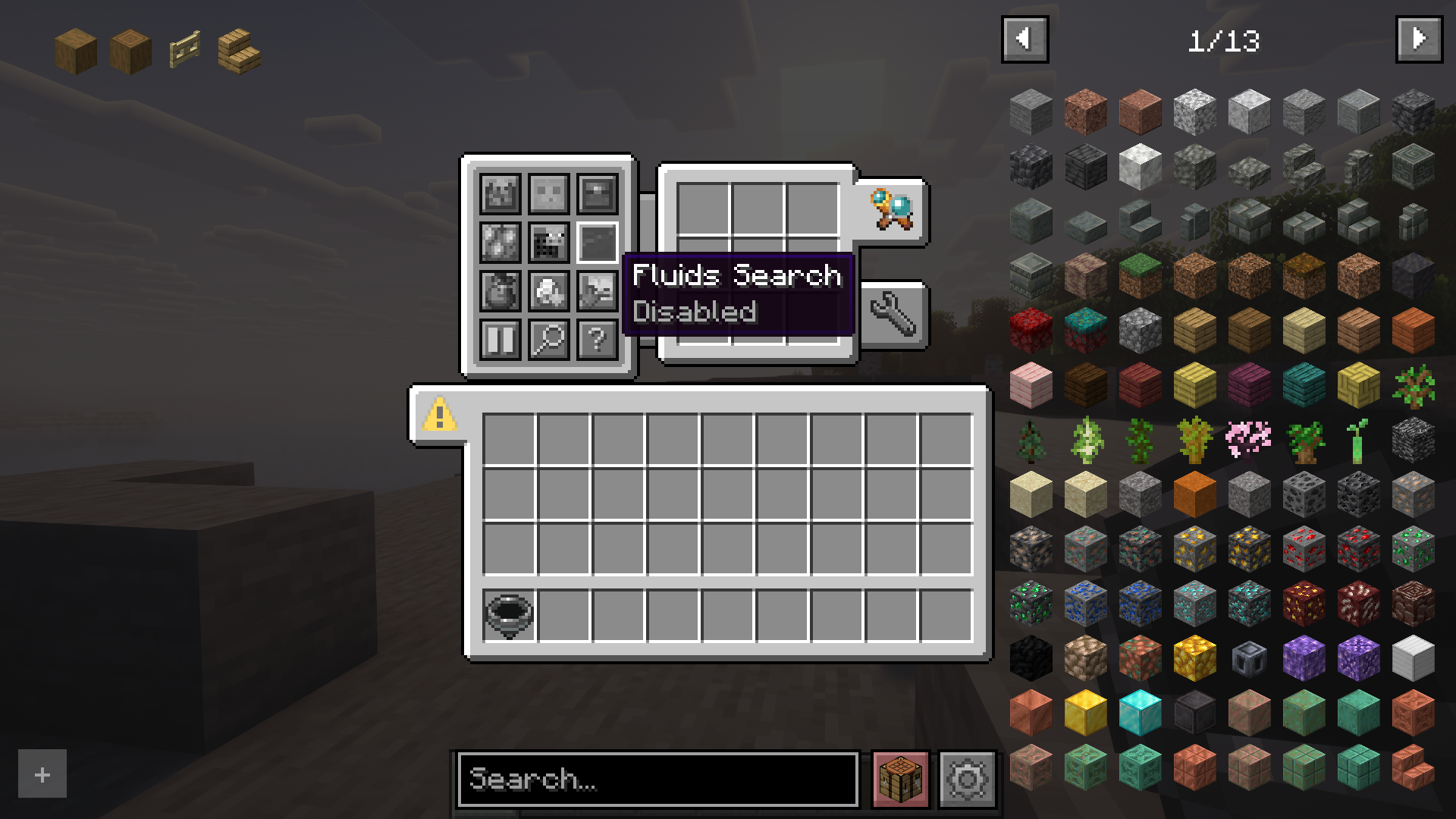
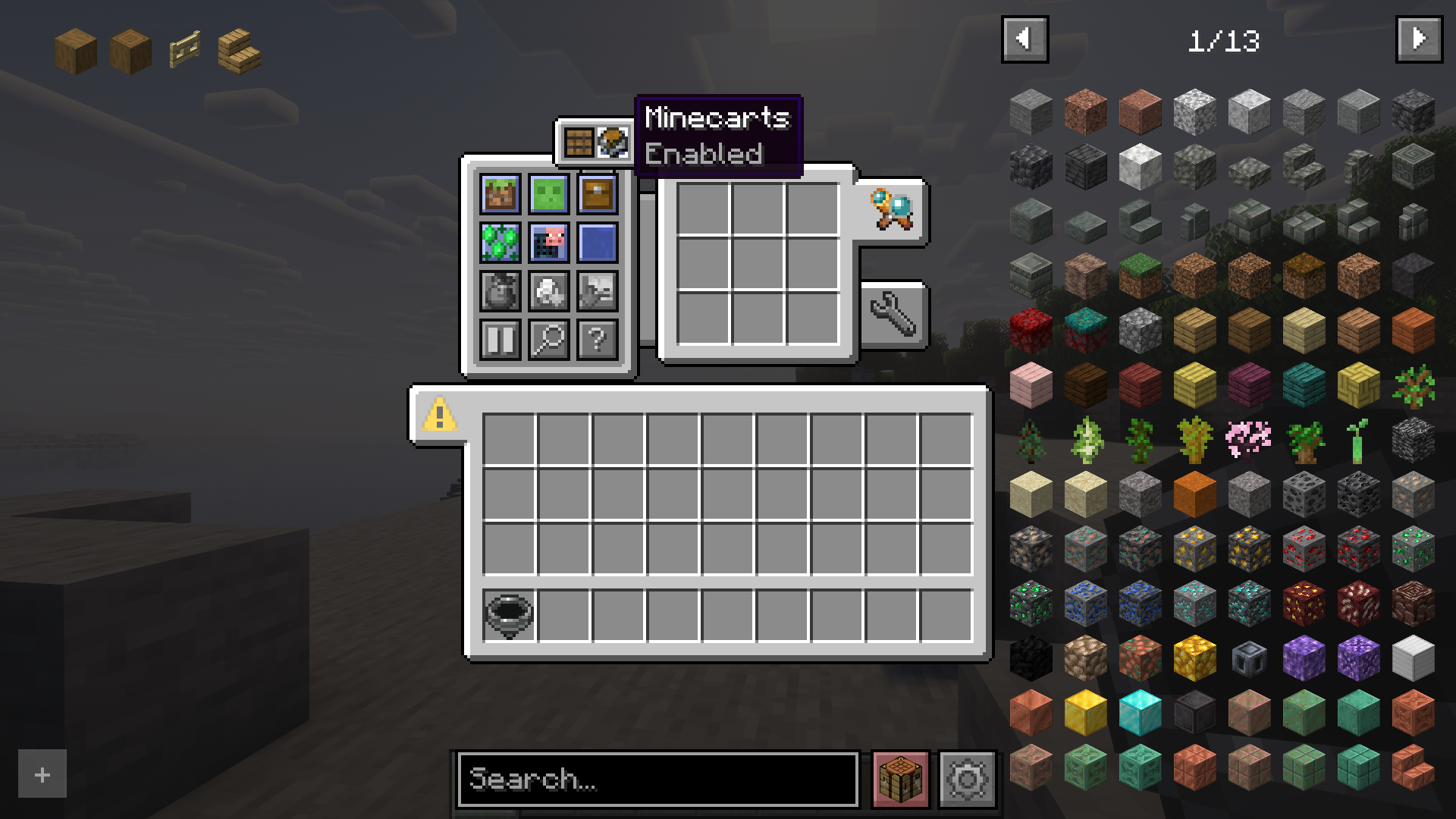
- Select the desired search mode(s).
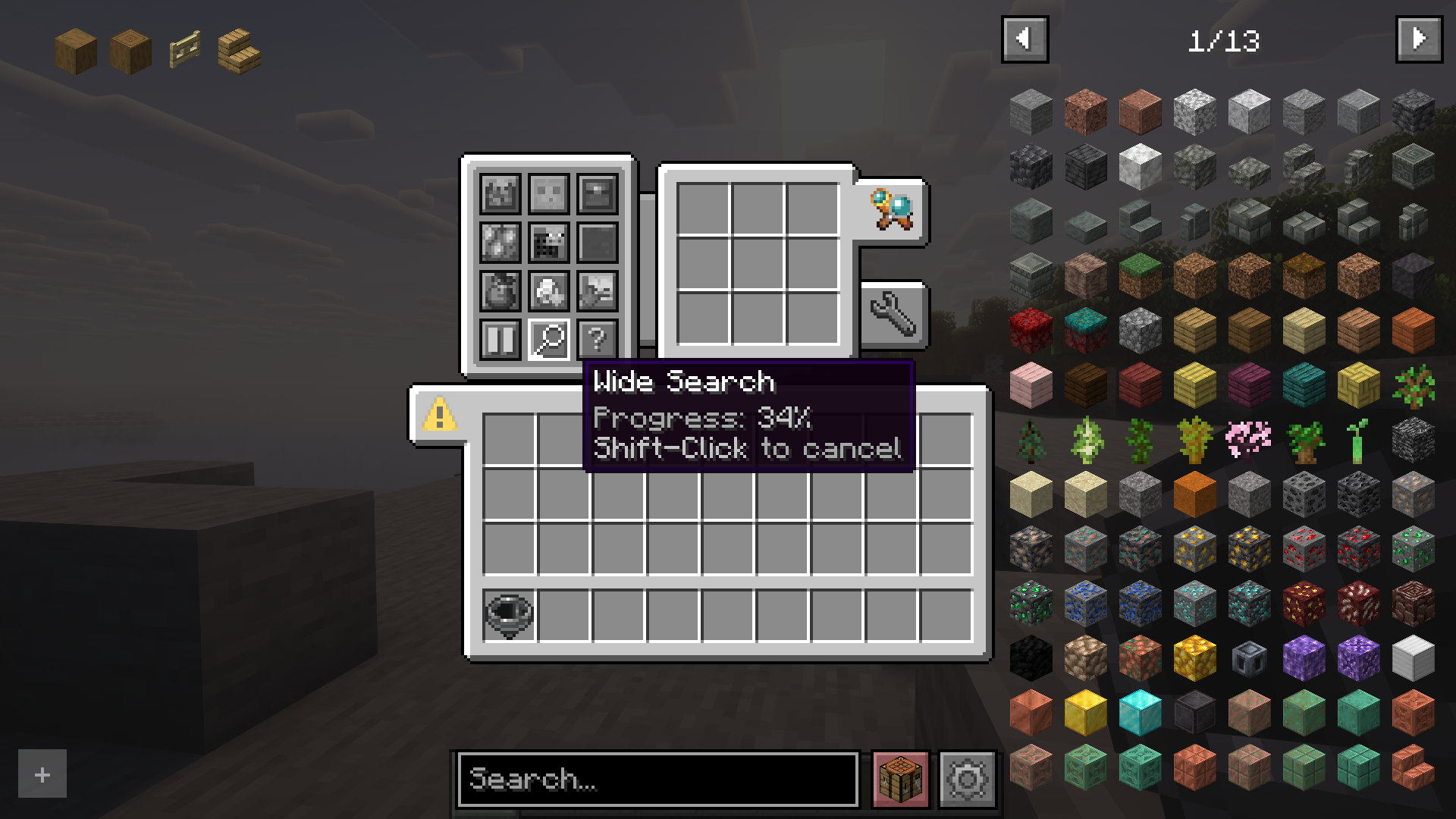
- Wait while the compass searches for the item.
Configuration:
- Most values are synchronized from server to client.
- Any search mode can be enabled or disabled.
- Search range (chunks scanned per tick) can be set per compass or globally.
- Filtering by item tags, IDs, or mods is available.
- Define search costs in XP levels in travelerscompass-cost.toml.
- Costs can be set per item ID or per tag.
Compatibility with other mods:
- JEI / REI / EMI:
- Drag & drop items into the compass inventory.
- Filtering and XP costs apply.
- Can be disabled in configuration.
- Lootr:
- Search Lootr containers by contents.
- Options: only opened, only unopened, or any.
- Can be disabled or restricted.
- Jade / The One Probe:
- Tooltips show filter restrictions.
- Display XP search costs (if set).
- Can be disabled in configuration.
Screenshots:
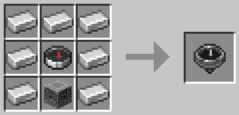
Crafting Recipes:
How to Install:
New to Minecraft? Follow our step-by-step guide to install Mods on your PC.View Guide




Traveler’s Compass Mod Download Links
For Minecraft 26.2
For Minecraft 26.1.2, 26.1.1, 26.1
For Minecraft 1.21.10, 1.21.9
For Minecraft 1.21.8, 1.21.7, 1.21.6
For Minecraft 1.21.1, 1.21
For Minecraft 1.20.4
For Minecraft 1.20.1, 1.20
For Minecraft 1.19.4
For Minecraft 1.19.2
For Minecraft 1.18.2
For Minecraft 1.16.5
Click to rate this post!
[Total: 0 Average: 0]
You May Also Like





This post has no comments yet. Be the first — your comment will appear here.