


X-Ray Texture Pack (26.x, 1.21) – MCPE/Bedrock Edition


If you ever thought, it’s hard to find those Diamonds or Caves, or you are playing on a server but you can’t find any Bases, fear no more! Just use d6b’s X-Ray Texture Pack, it’s easy to install and customize with lots of different variations! Work well in MCPE 1.19.
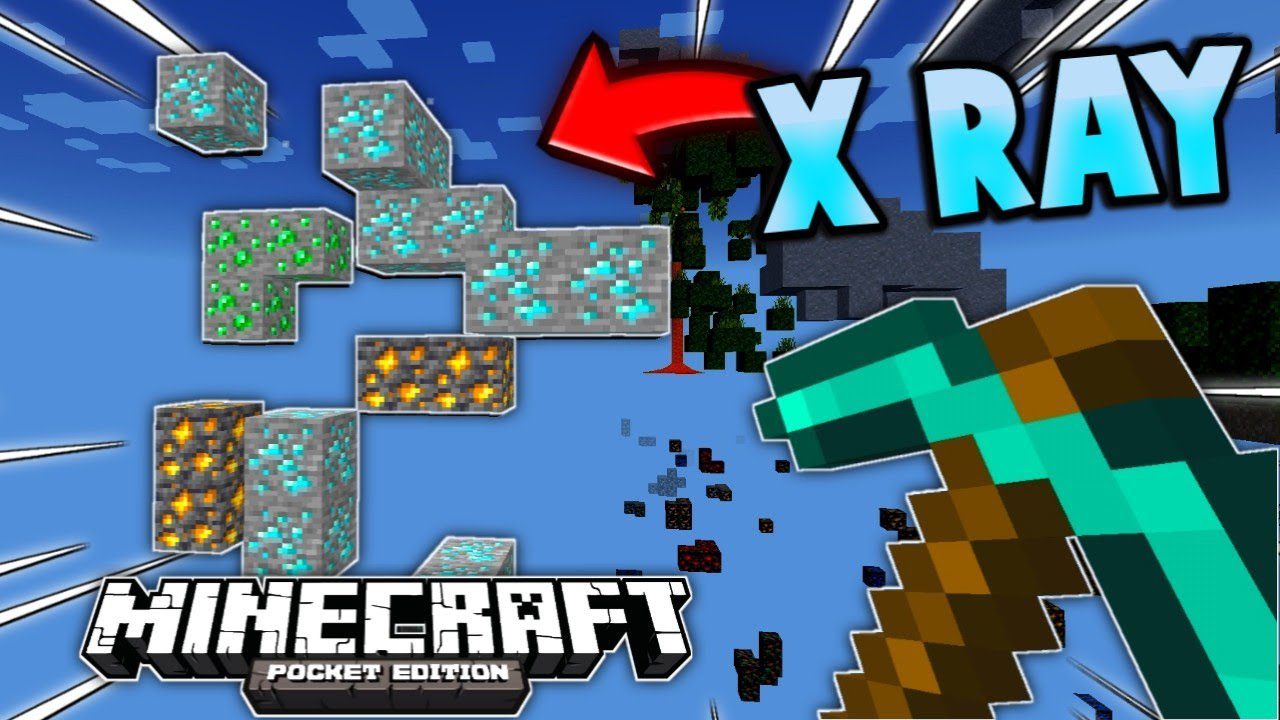
Features:
Warning: Before you install this mod, use it at your own risk; on some servers, using an X-Ray addon is punishable.
Setup:
To get it working, just install and apply the pack (Installation Guide down below) and it will automatically be set to Classic X-Ray. If you want to change the mode, click the little gear icon for the Texture Pack options.

Now you can change the type of X-Ray using the Slider. As of right now, there are 18 different Variations for each ore individually and more, with more coming in the Future

(these are not all variants of the X-Ray, there are many more to discover when using the pack)
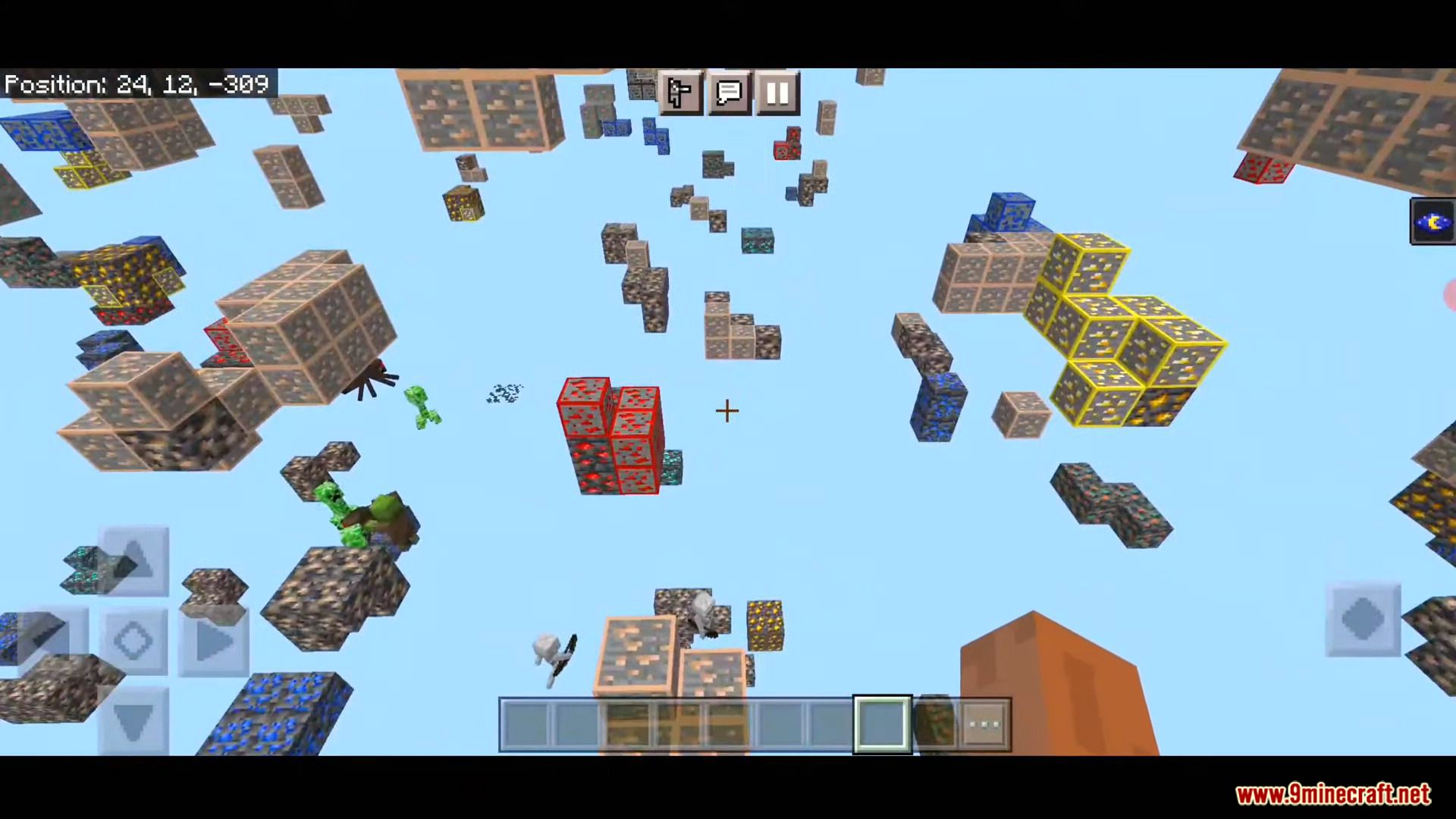
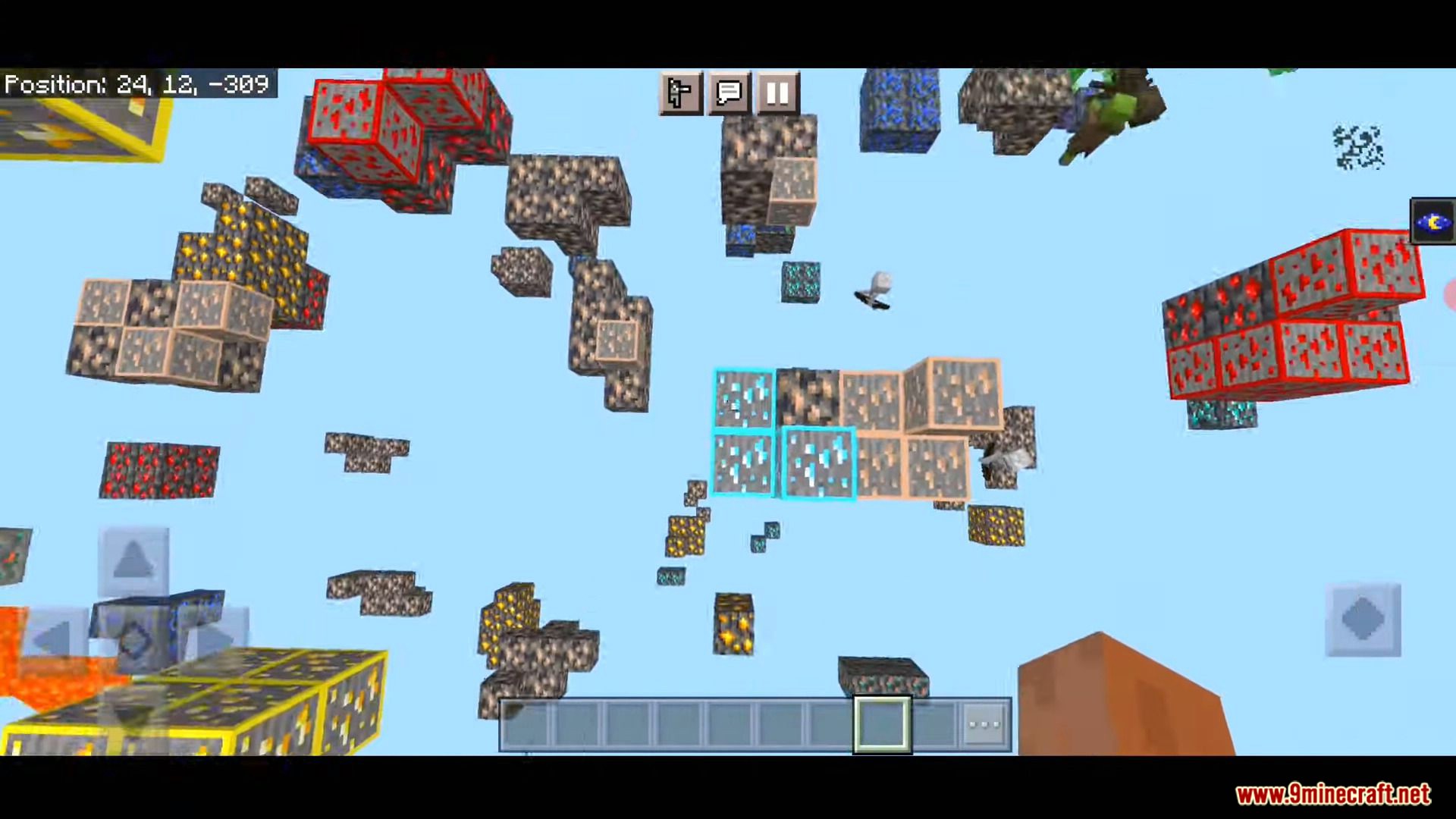
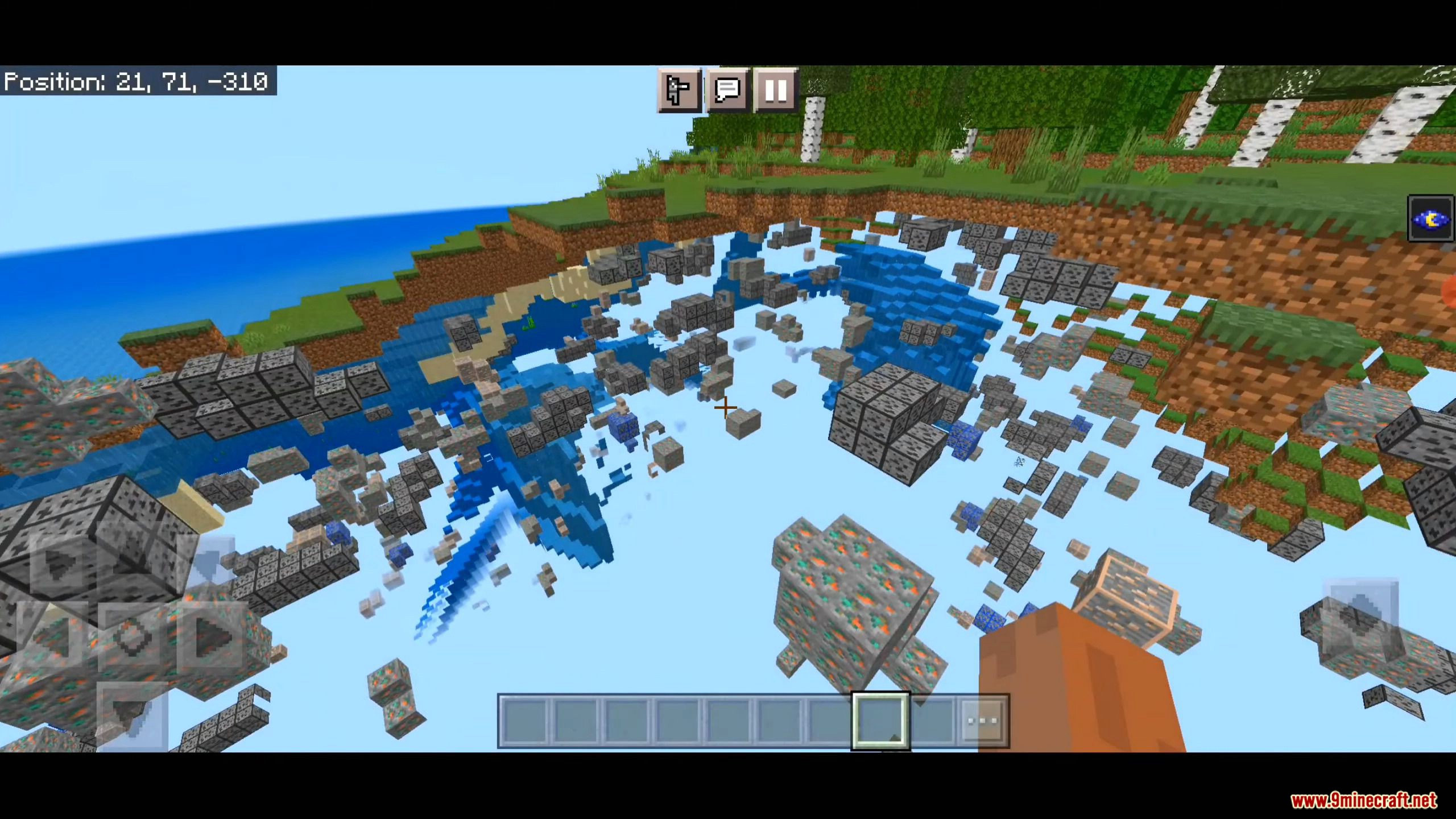
Screenshots:
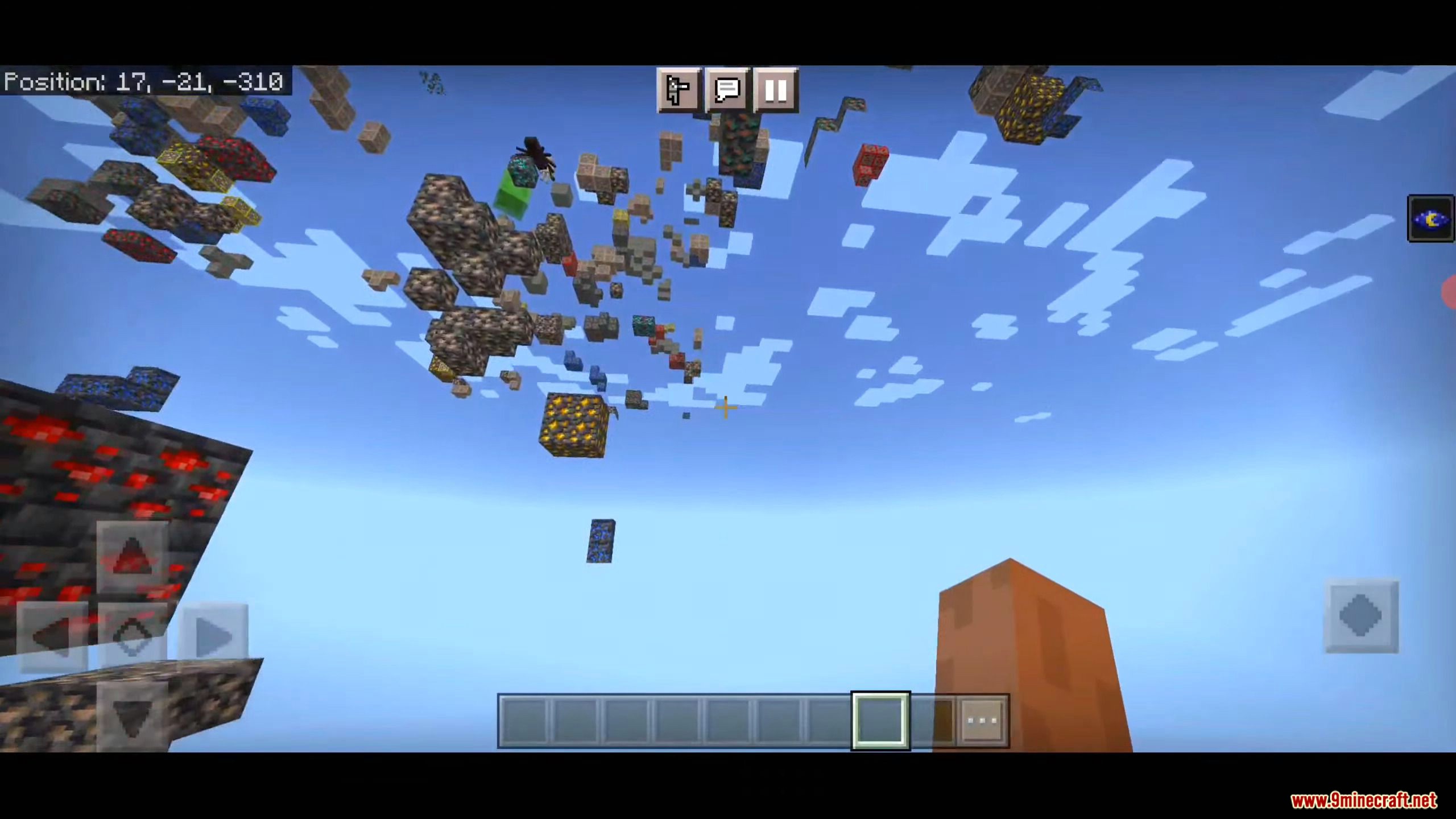
How to Install:
d6b’s X-Ray Texture Pack Download Links
For Minecraft PE/Bedrock 1.19, 1.18 (Work well in 1.19)
Tips: Sometimes you need to restart your game fully for the x-ray to take effect.
Download from server 1 – Download from server 2 (Support RTX Beta)
For MCPE/Bedrock 26.x, 1.21.x

1 Comment
 What do you think?
Your opinion means a lot - we'd love to hear from you.
What do you think?
Your opinion means a lot - we'd love to hear from you.
You May Also Like


foi muito bom mesmo que antes