🌐 You are reading the 中文 translation of this article
Available languages for this article:

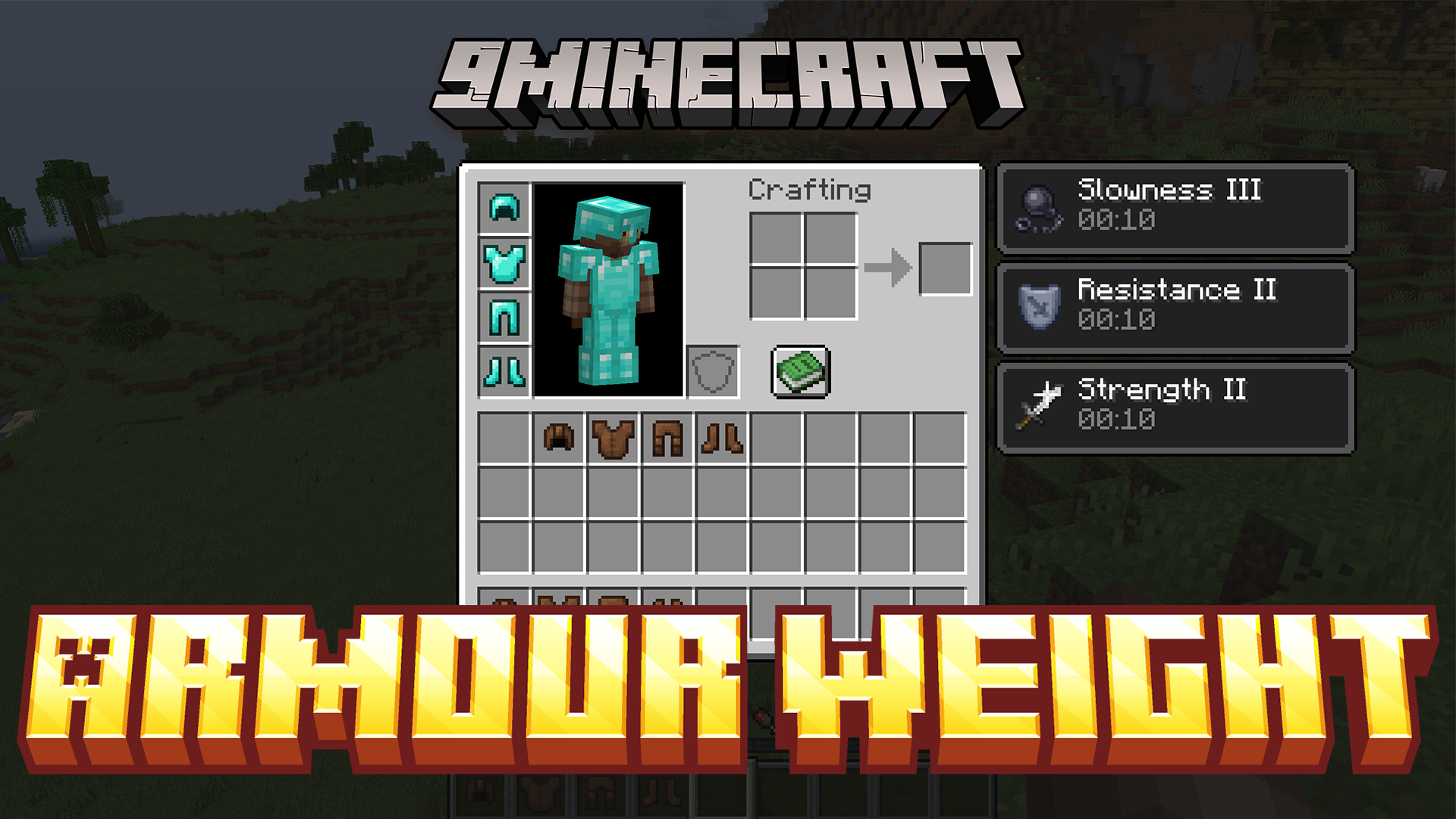
Armour Weight Mod 通过为你的装备添加负重系统,重新定义了战斗准备的方式。你不再能无脑穿上全套下界合金盔甲,而是必须在防御力与移动速度之间寻找平衡。重型盔甲虽然能提供更强的保护,但会导致缓慢和其他负面状态效果。屏幕上新增的进度条可以让你实时监测总负重,且该机制同样适用于其他模组中的自定义盔甲。
主要功能:

  • 速度 vs. 防御:Armour Weight Mod 改变了武装自己的方式。重型盔甲提供卓越防御的同时,也会降低你的移动速度。
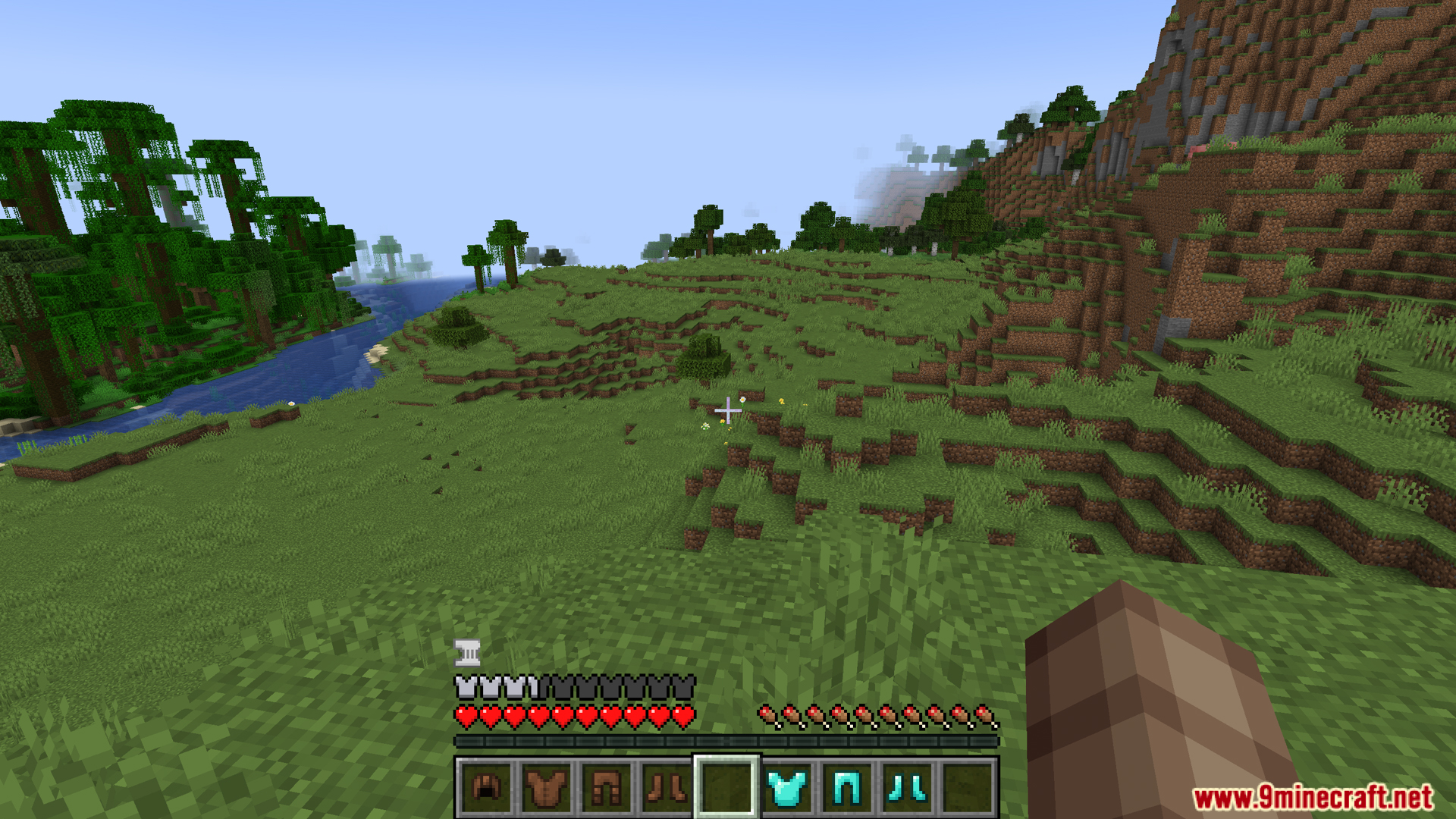
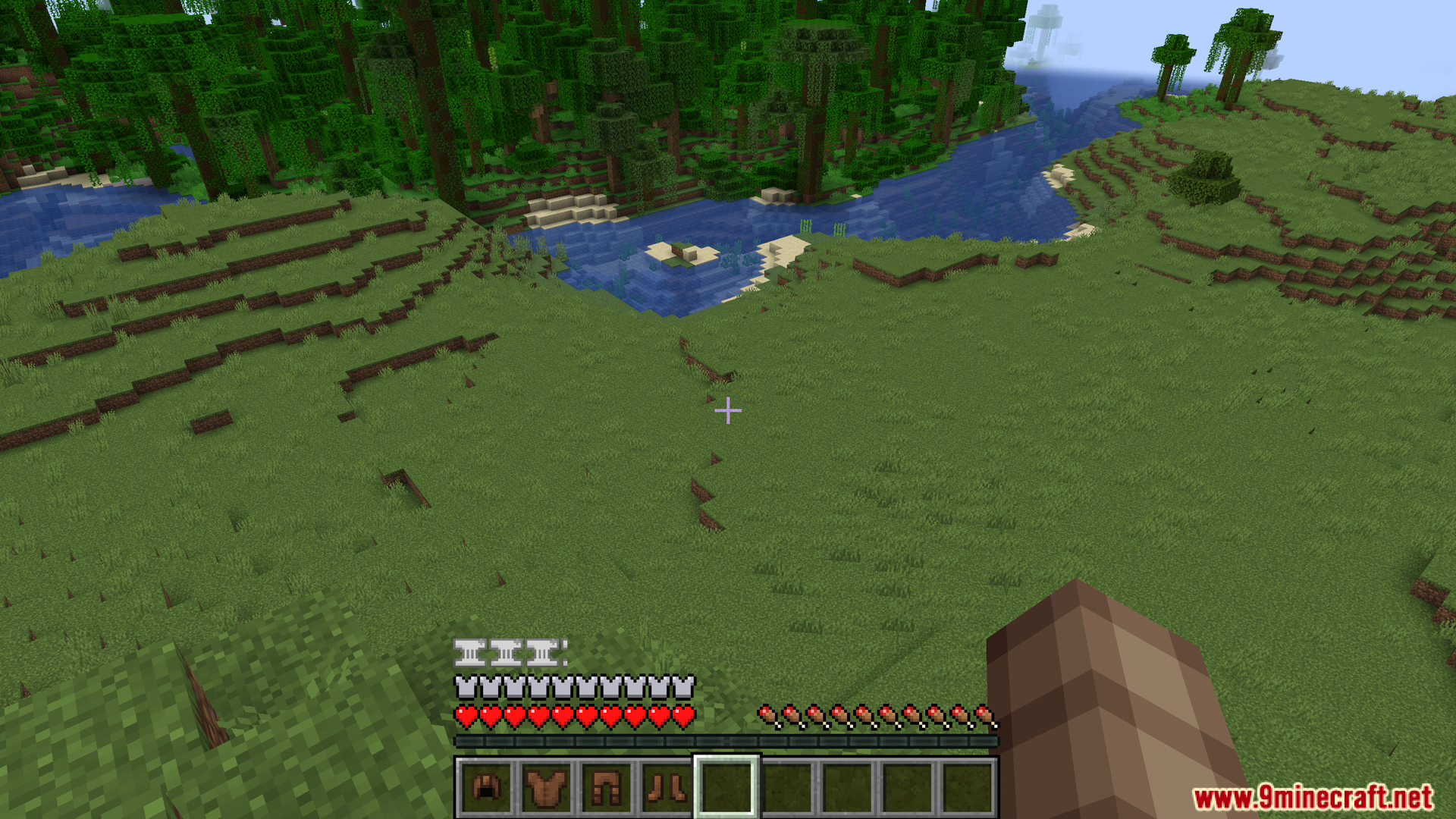
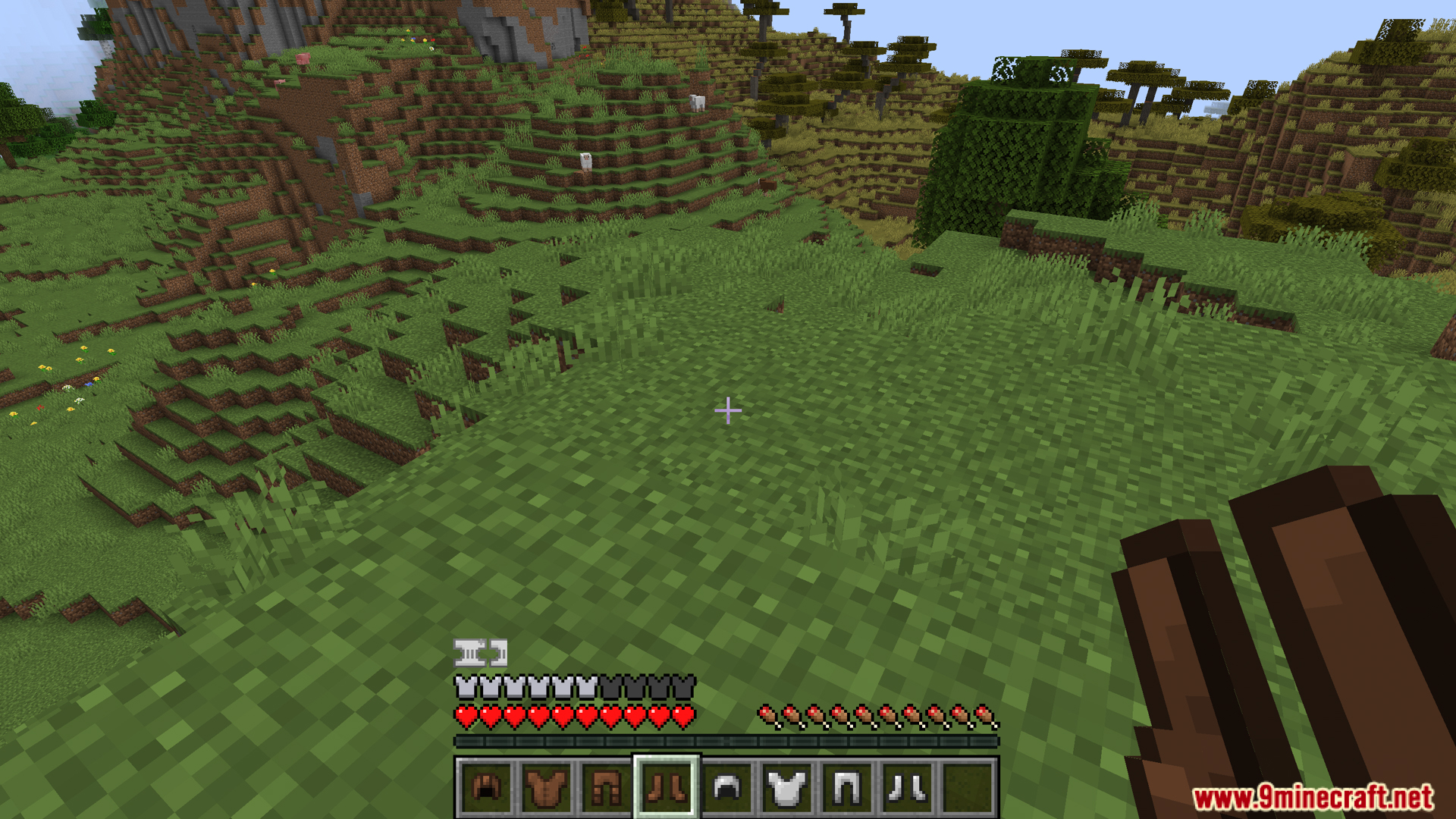
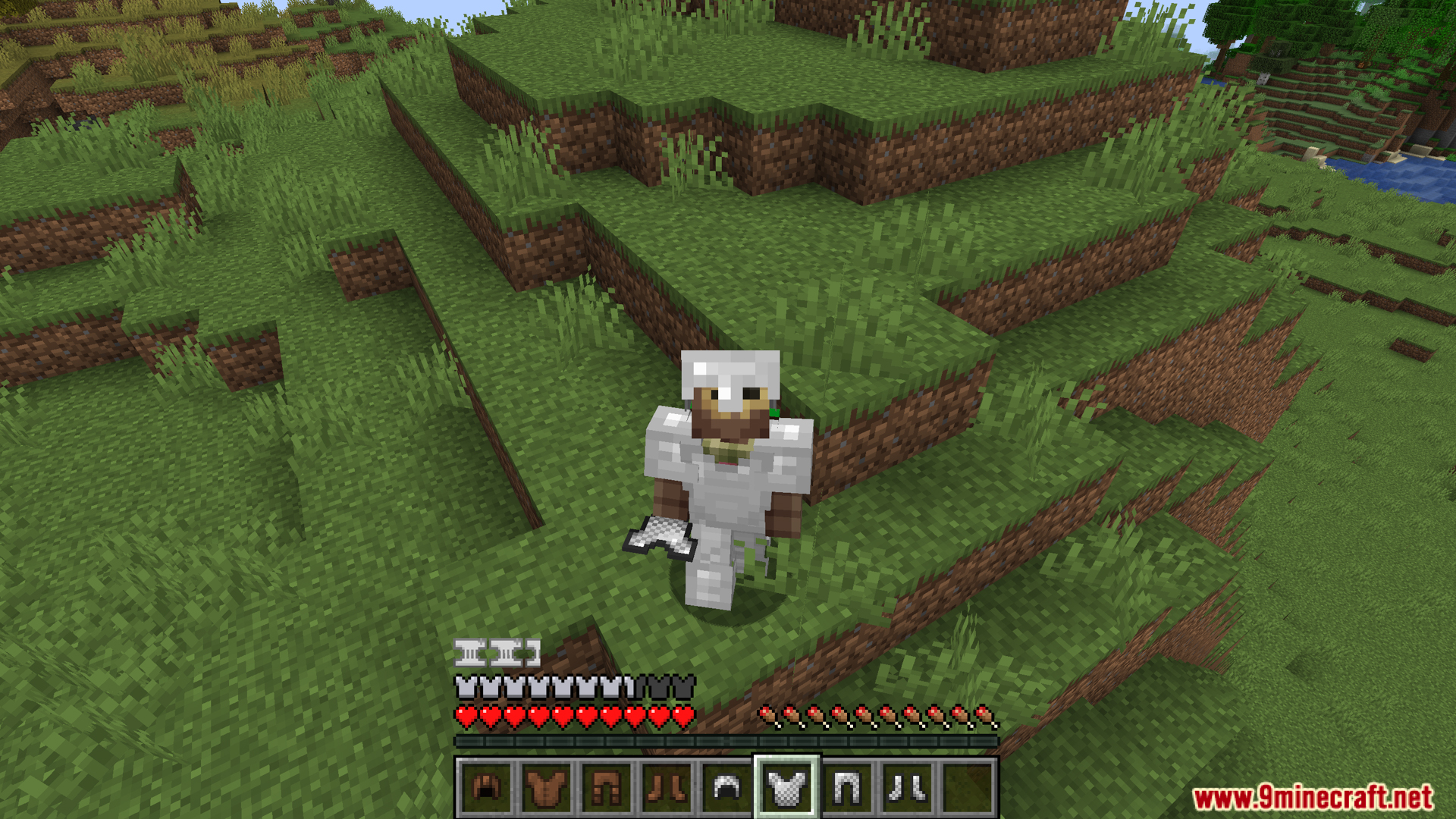
  • HUD 负重条:在屏幕上添加了一个视觉进度条,让你随时查看当前装备的重量。
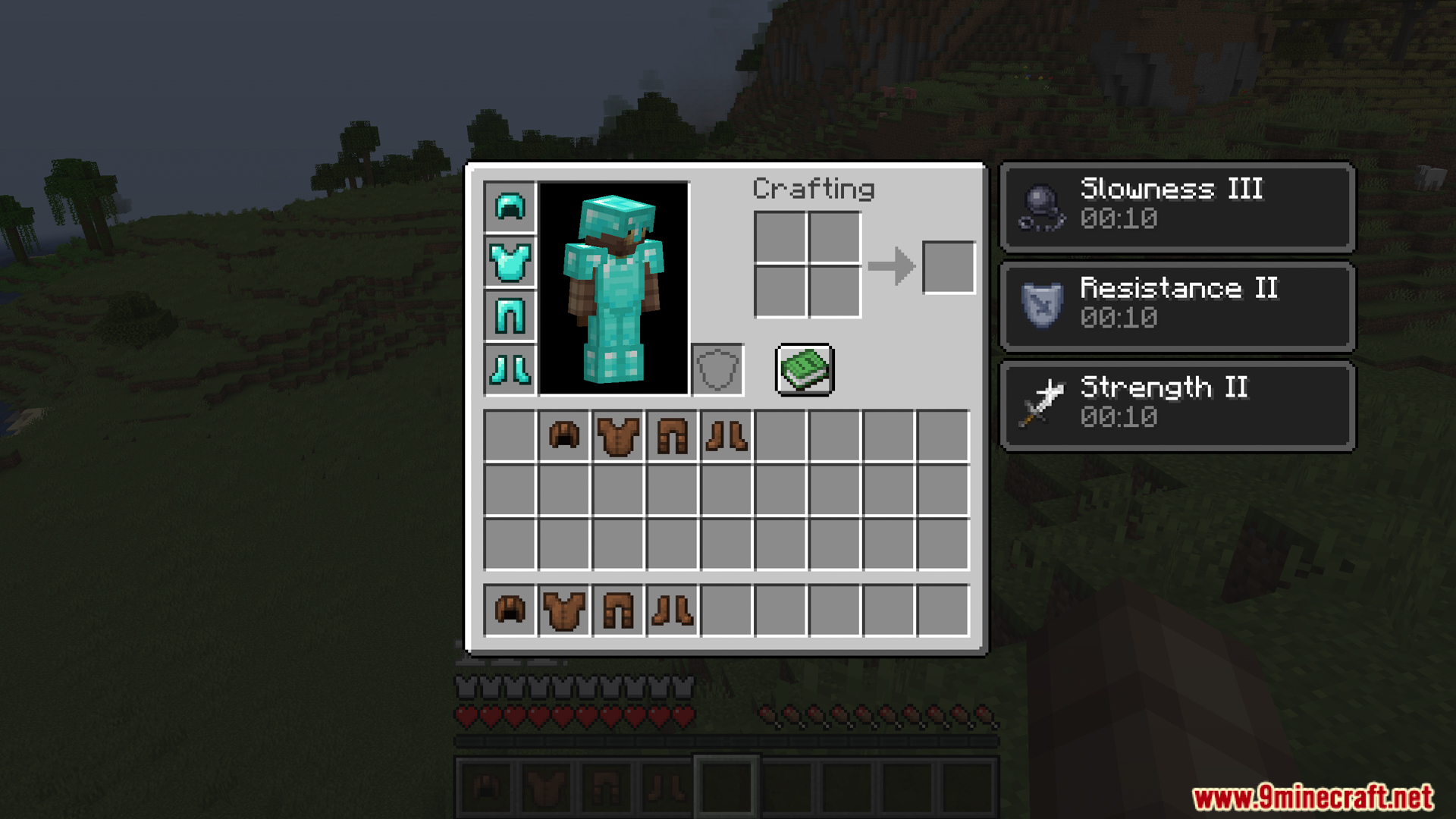
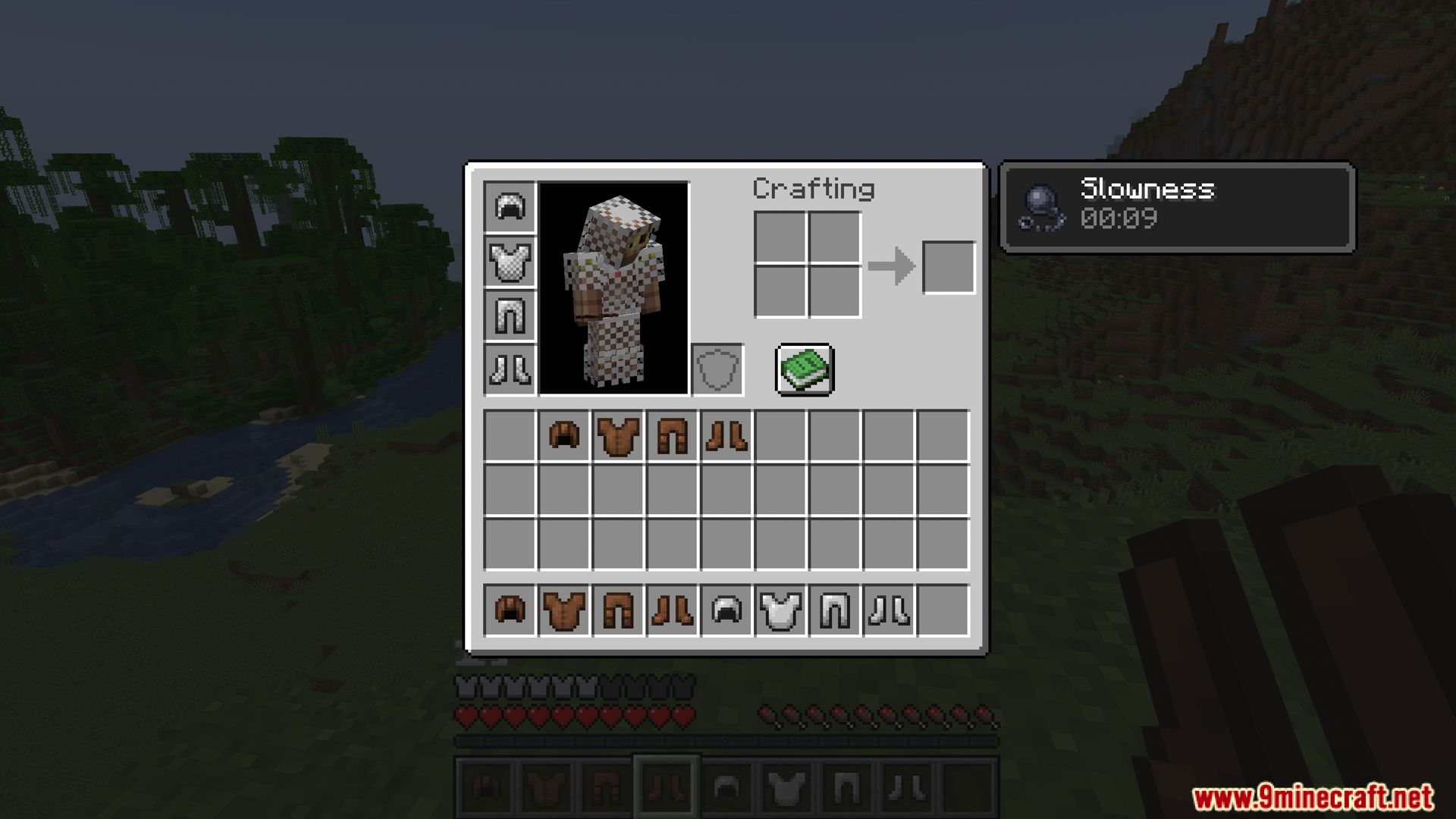
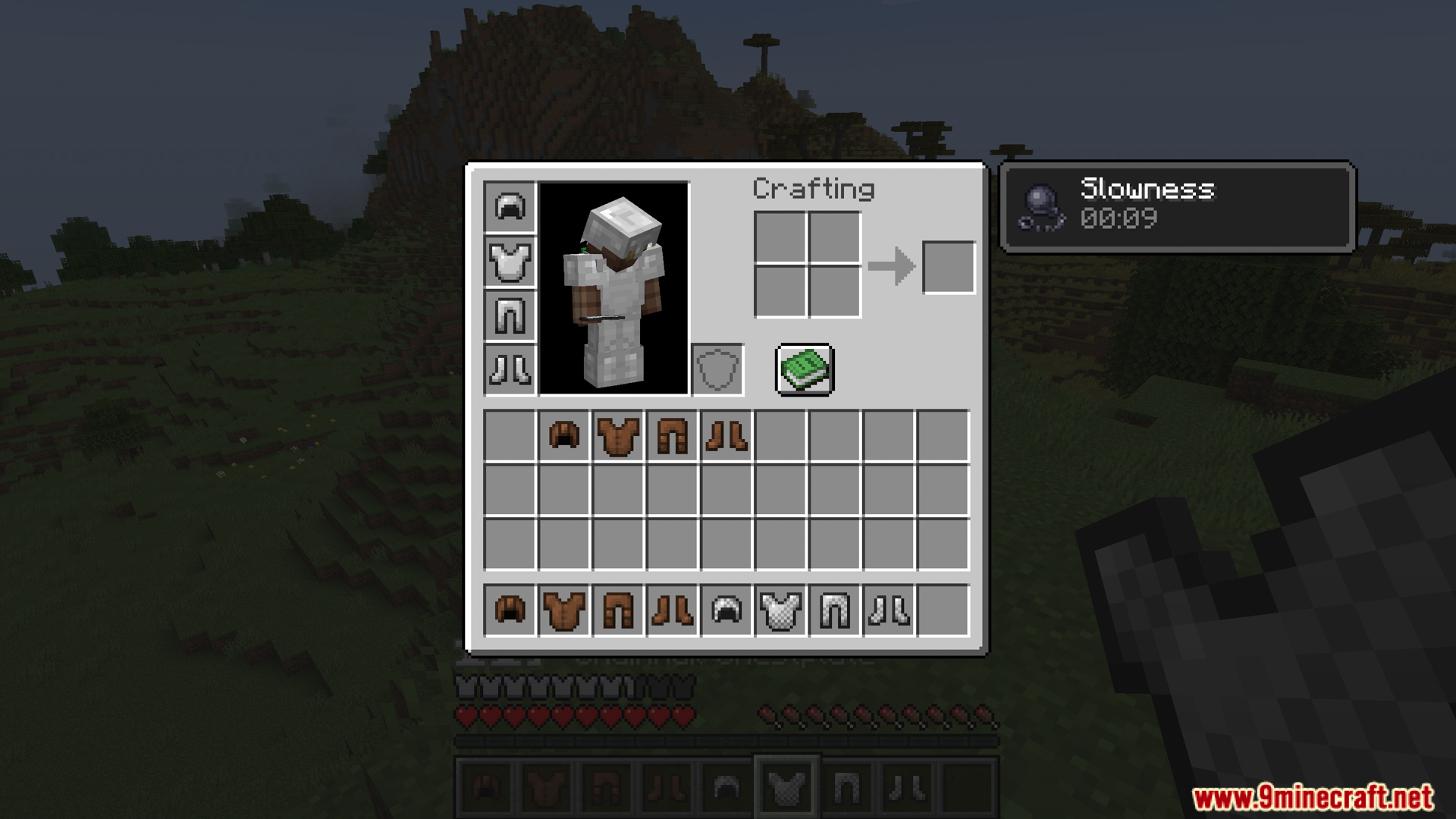
  • 穿着全套钻石或铁甲等重型装备会产生缓慢效果,并直接显示在你的物品栏中。
  • 允许你混搭轻型和重型盔甲部件,以找到最适合你游戏风格的配置,而不仅仅是穿着全套下界合金。
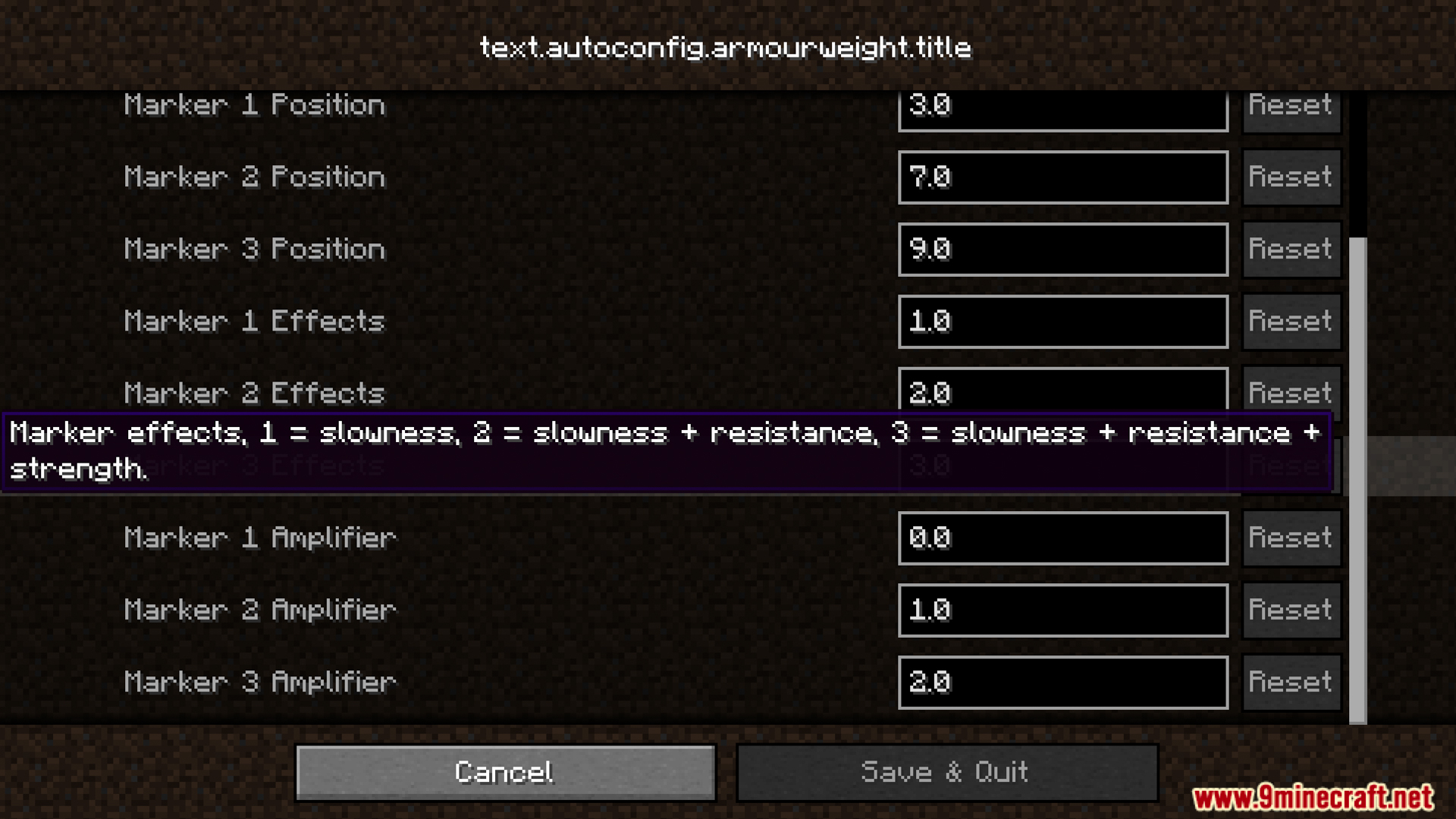
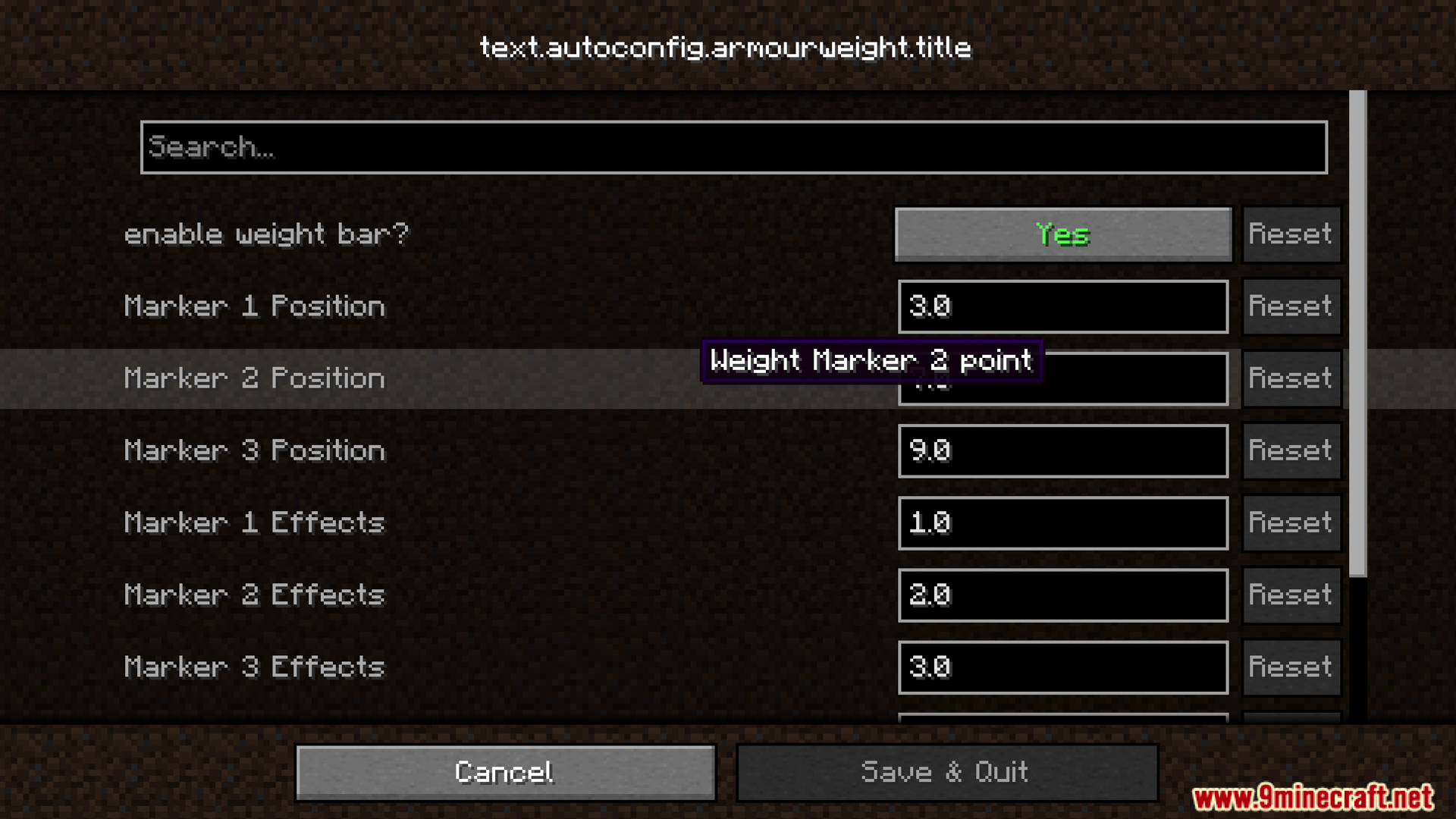
  • 包含一个设置菜单,你可以在其中更改 Armour Weight Mod 的效果和标记显示方式。
  • 如果其他模组的物品没有预设重量值,该模组会自动计算其重量。
  • 允许你通过简单的数据库(datapacks)更改任何盔甲部件的重量。

相关截图:
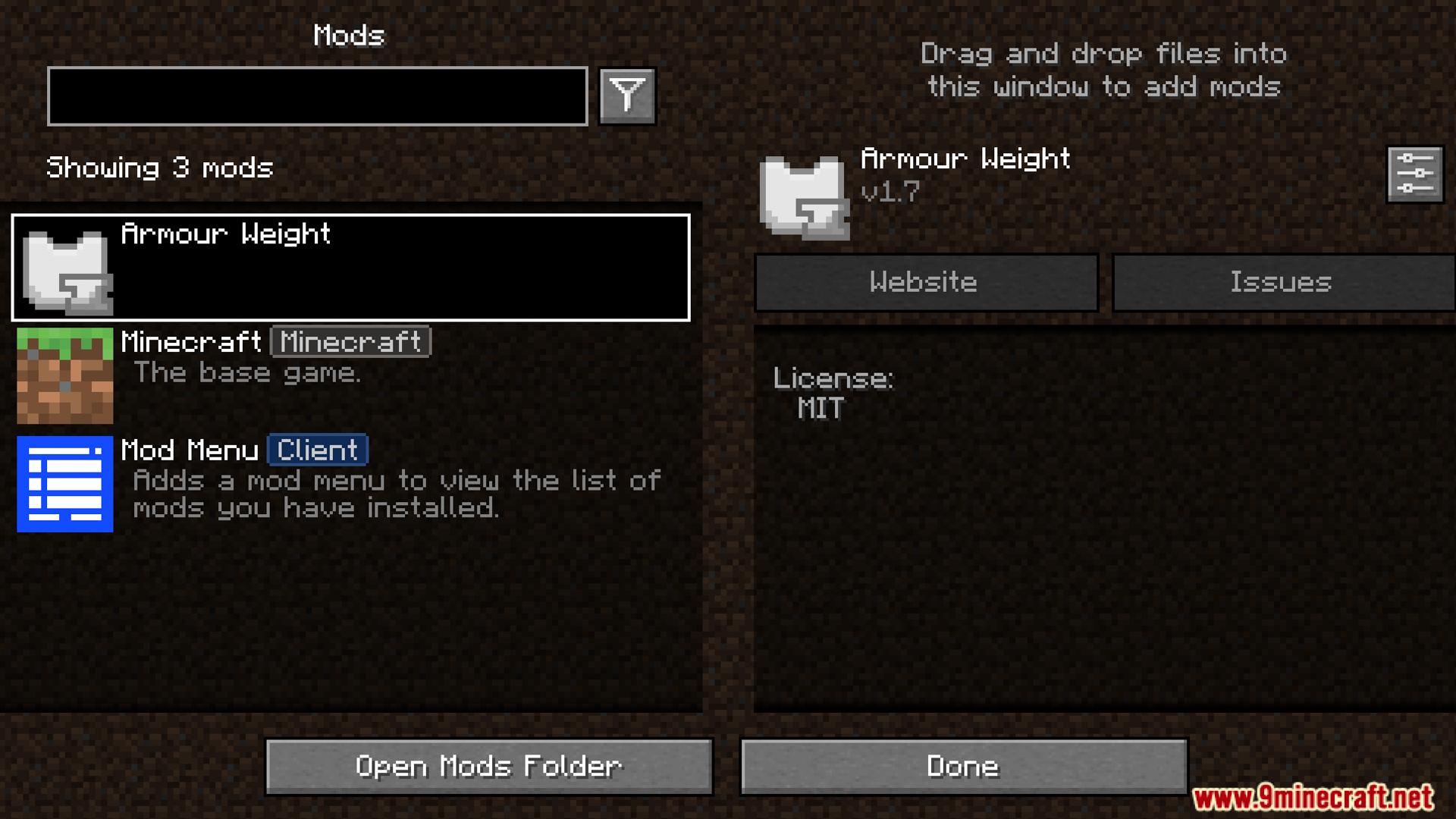
The Armour Weight mod displayed in the active mods menu list
在已启用模组列表菜单中显示的 Armour Weight 模组
Adjusting the weight effects and markers inside the mod configuration screen
在模组配置界面调整负重效果和标记
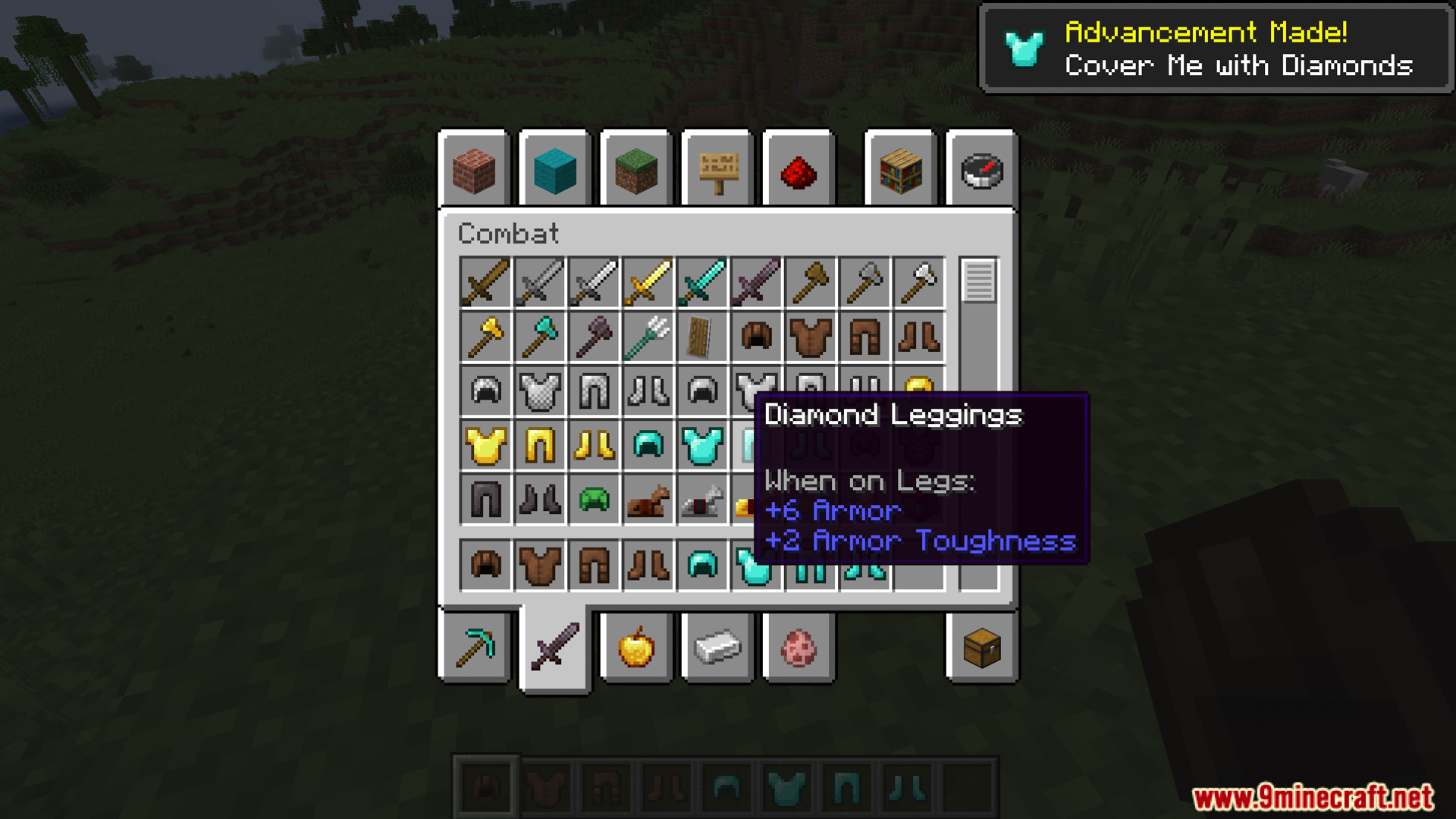
A player wearing full diamond armor inside the main inventory screen
玩家在主物品栏界面穿着全套钻石盔甲
Wearing light armor keeps the custom weight bar completely empty
穿着轻型盔甲时,自定义负重条保持为空
Equipping heavy armor fills up the custom weight bar on screen
装备重型盔甲会填满屏幕上的自定义负重条
Full diamond armor applies a slowness status effect to the player
全套钻石盔甲会给玩家施加缓慢状态效果
The inventory screen shows a slowness debuff from wearing heavy gear
物品栏界面显示因穿着重型装备而产生的缓慢减益
A new weight bar appears directly on the player screen HUD
一个新的负重条直接出现在玩家屏幕 HUD 上
Wearing a full set of iron armor causes a slowness debuff
穿着全套铁甲会导致缓慢减益
The weight bar UI updates when you put on iron armor
穿上铁甲时,负重条 UI 会实时更新
Changing the settings and marker options for the armor weight system
更改盔甲负重系统的设置和标记选项

Armour Weight Mod 下载链接

Minecraft 1.20.4, 1.20.2, 1.20.1, 1.20

Fabric 版本:从服务器 1 下载从服务器 2 下载

Quilt 版本:从服务器 1 下载从服务器 2 下载

Minecraft 1.19.4, 1.19.2

Fabric/Quilt 版本:从服务器 1 下载从服务器 2 下载

Click to rate this post!
[Total: 0 Average: 0]