


Create Sound of Steam Tuning Wrench Mod (1.21.11, 1.20.1) – 自动调音管风琴

 0
0 

Create Sound of Steam Tuning Wrench Mod 为 Sound of Steam 模组添加了一个非常实用的工具。该模组提供了一把特殊的扳手,可以自动设置你的管风琴。你不再需要手动更改每个红石链路(Redstone Link)的频道,只需右键点击管风琴管即可。它在生存模式下表现完美,会自动消耗你背包里的红石链路。这个工具能为你节省大量时间,让建造大型乐器变得更加轻松。

主要功能:
- 自动放置红石链路: 在管风琴管下方两个方块处放置一个红石链路,并将其设置为接收模式。
- 即时调音: 自动设置红石链路的频率,使其与上方的管风琴管精准匹配。
- 适配生存模式: 在生存模式下使用该工具时,会直接从你的背包中消耗红石链路。
- 传统模式 (Traditional Mode): 为键盘中继器设置链路,模拟真实的管风琴布局。
- 音高匹配模式 (Pitch Match Mode): 精确匹配管子的频率,最适合 MIDI 播放。
- 安全放置: 如果目标位置已经有其他方块或链路,工具将停止放置,防止误操作。
使用方法:
- 将调音扳手(Tuning Wrench)拿在手中。
- 按住 Alt 键并滚动鼠标滚轮来选择调音模式。
- 将准星对准 Sound of Steam 的管风琴管。
- 使用扳手右键点击管子。
- 检查管子下方,你会发现红石链路已经放置并调音完毕。
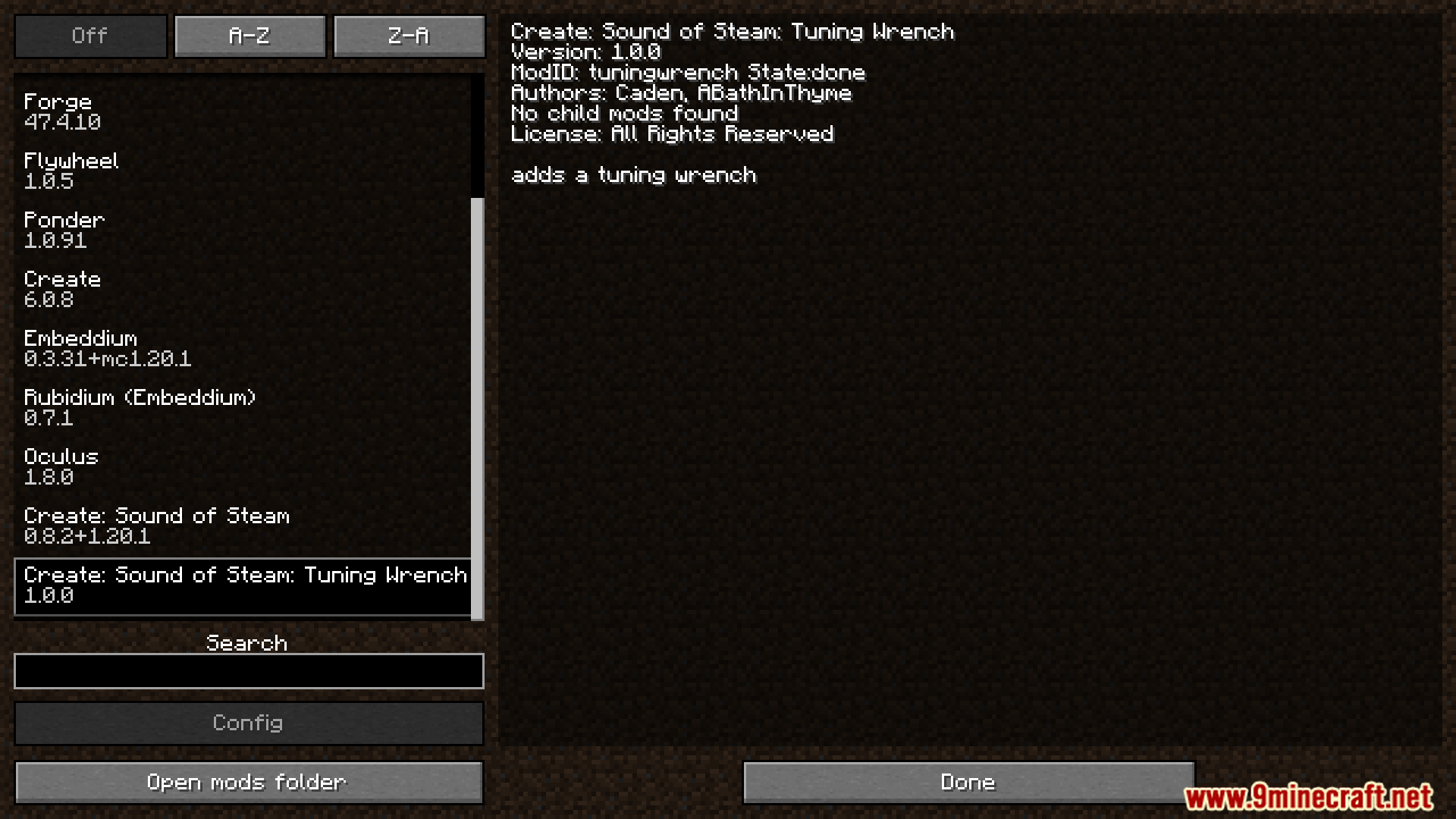
模组截图:













Create Sound of Steam Tuning Wrench Mod 下载链接
适用于 Minecraft
1.21.11,
1.21.10,
1.21.9
All Versions Covered
1.21.11
1.21.10
1.21.9
1.21.8
1.21.7
1.21.6
1.21.5
1.21.4
1.21.3
1.21.2
1.21.1
1.21
All Versions Covered
1.21.11
1.21.10
1.21.9
1.21.8
1.21.7
1.21.6
1.21.5
1.21.4
1.21.3
1.21.2
1.21.1
1.21
点击为这篇文章评分!
[Total: 2 Average: 4]
你可能也喜欢









这篇文章还没有评论。 来抢沙发吧 —— 你的评论会显示在这里。