


Fringe Essence Utility Mod (1.20.1) – 自定义发光旗帜
 3
3
 0
0

Fringe Essence Utility Mod 为发光墨囊、幻翼膜和回响碎片等原版物品带来了全新的实用功能。该模组允许你增亮旗帜图案、移除告示牌背景,并建造水下光源。你还可以通过动画色彩循环和黑暗中的发光效果来自定义你的盔甲纹饰。
功能特点:
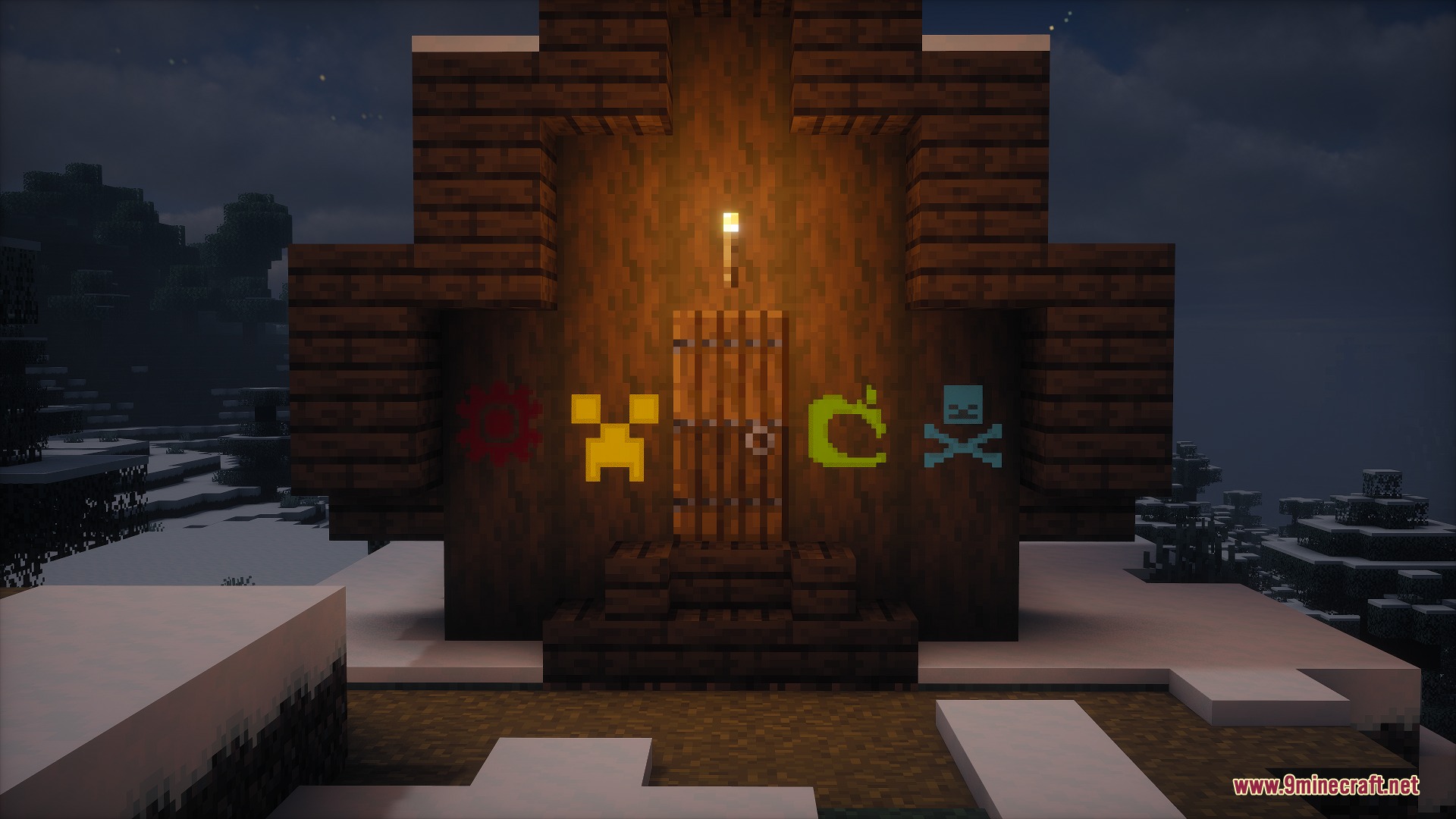
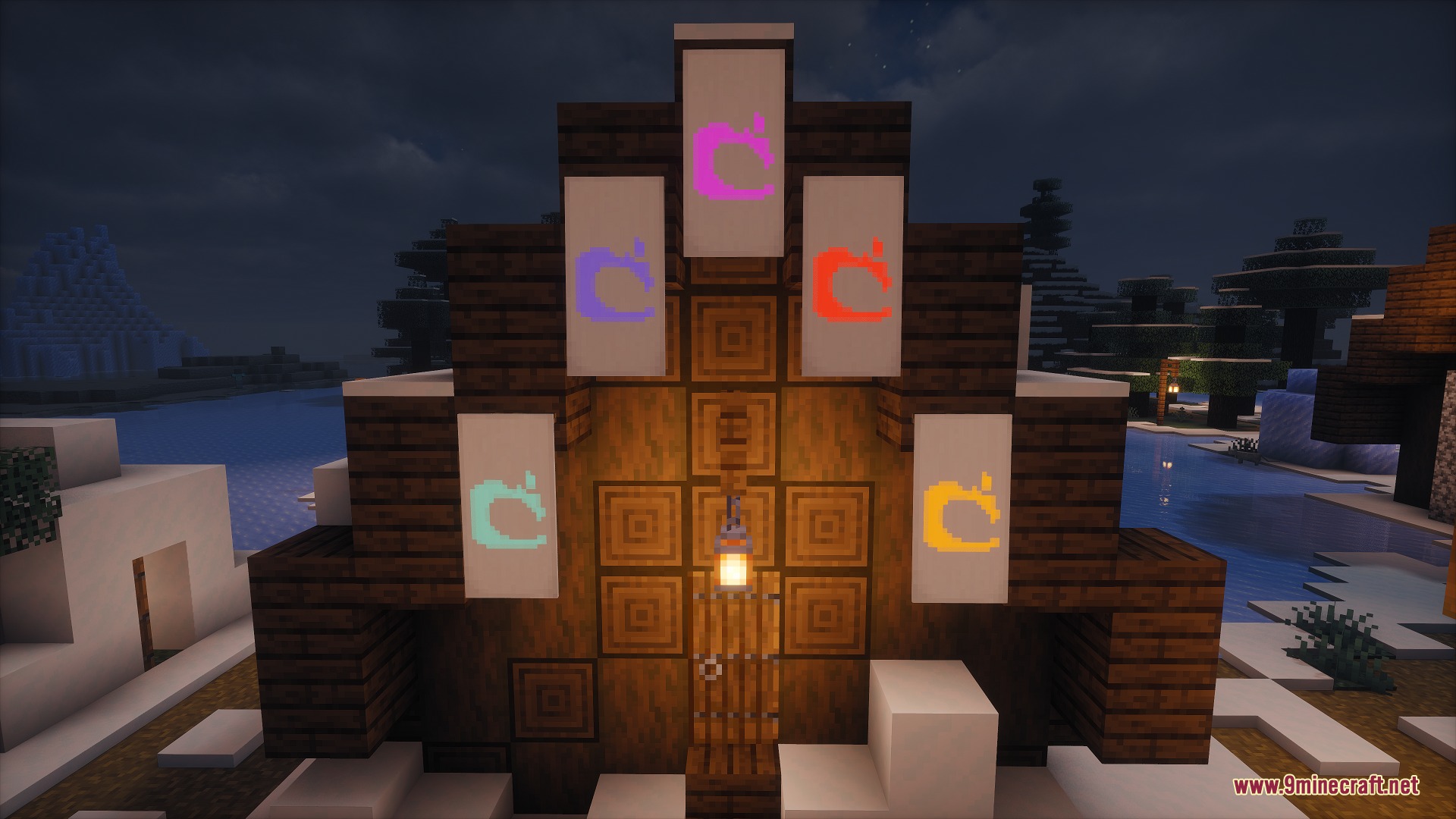
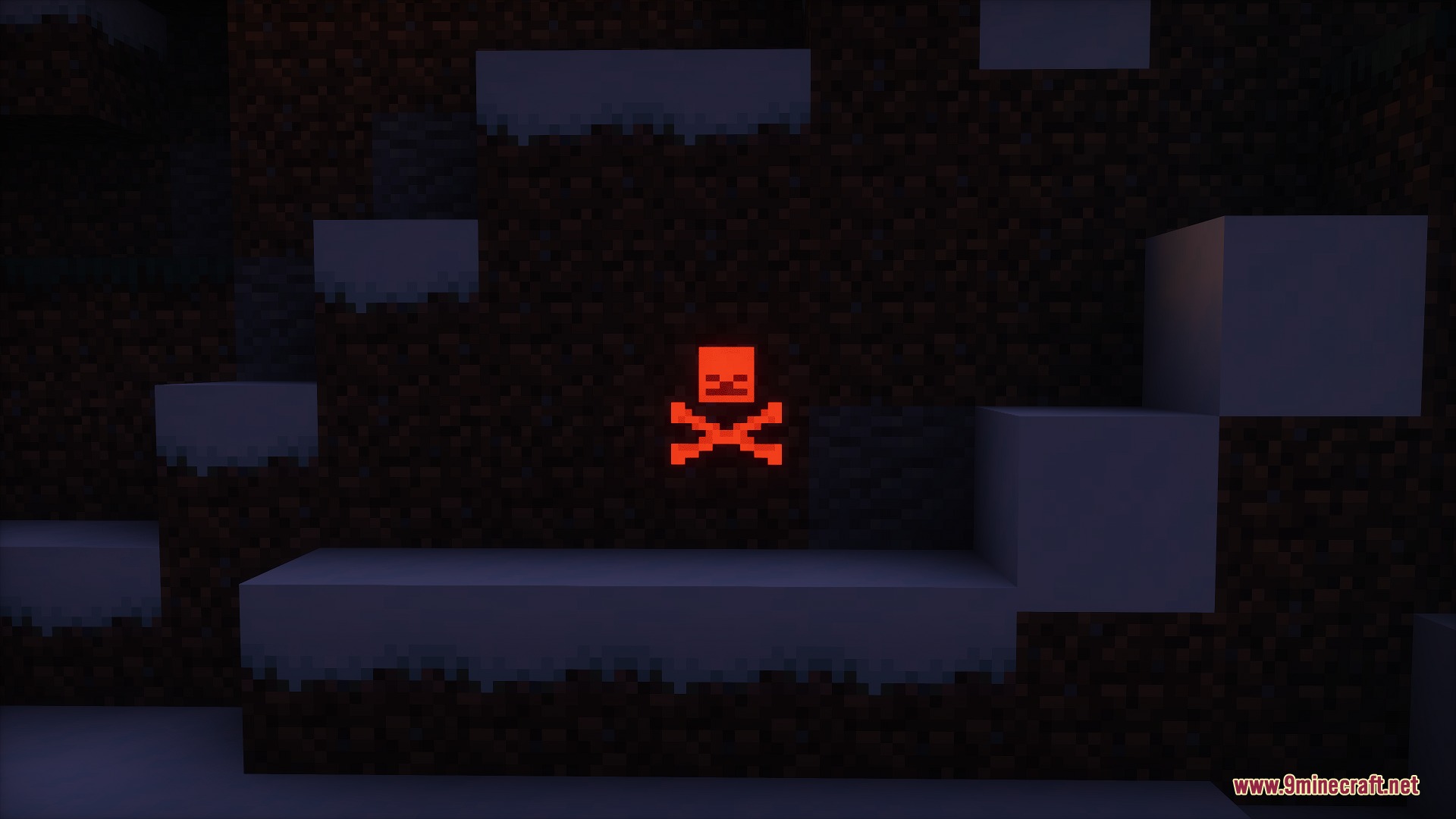
- 在旗帜和饰纹陶罐面上使用发光墨囊,使其在黑暗中发光。
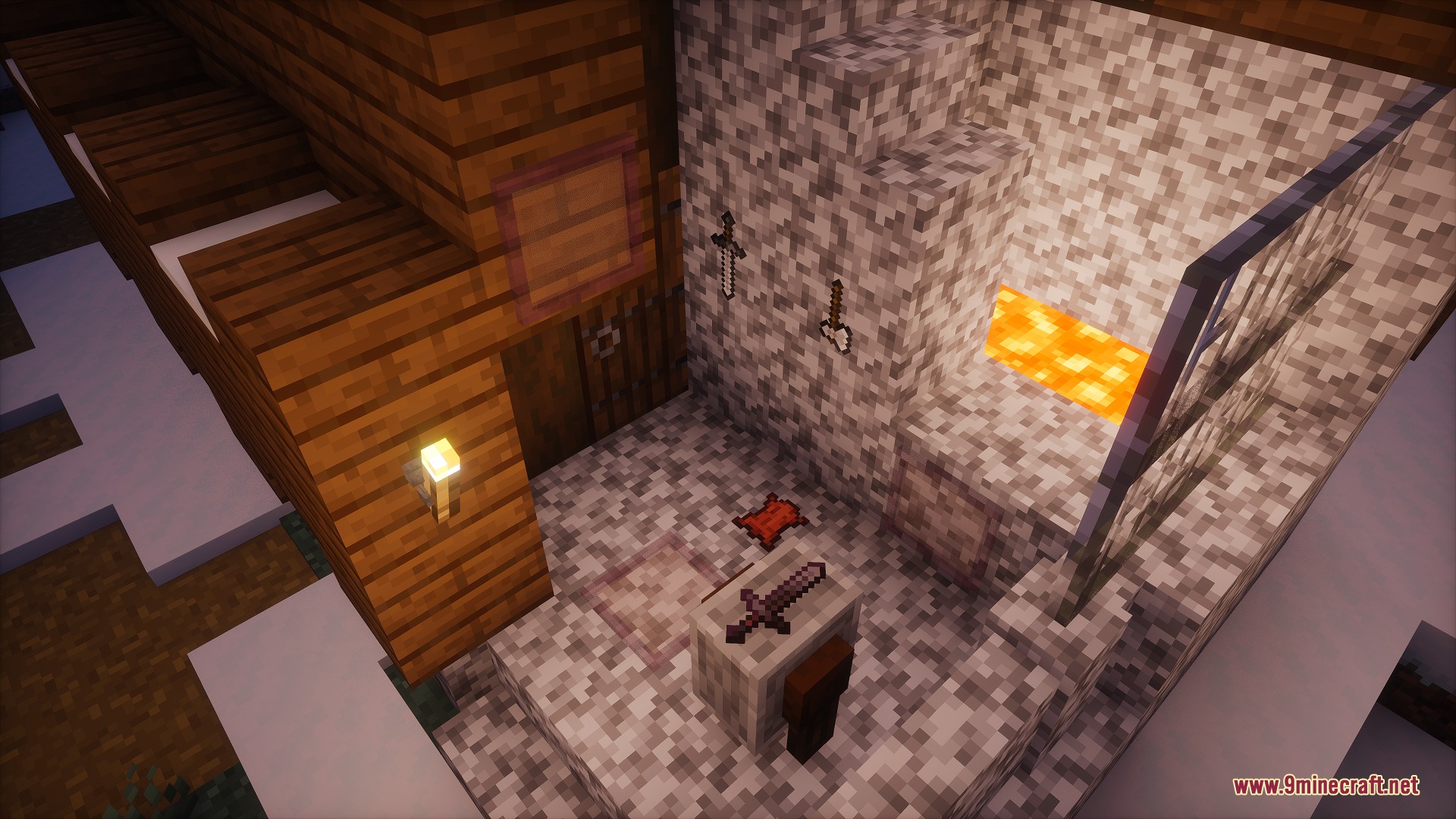
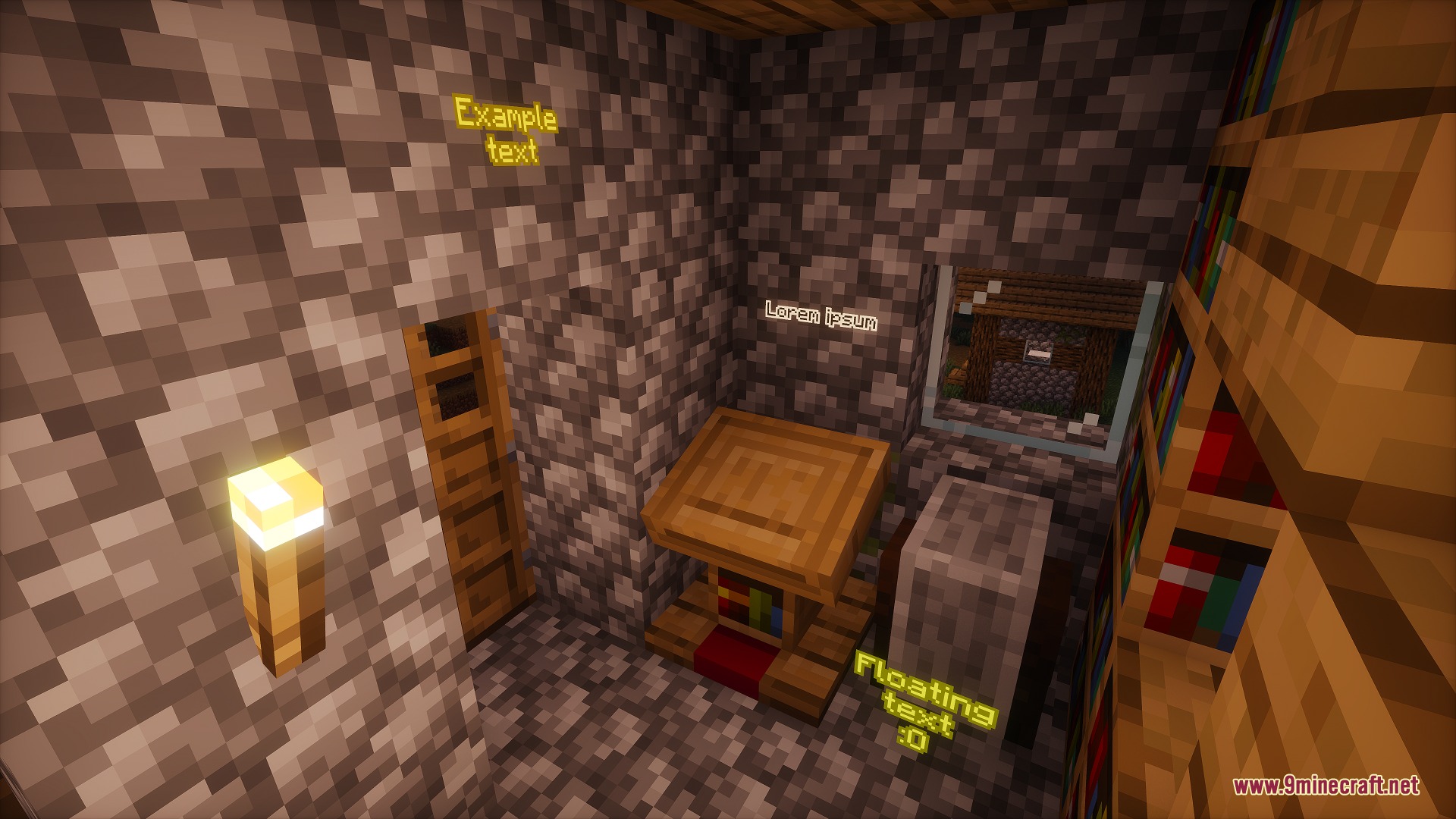
- 在旗帜和告示牌上使用幻翼膜,完全隐藏它们的背景边框。
- 使用带有精准采集附魔的工具挖掘修改过的旗帜,以保持其发光和无边框效果完好无损。
- 使用一个普通物品展示框和一个发光墨囊合成透明物品展示框,让物品看起来像悬浮在空中。
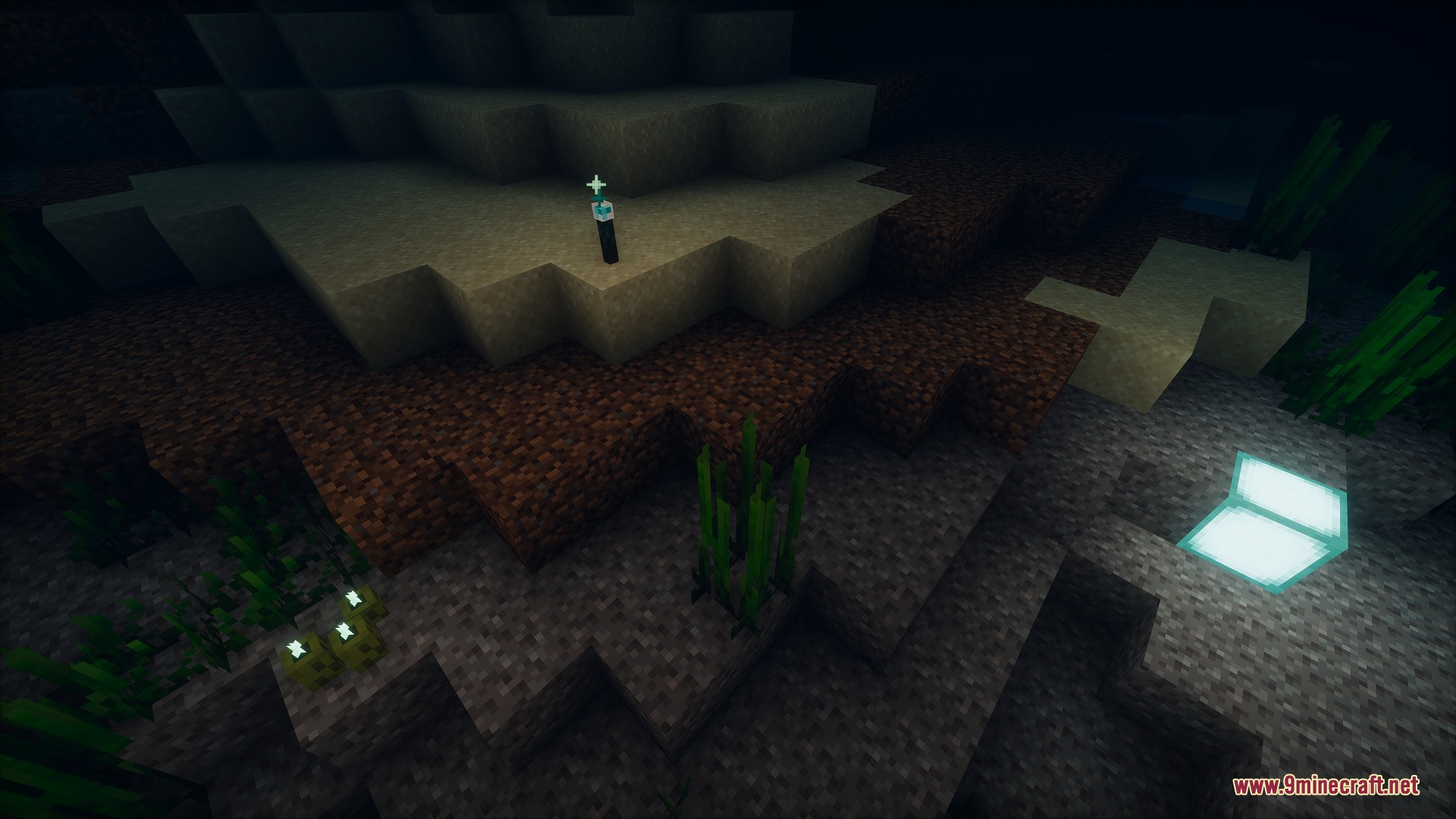
- 在水下放置发光火把,为淹没区域提供明亮的光源。
盔甲纹饰效果:
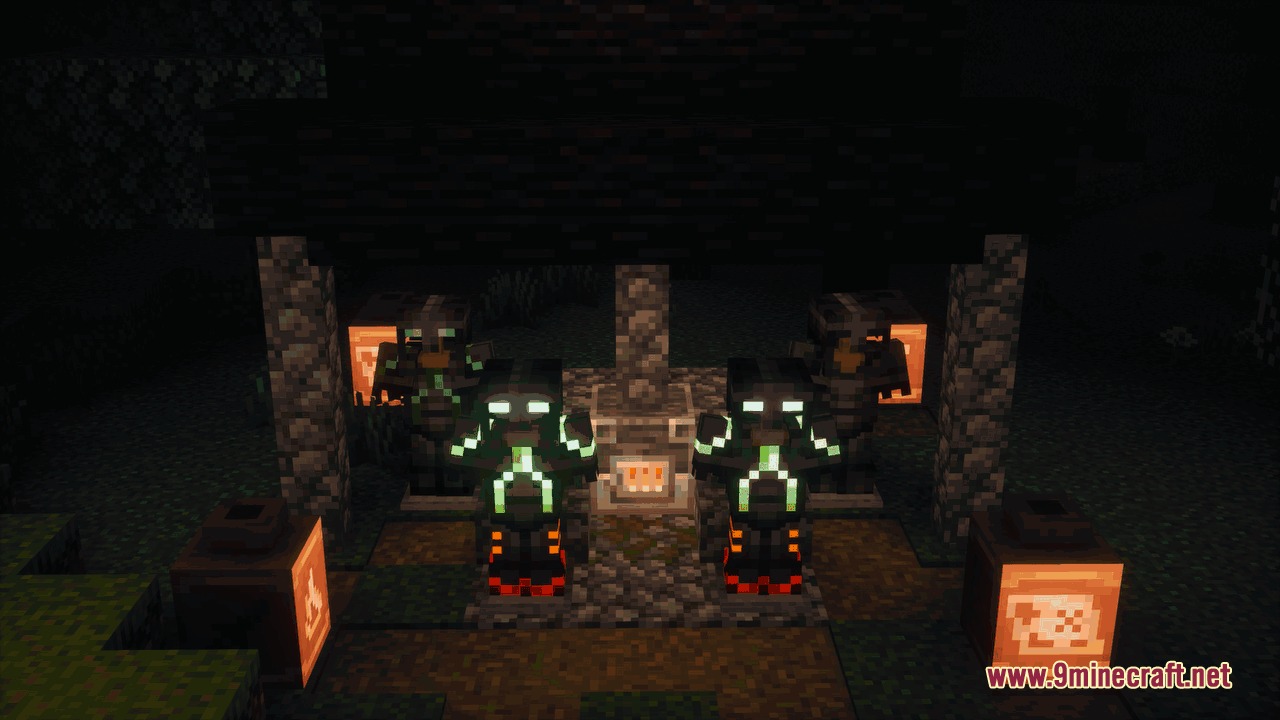
- 发光 (Glowing):让你的盔甲纹饰在夜间闪闪发光。
- 淡入淡出 (Fade):使你的盔甲纹饰周期性地消失和重新出现。
- 闪烁 (Twinkle):在黑暗环境中使纹饰亮度忽明忽暗地闪烁。
- 色素 (Pigment):使纹饰颜色在基础金属和其他选定材料之间随时间循环变化。
使用方法:
- 用发光墨囊右键点击已放置的旗帜或饰纹陶罐,以添加发光效果。
- 用幻翼膜右键点击任何告示牌或旗帜,使背景变为透明。
- 在合成栏中将带有纹饰的盔甲与发光墨囊、幻翼膜或回响碎片结合,以添加自定义动态纹饰效果。
- 用木棍和发光墨囊合成发光火把,以放置防水光源。
命令:
/give @p netherite_chestplate{Trim:{pattern: "silence", material: "redstone", ectolum.glowing: true, ectolum.echoing_layers: [{material:"copper"},{material:"gold"},{material:"emerald"},{material:"diamond"},{material:"lapis"},{material:"amethyst"}]}}:在创造模式下给予一件彩虹动画胸甲。
截图:
前置需求:


Fringe Essence Utility Mod 下载链接
点击为这篇文章评分!
[Total: 0 Average: 0]
你可能也喜欢





这篇文章还没有评论。 来抢沙发吧 —— 你的评论会显示在这里。